Plastic Window Bag Mockup Set
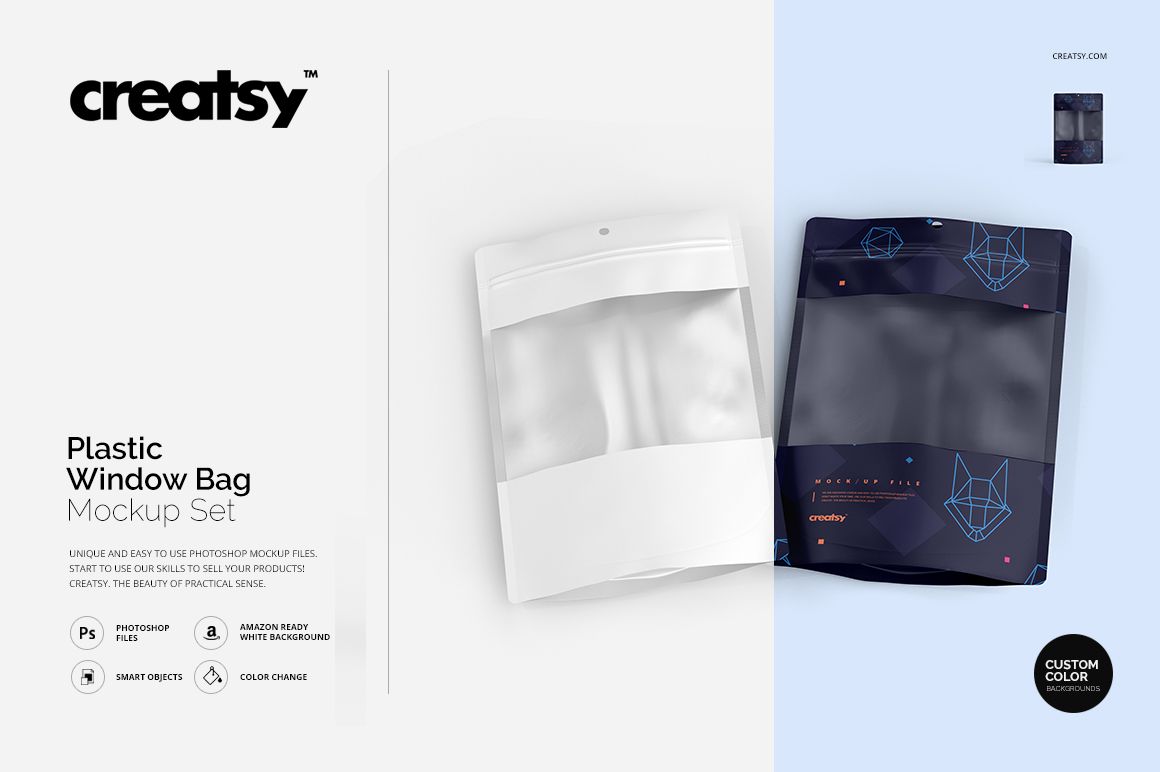
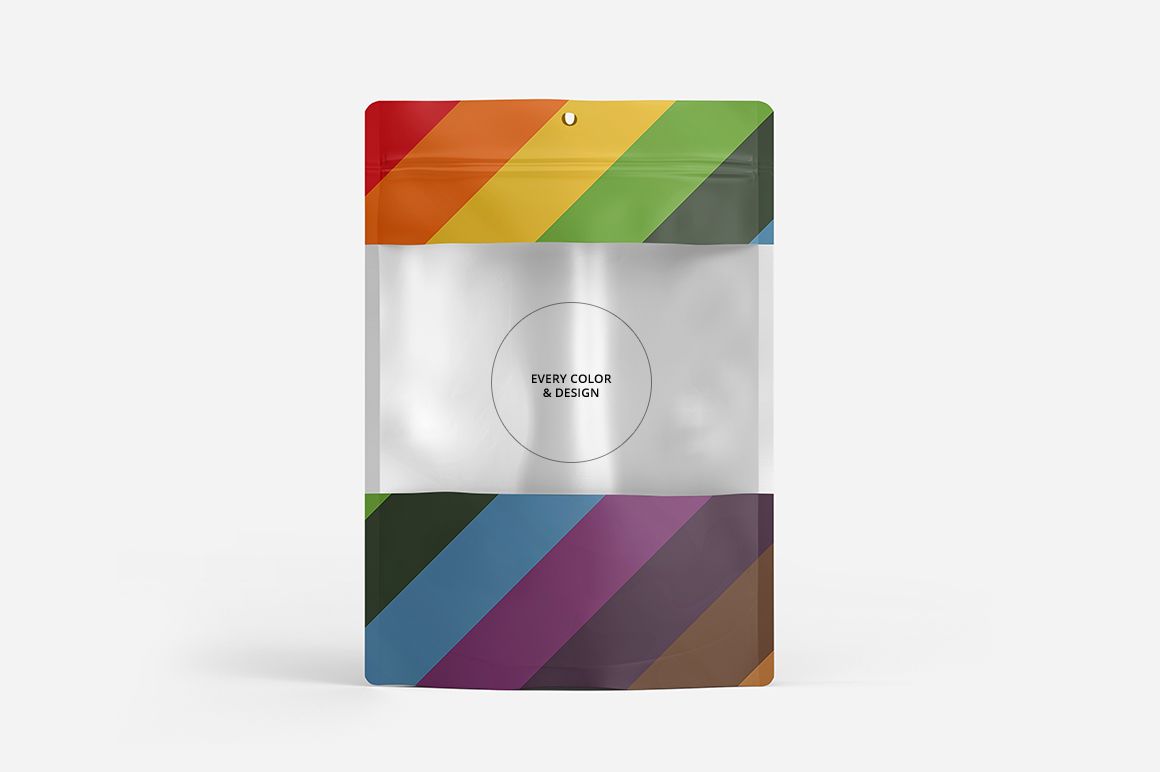
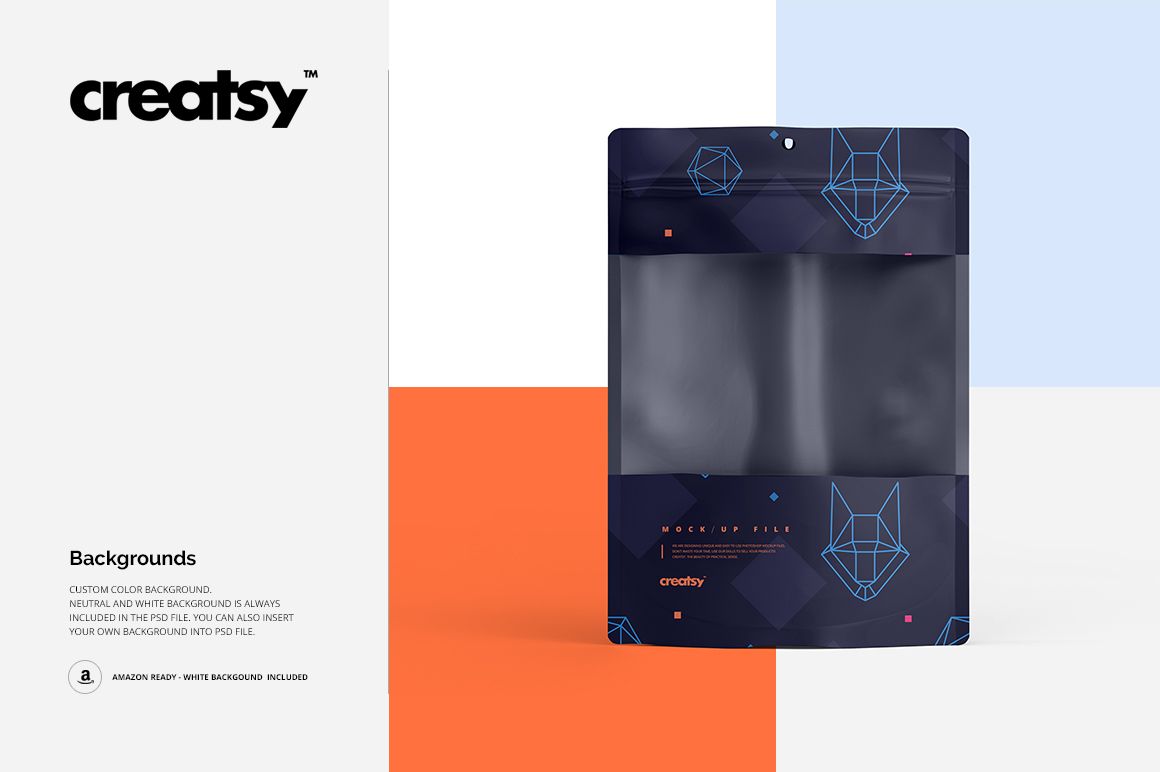
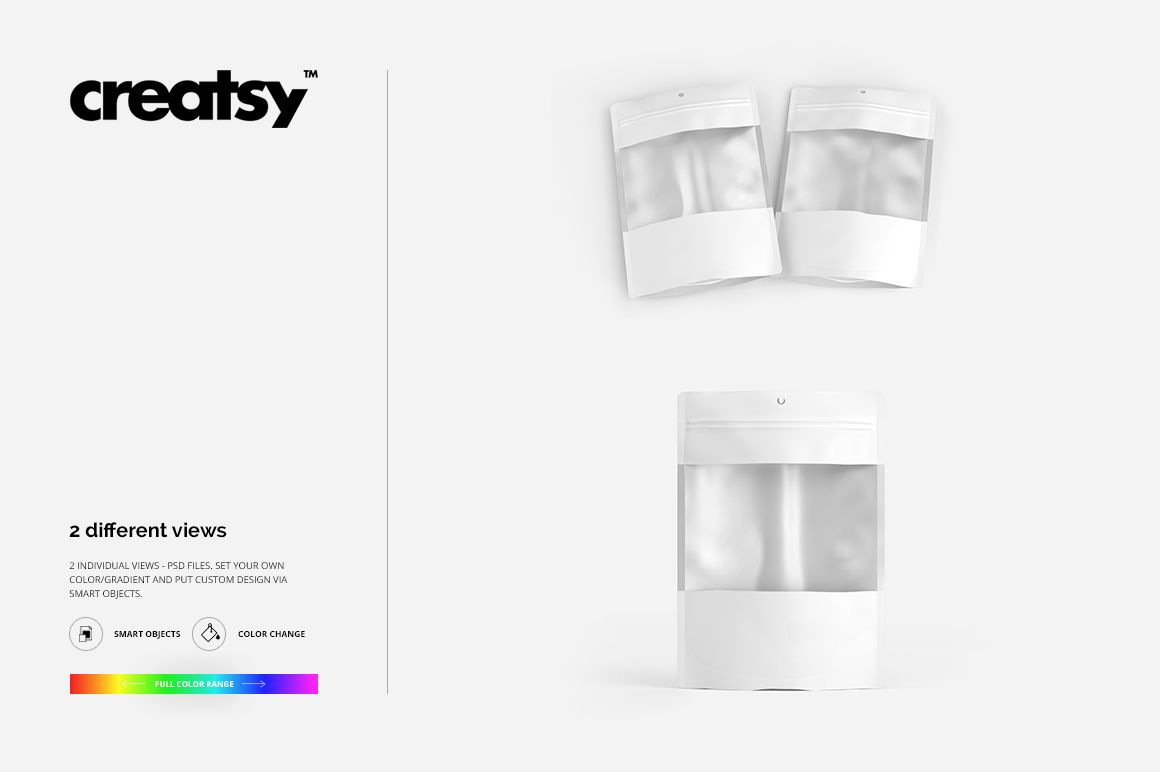
Let the window become part of the packaging design. These two plastic bag mockup scenes combine a broad translucent center with printed areas above and below it, plus a circular hanging hole at the top.
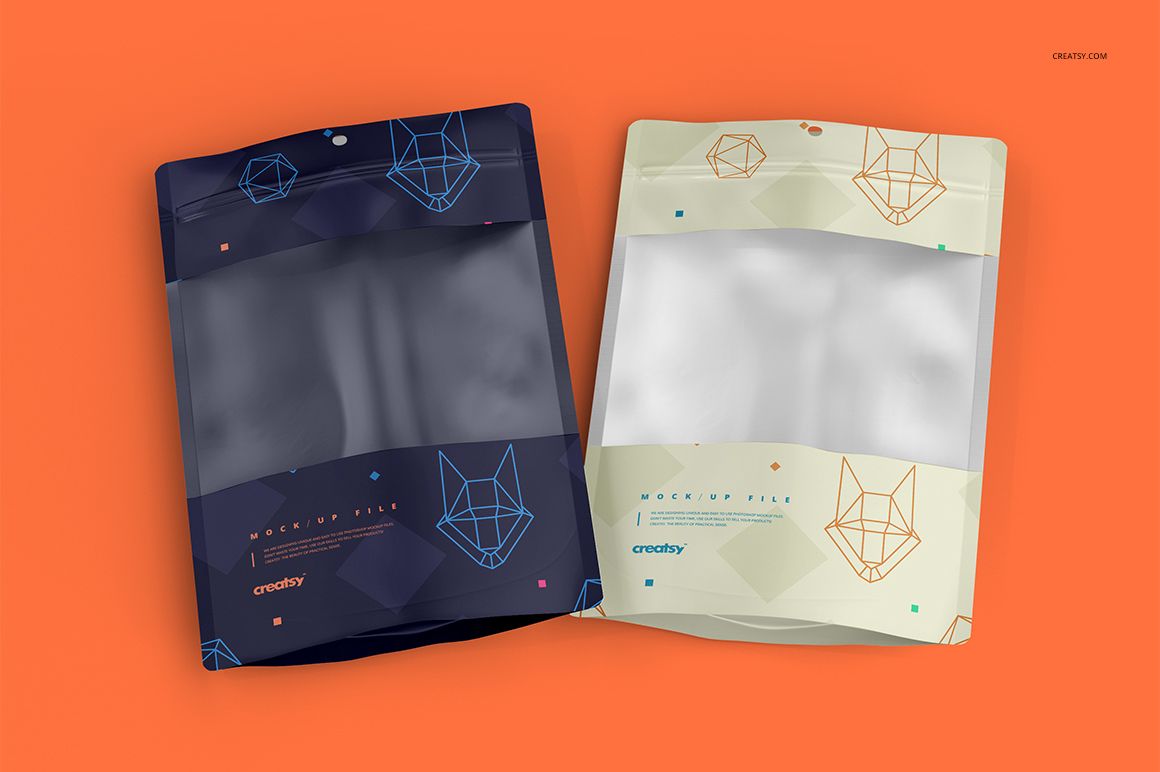
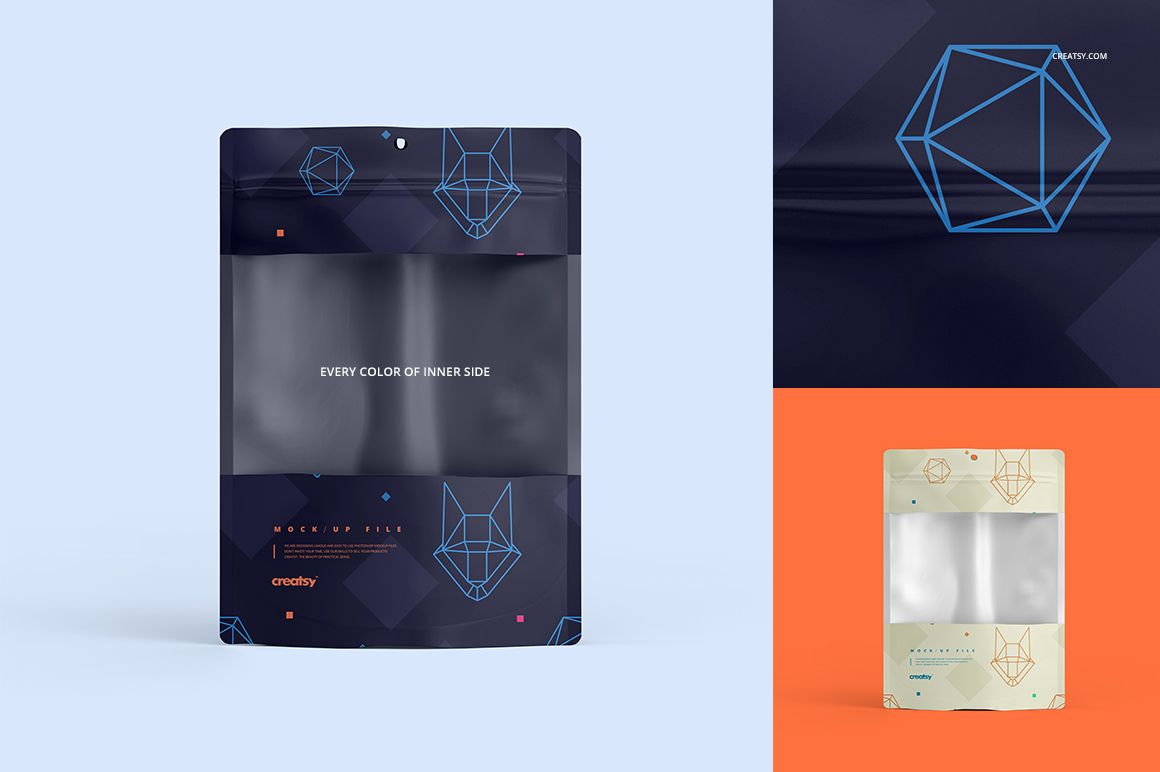
A single-bag view gives the layout room to breathe, while the paired arrangement adds perspective. Use both to assess how your branding frames the window without crowding the available artwork area.
What Is Included
2 layered PSD mockup files, each 3000 × 3000 px at 300 DPI.
2 JPG previews and 1 Guide.tif instruction file, 5 files in total.
Single and paired plastic window bag scenes with organized layers.
Printed Bands Meet a Translucent Window
The pouch has a tall rectangular shape, visible plastic wrinkles and a hanging hole. Change colors and add your artwork through Smart Objects to explore how the printed sections work alongside the translucent center. Background changes let you adapt the scene to your presentation.
Easy Smart Object Editing
Use Adobe Photoshop or Photopea to open a PSD. Enter the artwork Smart Object, insert your design and save it to update the scene. Adjust the available color layers and background, then export a preview for review.
Perfect For
Packaging concepts that combine a window with branded printed areas.
Comparing color directions for hanging retail bags.
Food packaging design portfolios and client proposals.
This digital download contains mockup files, not physical bags or packaged contents. Sample artwork and patterns displayed in the previews are not included.