Paper Bags Mockup Set (Gifting Edition)

Product Details
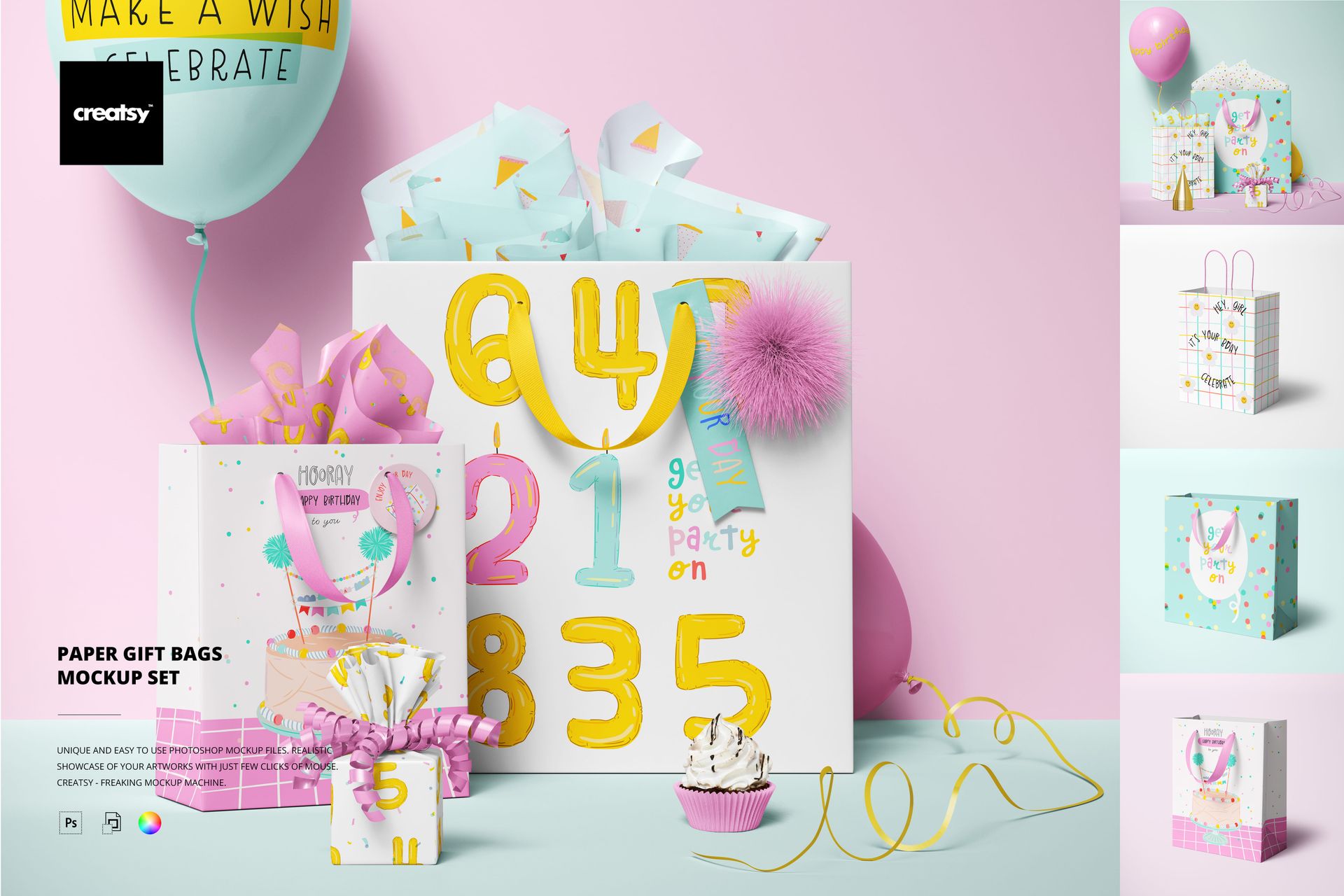
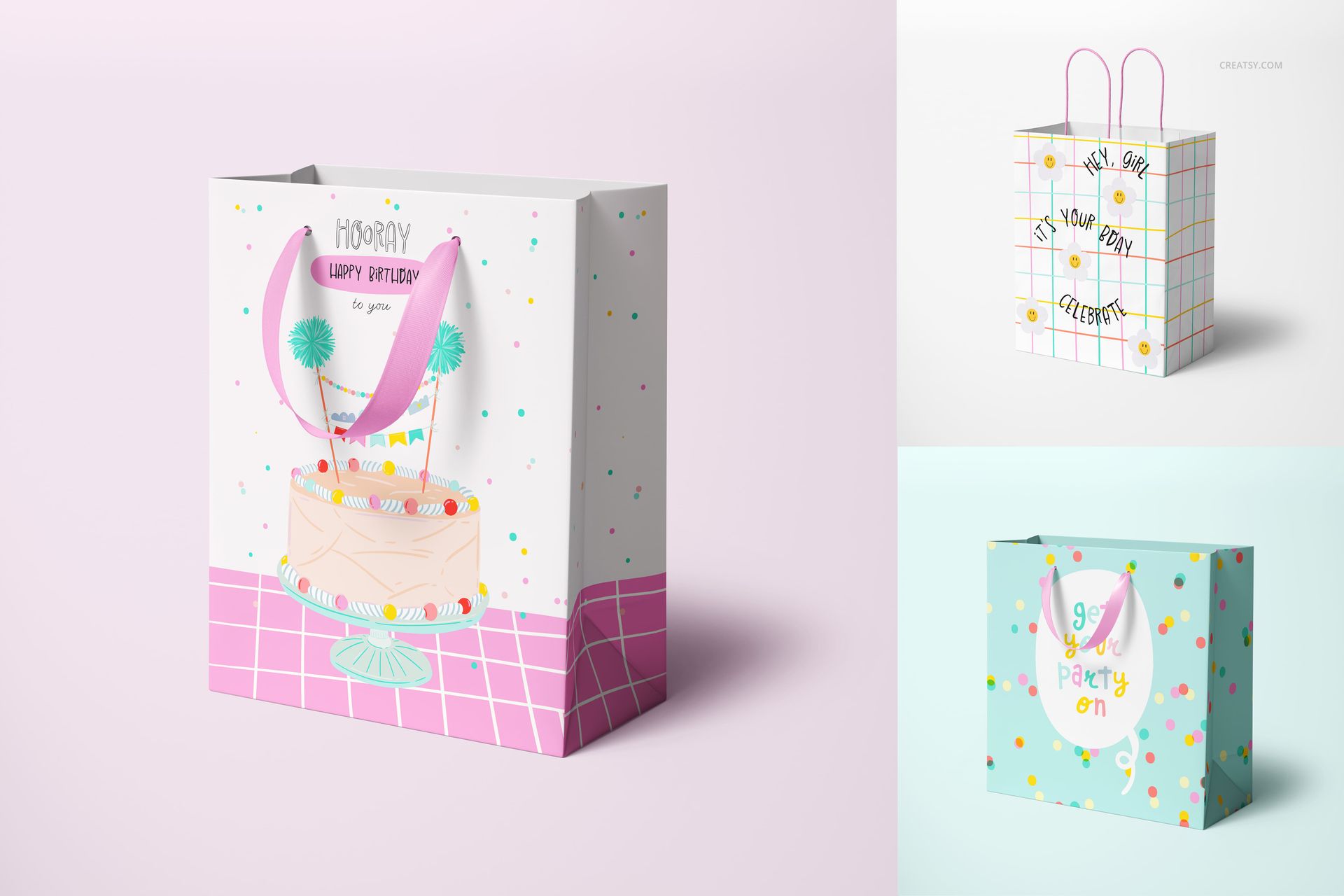
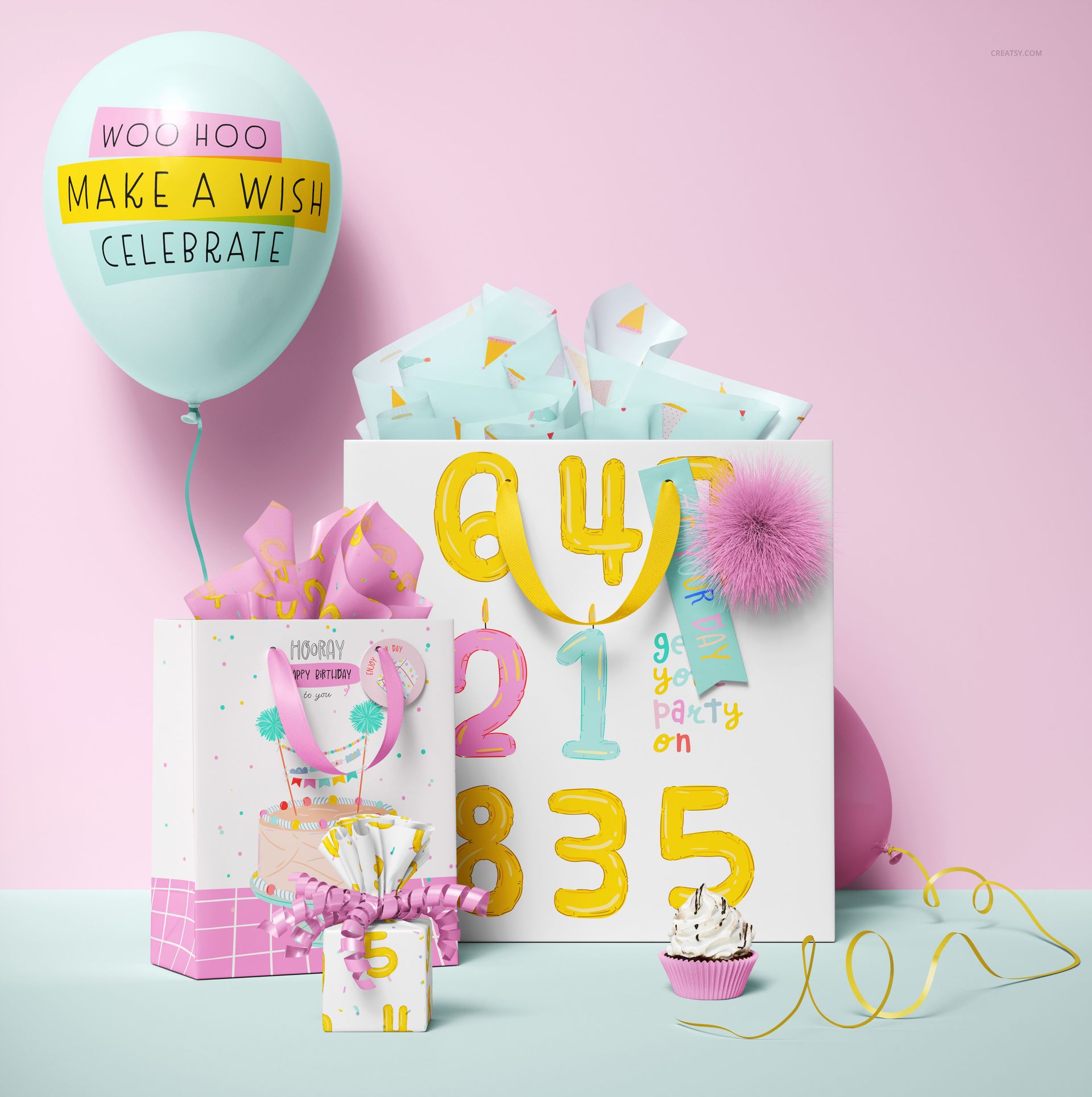
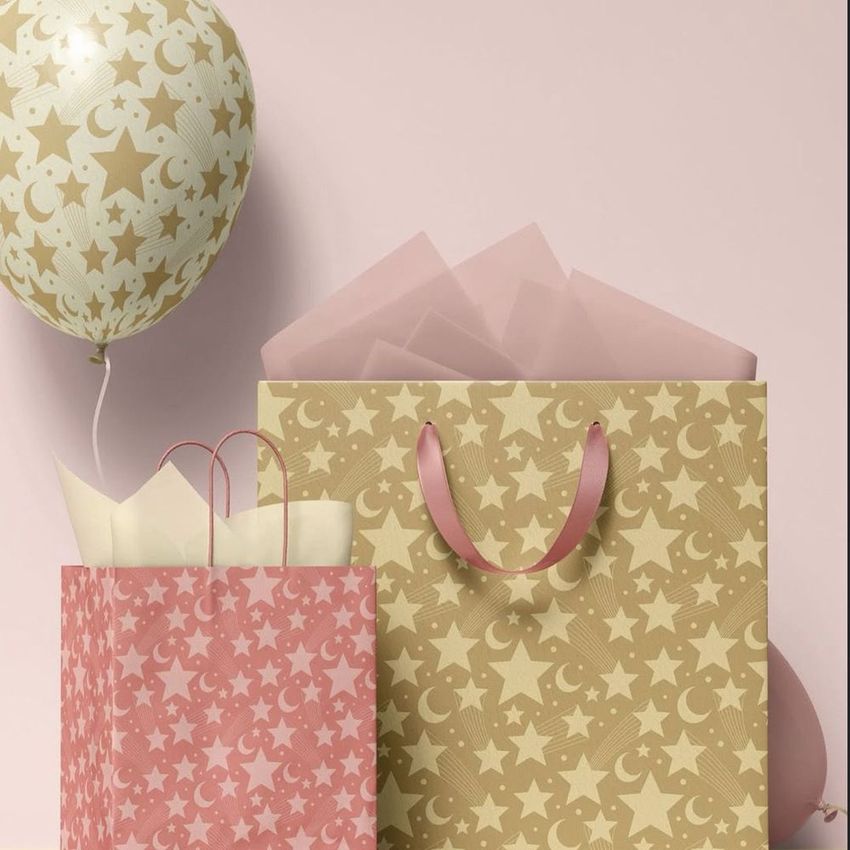
Five paper gift bag mockups styled in cheerful party scenes with balloons, tissue paper, ribbons, and decorative accents on colorful backgrounds. This Paper Bags Mockup Set (Gifting Edition) puts your packaging designs, surface patterns, and branding artwork into celebration-ready compositions that immediately communicate occasion, mood, and gift-worthiness. Each scene is photographed at high resolution with carefully arranged props that create a festive atmosphere without overwhelming the bag designs at the center of the frame.
Why This Mockup Set Works
Gift packaging needs context to sell. A paper bag on a white background tells buyers nothing about how it will look wrapped with tissue, tied with ribbon, or placed alongside a matching gift tag on a styled table. This set provides that full gifting context in five different compositions, each with its own arrangement of party props and styling details. The result is imagery that works for portfolio presentations, Etsy shop listings, client pitch decks, and social media content without requiring a physical sample, a styled photo shoot, or access to party props and decorations. The bright, celebratory aesthetic translates across birthday, holiday, baby shower, wedding favor, and branded retail gifting contexts with simple color and pattern changes to the editable elements.
What Is Included
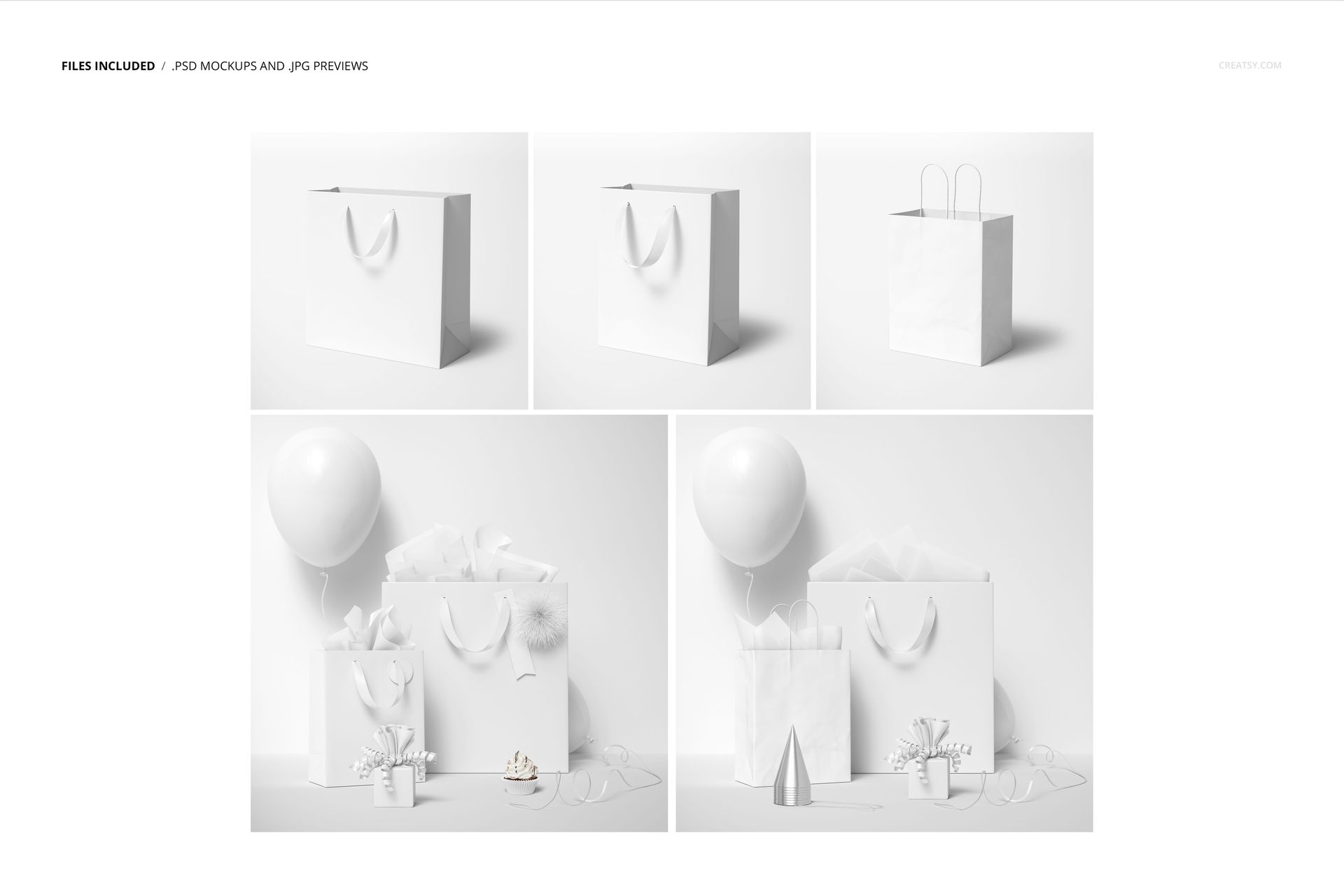
The download contains 5 PSD mockup files with accompanying JPG previews. Scene resolutions are 6000x6000 pixels and 6000x4000 pixels at 300 DPI. The total file size is 2.07 GB. Each scene features paper gift bags as the primary subject, surrounded by coordinated props including tissue paper, wrapping paper, paper tags, balloons, ribbons, and fur pom-pom decorations. All files open in Adobe Photoshop CC2020 or newer as well as in Photopea for browser-based editing.
What You Can Customize
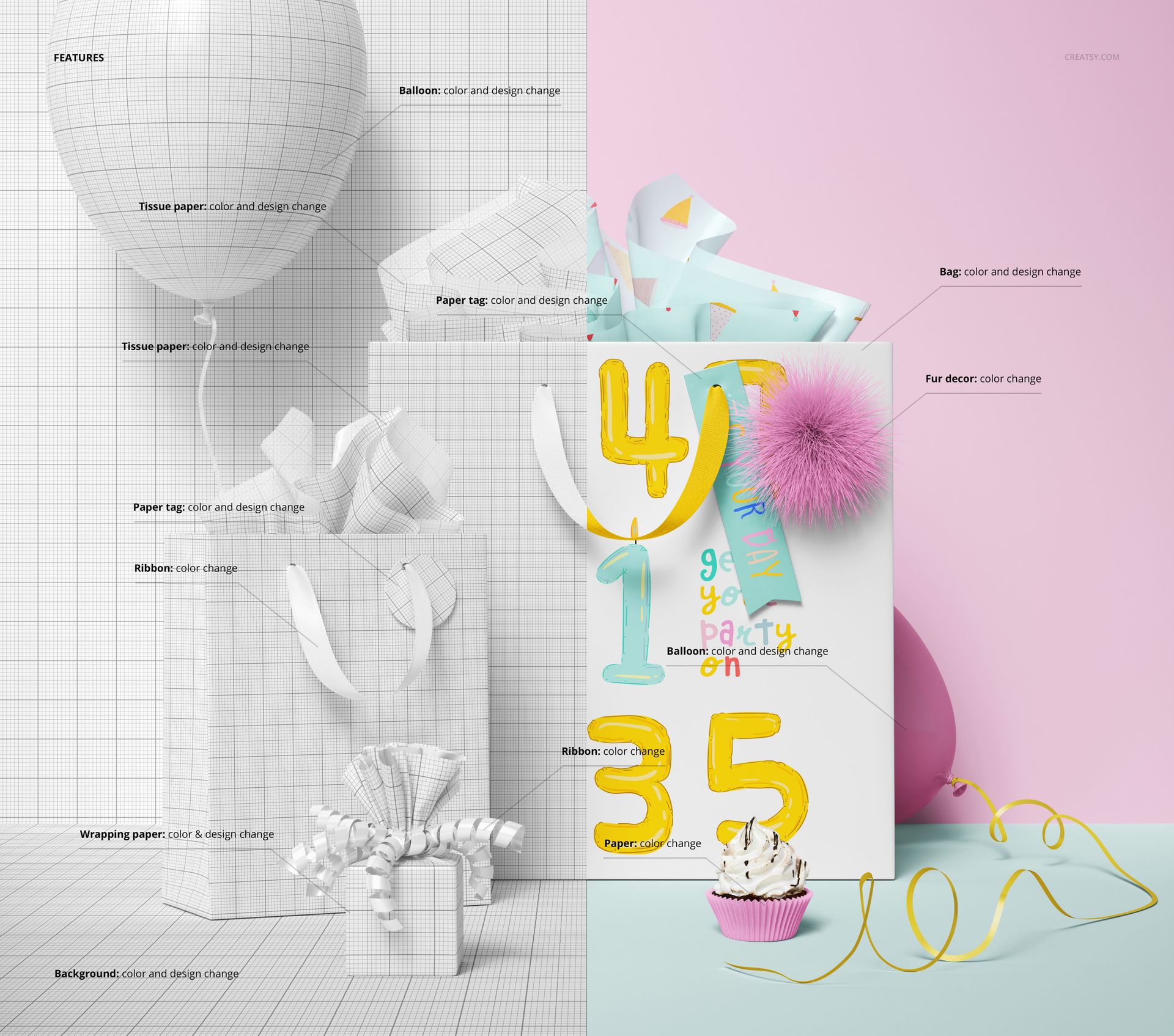
Each scene offers multiple editable elements through organized smart object layers. Paper bags, tissue paper, wrapping paper, and paper tags accept both color and design changes, allowing you to apply your own patterns, branding, or artwork to each surface independently. Balloons accept color and design edits. Ribbons and fur pom-pom decorations accept color changes. The background is fully editable for both color and pattern, so you can match the entire scene to a specific brand palette or seasonal theme. This level of customization makes it possible to produce cohesive presentation sets where every element in the frame supports your design narrative.
Who This Mockup Set Is For
Surface pattern designers presenting gifting collections will find this set valuable for showing how their patterns translate from flat repeat tiles to finished packaging products in a styled context. Packaging designers building portfolio cases or pitching to retail, boutique, or party supply brands get production-quality visuals that demonstrate how a complete gift packaging line would look in practice. E-commerce sellers on Etsy, Shopify, or Creative Market benefit from lifestyle-style listing images that stand out from flat product shots and communicate the festive appeal of their designs.
File Specifications
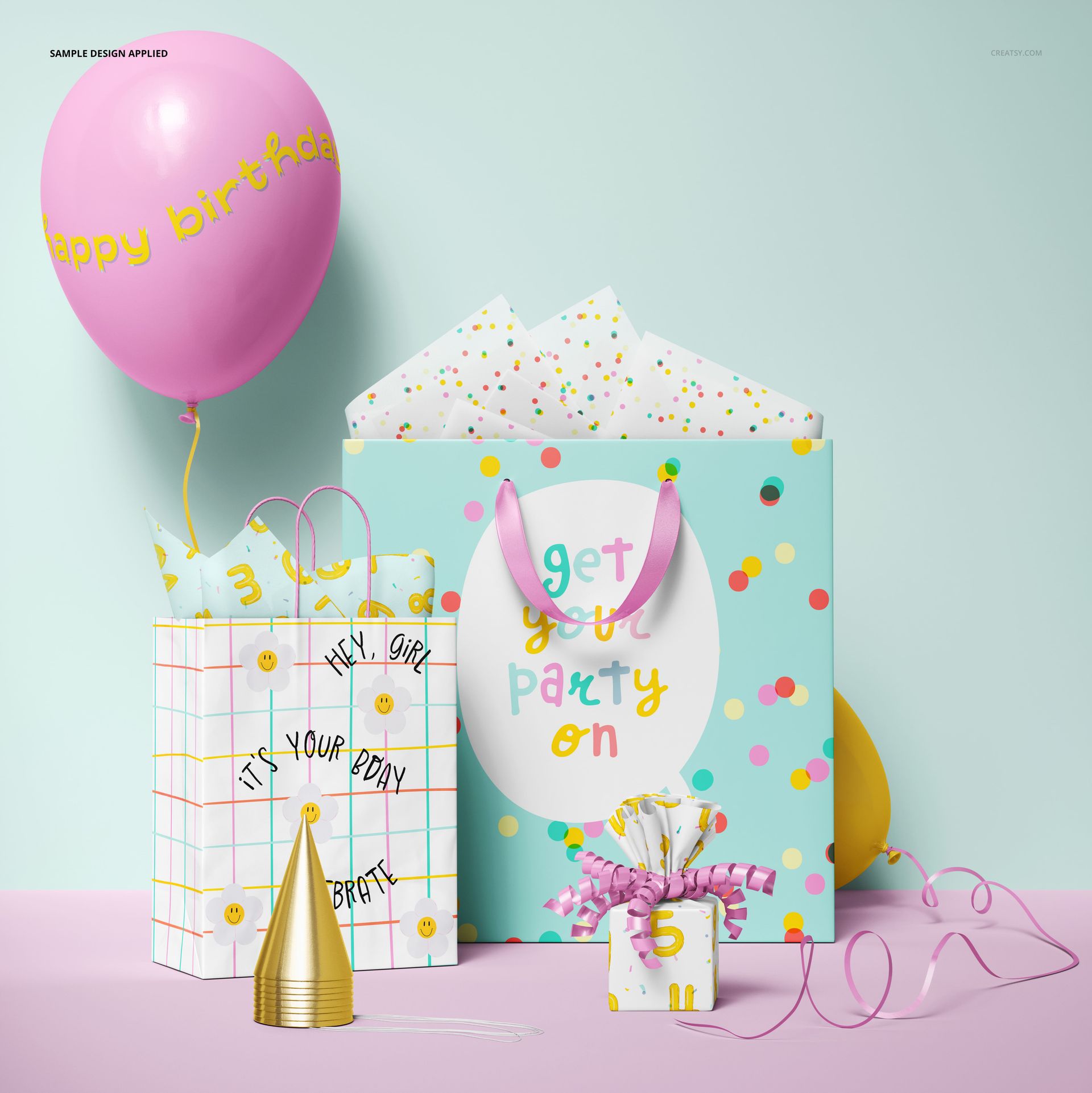
Format: PSD with JPG previews (Adobe Photoshop CC2020 or newer, also compatible with Photopea). Files included: 5. Resolutions: 6000x6000 px and 6000x4000 px at 300 DPI. File size: 2.07 GB. Layers: well organized with smart objects. Note: the artwork shown in previews (credited to Ruslana Lubenets) is not included in the download.
File details
- Compatibility
- Number of files included
- 10
- Package size
- 2.06 GB
|2.22 GB
- Files type
- .psd, .jpg
- Files size
- 6000x4000


Reviews
Professional PSD mockups built in-house - editable, realistic, high-resolution, and supported by real people.
love it, easy to modify as you wish
Made with Creatsy
Real designs. Real customers. See how creatives use Creatsy mockups to turn their artwork, branding, and product ideas into polished visuals.
MEET THE SHOP
- $1820$26.00
- $1890$27.00
- $1330$19.00
- $1330$19.00

HOW IT WORKS
3 clicks. That's it.
No tutorial needed. If you can copy-paste, you can use this.
- 1OpenDouble-click the smart object inside the PSD - in Adobe Photoshop, or free in your browser with Photopea.
- 2PasteDrop in your pattern, print, or artwork. Any design, any style.
- 3SaveHit save and the mockup wraps it in for you - shadows, folds, and lighting included.
FROM IDEA TO IMAGE
Built for real workflows
Get the label signed off before the print run Wrap your design onto the box, pouch, or bottle and show the client exactly what ships.
See it on the product, not a swatch Drop your file into the smart object and the scene's lighting and folds wrap around it, so you judge the real thing before you commit.
Smart Objects
Edit once and you're done. Your artwork drops into a smart object and the mockup updates itself - no masking, no warping by hand.
Perfectly Organized
Named layers and folders you can actually navigate. Find what you need, change what you want, and get out fast.
Print-Ready
High-resolution files built to hold up on screen and in print. Exact size and DPI are in this product's Details above.


I'm working on a mini collection right now for birthday items, including bags. This was the perfect the mockup for it. I can't wait to get it finished and live!
Thank you so much for your lovely review! We’re so happy to hear this mockup is a perfect fit for your birthday collection. We can’t wait for you to get it finished and live - it sounds beautiful already.