Fleece Blanket Mockup Set v.4
This product is a part of Fleece Blanket Mockup Bundle
Product Details
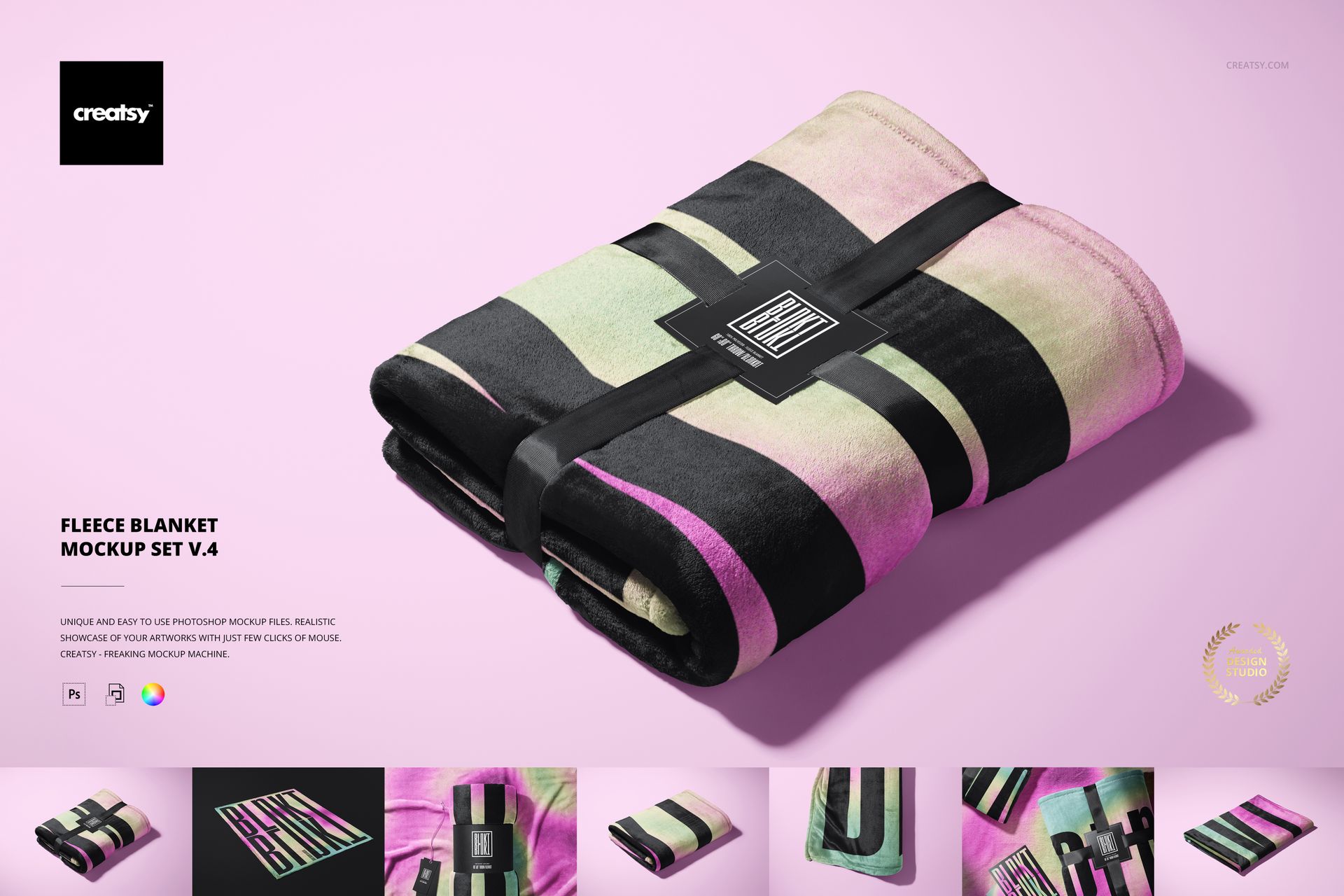
Fleece Blanket Mockup Set v.4
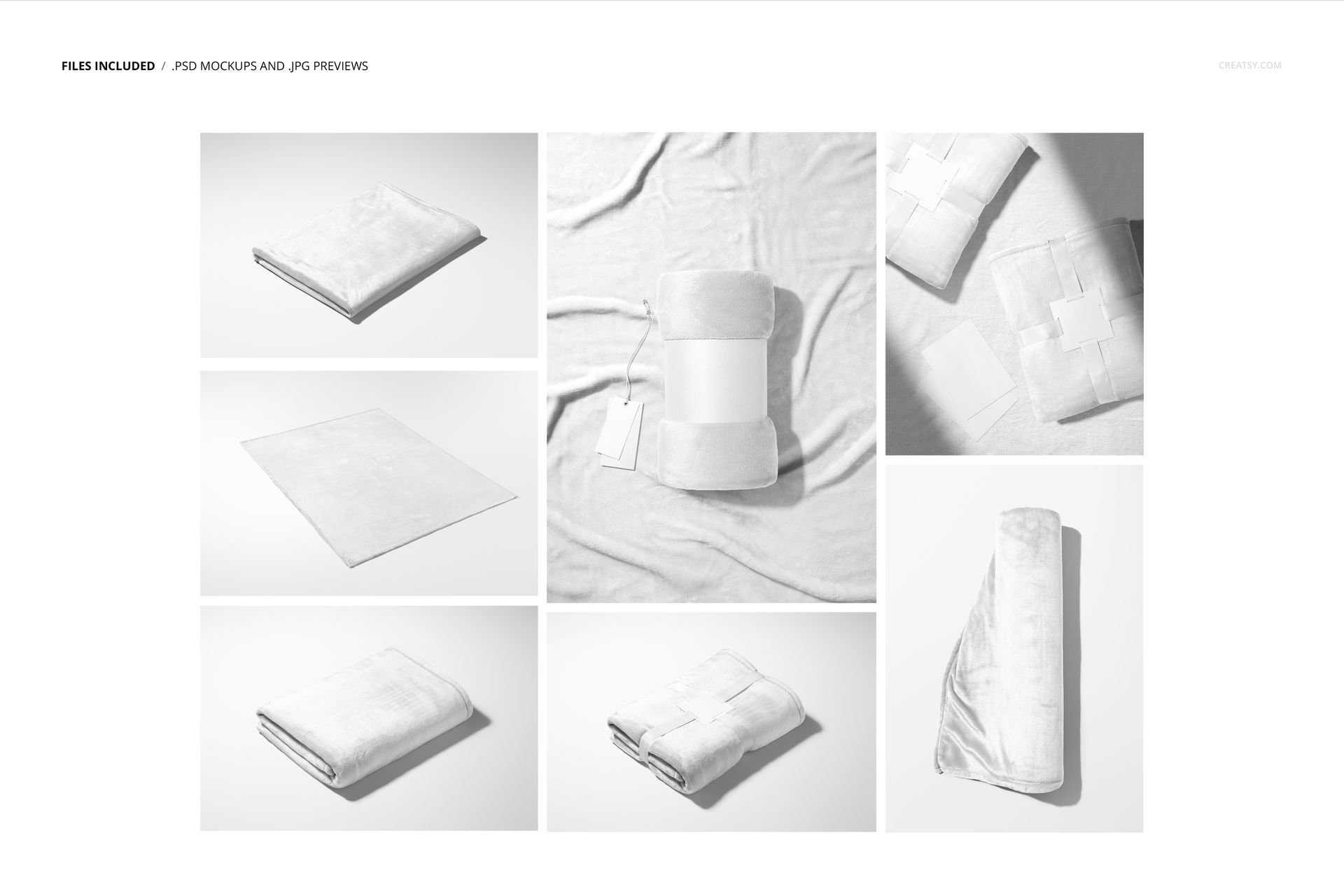
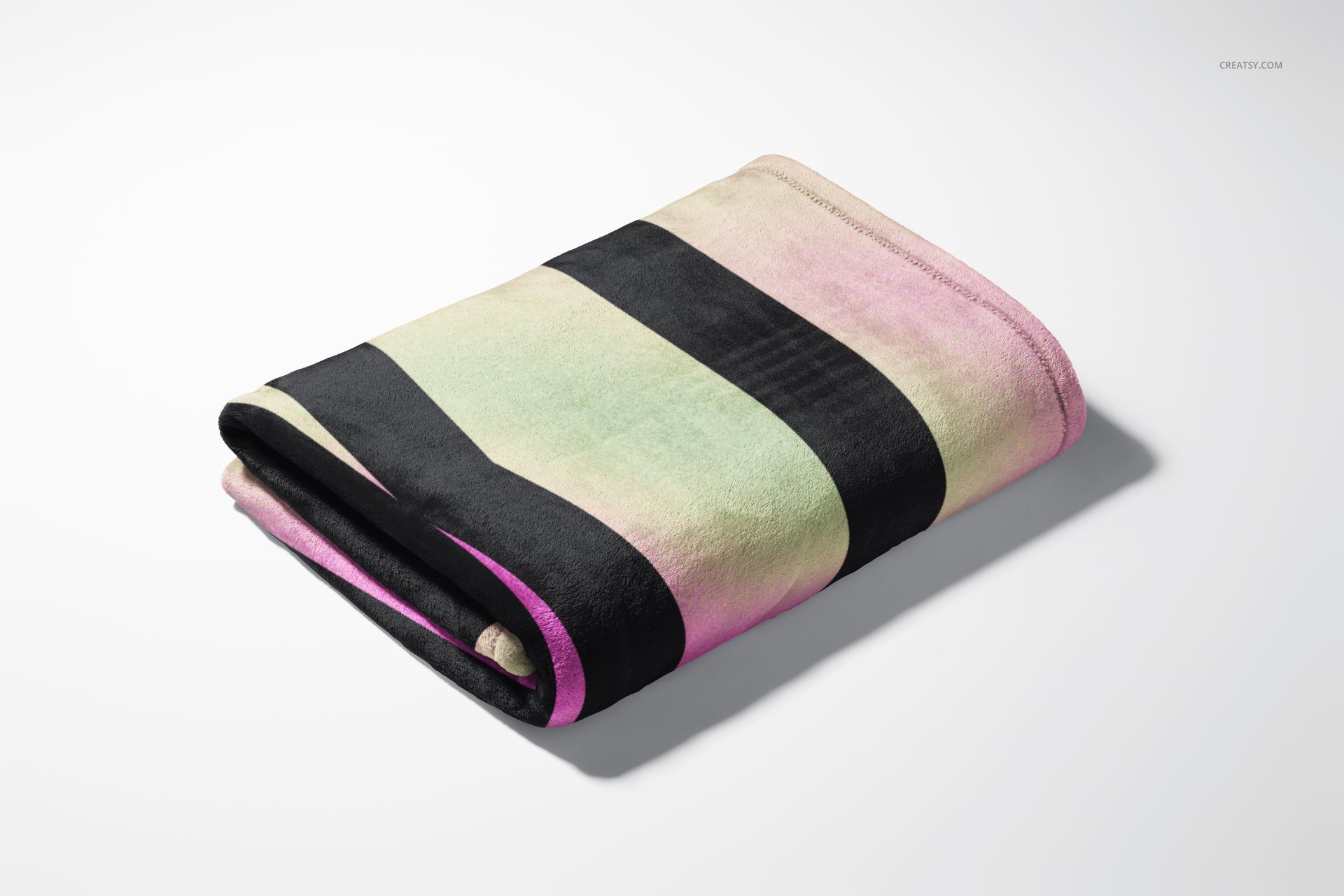
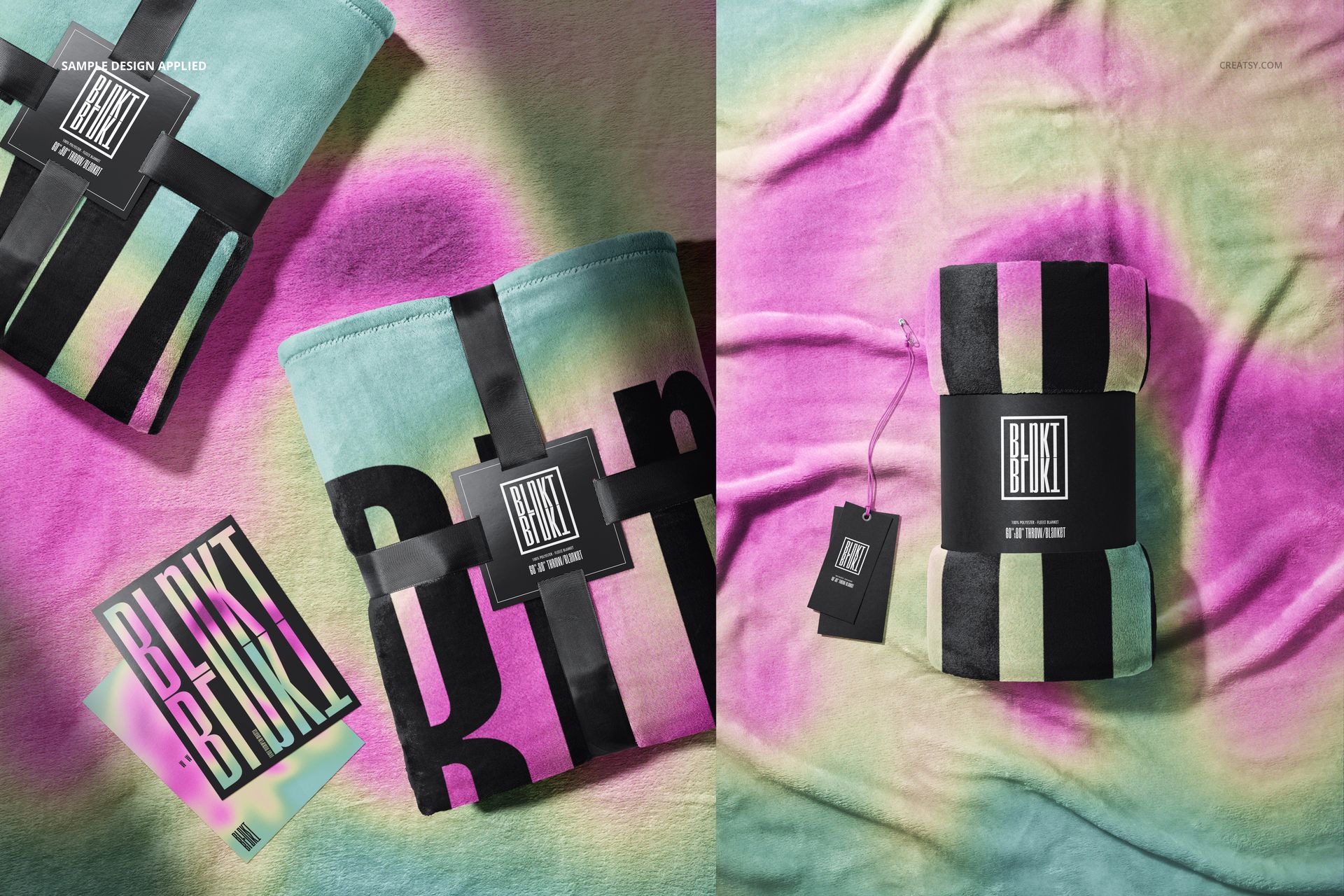
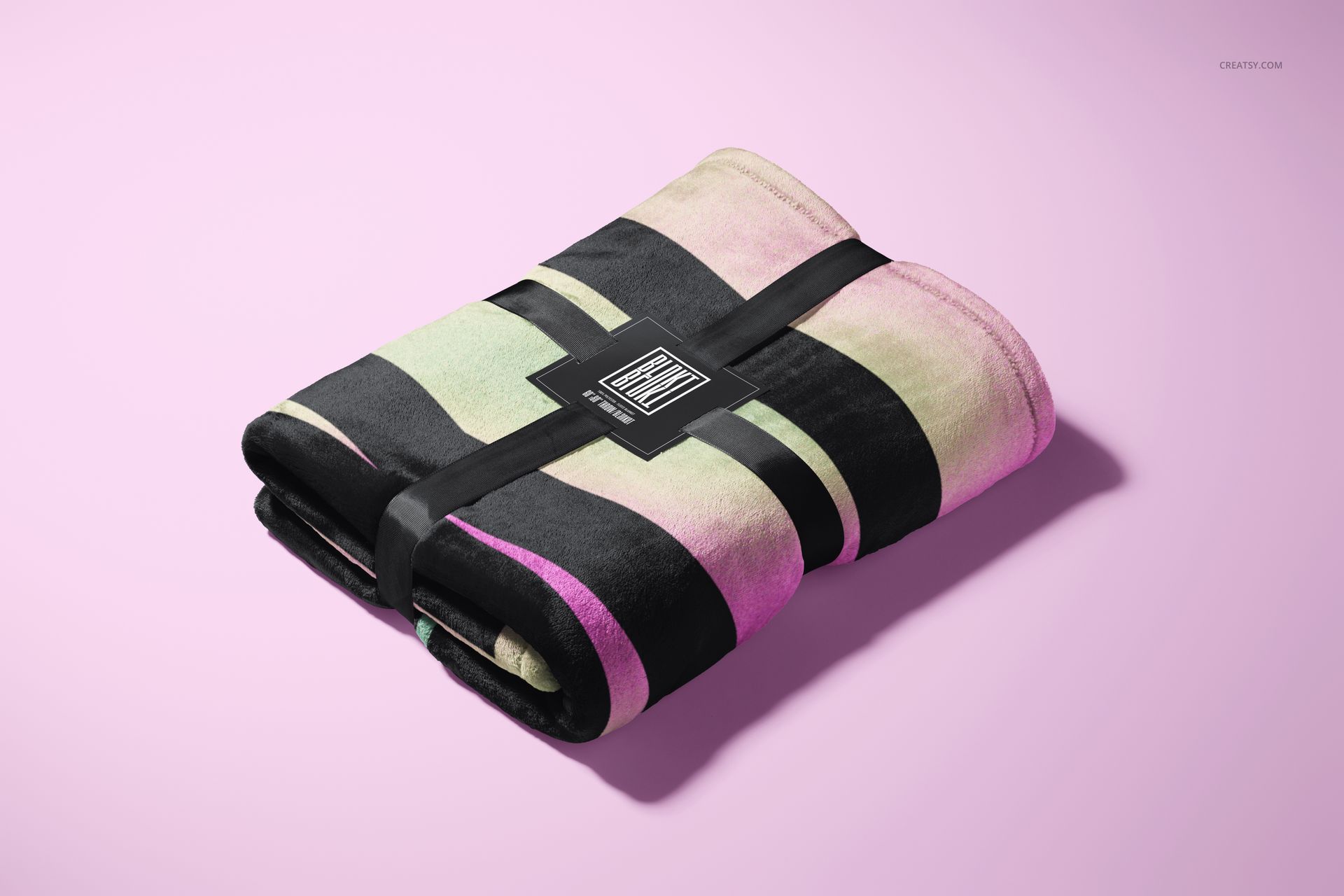
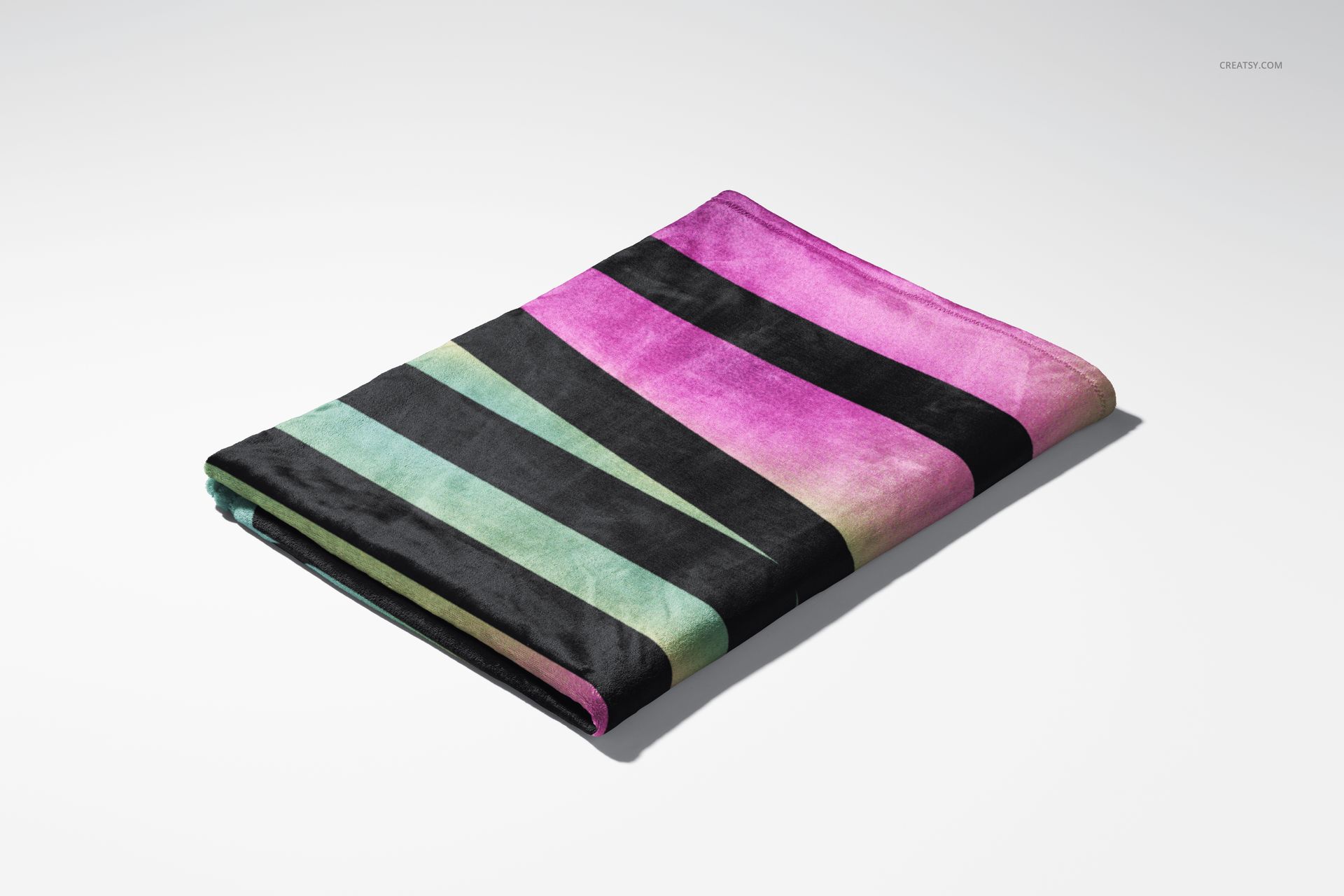
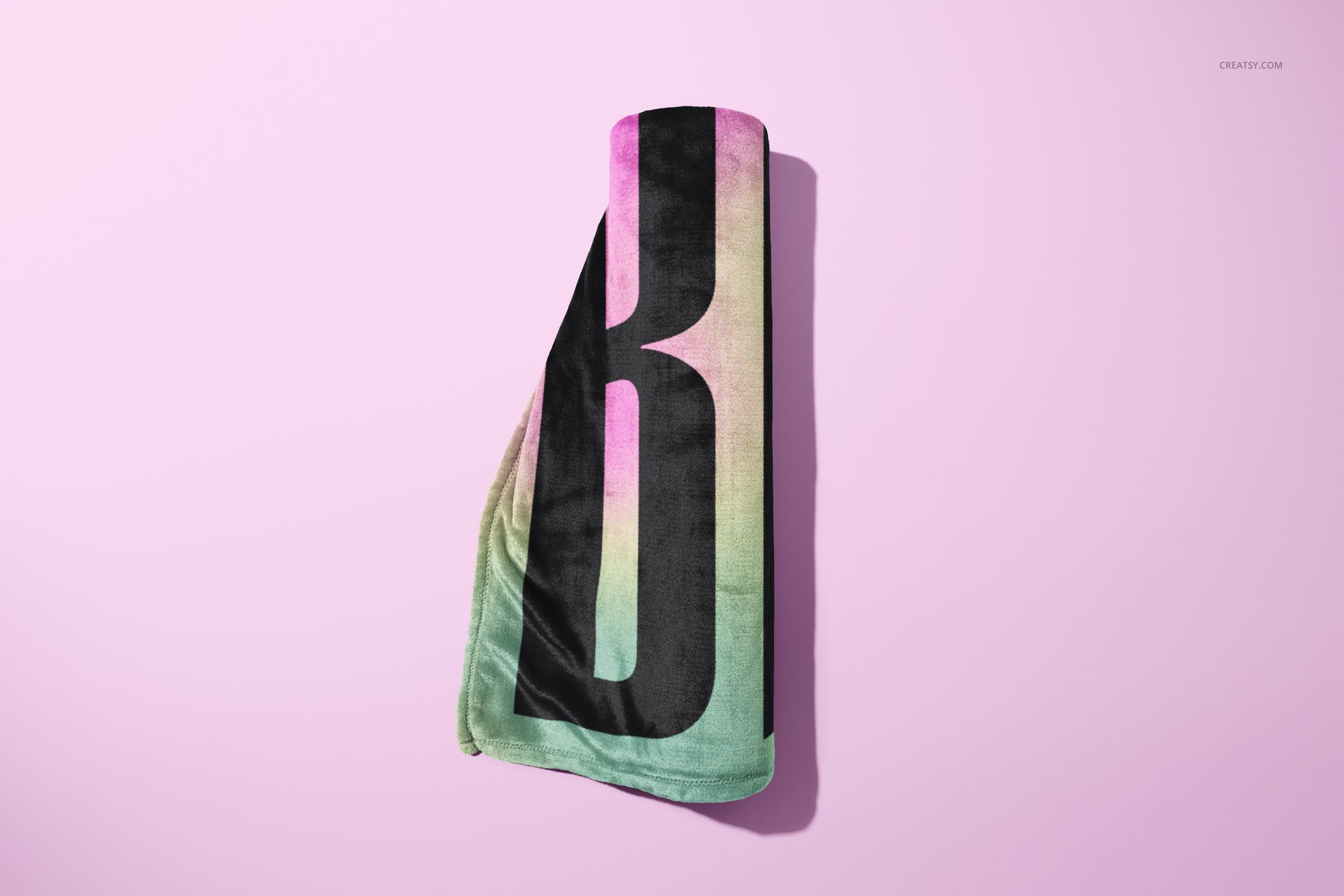
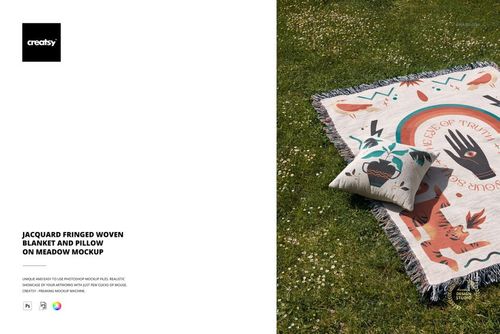
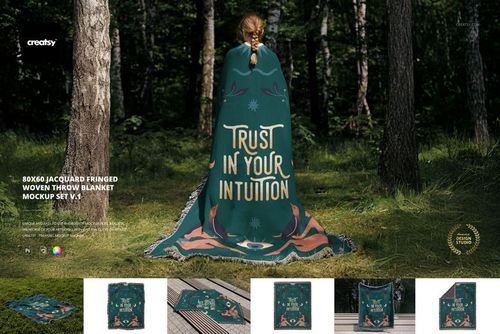
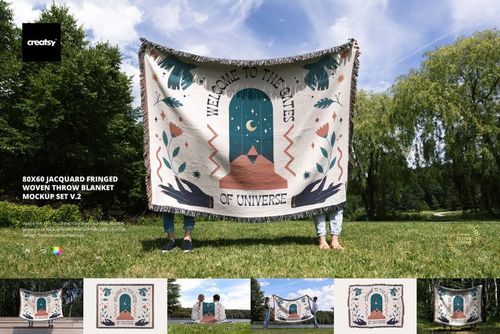
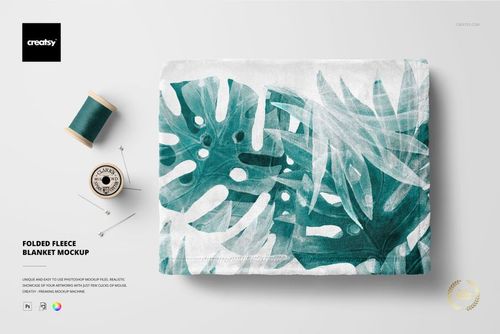
Present fleece blanket patterns alongside coordinated gift branding. Seven layered PSD scenes show folded, spread and rolled blankets, including arrangements with ribbons, labels and cards.
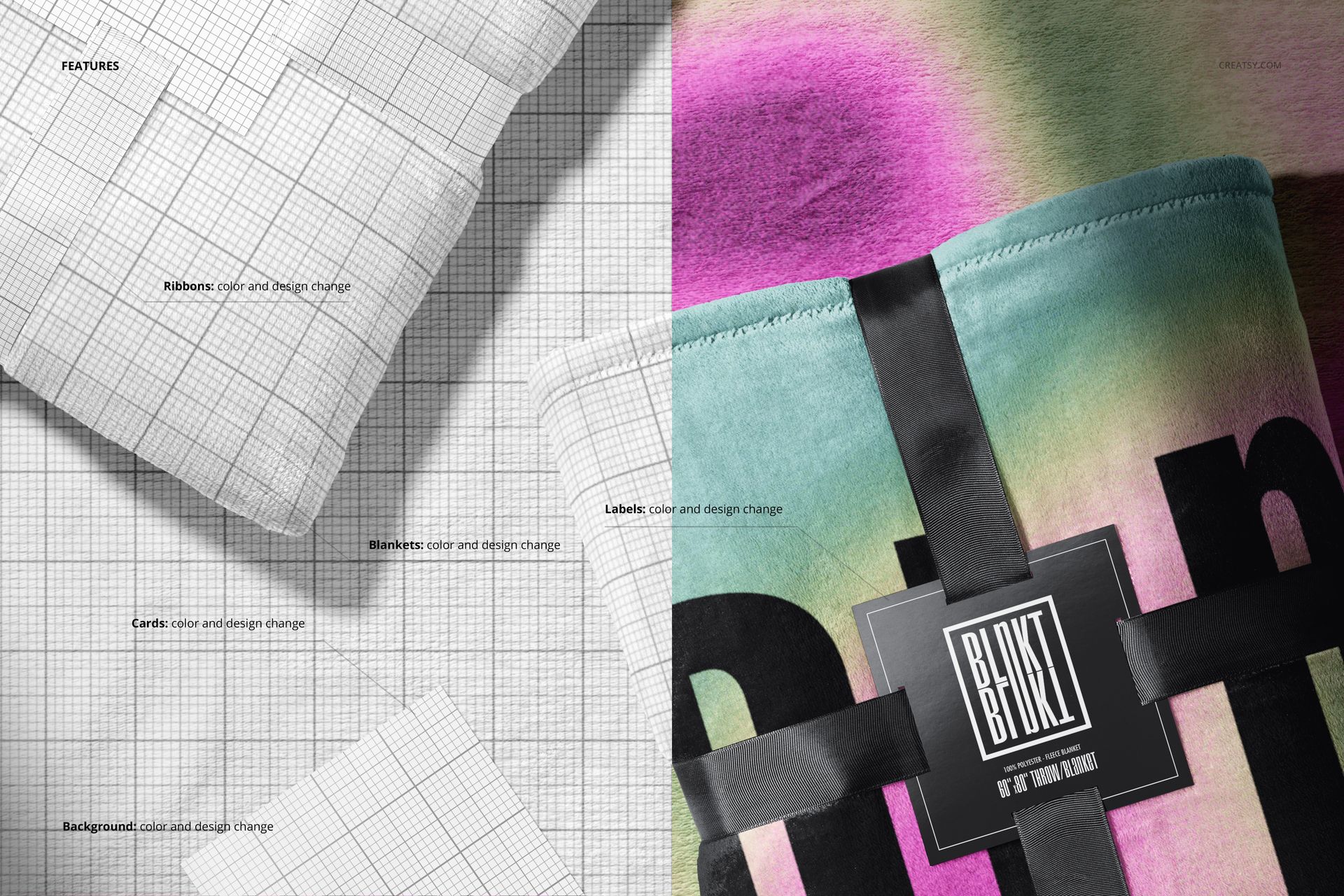
Blanket and branding customization
Apply your own blanket artwork through Smart Objects and adjust blanket colors.
Change the colors and designs of ribbons, labels and cards in the scenes where they appear.
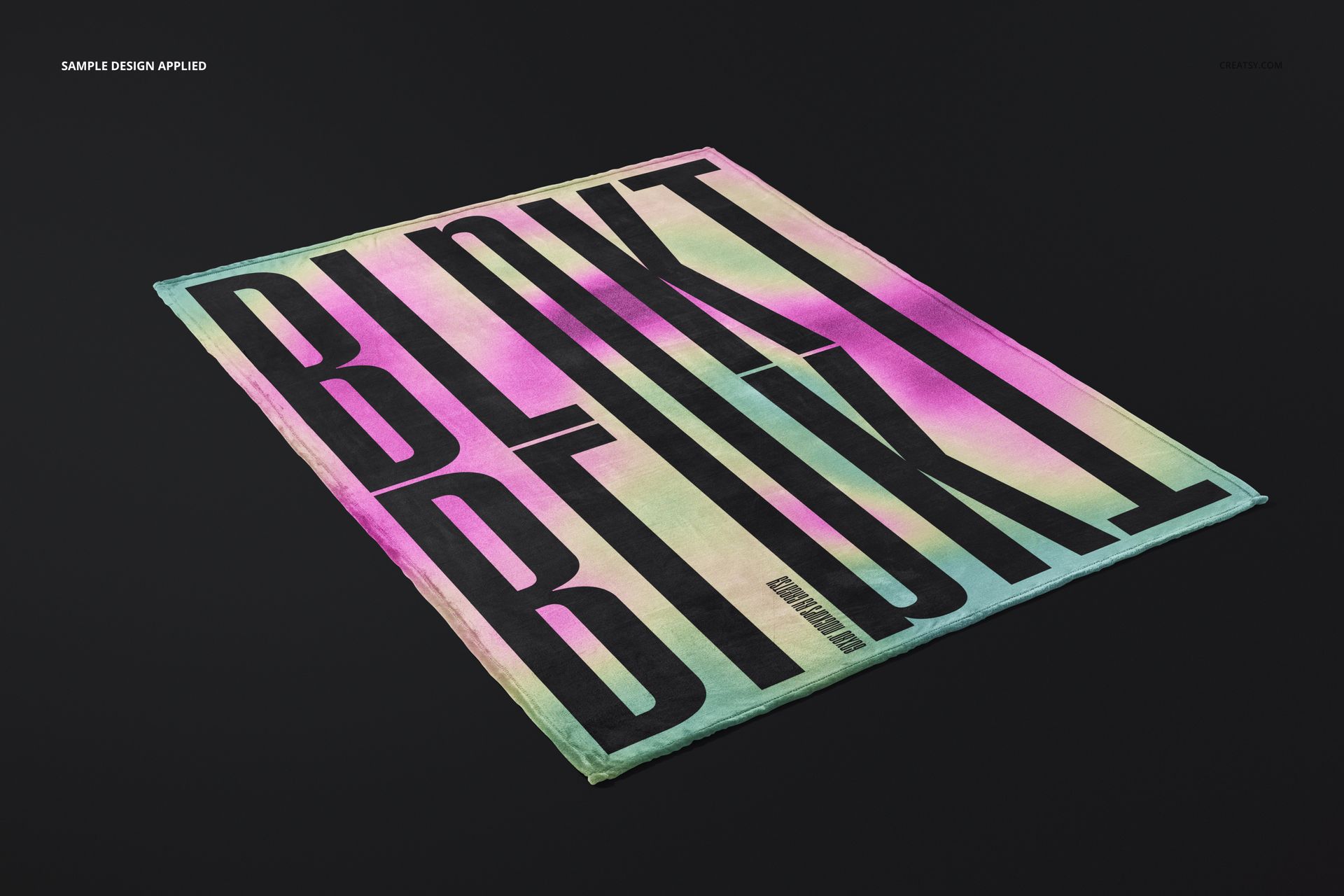
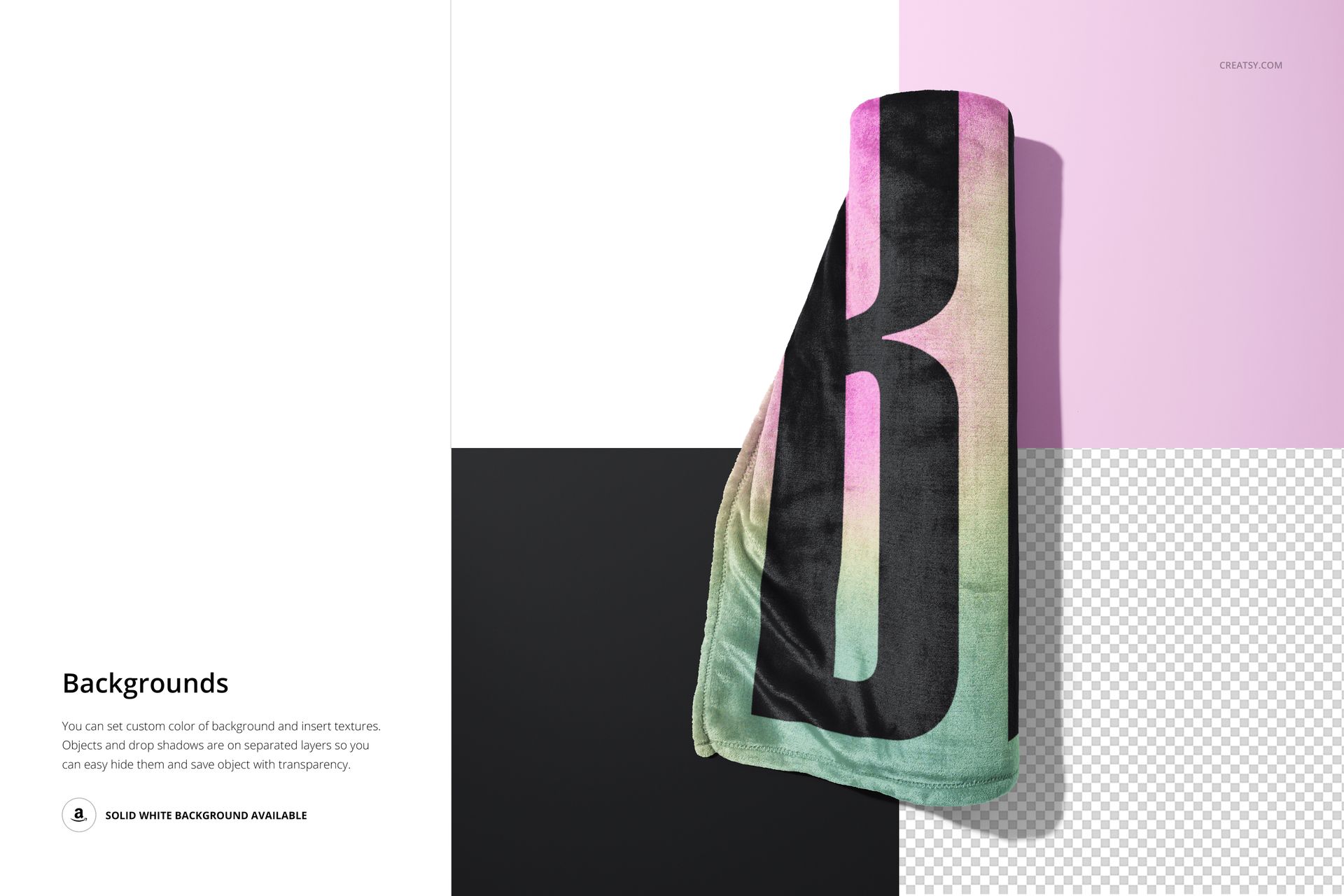
Use the spread blanket to show the overall design, or choose folded and rolled views to focus on fabric and packaging details.
Customize background colors and textures, use a solid white background, or hide the background for a transparent export. Objects and drop shadows are on separate layers.
Included files
7 editable PSD mockups, 7 small JPG previews and 1 PDF user manual. PSD dimensions: 6000x6000 and 6000x4000 px at 300 dpi. Requires Adobe Photoshop CC 2020 or later.
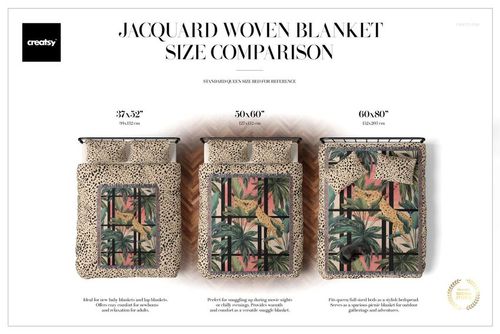
The represented blanket size is 60×80 inches (approximately 150×200 cm). Rolled and folded views show portions of the blanket rather than its full proportions.
Preview artwork by Irene Demetri. Sample artwork is not included.
This is a digital mockup download for adding your own designs. No physical blanket or other physical items are included.
File details
- Compatibility
- Package size
- 800 MB
|839 MB
- Files type
- .psd, .jpg, .pdf
- Files size
- 6000x4000


MEET THE SHOP
- $2550$30.00
- $1870$22.00
- $1615$19.00
- $2040$24.00

HOW IT WORKS
3 clicks. That's it.
No tutorial needed. If you can copy-paste, you can use this.
- 1OpenDouble-click the smart object inside the PSD - in Adobe Photoshop, or free in your browser with Photopea.
- 2PasteDrop in your pattern, print, or artwork. Any design, any style.
- 3SaveHit save and the mockup wraps it in for you - shadows, folds, and lighting included.
FROM IDEA TO IMAGE
Built for real workflows
Skip the photo shoot Show your artwork on the real product type for approvals or listings - no studio, no model, no sample.
See it on the product, not a swatch Drop your file into the smart object and the scene's lighting and folds wrap around it, so you judge the real thing before you commit.
Smart Objects
Edit once and you're done. Your artwork drops into a smart object and the mockup updates itself - no masking, no warping by hand.
Perfectly Organized
Named layers and folders you can actually navigate. Find what you need, change what you want, and get out fast.
Print-Ready
High-resolution files built to hold up on screen and in print. Exact size and DPI are in this product's Details above.