Plywood Wall Art Mockup Set for CMYK Print
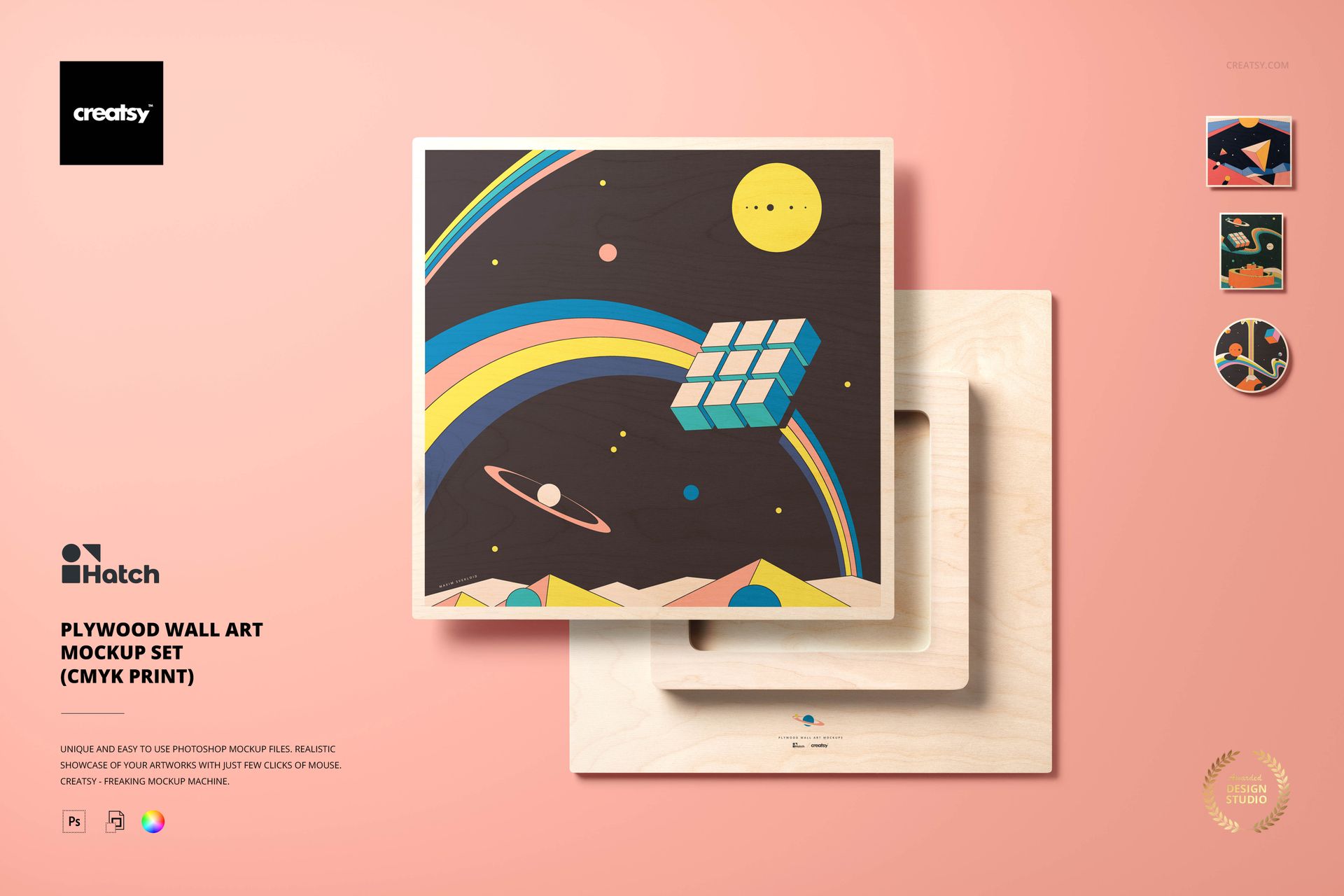
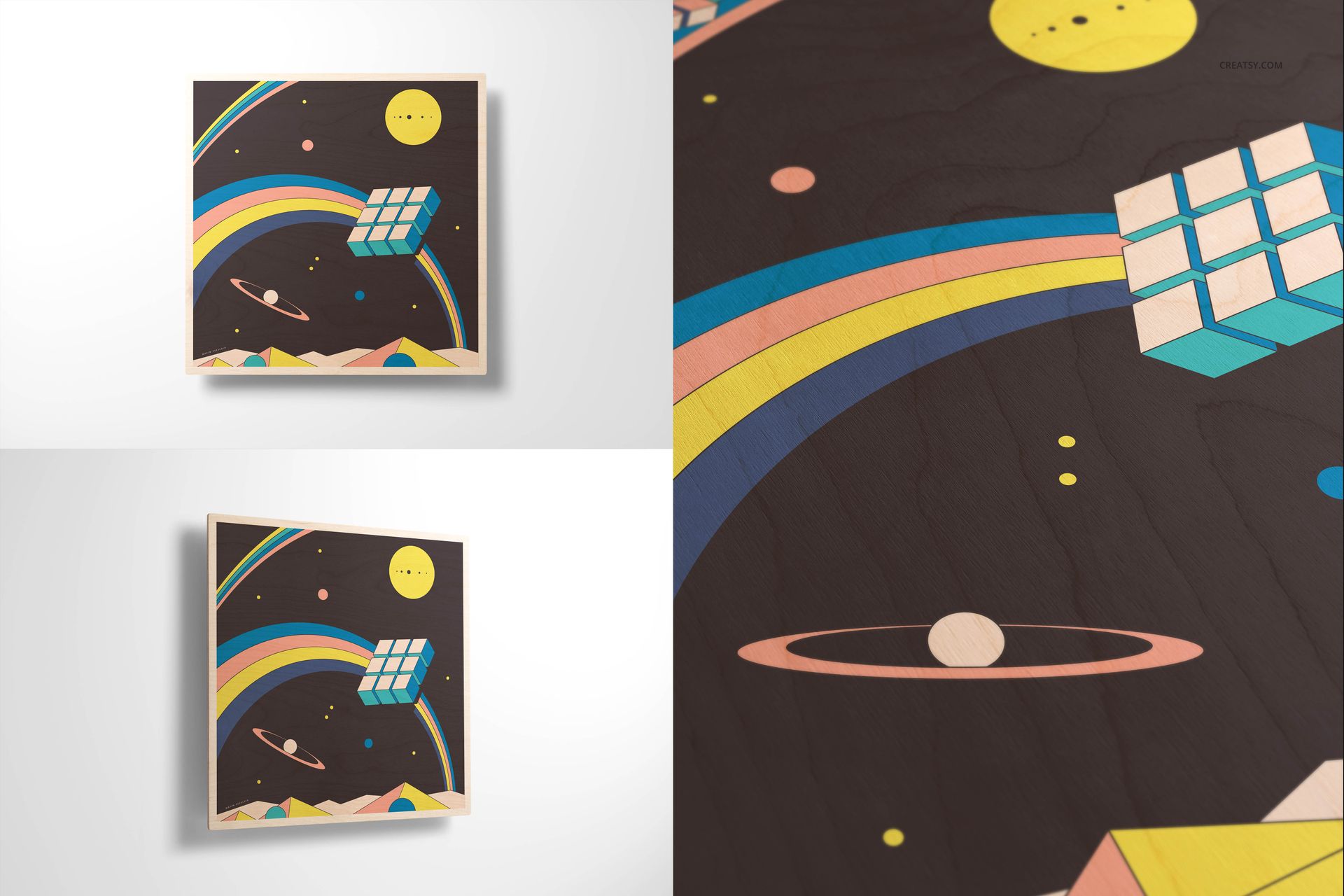
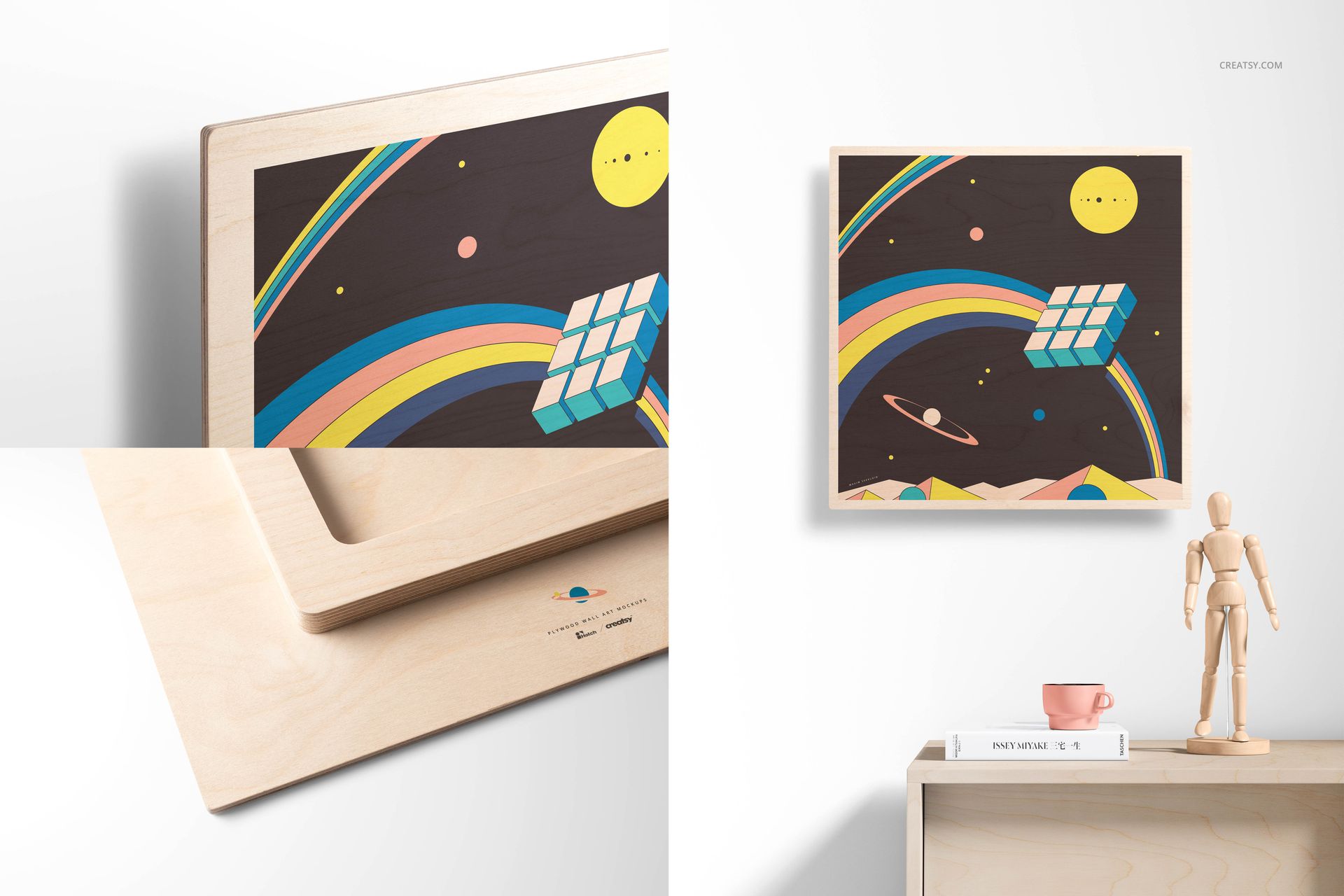
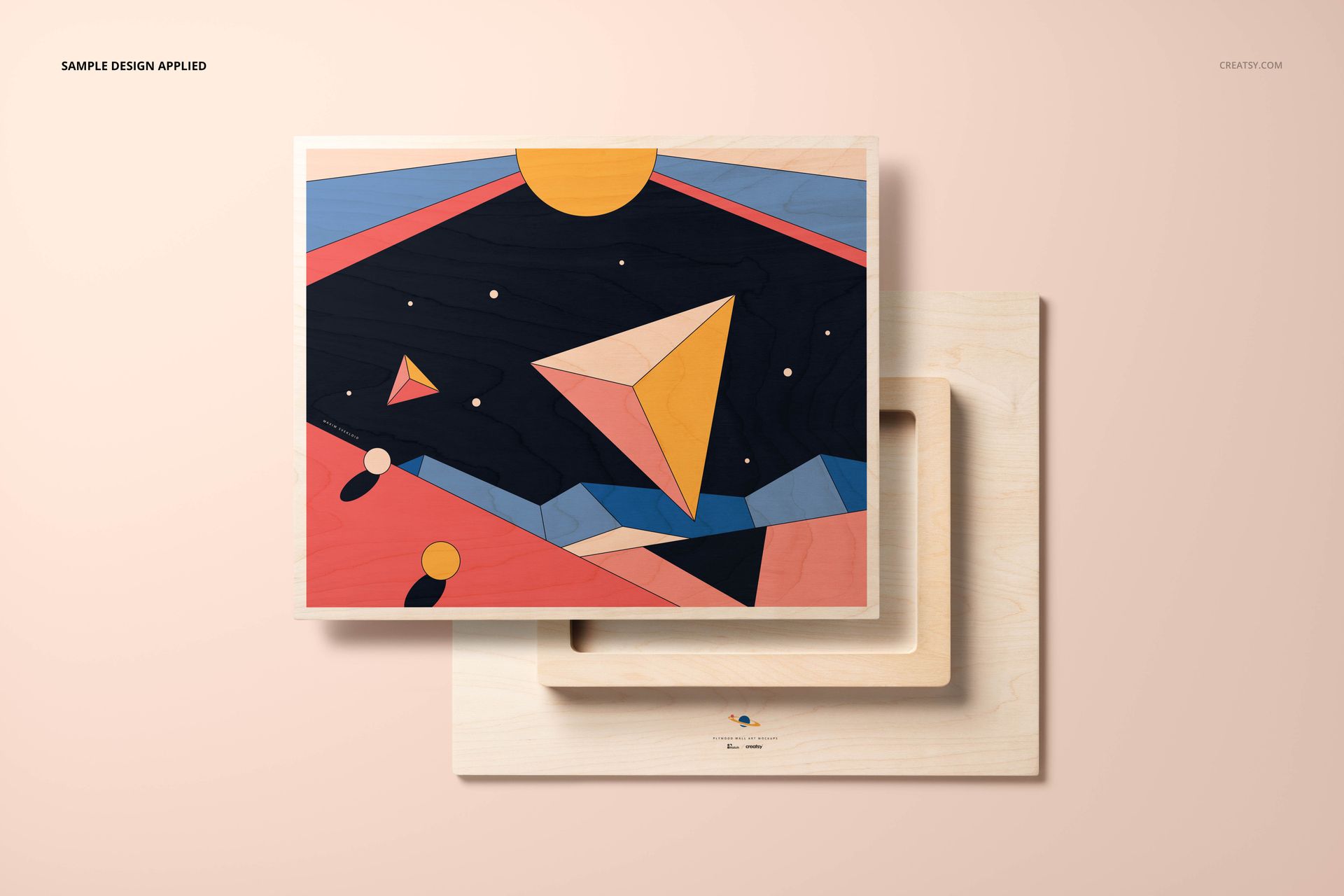
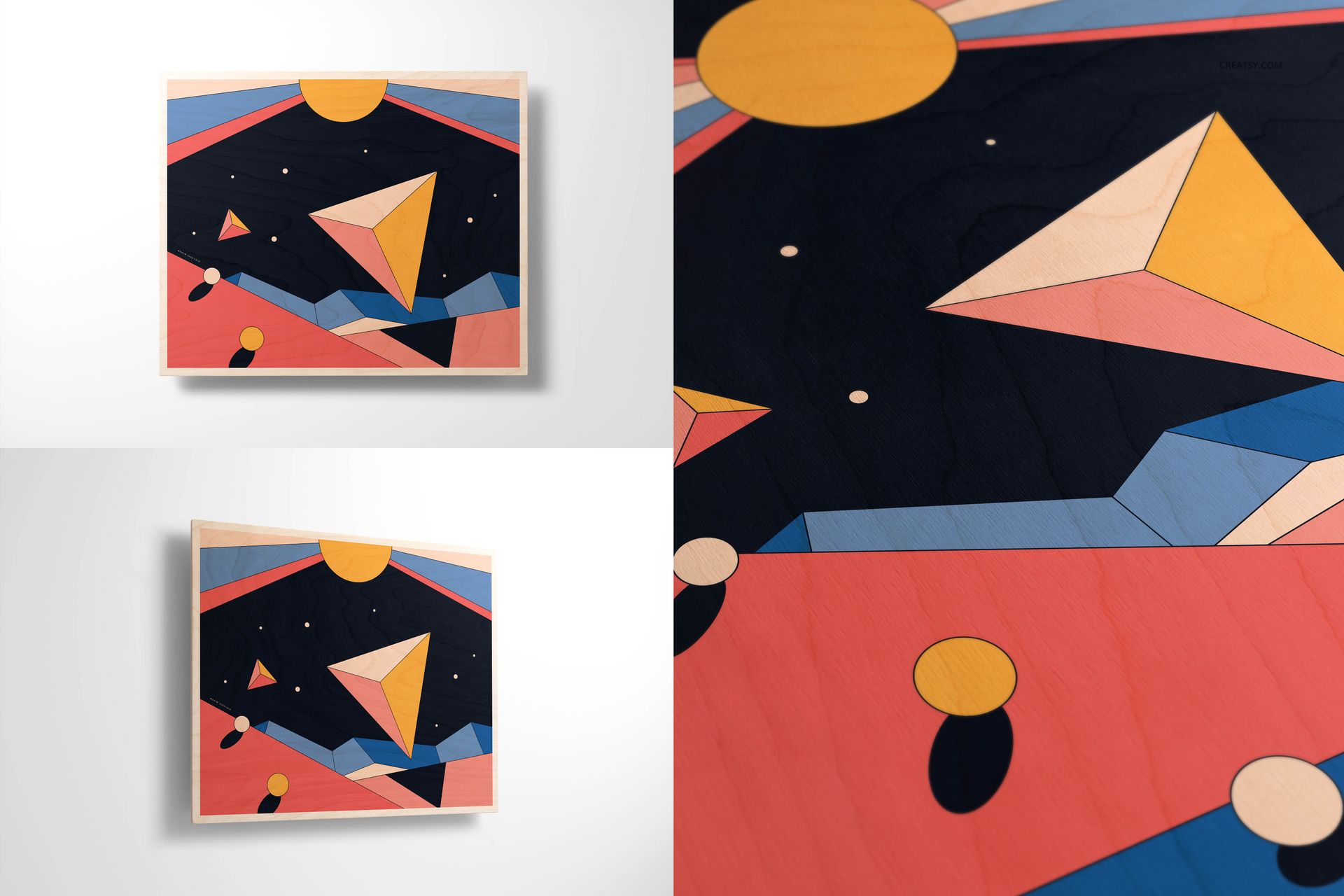
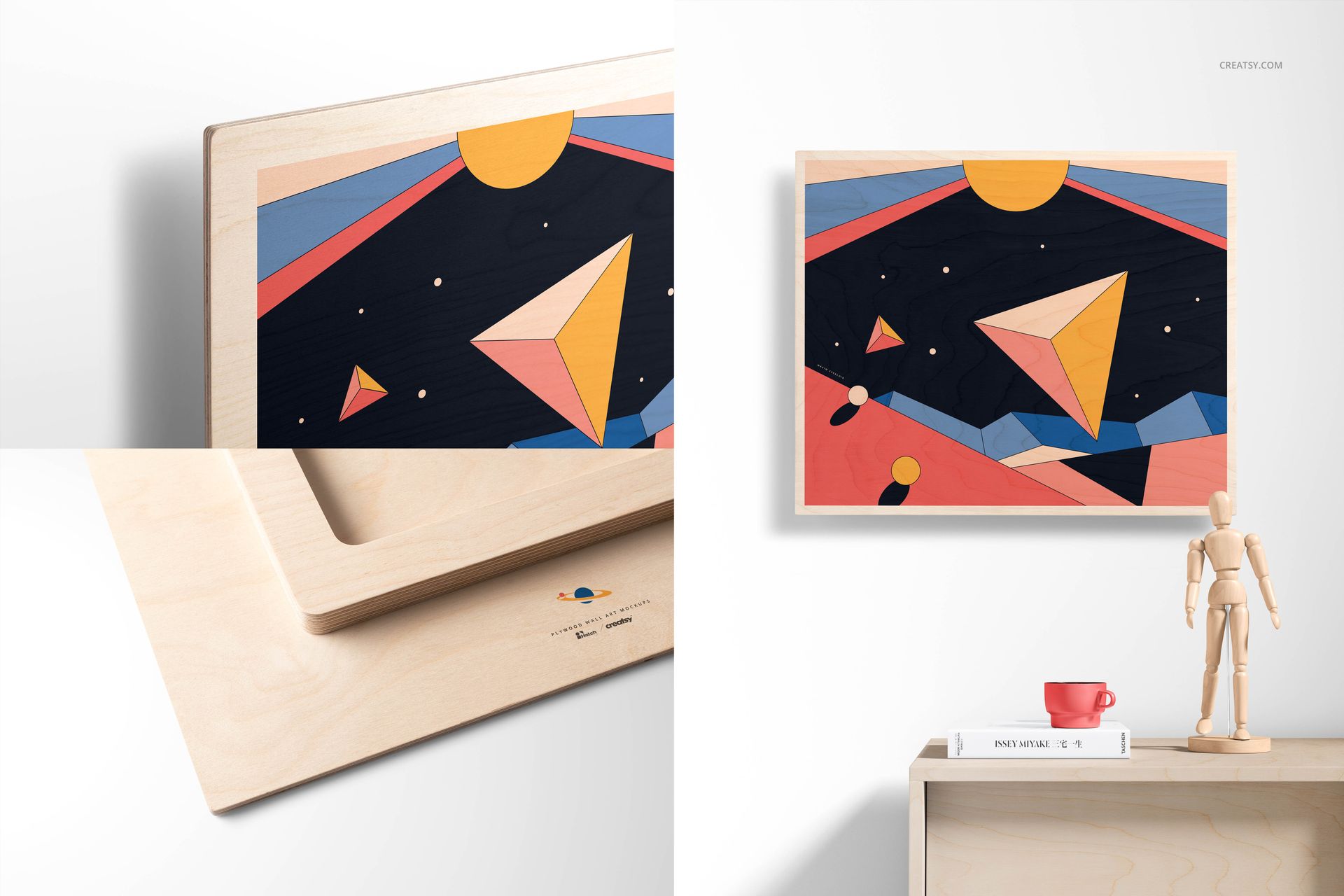
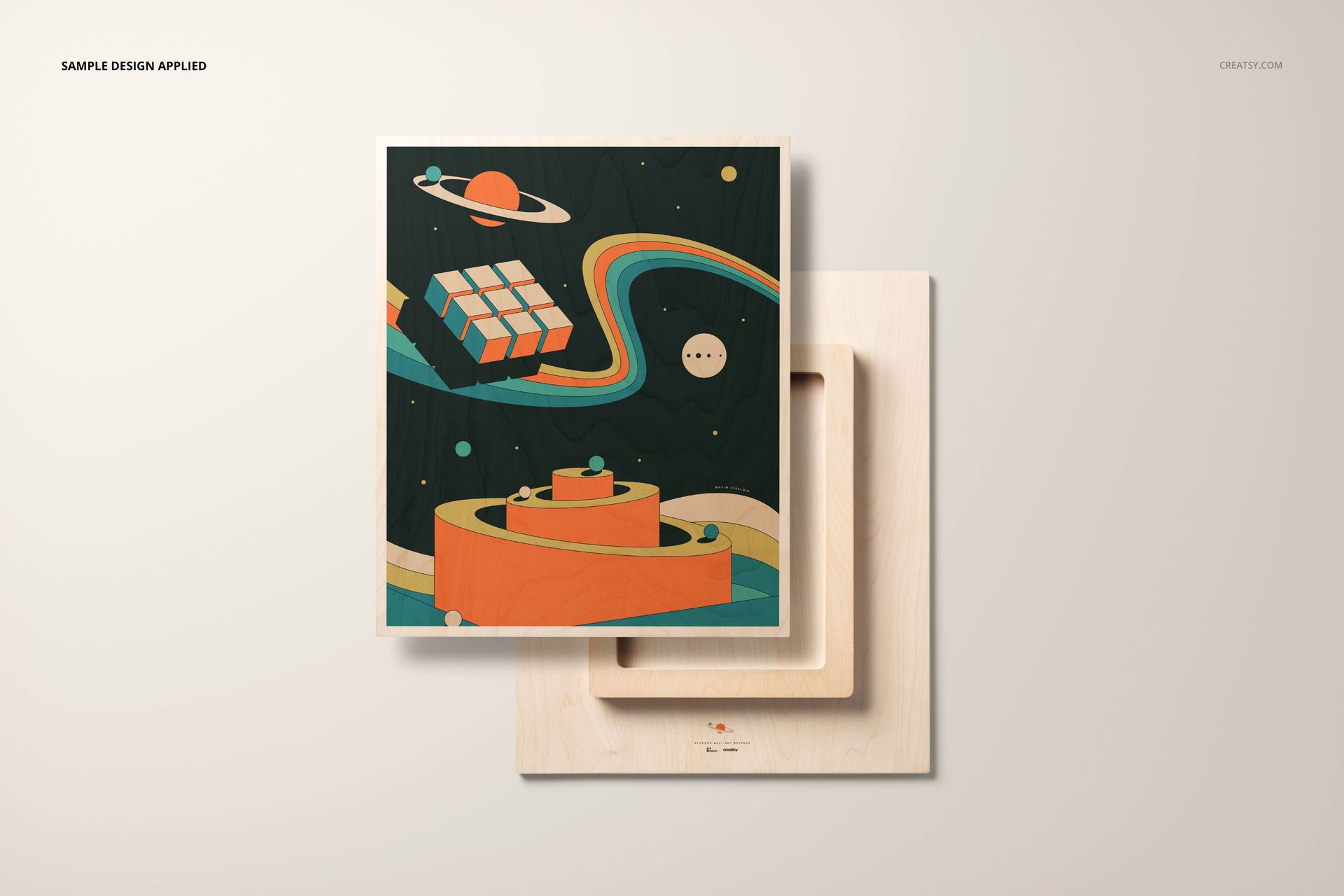
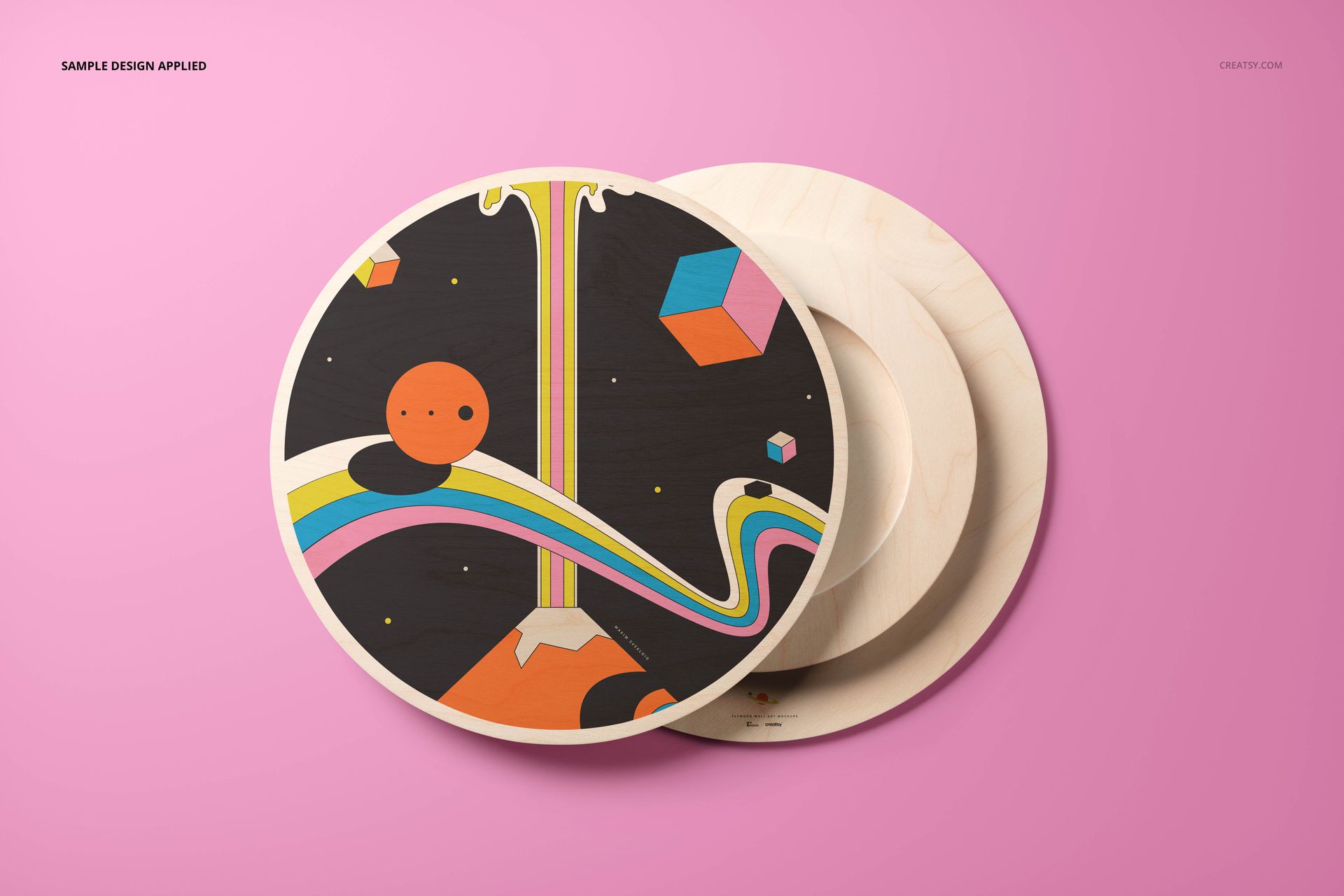
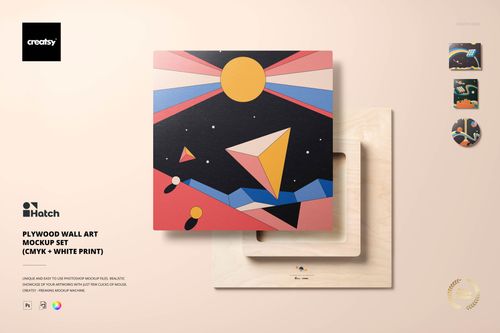
Present illustrations, photography, typography, and decorative graphics on plywood surfaces with a flexible collection of high-resolution wall art mockups. Designed for CMYK print presentations, the set helps you turn flat artwork into clear product visuals for online shops, client reviews, portfolios, and promotional materials.
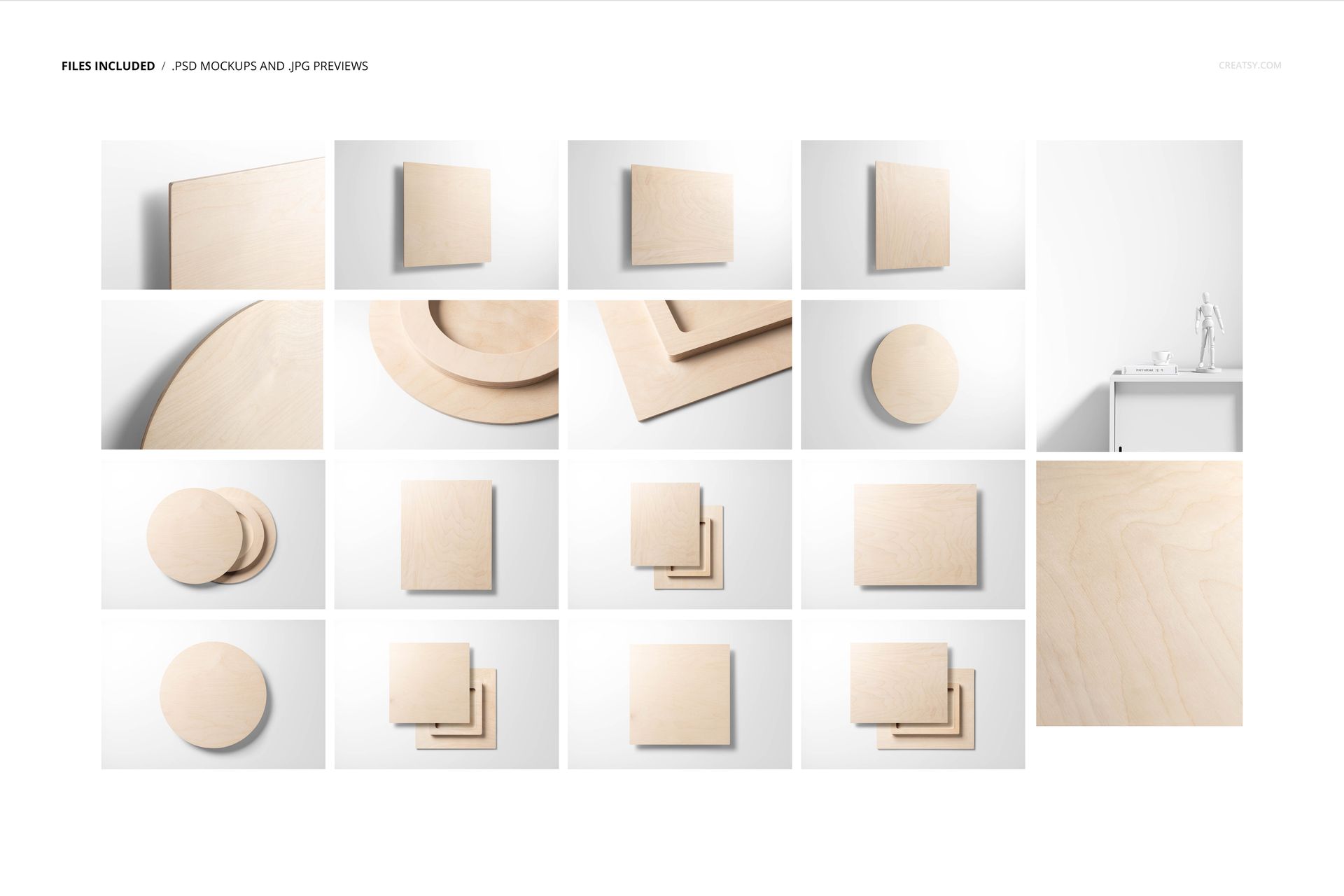
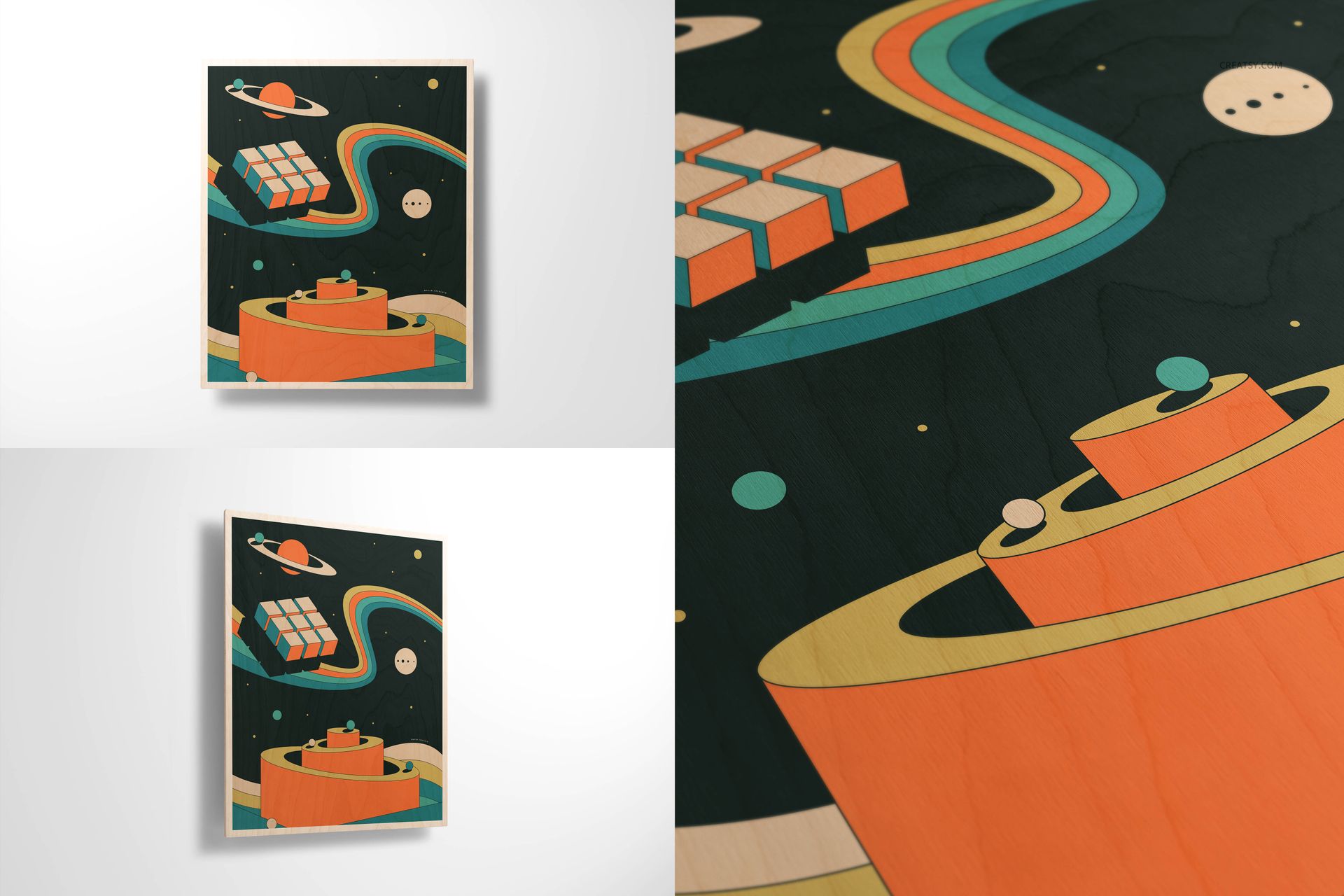
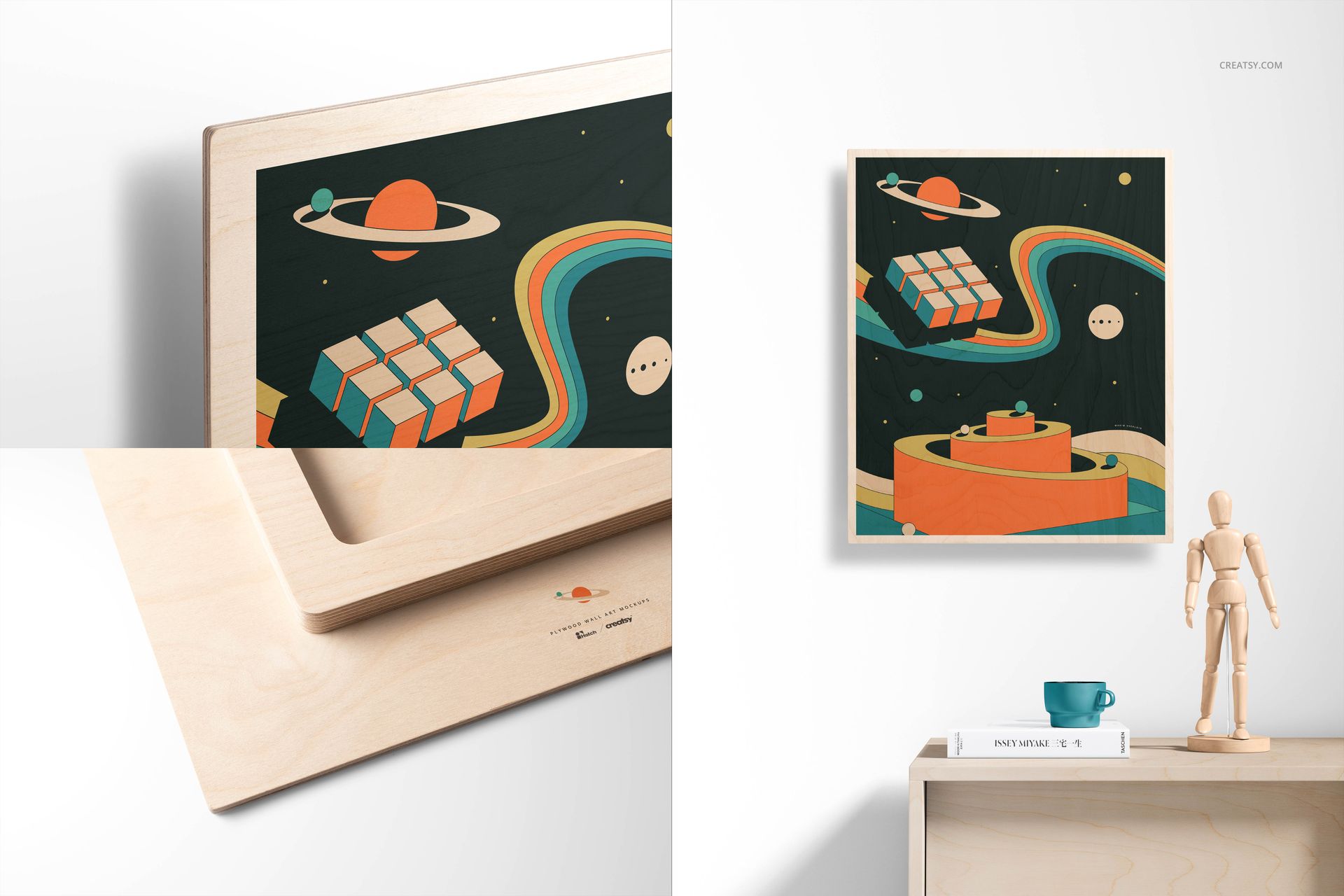
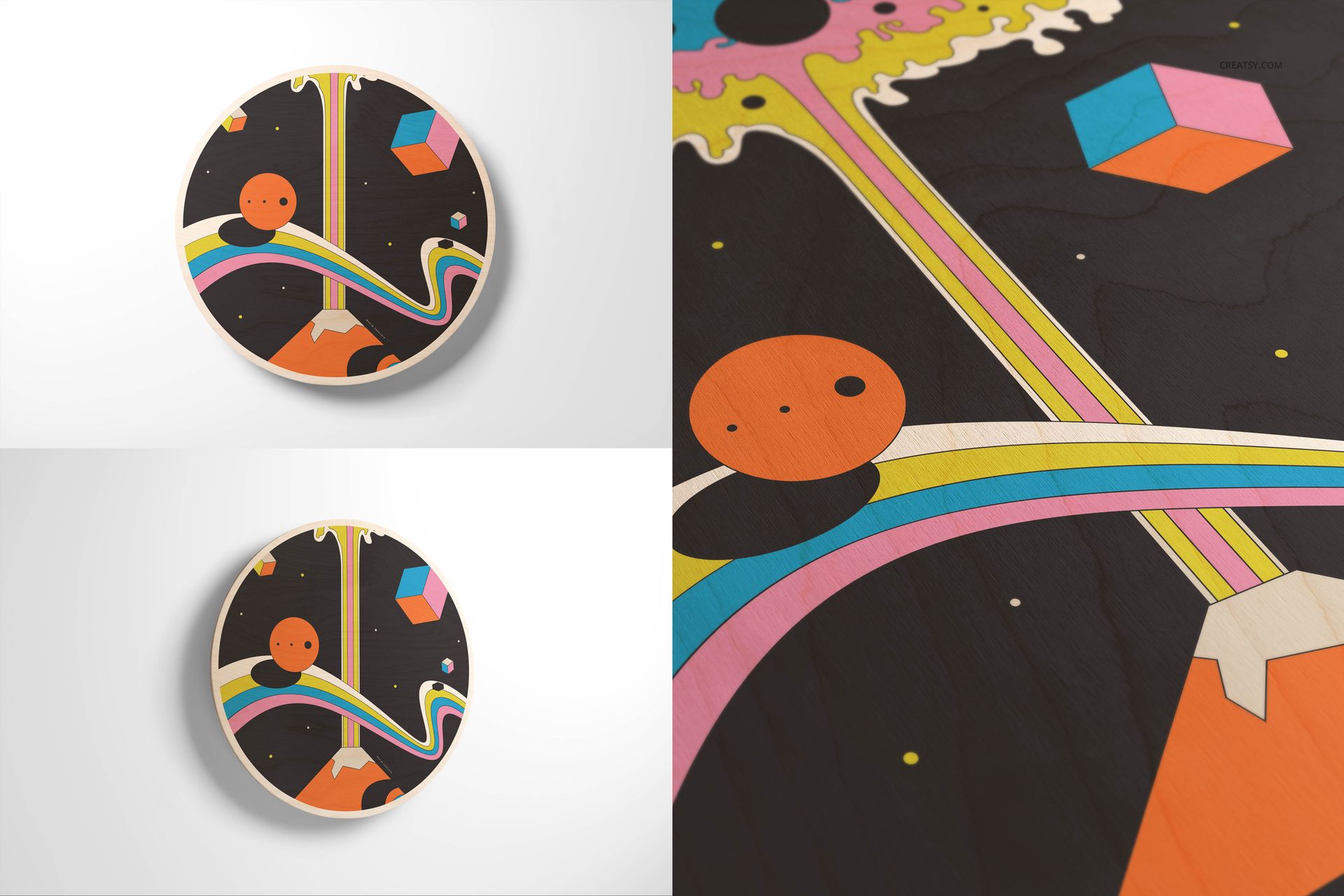
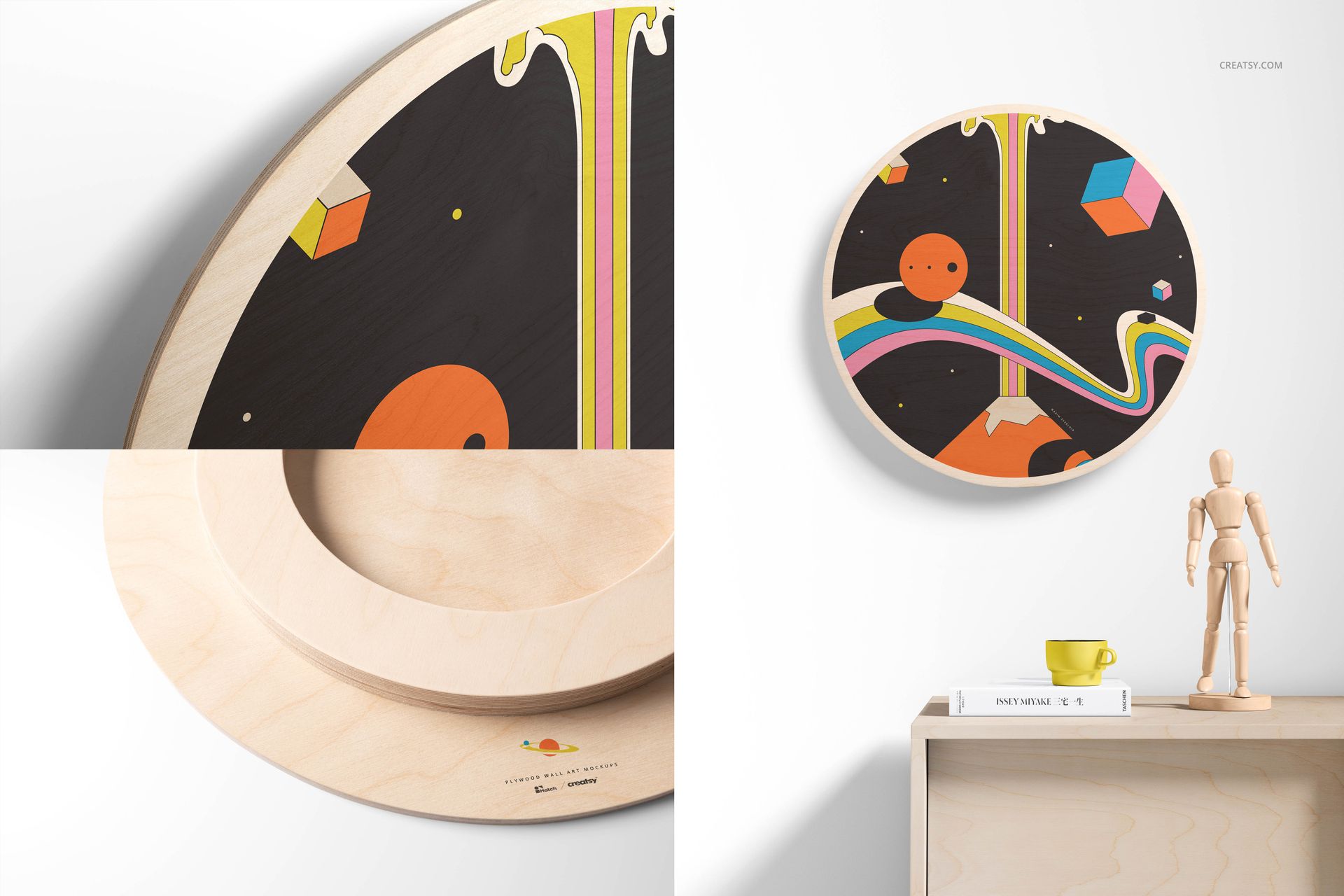
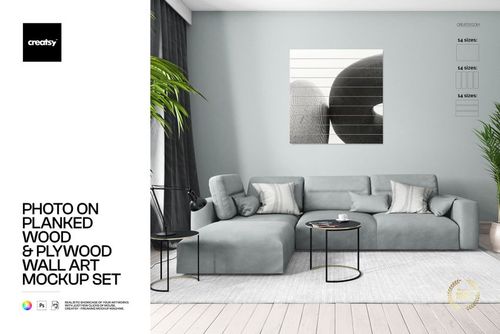
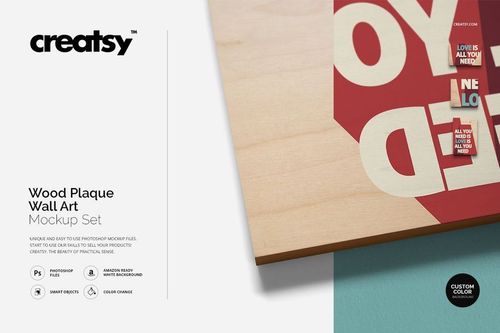
The collection includes 18 layered PSD scenes covering circle, square, and rectangle wall art formats. The rectangular option follows 380 x 460 mm proportions, while the variety of shapes makes it easier to build a coordinated product range. Seventeen gallery images show the available compositions, including clean product views, close-up details, and styled interior scenes.
What Is Included
37 files in total
18 organized PSD mockup files
18 JPG preview images
1 PDF User Manual
Main files listed at 6000 x 4000 px
Smaller 4500 x 3000 px versions described in the product details
Professional 300 DPI resolution
Edit Artwork with Smart Objects
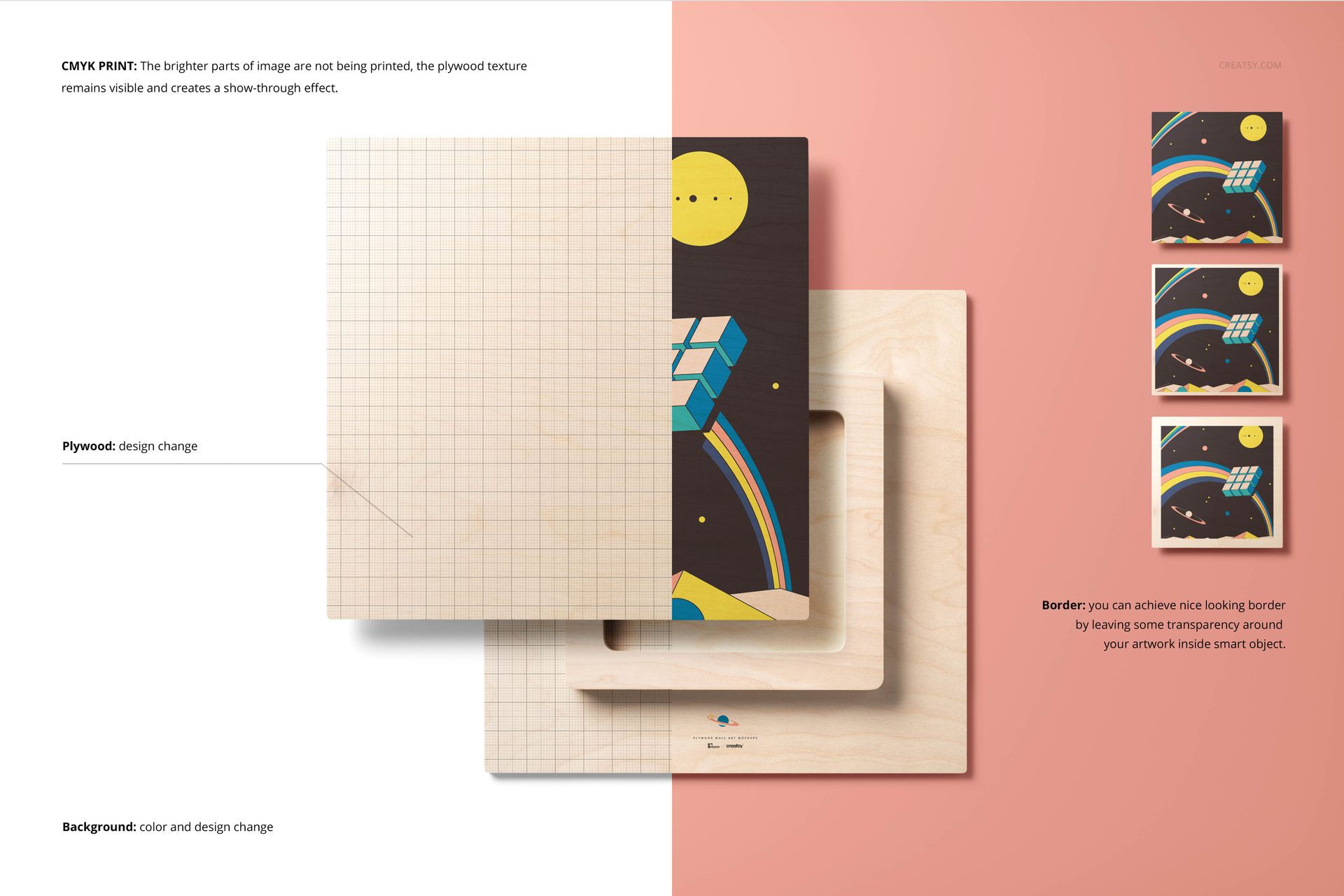
Open the relevant Smart Object, place your CMYK artwork, save the changes, and return to the main scene to view the updated plywood wall art. The PSD files work in Adobe Photoshop CC 2018 or later and are also compatible with Photopea, giving you a desktop or browser-based editing option.
Organized layers keep the main artwork area and available adjustments easy to locate. This structure supports an efficient workflow when you need to prepare several product images with a consistent look.
Adjust the Plywood and Scene Appearance
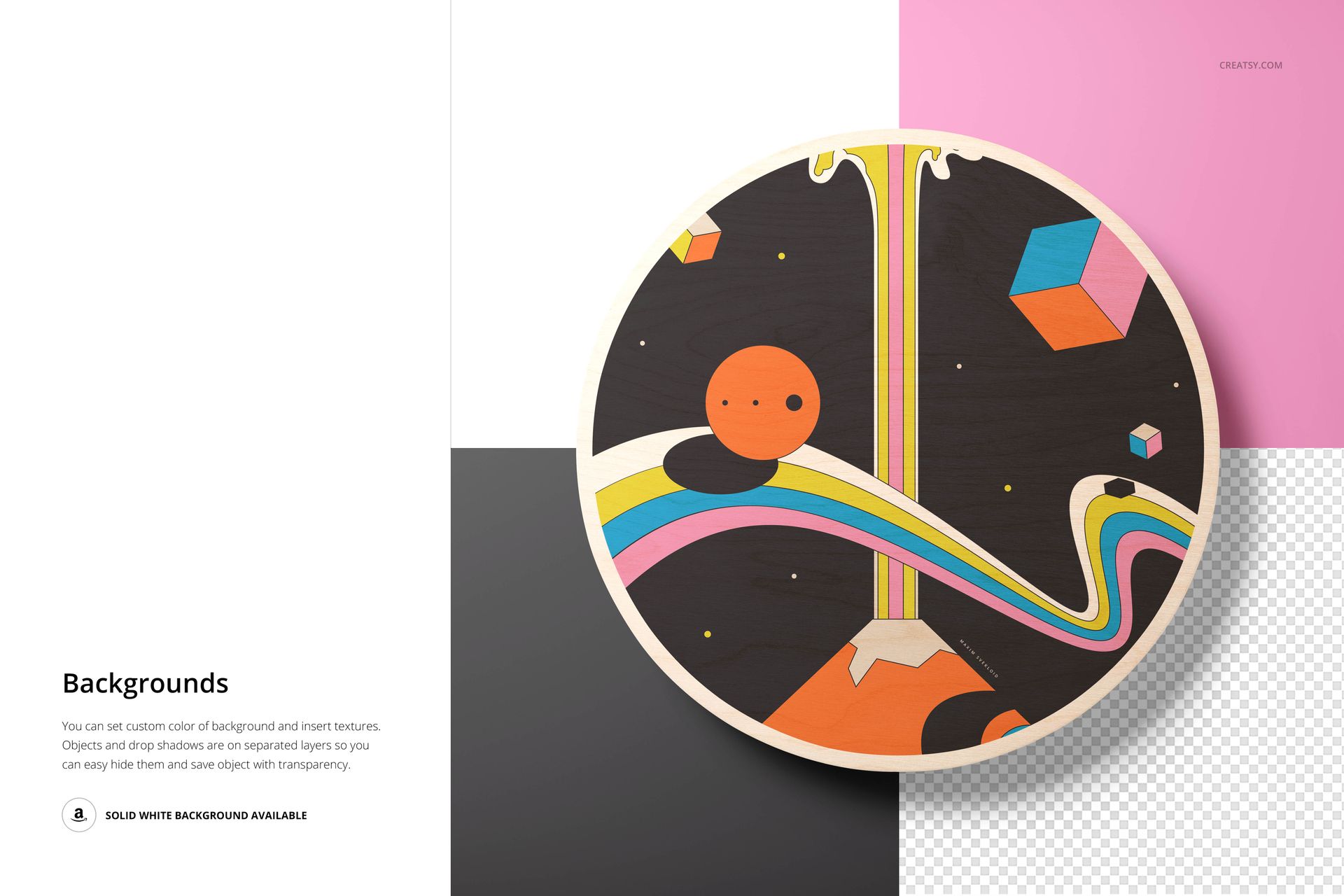
Edit the plywood surface to suit the tone of your design. In Scene View, selected scene elements can also be customized, and you can change the background color or apply your own background design. These controls help coordinate the mockup with a brand palette, collection, or campaign.
Scene elements outside the wall art have fixed positions and cannot be moved or removed. Keeping those props in place preserves the intended composition, while the available surface and background settings provide room for visual customization.
Prepare Product Images for Different Uses
Use the square, circular, and rectangular scenes to create marketplace listings, portfolio case studies, client approval images, social media content, or launch graphics. The combination of simple backgrounds, close-up views, and room settings lets you show both the artwork and the plywood presentation from several perspectives.
Important Content Note
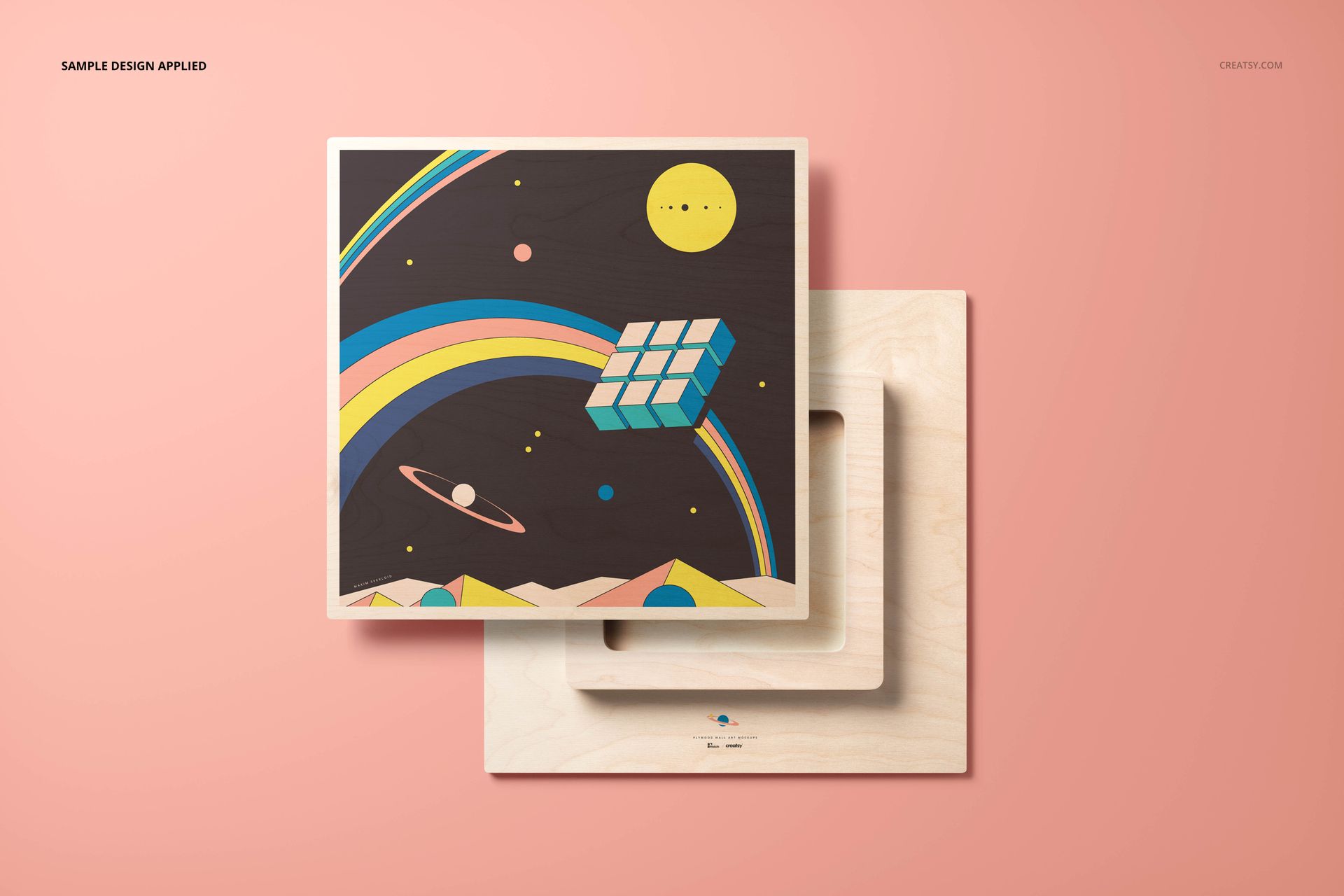
Patterns and artwork shown in the preview images are not included with the download. This product is a mockup template intended for you to add your own designs. The included JPG files help you review the scene selection, while the PDF User Manual provides a reference for the editing workflow.