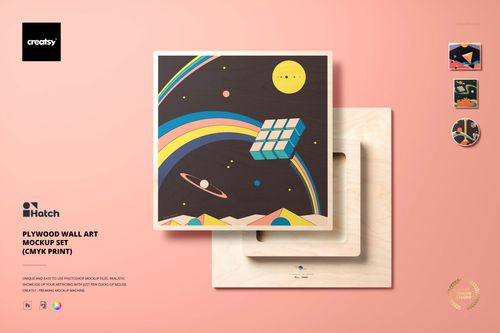
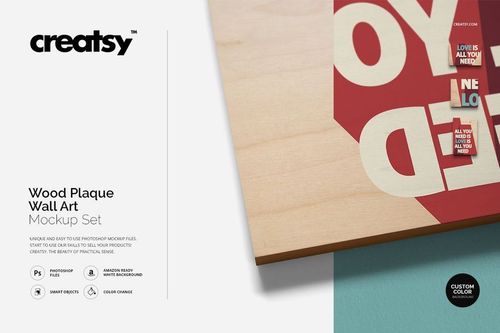
Photo on Planked Wood & Plywood Wall Art Mockup Set
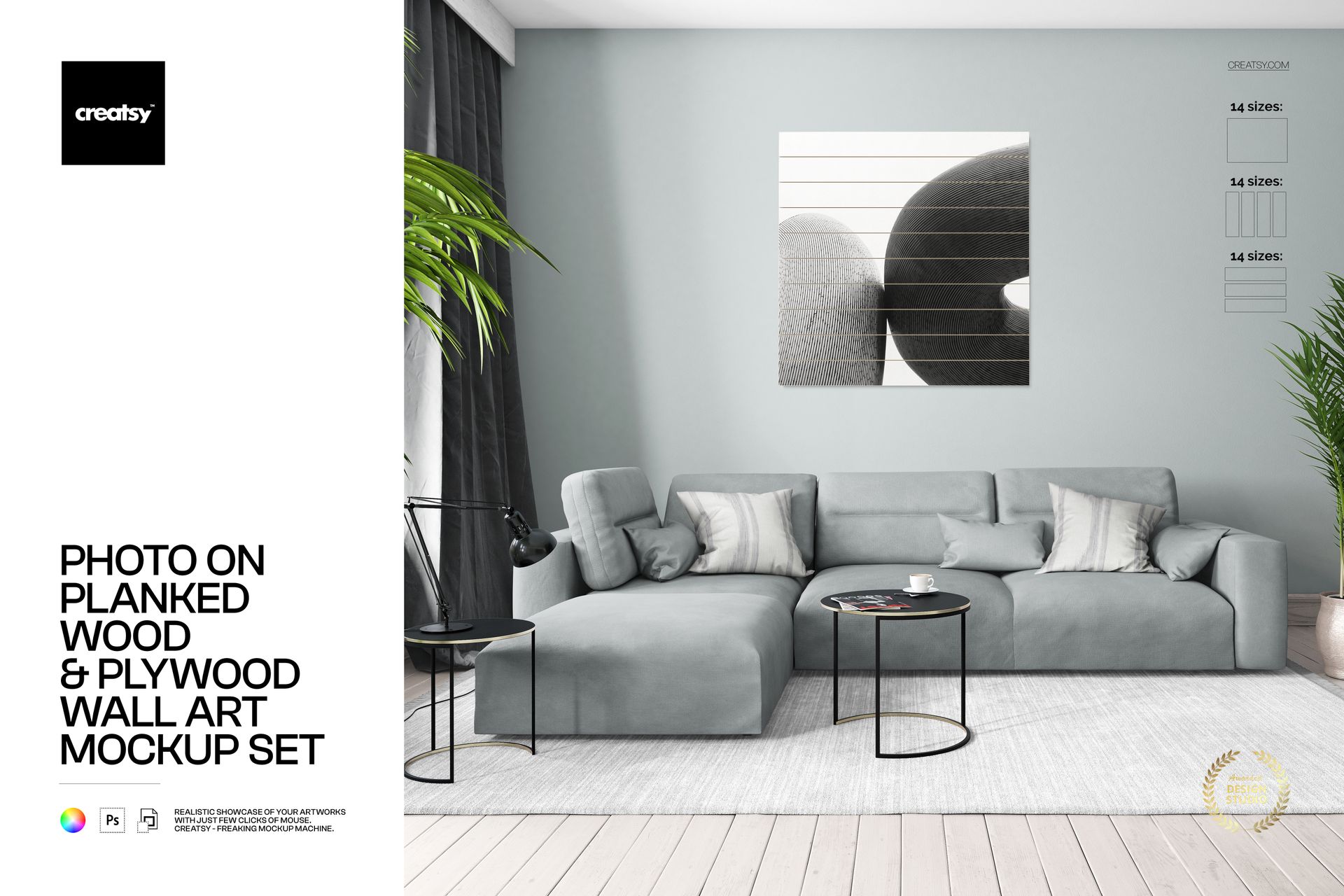
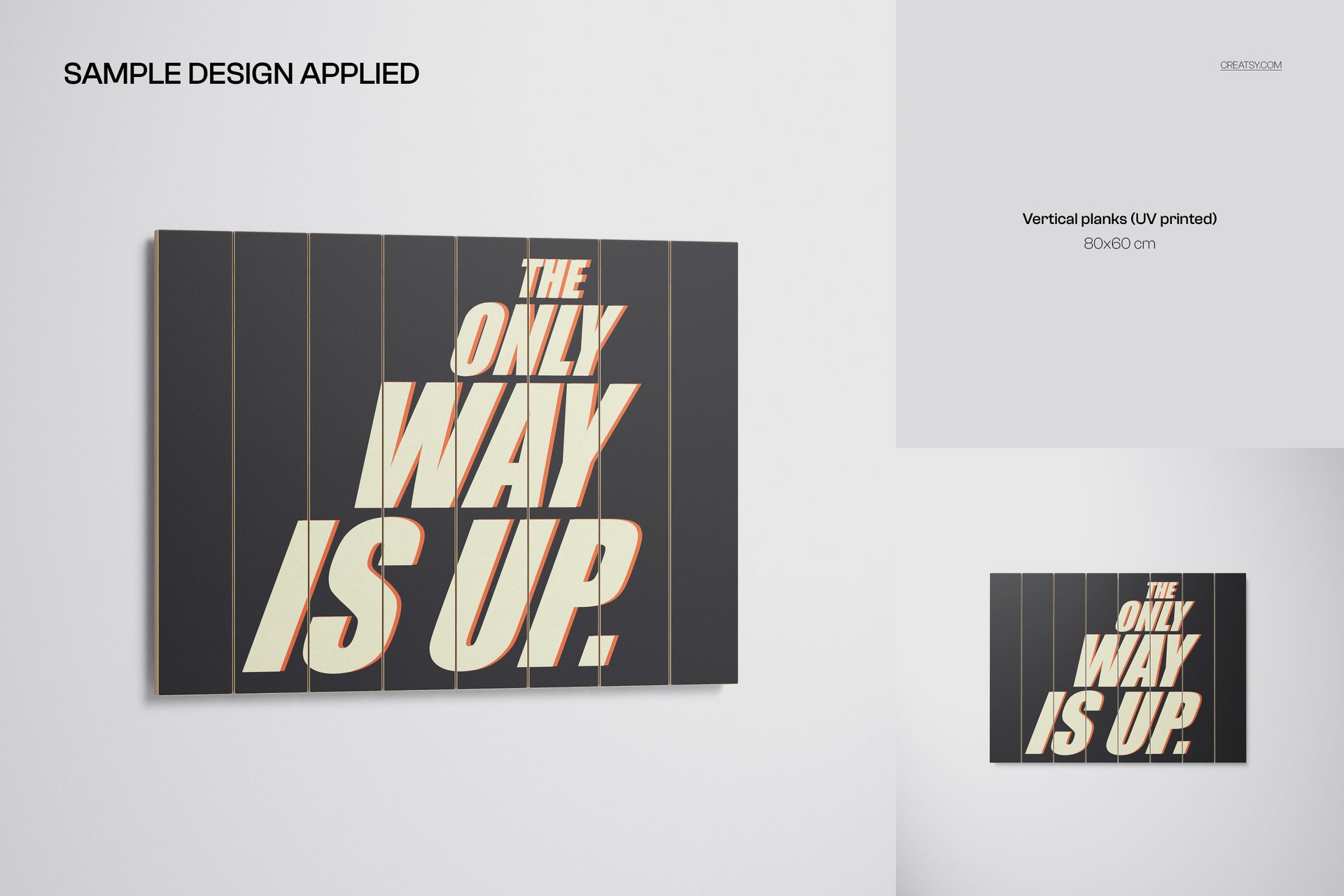
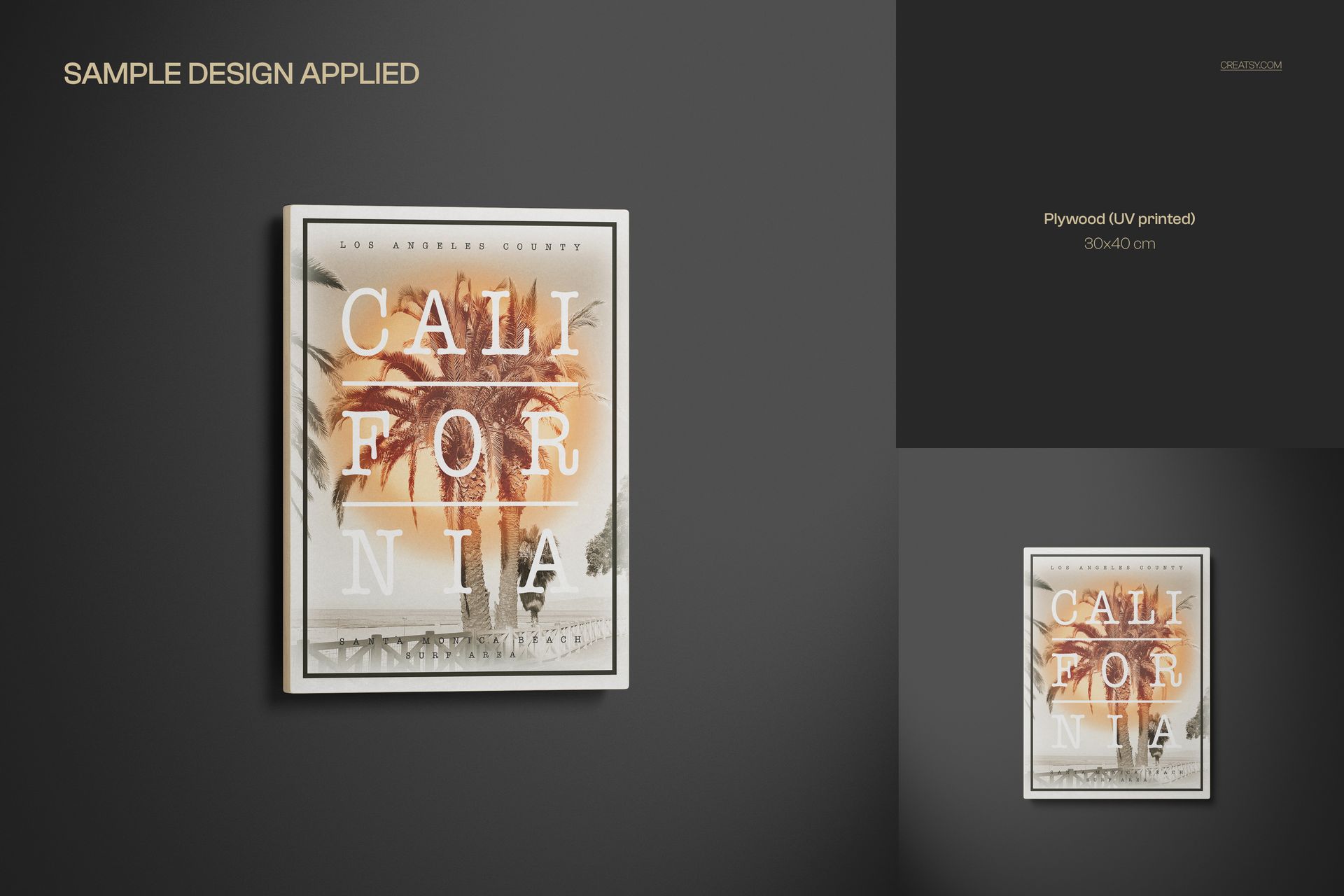
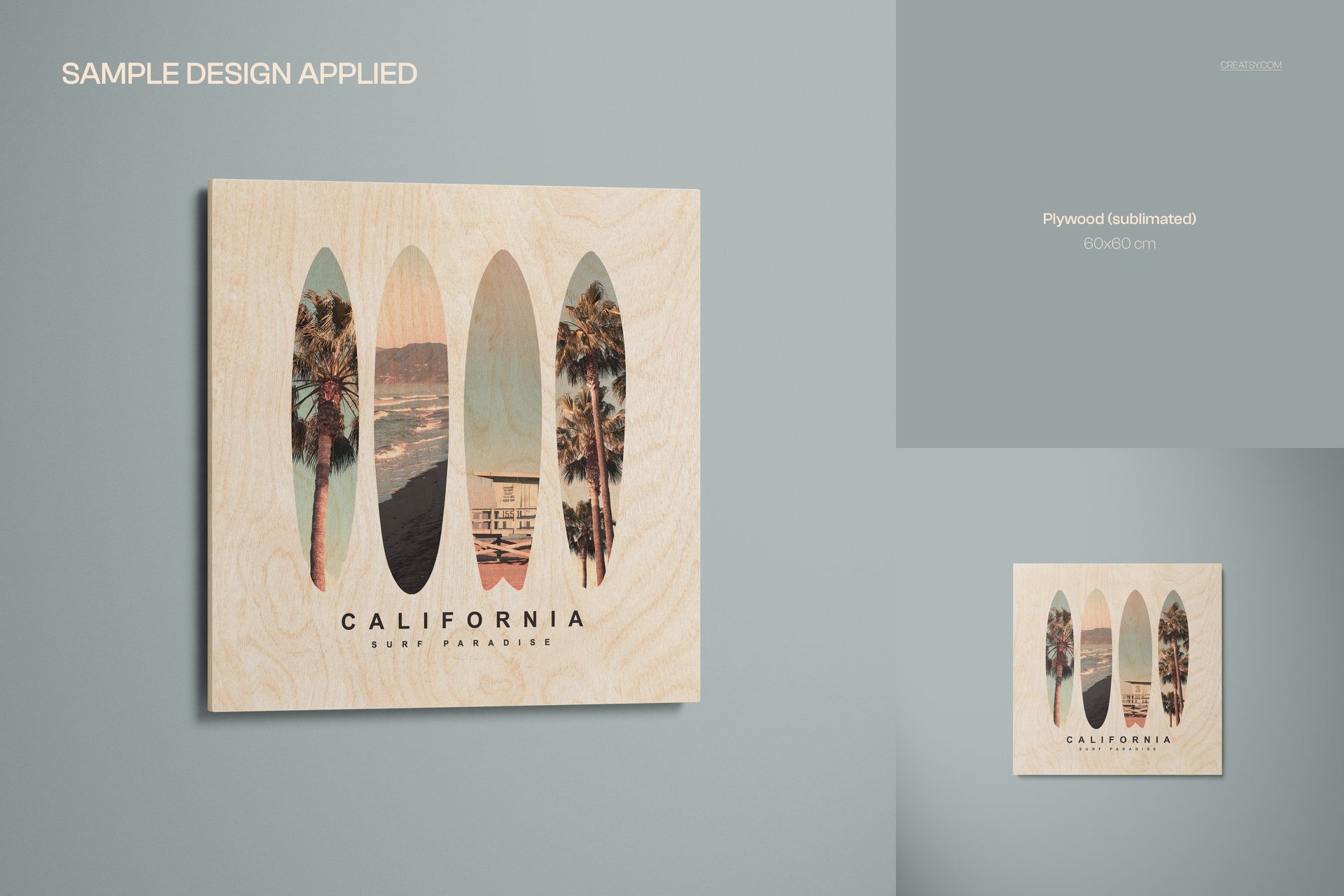
Present photography, illustrations, typography, and personalized artwork on realistic wood surfaces with a flexible collection of high-resolution wall art mockups. The set combines plywood, horizontal planks, vertical planks, and a styled interior scene, giving you multiple ways to create product listings, portfolio images, client previews, and promotional graphics.
85 Editable PSD Mockup Scenes
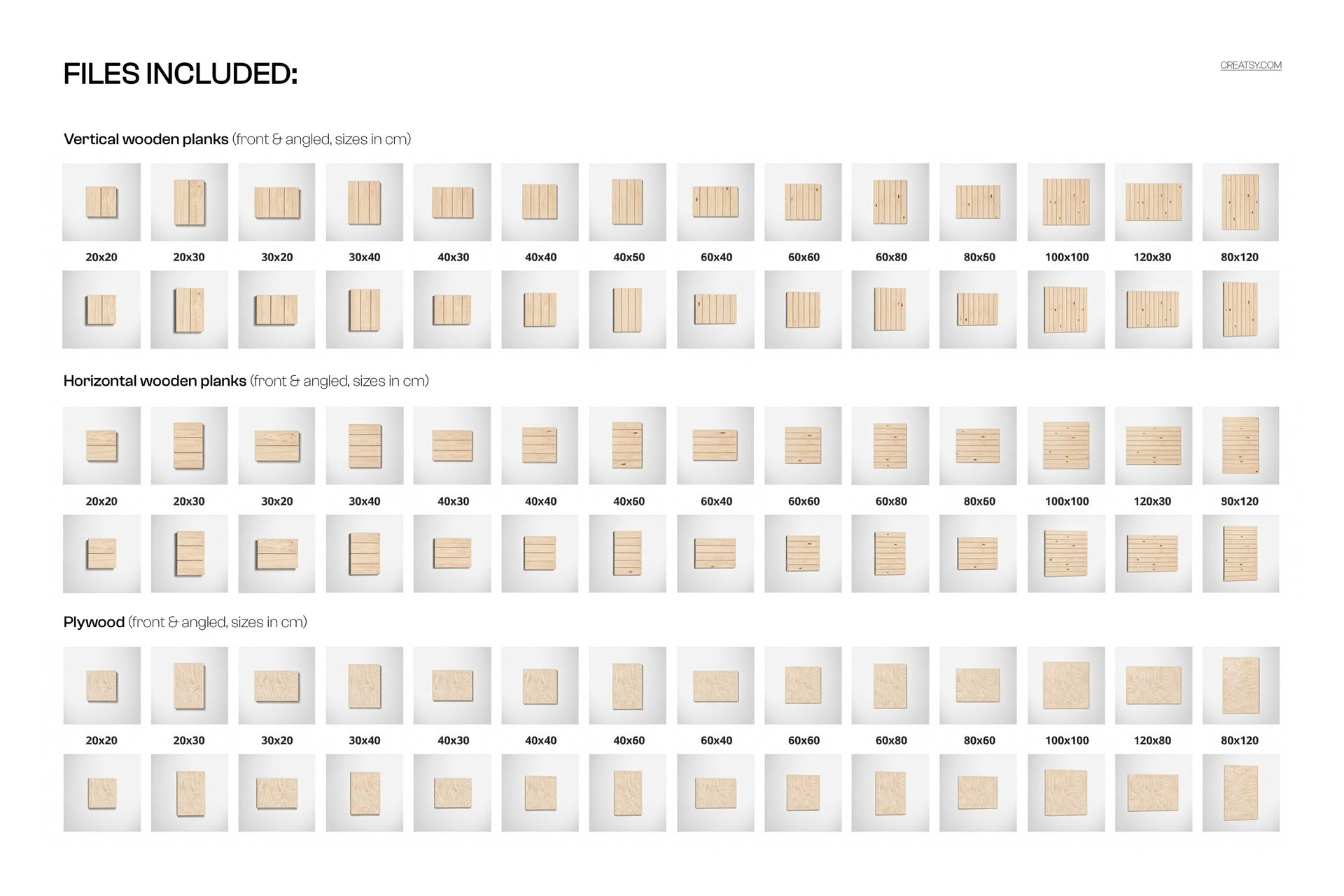
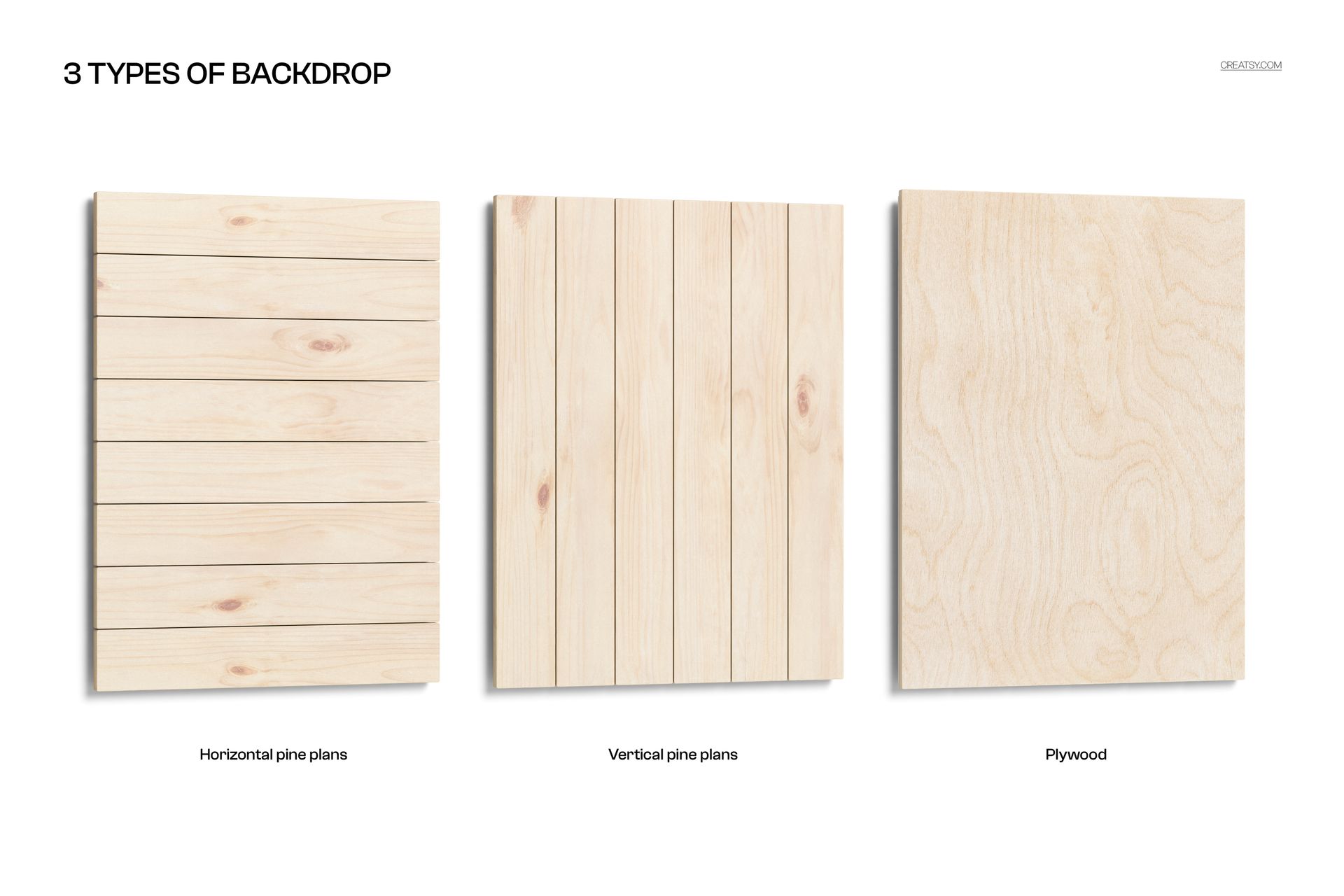
The package contains 84 studio compositions and one interior scene. Each wood backdrop includes 28 front and angled studio views, so you can compare the same artwork across plywood, horizontal planks, and vertical planks while keeping the presentation consistent.
170 files in total
85 organized PSD mockup files
85 matching JPG preview images
28 studio views with a plywood backdrop
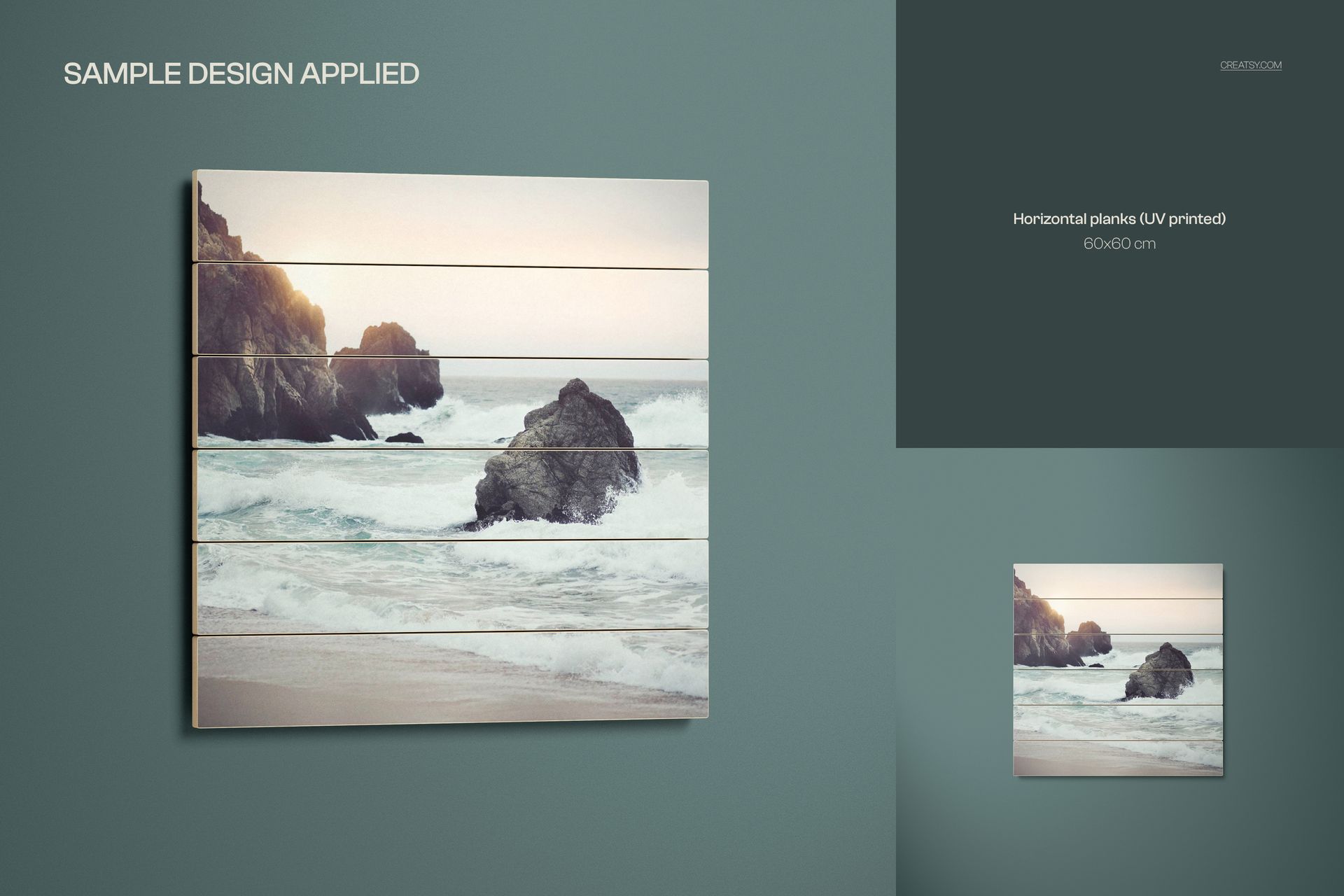
28 studio views with horizontal planks
28 studio views with vertical planks
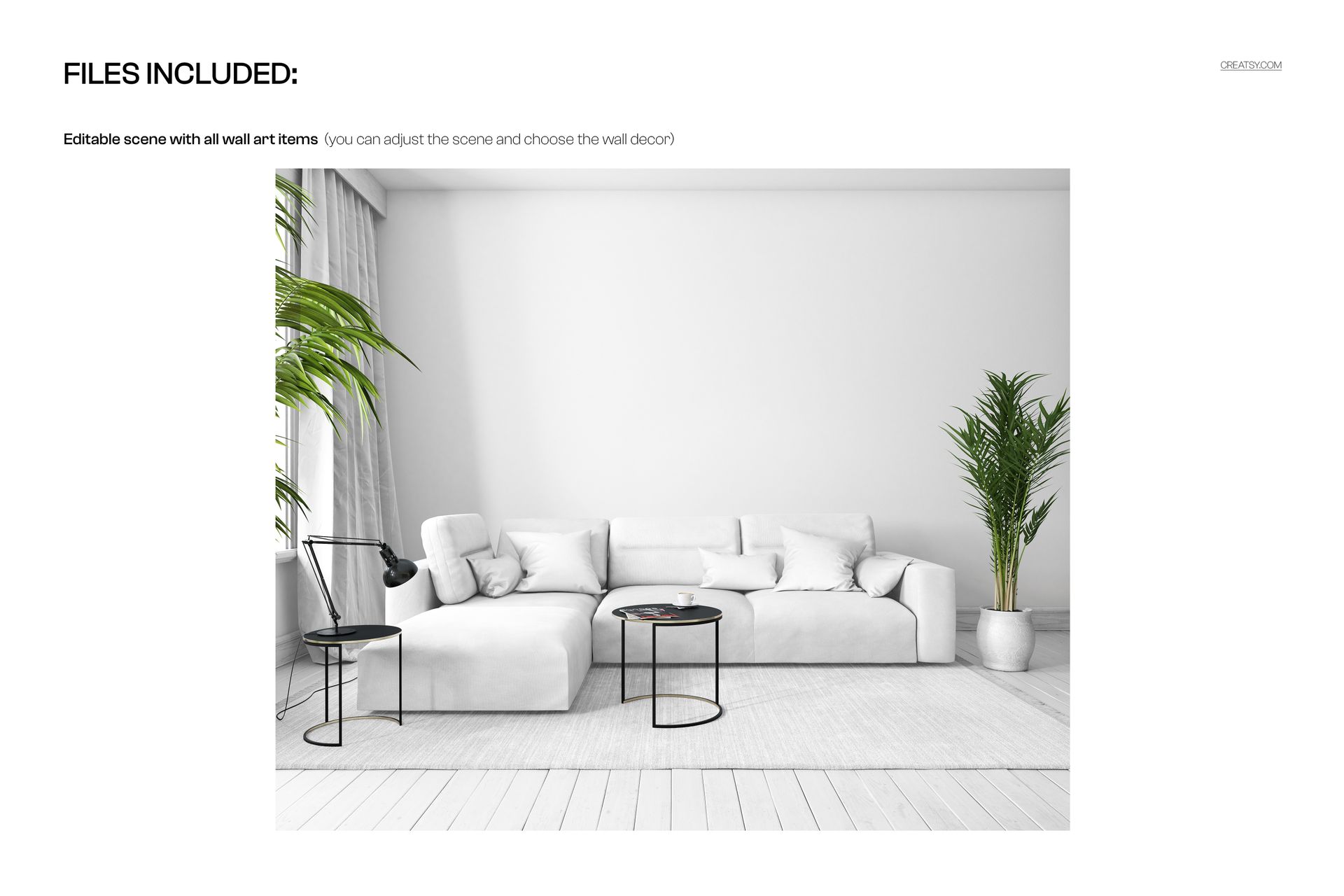
1 detailed interior scene
11 gallery images showing the main features and view types
Flexible Sizes and High Resolution
The studio scenes range from 2000 x 2000 px to 6500 x 6500 px and are prepared at 300 DPI. The interior scene measures 4500 x 3750 px at 300 DPI. This range supports square and rectangular artwork sizes as well as detailed close-up presentations.
The planks are represented with a width of 10 cm and a thickness of 2 cm. Their length changes with the selected artwork size, helping the surface proportions stay appropriate for each format.
Edit Wood Designs with Smart Objects
Replace the wood artwork through Smart Objects, then adjust the studio background color to coordinate the scene with your design or brand palette. Organized layers keep the main artwork areas and scene controls easy to locate. The PSD files work in Adobe Photoshop CC 2020 or later and are also compatible with Photopea for browser-based editing.
Customize the Interior Scene
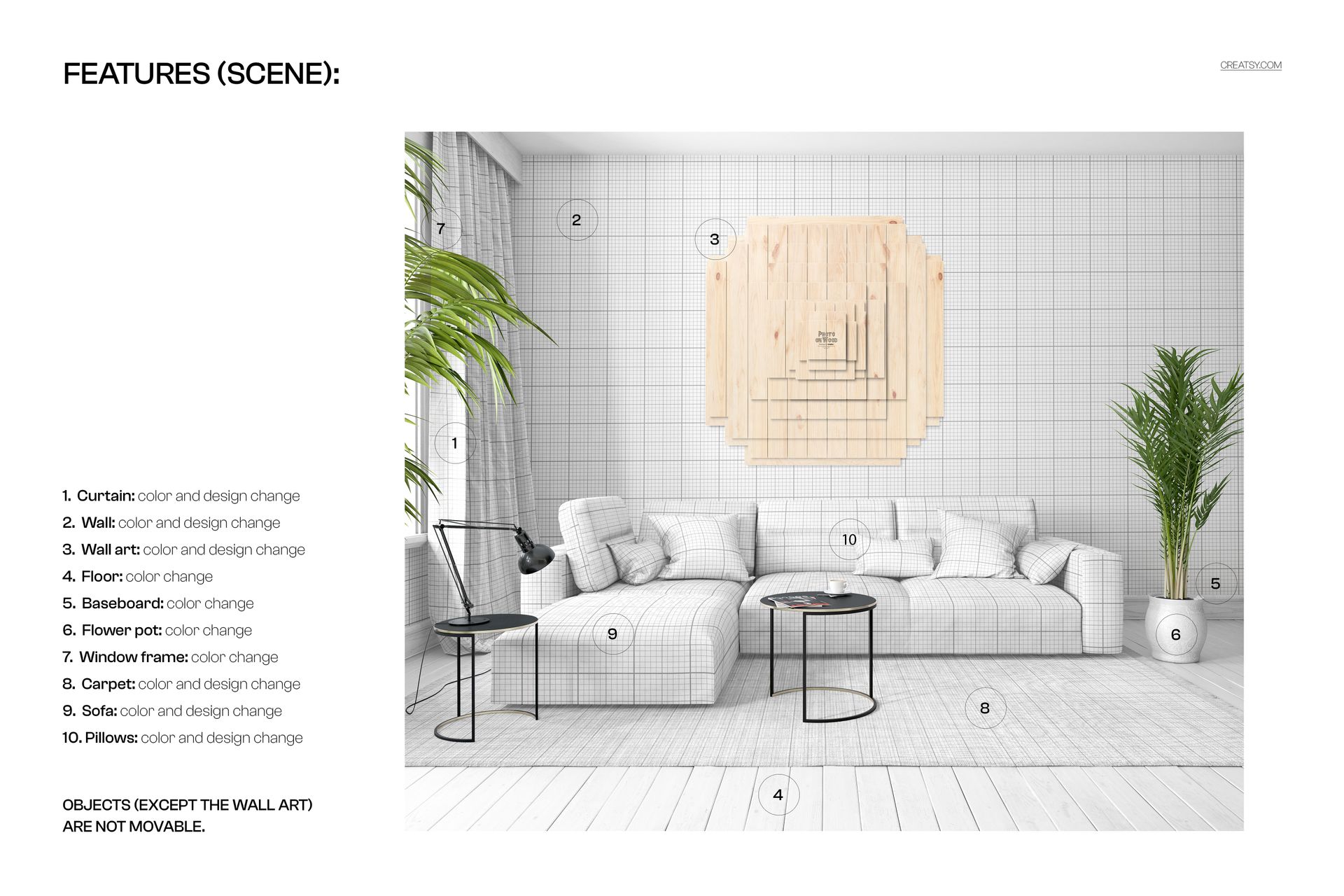
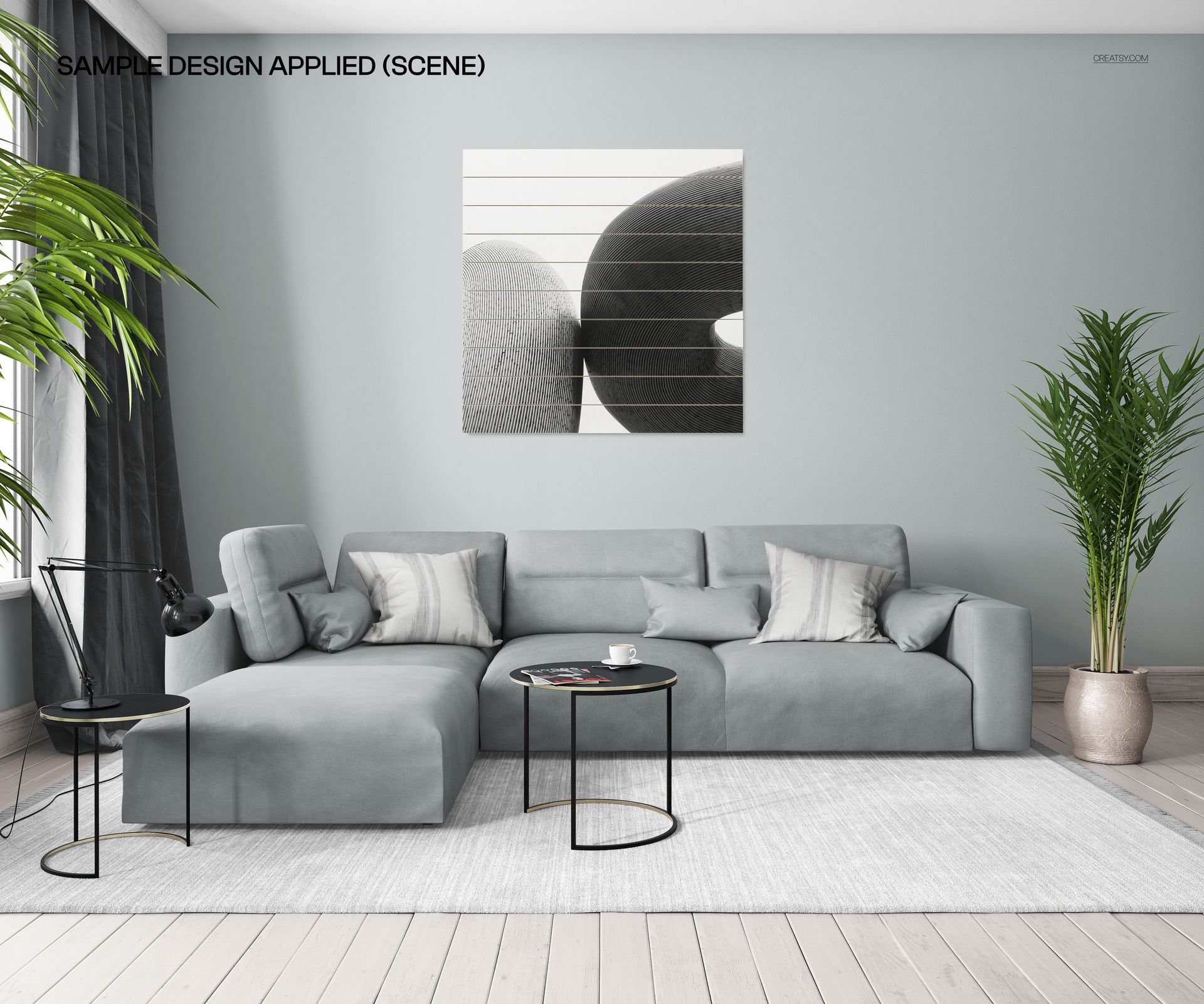
The interior composition offers additional controls for creating a styled lifestyle image. Change the curtain, carpet, wall, and pillow designs through Smart Objects. You can also adjust the colors of the wooden floor, baseboard, window frame, sofa, and flower pot to build a coordinated room setting.
Prepare Sublimation and UV Print Presentations
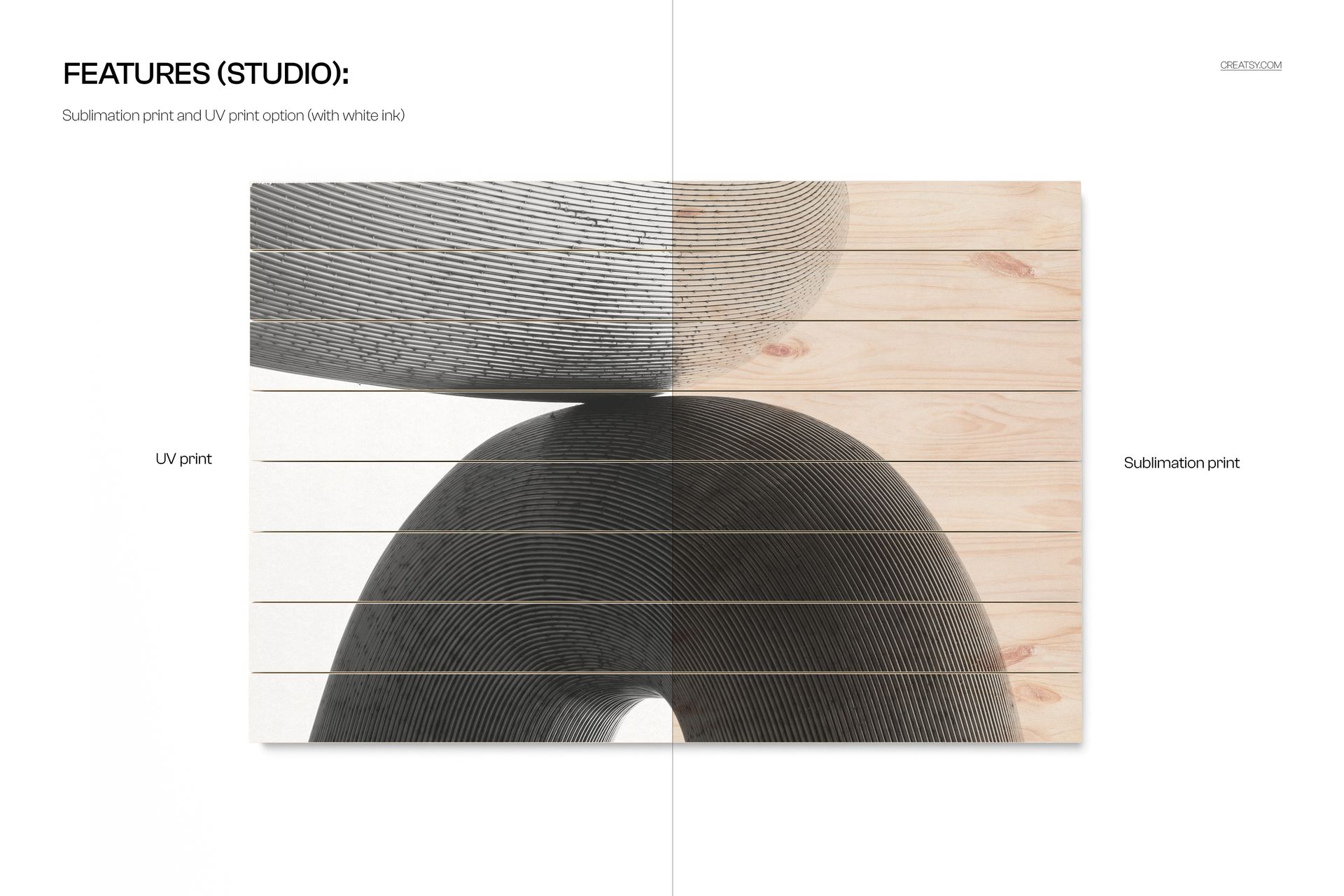
The mockups are suitable for visualizing sublimation and UV printing on wood when a white paint base is used. Use the studio views for clear product comparison and the interior scene to add scale and context. The multiple backdrops let you show how one design works across different wood constructions.
Important Content Note
Patterns and sample designs shown in the preview images are not included with the download. This product is a mockup set intended for you to add your own artwork. The JPG files provide quick scene references, while the matching PSD files contain the editable presentation structure.