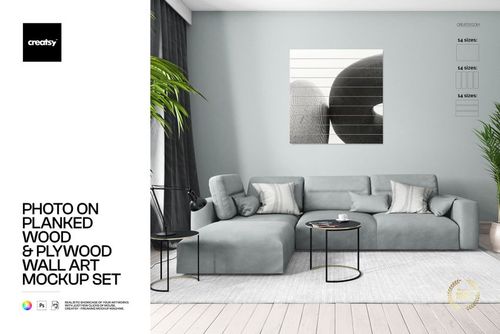
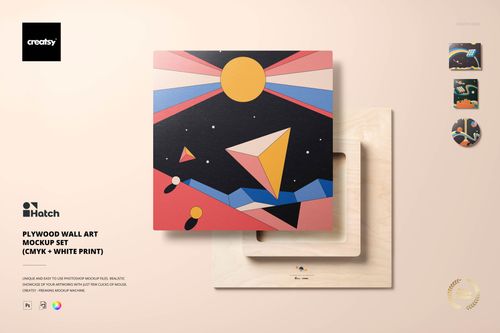
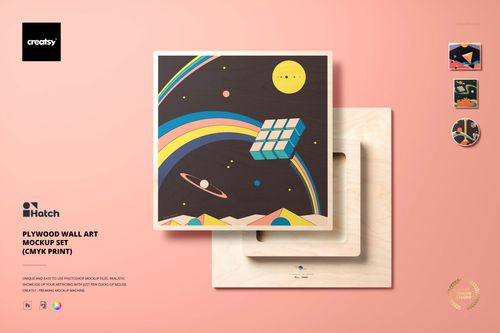
Wood Plaque Wall Art Mockup Set
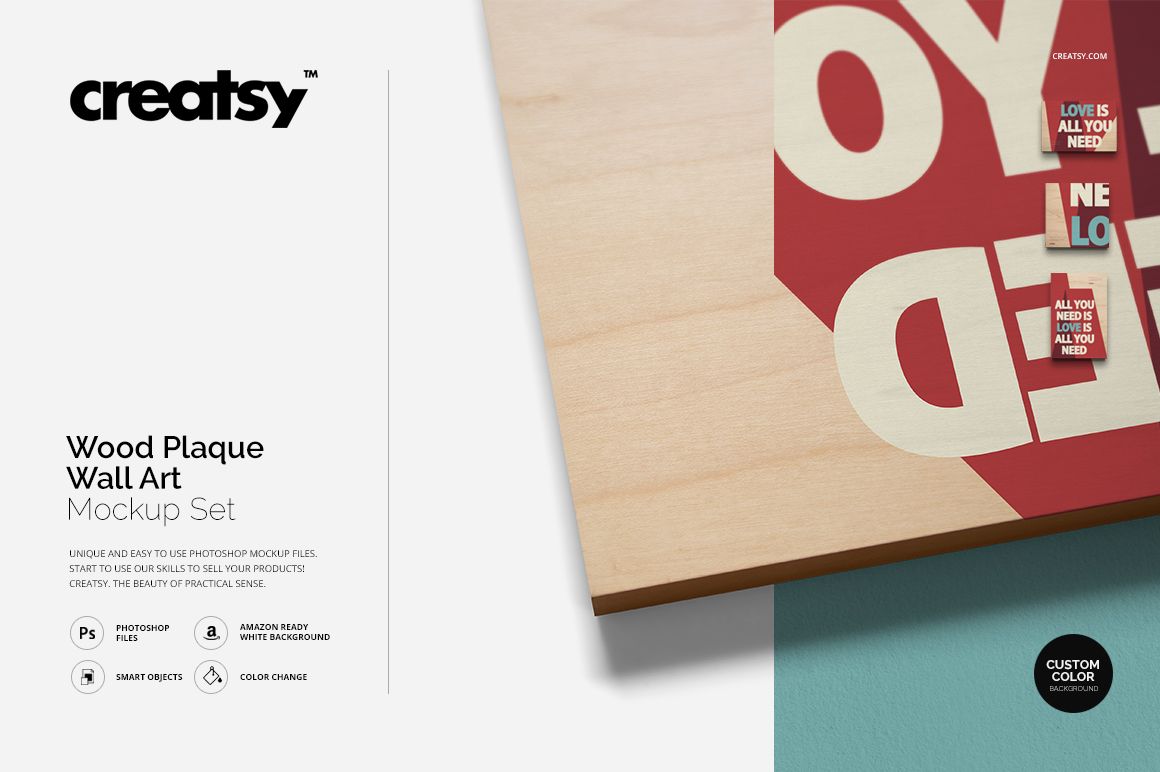
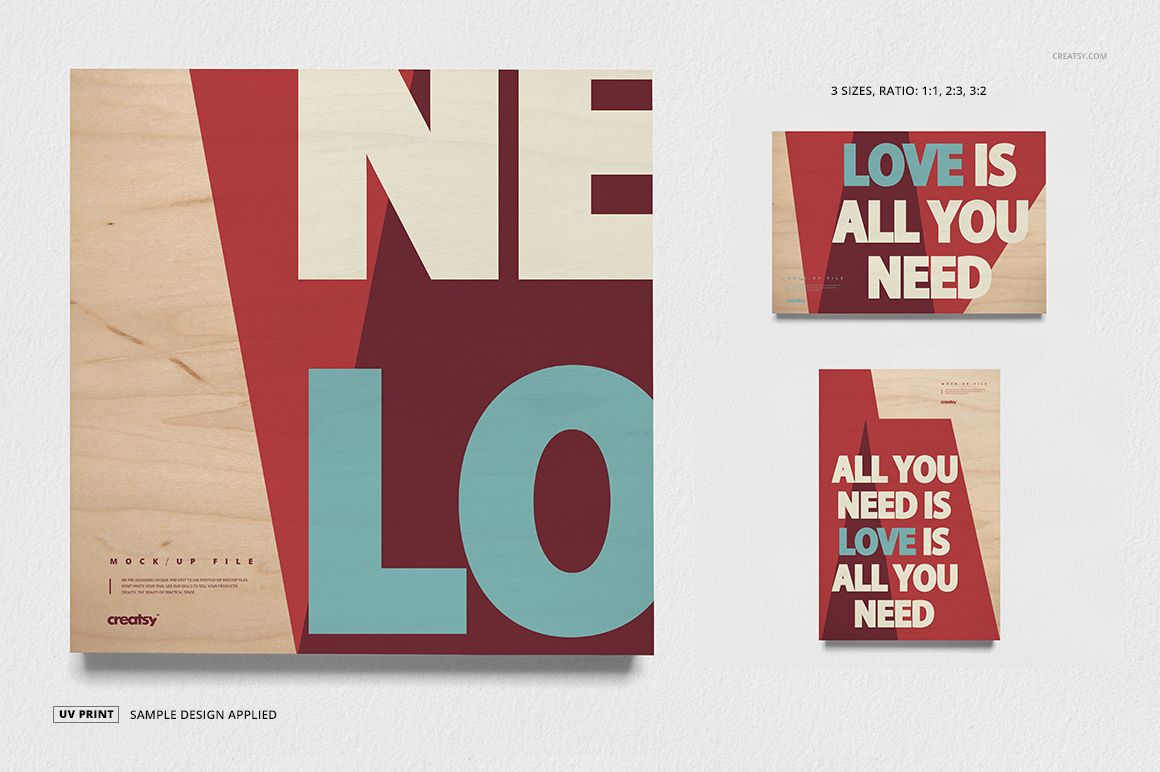
Create polished presentations for artwork printed on wooden plaques with a flexible set of high-resolution mockup scenes. The collection helps you show square, landscape, and portrait designs in a consistent visual style, making it useful for online listings, client approvals, portfolios, and promotional graphics.
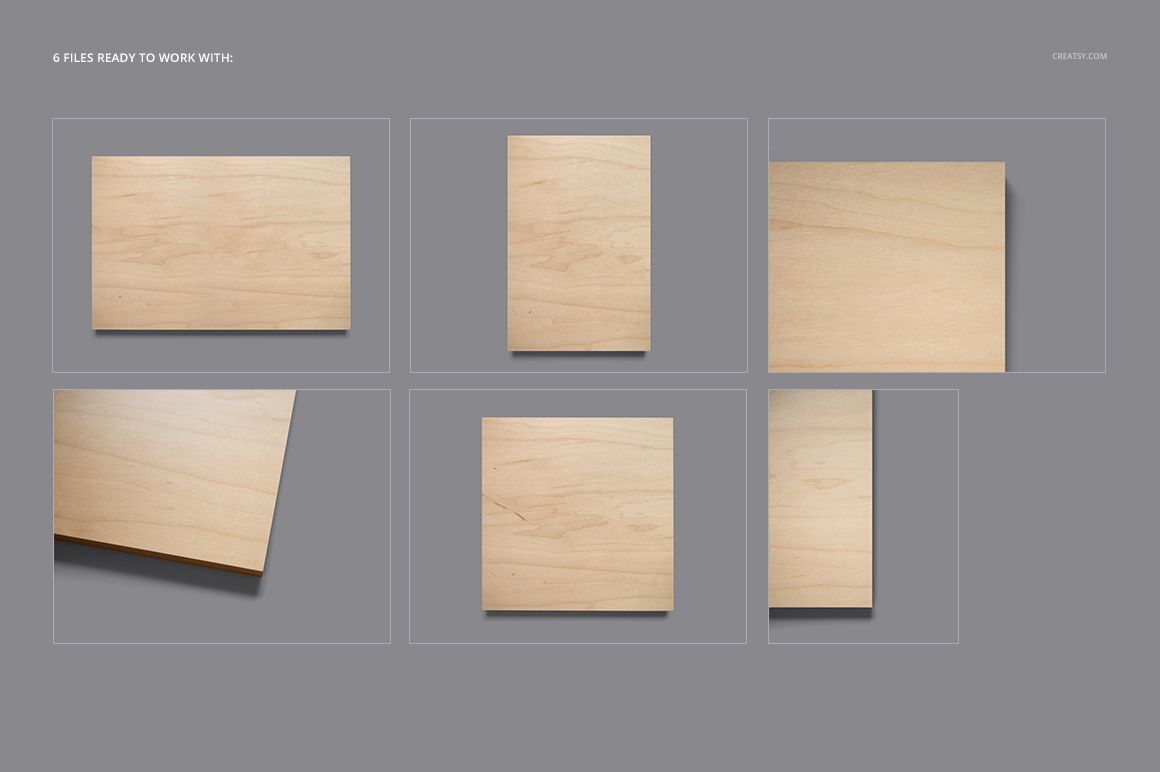
Each scene is prepared at 4800 x 3600 px and 300 DPI. The three supported proportions, 1:1, 3:2, and 2:3, give you practical options for typography, photography, illustrations, personalized decor, and artwork intended for UV or sublimation print presentations.
Edit Artwork with Smart Objects
Replace the sample graphics through Smart Objects, then adjust the scene to suit your project. The files can be edited in Adobe Photoshop or in Photopea, so you can work in a desktop application or directly in a browser. Organized layers keep the main design area and presentation options easy to find.
High-resolution 4800 x 3600 px scenes at 300 DPI
Square 1:1, landscape 3:2, and portrait 2:3 proportions
Artwork replacement through Smart Objects
Compatibility with Adobe Photoshop and Photopea
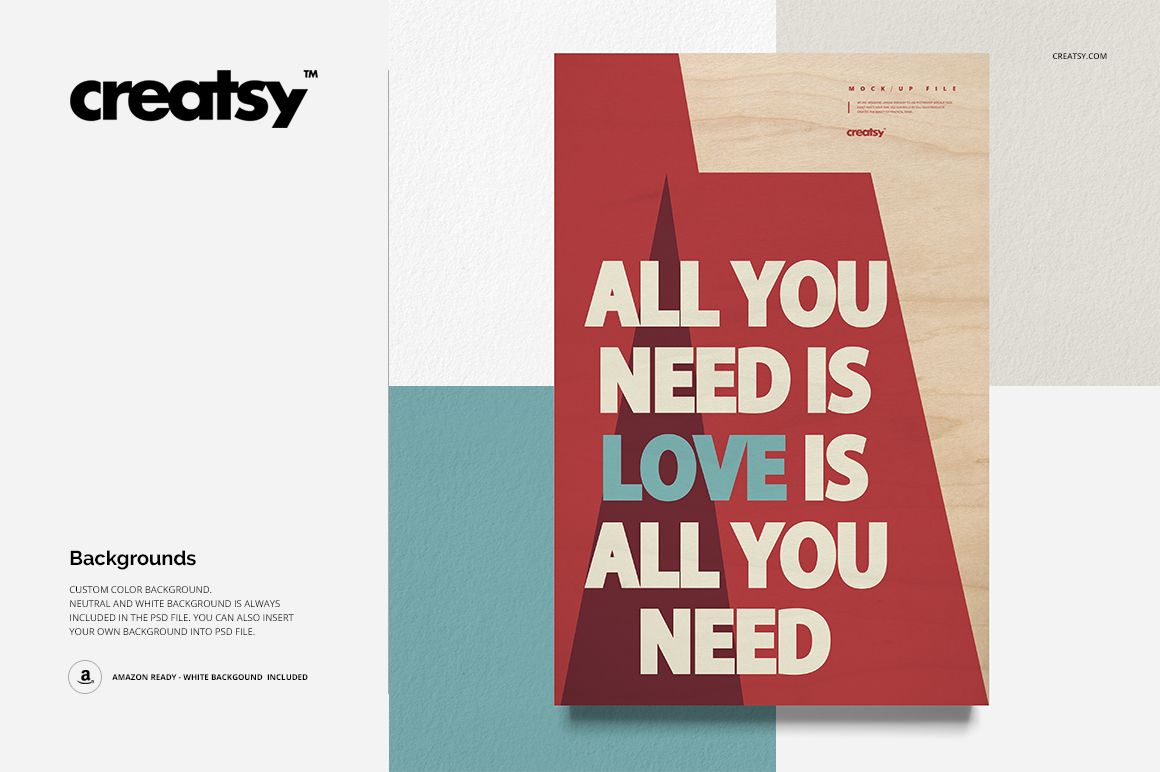
Custom, neutral, and white background options
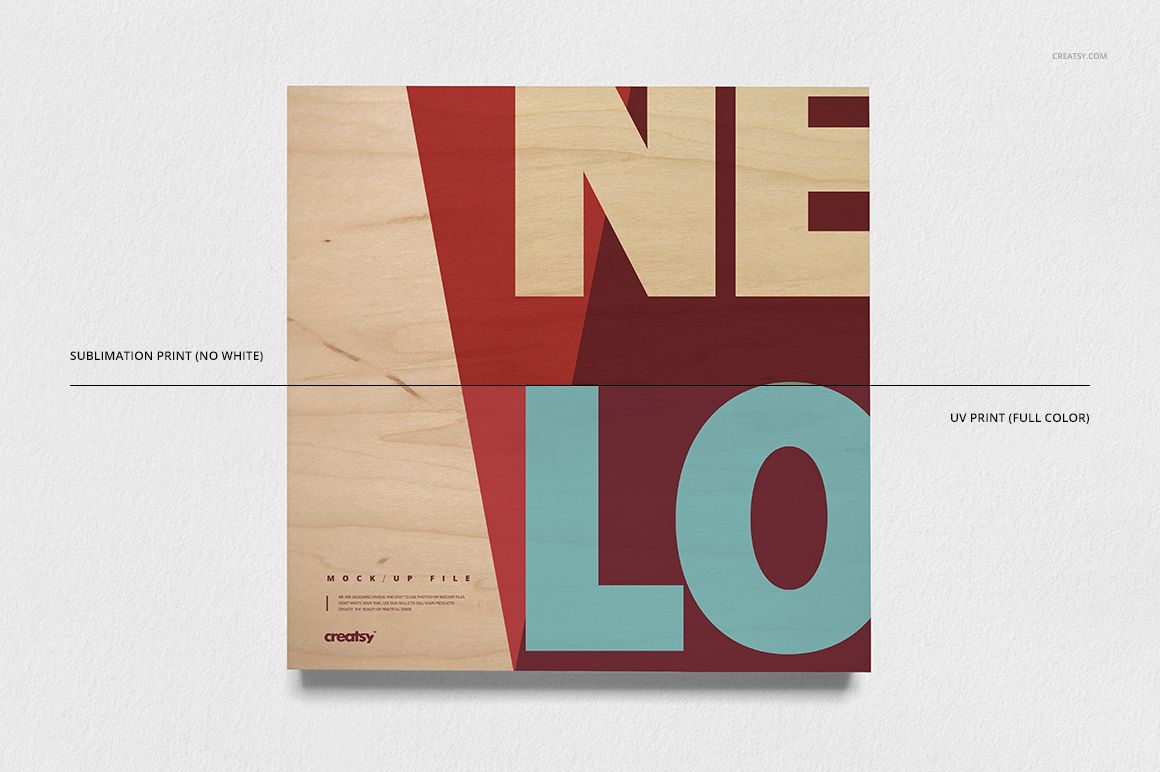
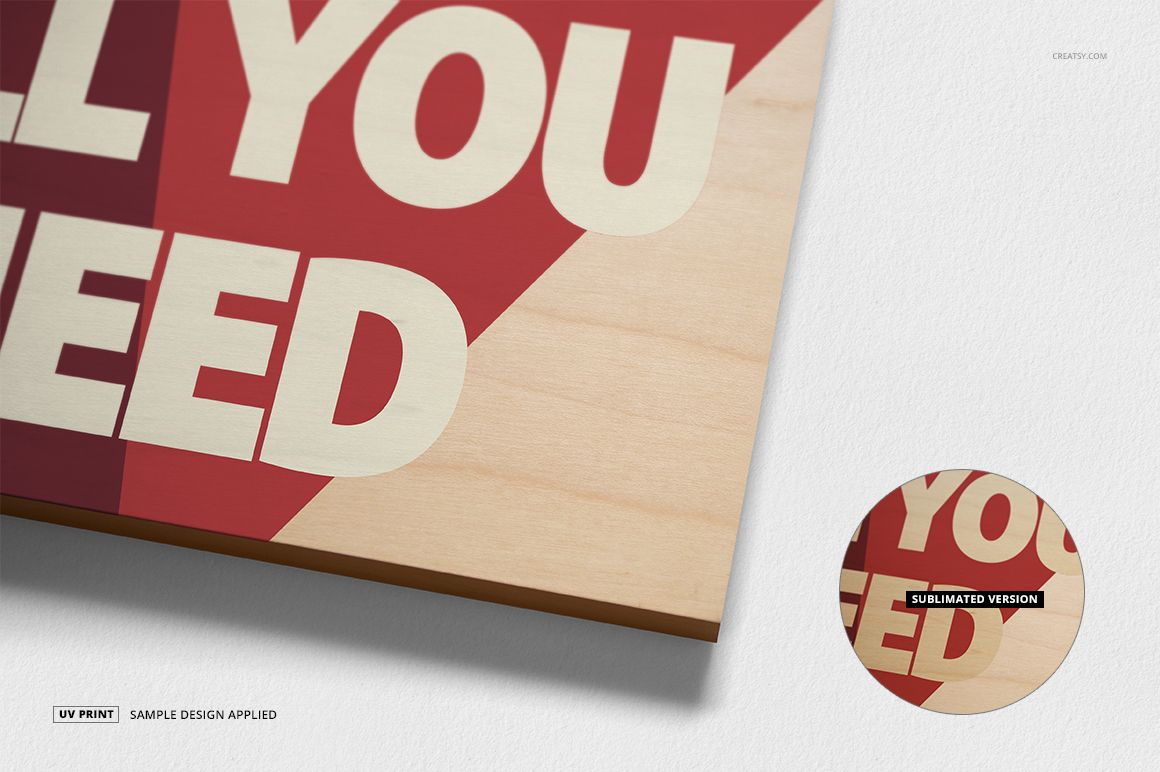
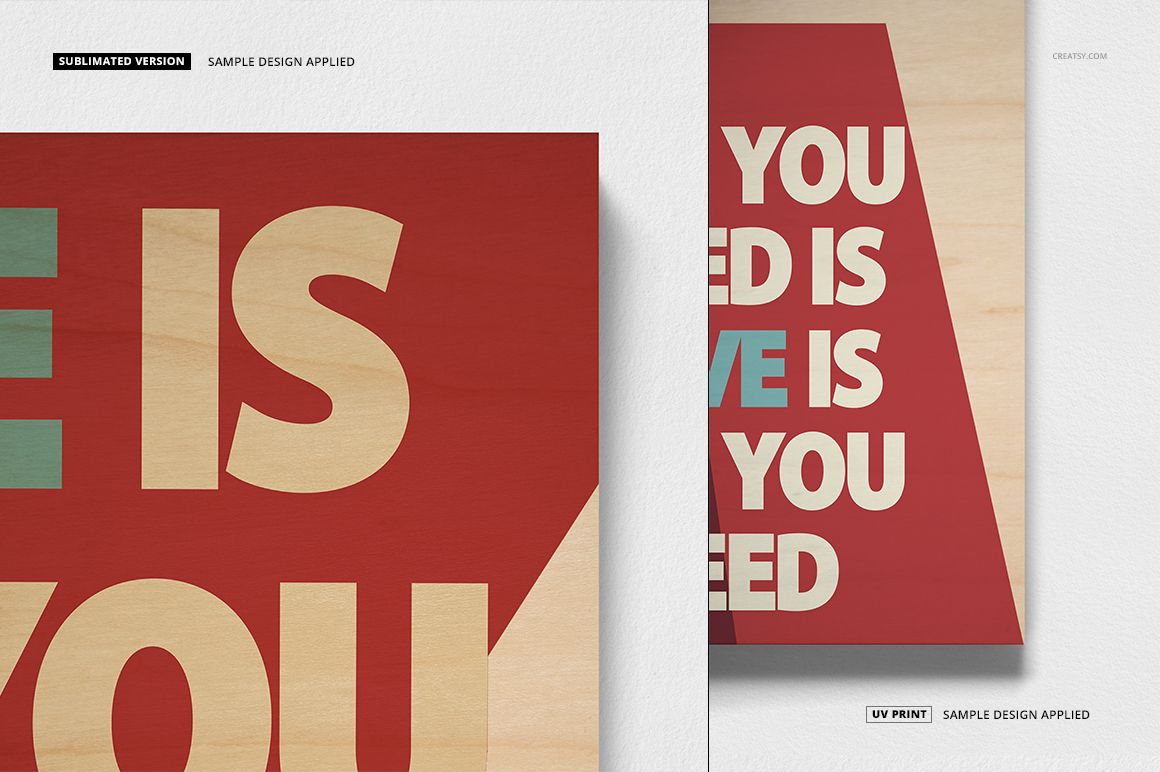
Layouts suitable for UV and sublimation print concepts
Organized layers for a clear editing workflow
Choose the Right Background
Use a custom background when you want the scene to match a brand palette or campaign. Select a neutral option for a simple lifestyle presentation, or use the white background to create clean product images for catalogs and online marketplaces. The available choices make it easier to keep several plaque designs visually coordinated.
Files and Gallery Preview
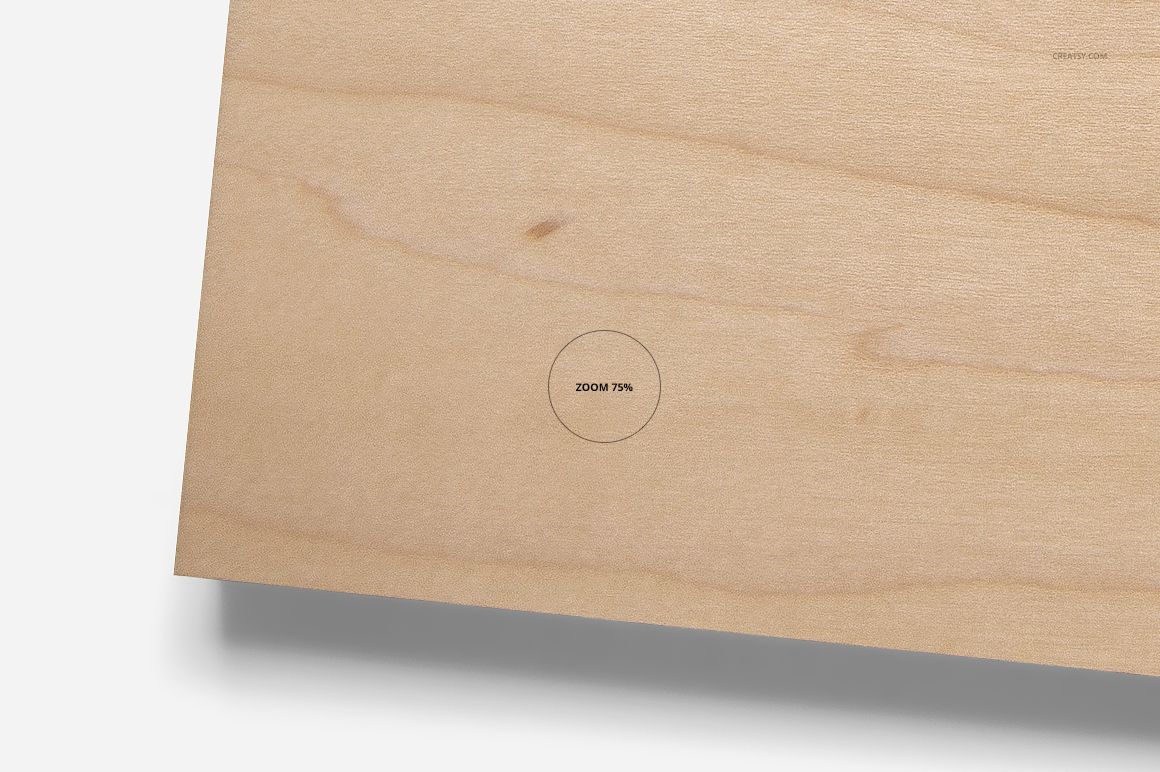
The current public file preview lists 25 files in total: 12 PSD files, 12 JPG images, and one TIF guide. The eight gallery images show the plaque set from different angles and distances, including overall arrangements and close-up views of the wood surface. These previews help you choose an appropriate composition before adding your own design.
Made for Wood Print Product Images
Use the mockups to present wall decor collections, photo plaques, typographic designs, illustrated artwork, commemorative pieces, and personalized gifts. A consistent set of scenes can help customers compare formats while keeping your storefront imagery cohesive.
Add your artwork, select the most suitable proportion and background, and export the finished scene for your product page, portfolio, or campaign. The result is a focused presentation that keeps attention on the design and the natural character of the wood plaque.