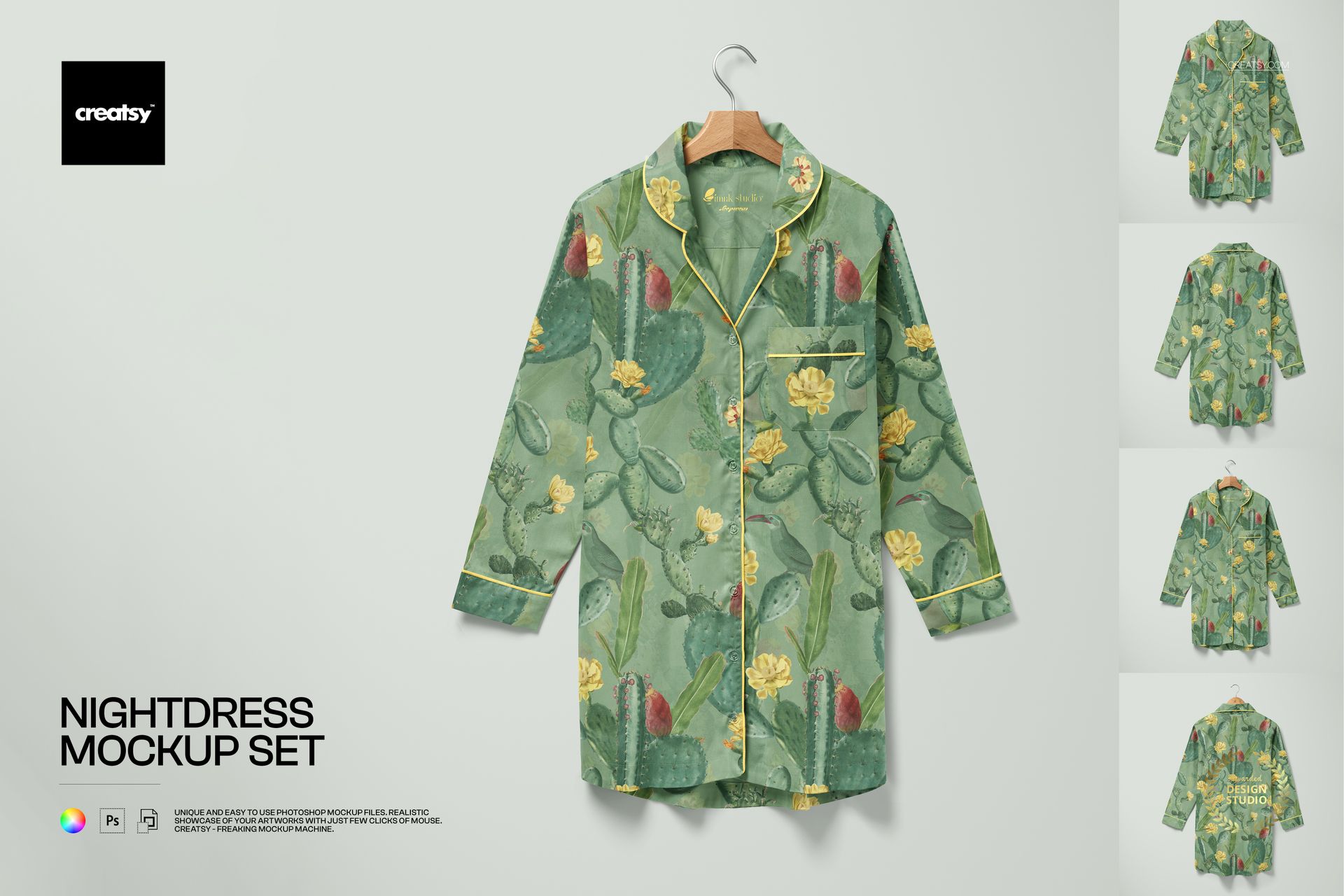
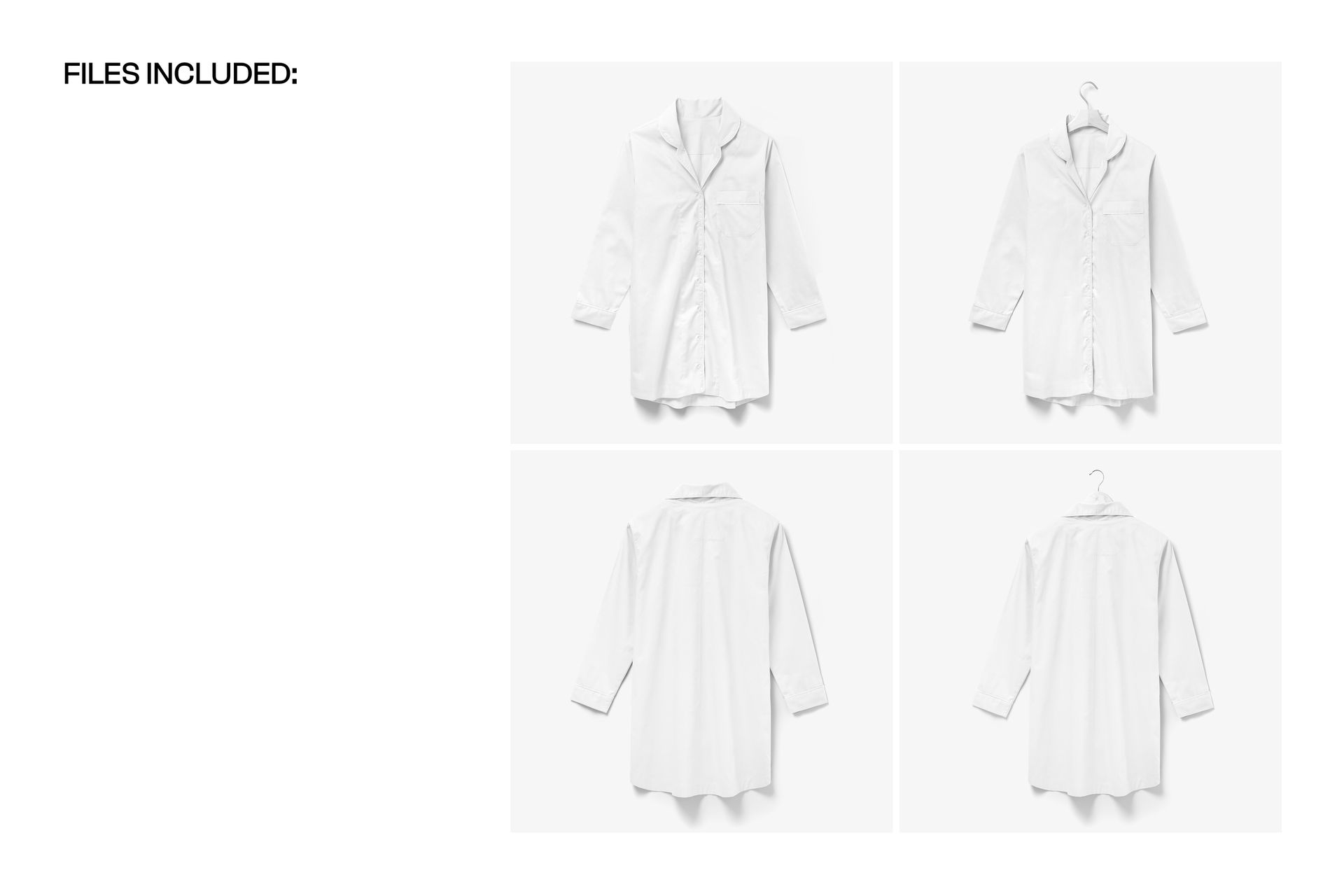
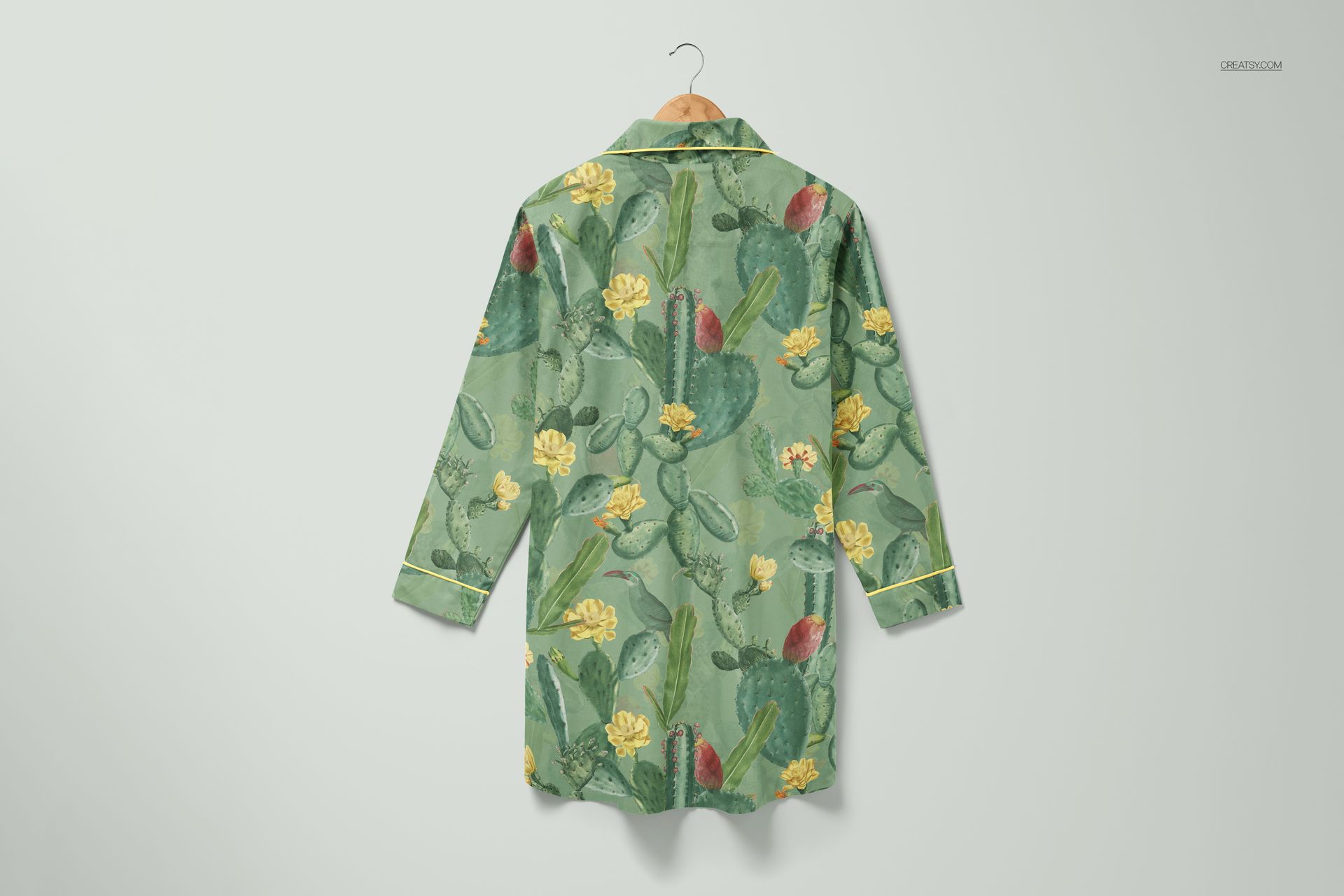
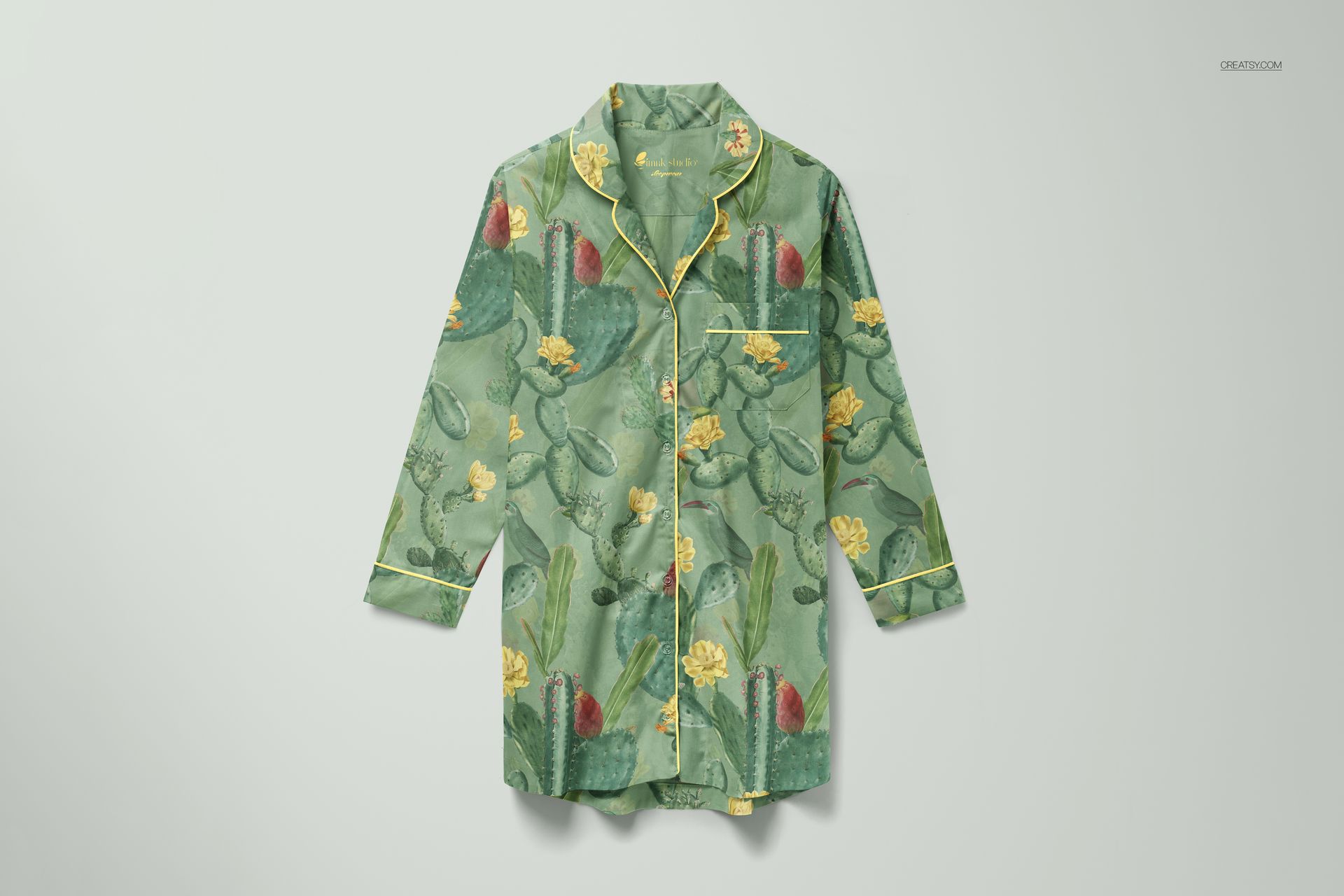
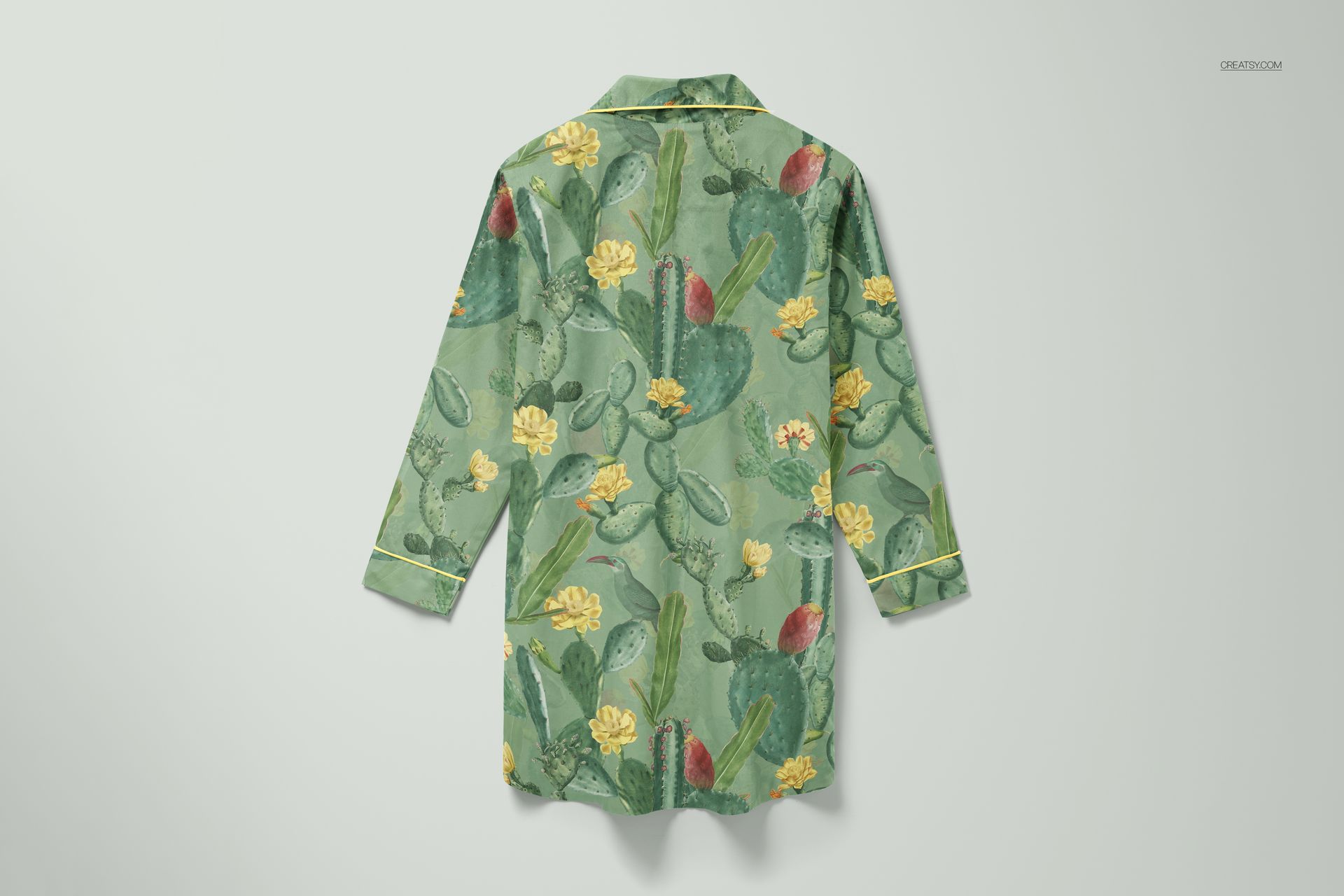
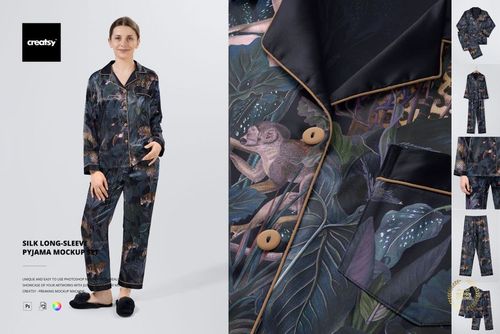
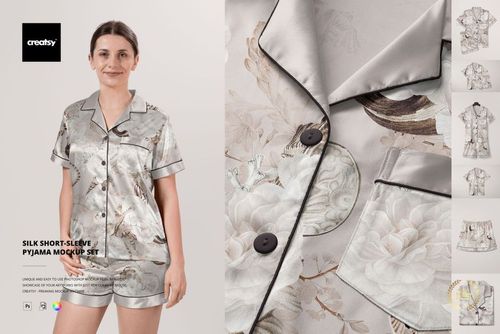
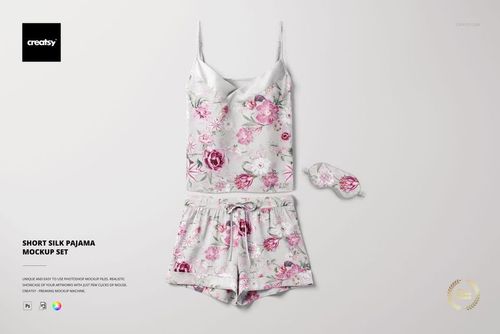
The nightdress silhouette is one of the longest uninterrupted fabric surfaces in sleepwear design. Continuous material from shoulder to hem, minimal seaming, full-length sleeves that extend the print area even further. For surface pattern designers and textile artists, that makes it a revealing test piece: every aspect of a design - scale, repeat logic, color density, directional flow - is visible on a single garment. This mockup set gives you four PSD files capturing that full canvas from different angles, each exposing a different truth about how your artwork behaves on a three-dimensional form.
What Each View Reveals
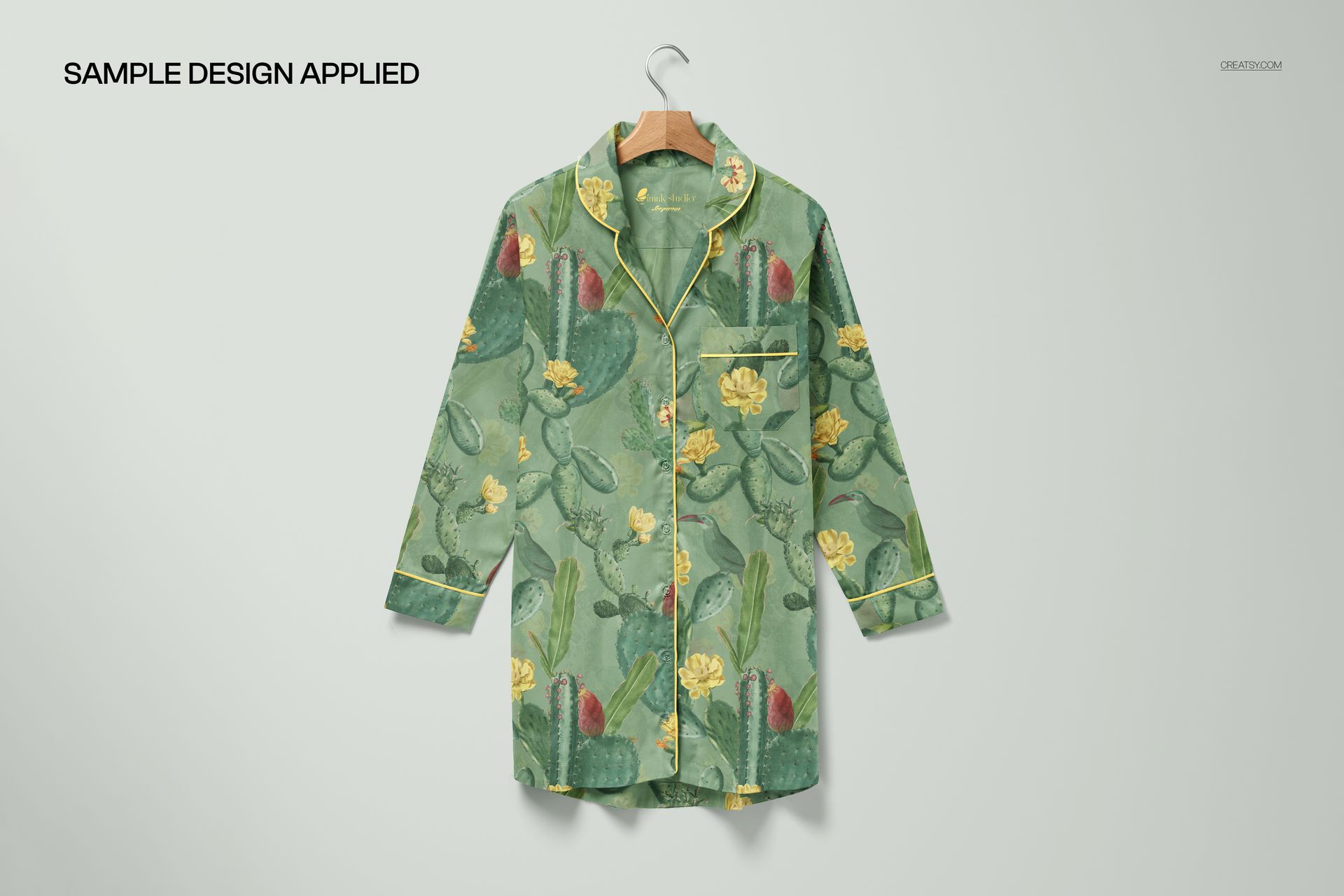
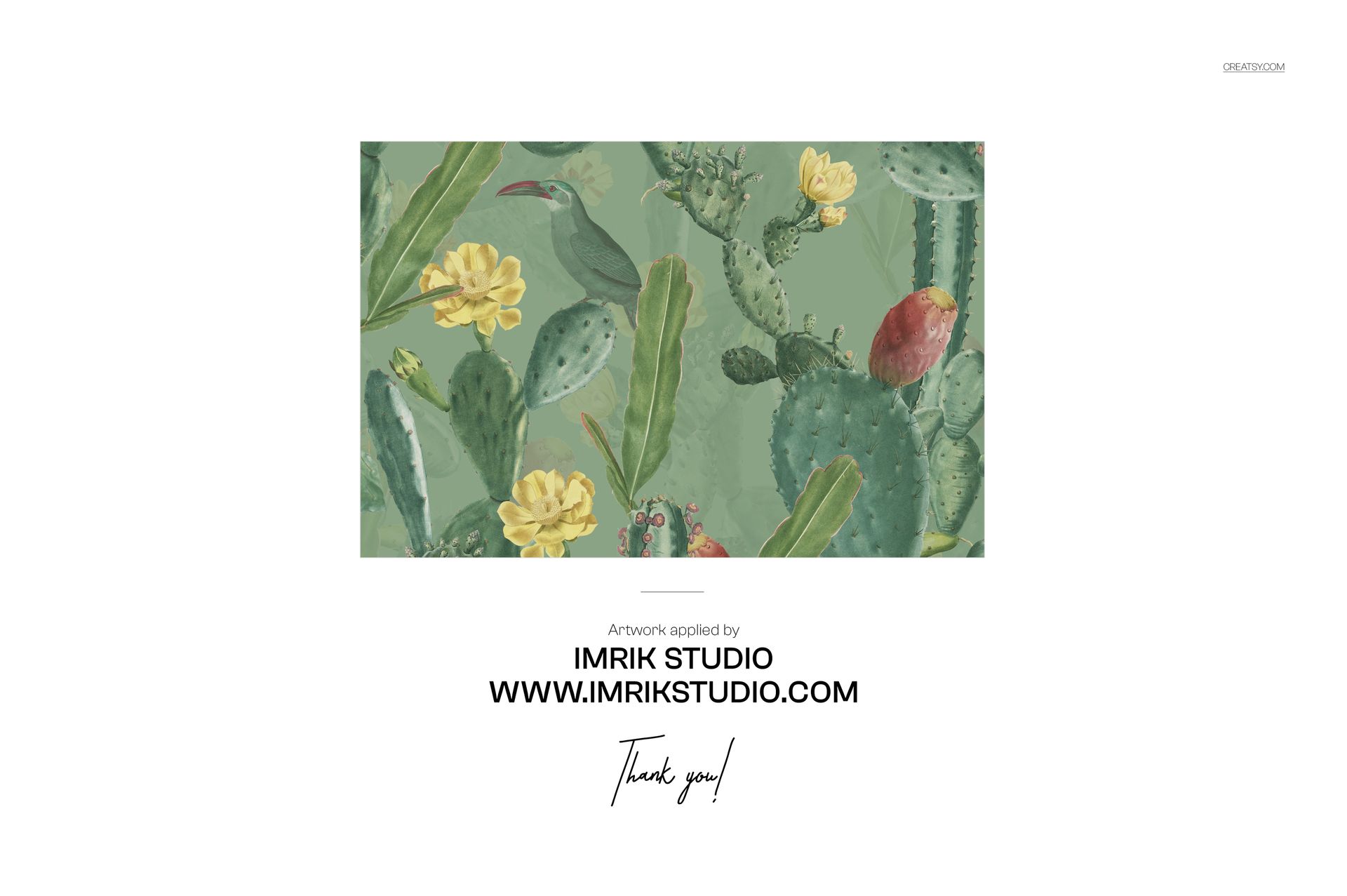
The front-facing hanger view is the catalog angle. This is where buyers and customers form their first impression - pattern scale relative to the full garment length, how the print interacts with the button placket, and whether the overall visual weight sits balanced from neckline to hem. The back view strips away hardware and closures, presenting an unbroken field of fabric where repeat tiling is most exposed. Any inconsistency in pattern alignment becomes immediately visible here. The flat lay introduces the garment as a shape rather than a silhouette, useful for social media product posts and look-book layouts where the nightdress shares space with other items or styling props. The styled view with a botanical pattern applied demonstrates how a finished design reads when the mockup is used at full potential.
Smart Object Workflow
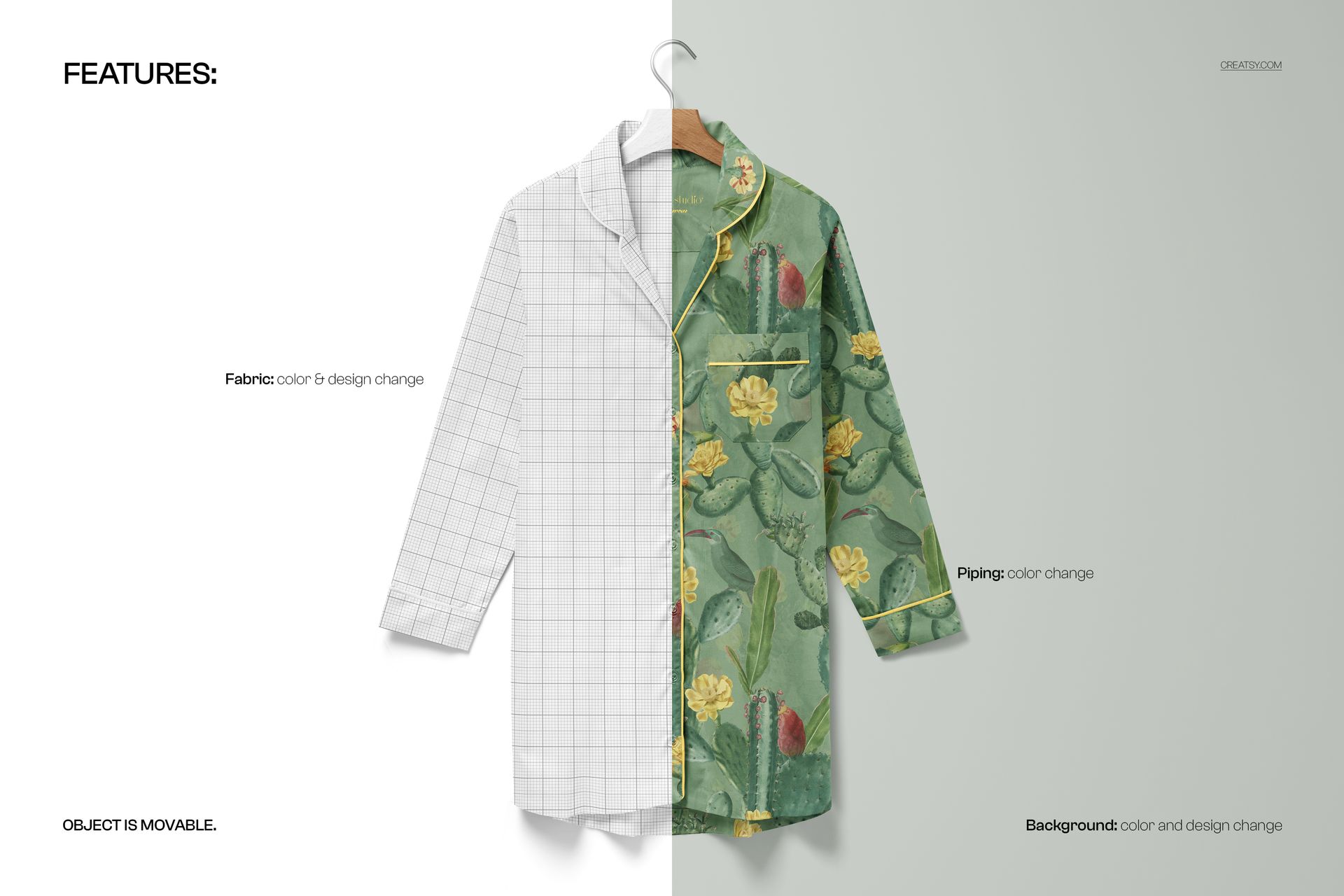
Each PSD contains organized smart object layers for the fabric surface. Double-click the smart object, place your pattern artwork or solid color, save, and the mockup maps your design onto the garment with accurate fabric drape, fold shadows, and textile texture. Layer groups are clearly named. Compatible with Adobe Photoshop CC 2020 and newer. All four files also open and edit in Photopea (photopea.com), the free browser-based alternative, so the set is accessible regardless of your software budget.
Technical Specifications
Four PSD files, each approximately 6000 x 6000 pixels at 300 DPI. At that resolution, each file prints at roughly 20 x 20 inches at full quality, and downscales cleanly for web, social media, or email marketing at any standard dimension. Total download size approximately 1.31 GB due to the high-resolution layered files.
Built for Pattern and Sleepwear Designers
Surface pattern designers presenting textile artwork on finished garment forms. Sleepwear and loungewear brands building product pages, wholesale catalogs, or investor presentations before physical samples exist. Textile studios pitching new print collections to fashion buyers. Print-on-demand sellers who need professional product images without photography. Fashion students assembling portfolio pieces that demonstrate how their patterns translate from repeat tile to wearable form.
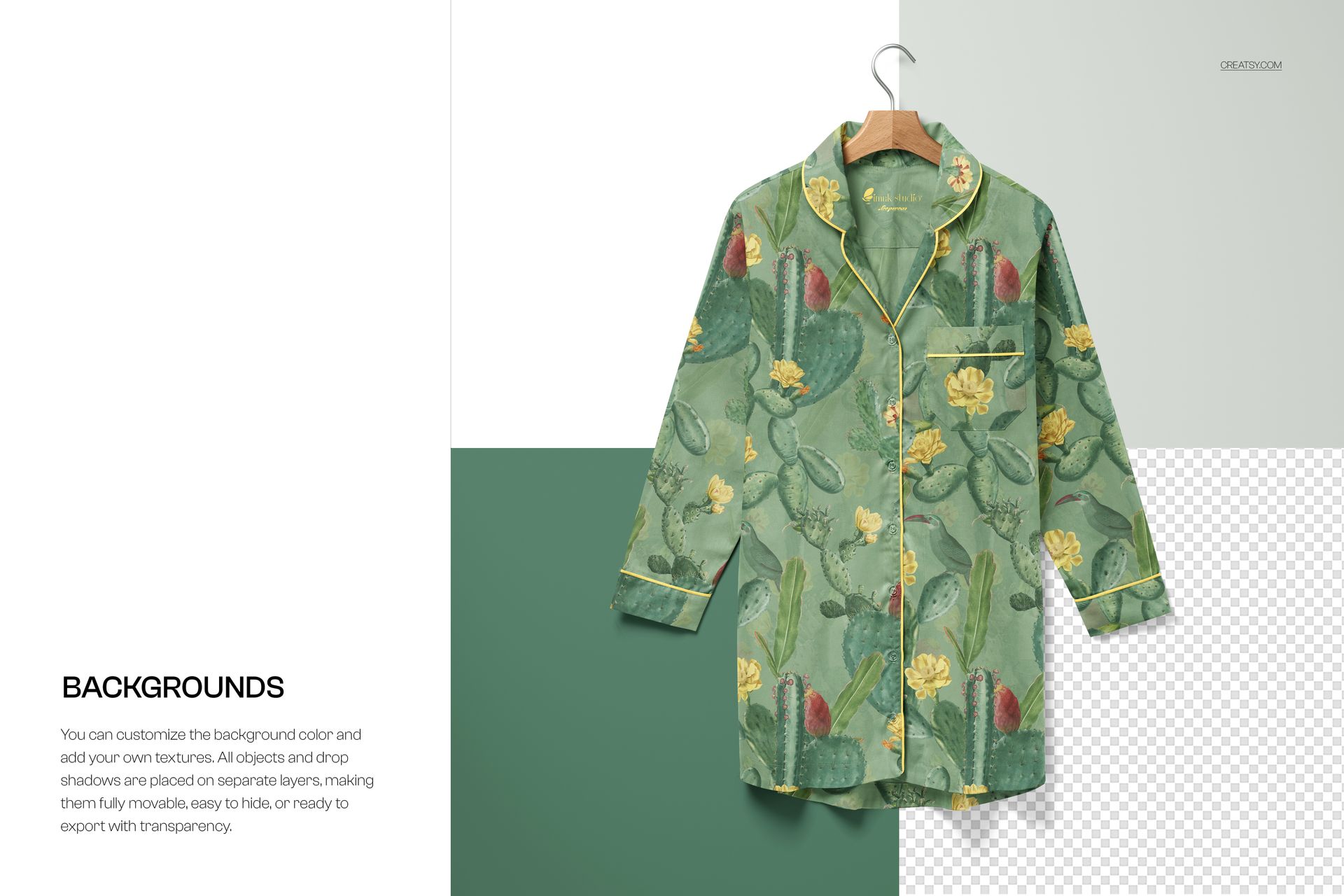
Background Options
The set includes views against multiple background tones, allowing you to present your nightdress design in contexts that complement different color palettes. A light background isolates the garment for clean catalog-style presentations. A warmer or darker option provides contrast for lighter fabrics and pastel prints. Having both means you can match the presentation mood to the brand you are designing for without additional editing work.
Sample artwork in the product screenshots features a botanical illustration by Imrik Studio.