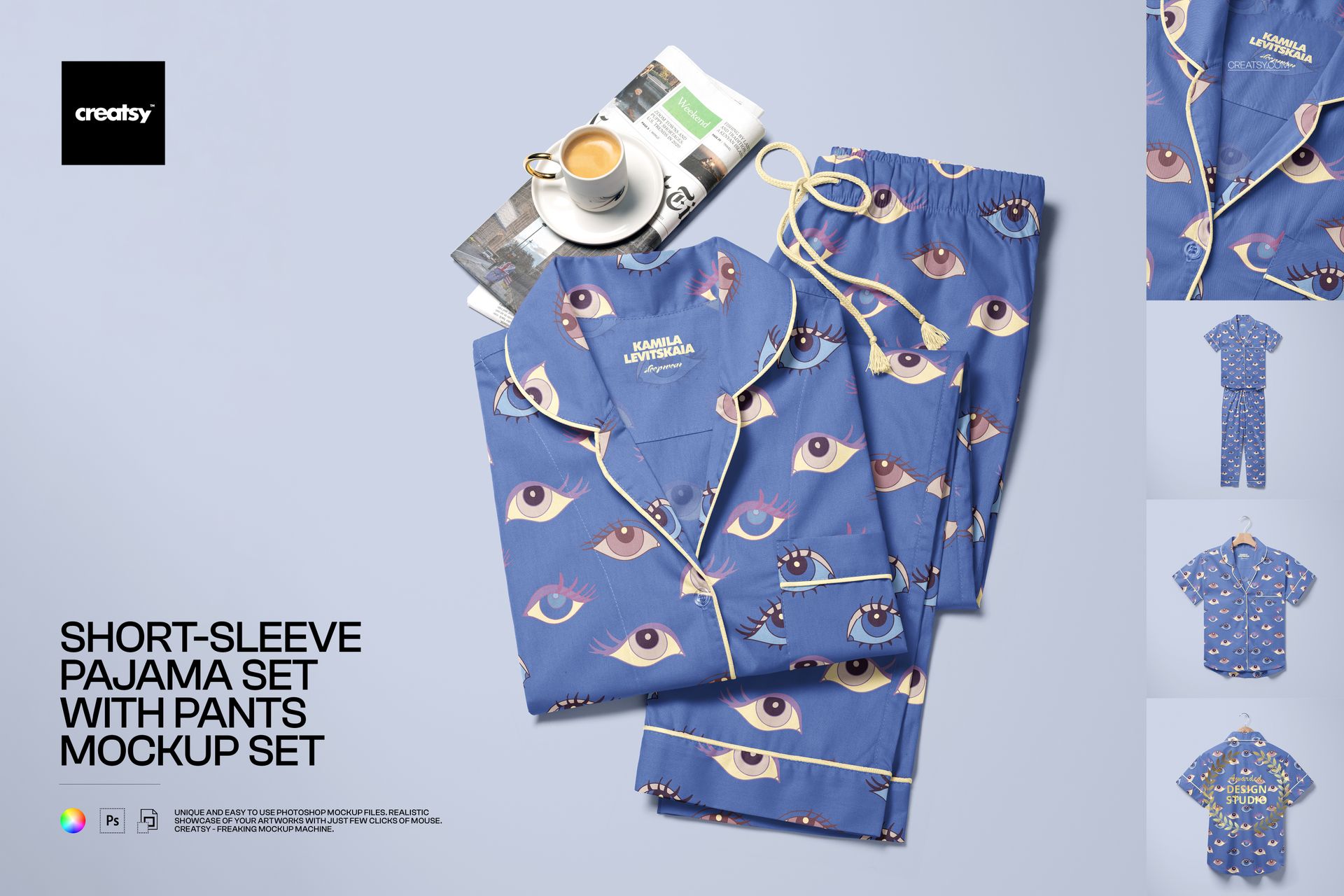
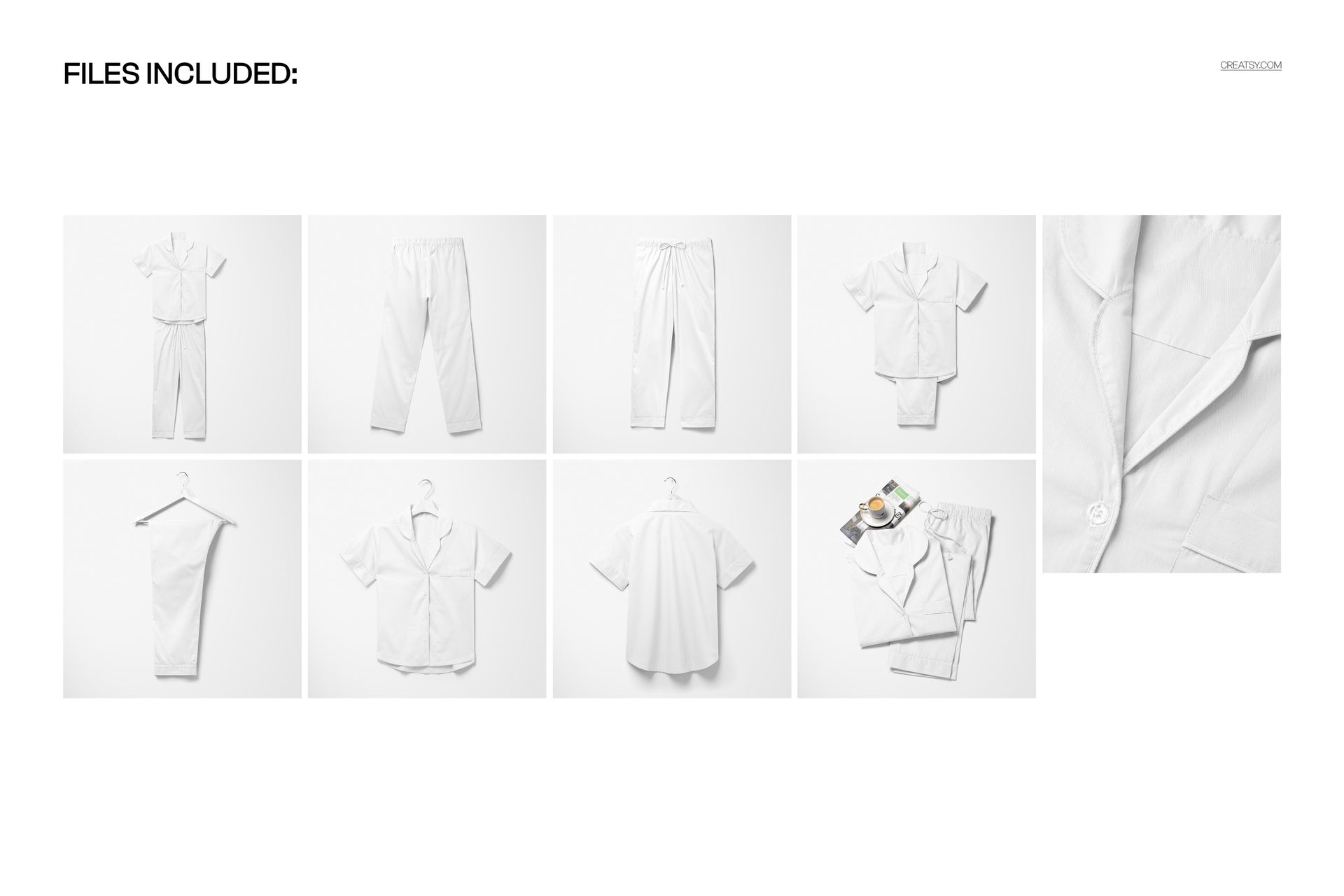
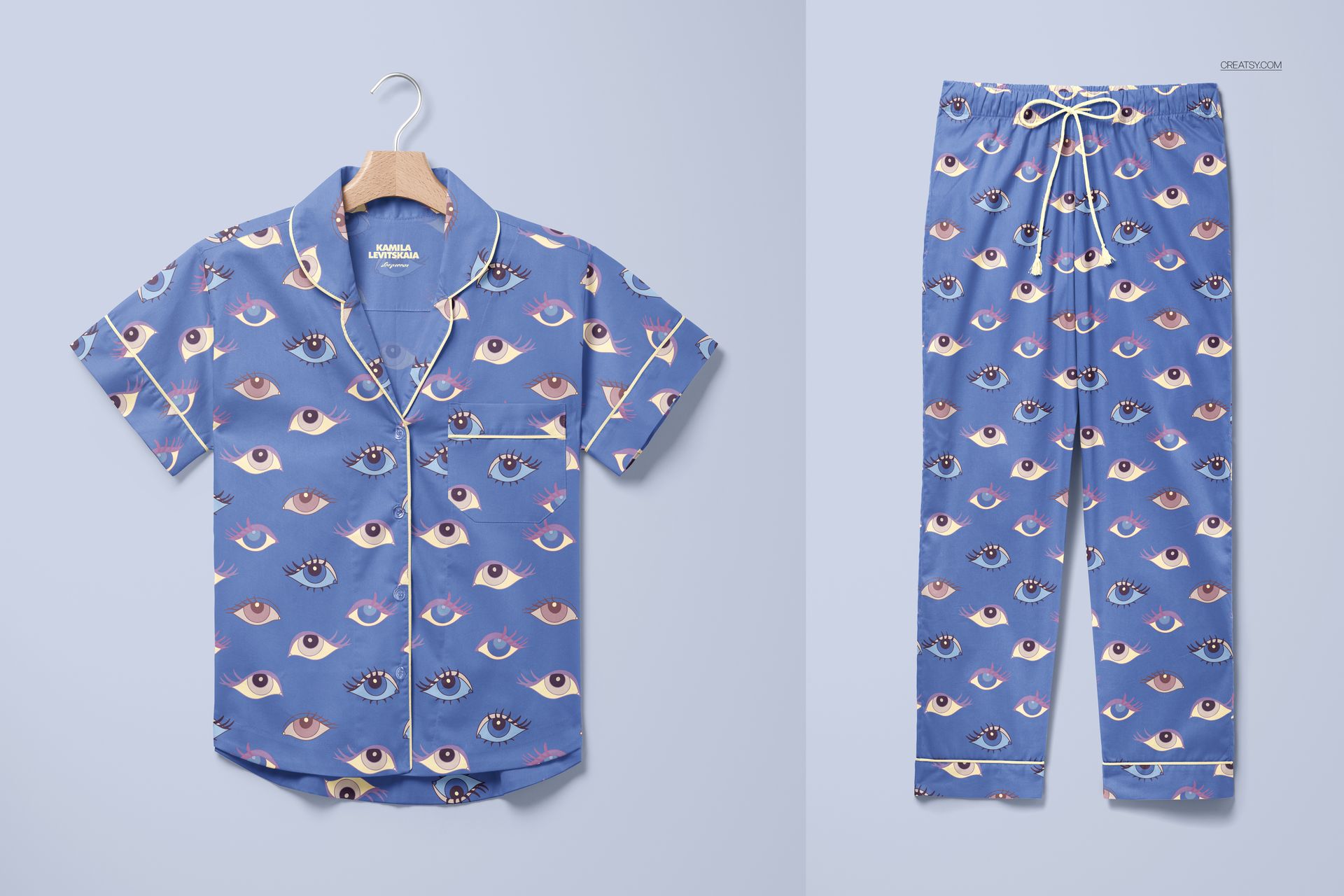
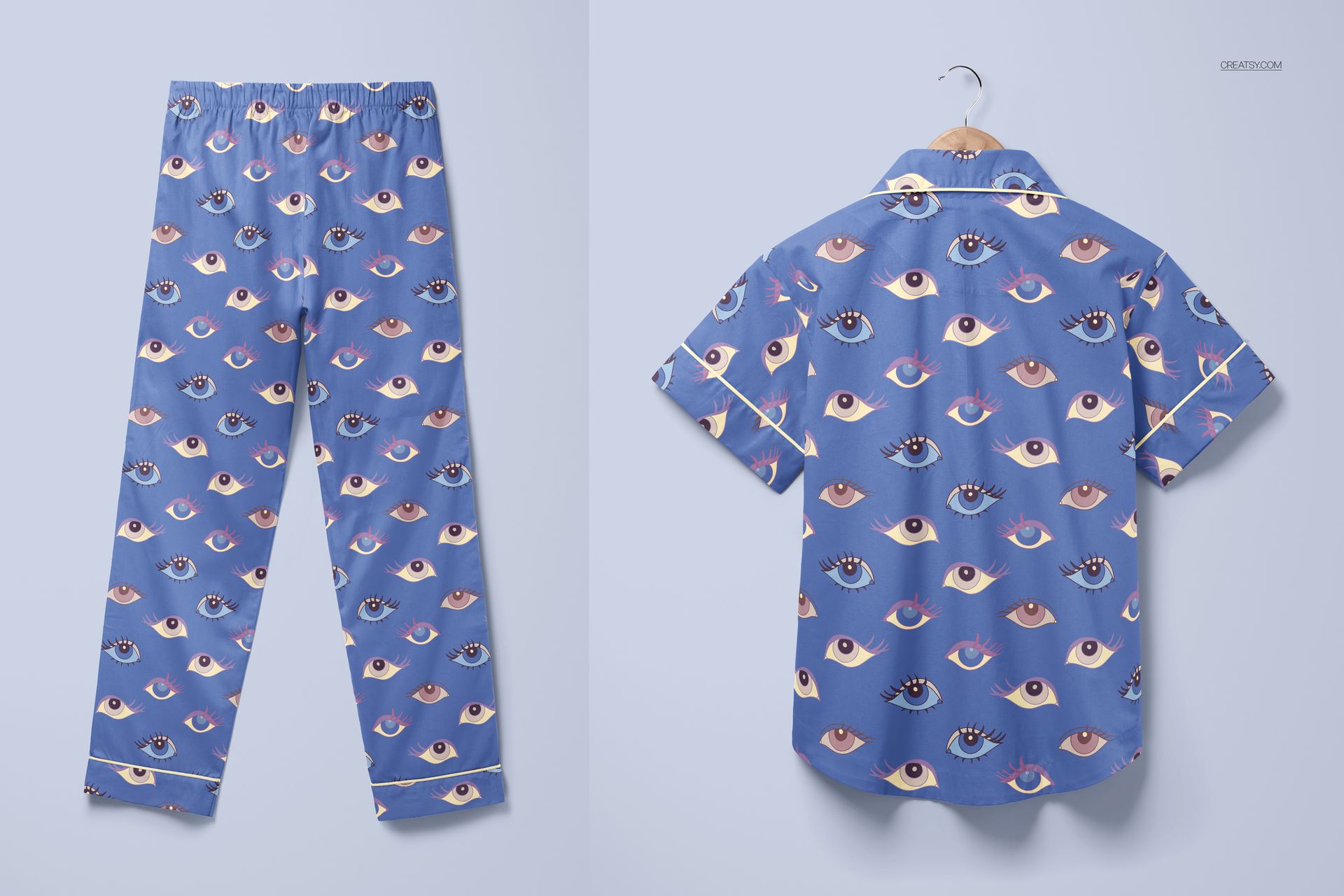
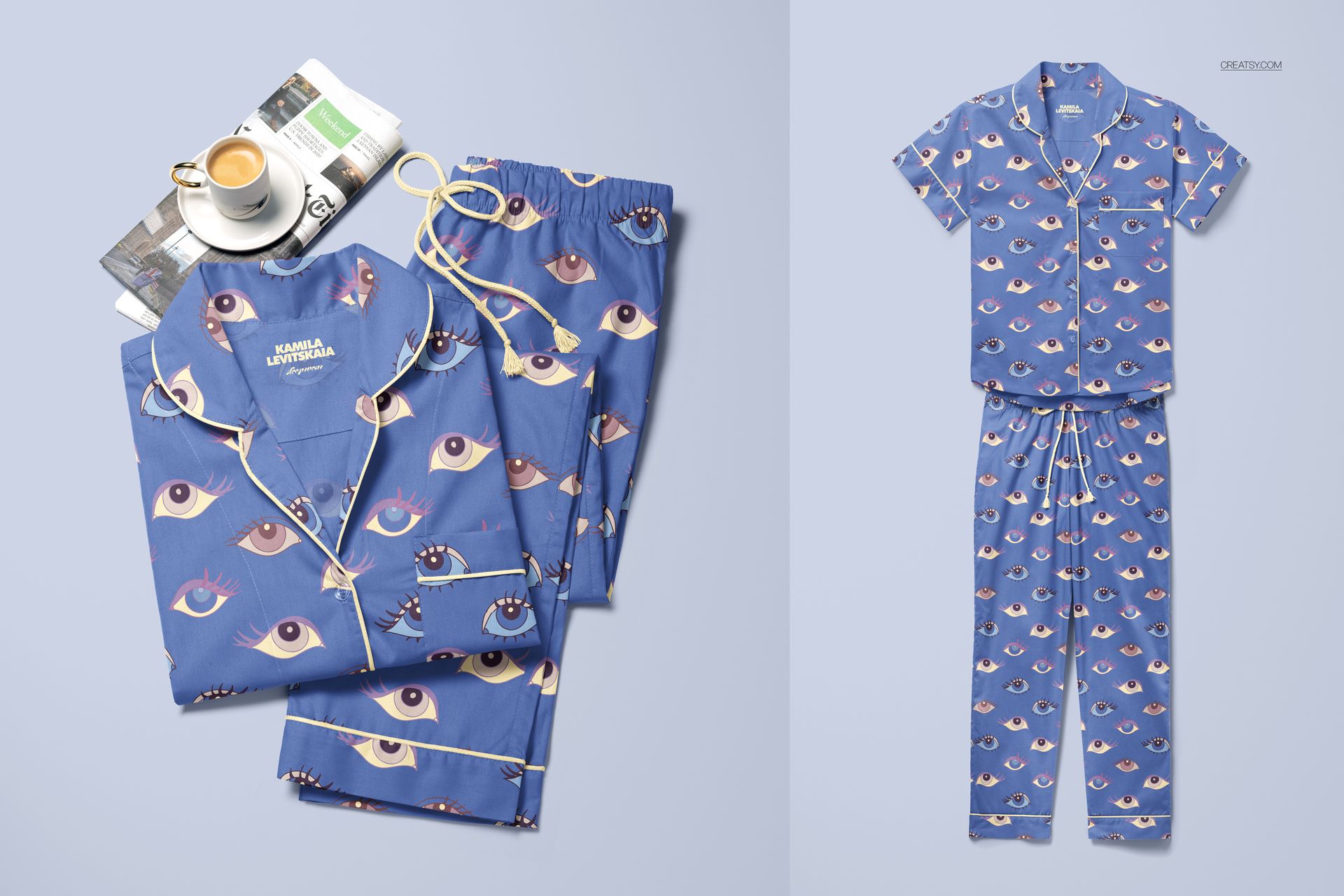
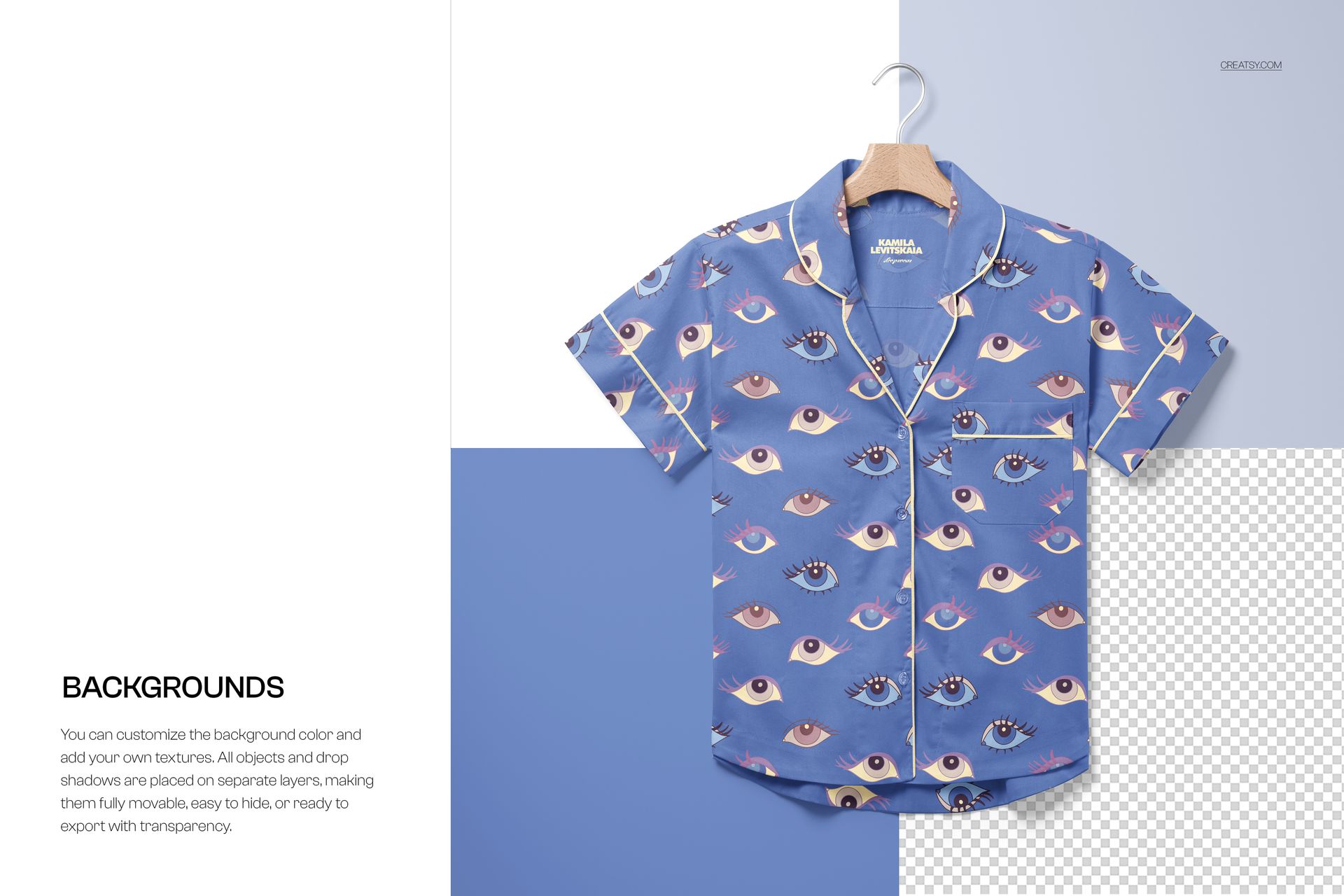
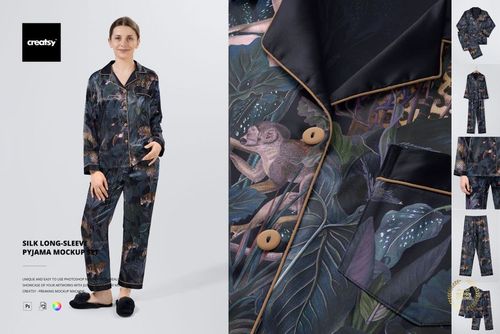
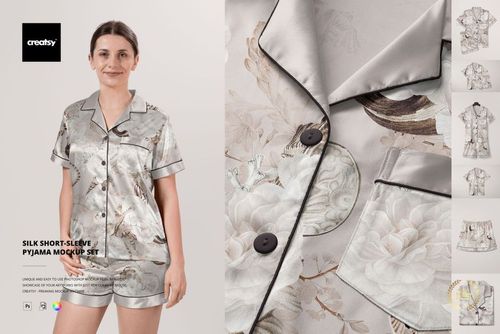
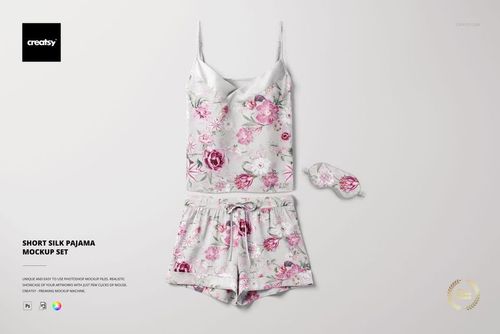
Nine PSD files covering a short-sleeve pajama shirt and matching pants from every commercially relevant angle. Front views, back views, detail closeups, and flat-lay compositions deliver the complete visual story that sleepwear brands, textile designers, and print-on-demand sellers need to present a coordinated set as a finished product rather than a disconnected collection of individual garments. Each file is built at approximately 5500 x 5500 pixels and 300 DPI, producing square-format images that work natively across Instagram, e-commerce product listings, and wholesale lookbook pages without cropping or reformatting.
Why Nine Files Matter
Sleepwear is sold as a set. The buyer evaluates the shirt and the pants as a coordinated unit, not as separate garments. That evaluation requires multiple views: how the pattern flows across the shirt front, how it continues onto the pants, how the piping trim frames the neckline and cuffs, how the overall silhouette reads when both pieces are laid out together. A single-angle mockup captures one of those data points. Nine files capture all of them, giving you a complete product listing image set from a single download rather than sourcing individual shirt and pants mockups separately and hoping the lighting, scale, and style match.
The Set Includes
The mockup pack covers the full range of presentation formats: individual shirt views showing collar construction and sleeve length, individual pants views showing waistband and leg cut, combined flat-lay compositions showing both pieces arranged as a coordinated set, and detail closeups revealing piping, seam finishing, and button placement at a scale where the construction quality becomes visible. This coverage means you can build a complete Amazon or Etsy product listing carousel, a full Behance case study, or a multi-page wholesale catalog spread from this single mockup set.
Technical Specifications
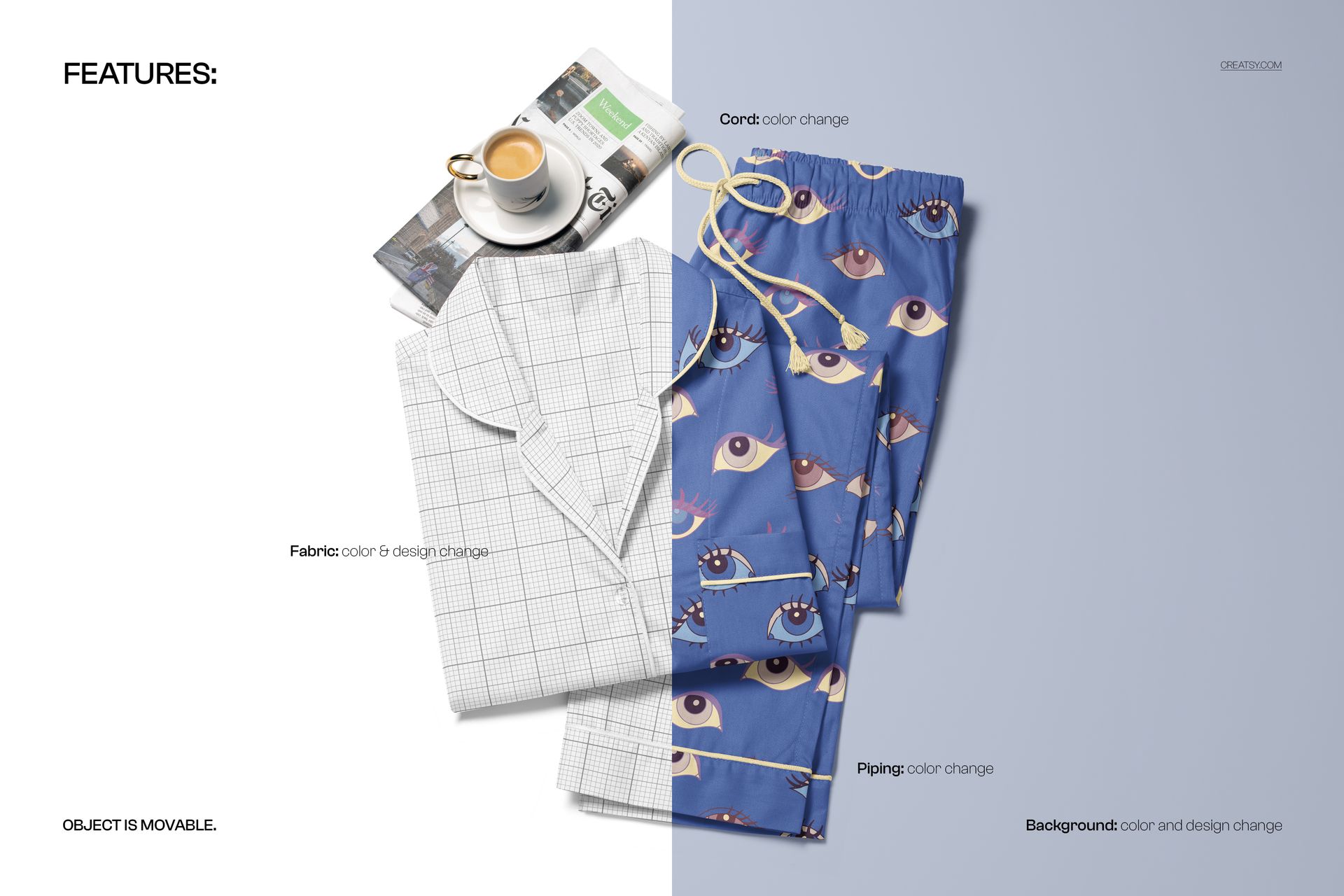
Each of the nine PSD files measures approximately 5500 x 5500 pixels at 300 DPI. The square format produces images ready for Instagram feed posts, Pinterest square pins, and e-commerce thumbnail grids without additional cropping. Files open in Adobe Photoshop CC 2020 or newer and in Photopea, the free browser-based PSD editor. Smart object layers in each file accept your surface pattern, textile design, or solid color through the standard double-click placement workflow. The total download size of 2.76 GB reflects the density of nine high-resolution files with multiple editable layers per file.
Pattern and Surface Design Applications
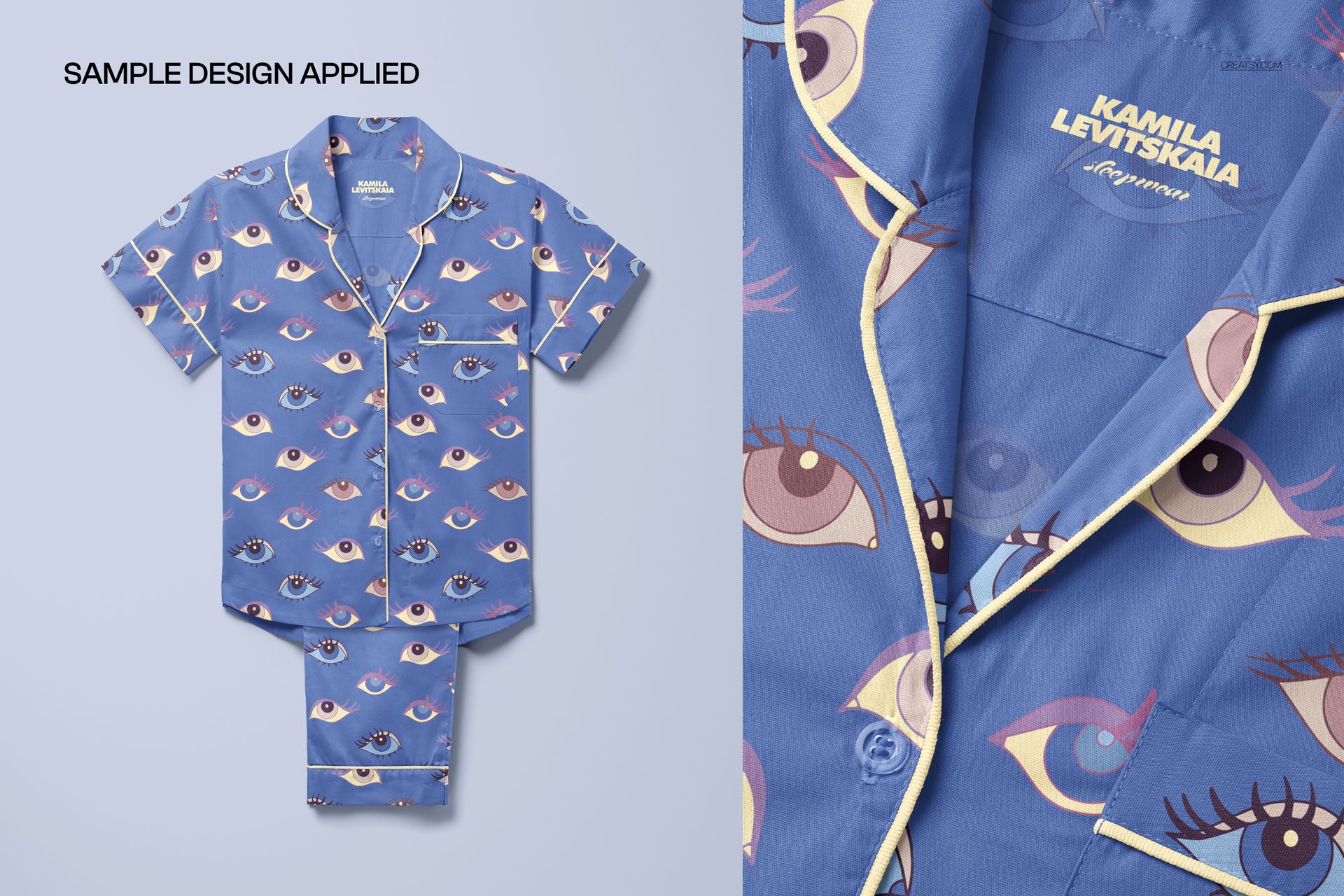
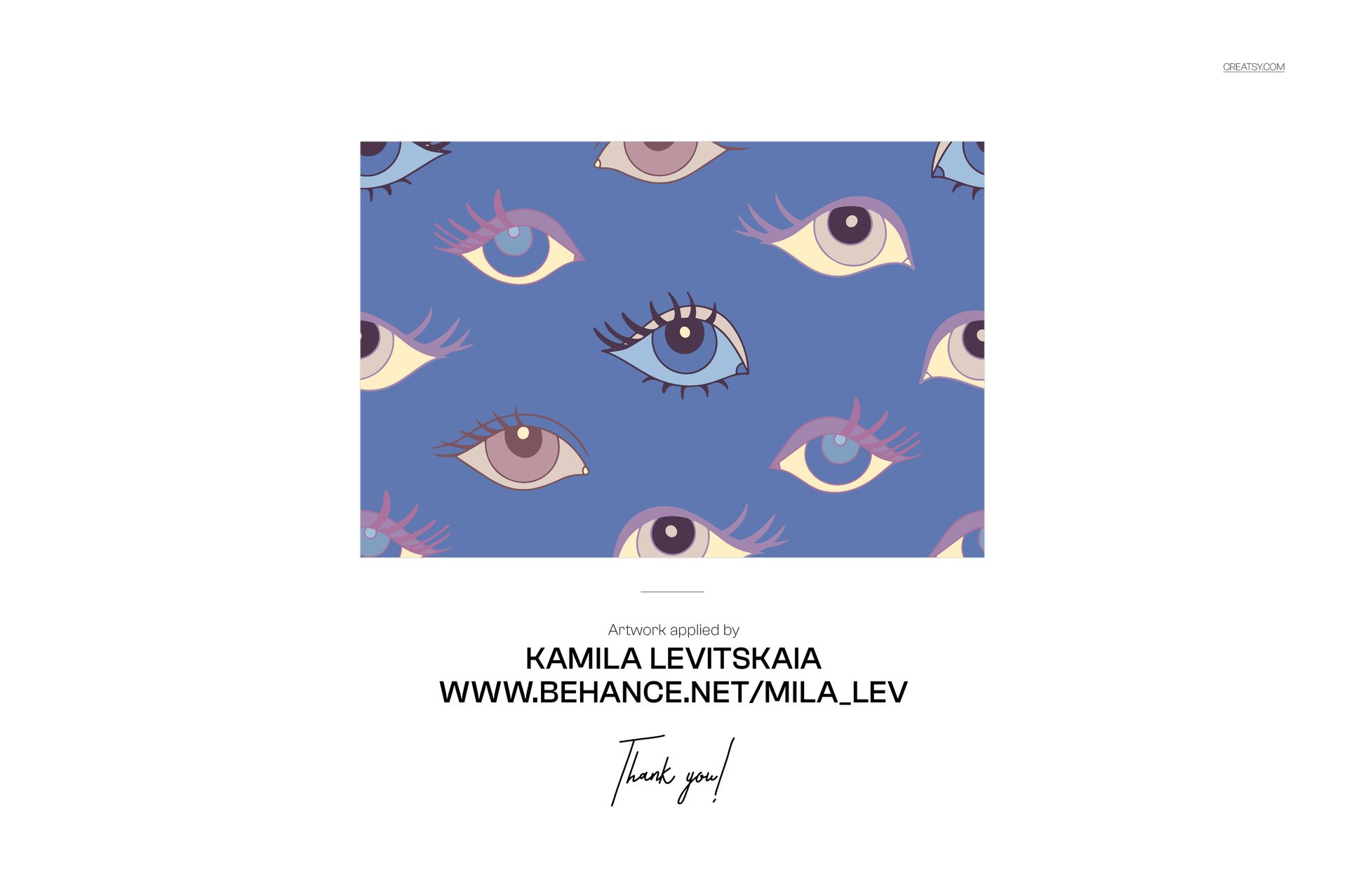
The example patterns shown in the product screenshots were created by Kamila Levitskaia and are not included in the download file. They demonstrate how an all-over print pattern maps across the shirt body, wraps around the sleeves, and continues consistently onto the pants legs. For surface pattern designers, this mapping visualization is the primary selling point of the mockup: it answers the question of whether a repeat pattern maintains its rhythm across seam lines and between garment pieces.
Sleepwear Market Context
The global sleepwear and loungewear market has expanded significantly as remote work and home-centered lifestyles increased demand for premium comfortable clothing. Pajama sets are no longer hidden bedroom garments - they appear in Instagram content, unboxing videos, subscription box reveals, and lifestyle photography where the print design and construction quality are evaluated publicly. This mockup set provides the presentation quality that matches the market's elevated expectations, positioning your designs as retail-ready rather than concept-stage.