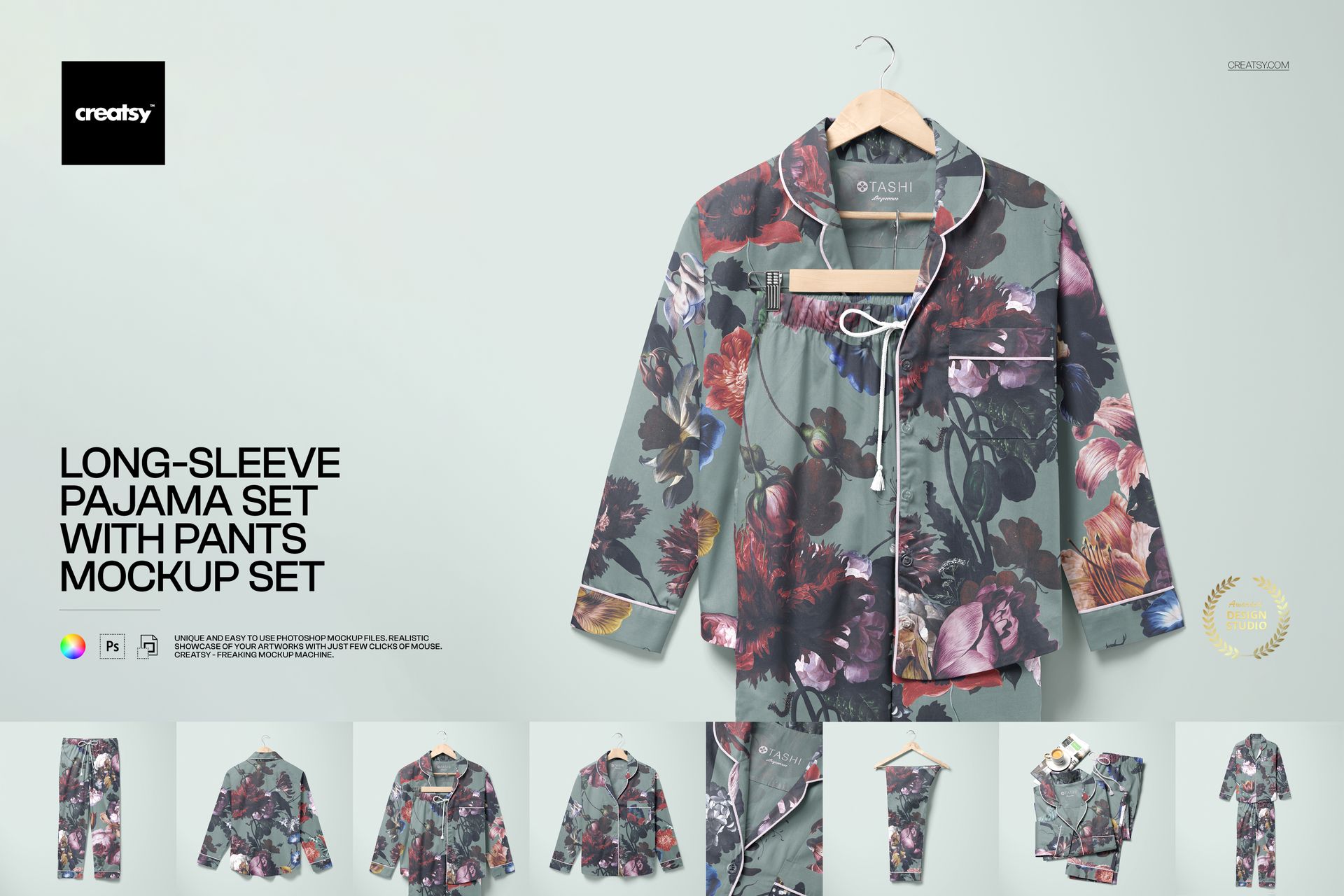
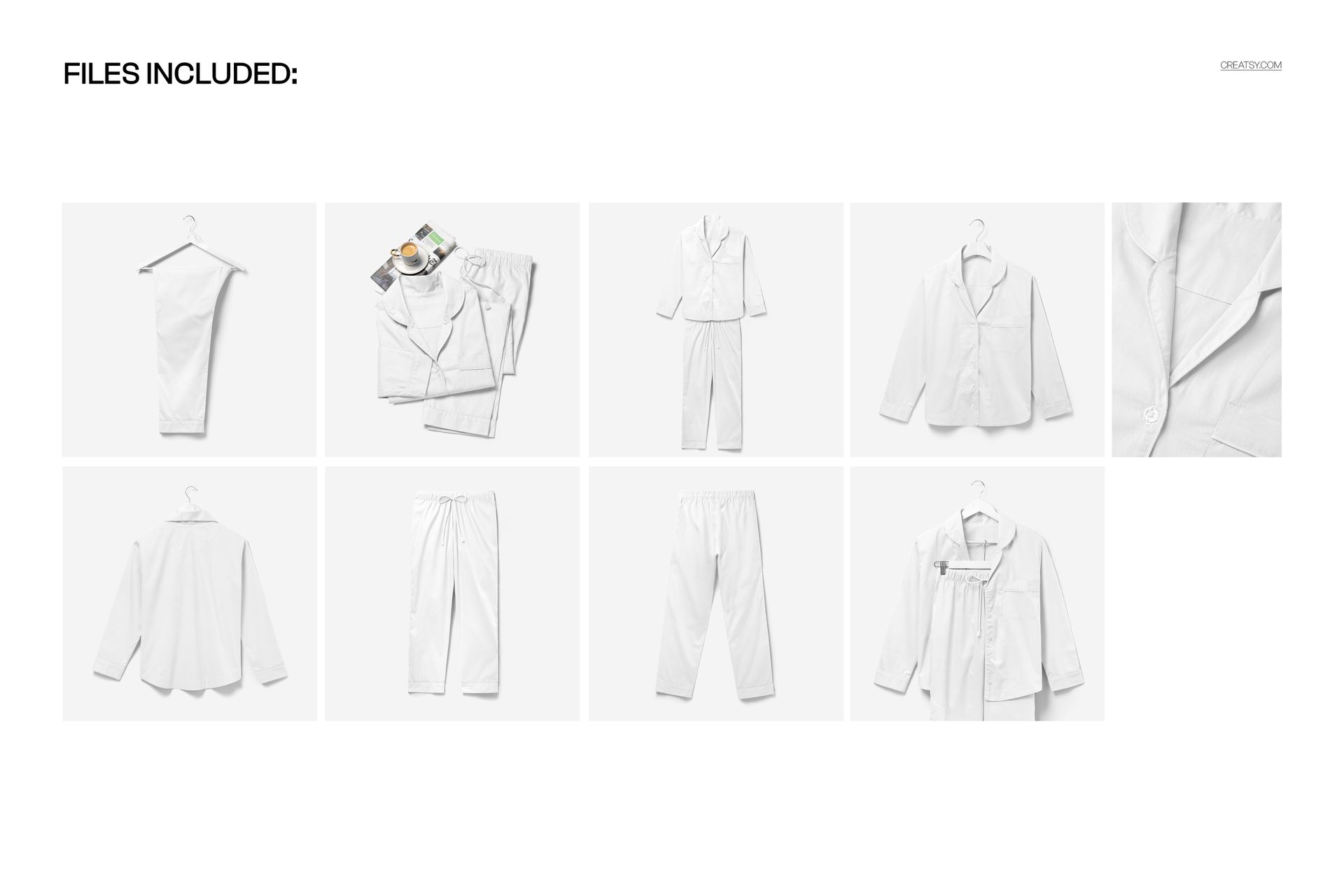
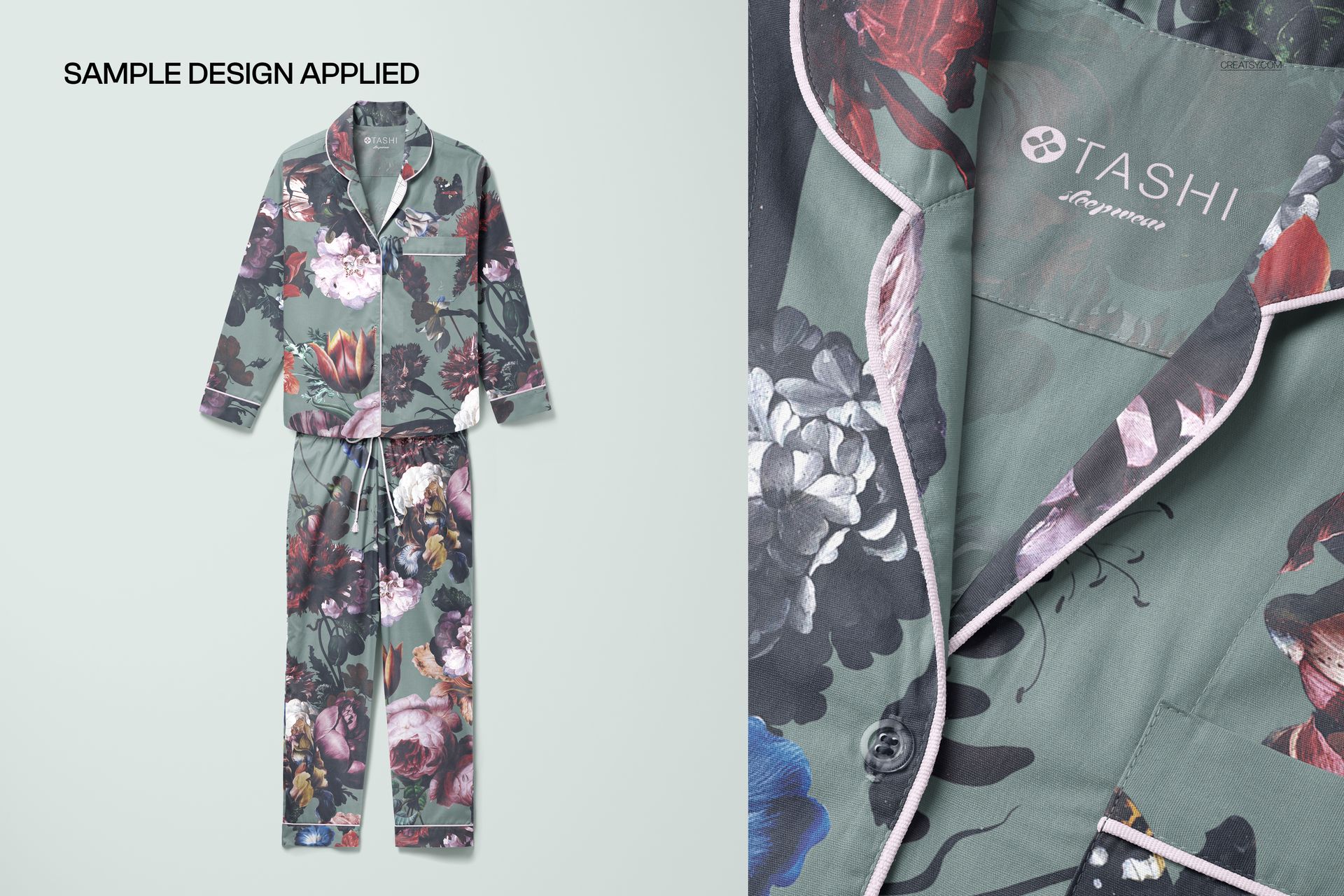
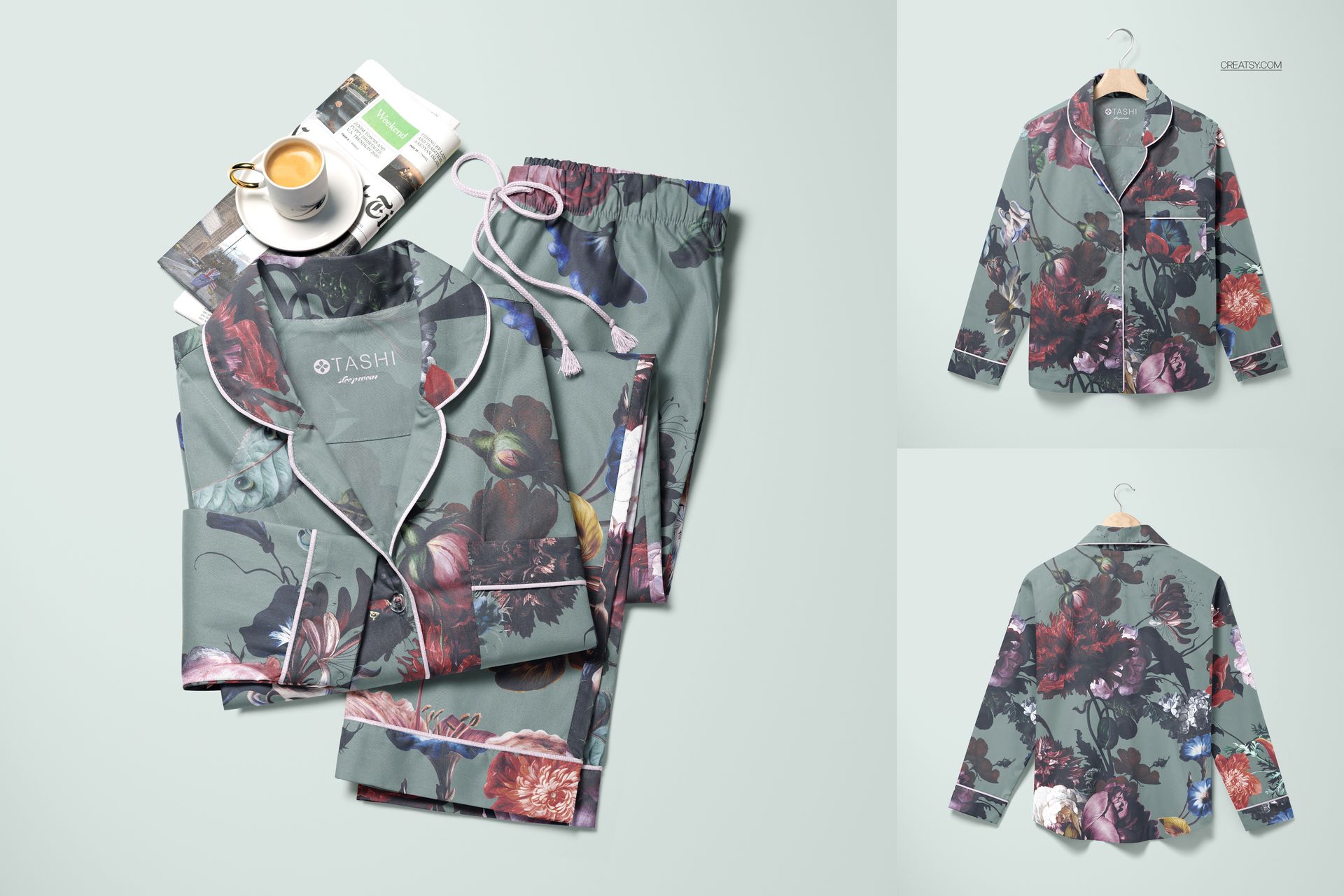
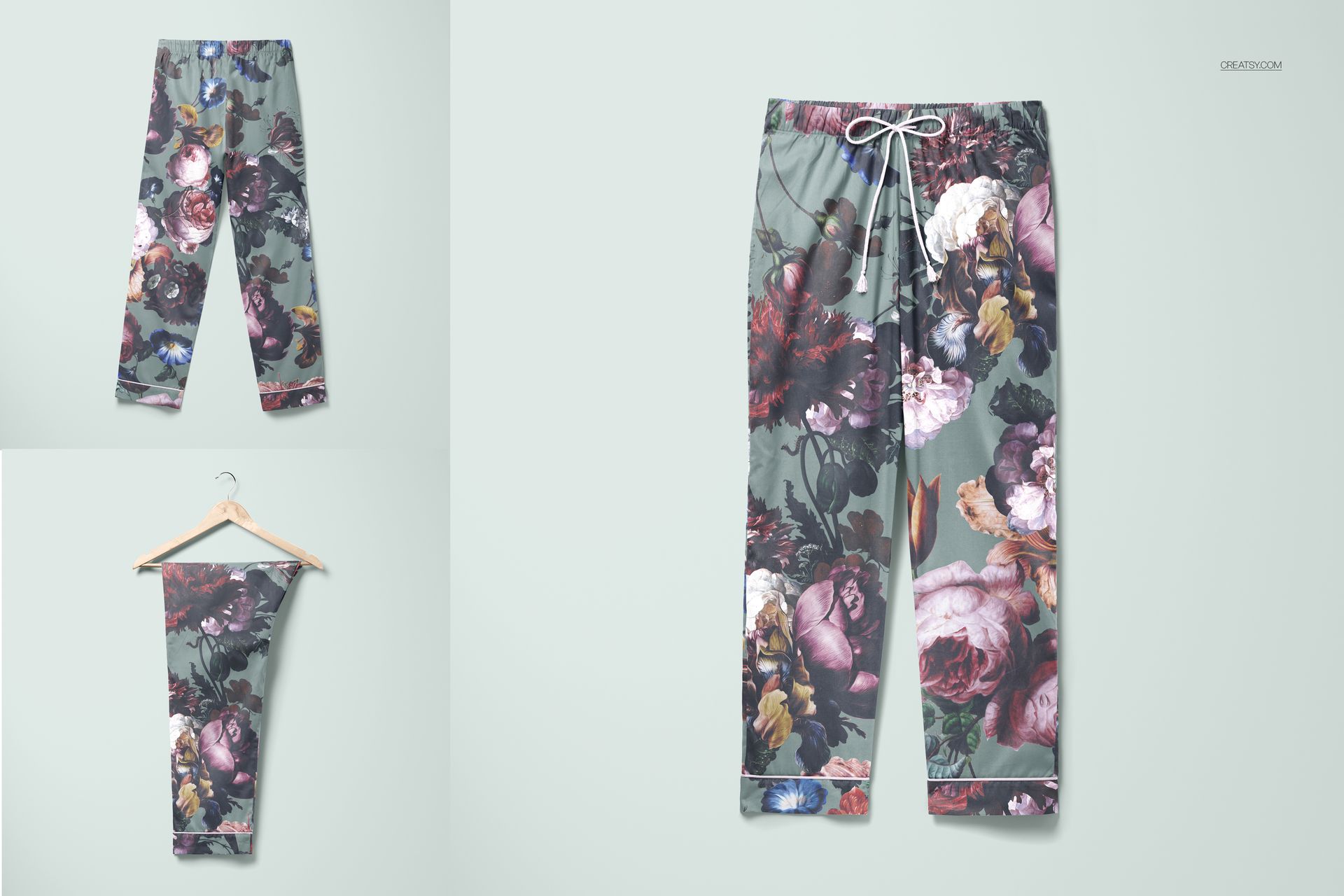
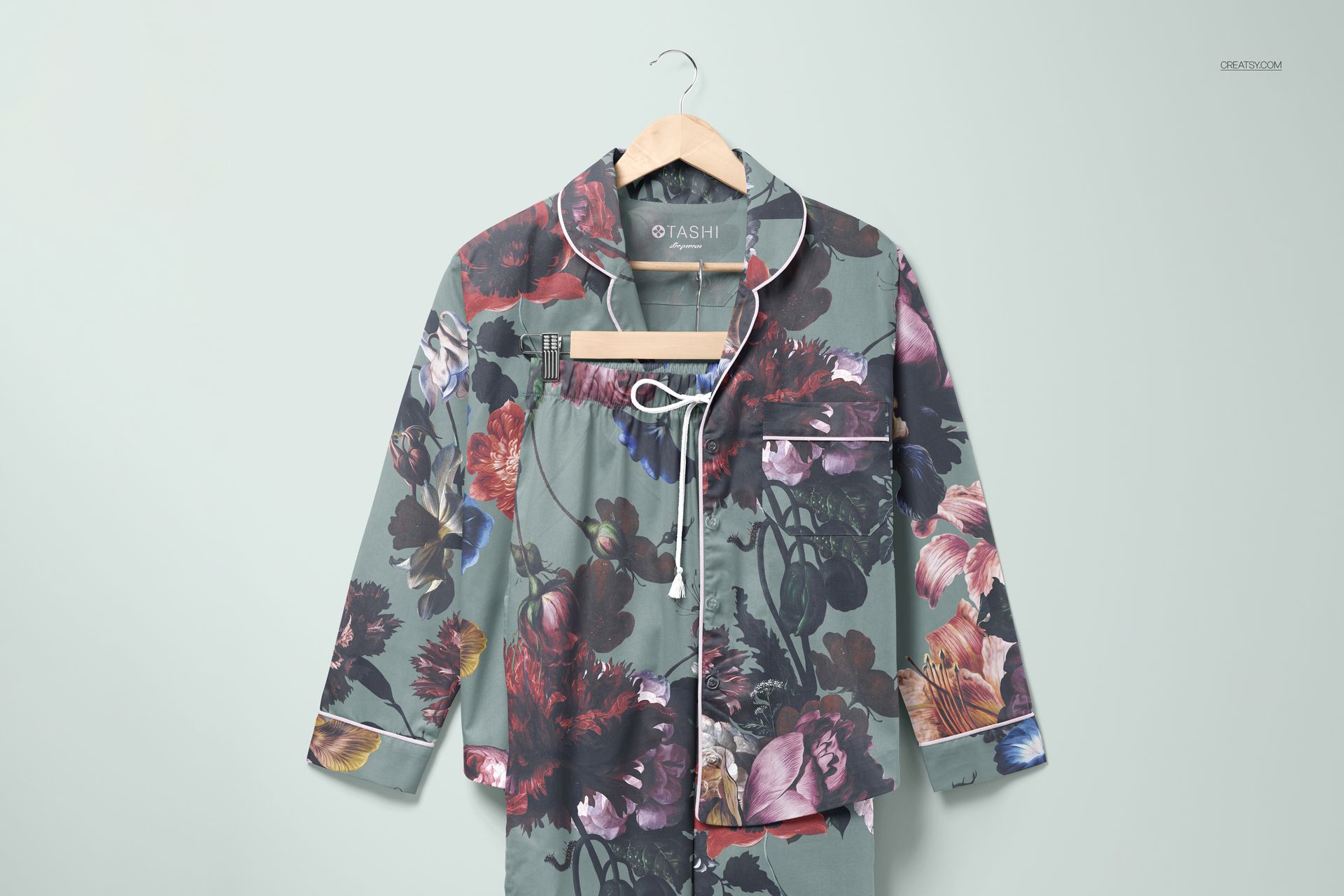
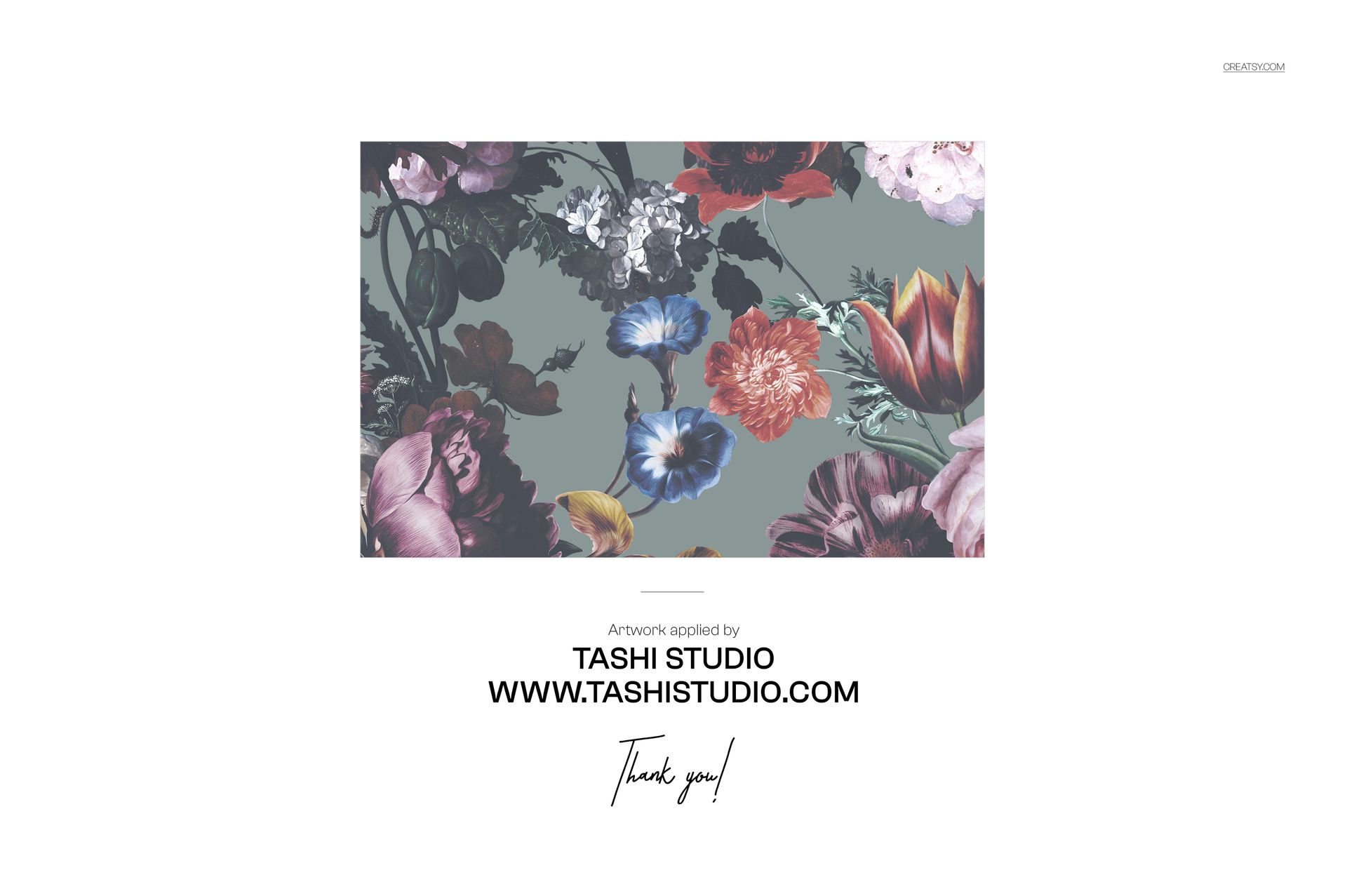
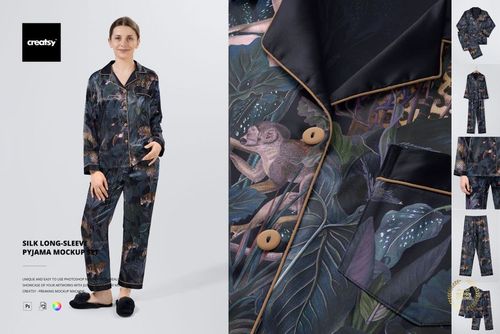
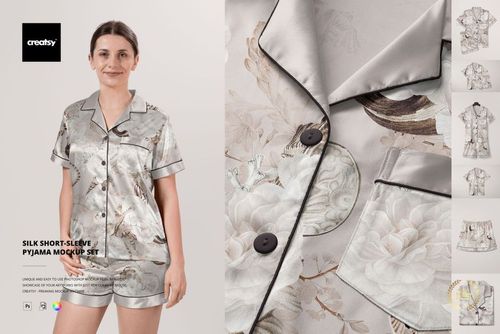
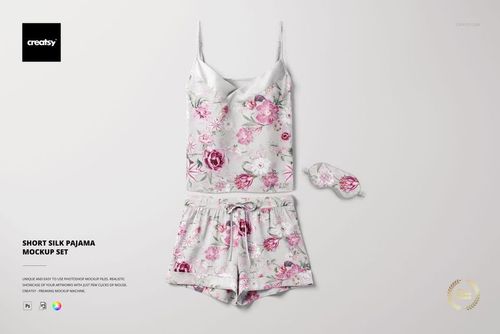
The Long-Sleeve Pajama Set with Pants Mockup Set includes 9 PSD files showing a complete sleepwear set from multiple angles and arrangements. The collection covers the full pajama set together, the long-sleeve top on its own, and the pants separately, giving you enough variety to present your pattern or print design across every view a customer would want to see before purchasing. Each file uses smart object layers that wrap your artwork around the garment with accurate fabric texture and seam detail, so a repeating pattern looks like it was actually printed on the fabric rather than pasted flat on top. The example pattern shown in screenshots is by Tashi Studio and is not included in the download. All files measure approximately 5500x5500px at 300 DPI with organized layers and work in Adobe Photoshop CC 2020 or newer and Photopea.
Why This Mockup Works
Sleepwear customers buy based on how a pattern looks on the actual garment, not on a flat swatch. A botanical print that looks beautiful as a tile might bunch awkwardly at the collar or lose its scale on wide pant legs. This mockup set solves that problem by showing your design wrapped around realistic garment shapes with proper fabric drape, so you can evaluate pattern scale, color accuracy, and repeat alignment before committing to production. The 9-file set covers enough angles and combinations that you can build a complete product listing or lookbook page from a single download, maintaining visual consistency across every image because the lighting, fabric texture, and garment construction stay identical throughout.
What Is Included
The download contains 9 layered PSD files. The set includes views of the complete pajama set together, the long-sleeve top individually, and the pants individually, each shown from different angles. The smart object layers control the pattern or print across all garment surfaces, with fabric texture and seam construction visible in every view. The consistent lighting and background across all files lets you create a cohesive product gallery where every image looks like it belongs to the same photoshoot.
What You Can Customize
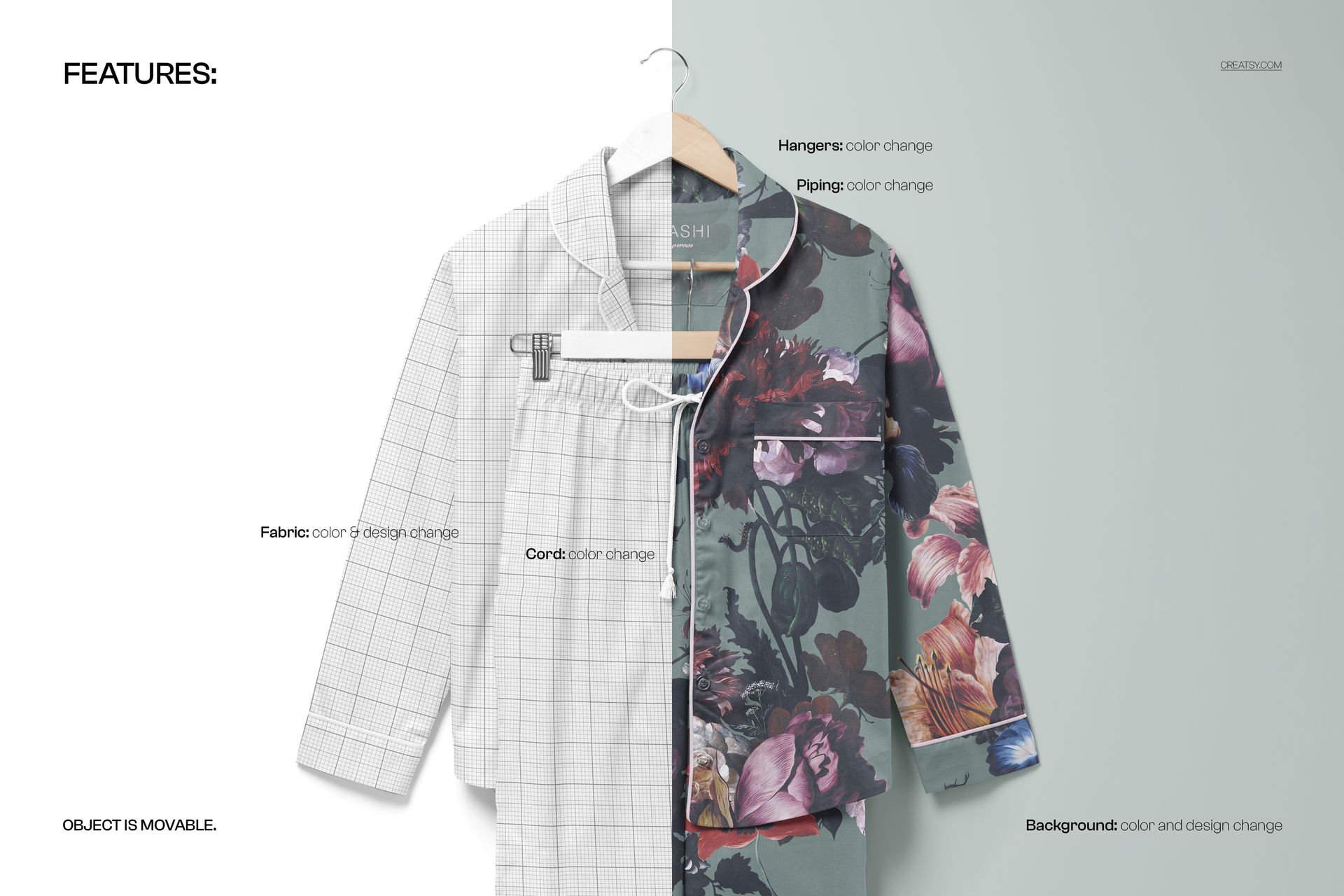
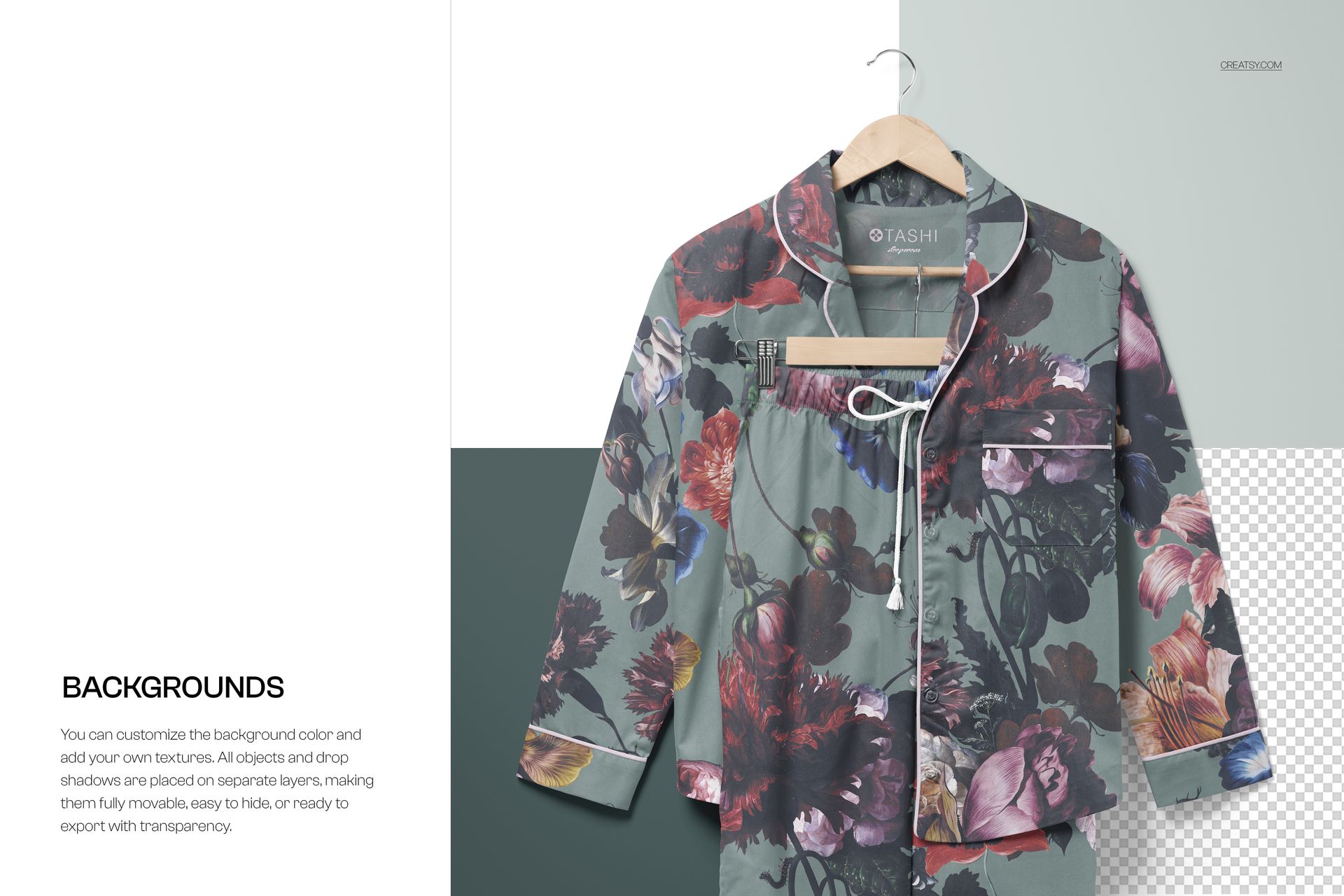
The smart objects control the fabric print across the entire garment surface in each file. Double-click the smart object layer to place your pattern, illustration, or graphic, and the design wraps around the sleeves, collar, button placket, and pant legs with accurate fabric behavior. Each file updates independently, so you can apply the same pattern across all 9 views for a consistent product listing or test different colorways across the set. Adjustment layers let you modify brightness, contrast, and color temperature to match your brand aesthetic or simulate how the fabric looks under different lighting conditions.
Who This Mockup Is For
Surface pattern designers and textile artists who need to see how their repeating patterns look on actual sleepwear garments before selling the pattern or pitching it to manufacturers. Sleepwear brands and pajama companies building product listings for their online store and needing professional product photography that shows the complete set from multiple angles. Print-on-demand sellers on Etsy, Shopify, and Amazon who need realistic product images for pajama sets without the cost of physical samples and professional photography. Fashion designers presenting sleepwear collections to buyers, retailers, or licensing partners who need to evaluate pattern placement across an entire coordinated set.
File Specifications
Files: 9 PSDs. Dimensions: approximately 5500x5500 px each. Resolution: 300 DPI. Color mode: RGB. Total file size: 2.79 GB. Compatibility: Adobe Photoshop CC 2020 or newer, Photopea. Example pattern by Tashi Studio (not included).