Nail Mockup Set
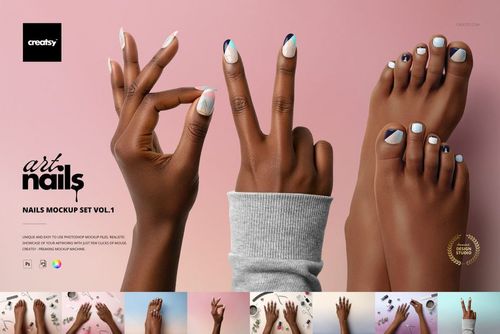
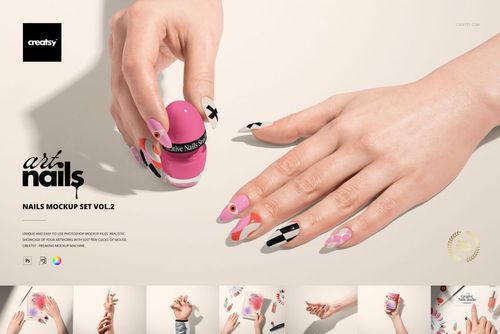
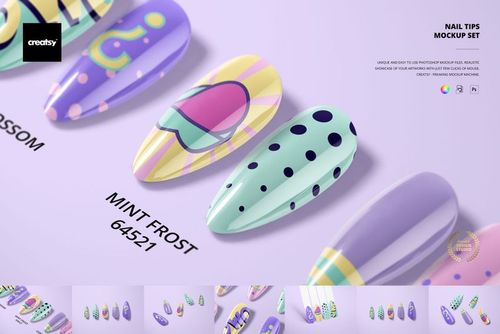
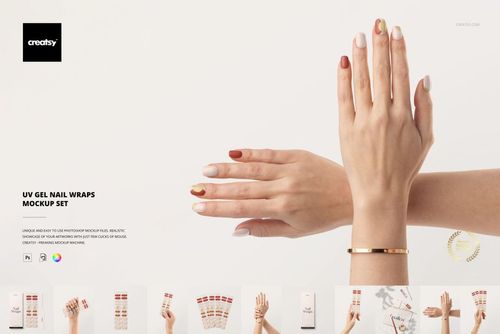
Compare a nail art concept across ten nail shapes, from rounded and squoval to ballerina and stiletto. This set combines individual finger views with comparison boards and a grouped composition, giving nail decal designers, surface pattern artists and manicure brands several ways to present their artwork.
Shapes and editable features
Included shapes: natural, rounded, squoval, square, oval, almond, arrow head, mountain pick, ballerina and stiletto.
Change the nail color and apply your design through Smart Objects.
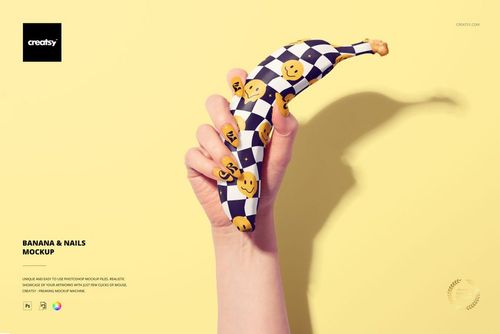
Preview solid colors, French manicure concepts, gradients, ombre designs, glitter looks, stickers and decals.
Add digital gems in three sizes and customize their colors.
Remove the drop shadow where shown in the feature preview.
Use the premade visual boards to compare your artwork on different shapes.
Included files
14 layered PSD files: ten individual nails, two visual guides, one group view and one Gems board. The package also includes 14 JPG previews and a PDF user manual. All PSD files are 300 dpi.
Adobe Photoshop CS6 or later, Photopea and Affinity Photo are supported. Use the set for nail art proposals, decal presentations, design portfolios and manicure collection visuals.
This is a digital mockup set. Physical nails and gems, sample patterns and gallery artwork are not included.