Nail Tips Mockup Set

Product Details
Nail Tips Mockup Set
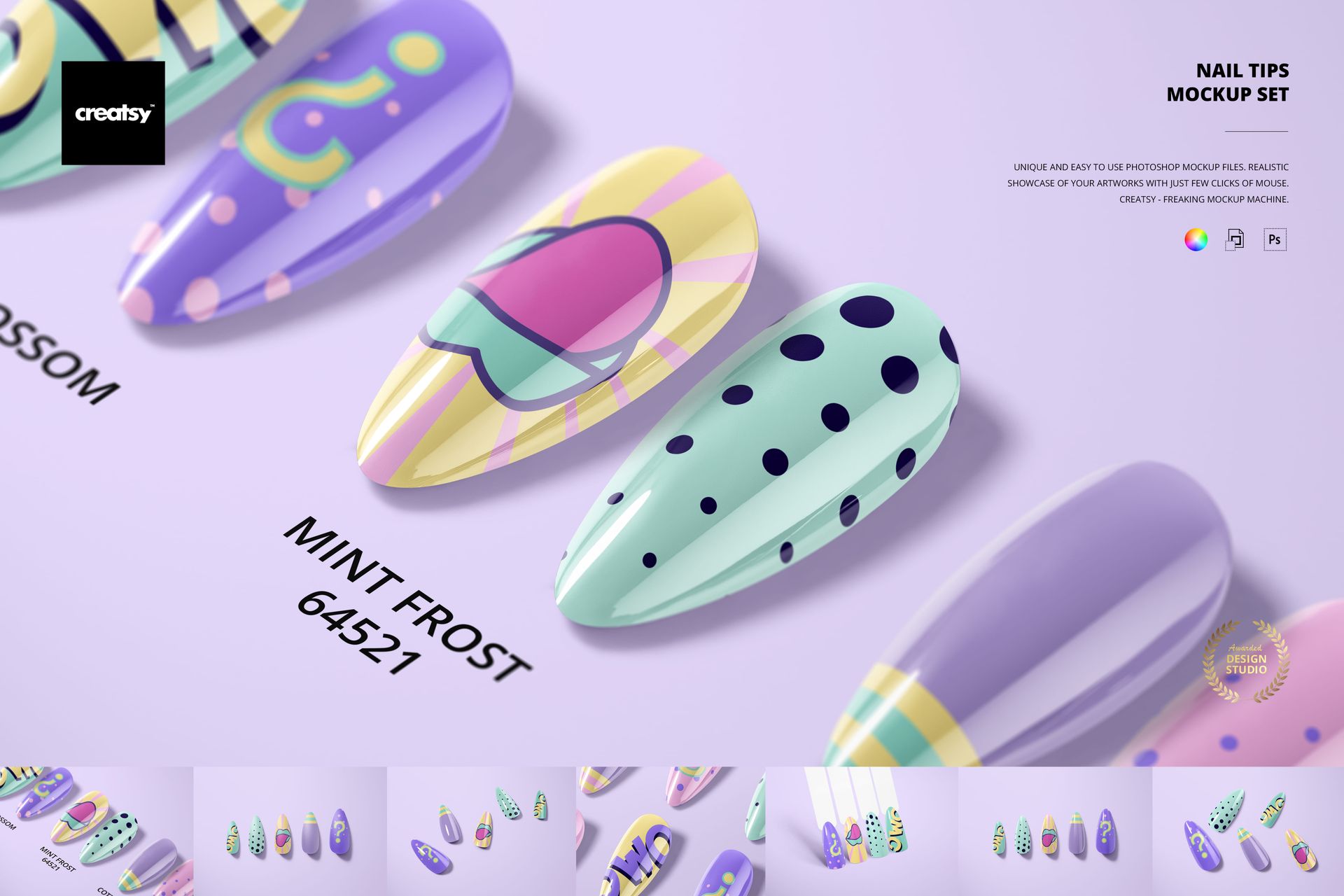
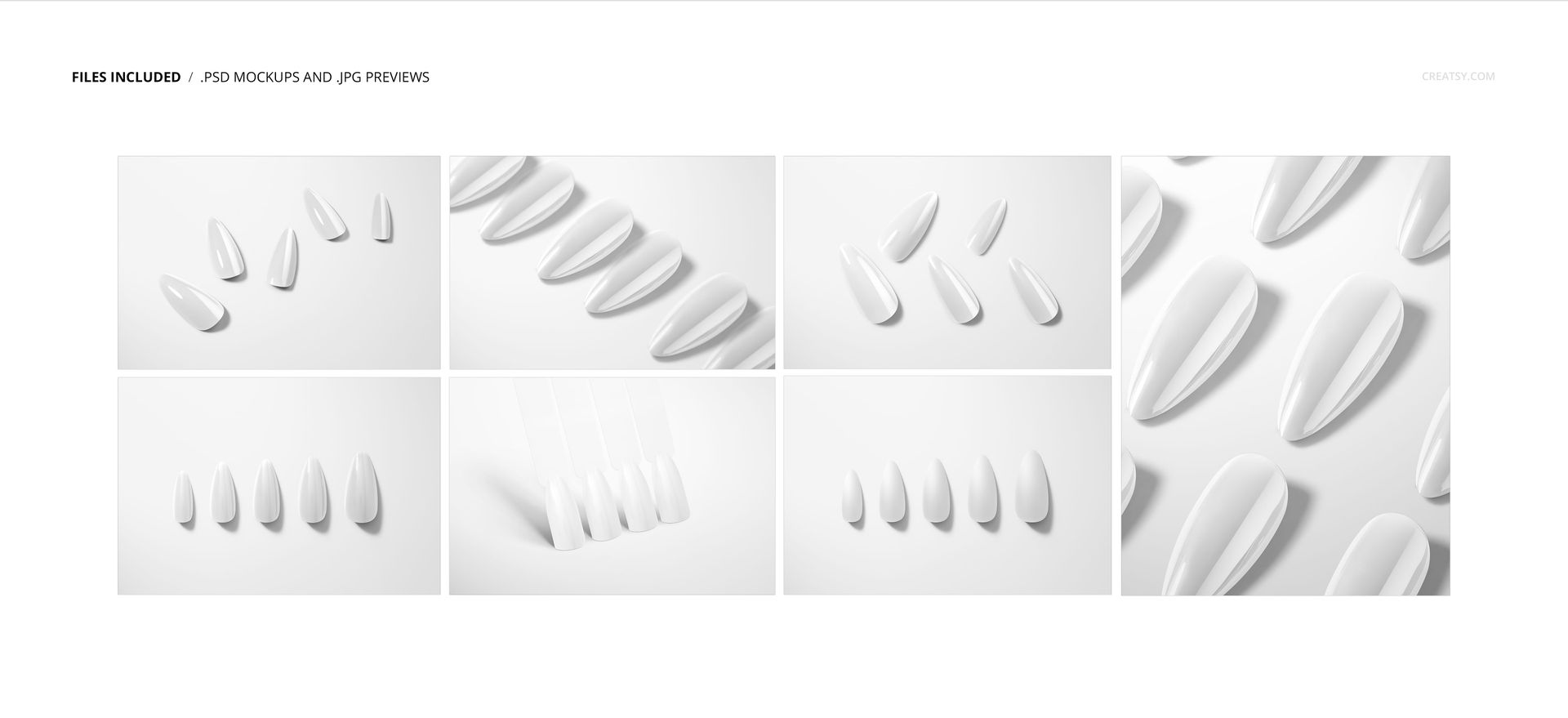
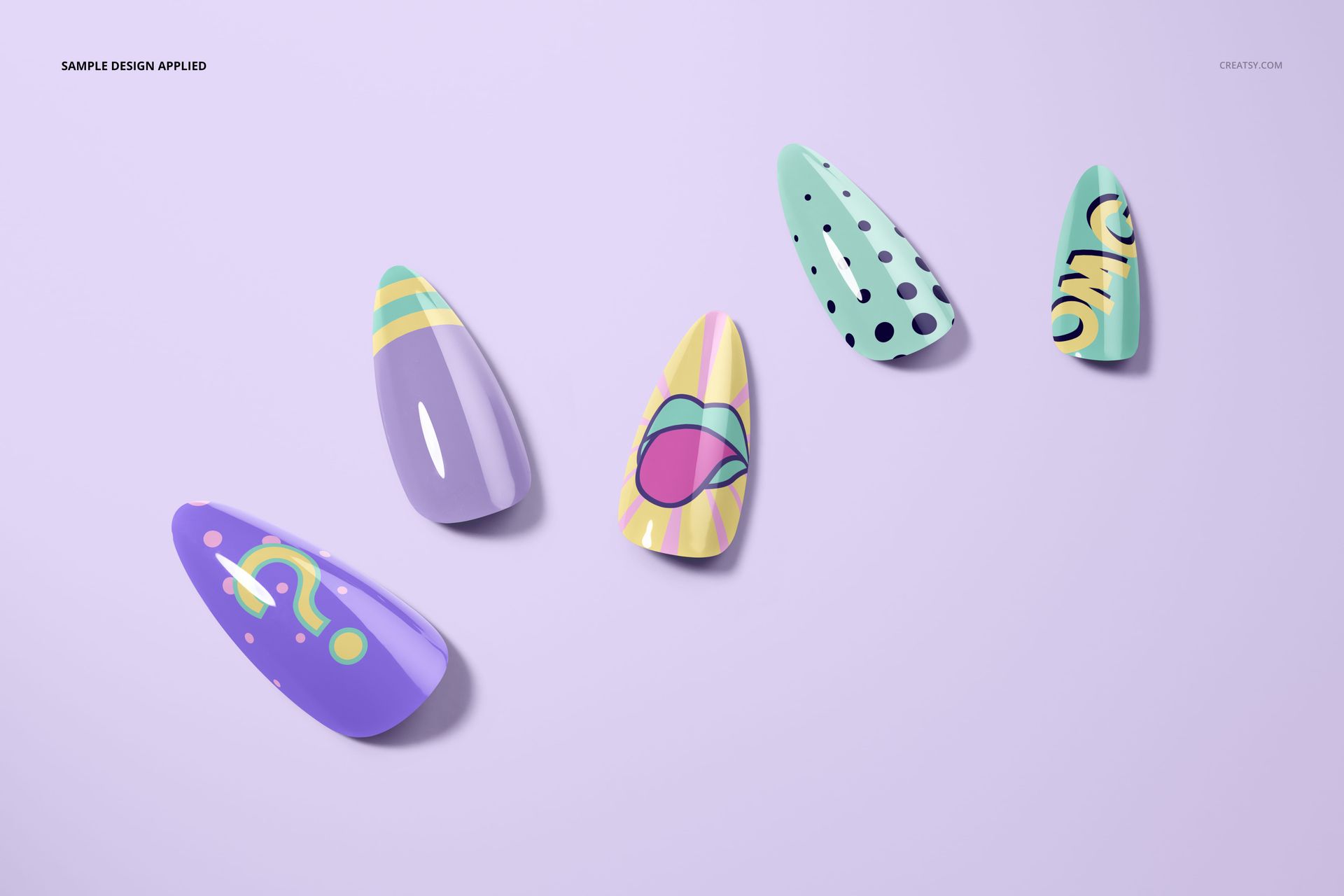
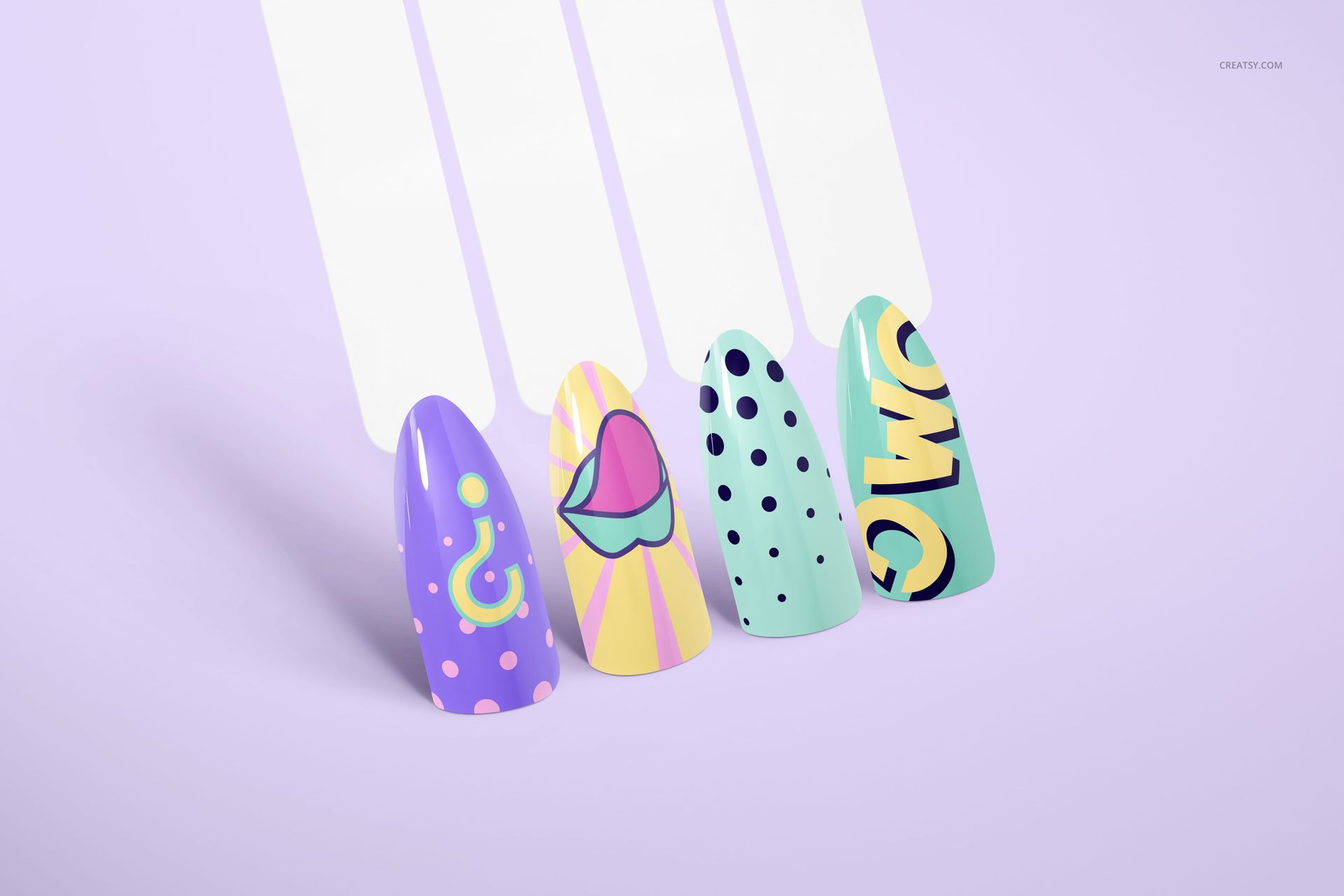
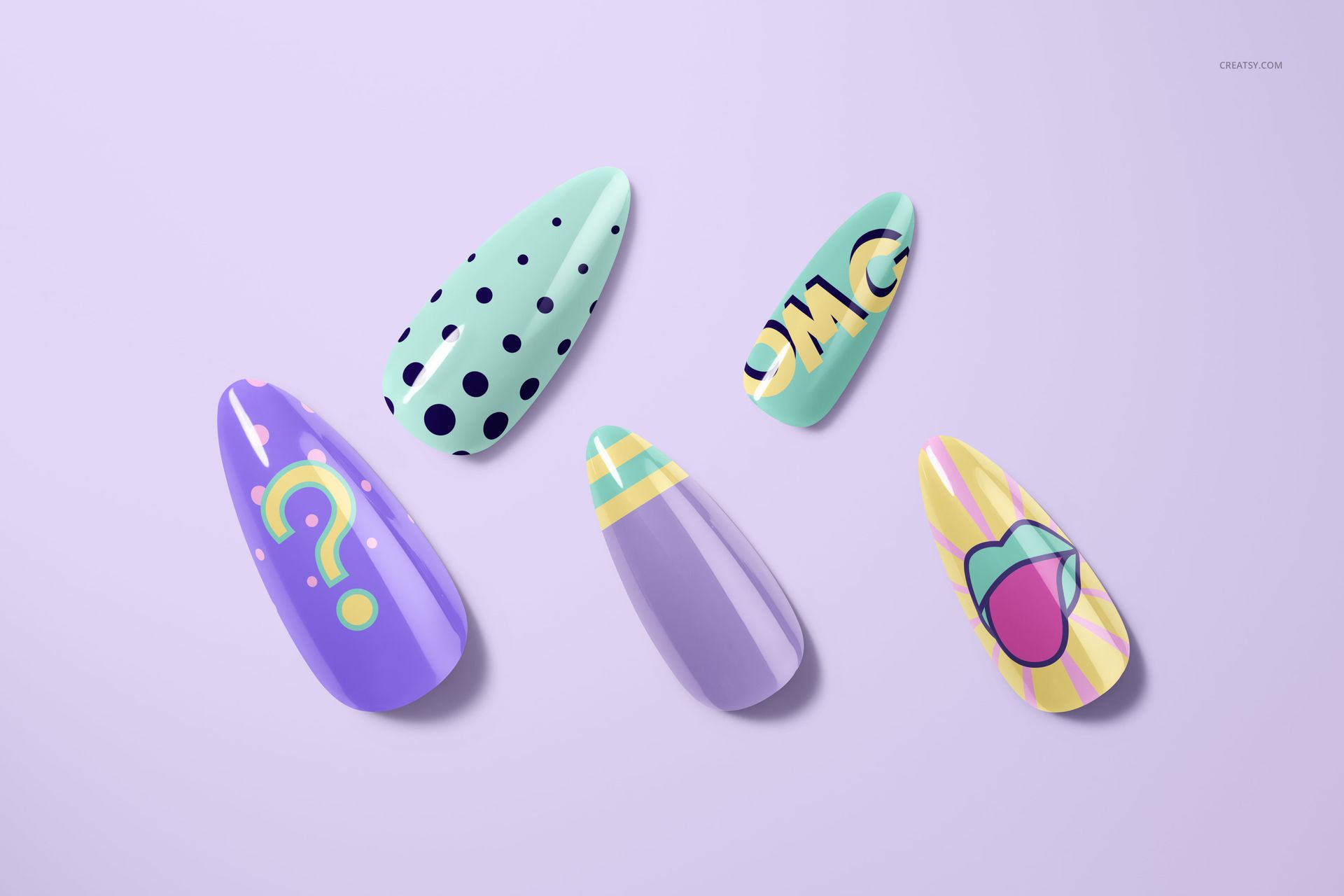
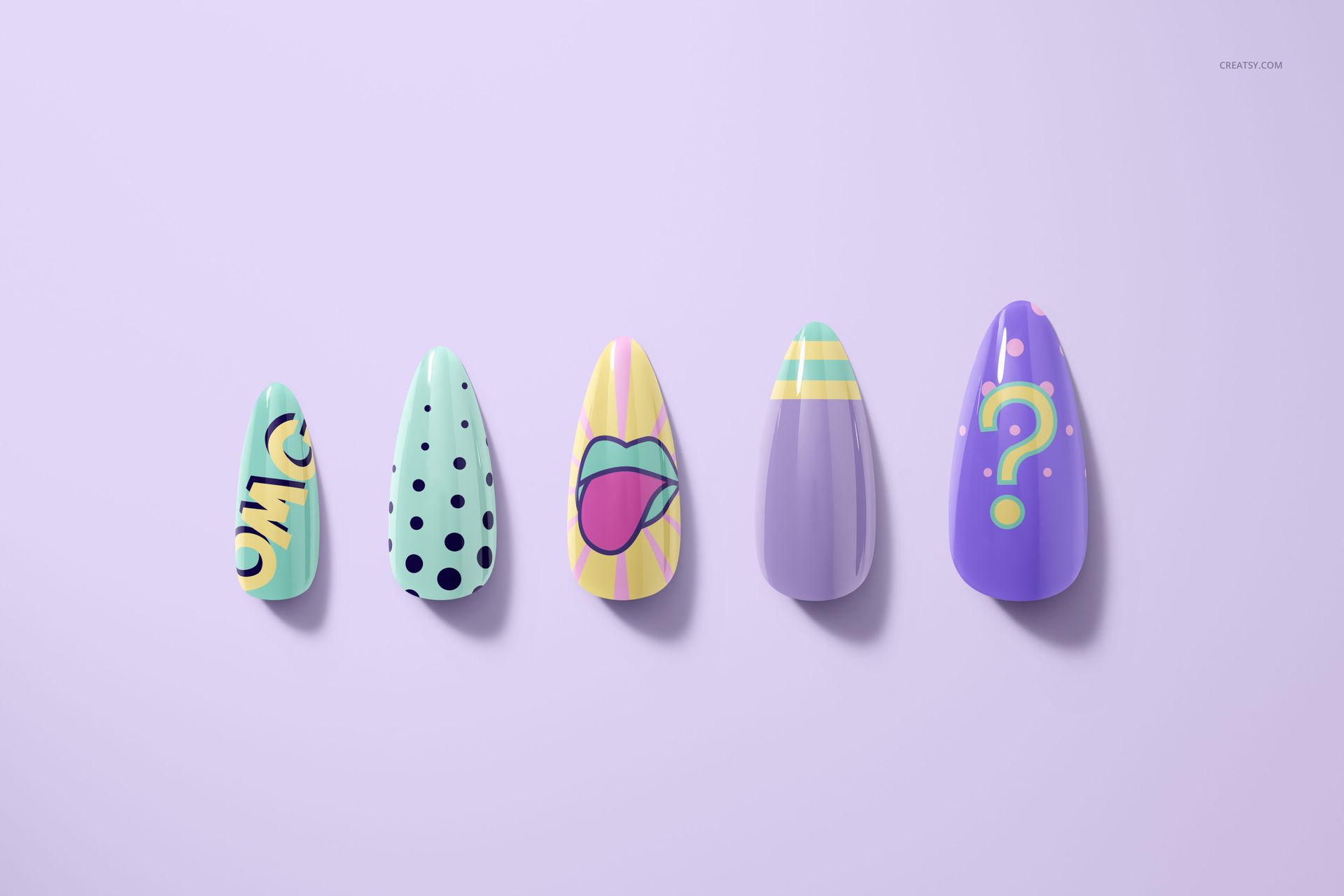
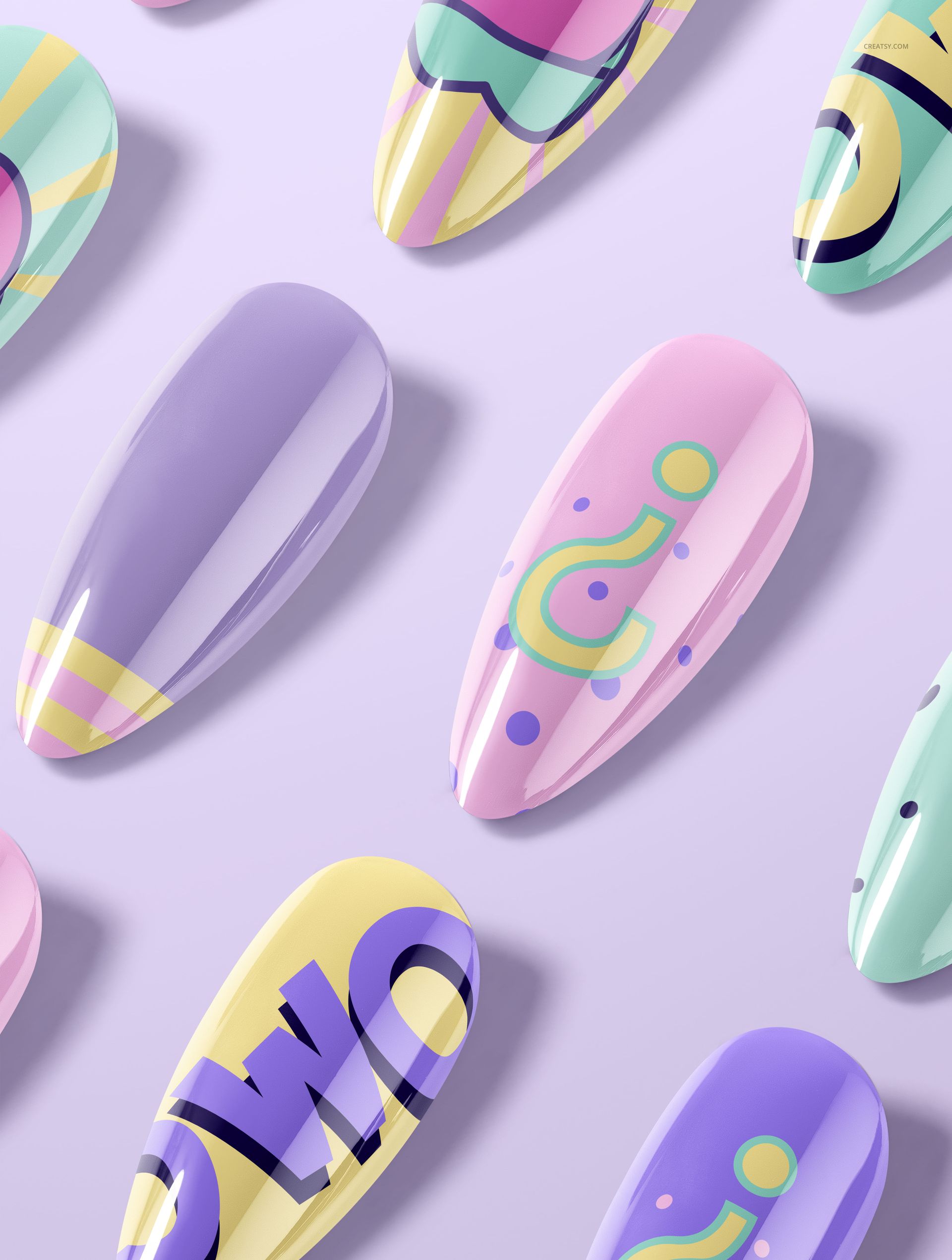
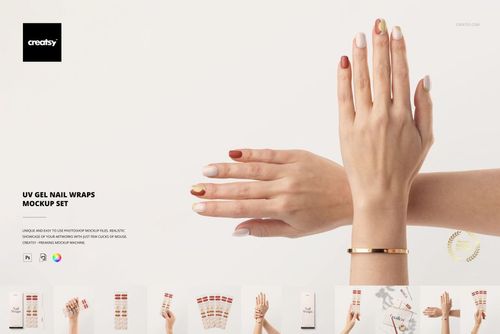
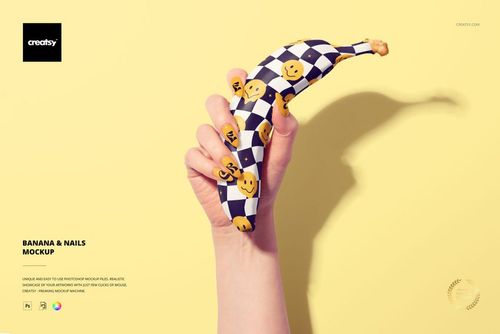
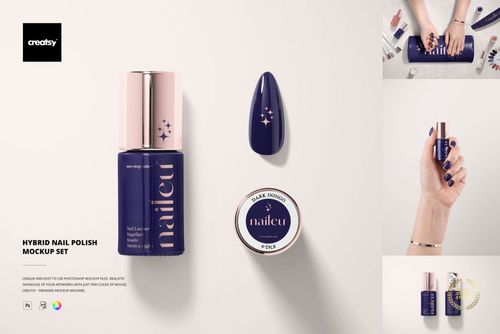
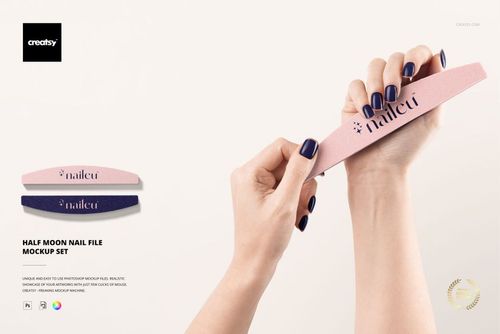
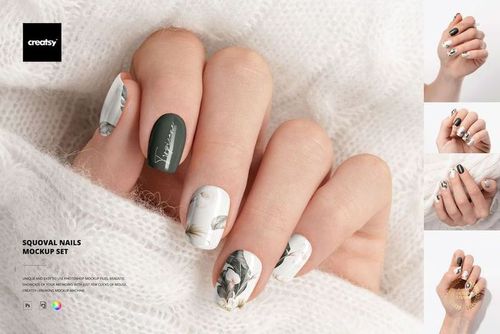
Our Nail Tips Mockup Set is here to give your designs the spotlight they deserve! With 7 high-resolution PSD files included, you can showcase your nail art from various angles and in both glossy and matte finishes. The shapes are elegant, the layout clean, and the options plentiful – making this mockup ideal for showcasing detailed nail designs in a professional setting.
Glossy or Matte? You Choose
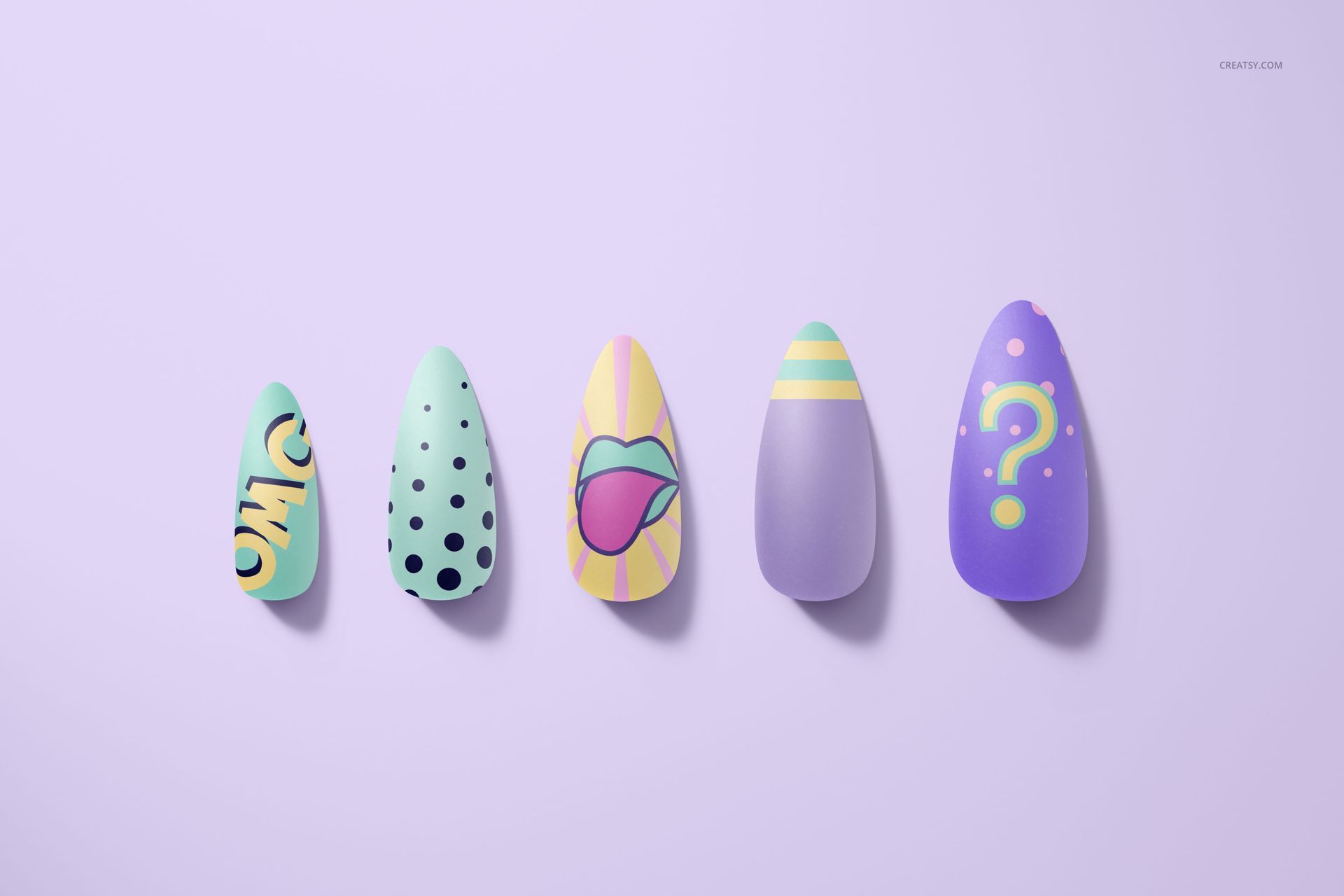
Most mockups in this set feature a high-shine glossy finish that beautifully highlights vibrant colors and reflective surfaces. But if you're leaning toward a more understated style, one file in the set features a matte finish – perfect for displaying softer hues or sophisticated textures.
The Perfect Canvas for Nail Art Creativity
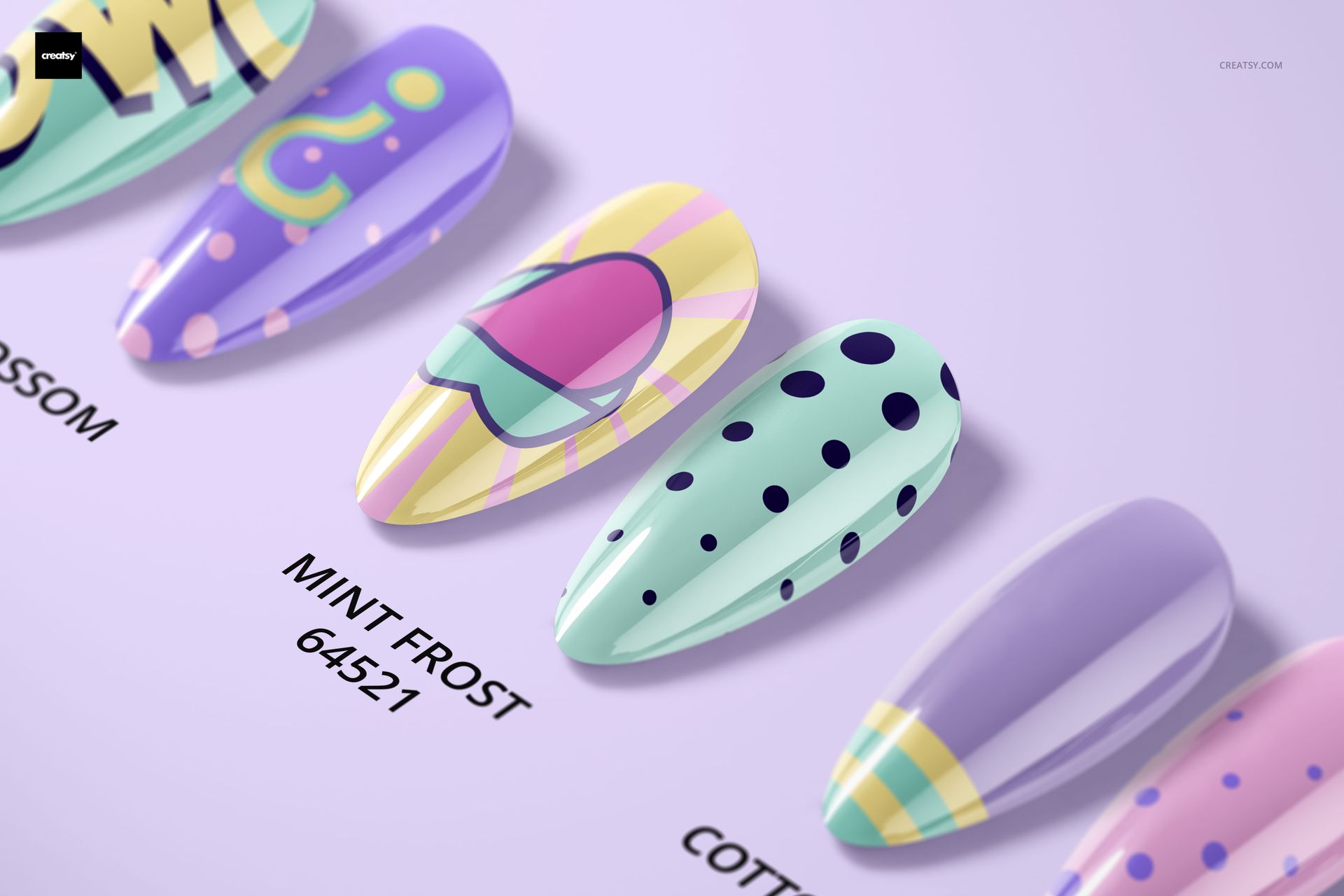
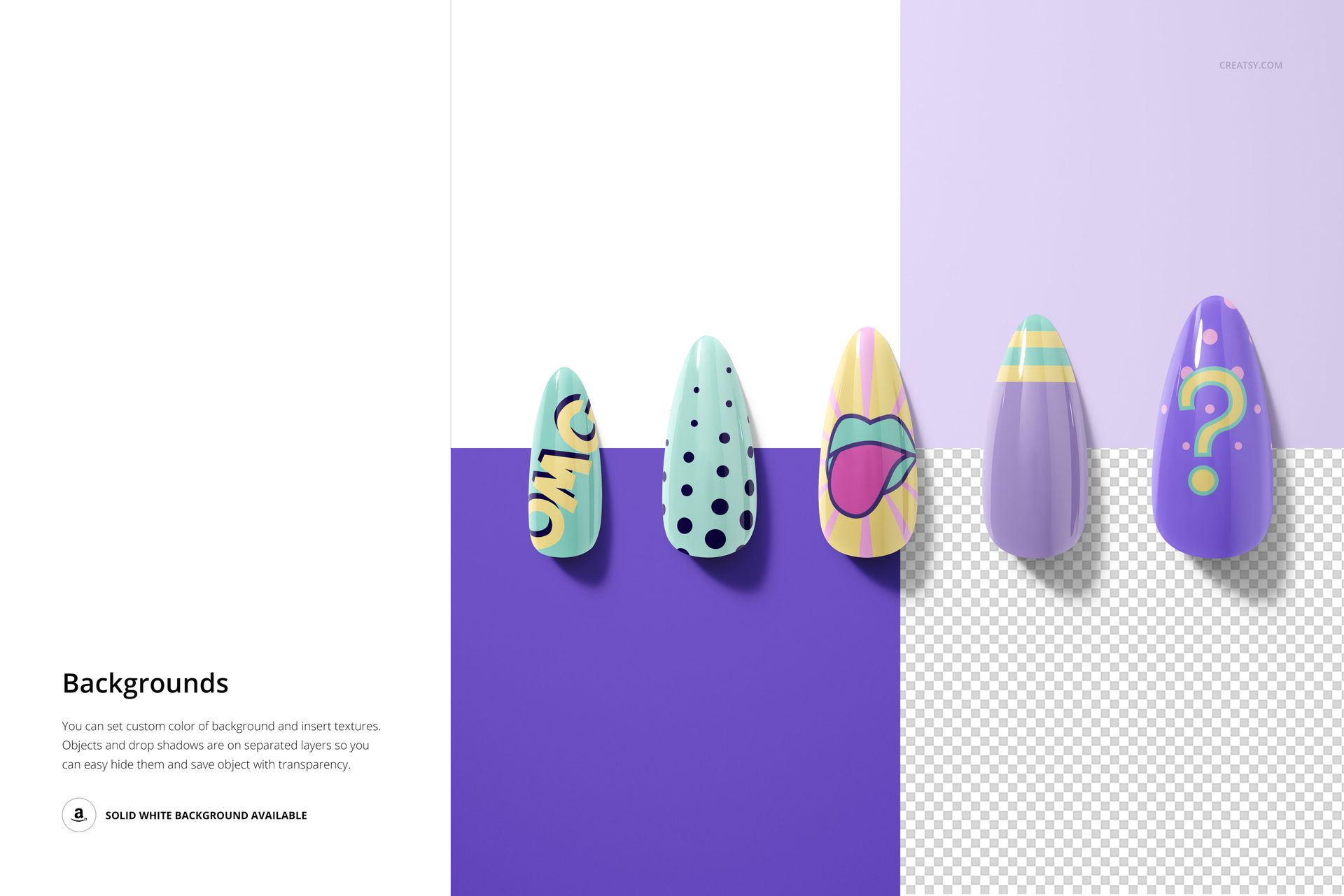
You can fully customize the design, artwork, and color on each nail tip. Display cohesive design sets, mix and match vibrant styles, or label each design with creative names. The editable background and optional layout with visible naming space give you freedom to personalize every aspect of your presentation.
- Files work in Photoshop (min. version CC2020) and in Photopea;
- Pack includes 7 .psd files: 6000x4000px, 300dpi;
- Check screenshots for all the features;
- Well organized layers.

File details
- Compatibility
- Number of files included
- 14
- Package size
- 1.64 GB
|1.77 GB
- Files type
- .psd, .jpg
- Files size
- 6000x4000


MEET THE SHOP
- $1890$27.00
- $1820$26.00
- $1890$27.00

HOW IT WORKS
3 clicks. That's it.
No tutorial needed. If you can copy-paste, you can use this.
- 1OpenDouble-click the smart object inside the PSD - in Adobe Photoshop, or free in your browser with Photopea.
- 2PasteDrop in your pattern, print, or artwork. Any design, any style.
- 3SaveHit save and the mockup wraps it in for you - shadows, folds, and lighting included.
FROM IDEA TO IMAGE
Built for real workflows
Skip the photo shoot Show your artwork on the real product type for approvals or listings - no studio, no model, no sample.
See it on the product, not a swatch Drop your file into the smart object and the scene's lighting and folds wrap around it, so you judge the real thing before you commit.
Smart Objects
Edit once and you're done. Your artwork drops into a smart object and the mockup updates itself - no masking, no warping by hand.
Perfectly Organized
Named layers and folders you can actually navigate. Find what you need, change what you want, and get out fast.
Print-Ready
High-resolution files built to hold up on screen and in print. Exact size and DPI are in this product's Details above.