UV Gel Nail Wraps Mockup Set

ID: 2079629653 | Updated: Jan 30, 2024

Product Details

UV Gel Nail Wraps Mockup Set

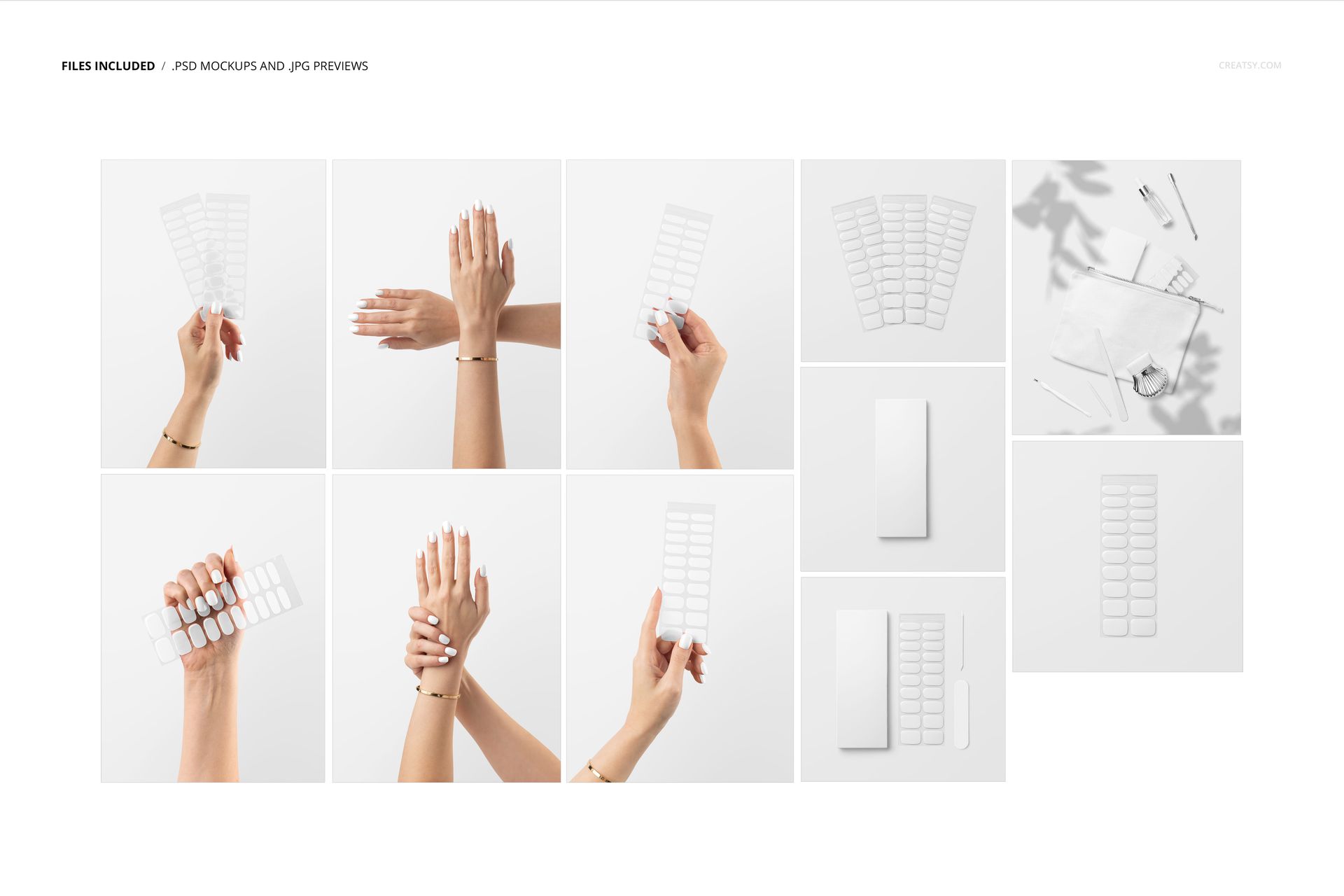
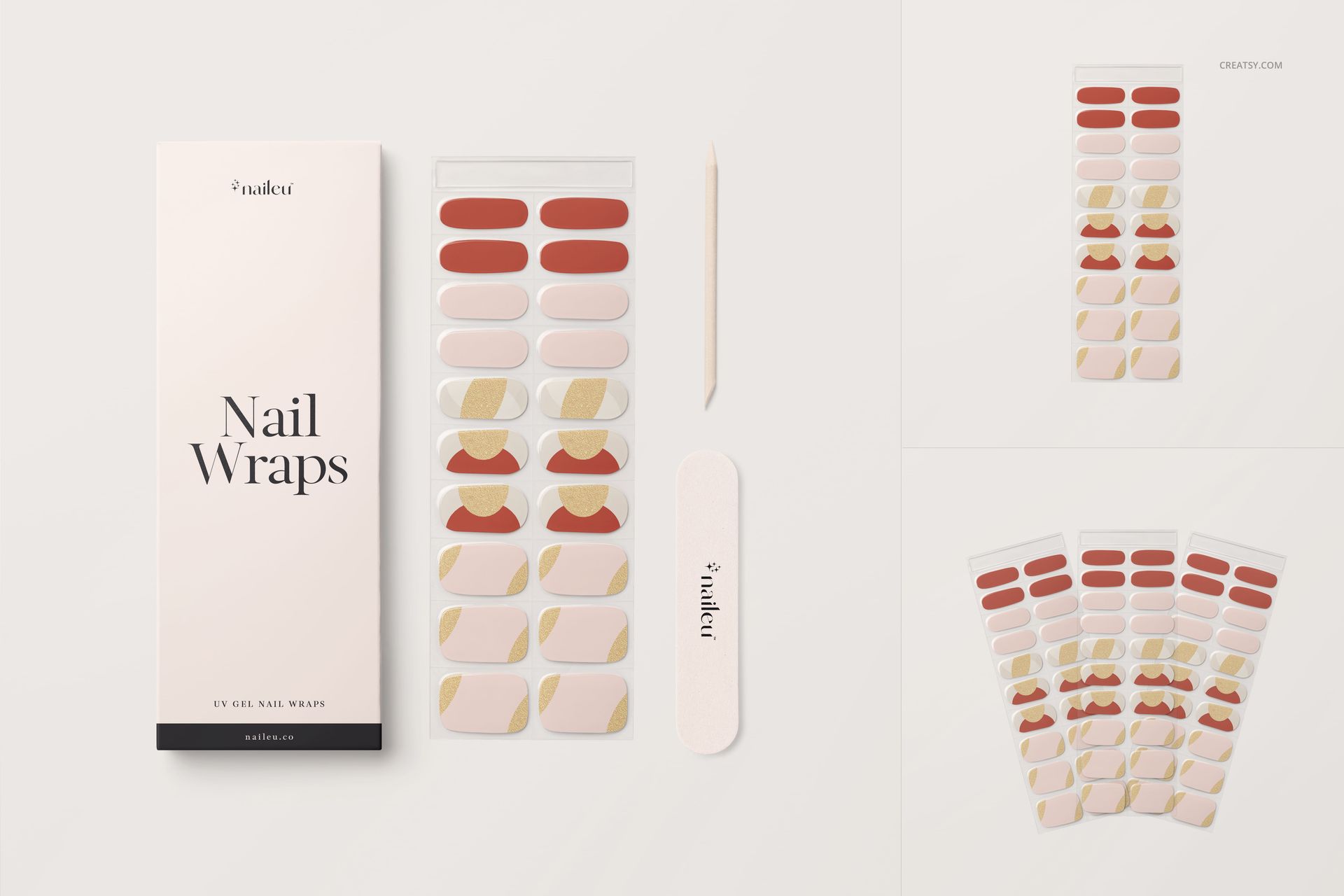
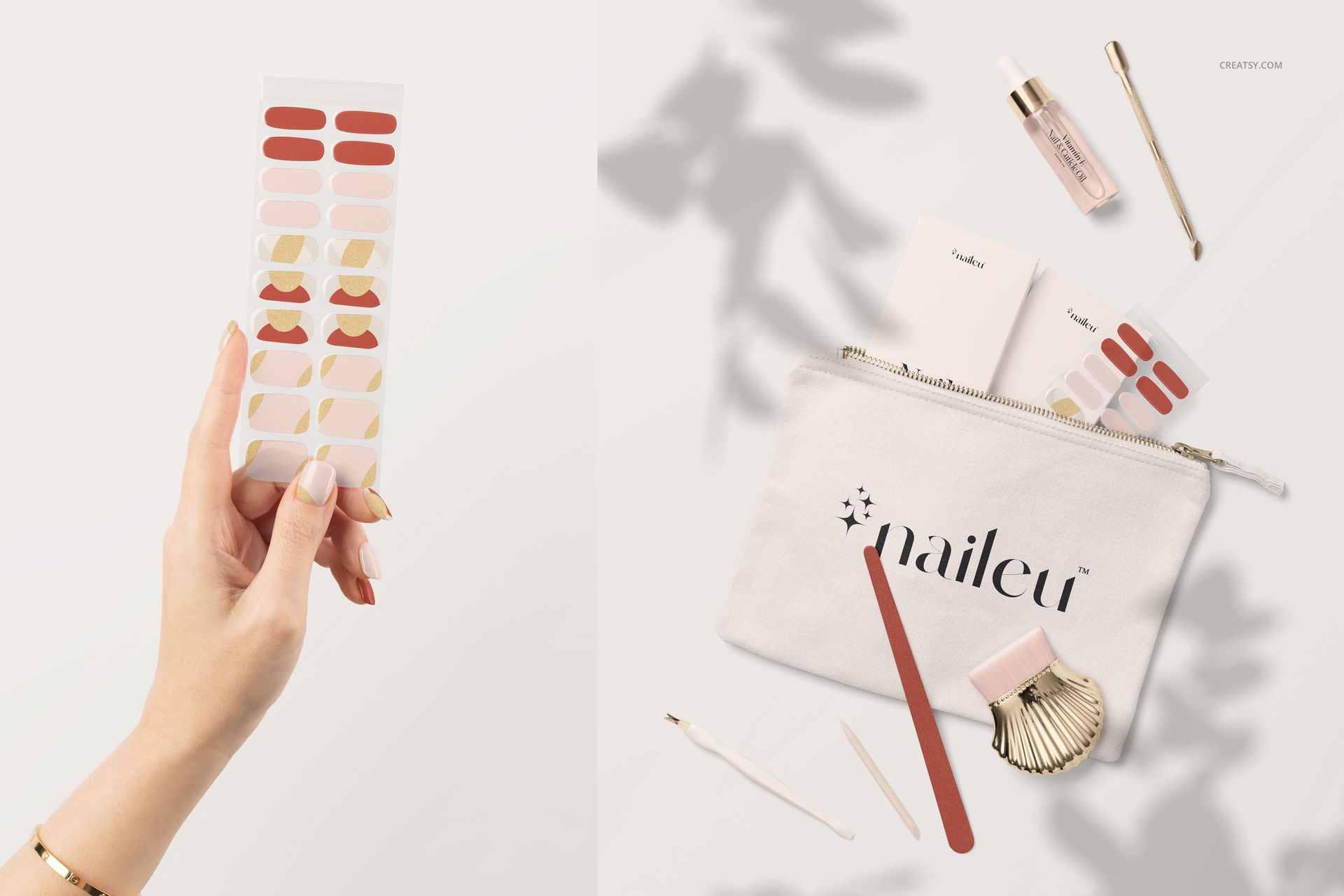
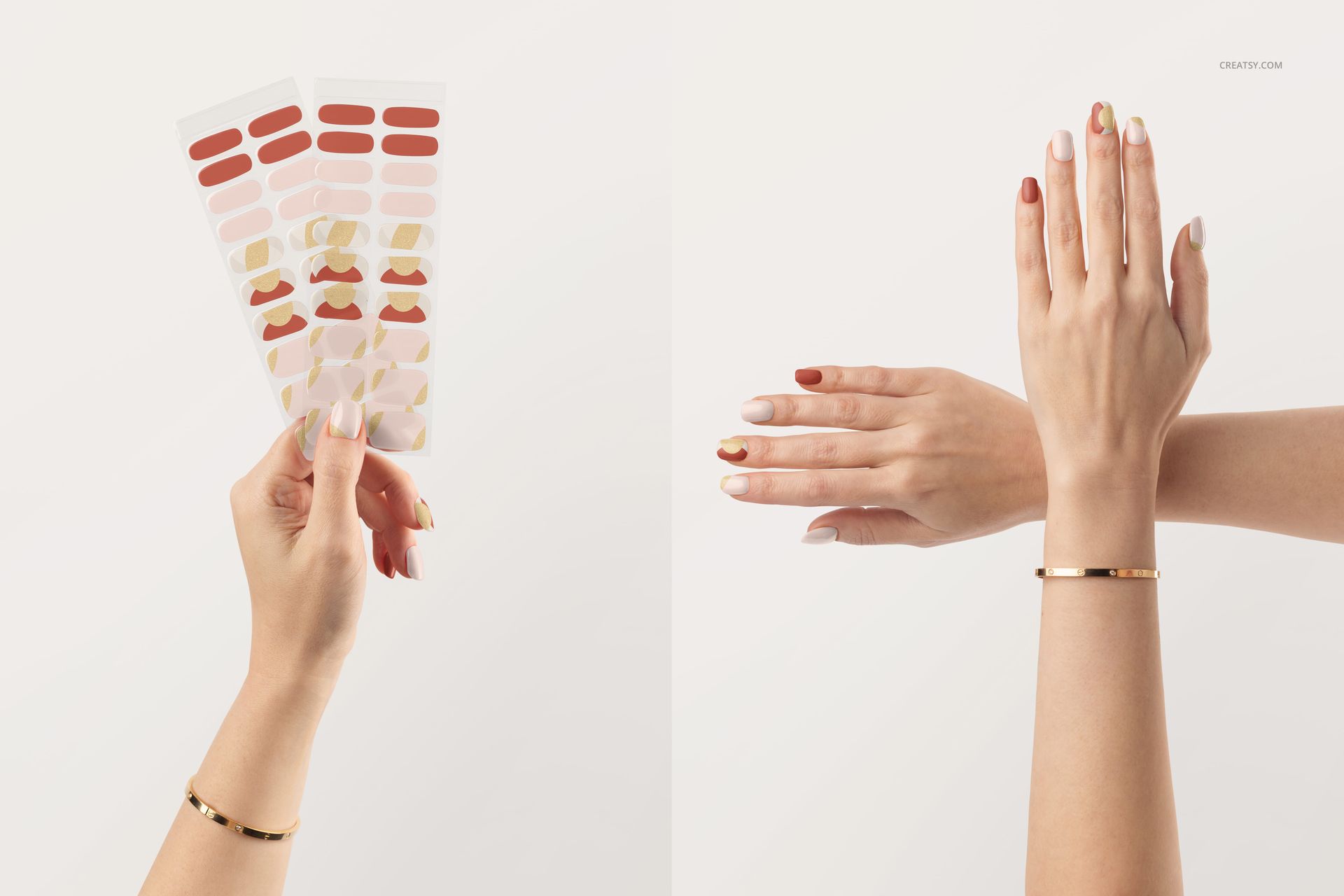
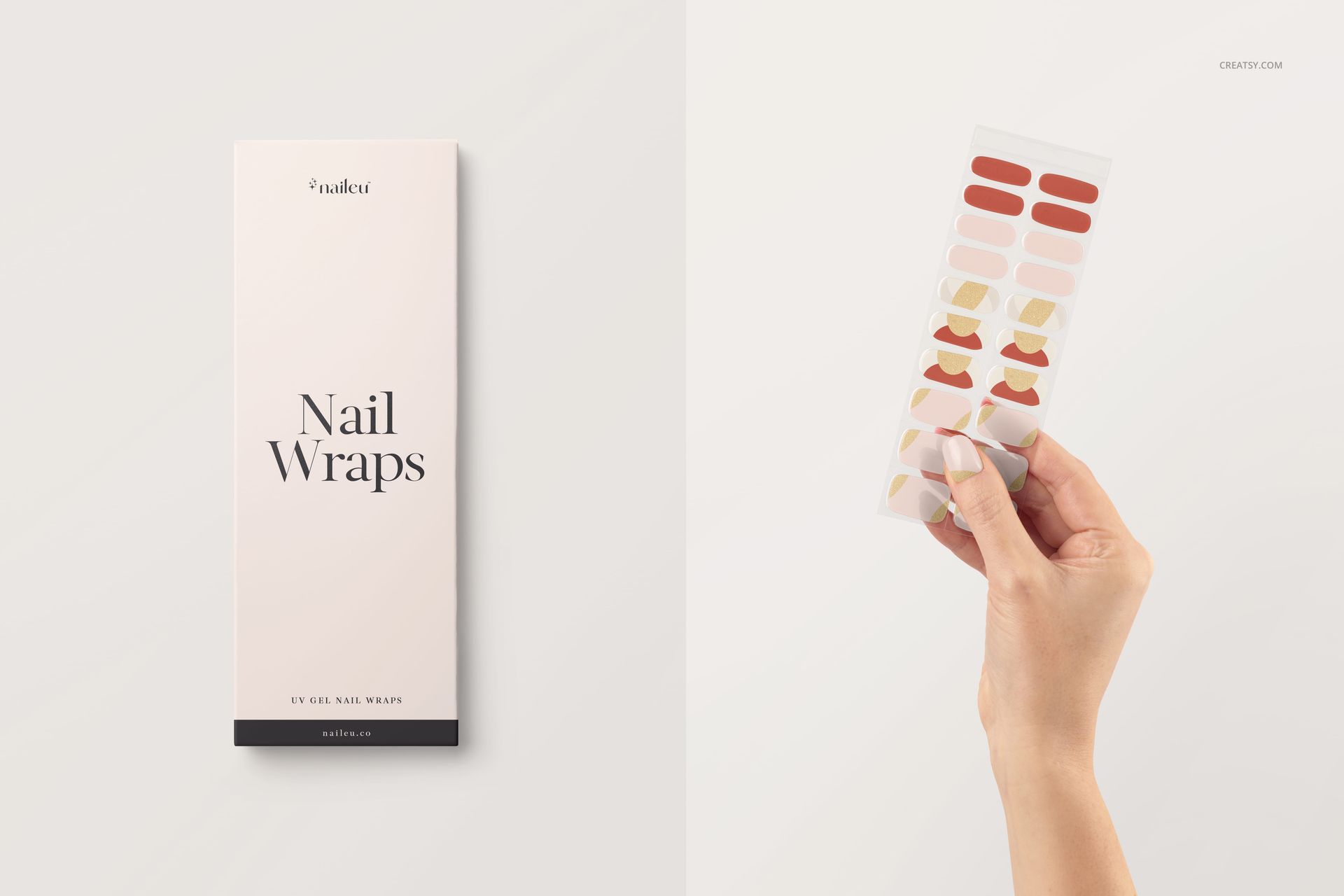
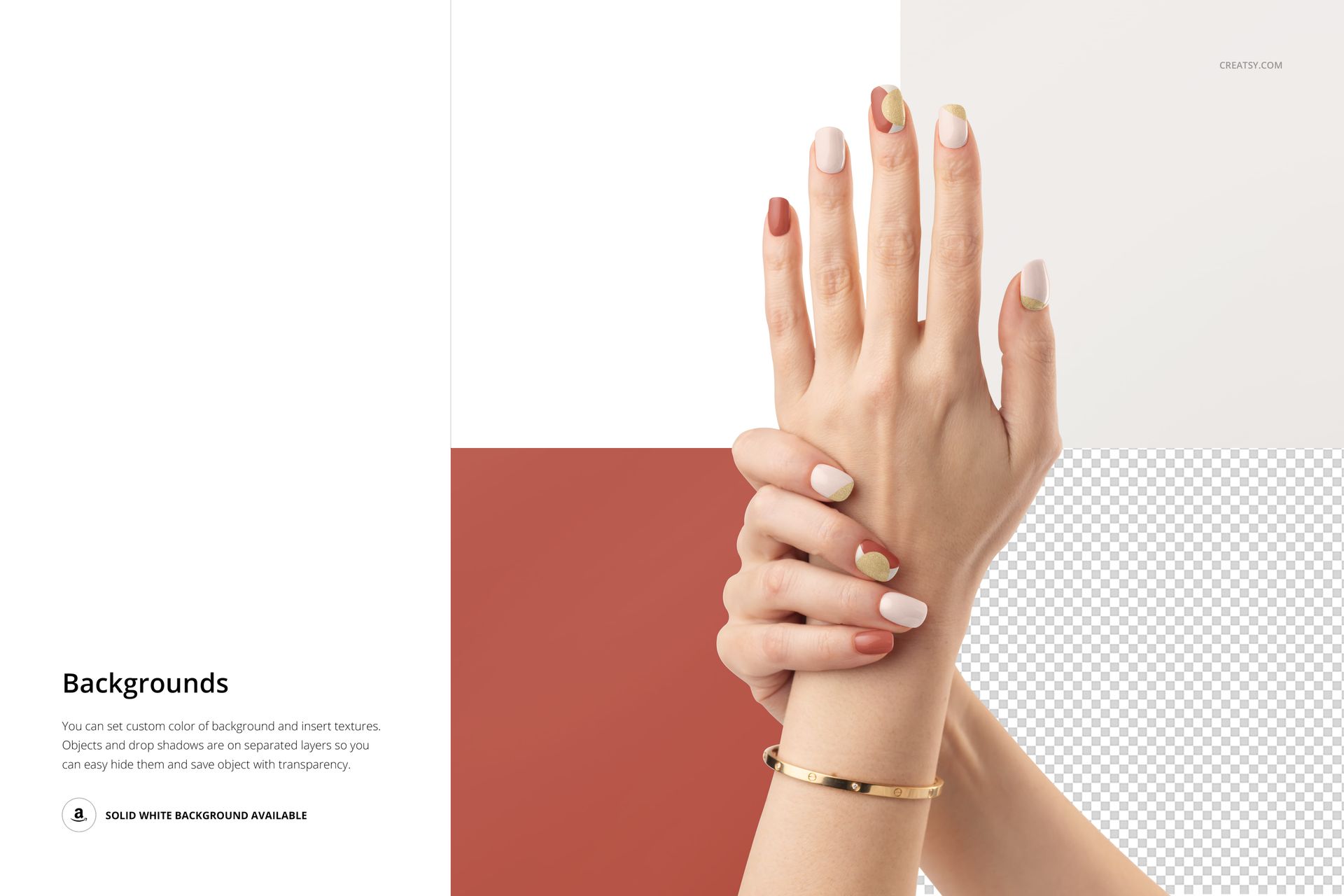
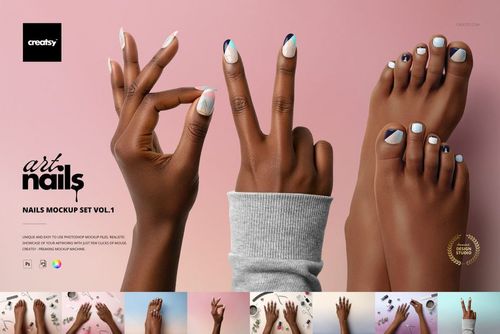
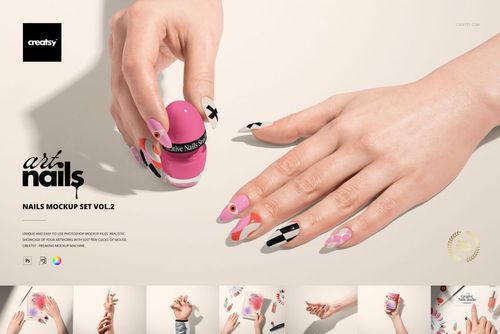
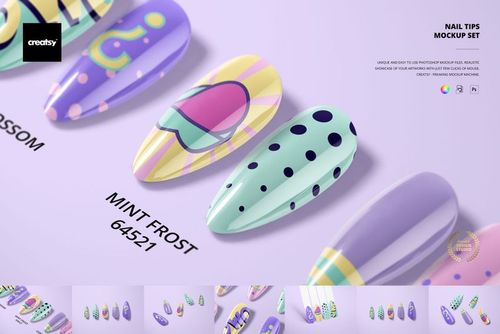
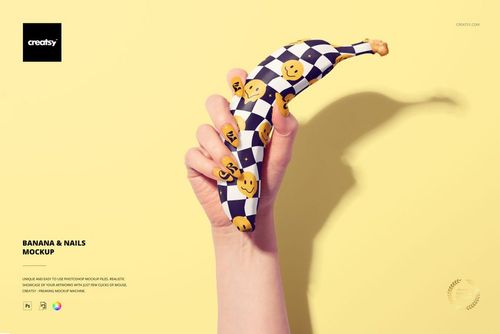
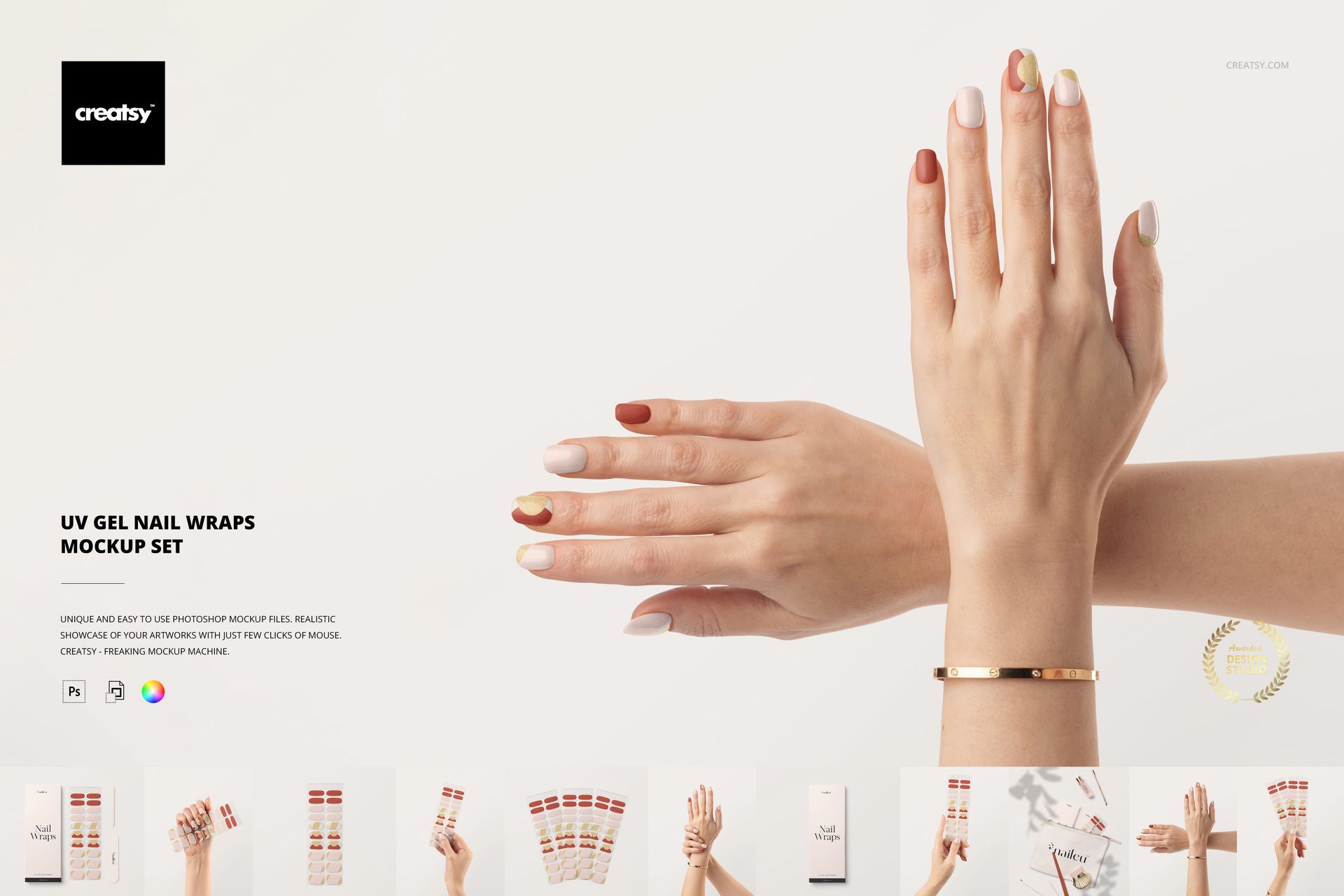
Present a UV gel nail wrap collection from the display sheet to the finished manicure. This set combines wrap sheets, packaging, hand views and manicure accessories, giving you a way to show both the product designs and their surrounding brand identity.

Editable features

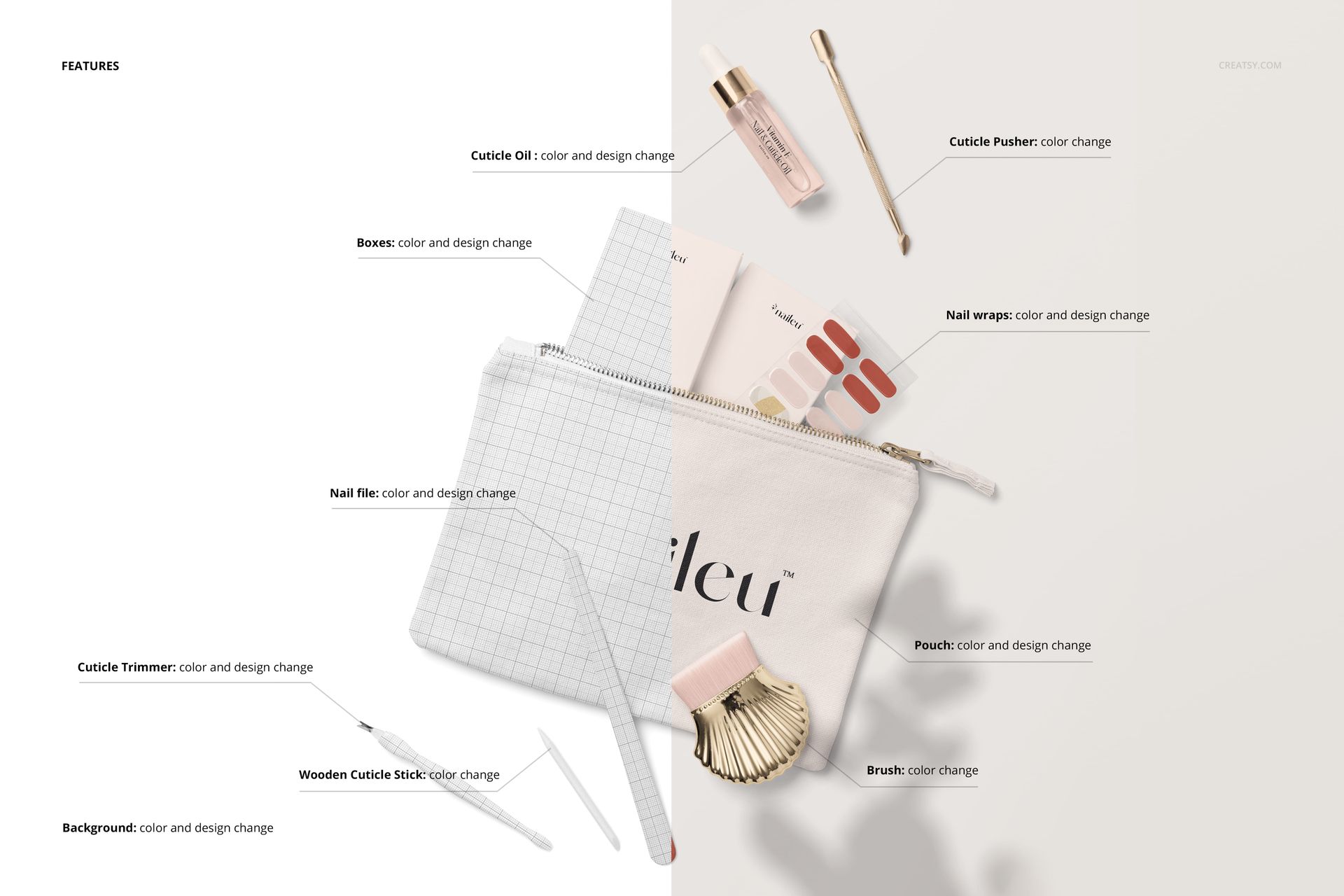
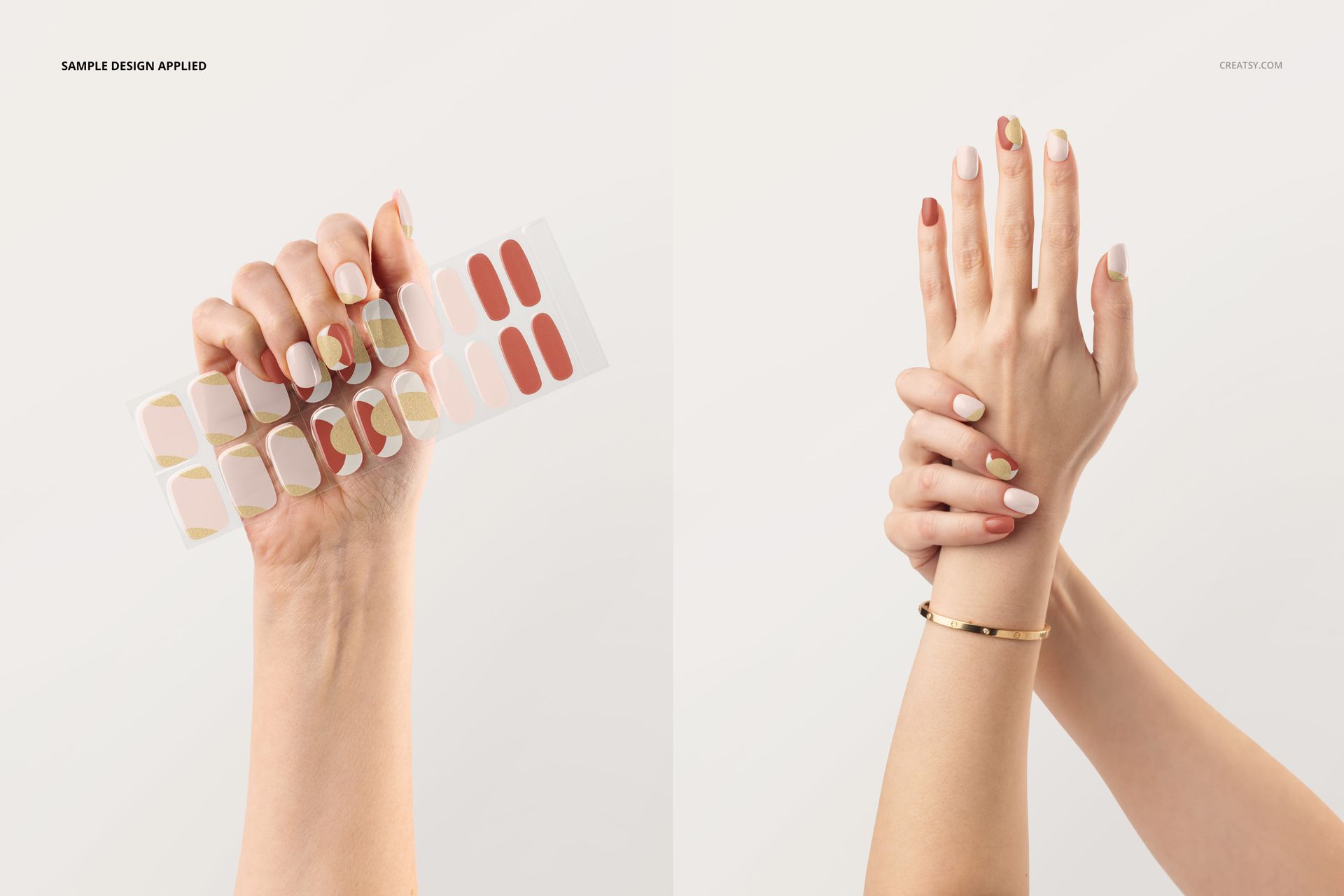
  • Apply colors and artwork to the nail wraps and boxes.

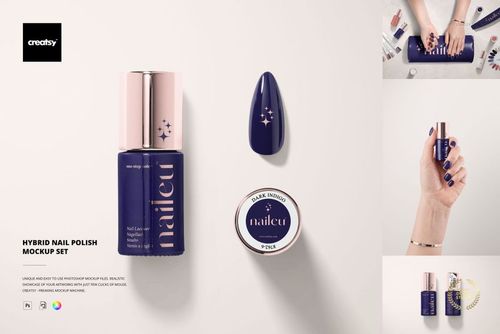
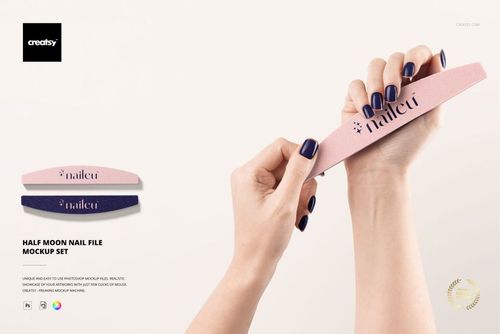
  • Customize the cuticle oil bottle, pouch, nail file and cuticle trimmer where they appear in the accessory scene.

  • Change the colors of the cuticle pusher, wooden cuticle stick and brush.

  • Use custom background colors or textures, with separate object and drop-shadow layers for transparent output.

Choose the supplied hand views for manicure presentations and the sheet or packaging views when the wrap artwork needs to remain clearly visible. Editing controls depend on the selected composition.

Included files

11 layered PSD files and 11 JPG previews. PSD dimensions include 4000x6000, 5000x6000 and 6000x6000 px, all at 300 dpi. Works in Adobe Photoshop CC 2020 or later and Photopea, with well-organized layers.

Use the set for nail wrap packaging concepts, collection previews, client proposals and product campaign images. This is a digital mockup set; physical wraps, tools and the sample artwork shown in the gallery are not included.

File details

Compatibility
PhotopeaAdobe Photoshop
Package size
297 MB297 MB|311 MB311 MB
Files type
.psd, .jpg
Files size
4000x6000
FREE MOCKUPS

MEET THE SHOP

Creatsy logo

Creatsy

Poland
4.8 (716)

Bring your ideas to life.

We're a family-run studio in Katowice, Poland, making PSD mockups by hand since 2016. Everything in this shop starts in our own studio. We shoot the photography, build the 3D, and put together every Smart Object PSD ourselves - then we test it, organize the layers, and only ship it once it actually works...
GO TO SHOP

HOW IT WORKS

3 clicks. That's it.

No tutorial needed. If you can copy-paste, you can use this.

  1. 1OpenDouble-click the smart object inside the PSD - in Adobe Photoshop, or free in your browser with Photopea.
  2. 2PasteDrop in your pattern, print, or artwork. Any design, any style.
  3. 3SaveHit save and the mockup wraps it in for you - shadows, folds, and lighting included.

FROM IDEA TO IMAGE

Built for real workflows

Skip the photo shoot Show your artwork on the real product type for approvals or listings - no studio, no model, no sample.

See it on the product, not a swatch Drop your file into the smart object and the scene's lighting and folds wrap around it, so you judge the real thing before you commit.

Smart Objects

Edit once and you're done. Your artwork drops into a smart object and the mockup updates itself - no masking, no warping by hand.

Perfectly Organized

Named layers and folders you can actually navigate. Find what you need, change what you want, and get out fast.

Print-Ready

High-resolution files built to hold up on screen and in print. Exact size and DPI are in this product's Details above.