MacBook Clear Case Mockups for Printed Artwork
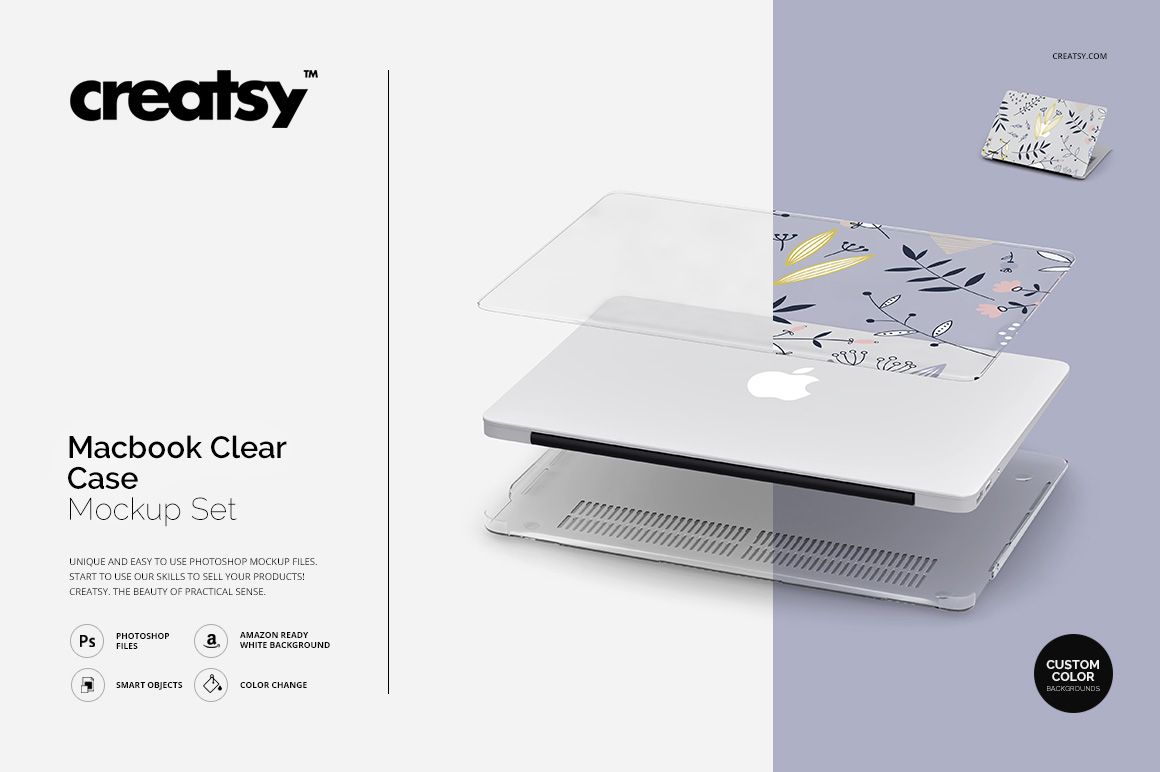
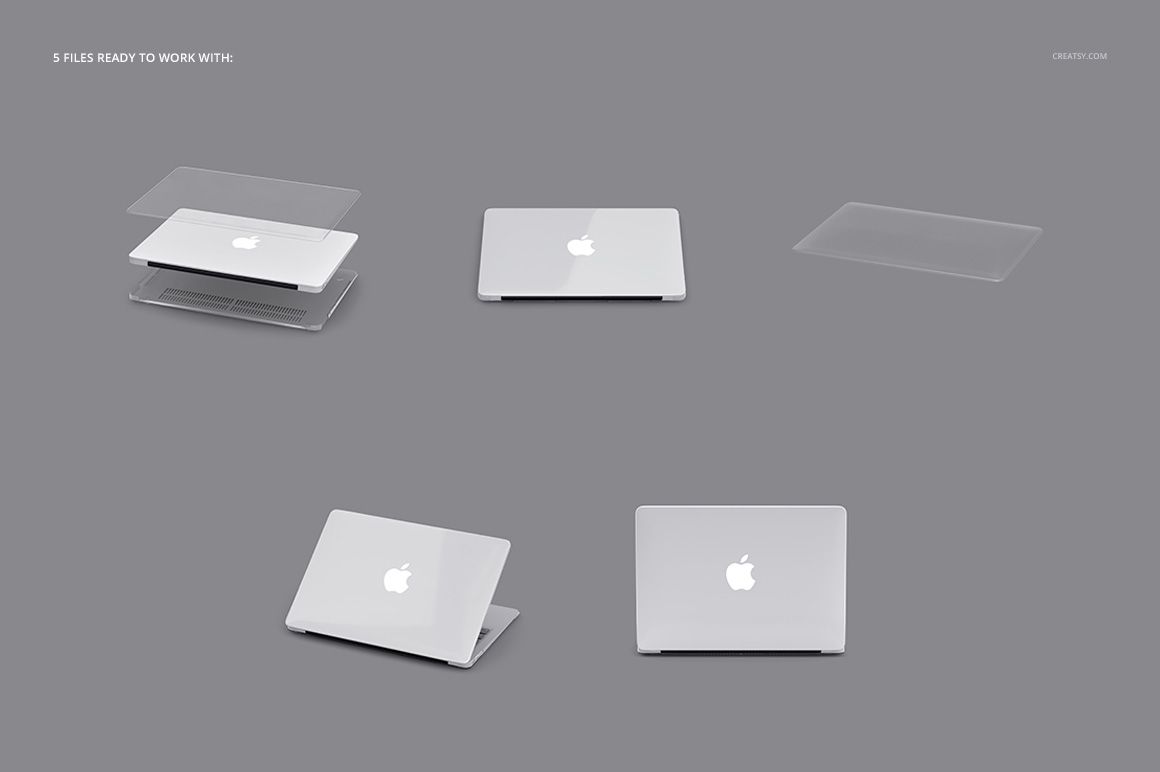
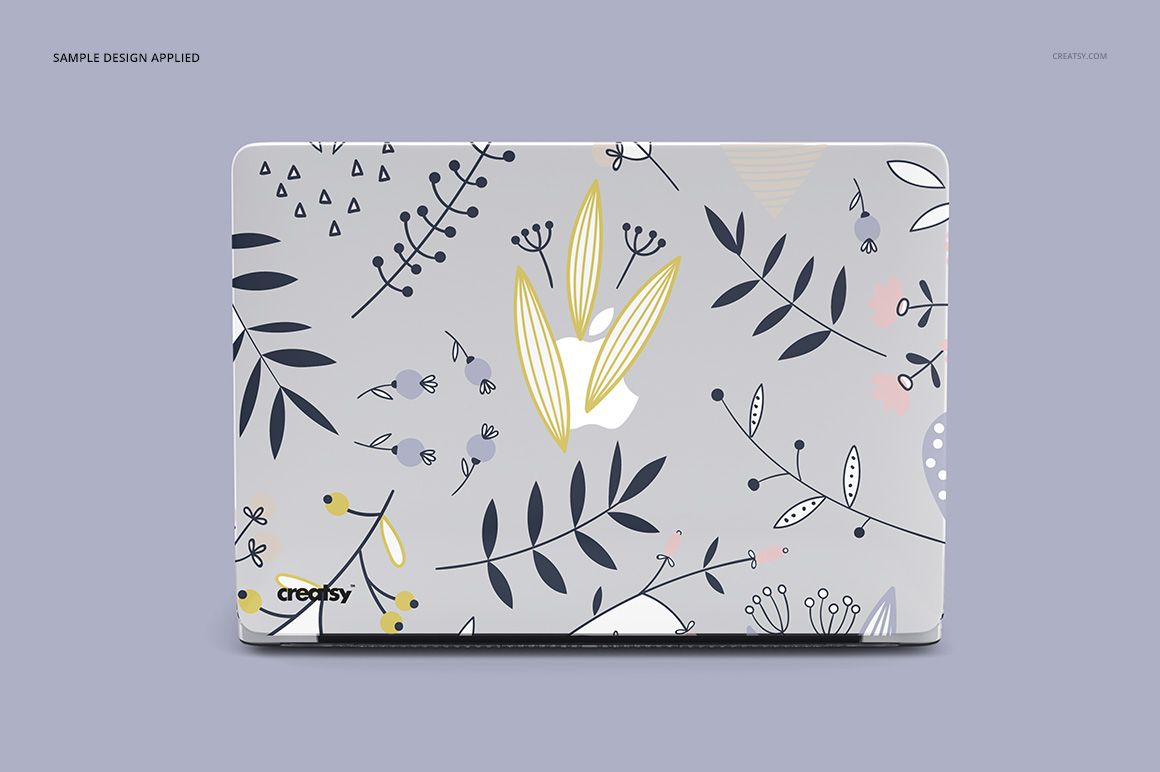
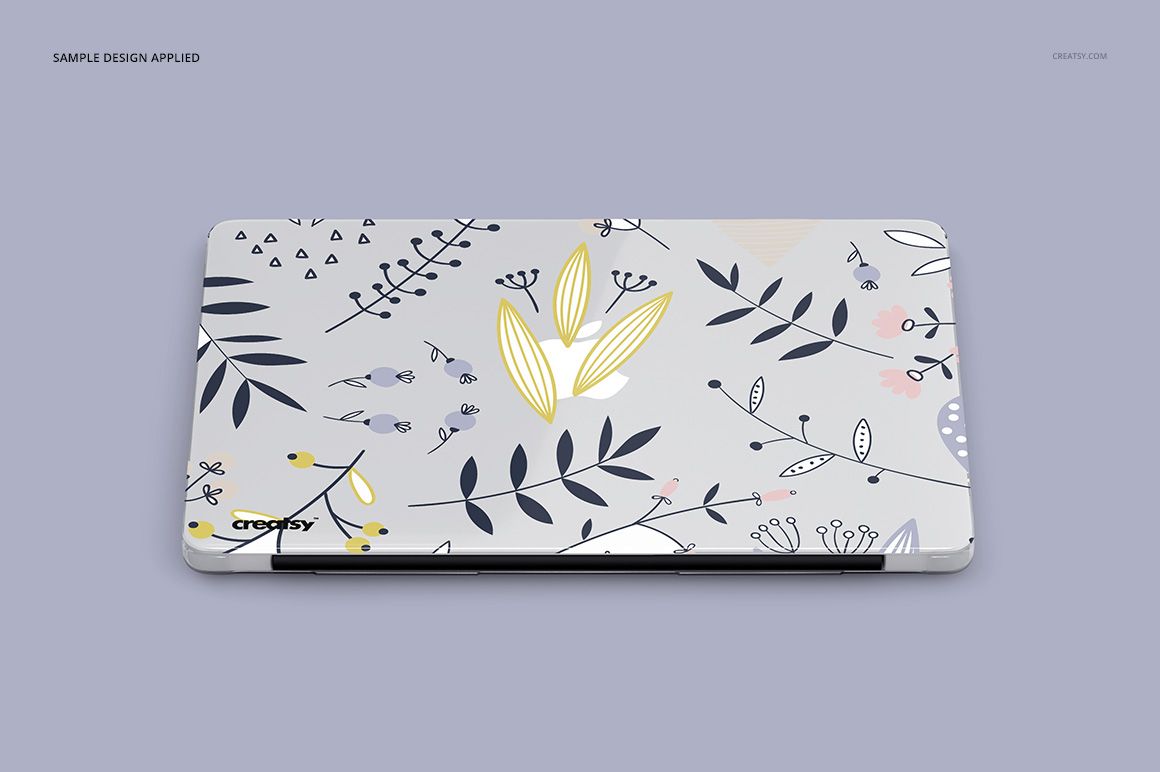
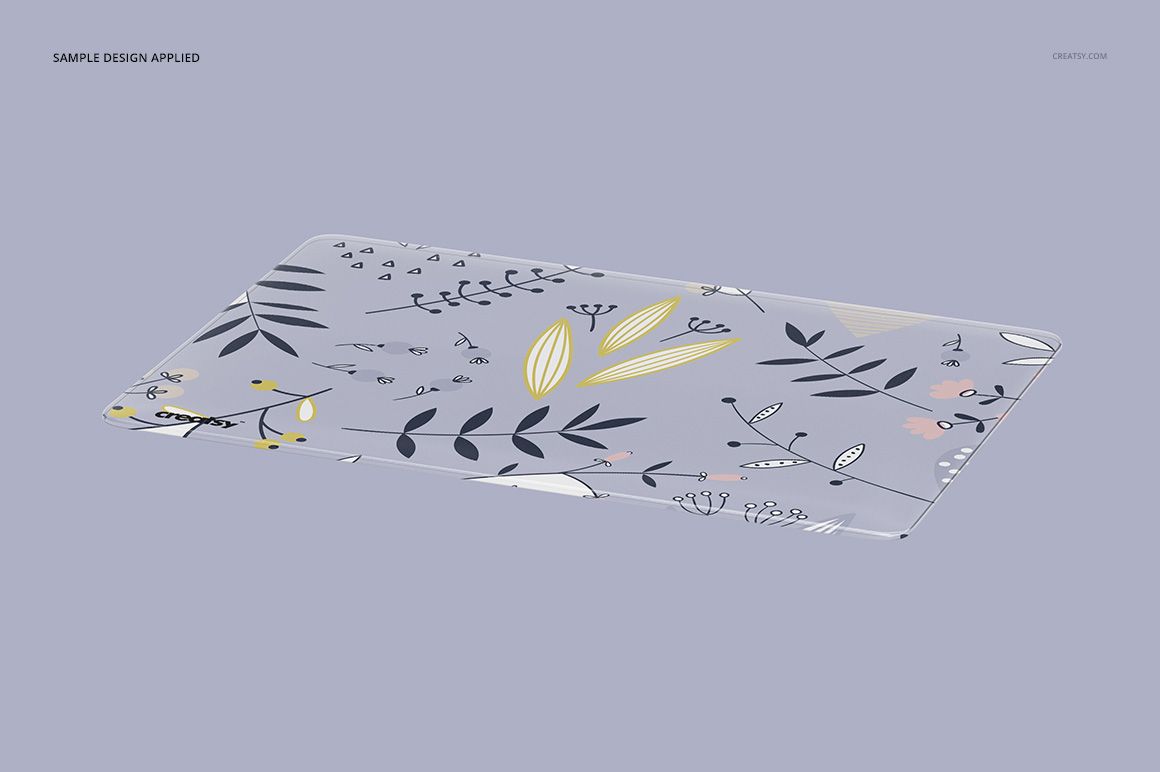
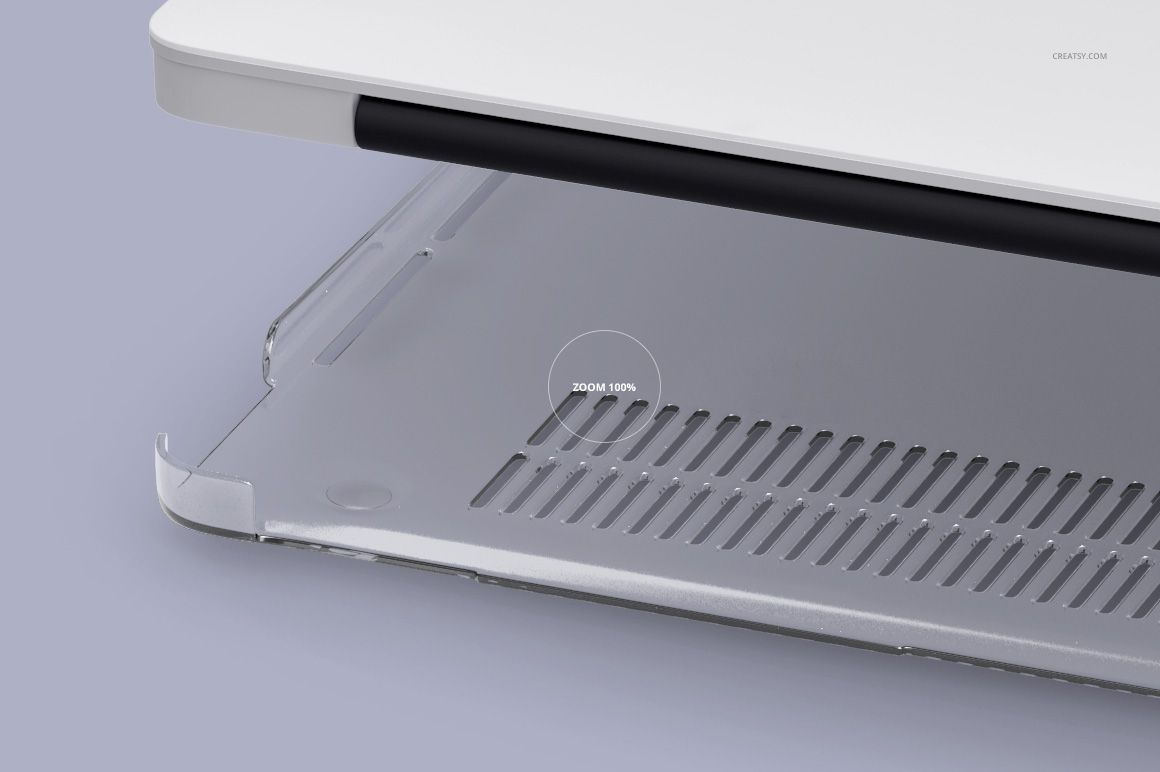
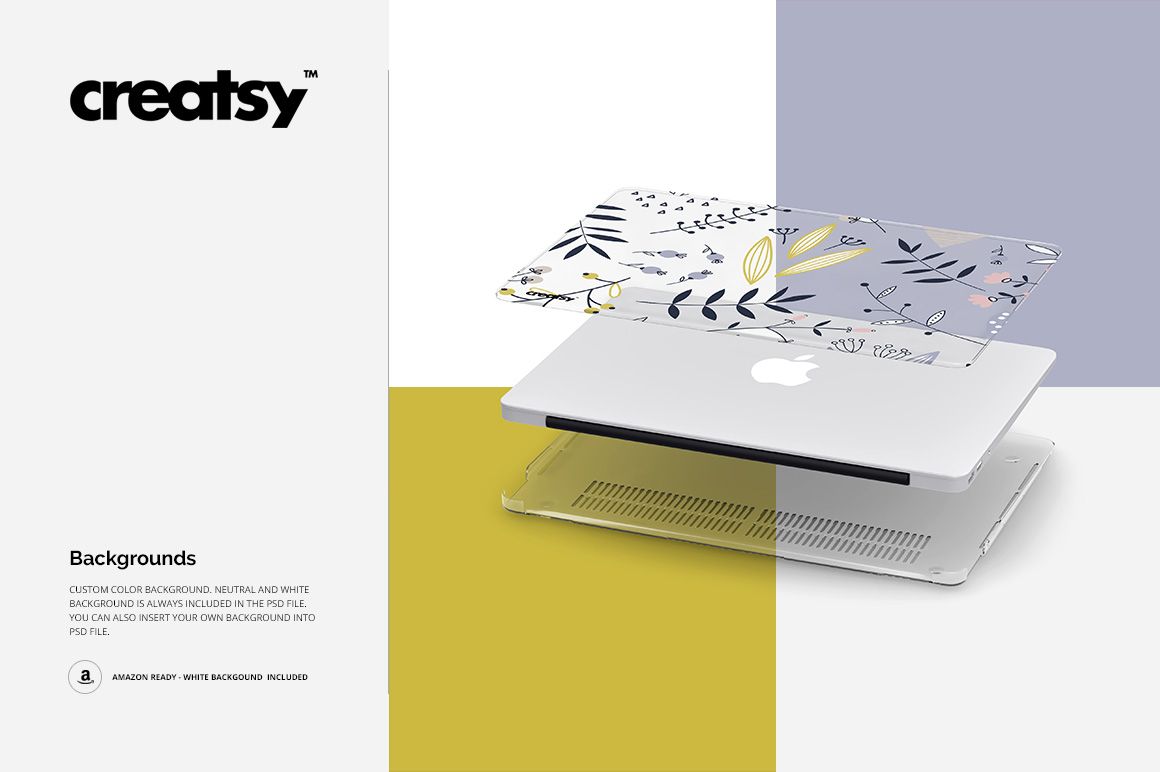
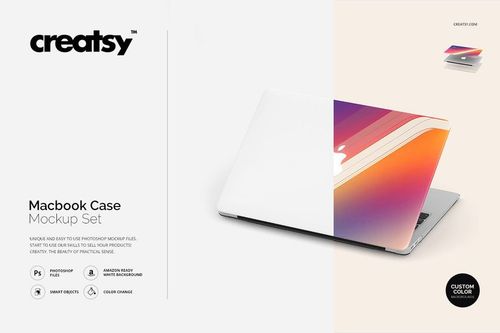
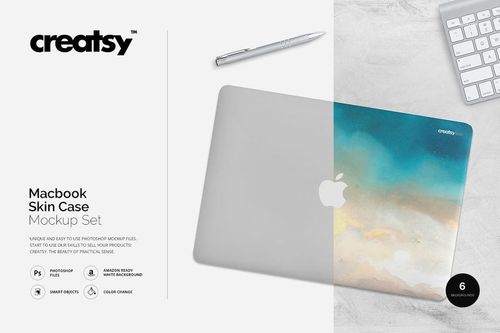
Explore how your artwork sits on a transparent laptop cover. The MacBook Clear Case Mockup Set includes compositions showing the case on the computer, the cover on its own, and an exploded arrangement with the top and bottom shells separated. This makes it useful for presenting sparse illustrations, botanical motifs, and other designs that leave part of the clear surface visible.
Set Contents and Editing
Five numbered mockup compositions: 01–05, supplied as layered PSD files.
Supporting files: JPG previews and a TIF guide.
Case style: transparent MacBook cover with top and bottom shell views.
Artwork editing: replace the design through Smart Objects.
Color controls: adjustable colors for the presentation.
Background choices: custom, neutral, and white.
Compatibility: Adobe Photoshop CS6 or later, and Photopea.
Let the Clear Areas Support the Design
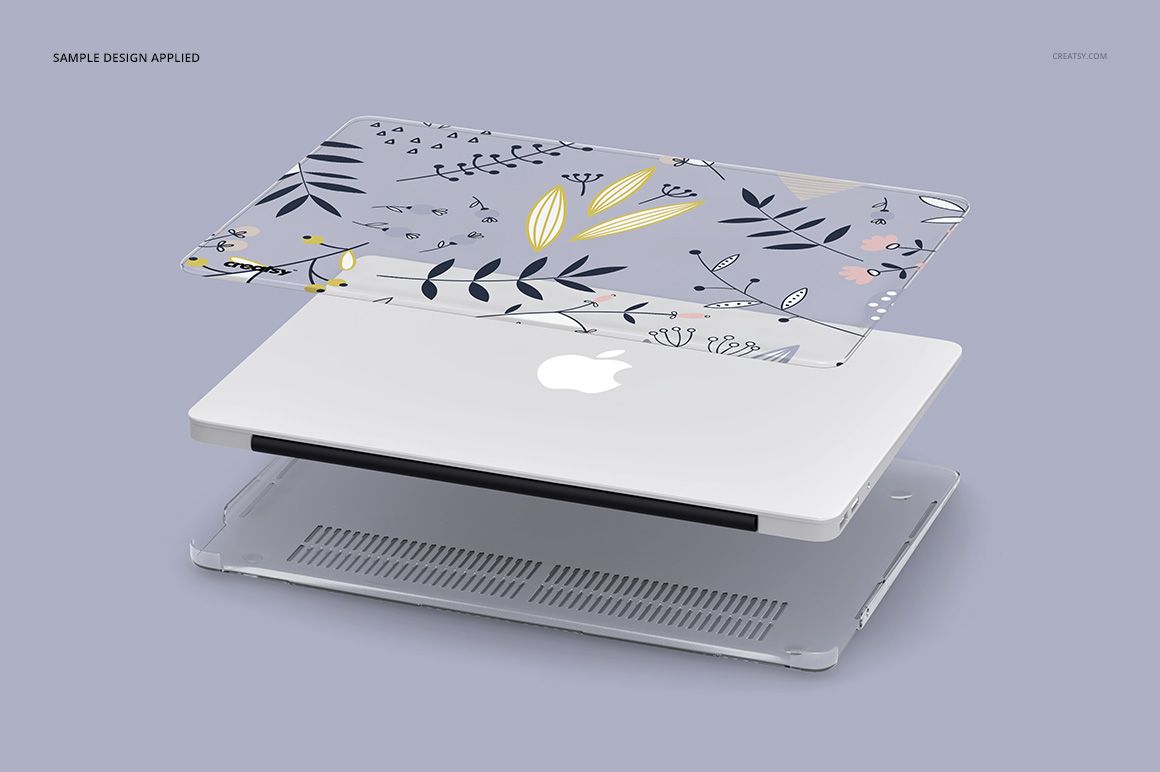
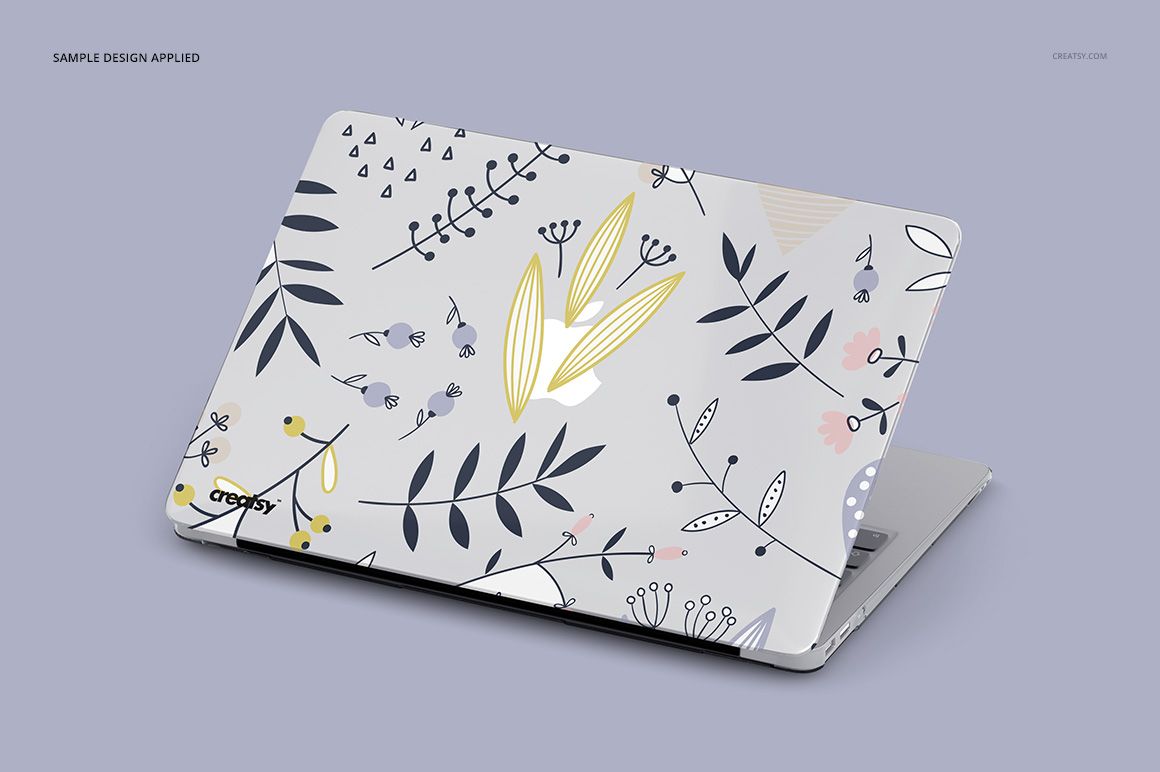
A transparent case gives the uncovered areas of a design an active role in the presentation. Compare a motif on the lid with an isolated cover view to assess spacing and visual balance. Use the exploded composition when you want to show the cover construction alongside the artwork in a client proposal, portfolio, or product collection preview.
The floral sample artwork is shown for demonstration and is not included. This is a digital mockup set; physical cases and computers are not supplied.