What Is the Mug Phone Laptop Case Scene Mockup?
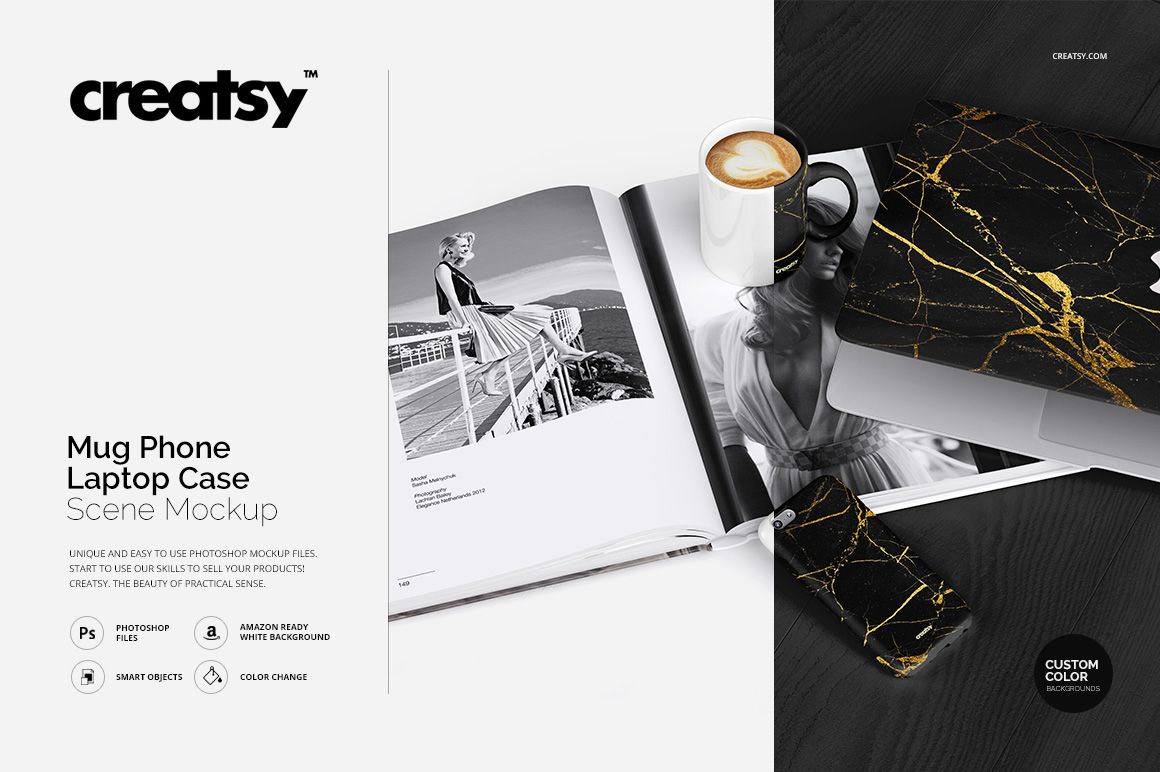
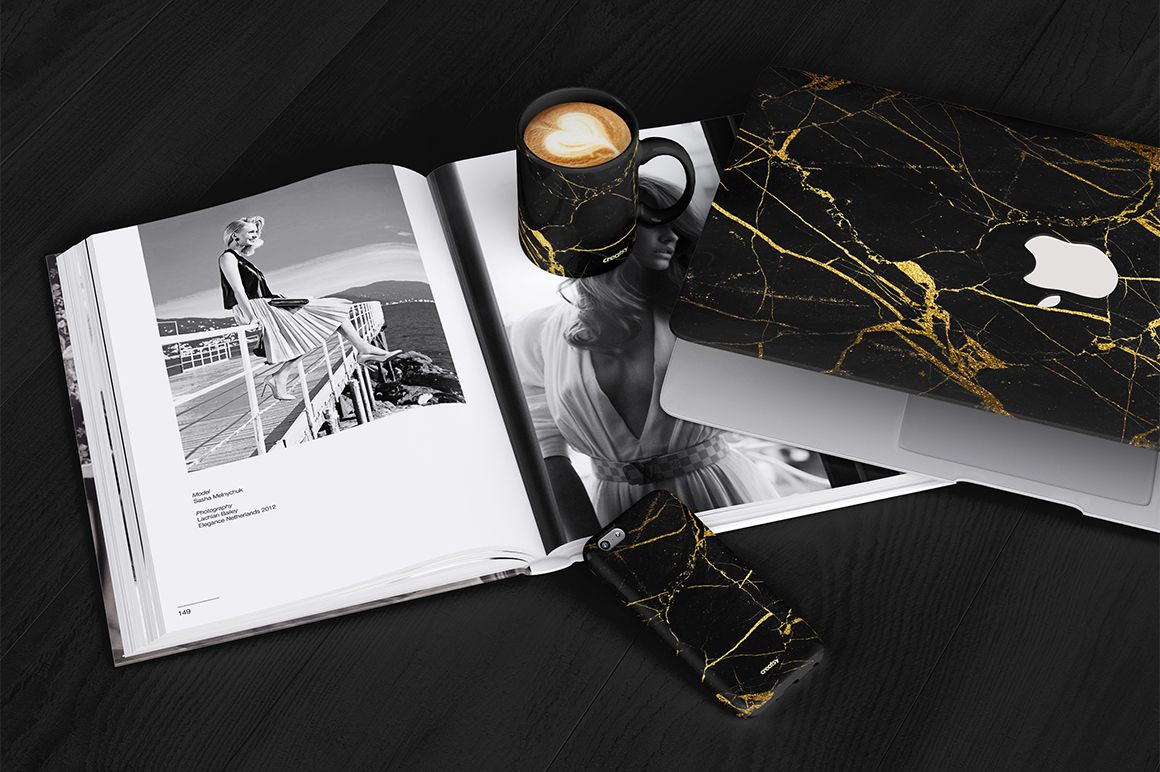
The Mug Phone Laptop Case Scene Mockup by Creatsy is a digital PSD branding scene mockup for presenting logos, patterns and brand artwork on three products at once: a ceramic mug, a phone case and a laptop sleeve, styled together on one table.
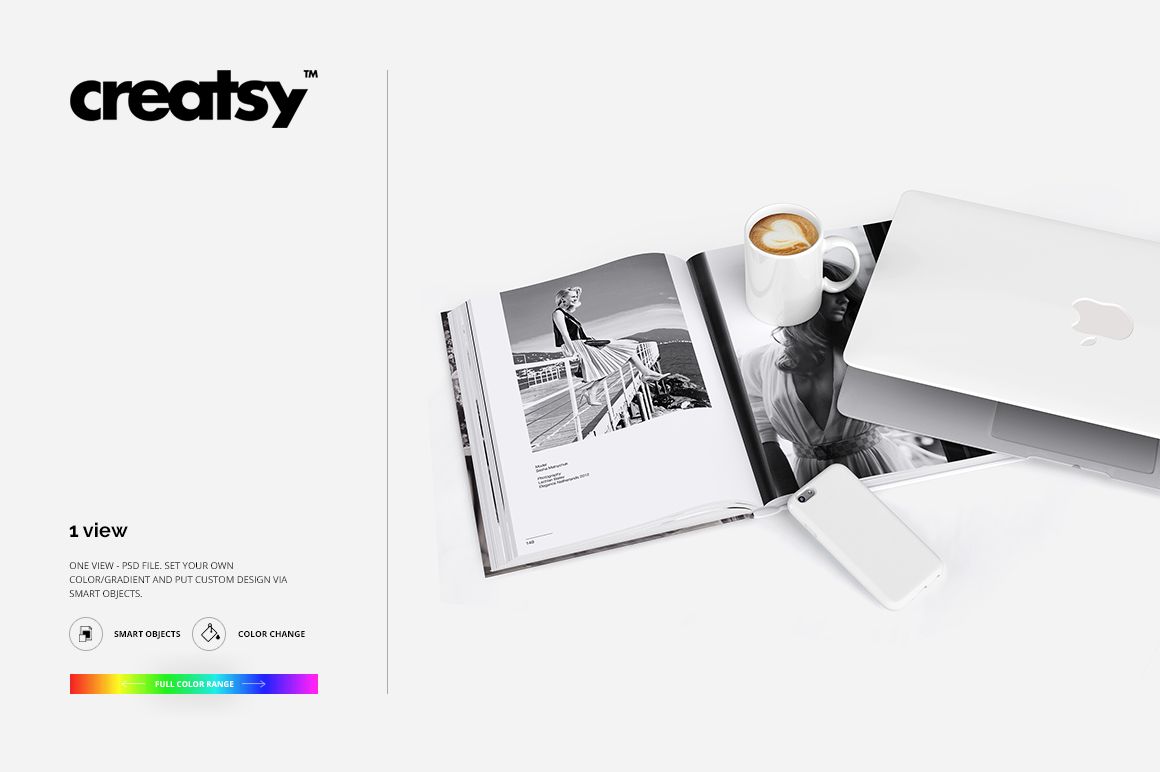
The scene is a single layered PSD file, 2800 × 2100 px at 300 DPI, photographed as one view from above. An open magazine and a coffee sit in the frame as props, which makes the shot work as a lifestyle image for shop banners, brand presentations, Etsy and Amazon listings, portfolios and social media.
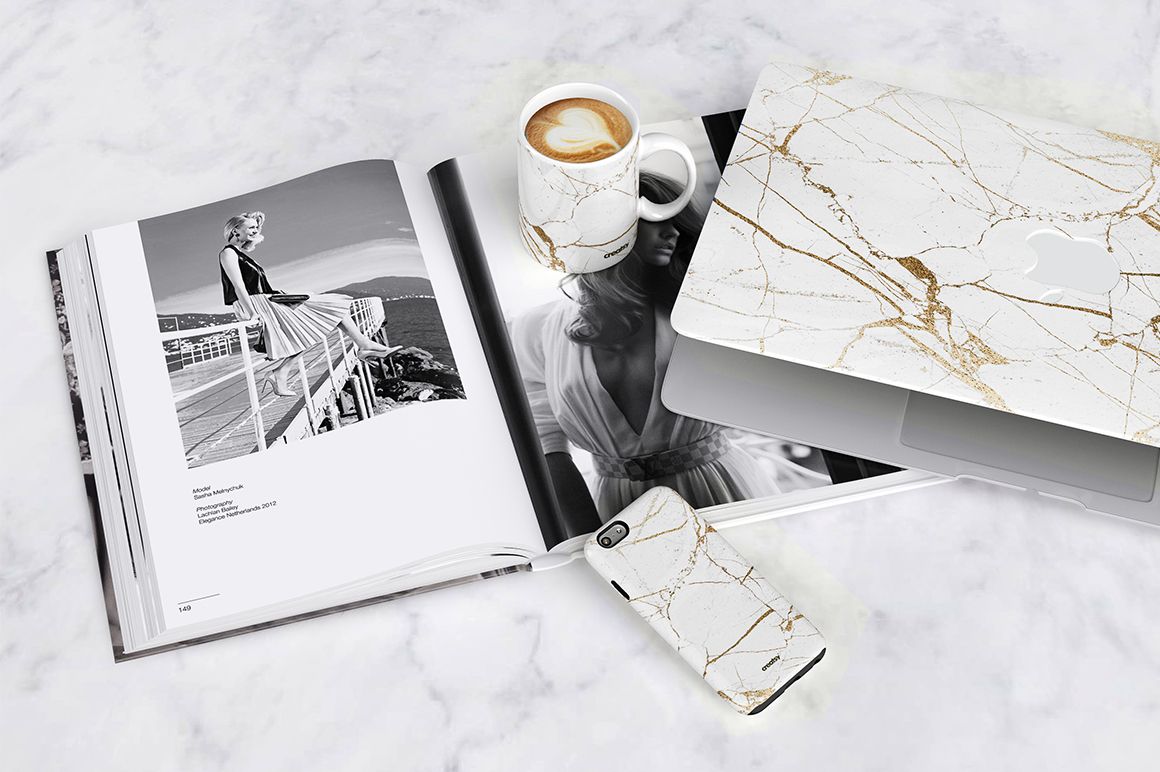
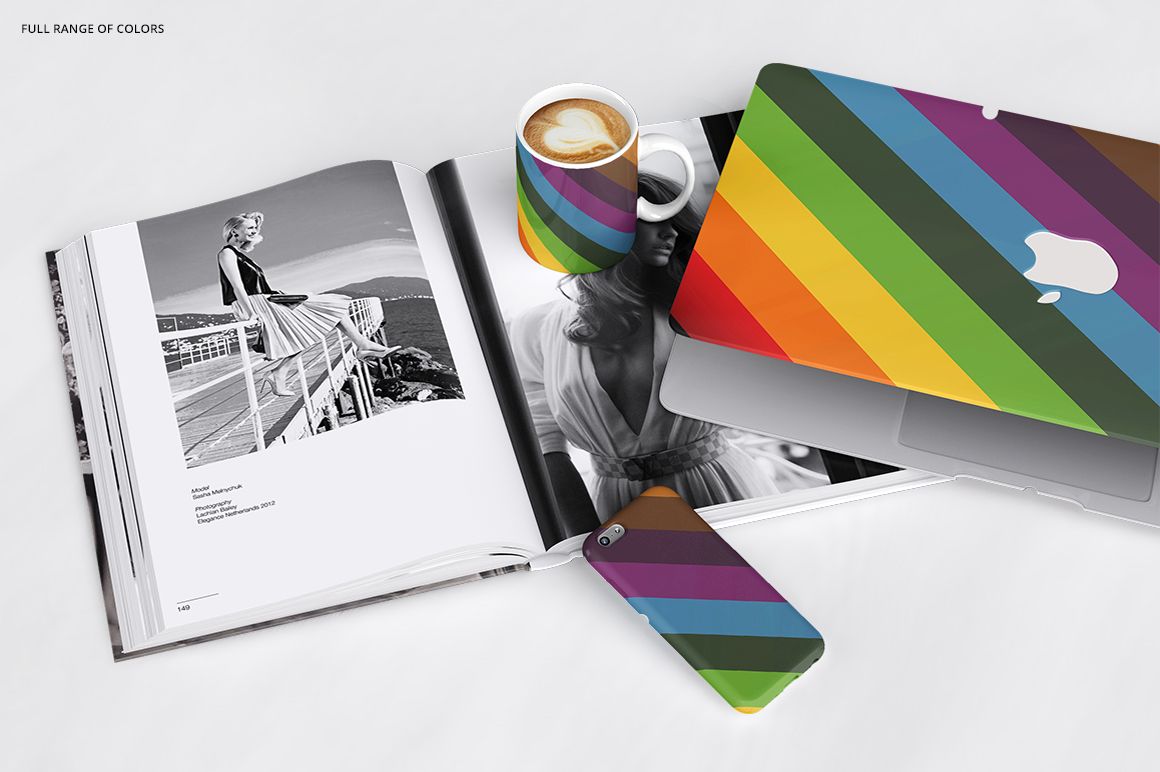
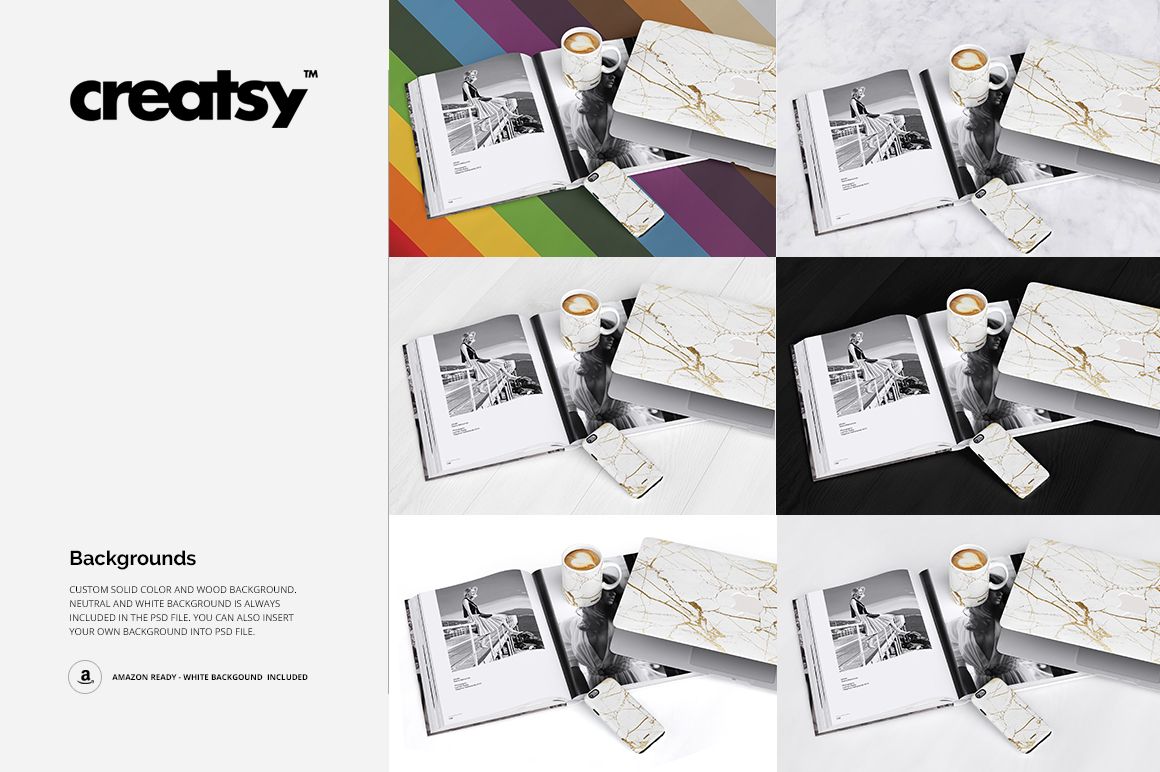
Each of the three products takes its own design through a Smart Object and recolors with flat colors or gradients across the full range. The background switches between five options: marble, wood in a custom color, a flat custom color, neutral and white, and the white version is Amazon-ready.
Add your artwork, adjust its scale and position, and save. The mockup keeps the photographed perspective, materials and shadows, so you can check how one identity carries across the mug's curve, the flat back of the phone case and the fabric of the sleeve before sending designs to production.
This is a digital product. No physical mug, case or sleeve will be shipped.
In the Download
1 layered PSD mockup file, 2800 × 2100 px at 300 DPI
one styled scene with a mug, a phone case and a laptop sleeve
editable design on each product via Smart Objects
flat colors and gradients across the full color range
five backgrounds: marble, wood in a custom color, custom color, neutral and white, the white one Amazon-ready
download of 3 files: the PSD, a JPG preview and a TIF guide, 71.9 MB on Windows and 75.3 MB on macOS
well-organized layers for fast and straightforward editing
compatible with Adobe Photoshop CS6 or newer and Photopea
sample artwork shown in the previews is not included
Who Is It For?
The scene is designed for merch and print-on-demand brands, branding studios presenting one identity across several products, sublimation sellers with matching mug and case designs, and Etsy or Amazon sellers who need a styled hero image without arranging a photo shoot.
How to Use It
Open the PSD file in Adobe Photoshop (CS6 or newer) or Photopea.
Double-click the Smart Object of the mug, the phone case or the laptop sleeve.
Paste your design and adjust its scale and position, then save the Smart Object.
Repeat for the other two products, then set colors, gradients and the background.
Export the finished scene.