MacBook Skin Case Mockup for Custom Laptop Designs
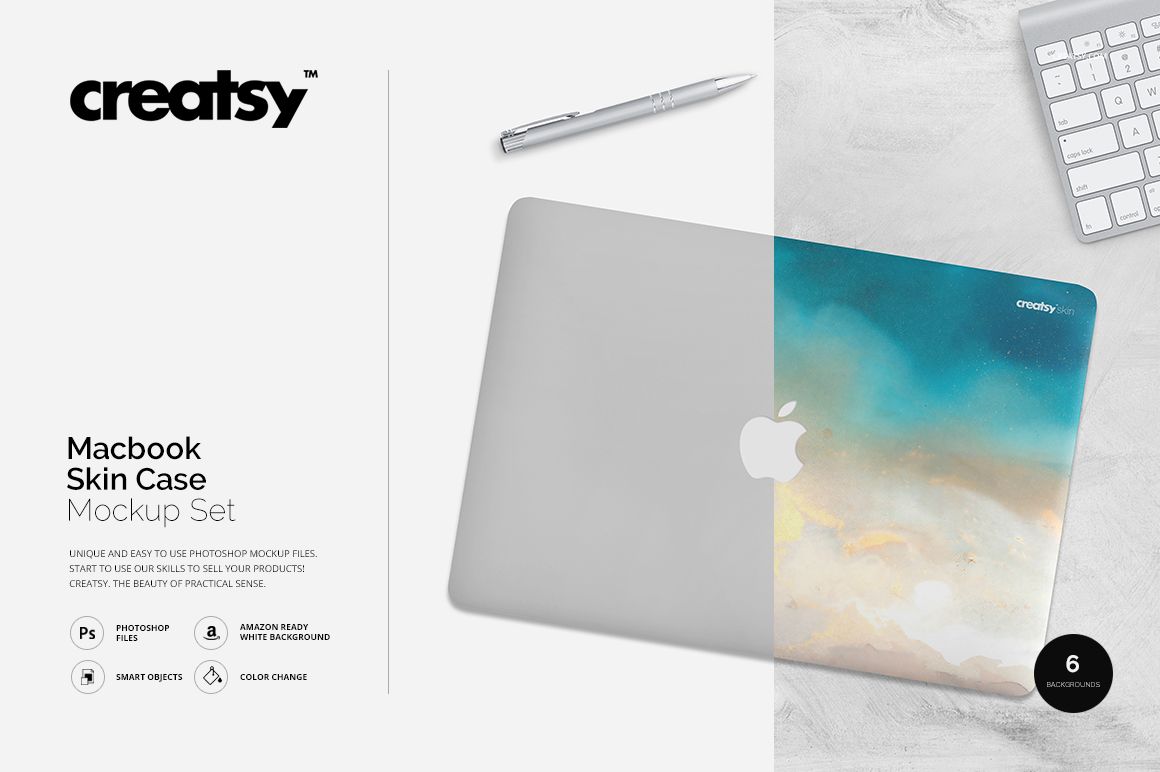
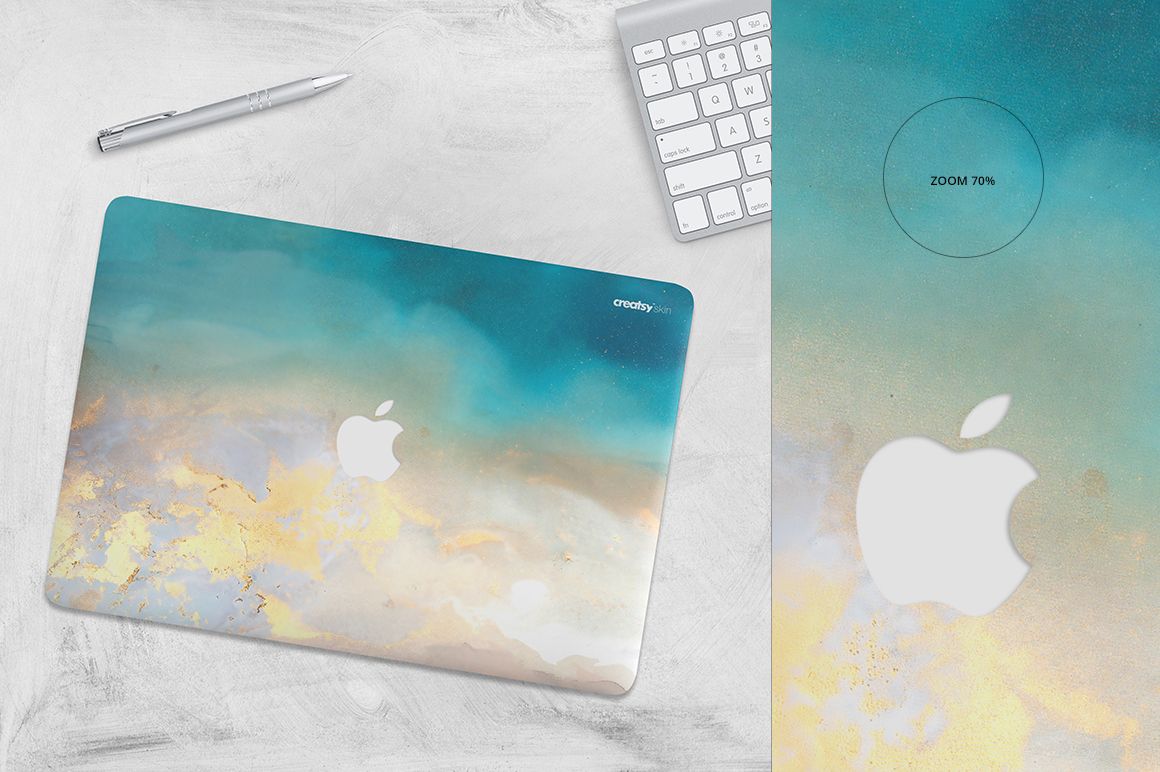
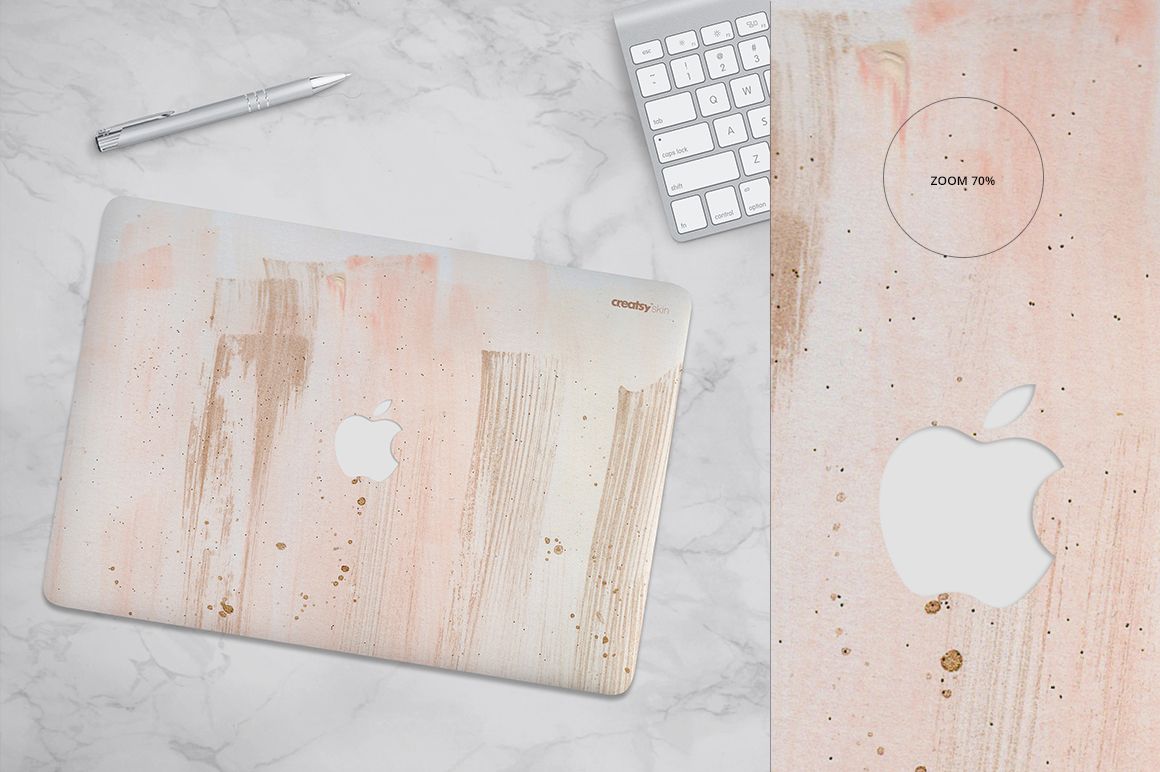
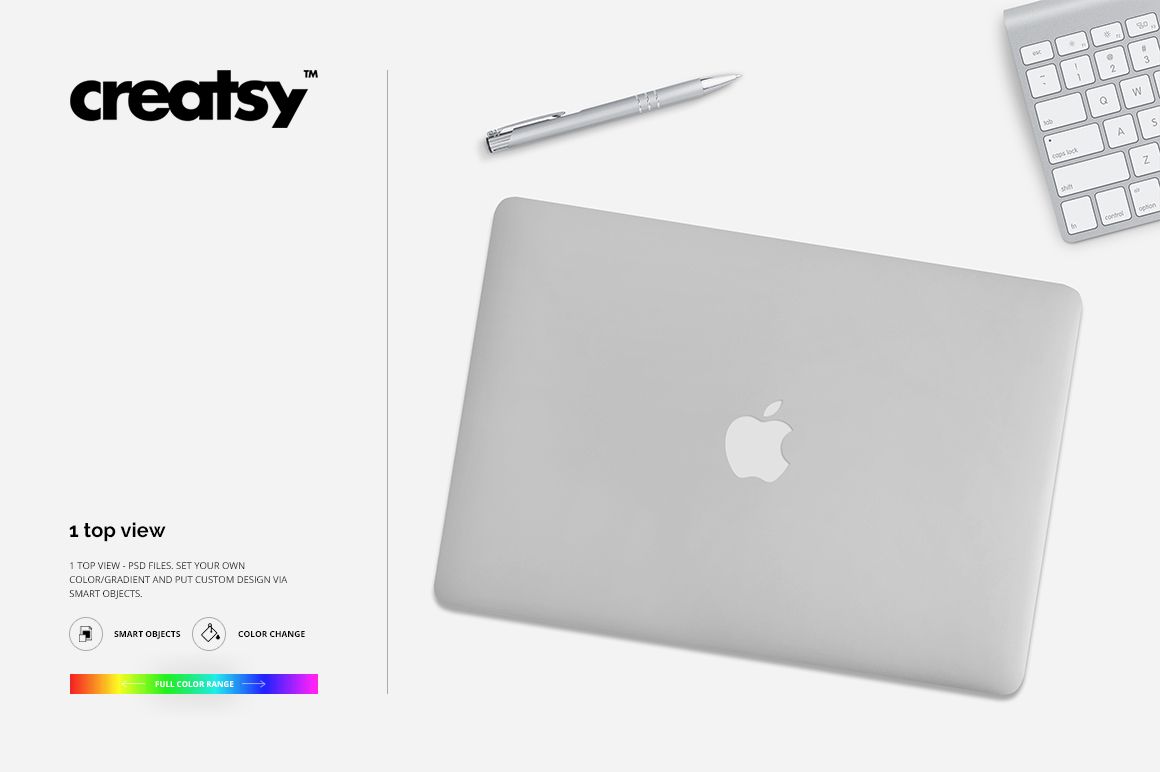
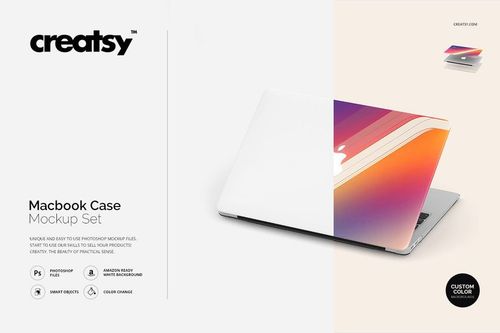
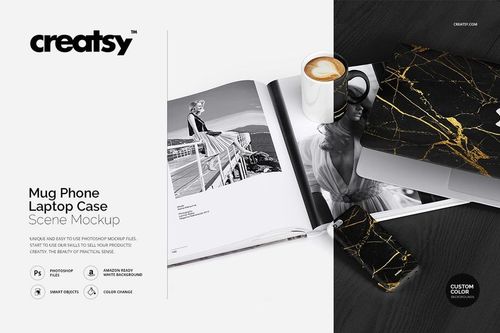
Put your artwork on a MacBook lid and build a desk scene around it. This MacBook Skin Case Mockup presents a closed laptop from above, with a keyboard and pen that can be removed to simplify the composition. Use it to show a statement print, a subtle texture, or a coordinated pattern as a laptop skin or case design.
What's Included
Download contents: 2 PSD files, 1 JPG preview, and a TIF guide.
Mockup resolution: 3000 x 3000 px at 300 dpi.
View: one top-view composition.
Artwork editing: Smart Object replacement, with adjustable colors and gradients.
Scene controls: move and rotate elements; hide the keyboard and pen.
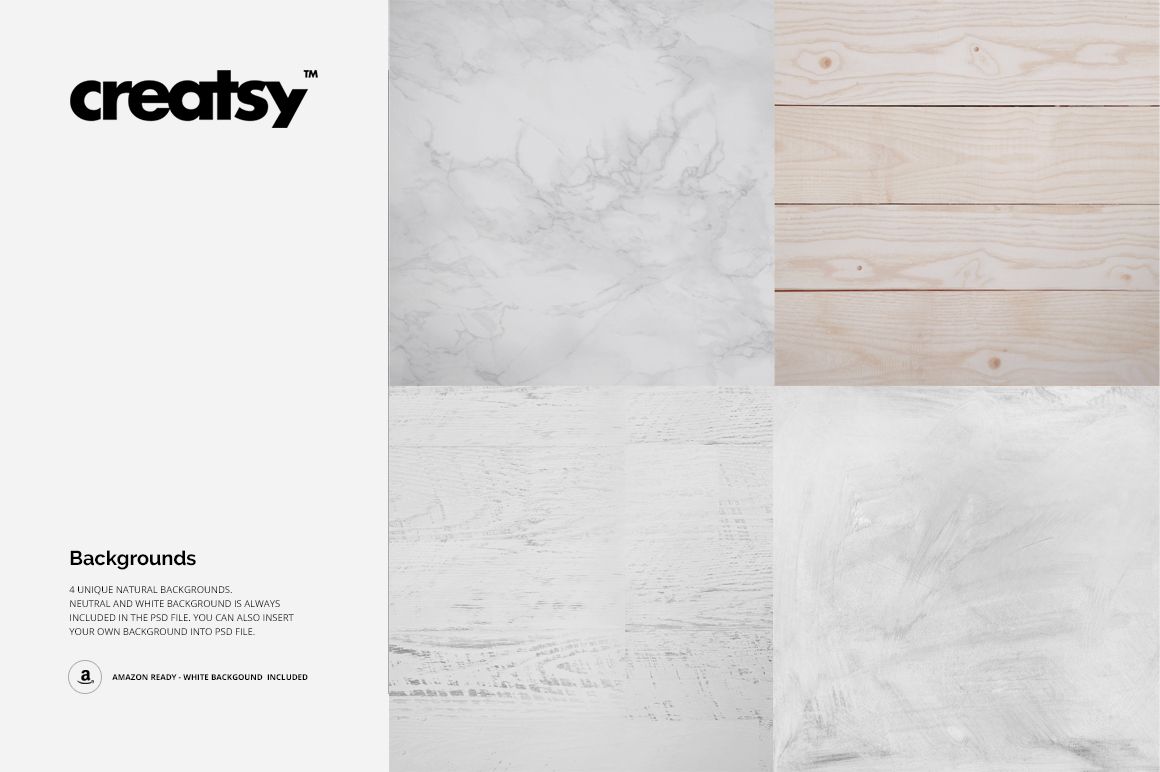
Backgrounds: four natural surfaces, plus neutral and white options. You can also insert your own background.
Software: Adobe Photoshop CS4 or later, and Photopea.
Style the Scene Around Your Print
Keep the accessories for a workspace presentation, or remove them to draw attention to the lid design. The square canvas suits collection previews, online shop galleries, portfolio projects, and social posts. A pale background helps a colorful print stand out, while wood or marble can support a more restrained design.
The example artwork on the laptop is not included. This is a digital mockup download; no physical computer, skin, or case is supplied.