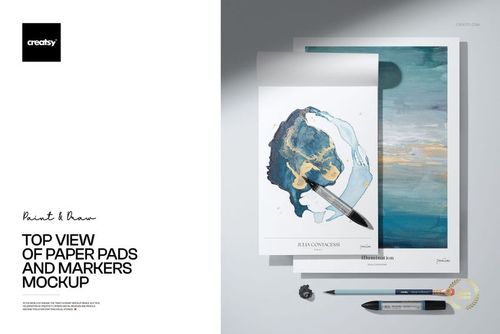
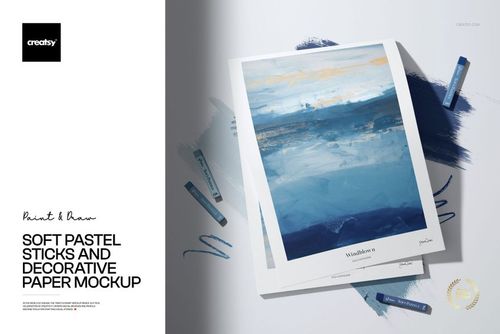
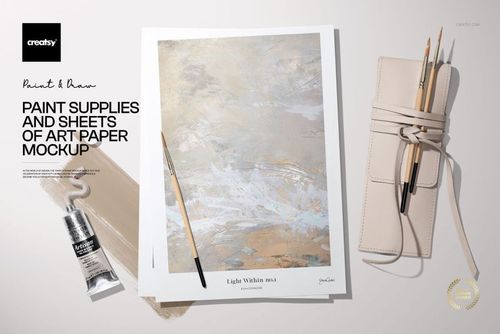
Folk Prints and Picture Frames Mockup Set
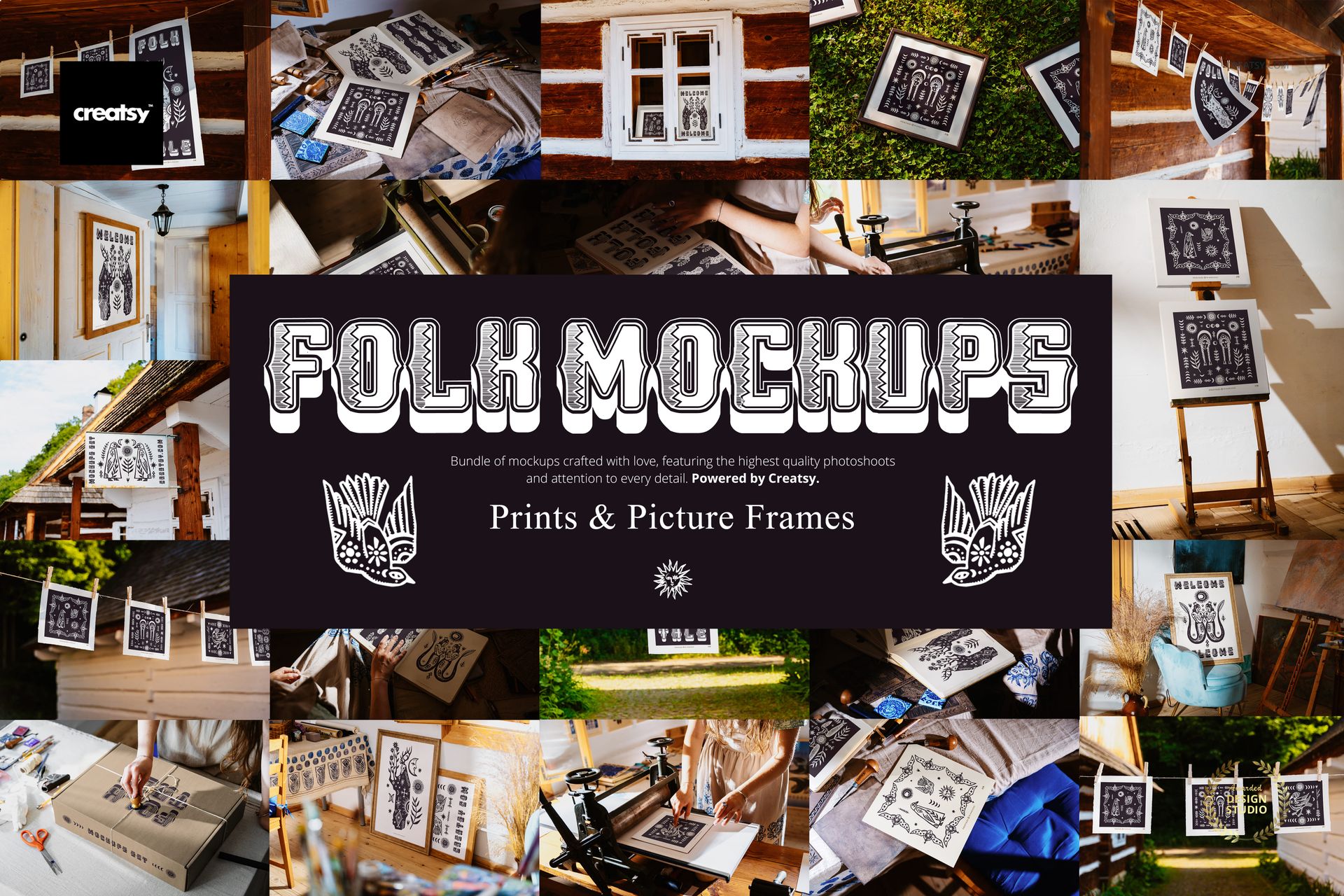
You're invited to step into a slower, more soulful kind of studio – one where every wooden floorboard creaks with stories and the afternoon sun spills onto paper still wet with ink. The Folk Prints and Picture Frames Mockup Set transports your work into a hand-crafted world inspired by 19th-century Slavic tradition and folk art charm. No need for time machines – just your creativity and these 34 beautifully styled PSD files.
Folklore Meets Function
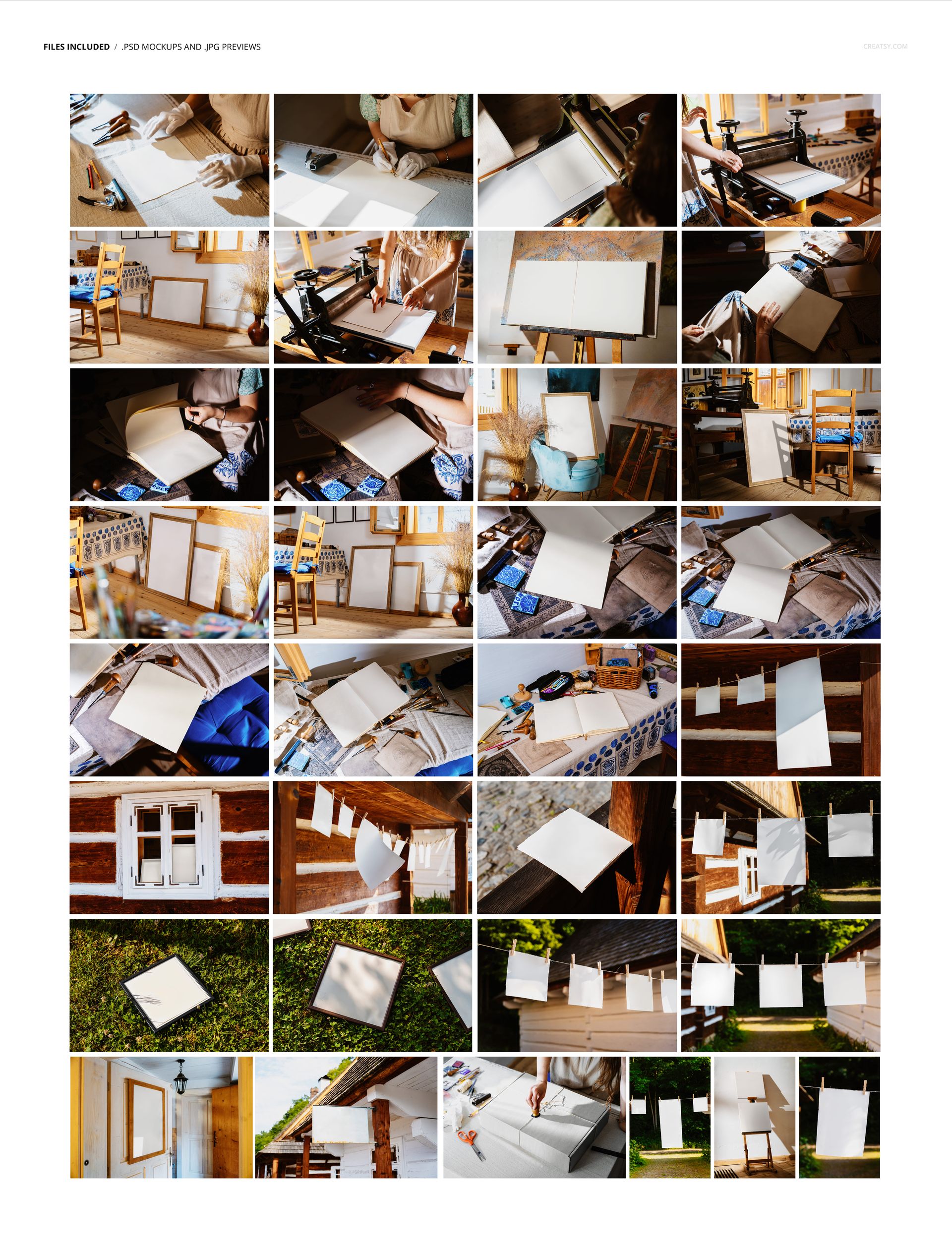
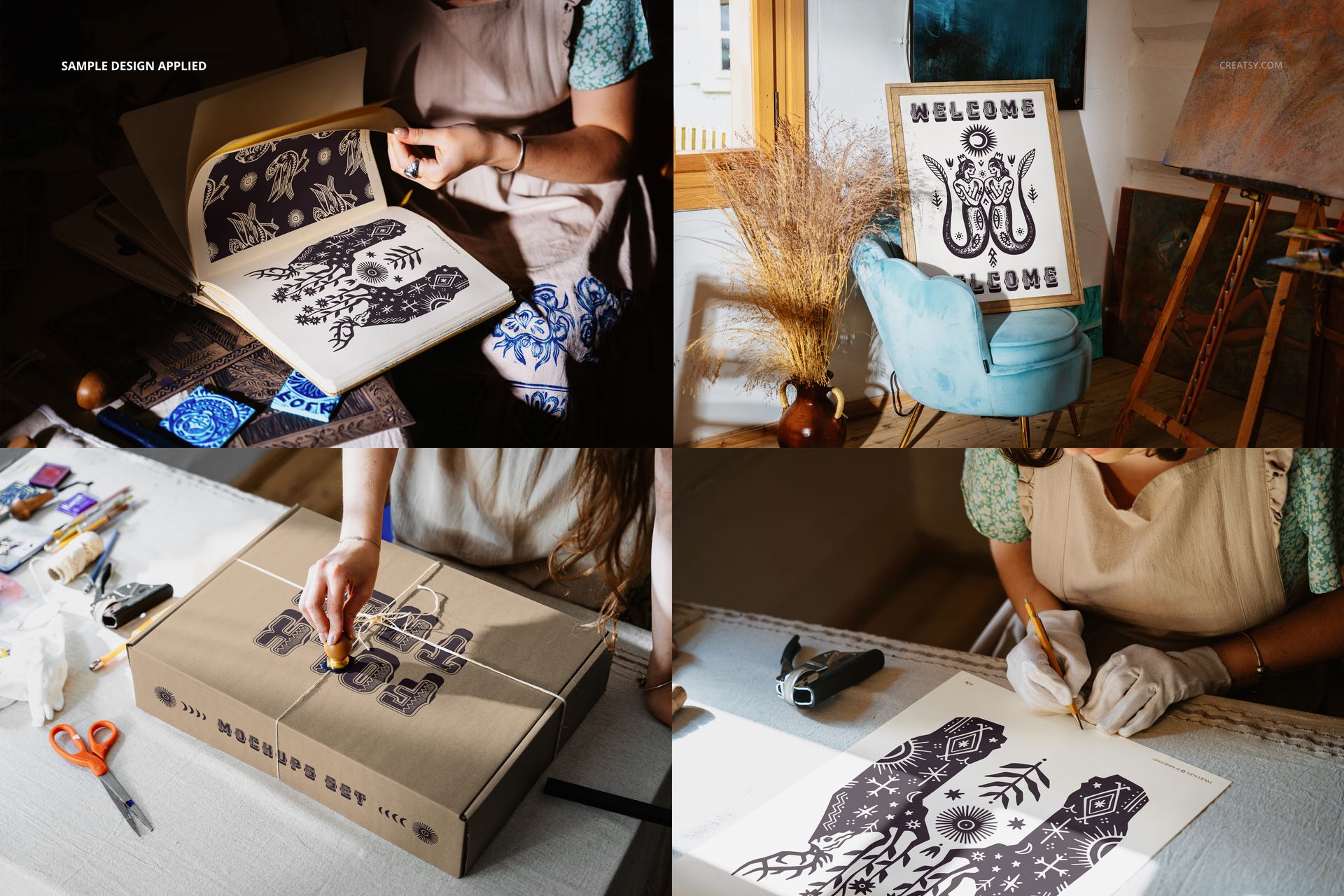
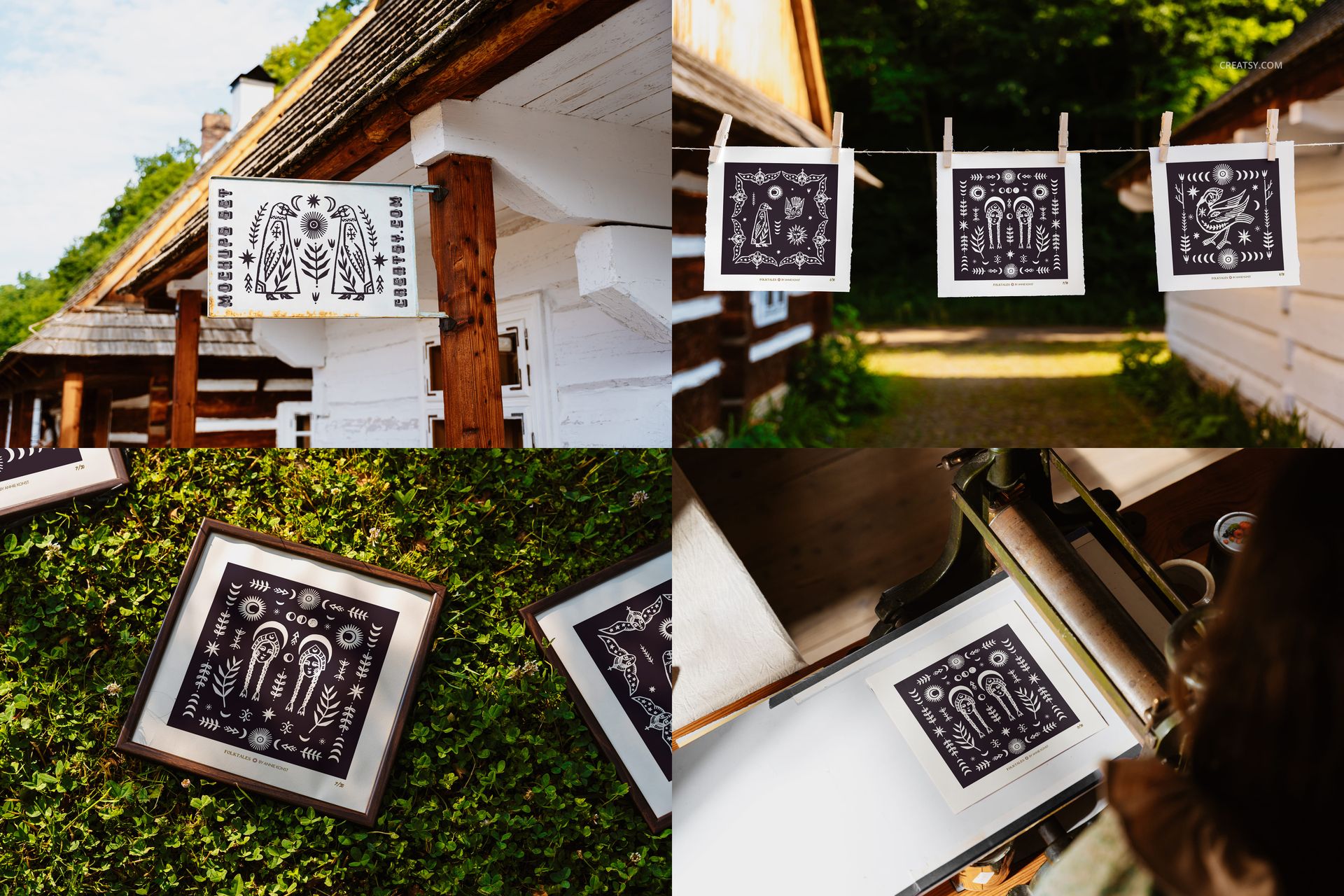
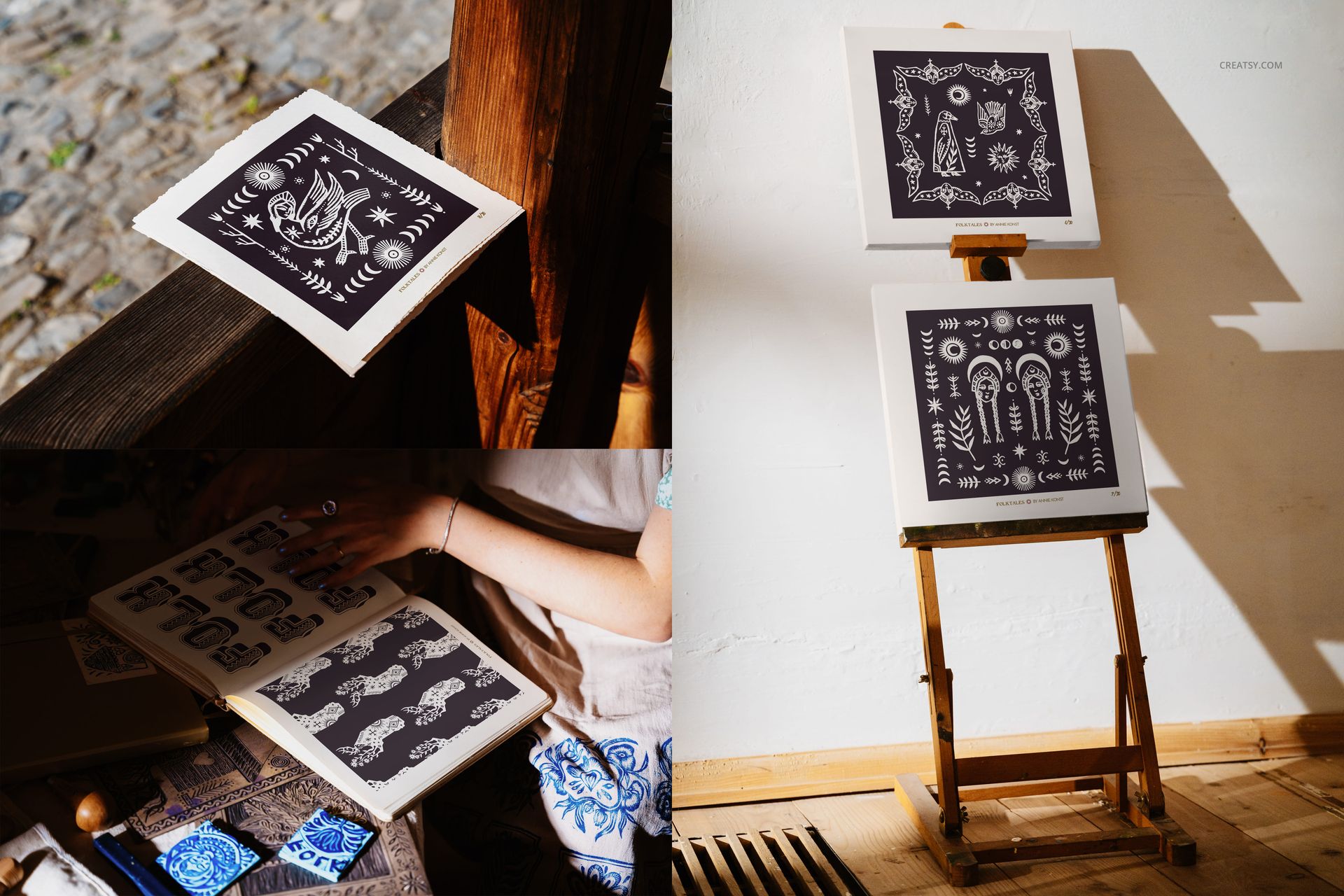
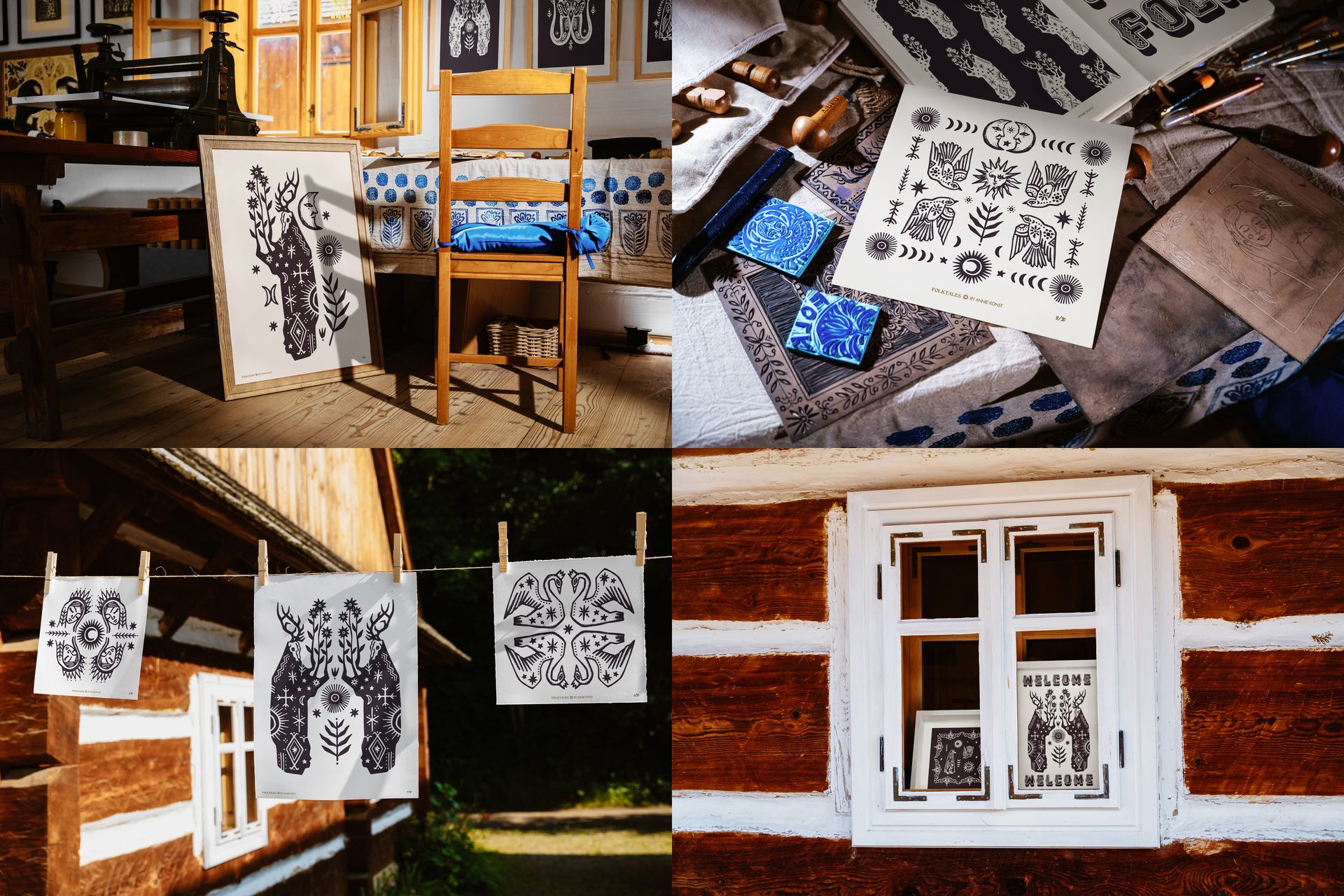
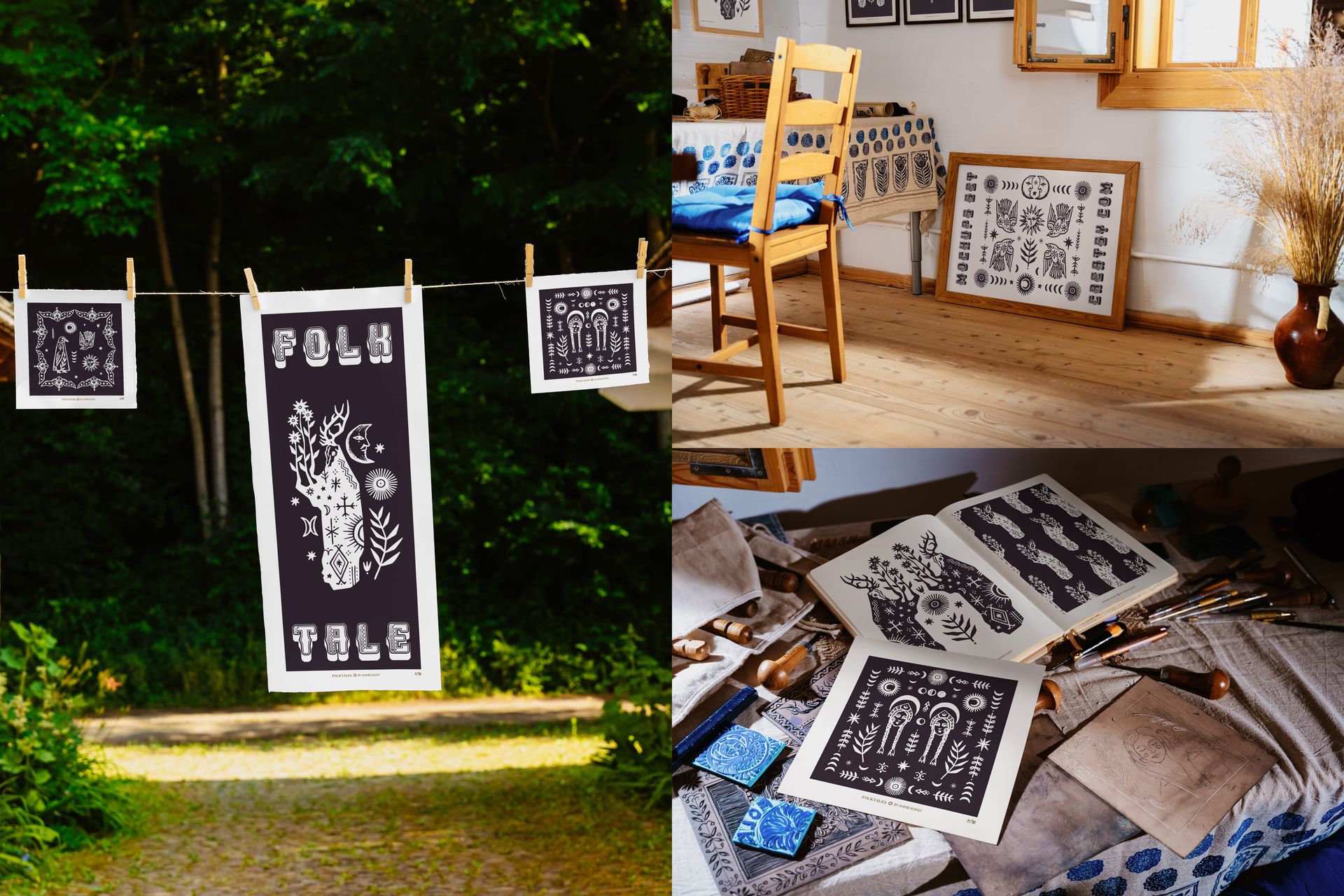
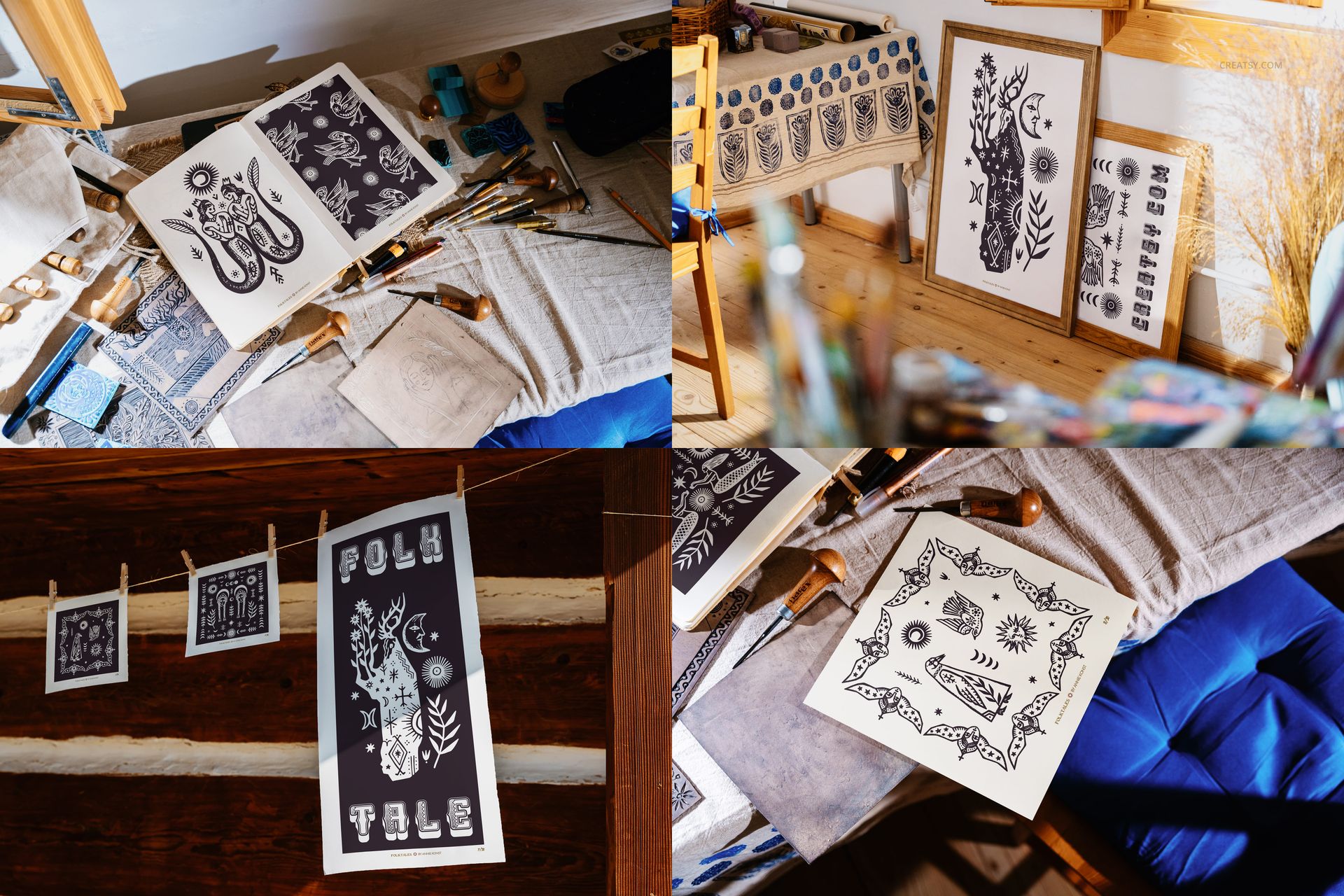
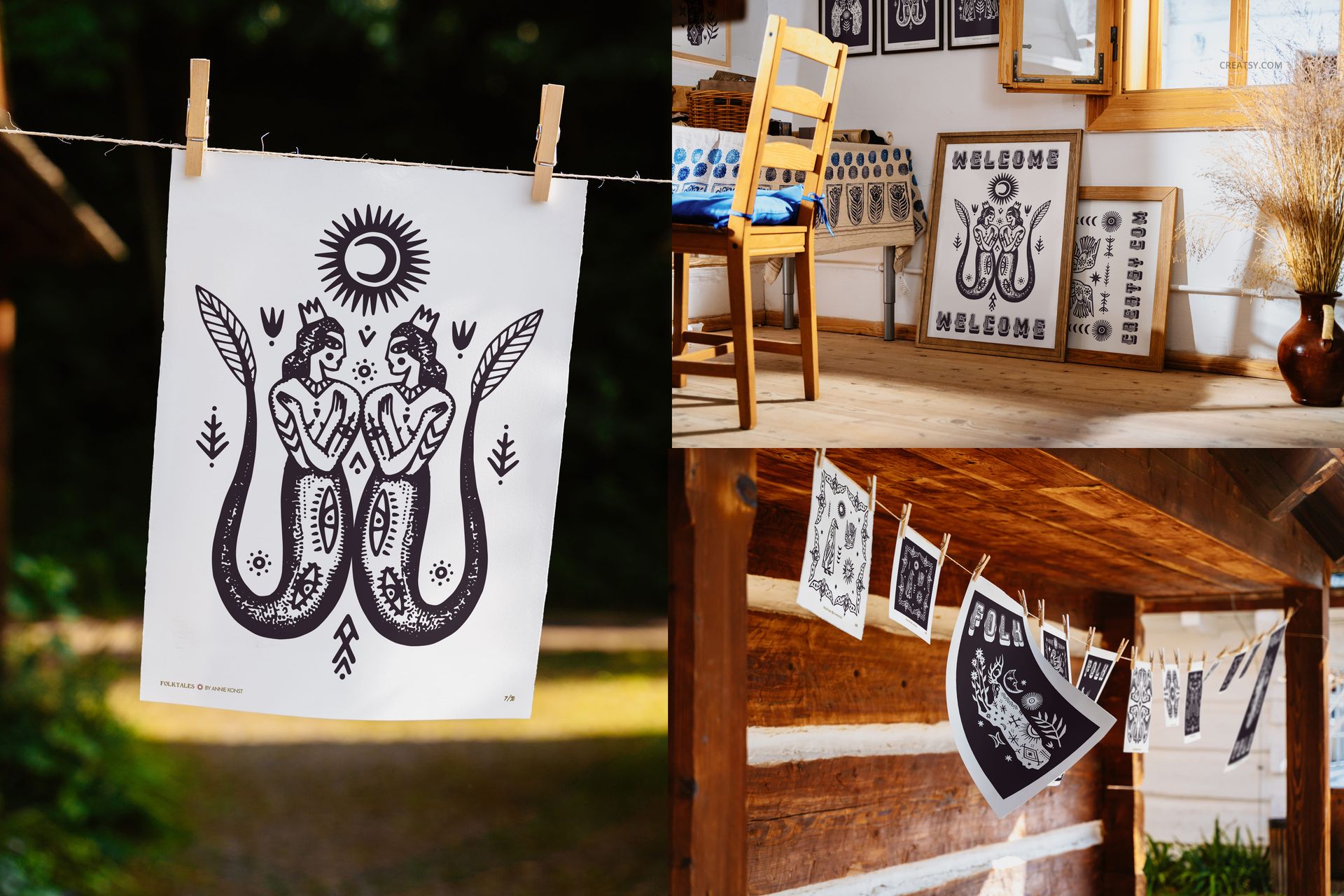
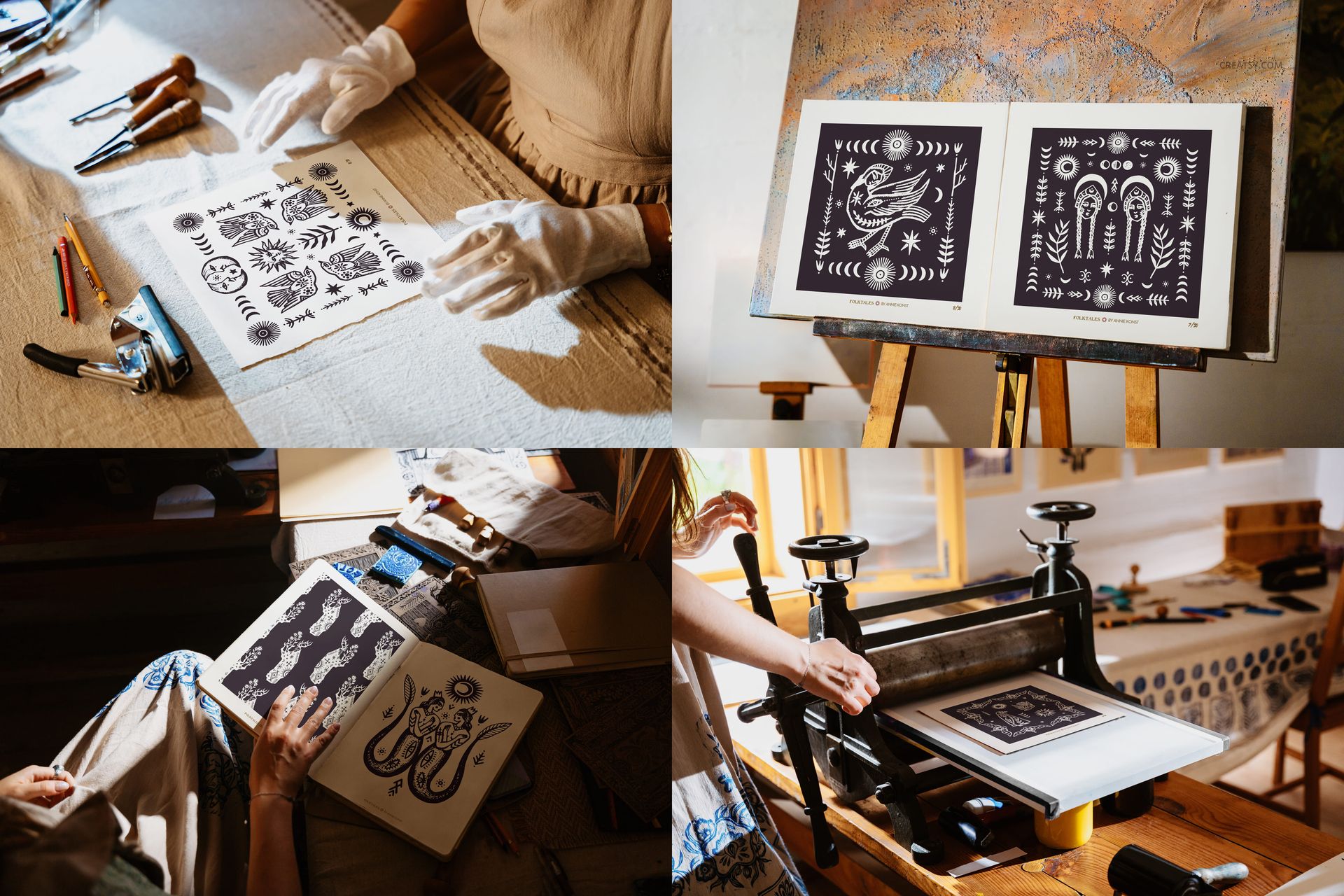
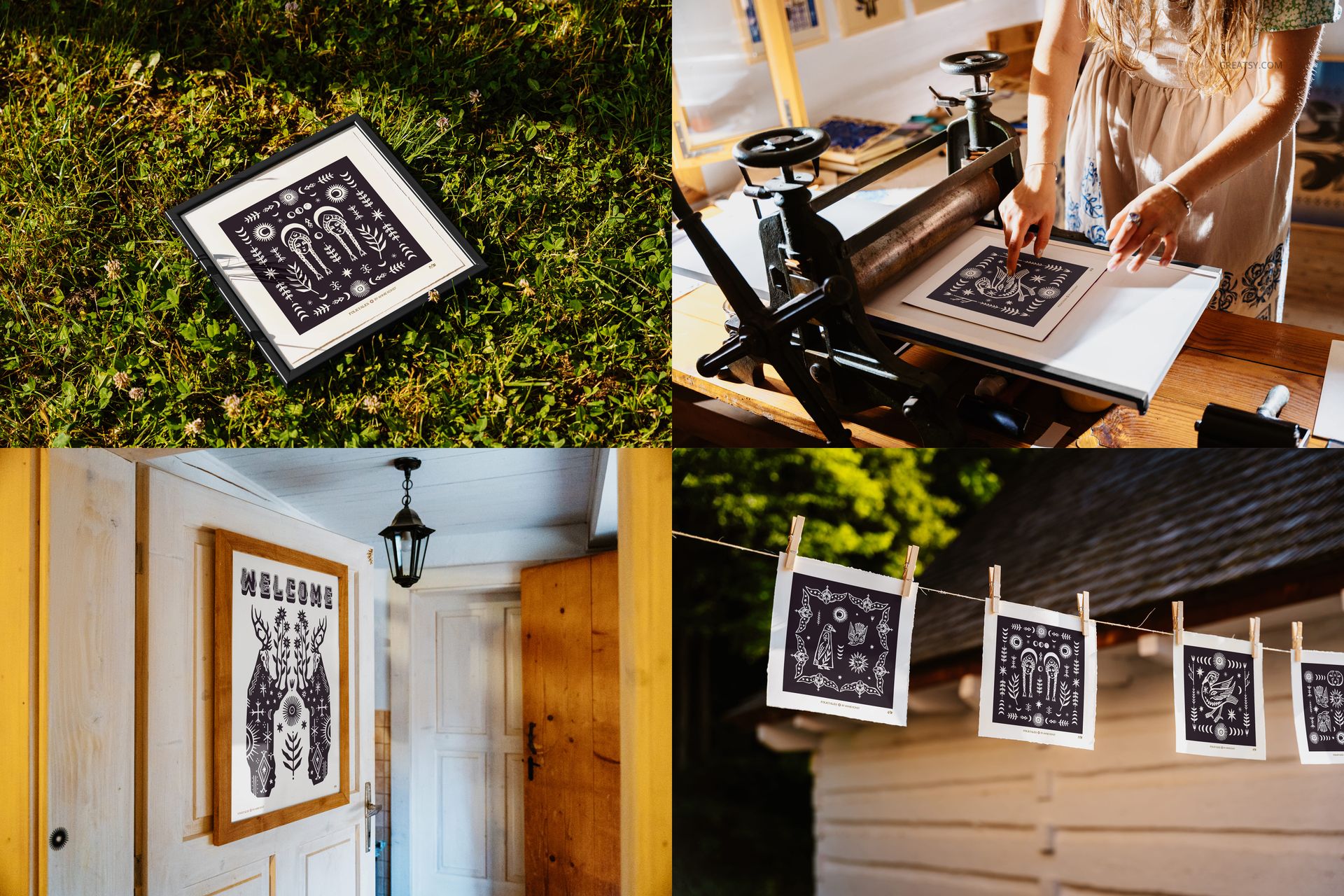
Each image was photographed with a love for detail and a deep respect for craftsmanship. Inside, you’ll find prints clipped to clotheslines outside a timber house, nestled between brushes and wooden tools, hanging in windows or resting on benches like freshly made heirlooms. The frames vary in size and setting – from formal presentations on easels to rustic outdoor shots under the sky. It’s a visual storybook for your artwork.
Your Creativity, Your Folk Tale
Make it yours. Use smart objects to insert your designs into folk-style frames or print setups. Customize textures and materials for packaging mockups, and change the artwork drying on lines to reflect your own signature style. This bundle isn’t limited to one aesthetic – it invites you to reinterpret folklore through your own visual lens. Add modern poster art, vintage-style graphics, or pattern designs inspired by traditional embroidery motifs. Bring your love of folk painting, retro art, and Slavic folklore to life – or contrast it with minimalist or surrealist visuals for an unexpected twist.
Files work in Photoshop (min. version CC2022) and in Photopea;
Pack includes 34 .psd files: ~6000x4000 px, 300dpi;
Check screenshots for all the features;
Well organized layers.