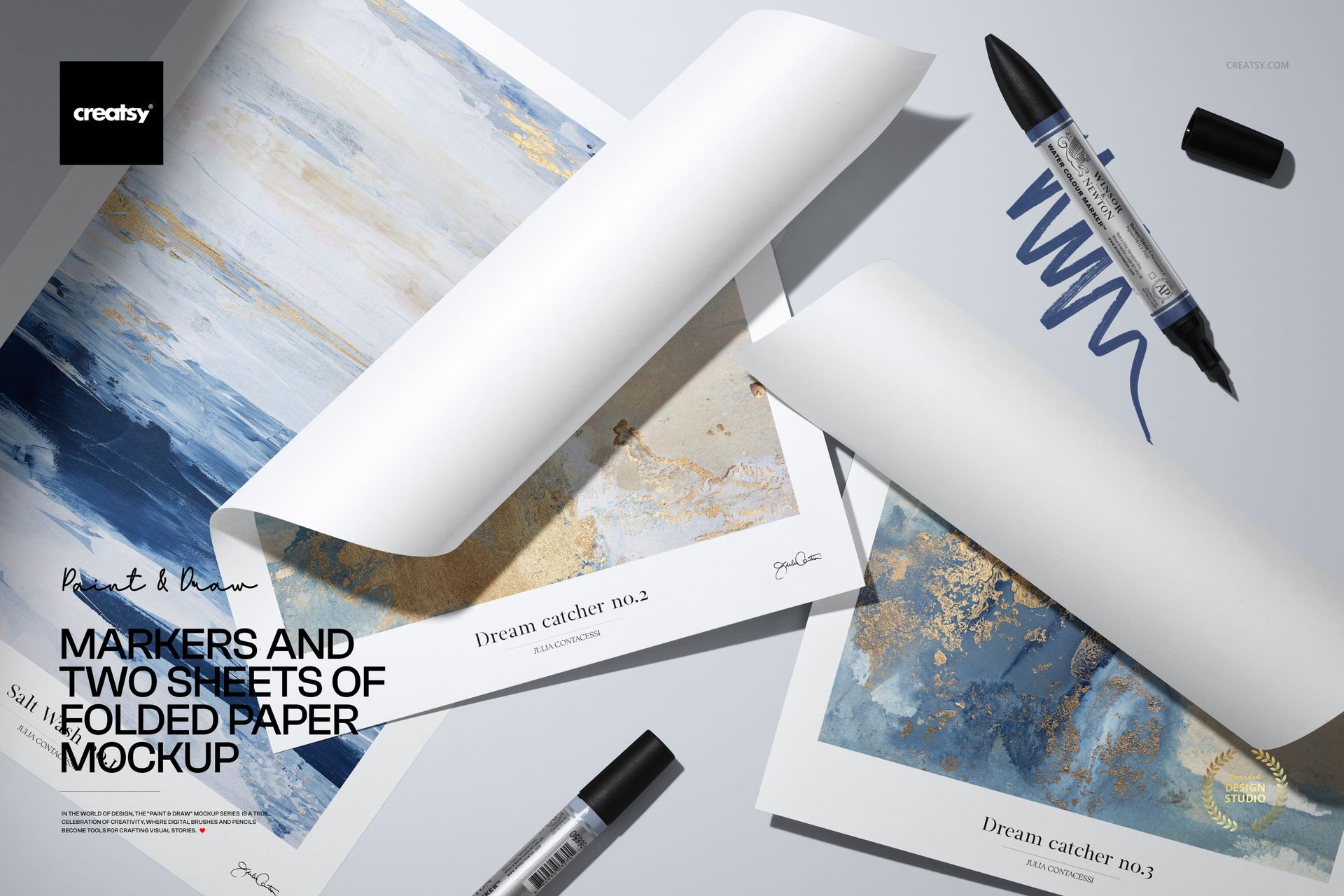
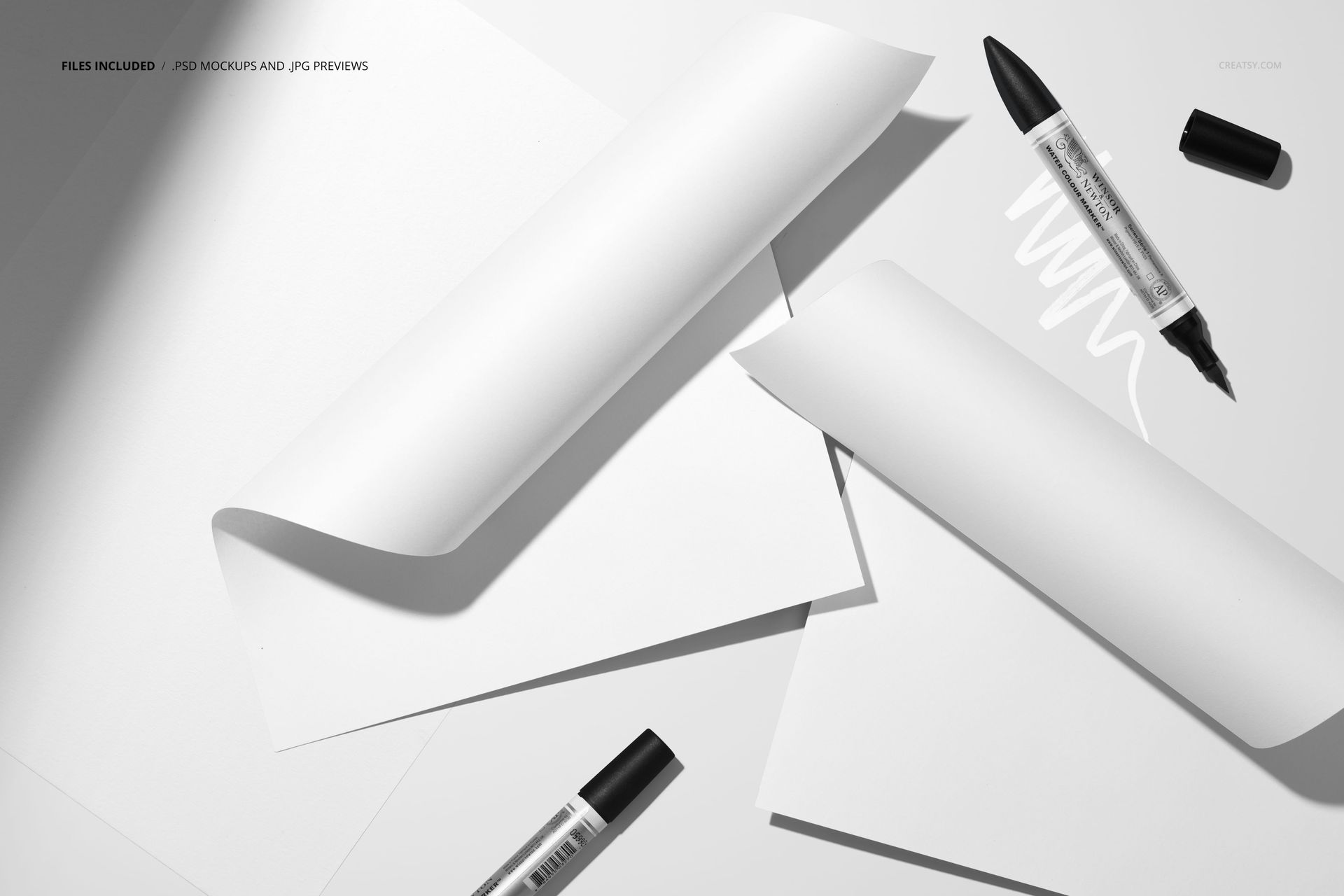
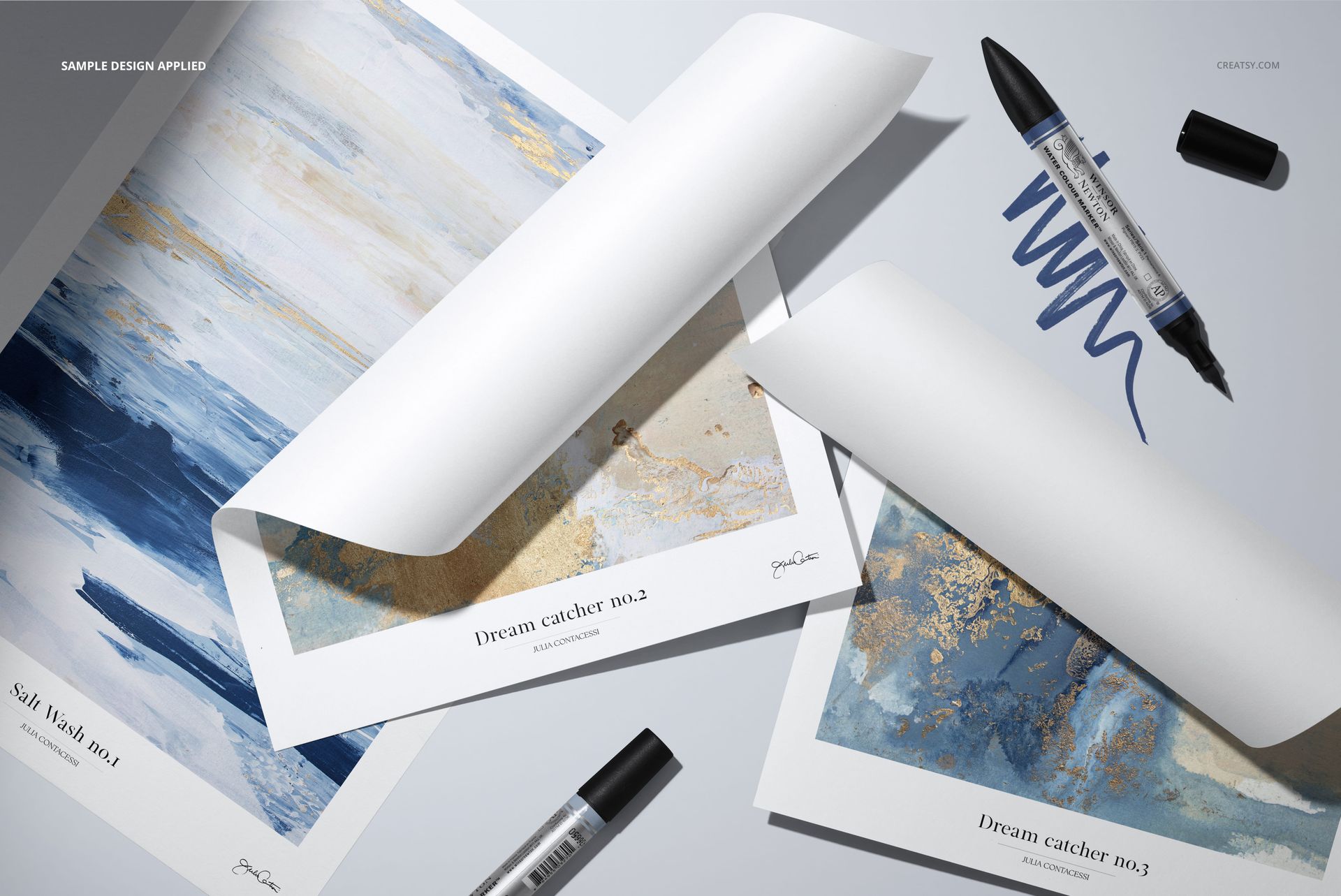
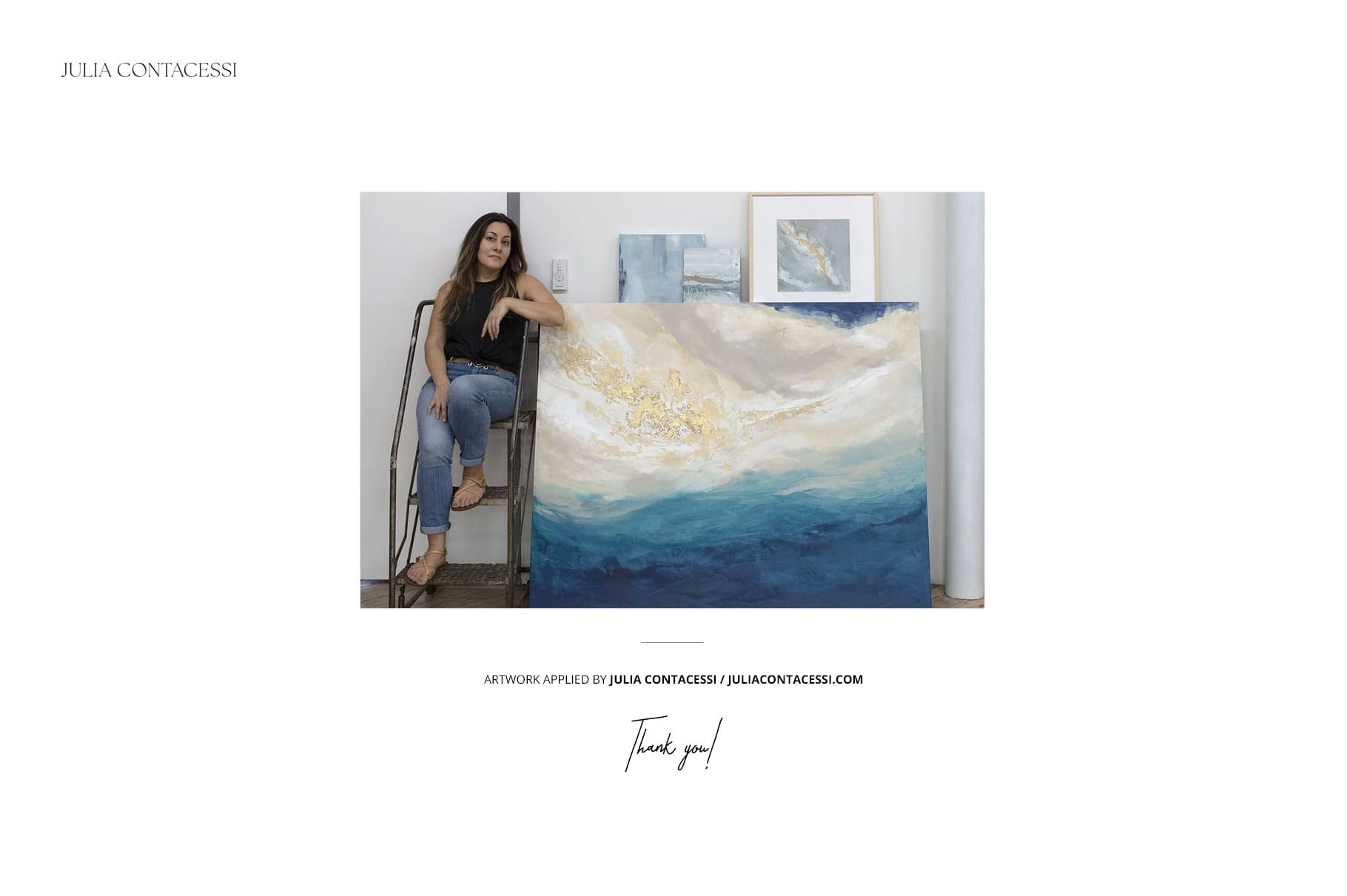
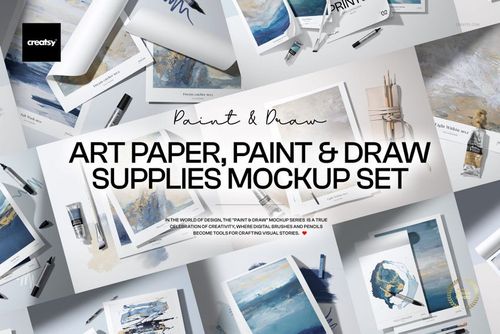
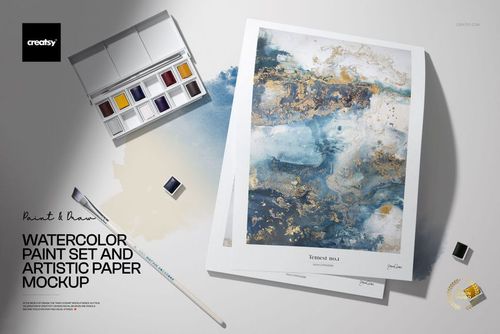
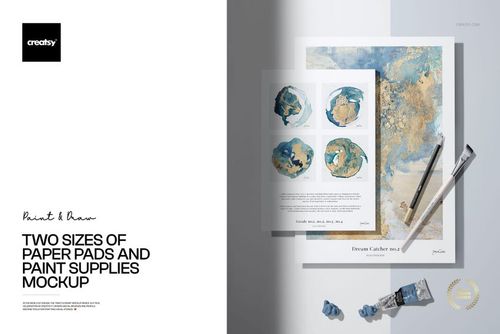
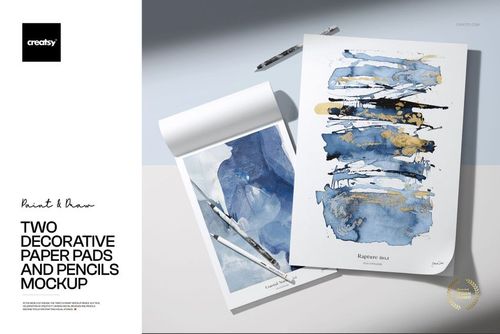
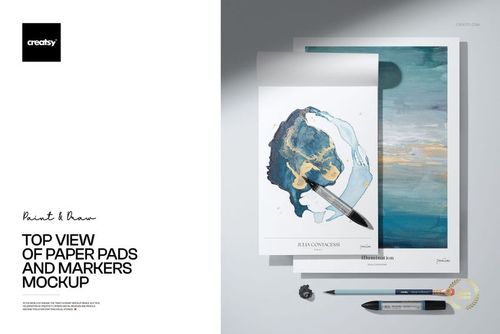
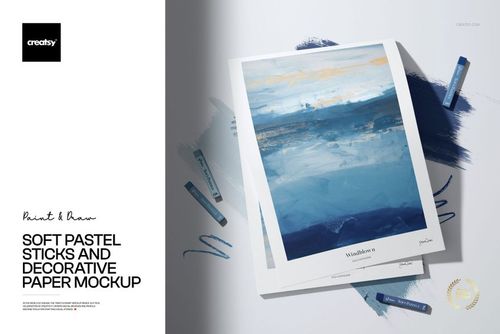
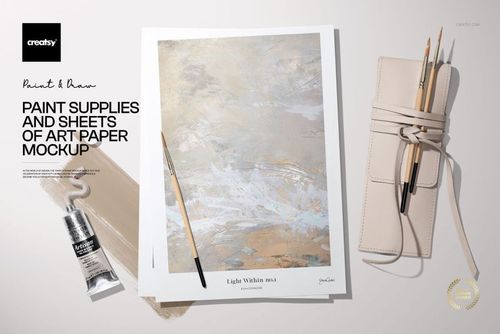
Markers and Two Sheets of Folded Paper Mockup from Creatsy stages your artwork on two folded paper sheets surrounded by markers and drawing tools for an authentic artist studio composition. This mockup transforms your digital illustration, painting, or graphic design into a tangible art print that looks like it was just pulled from a creative workspace. Whether you sell art prints, create editorial illustrations, or build portfolio presentations, this scene adds the kind of hands-on artistic context that flat digital previews simply cannot match. The high-resolution file and realistic paper fold rendering make it suitable for both e-commerce listings and professional portfolio use.
Why This Mockup Works
Art buyers and gallery visitors connect with work that feels like it was made by hand. This mockup taps into that instinct by surrounding your artwork with real markers and creative tools on a studio-style surface. The two folded paper sheets give you space to show your design from different angles or present two related pieces side by side in a single composition. The folded paper format adds dimension and physicality, making your digital artwork feel like a real printed piece that someone could pick up, frame, or hang on a wall. The art supply props reinforce the creative story without distracting from the work itself.
What Is Included
This download contains 1 PSD file at 6000 x 4000 pixels and 300 DPI. The file features two folded paper sheets arranged alongside markers and drawing tools with natural studio lighting and a clean compositional layout. Layers are well organized so you can locate and edit each element quickly without navigating through unnamed groups. The file works in Adobe Photoshop (minimum version CC 2020) and in Photopea, giving you flexibility regardless of your software setup or subscription status.
What You Can Customize
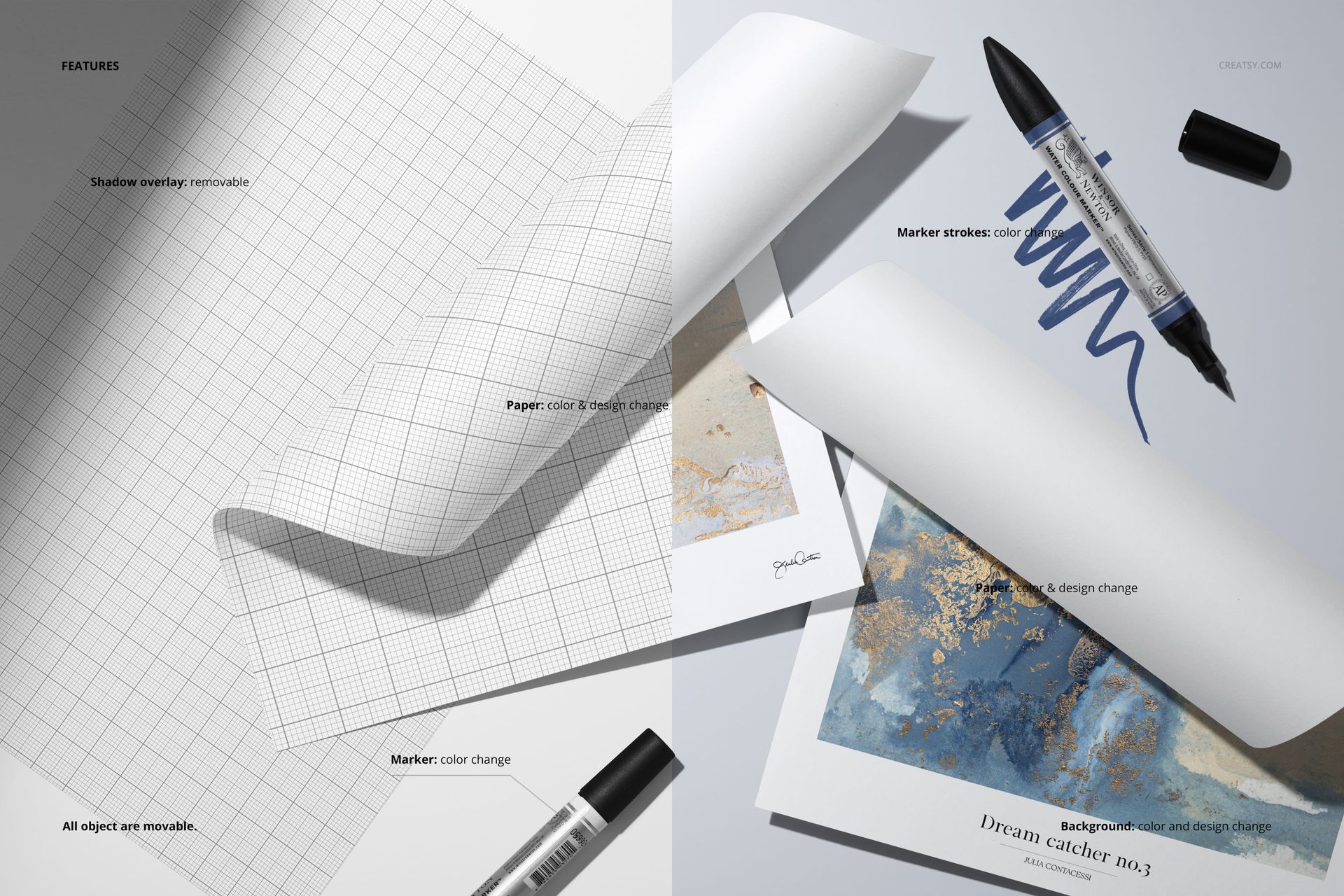
Smart object layers let you place your artwork, illustration, or design onto each paper sheet with accurate perspective and fold mapping. You can customize both sheets independently, allowing you to present two different pieces or two views of the same work in one composition. Adjust paper color, background settings, and overall tone to match your artistic style or brand identity. The organized layer structure ensures quick navigation and efficient editing across all customizable elements.
Who This Mockup Is For
This mockup serves illustrators presenting art prints for online shops, fine art painters building digital portfolios, poster designers showcasing work for clients, and creative agencies preparing pitch materials for editorial or advertising projects. Art print sellers on Etsy, Society6, or Redbubble will find the studio-style composition ideal for product listing images. Graphic designers, art directors, and art students preparing portfolio presentations will also benefit from the authentic creative workspace atmosphere this mockup provides.
File Specifications
File count: 1 PSD. Dimensions: 6000 x 4000 pixels. Resolution: 300 DPI. File size: 418.9 MB. Compatibility: Adobe Photoshop CC 2020 or newer, Photopea. Editing method: smart object layers for non-destructive artwork placement. Example artworks showcased on mockup screenshots by Julia Contacessi (juliacontacessi.com) and are not included in the download file.