ID: 1331108181 | Updated: Dec 19, 2024

Product Details

Japanese Pastels Poster Print Mockup Set

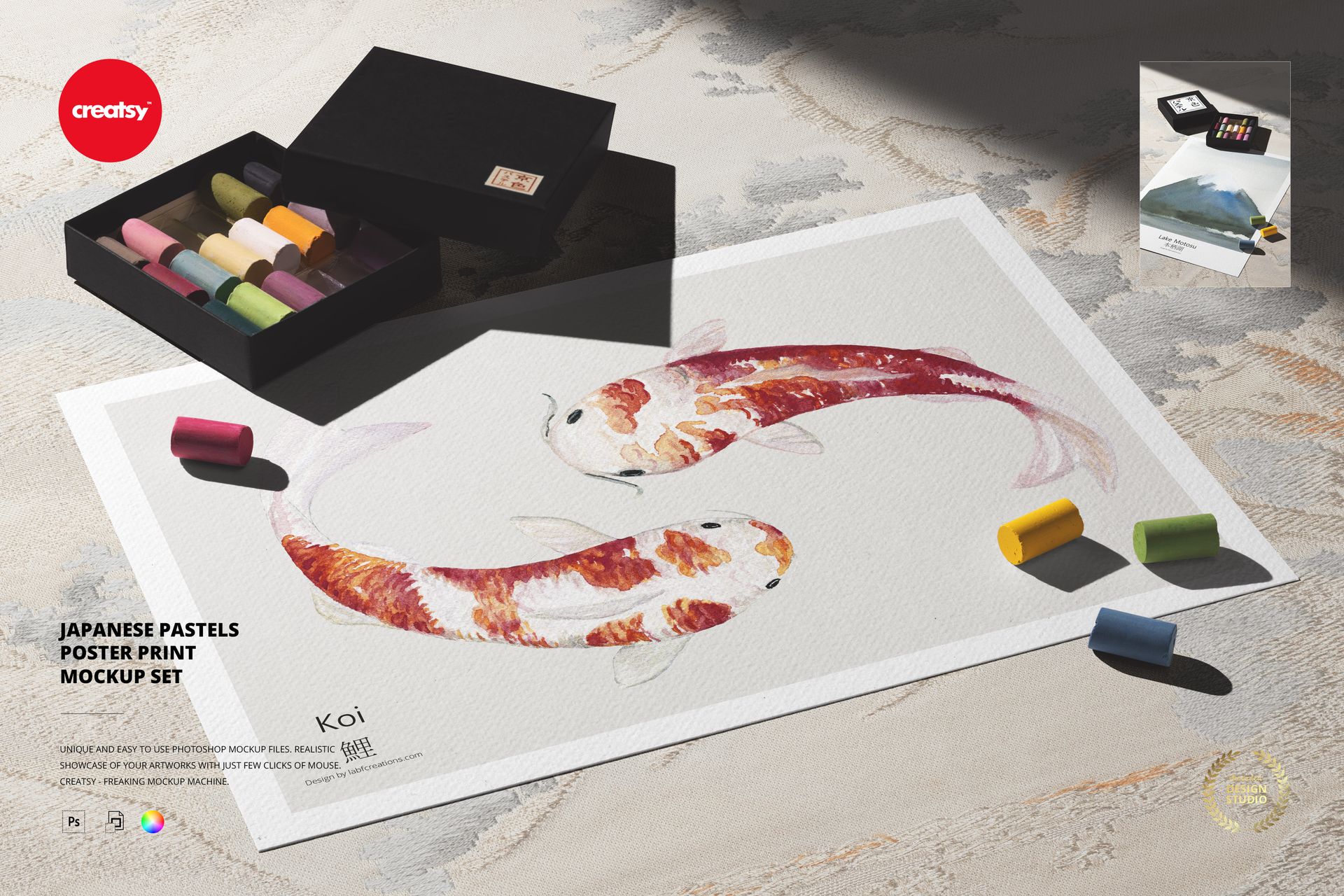
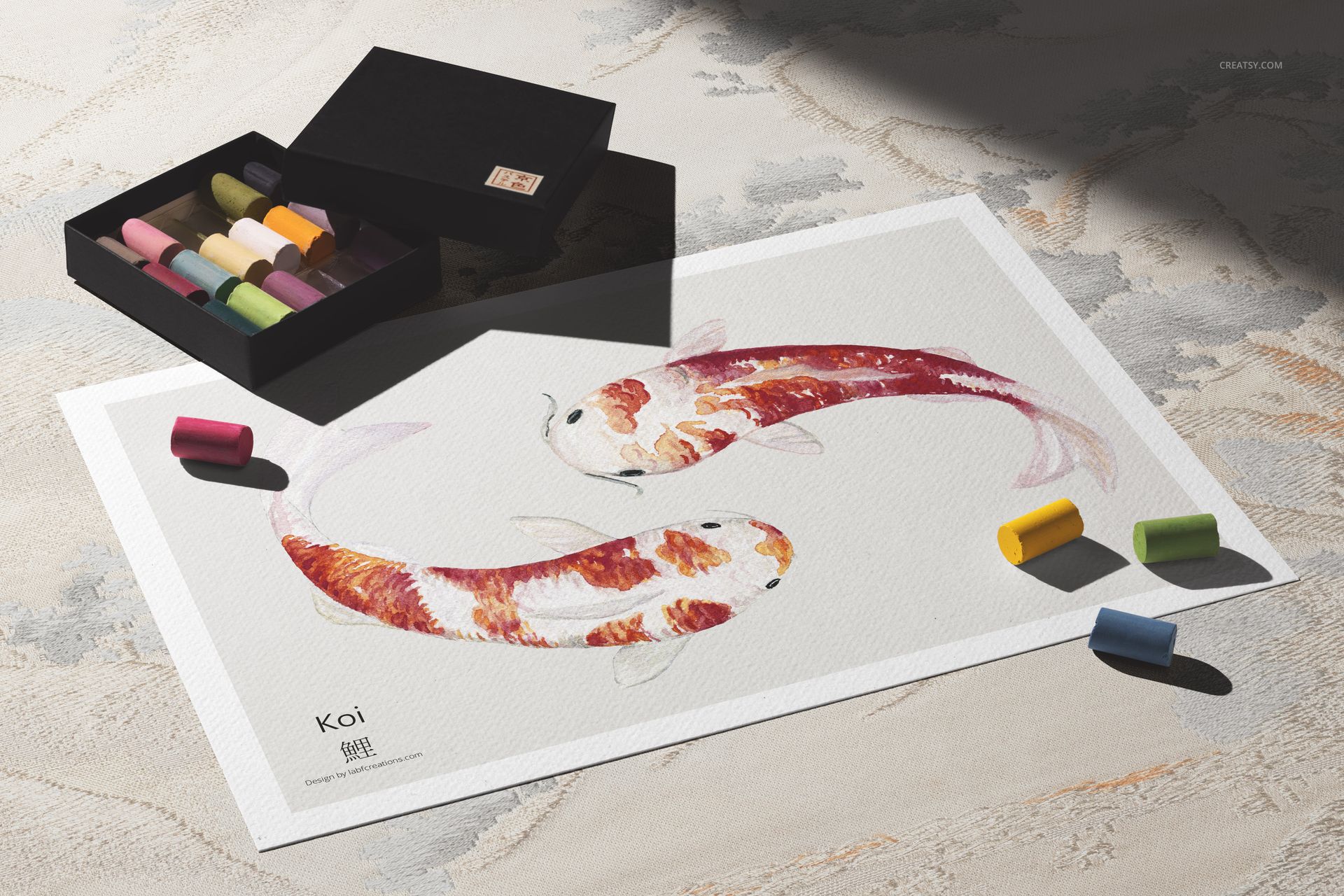
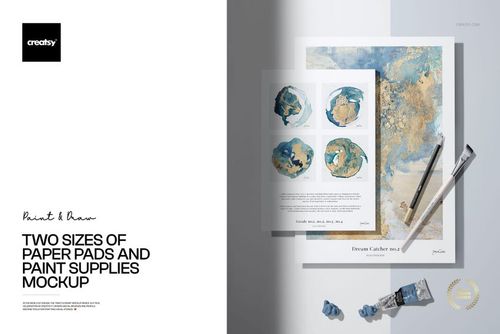
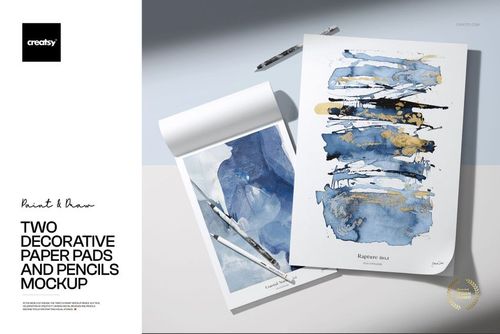
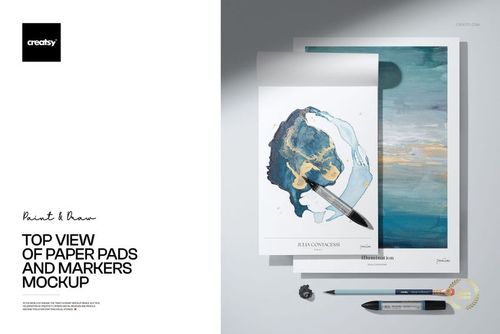
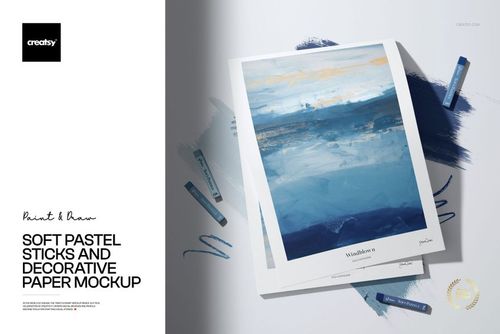
There’s something timeless about Japanese art – and now you can celebrate that beauty in a modern format. The Japanese Pastels Poster Print Mockup Set brings cultural heritage and contemporary design tools together, creating the perfect space to showcase your digital artworks with softness, serenity, and style.


Two Compositions, One Peaceful Aesthetic

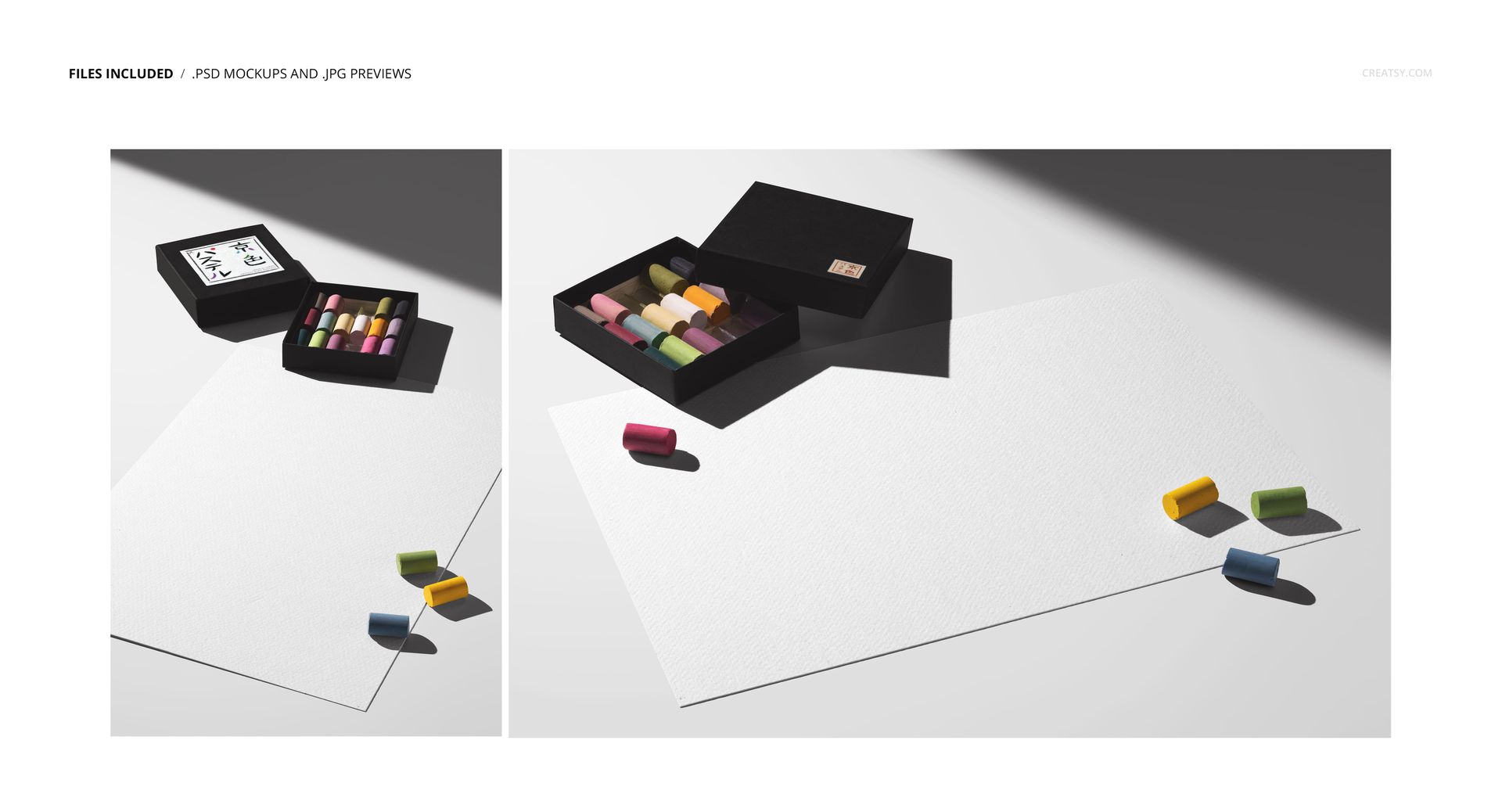
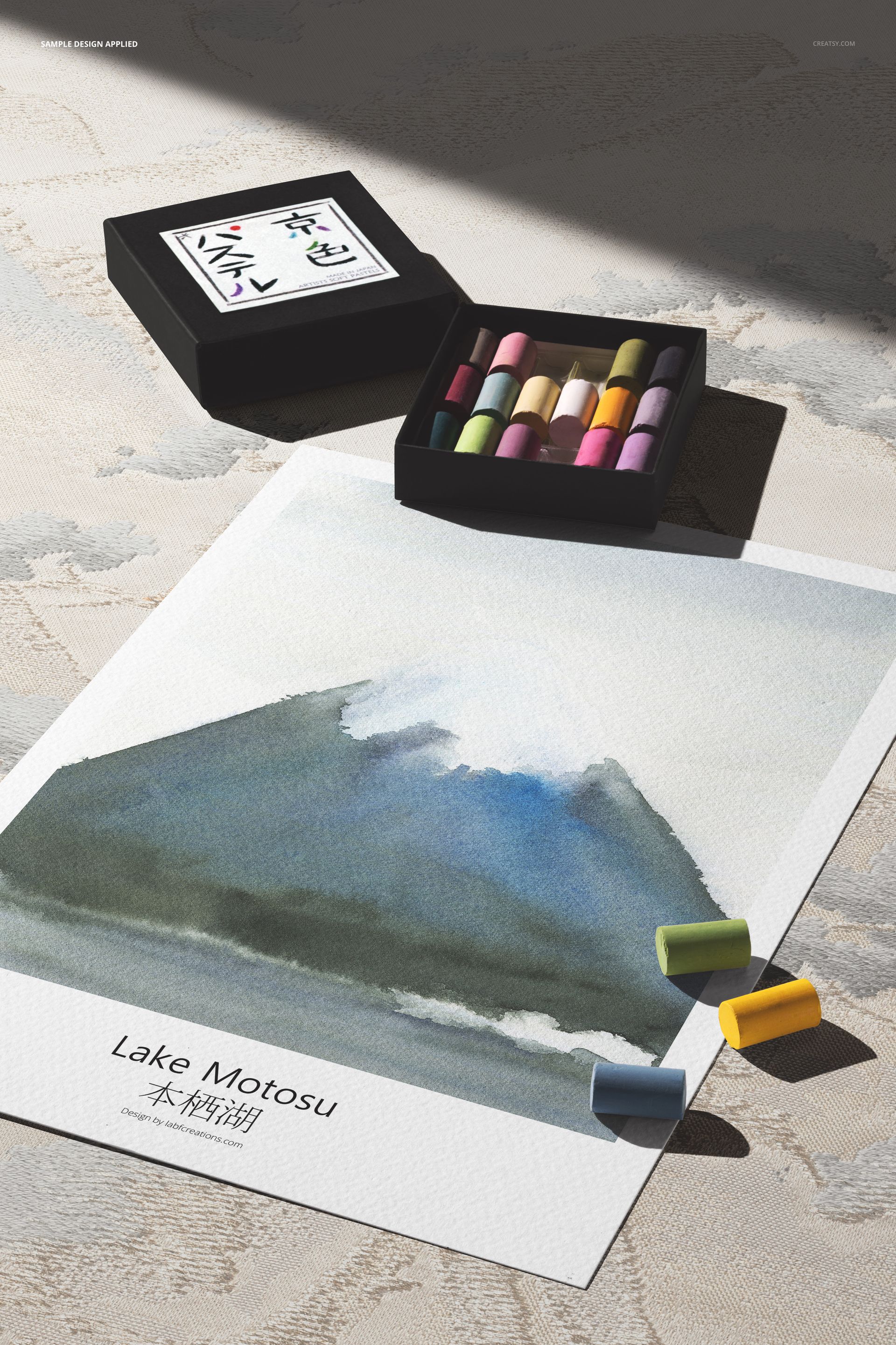
This set includes two high-quality PSD mockups: one vertical and one horizontal. The vertical layout is ideal for social media platforms like Instagram or Pinterest, while the horizontal setup is a stunning option for your online gallery, digital shop, or portfolio site. Each composition features a blank poster print alongside a box of traditional Japanese pastels, with scattered pieces and soft shadows to create a natural, calm atmosphere.


Tradition Meets Digital Elegance

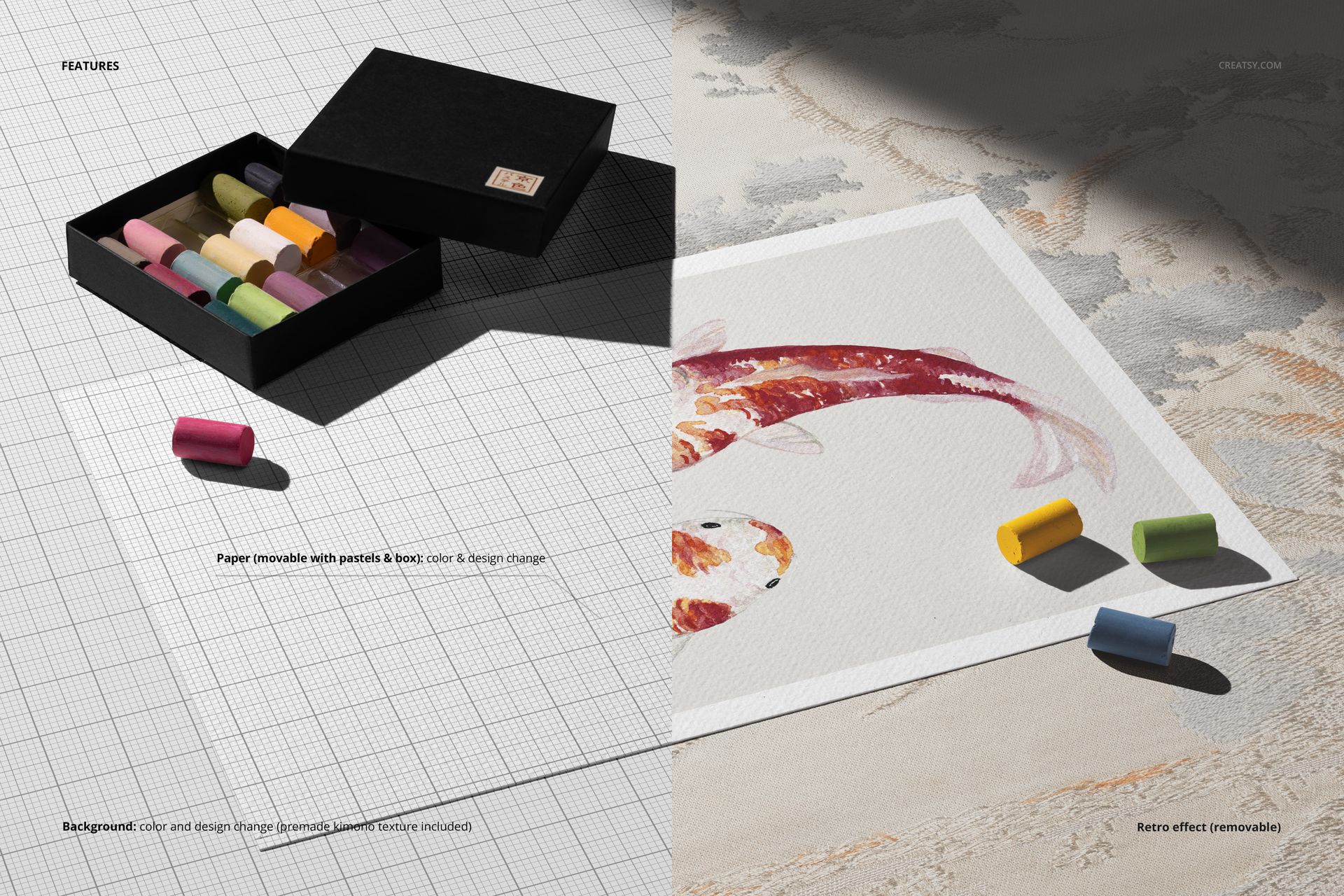
Add your own art directly onto the blank print surface and explore creative arrangements thanks to moveable grouped objects. Update the background color or design, or activate the included kimono texture overlay for extra dimension and cultural context. Want to dial in a nostalgic feel? Apply or remove the built-in retro effect with a single click. The soft hues and clean layout make it ideal for digital print artists, poster designers, or anyone looking to merge fine art aesthetics with contemporary presentation.


  •   File works in Photoshop (min. version CS5) and Photopea;
  • Pack includes 2 .psd files: 6000x4000 px, 300dpi;
  • Check screenshots for all the features;
  • Well organized layers.

File details

Compatibility
PhotopeaAdobe Photoshop
Number of files included
4
Package size
465 MB465 MB|487 MB487 MB
Files type
.psd, .jpg
Files size
6000x4000
TEST FOR FREE

MEET THE SHOP

Creatsy logo

Creatsy

Poland
4.7 (642)

Bring your ideas to life.

We're a family-run studio in Katowice, Poland, making PSD mockups by hand since 2016. Everything in this shop starts in our own studio. We shoot the photography, build the 3D, and put together every Smart Object PSD ourselves - then we test it, organize the layers, and only ship it once it actually works...
GO TO SHOP

HOW IT WORKS

3 clicks. That's it.

No tutorial needed. If you can copy-paste, you can use this.

  1. 1OpenDouble-click the smart object inside the PSD - in Adobe Photoshop, or free in your browser with Photopea.
  2. 2PasteDrop in your pattern, print, or artwork. Any design, any style.
  3. 3SaveHit save and the mockup wraps it in for you - shadows, folds, and lighting included.

FROM IDEA TO IMAGE

Built for real workflows

Skip the photo shoot Show your artwork on the real product type for approvals or listings - no studio, no model, no sample.

See it on the product, not a swatch Drop your file into the smart object and the scene's lighting and folds wrap around it, so you judge the real thing before you commit.

Smart Objects

Edit once and you're done. Your artwork drops into a smart object and the mockup updates itself - no masking, no warping by hand.

Perfectly Organized

Named layers and folders you can actually navigate. Find what you need, change what you want, and get out fast.

Print-Ready

High-resolution files built to hold up on screen and in print. Exact size and DPI are in this product's Details above.