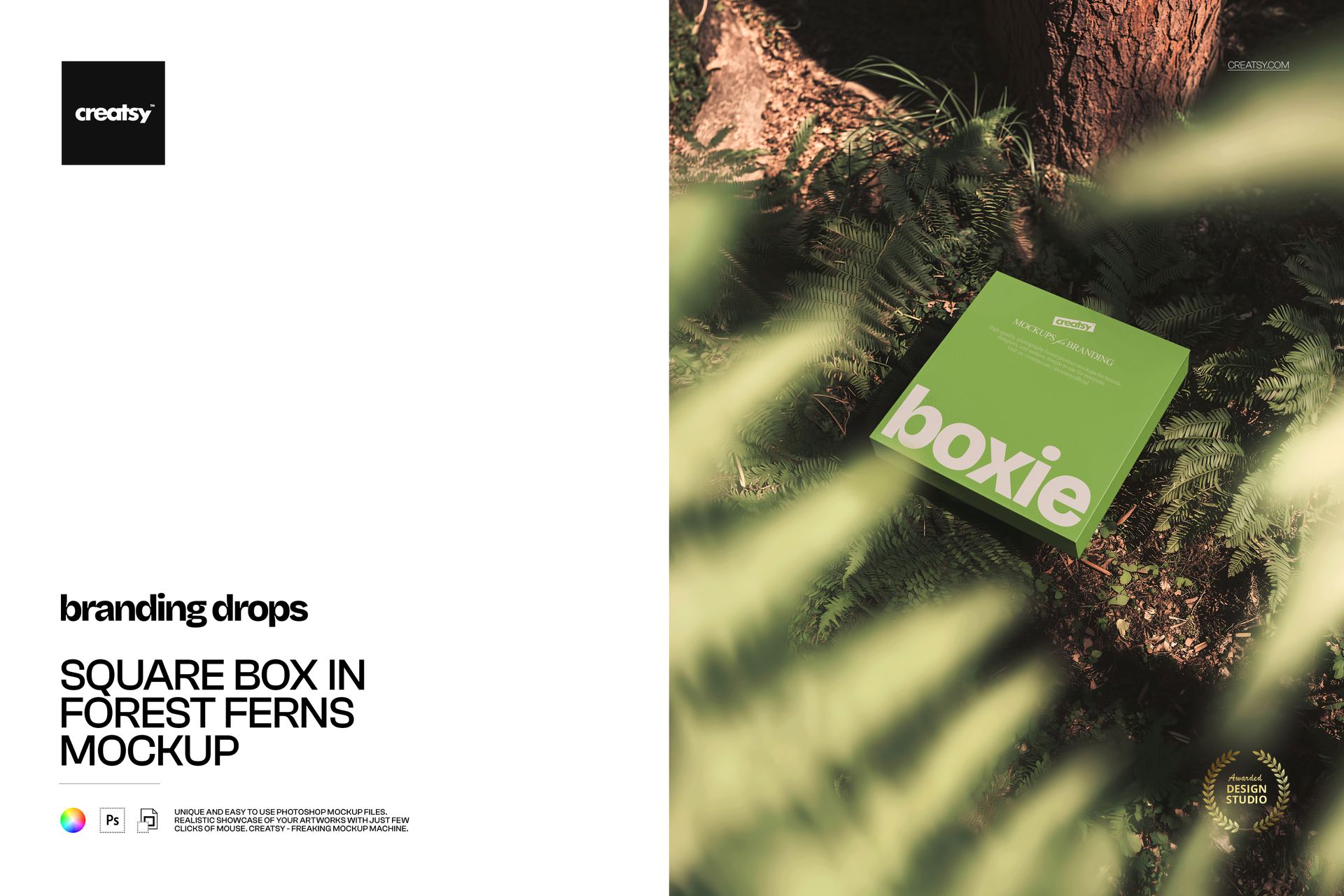
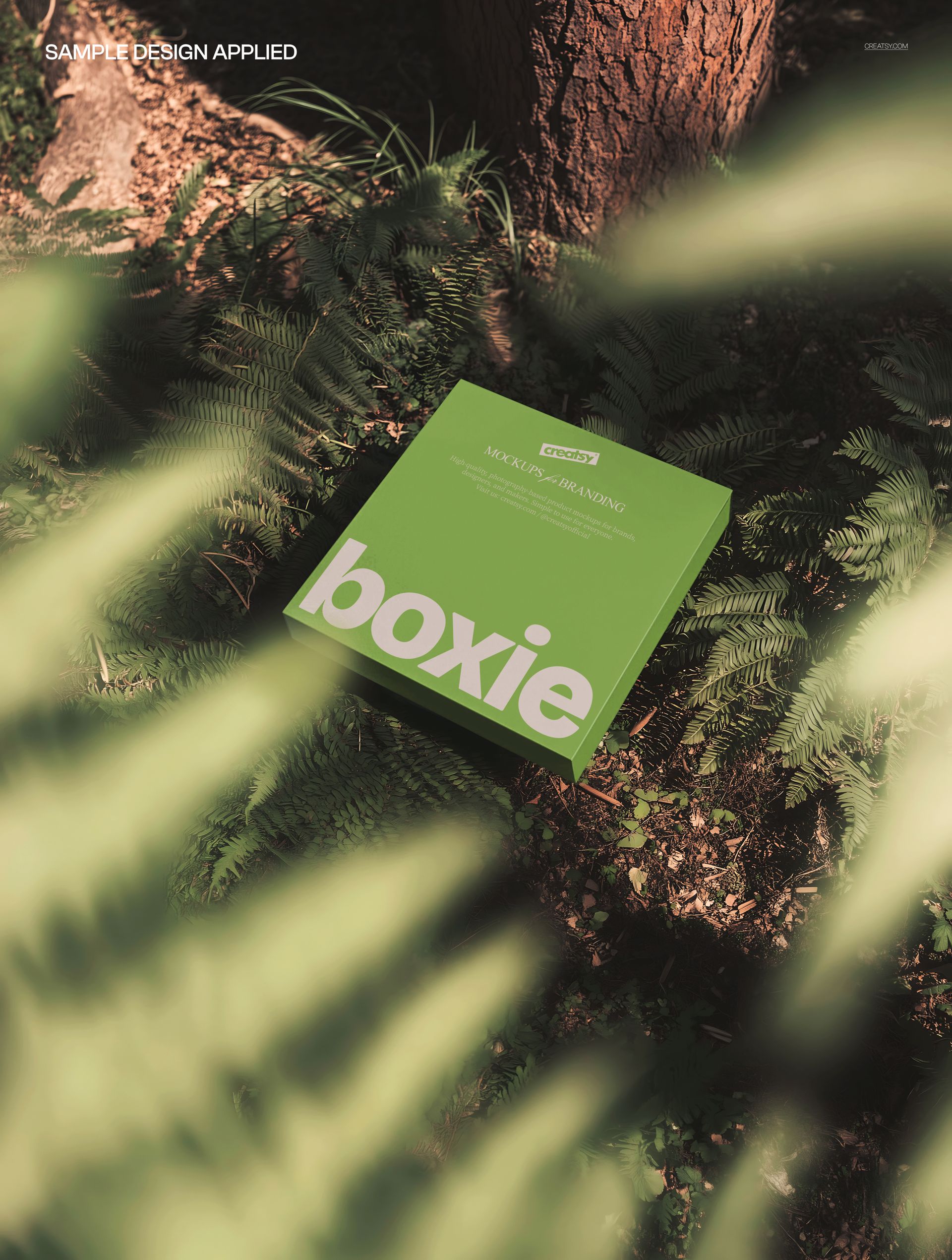
Square Box in Forest Ferns Mockup places a square product box among fresh green fern fronds in a natural forest floor setting, creating a botanical scene that connects packaging design with organic, nature-inspired brand positioning. The PSD file captures the box at a slight angle surrounded by layered fern leaves, with natural diffused lighting filtering through the foliage to produce soft shadows and authentic depth. Built for brands in the wellness, organic skincare, herbal supplement, botanical beauty, and eco-conscious product categories where the packaging needs to be presented in an environment that reinforces the natural origin story of what is inside the box.
Why This Mockup Works
Product packaging for natural and organic brands carries a visual promise that the contents come from nature, are made with plant-based ingredients, or follow sustainable production practices. Presenting that packaging on a white studio background breaks the connection between the product and its story. This mockup places the box directly into a forest fern environment where the green foliage, organic textures, and natural lighting reinforce the brand narrative without requiring additional props, staged photography, or location shoots. The result is a product image that feels like it was photographed on a forest floor, which resonates with consumers who shop based on ingredient transparency, sustainability credentials, and visual authenticity.
What Is Included
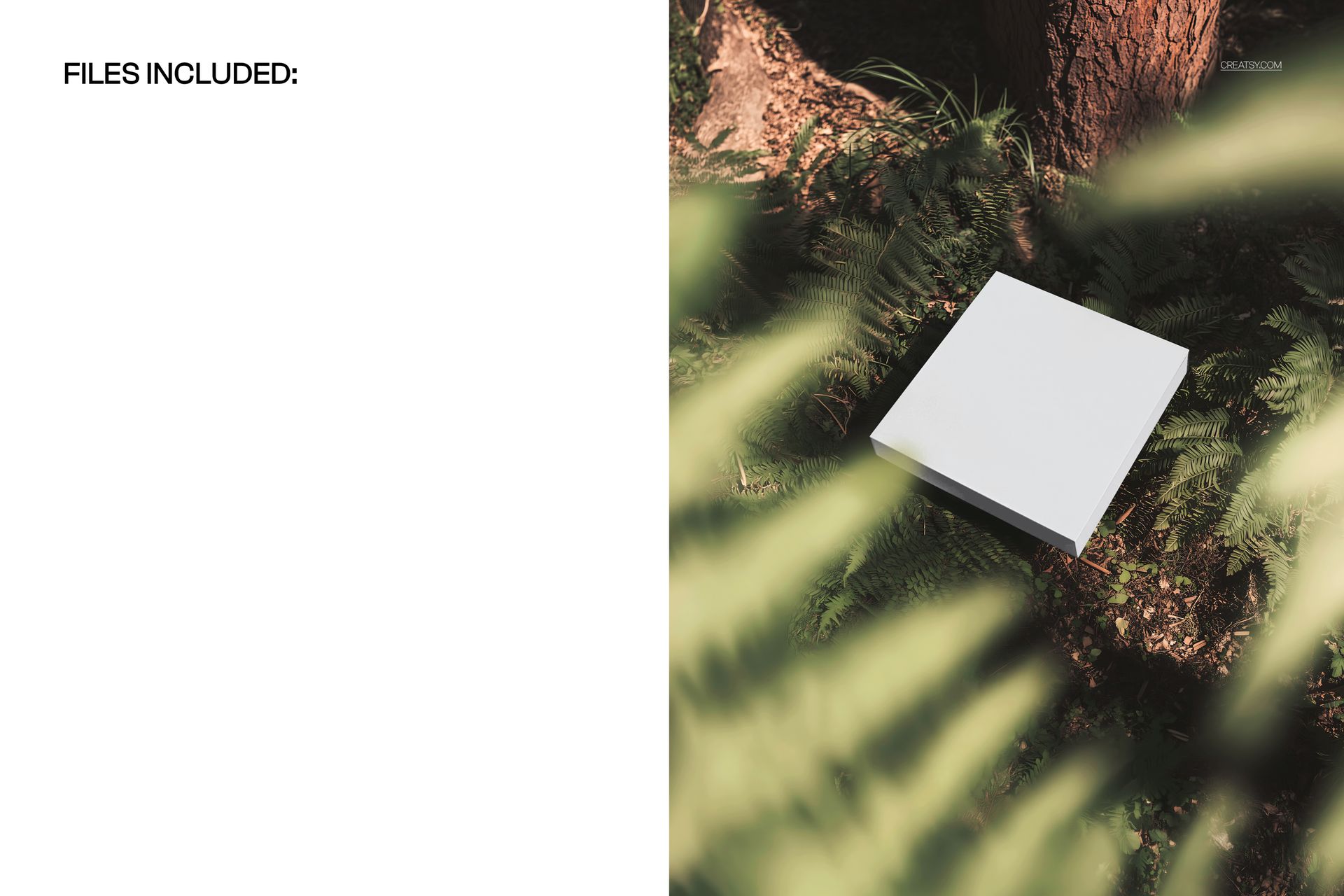
The download contains 1 PSD file at 5000x3700 pixels and 300 DPI. The file shows a square box nestled among fern fronds with natural lighting, leaf textures, and a forest-inspired color palette that frames the packaging in green botanical surroundings. The total download size is 56.01 MB. The fern arrangement and lighting are fully rendered in the file, requiring no additional scene building or prop sourcing.
What You Can Customize
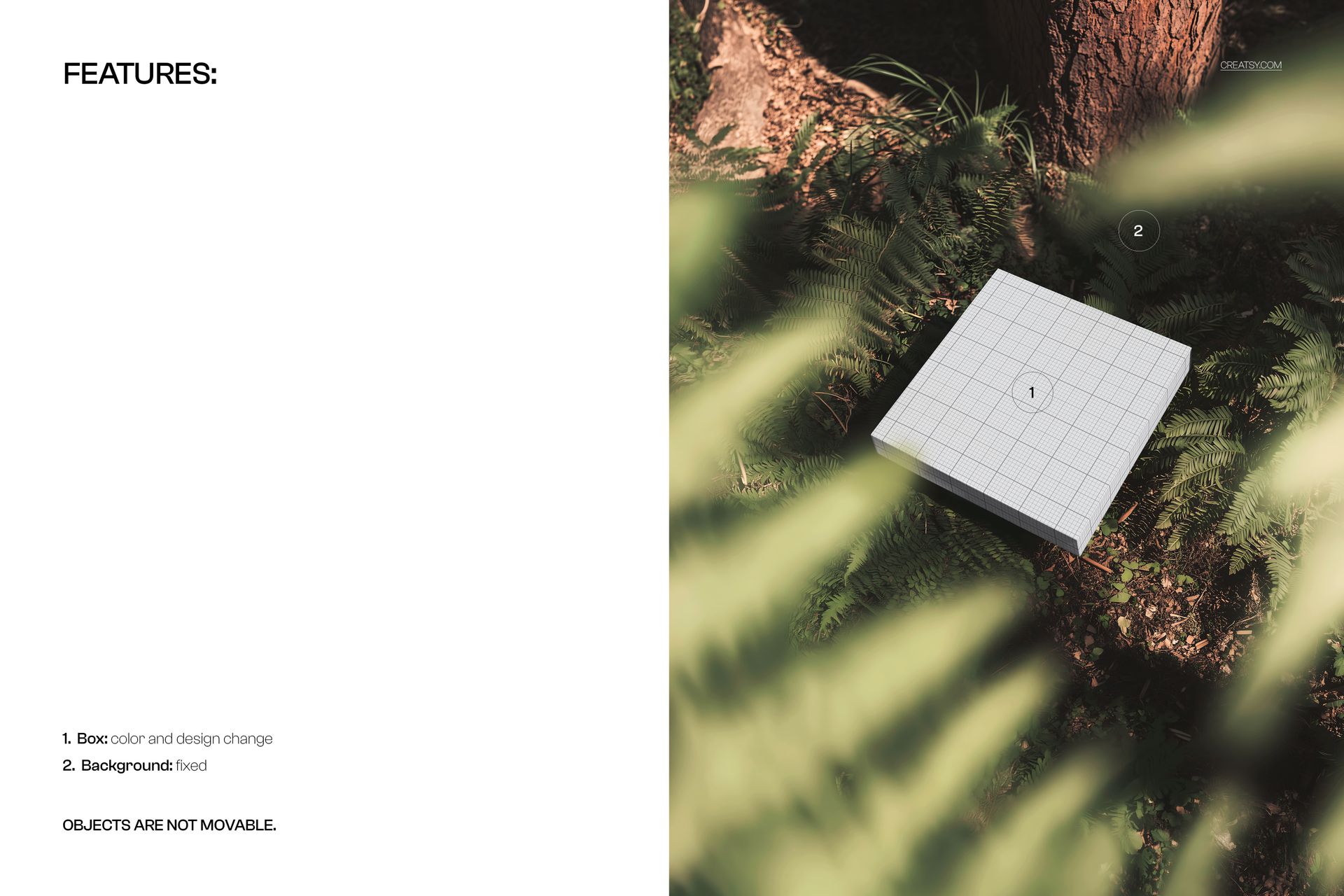
Open the PSD in Adobe Photoshop CC 2020 or later, or use the free browser-based editor at photopea.com. Double-click the smart object layer covering the box surface to open the embedded canvas where you place your packaging artwork, brand graphics, product label, or box design. Save and close the smart object to see your design applied to the square box in the forest fern setting. The displacement follows the box geometry including edges and corners for realistic placement. Well organized layers with clear naming let you adjust elements as needed.
Who This Mockup Is For
Organic skincare and botanical beauty brands presenting packaging concepts that need to communicate a natural ingredient story through product photography. Herbal supplement and wellness product companies building marketing materials where the packaging appears in nature-inspired settings. Eco-conscious consumer goods brands creating product listing images for e-commerce stores where sustainability and natural origins are key purchase drivers. Packaging designers working on projects for clients in the green beauty, organic food, herbal tea, natural candle, or plant-based product categories. Gift box designers creating premium packaging for nature-themed collections or artisan product lines where the forest setting adds perceived value.
File Specifications
Format: PSD (Adobe Photoshop). Files: 1. Resolution: 5000x3700 px. DPI: 300. Download size: 56.01 MB. Compatibility: Adobe Photoshop CC 2020 and newer, Photopea (free browser-based editor). Smart object layer for box surface artwork placement. Well organized layer structure with clear naming. Forest fern botanical setting with natural diffused lighting and organic textures.