Brazilian Jiu Jitsu Uniform Mockup
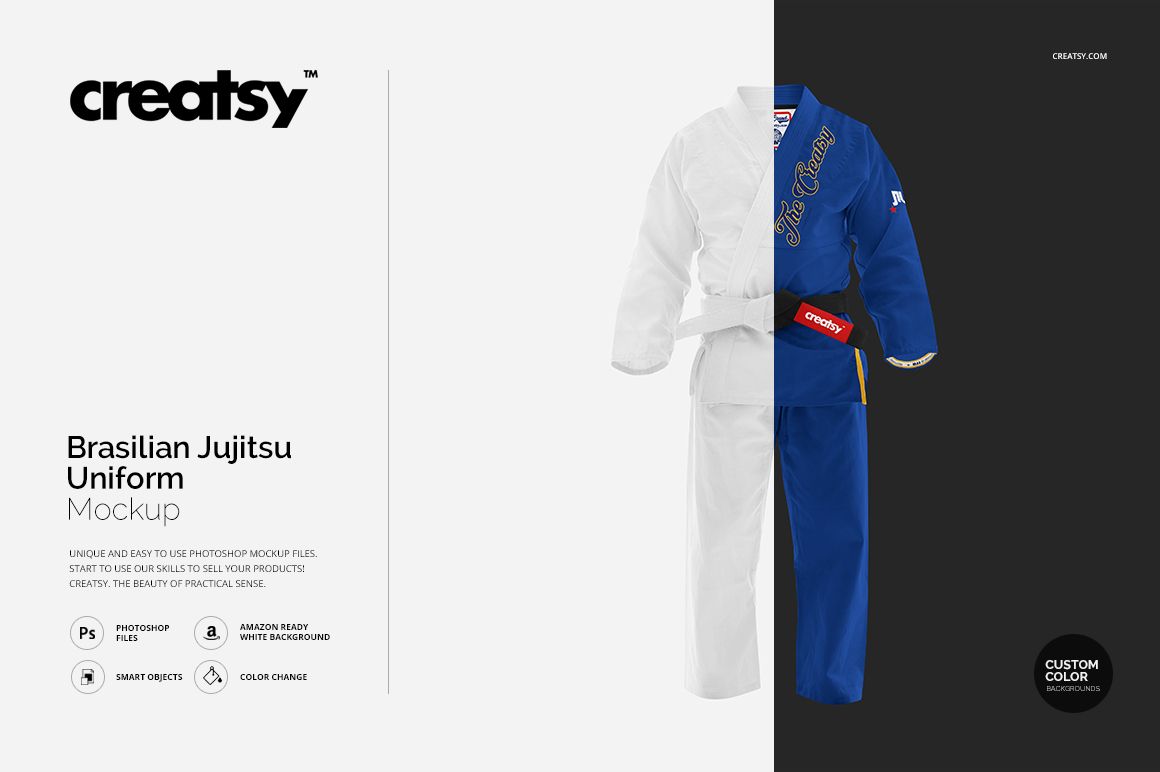
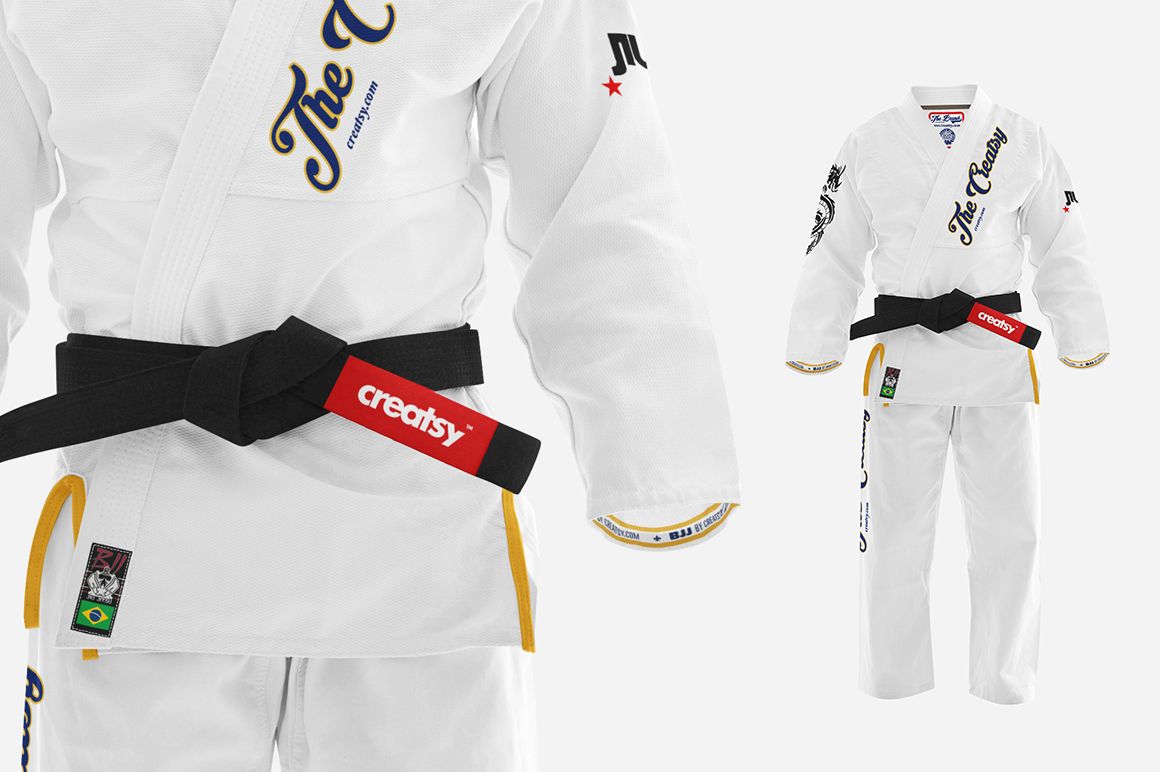
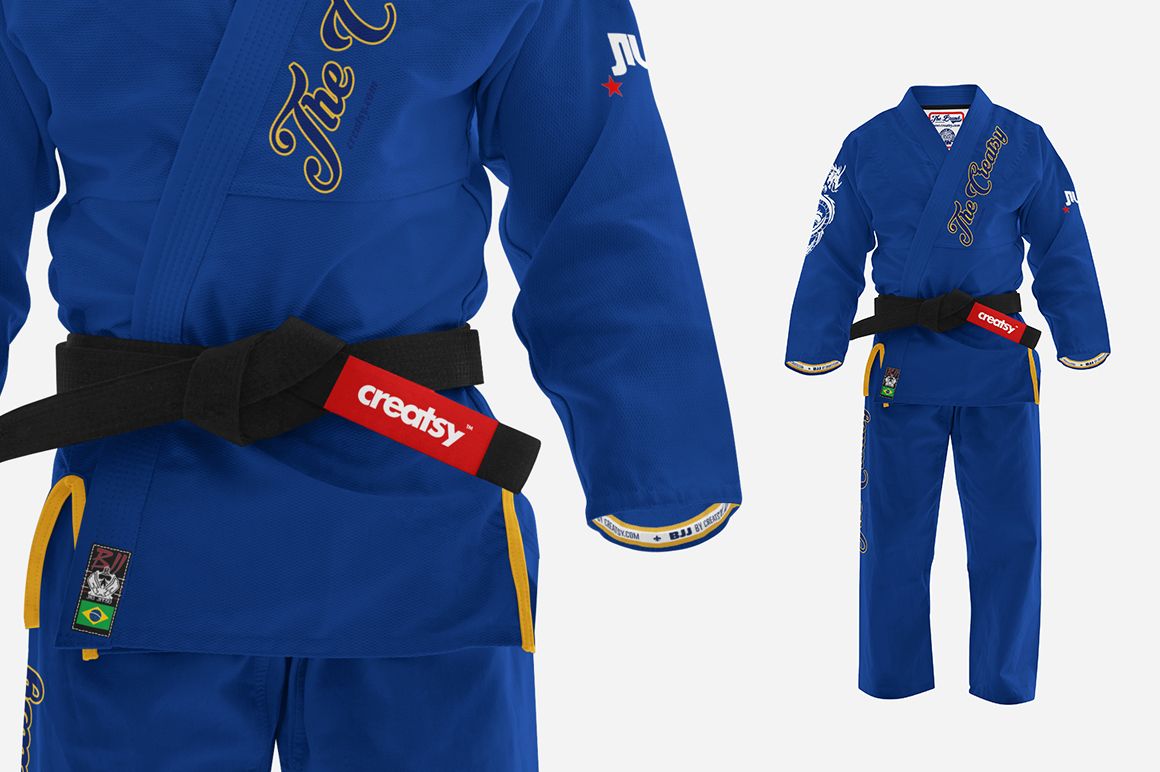
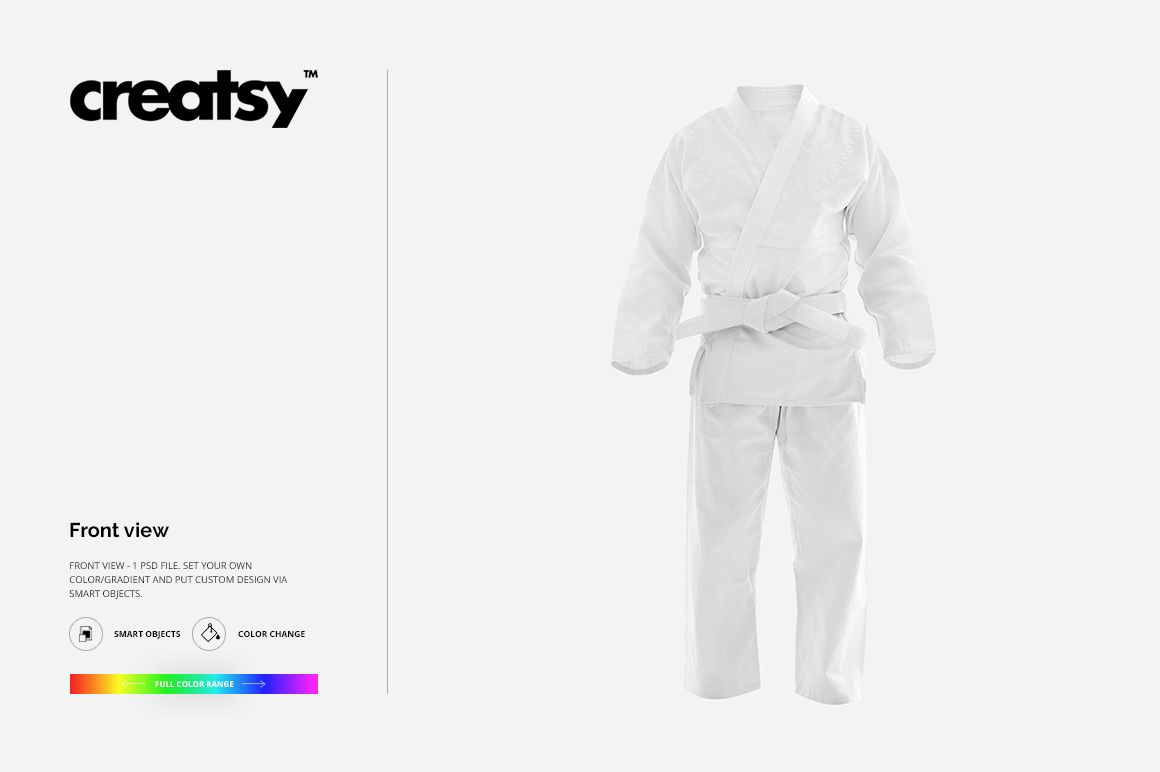
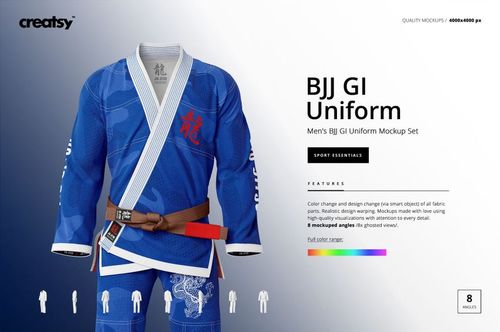
Focus on one clear front view of a complete Brazilian Jiu Jitsu gi, including the wrap jacket, trousers, lapels, and belt. The centered scene gives academy branding, artwork, and colorways a clean presentation without arranging a garment photoshoot.
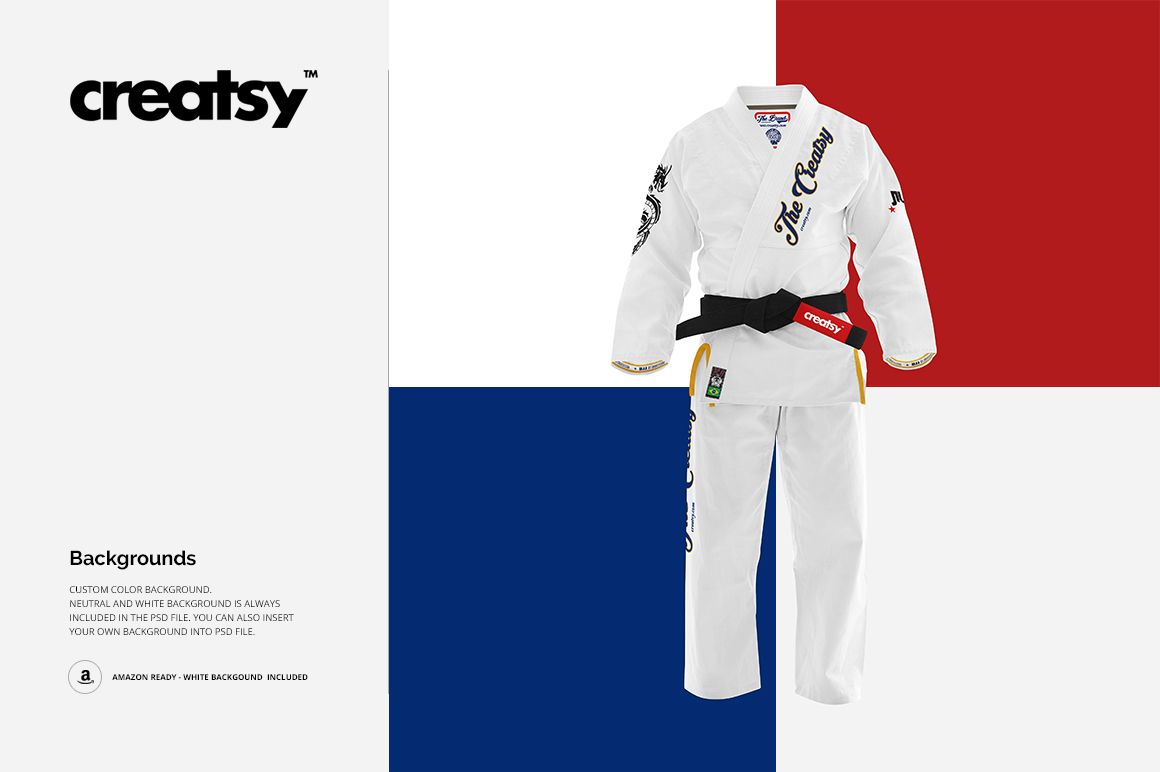
Use the square PSD to compare uniform colors and gradients, place custom artwork through Smart Objects, and prepare a direct front-facing approval image, portfolio visual, or online product image. Custom-color, neutral, and Amazon-ready white background options help you adapt the presentation to different projects.
What Is Included
1 layered PSD mockup with a single front-view scene
1 JPG preview at 4000 × 4000 px
1 TIFF guide at 1000 × 1414 px
3 files in total
4000 × 4000 px PSD scene at 300 DPI
A Focused Front View for Gi Branding
The complete outfit appears in one square frame, making it easy to review the overall balance between the jacket, trousers, belt, and lapels. This single scene is suited to front placements and colorway checks, while the related multi-view set is the better choice for side and back artwork.
Easy Smart Object Editing
Insert custom artwork through Smart Objects, adjust the confirmed garment colors and gradients across the full color range, and choose a custom color, neutral, or white background. You can also place your own background in the PSD.
Perfect For
BJJ academies and martial arts clubs
Fightwear and combat sports apparel brands
Uniform designers and suppliers
Client approvals and colorway reviews
Ecommerce images and portfolio presentations
This is a digital mockup product. No physical gi or belt will be shipped. The preview graphics are presentation examples, and no separate artwork file is listed in the confirmed package.