About the Product
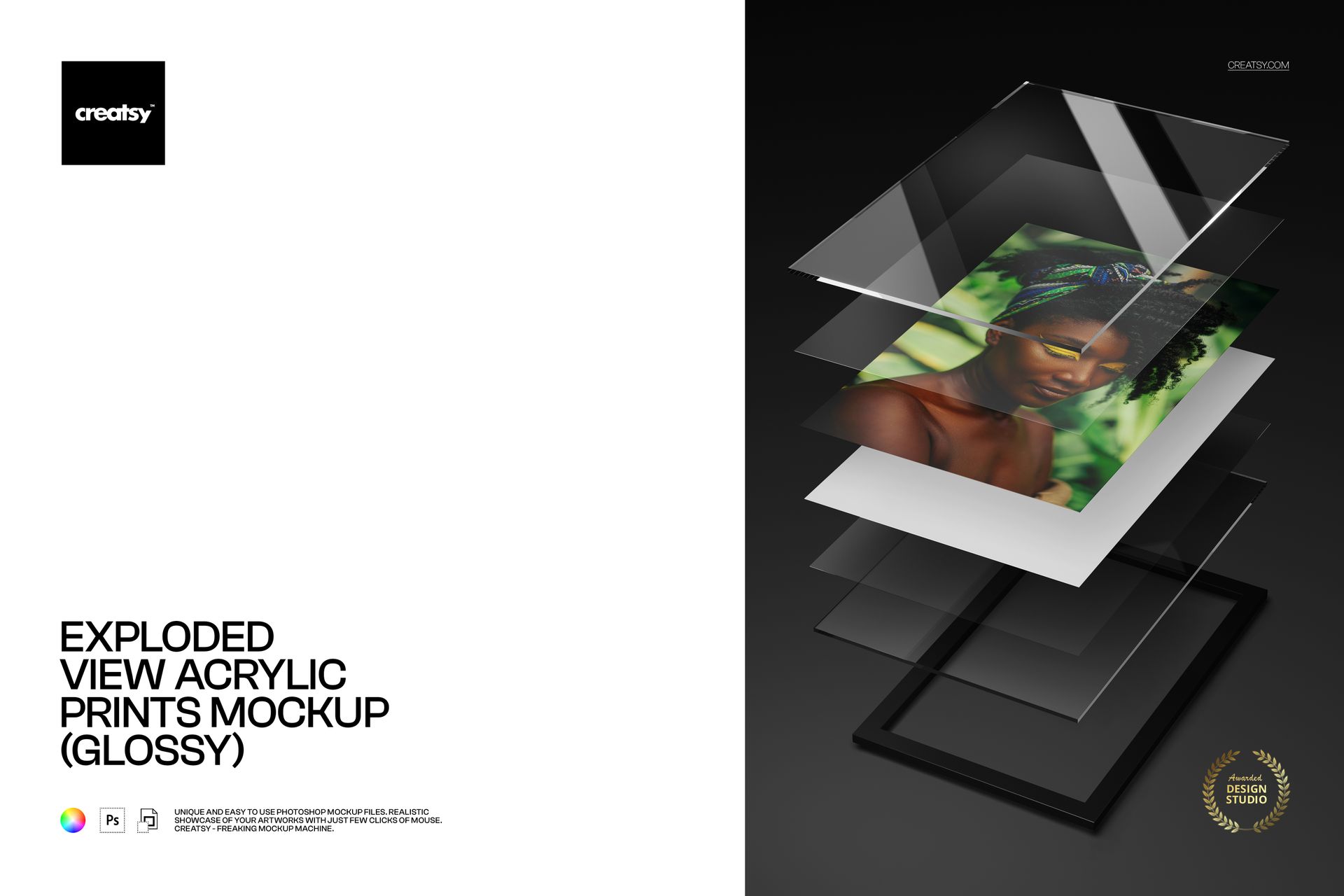
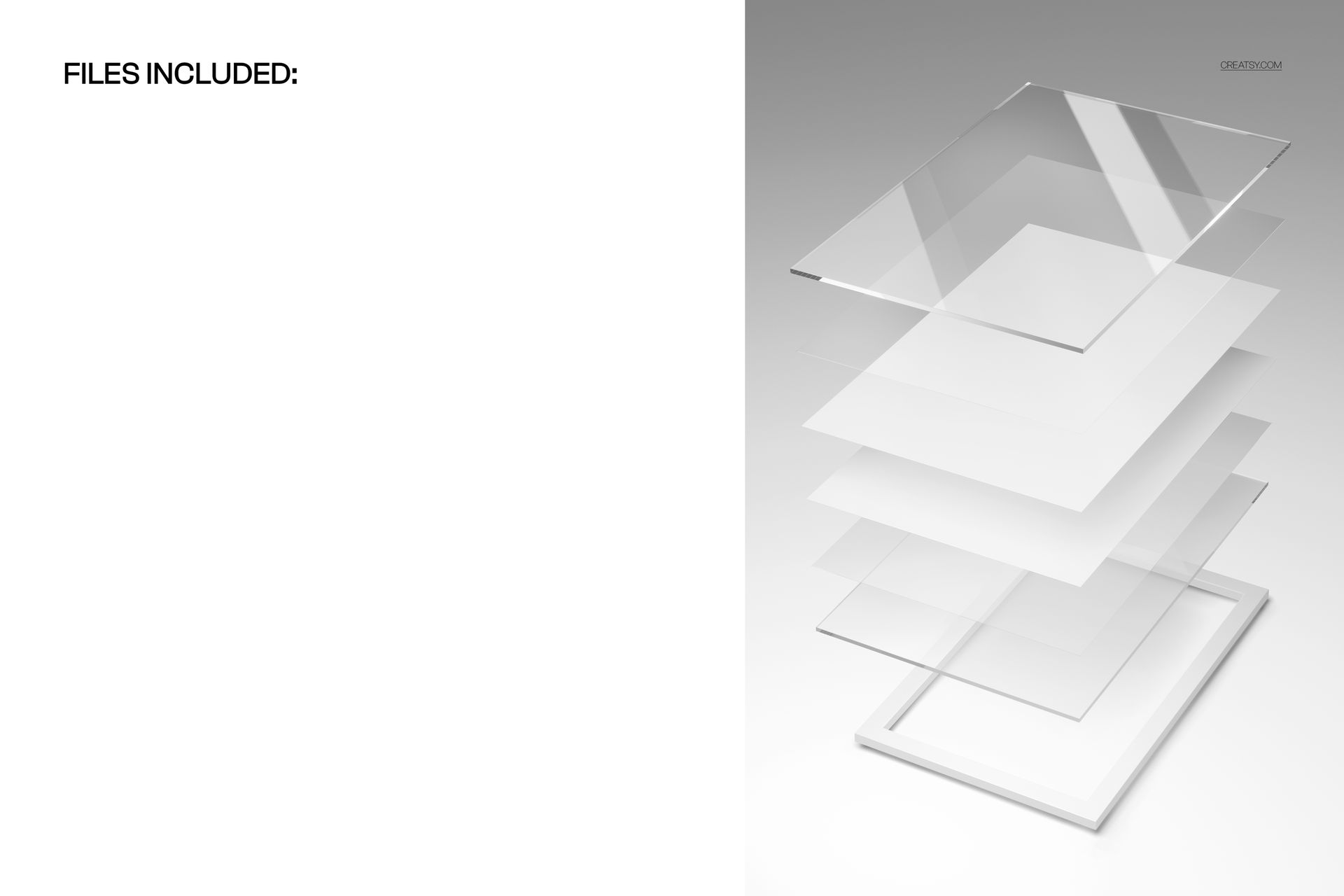
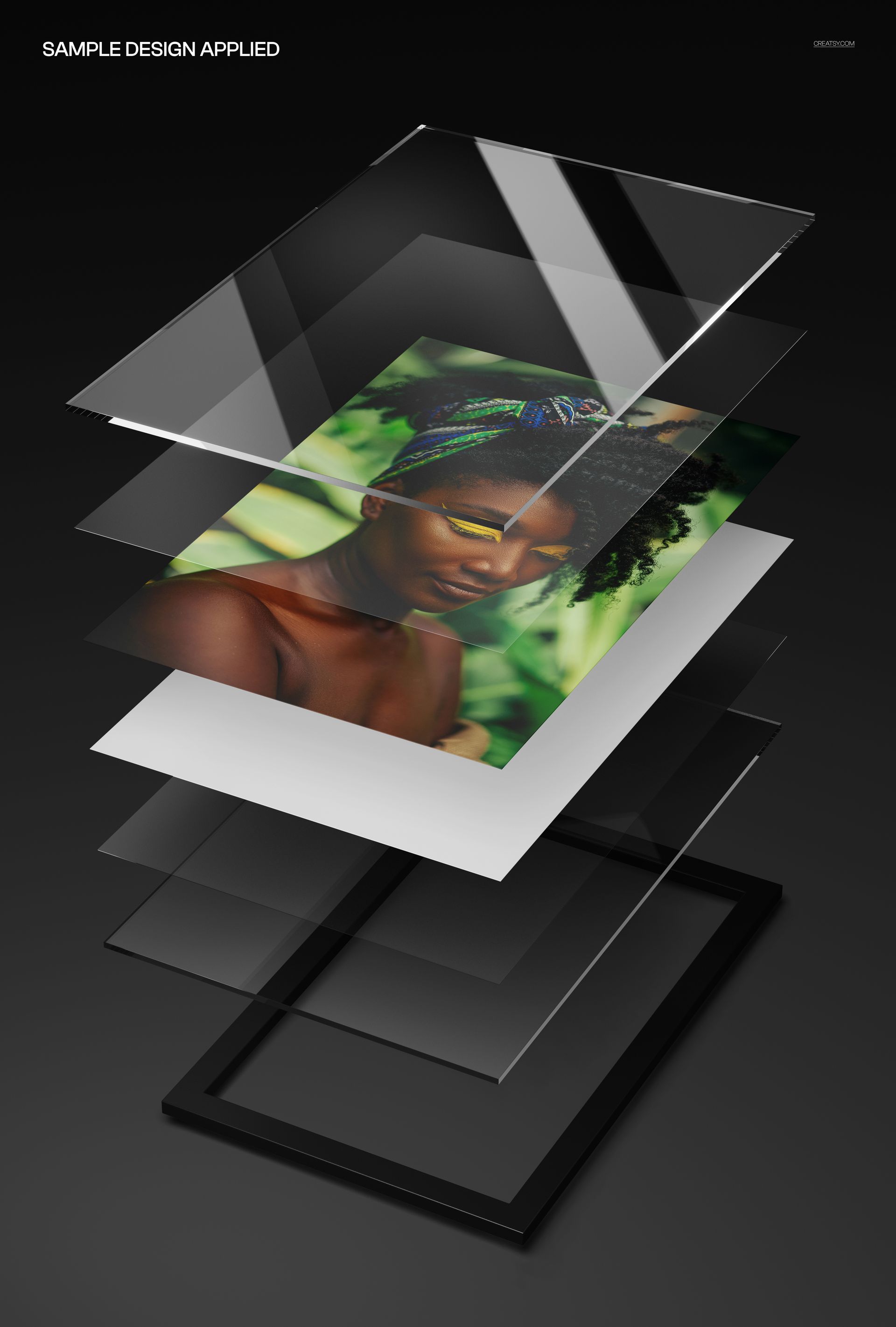
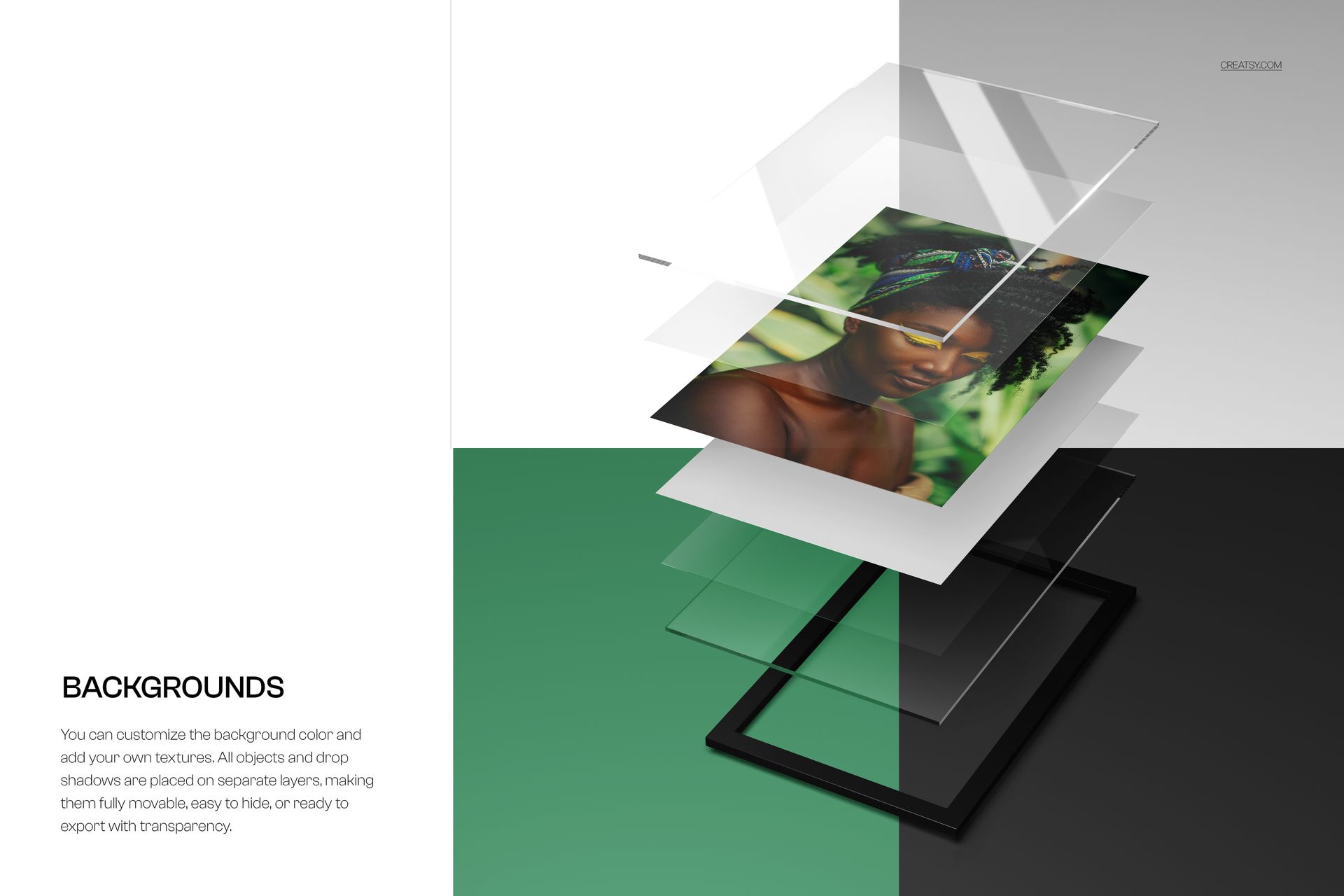
Exploded View Acrylic Prints Mockup (glossy) by Creatsy pulls a glossy acrylic print apart into its separate layers: the clear top panel, the print, the paper base, and the frame, floating in a 3D perspective so the build is easy to see. It is one layered PSD at 6000 x 4000 px and 300 dpi, with the print set up as a Smart Object, so your photo drops in and picks up the bright, reflective shine of a glossy surface. It suits a photographer showing how a piece is made or a print shop demoing the layered construction.
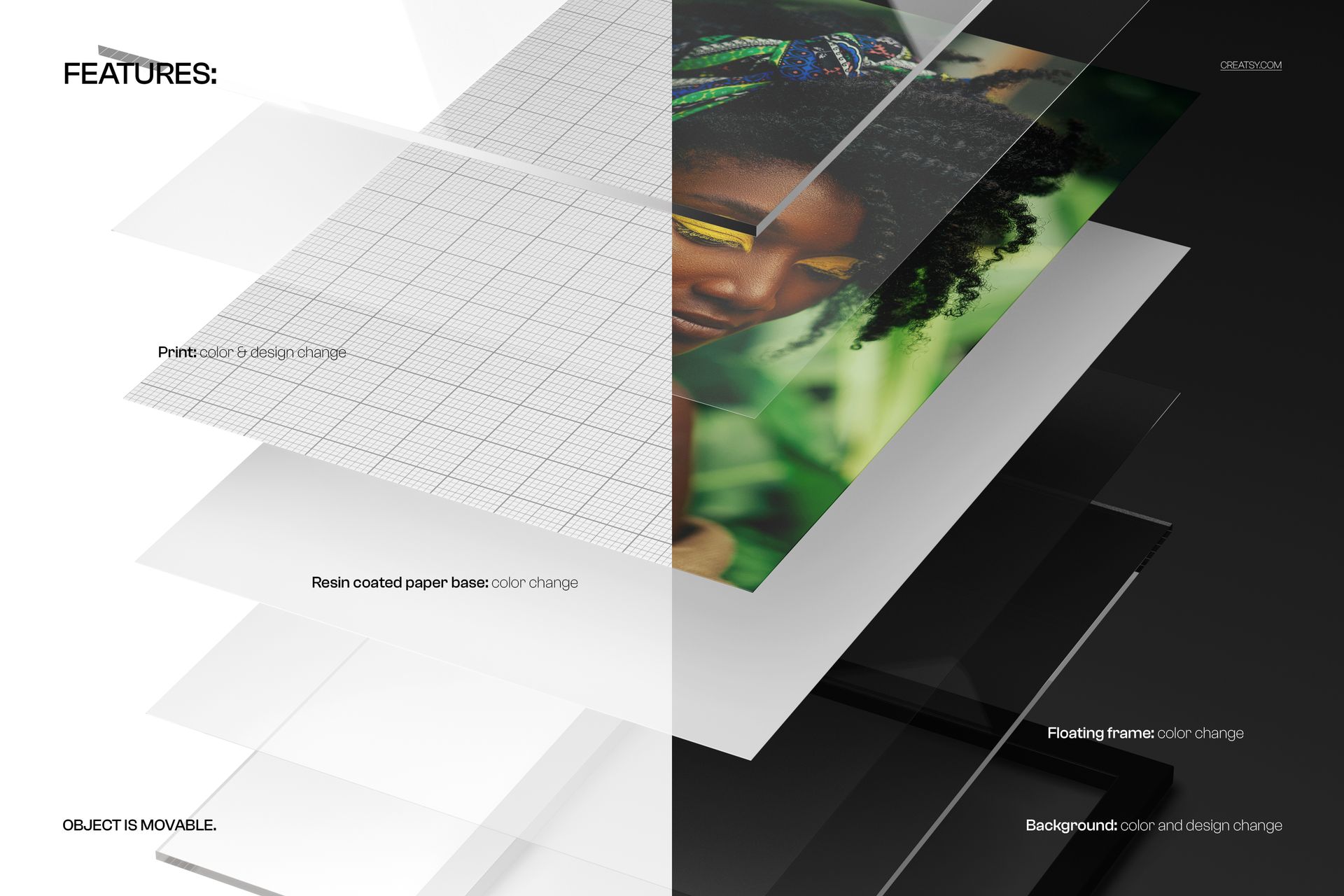
Every layer is yours to change. The print takes any photo or design through the Smart Object, the resin-coated paper base and the floating frame each recolor on their own layers, and you can set a custom background color or drop in a texture. Objects and drop shadows sit on separate layers, so you can move the stack, hide the background, and export with transparency.
What you get
One layered PSD, 6000 x 4000 px at 300 dpi, opening in Adobe Photoshop (CC or newer) and free Photopea
A glossy acrylic print shown as an exploded view of its layered panels in 3D perspective
The print set up as a Smart Object for your photo or design
A recolorable resin-coated paper base and a recolorable floating frame, each on its own layer
Custom background color or texture; objects and drop shadows on separate layers for a transparent export
Well-organized layers; the .psd working file plus .jpg previews
Package size 139 MB on Windows, 145 MB on macOS
How it works
Open the PSD in Adobe Photoshop (CC or newer) or free Photopea.
Double-click the print Smart Object and paste your photo or design.
Recolor the paper base, frame, and background, or drop in a texture.
Hide the background for transparency or keep it, then export a JPG or PNG.
Good to know
The print uses a Smart Object and the file relies on layer groups, so plan to edit in Adobe Photoshop (CC or newer) or the free Photopea. This is the glossy, exploded-view version in a fixed 3D perspective, so a matte finish or a flat single-panel view is a different file; see the full metal and acrylic photo print mockups. The artwork shown in the previews is for display only - you bring your own.
Questions before you buy? The Creatsy team answers within 48 hours.