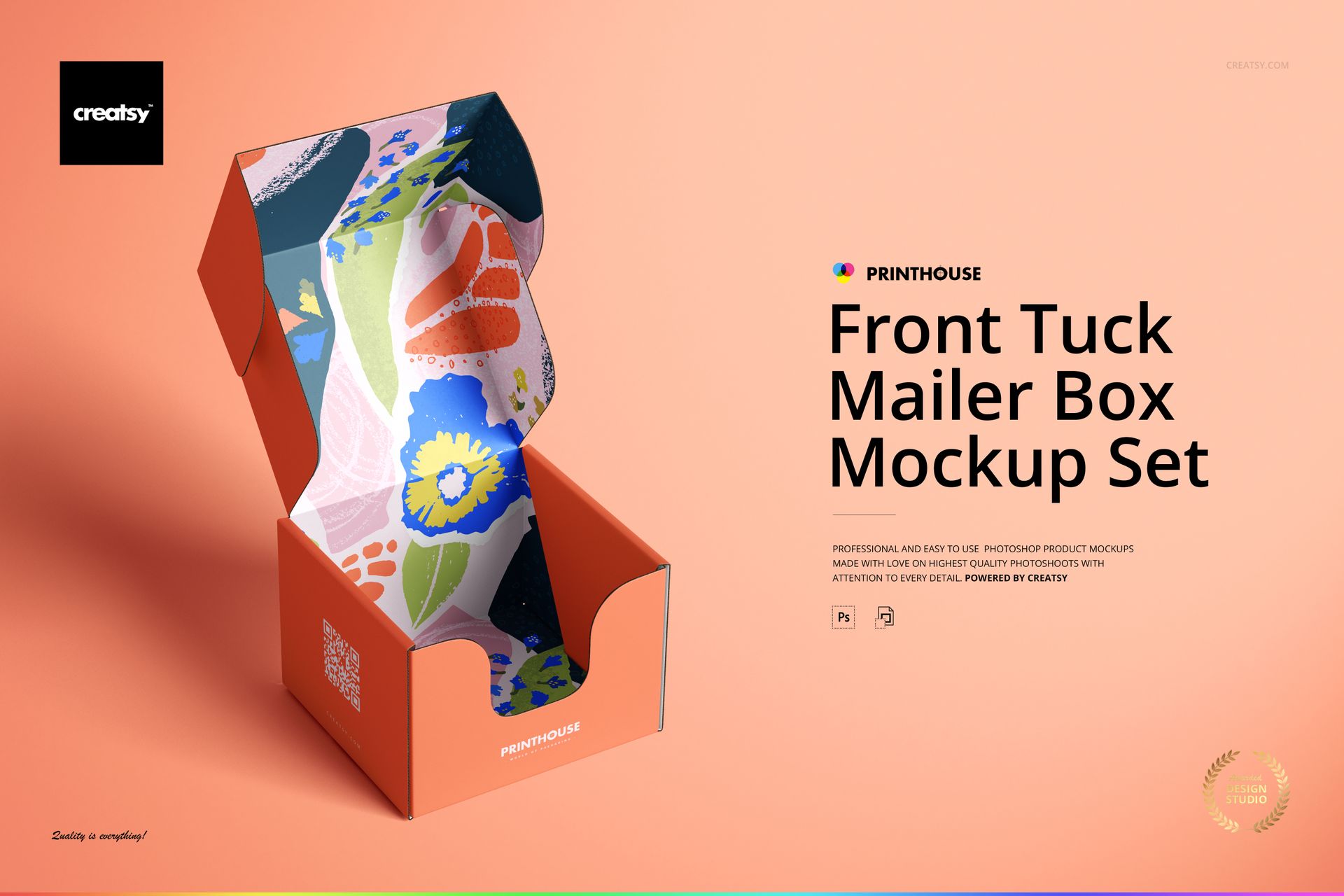
Front Tuck Mailer Box Mockup Set 01
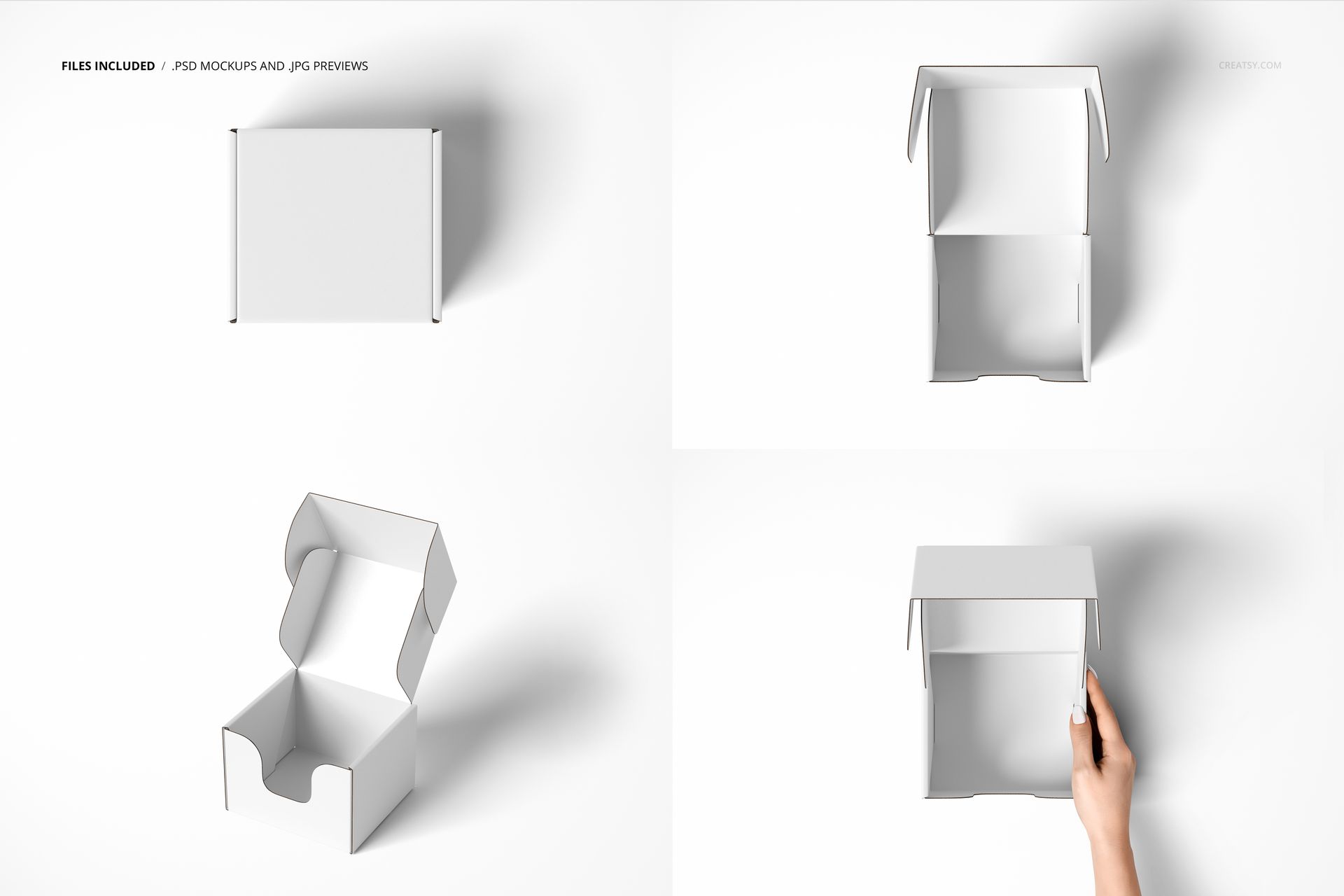
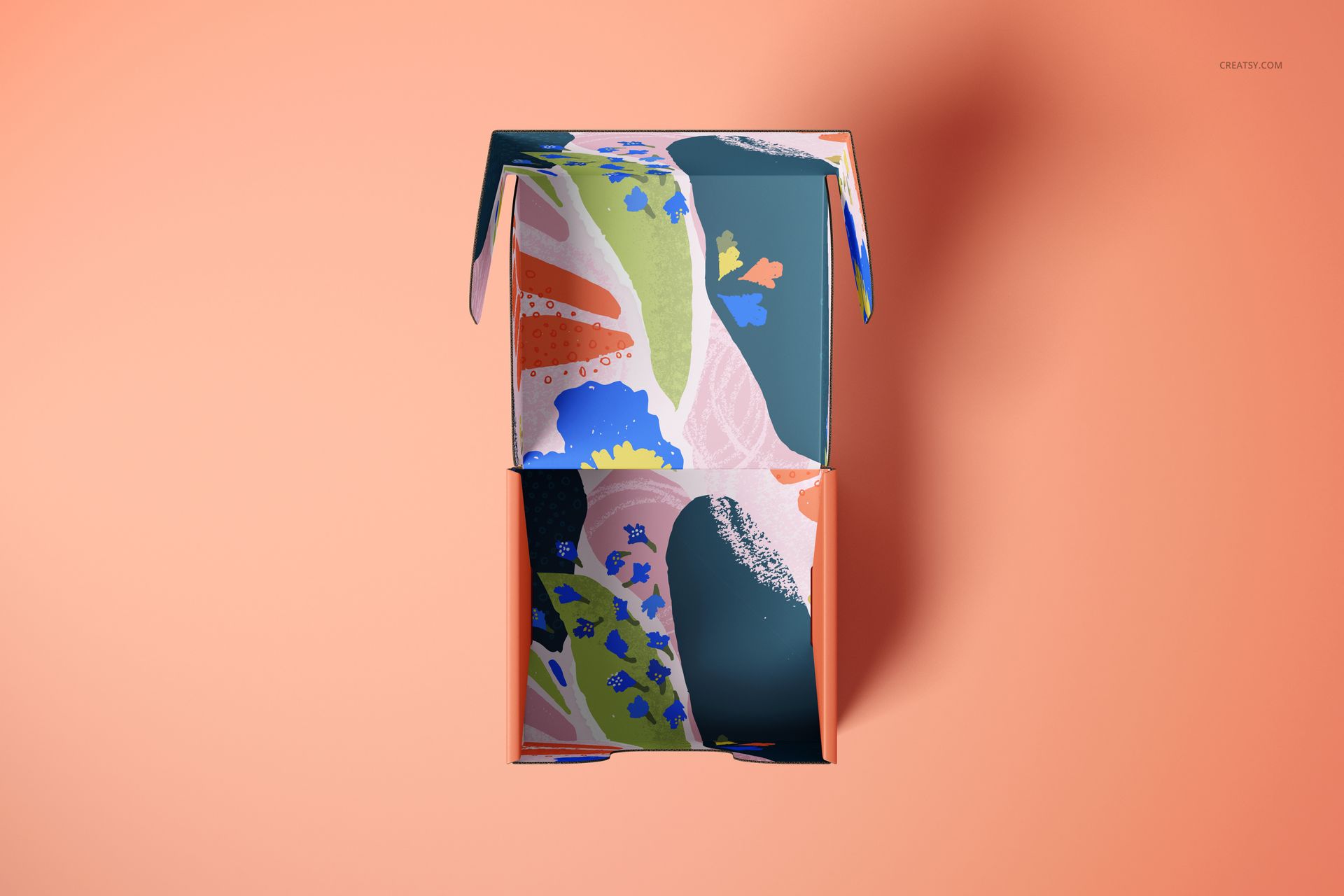
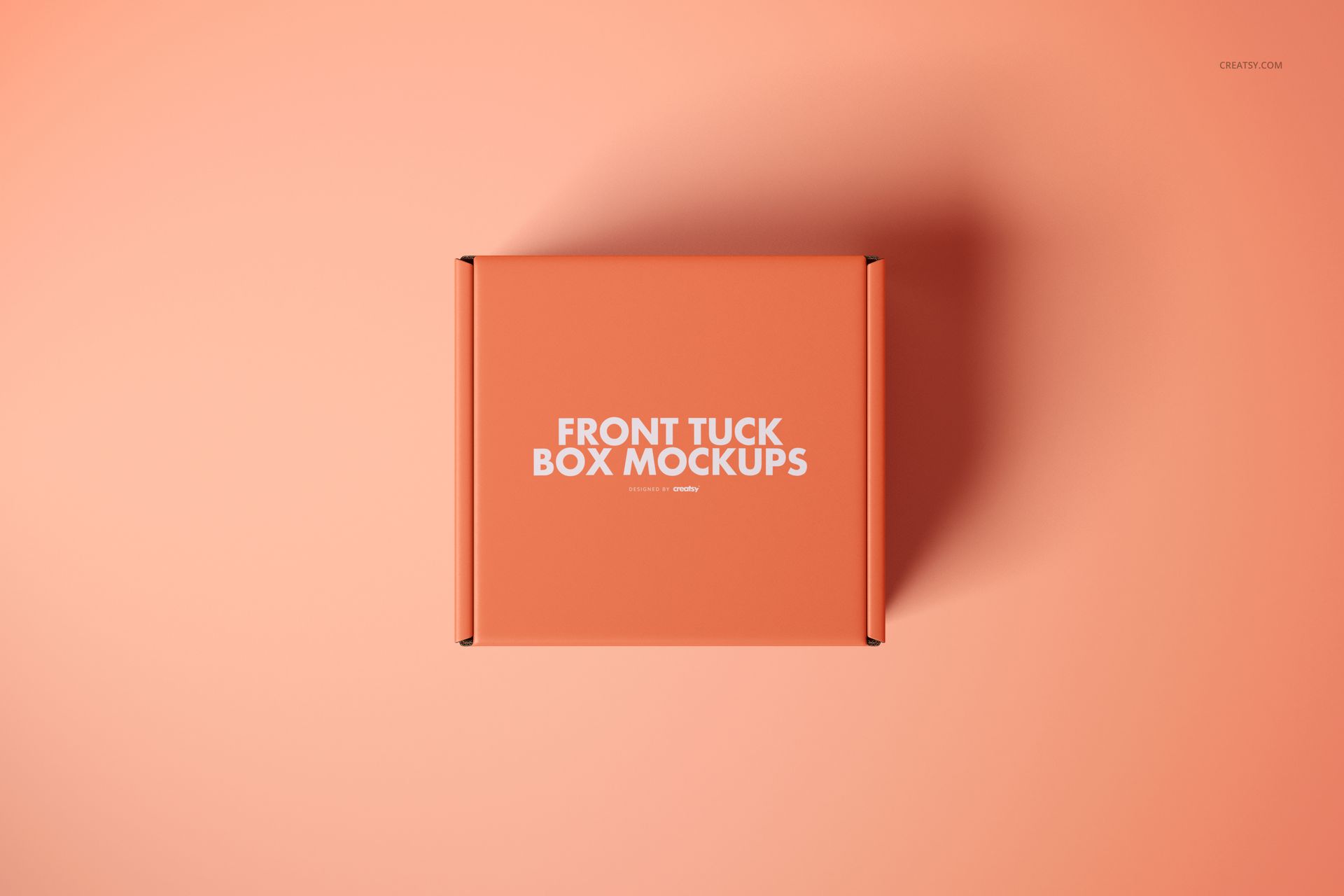
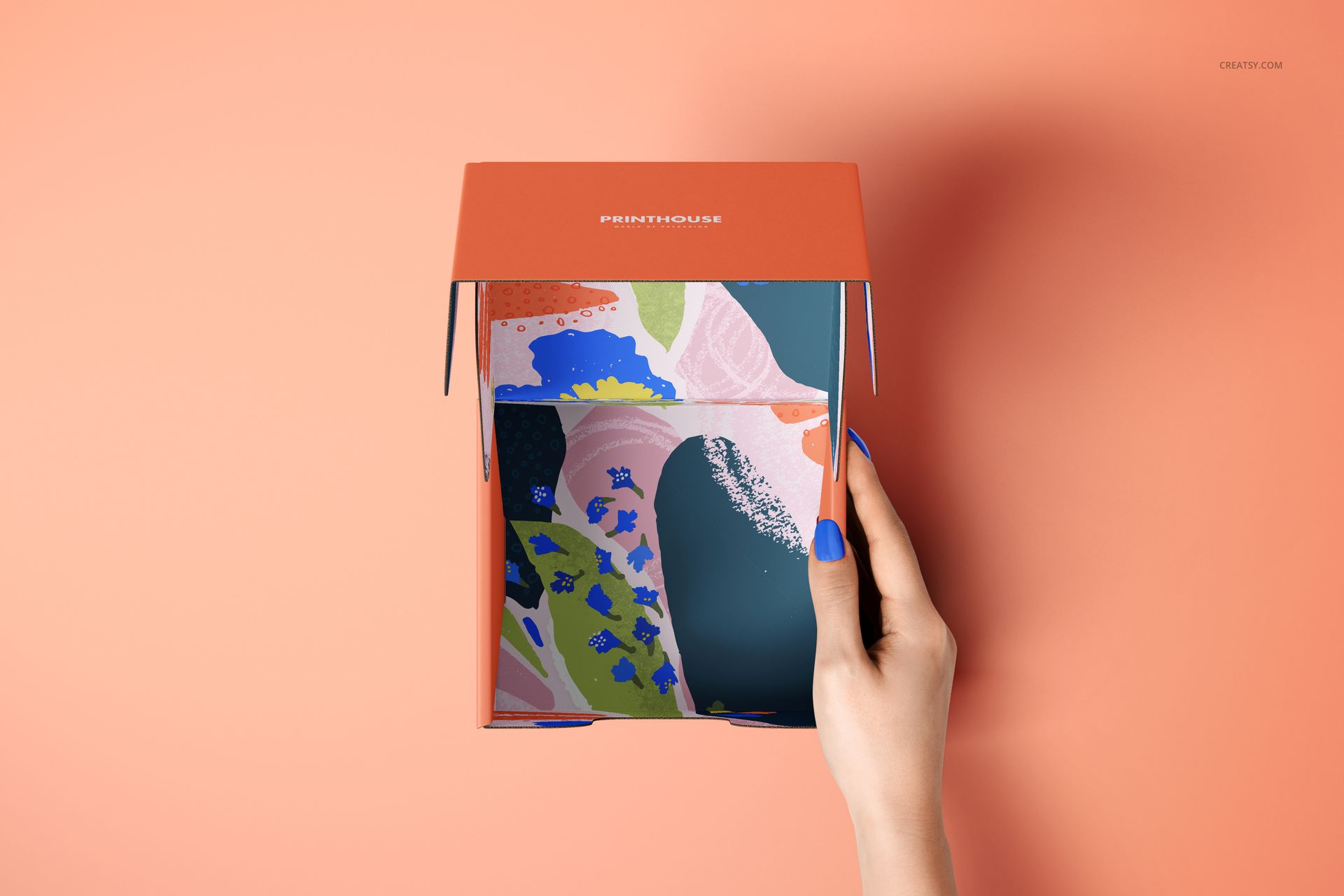
The first impression does not have to end at the lid. This front tuck mailer box mockup set lets you develop the exterior branding and the printed interior together, with four views showing the box closed, open from above, open at an angle and held by a hand.
Four Views of One Packaging Concept
4 layered PSD mockup files, each at 6000 x 4000 px and 300 dpi.
4 JPG scene previews and a PDF user manual.
Open and closed box presentations, including a top-view scene with a hand.
Compare Printed and Kraft Surfaces
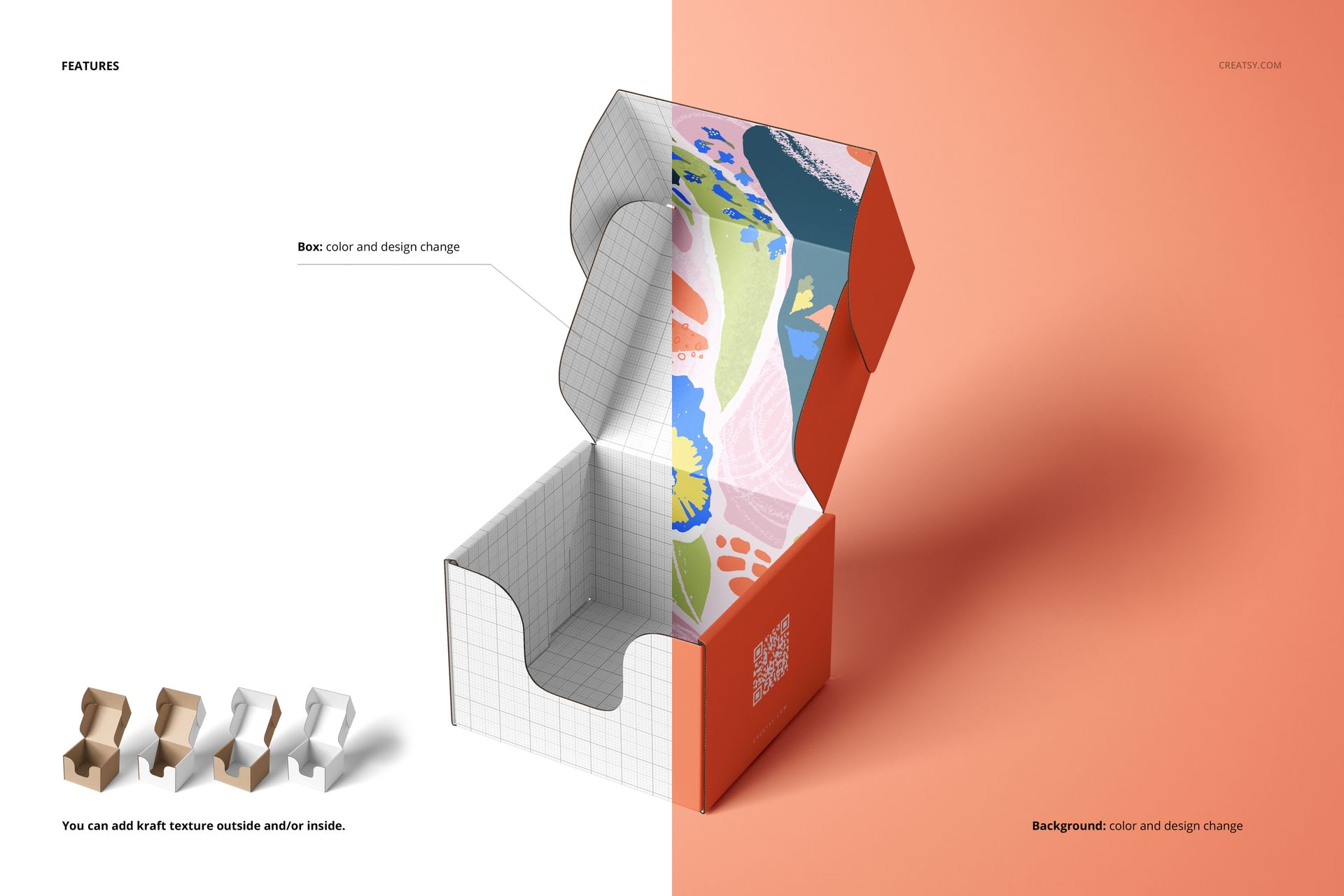
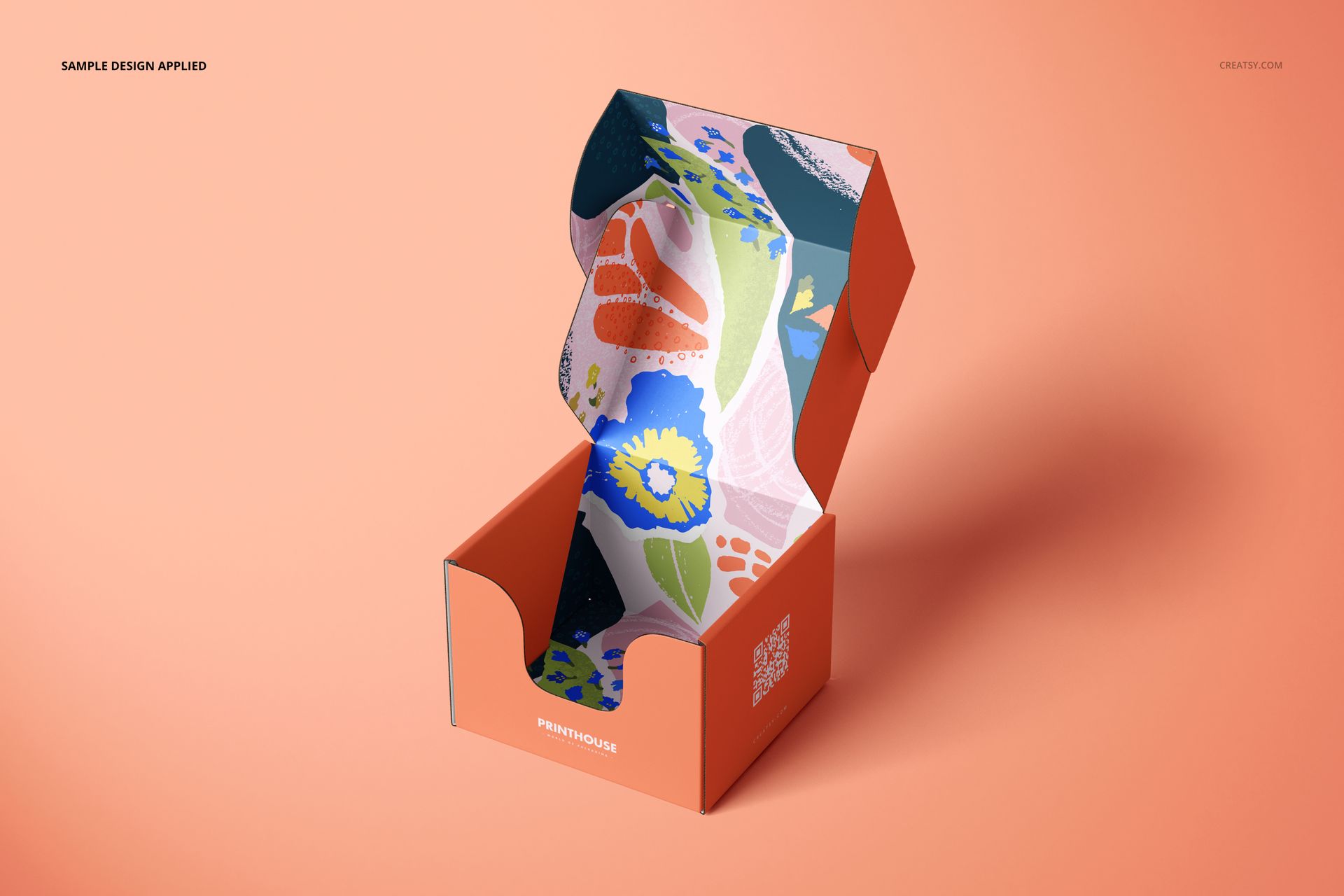
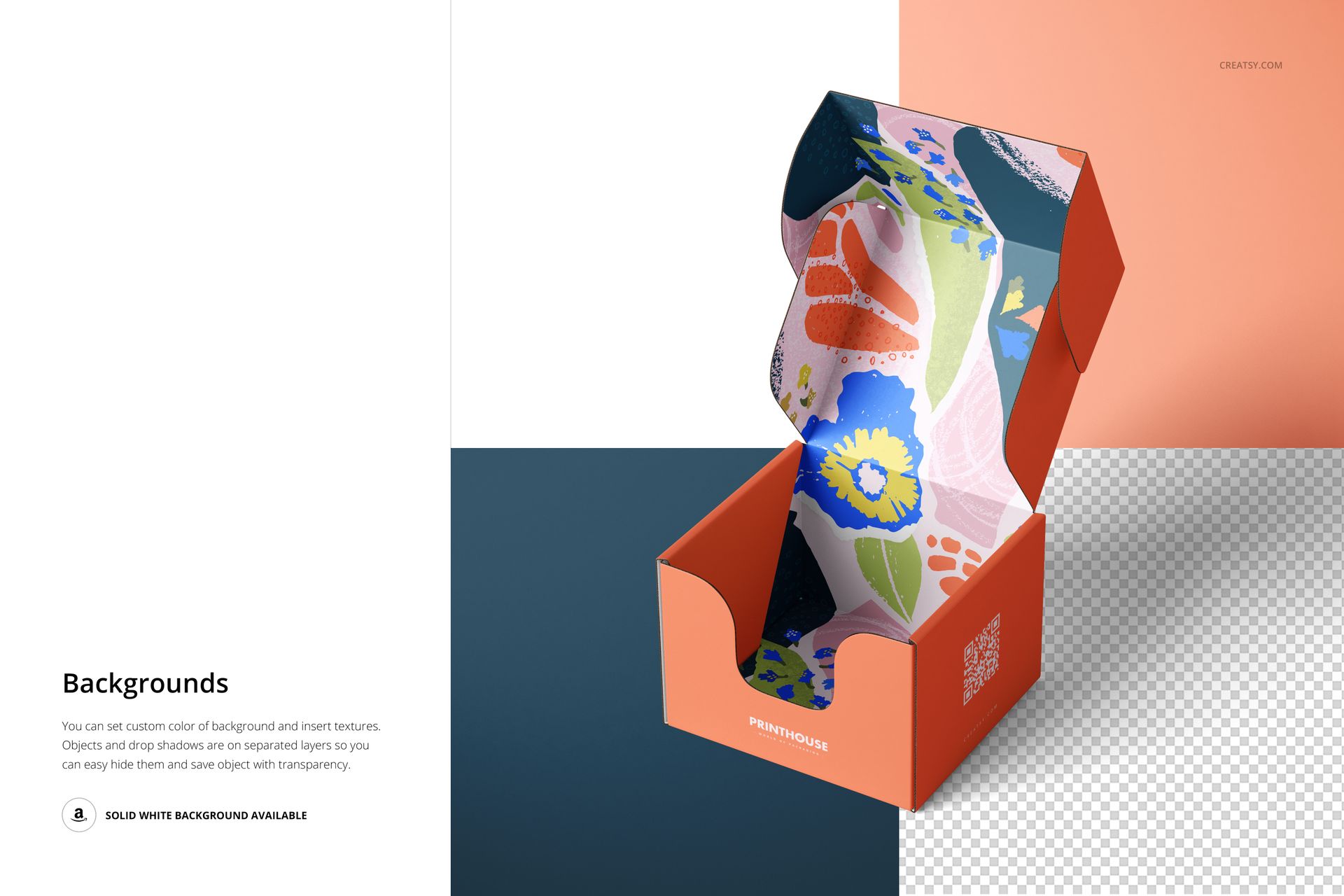
Change the box color and artwork, and add kraft texture to the outside, inside or both. A quiet exterior can contrast with an illustrated inner lid, while an all-over pattern can carry a collection across the visible panels. The open views reveal the folds and front cutout that a closed-box image cannot show.
Layered Editing in Photoshop
Place your artwork through Smart Objects and use the organized layers to refine the presentation in Adobe Photoshop CC2020 or later. Set a background color, insert a texture or use a solid white background. Objects and drop shadows are on separate layers, with options to hide them and prepare a transparent-background image.
Use the set for packaging proposals, print-shop previews, gift-box branding and online product galleries. This is a digital mockup product, not a physical box or a manufacturing dieline. The sample artwork is not included.