Product Box on Natural Rock Surface Mockup
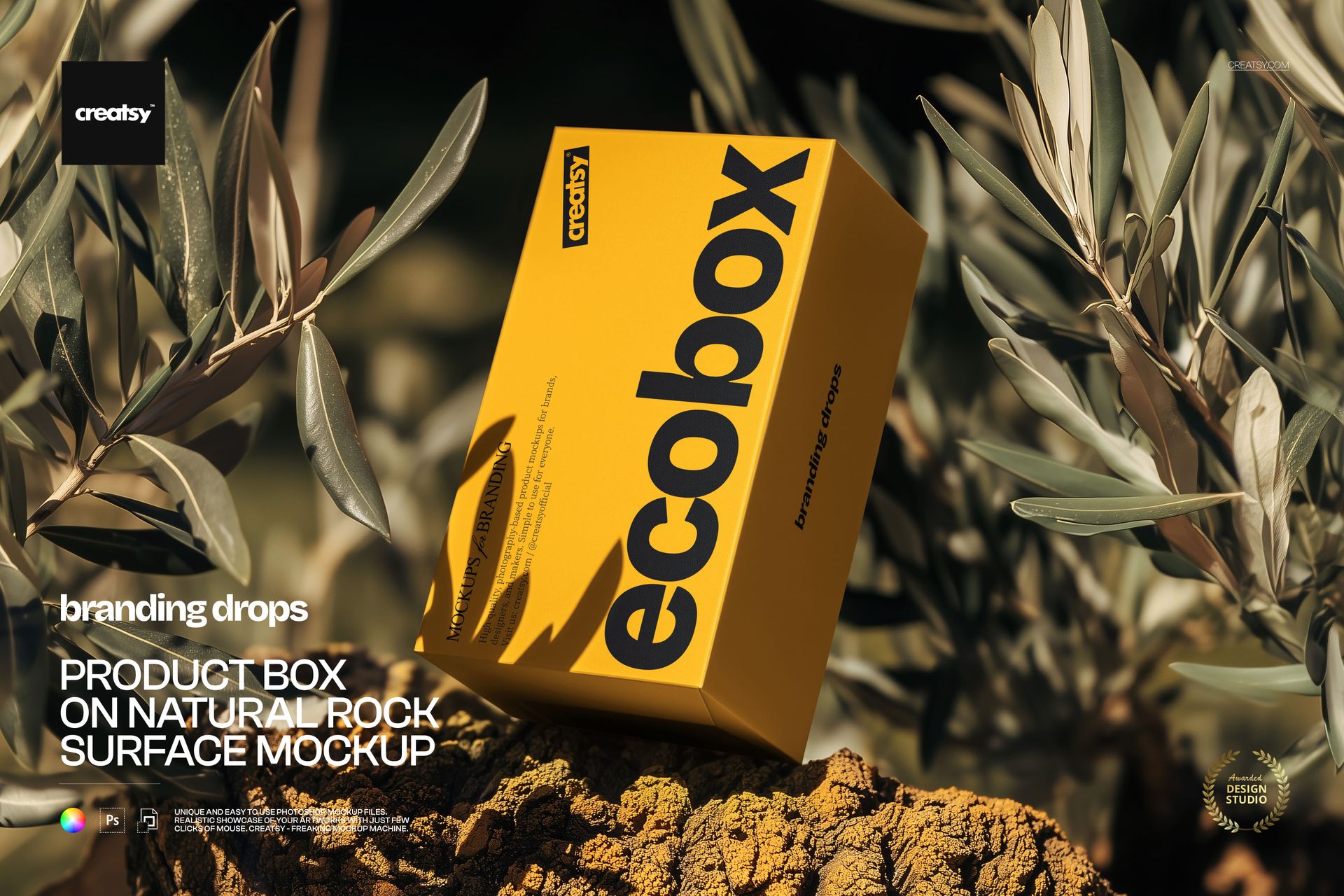
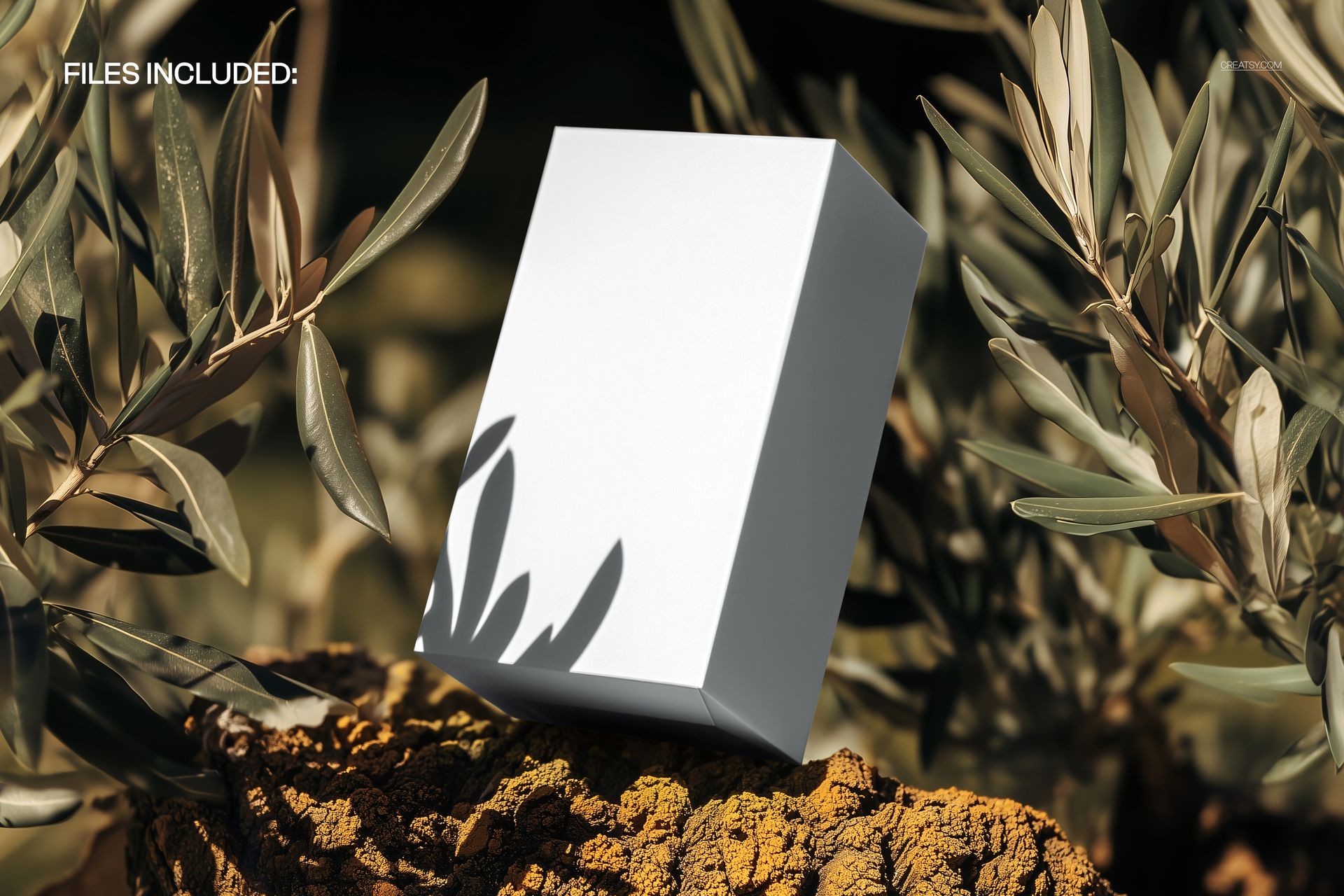
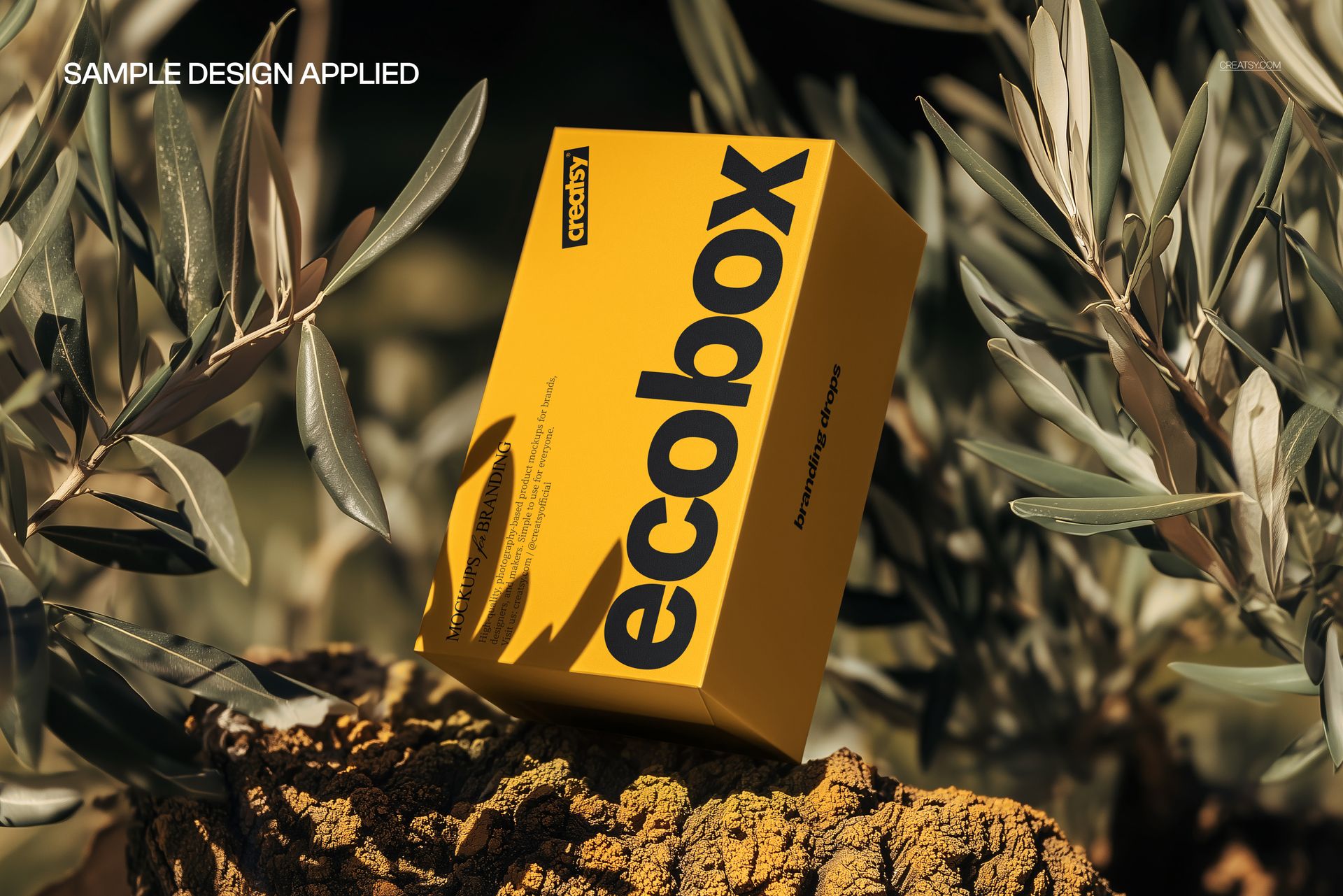
The same artwork reads differently across this box’s sunlit front and shaded side. A tall rectangular package stands at a slight angle on coarse rock, with narrow leaves framing it and a crisp plant shadow crossing its lower face. The landscape scene gives the packaging an outdoor setting with strong contrasts in light and texture.
Use the mockup to assess whether a bold brand name, a compact label layout or a wraparound illustration remains clear within that lighting.
What Is Included
1 layered PSD with one packaging composition.
300 DPI.
1 JPG preview, 2 files in total.
Support for Adobe Photoshop CC2020 or newer and Photopea, the free online editor.
Follow the Artwork Around the Corner
The visible front and side let you consider more than a single flat label. Try continuing a color block or illustration around the edge, then decide where the main message should stop and the secondary graphics should begin. Keep essential text on the surface that gives it the clearest reading.
Edit the Box, Keep the Setting
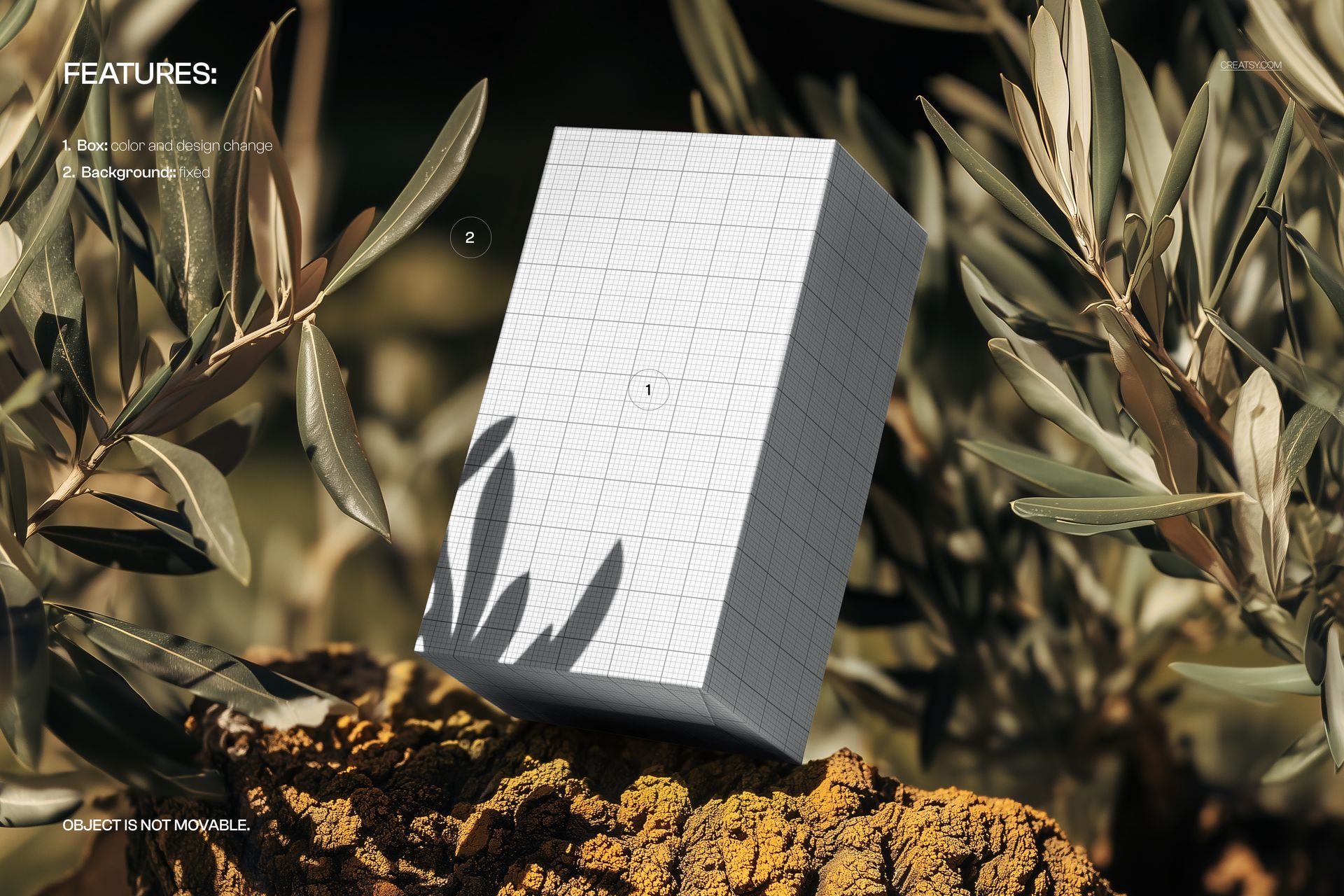
Replace the packaging graphics through the Smart Objects and use the available controls to change the box color. The rock-and-foliage background is fixed, and the box cannot be repositioned.
Perfect For
Skincare and cosmetic carton concepts.
Brand studios developing tall-box typography.
Retail packaging presentations with an outdoor visual direction.
Portfolio images exploring strong color and natural textures.
A digital mockup for presentation, not a physical package or manufacturing template. Sample preview artwork is not included as editable artwork; prepare production files using your supplier’s dieline.