


ID: 1989681493 | Updated: Oct 1, 2023

Product Details

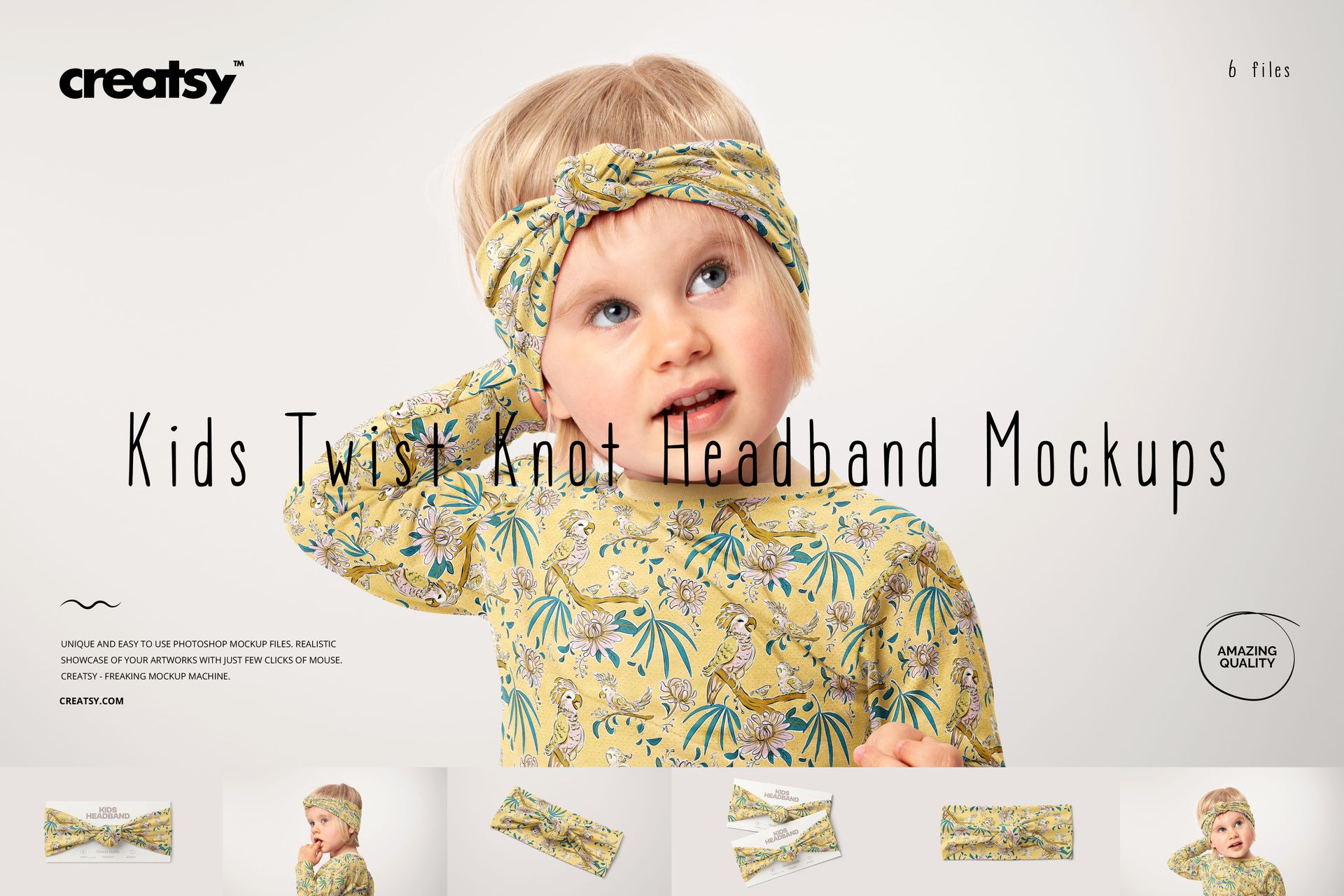
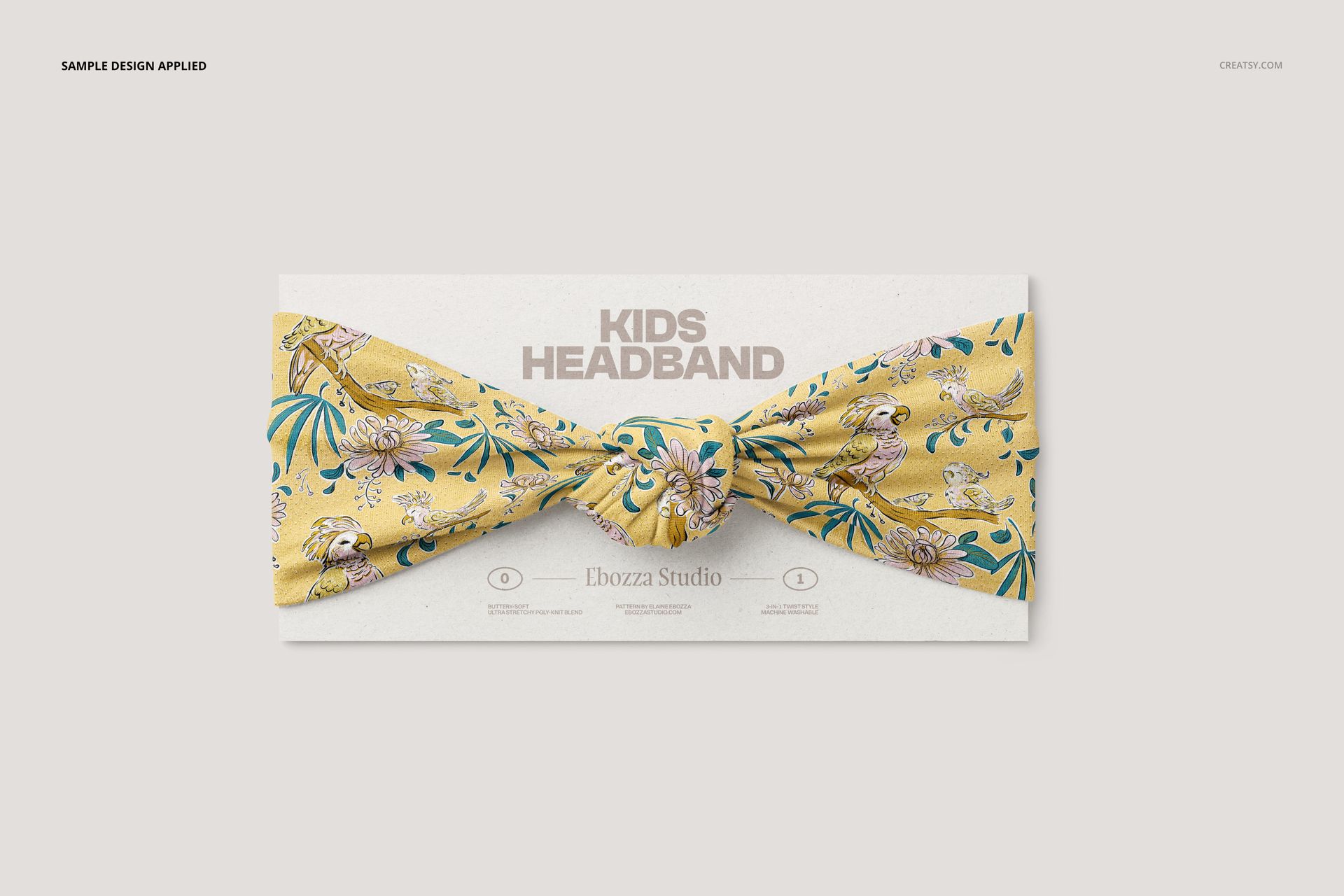
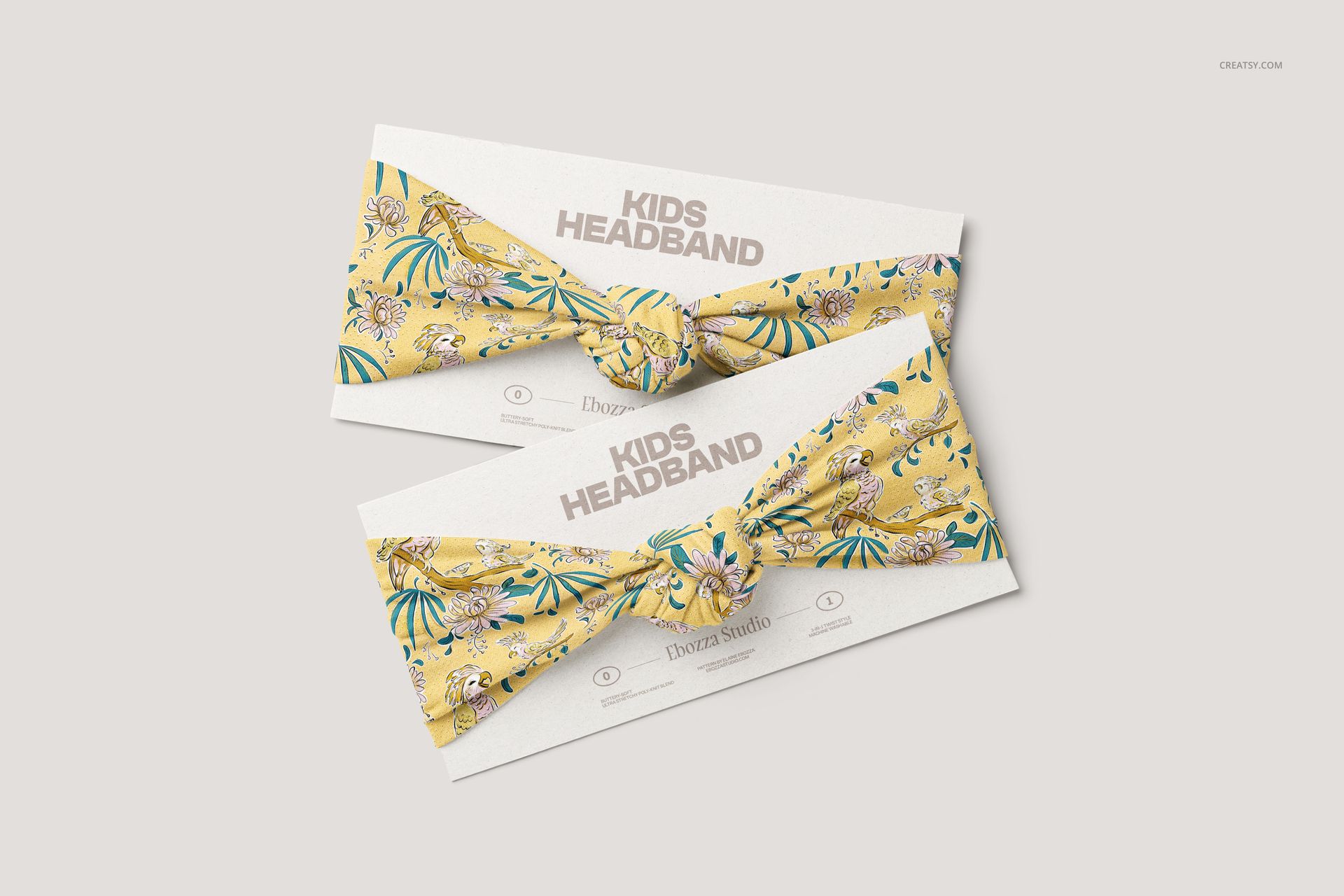
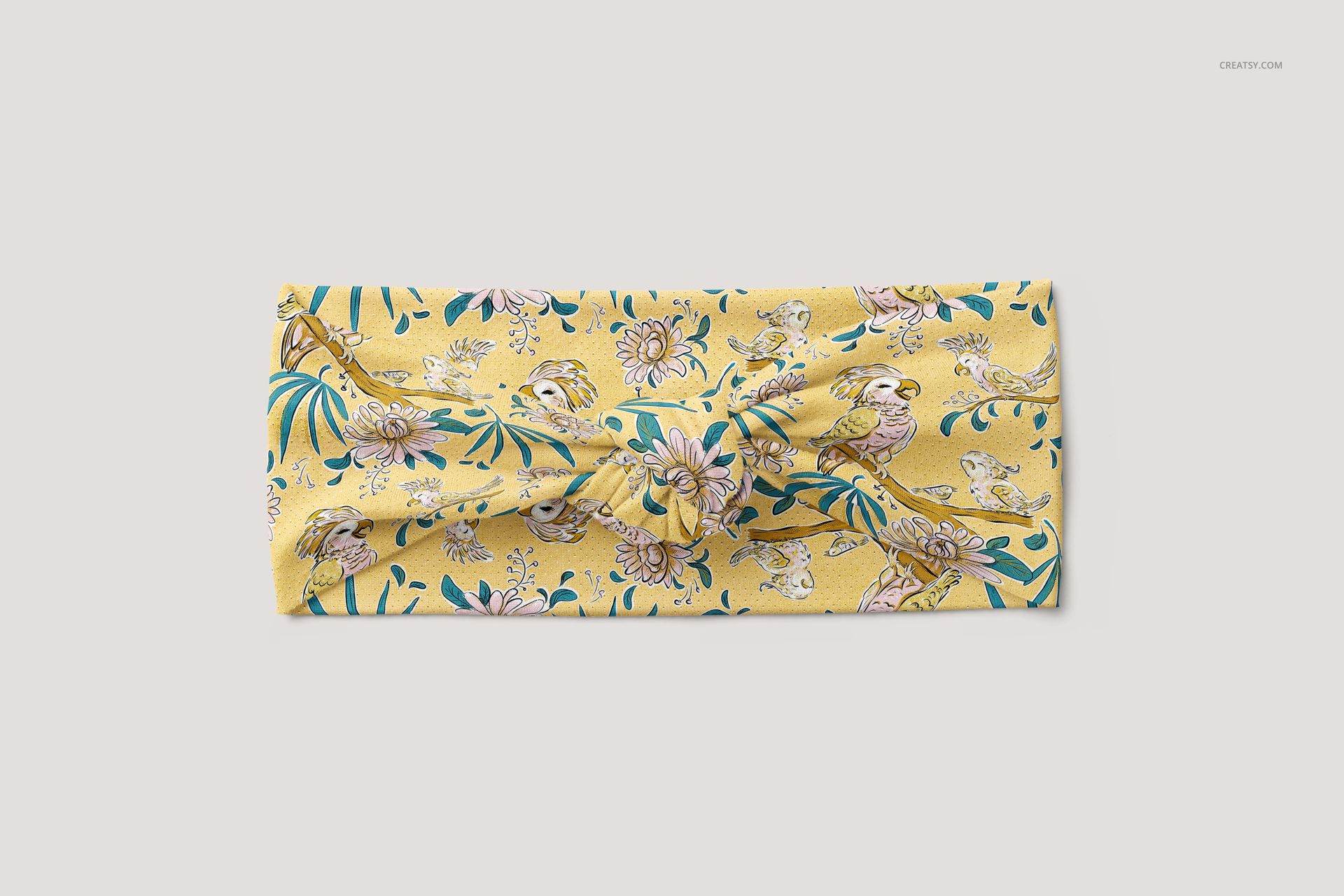
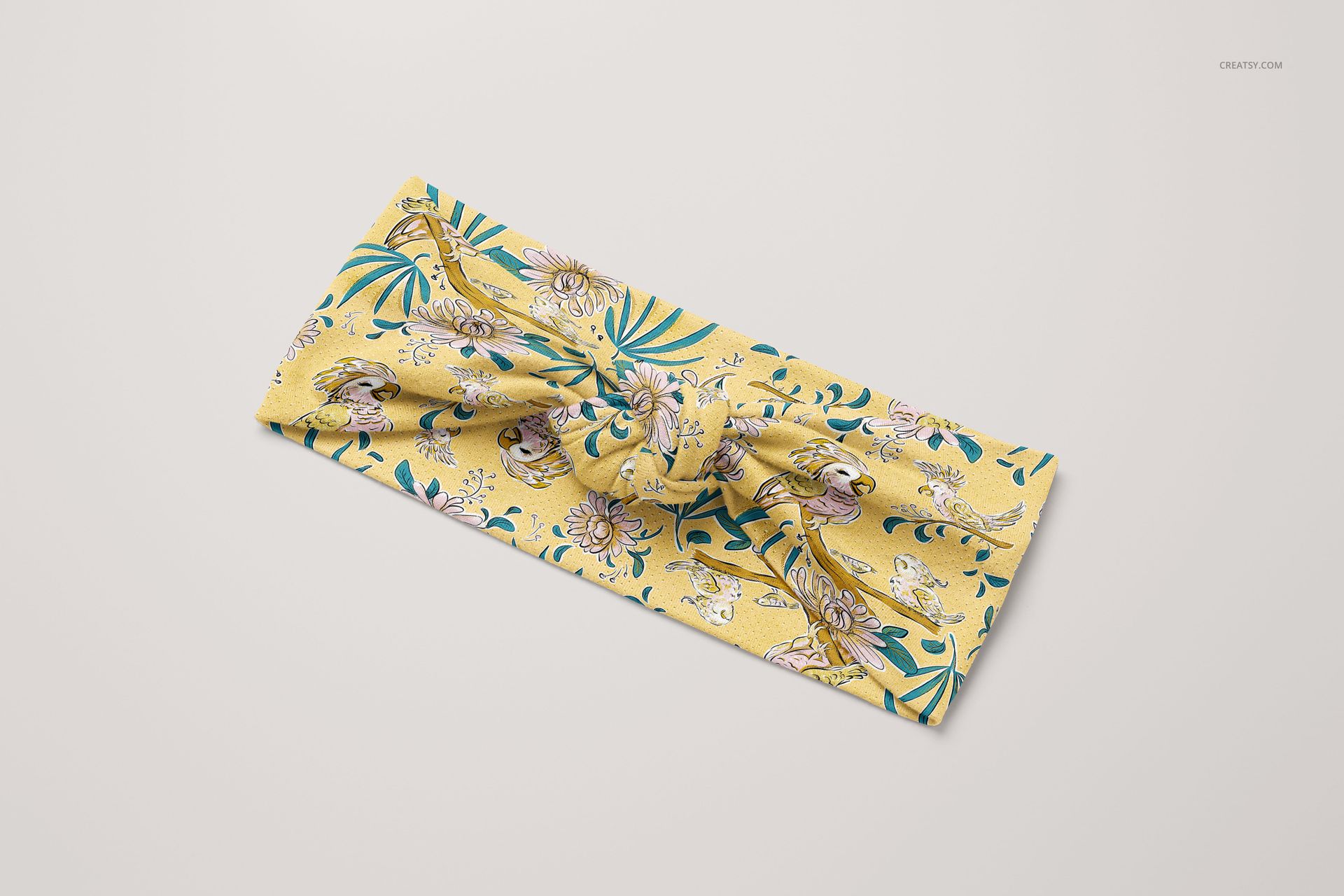
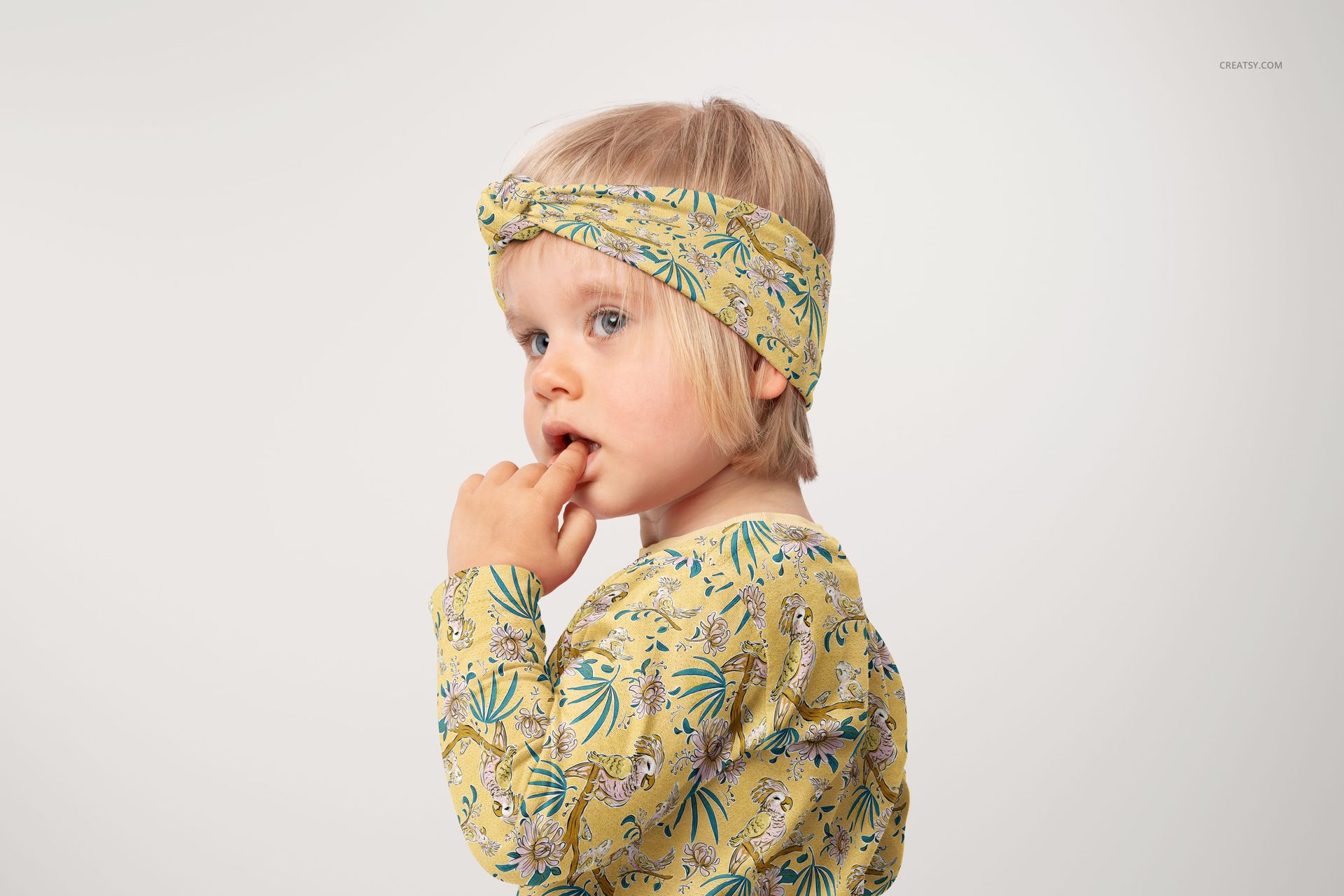
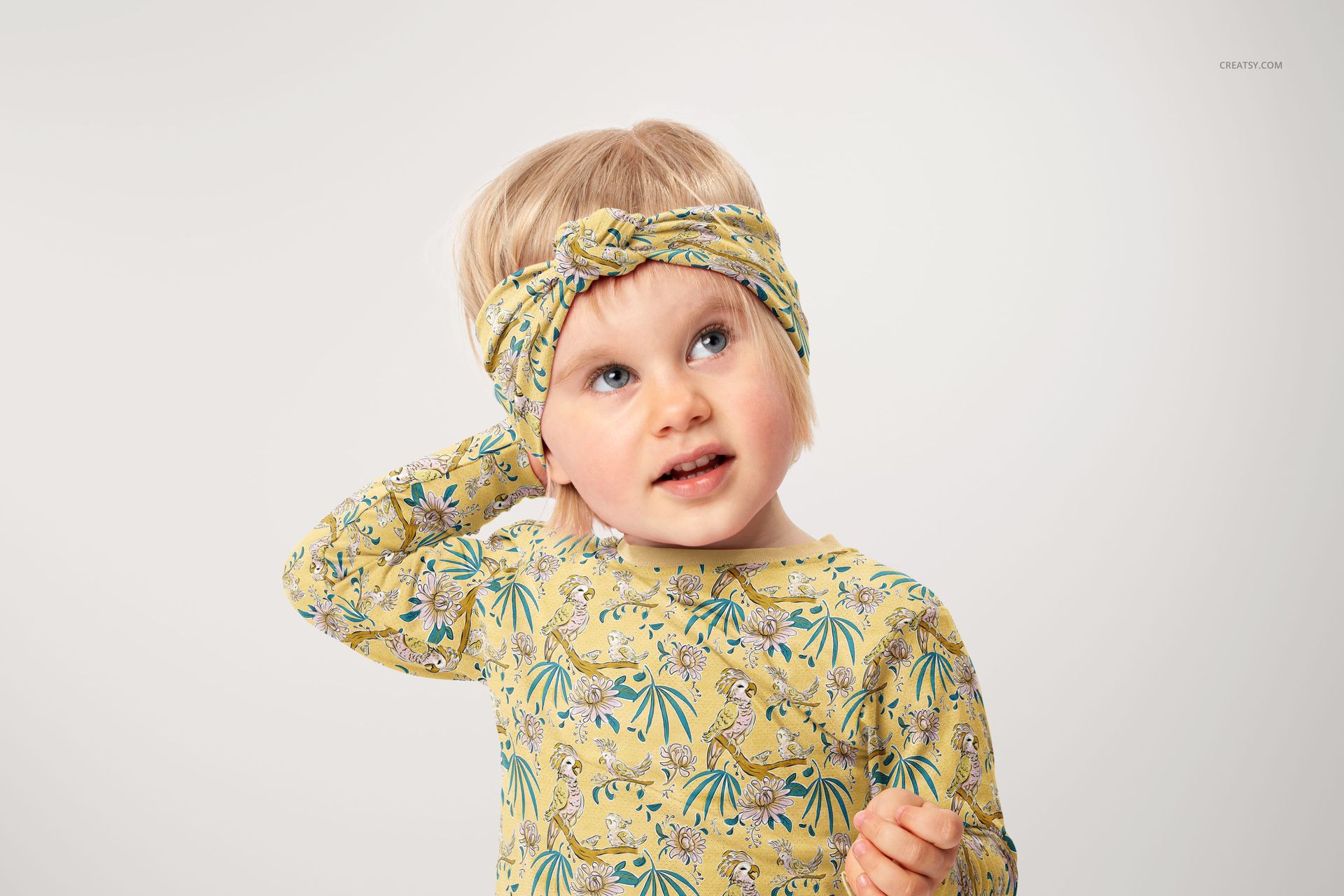
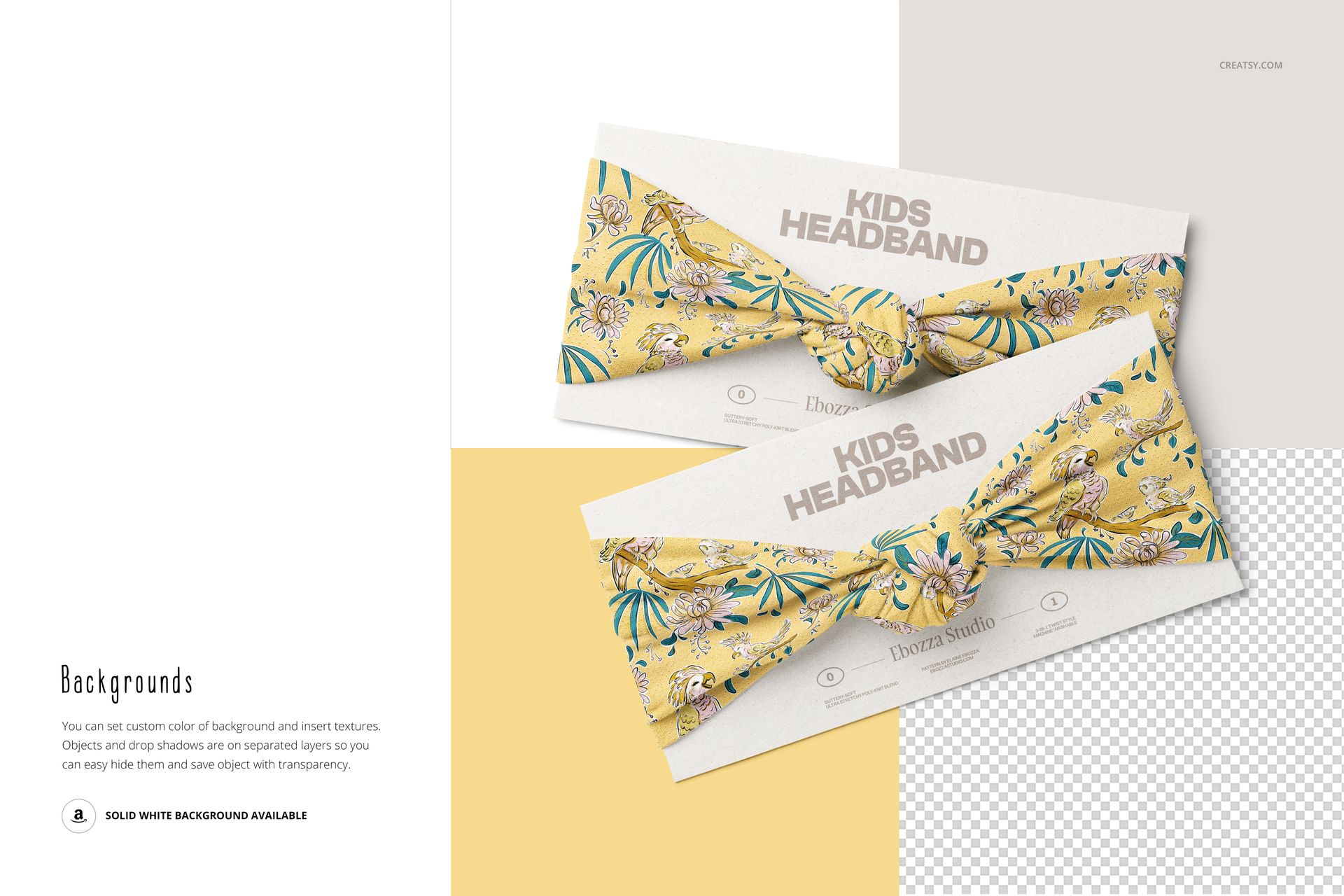
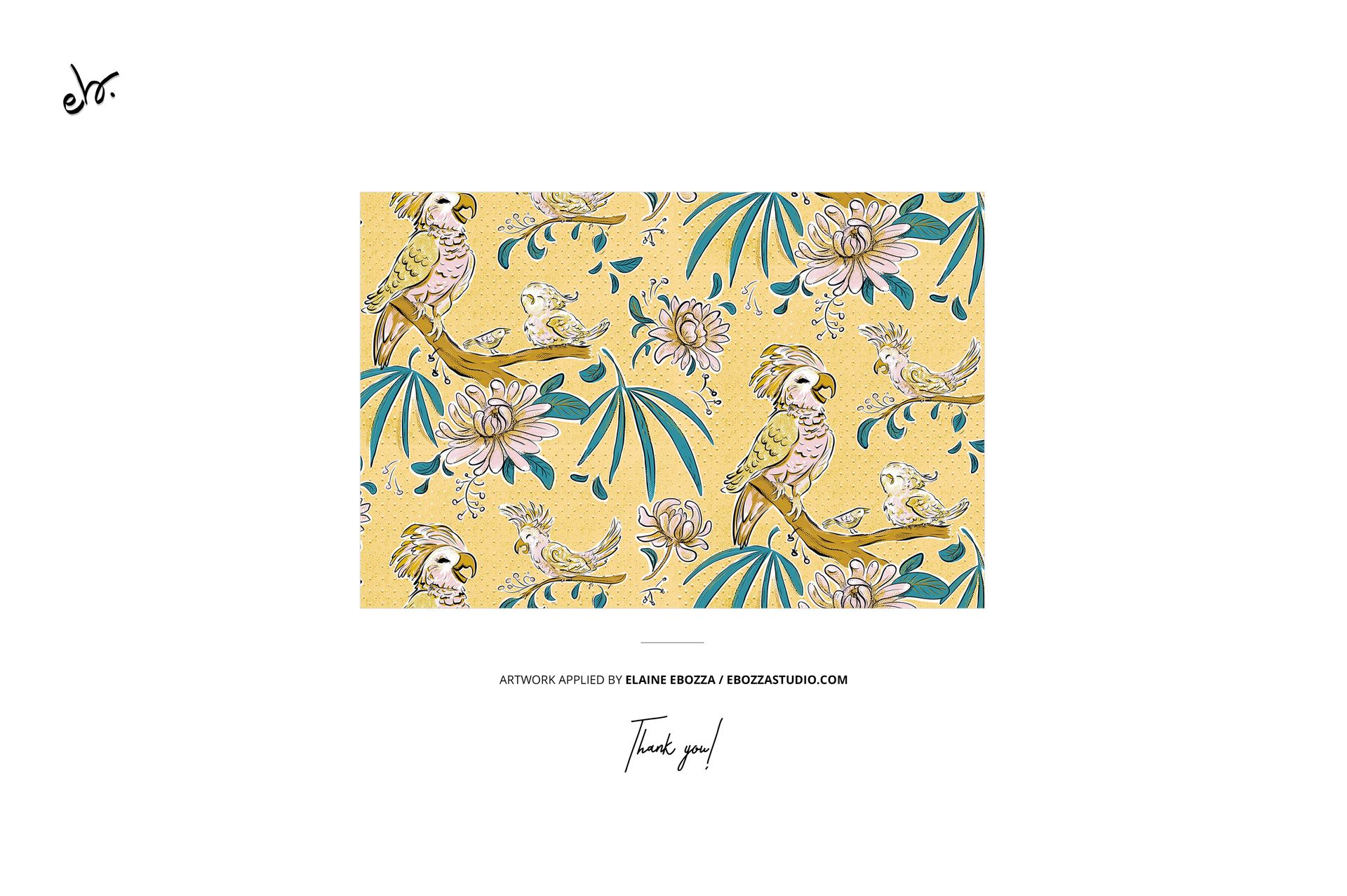
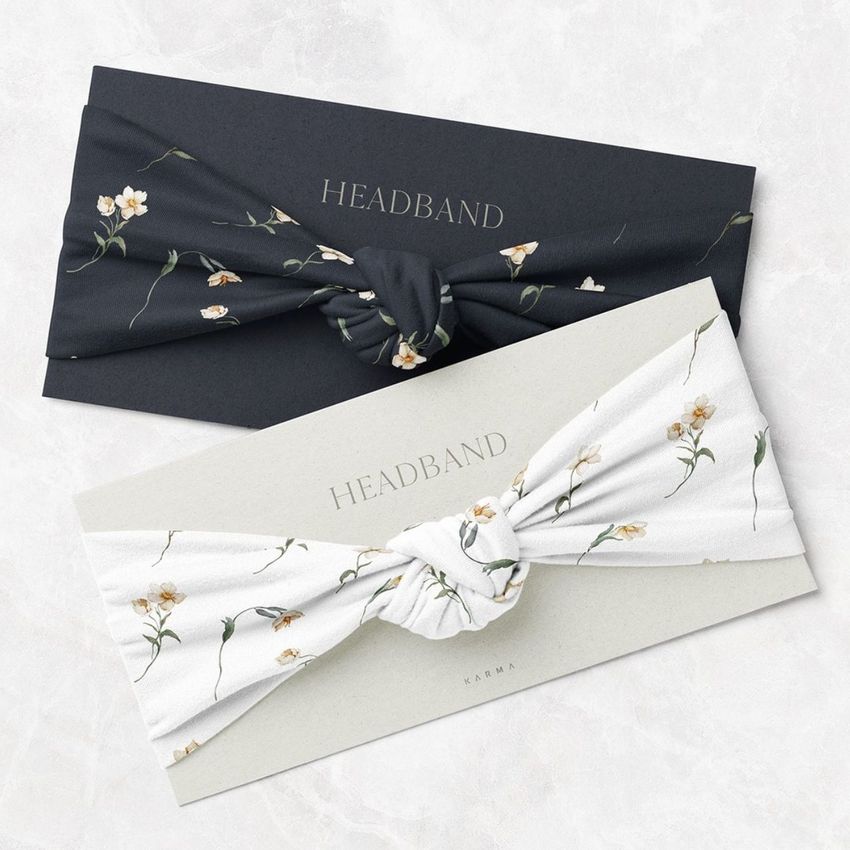
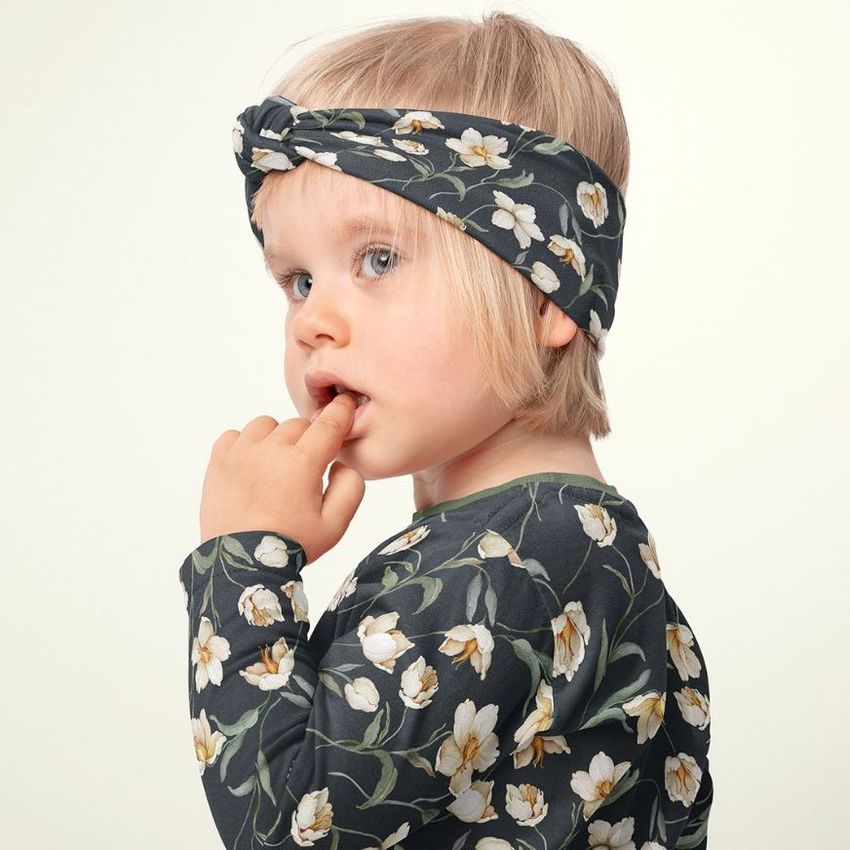
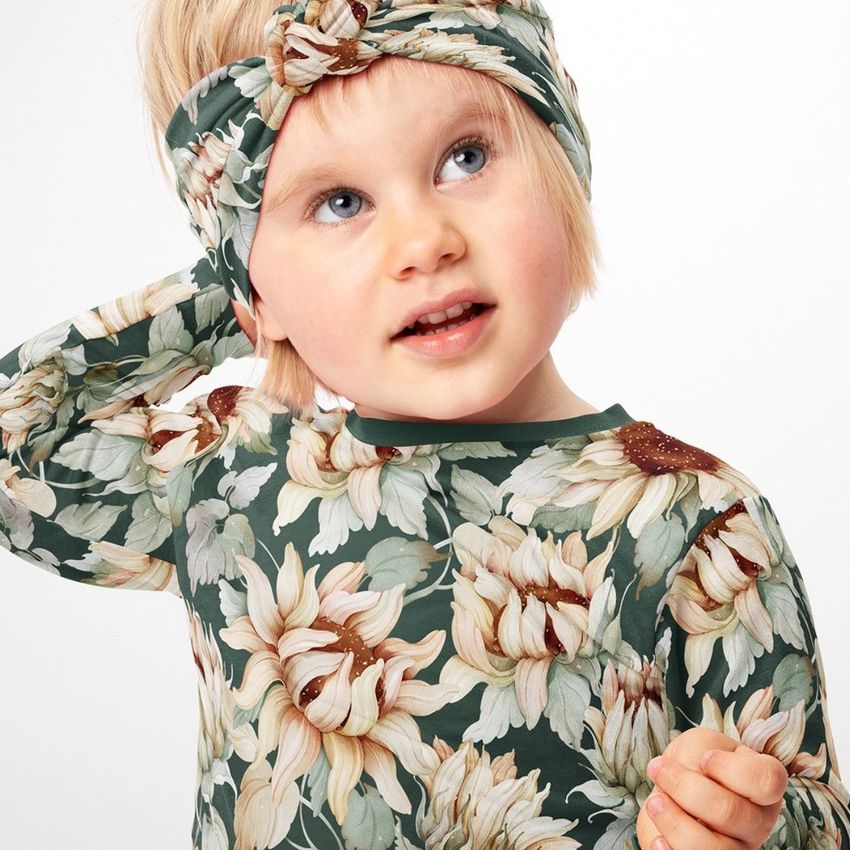
Seven PSD files covering every angle a buyer needs to see before purchasing a kids twist knot headband. The set includes close-ups of the knot detail, flat lay compositions, and on-model shots showing how the headband sits on a child's head. Each file uses smart object layers, so you apply your fabric pattern once per file and the headband updates with realistic wrapping around the twisted knot construction. The example pattern visible in screenshots was designed by Elaine Ebozza and is not part of the download. This file requires Adobe Photoshop CC 2020 or newer and does not support Photopea or other free PSD editors.

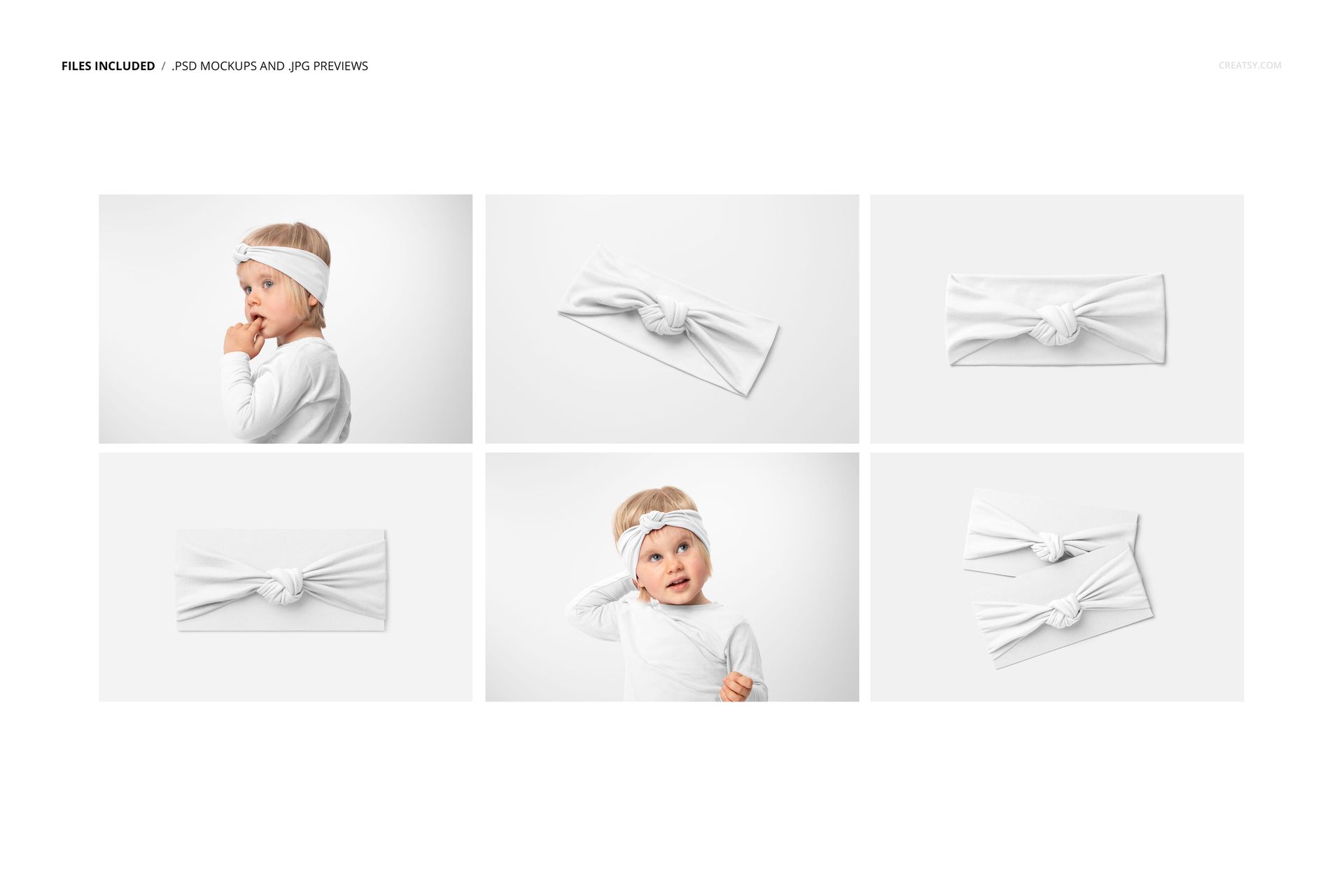
Seven Files, Seven Perspectives

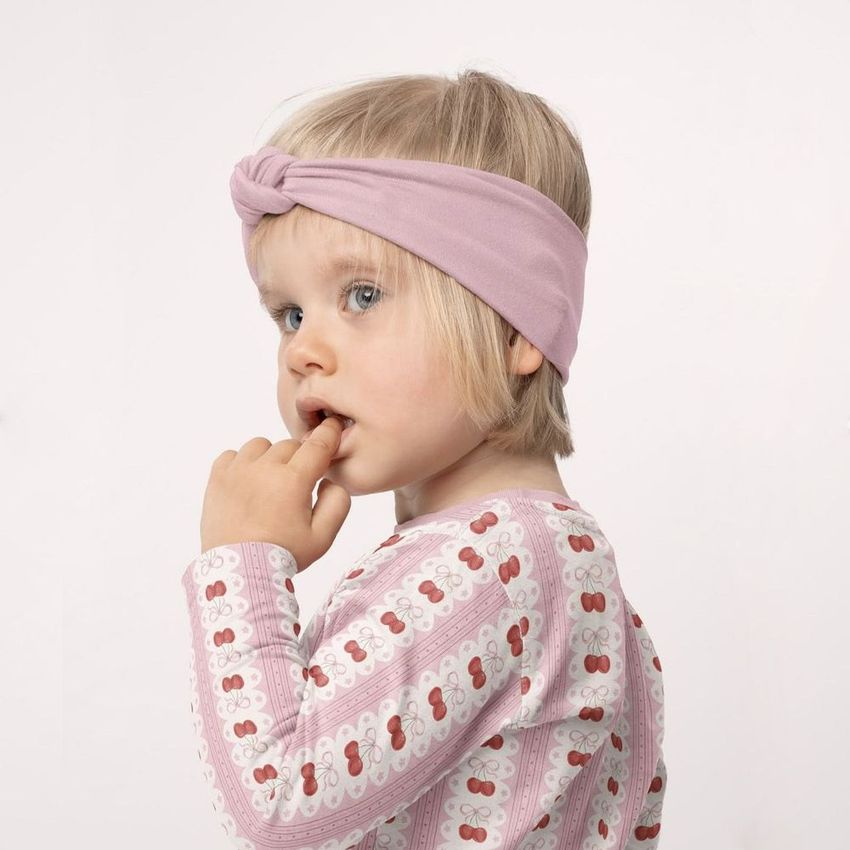
Each PSD presents the headband differently. Some show the product laid flat against a clean background for e-commerce listings where the product itself needs to be the sole focus. Others show the headband worn by a child, which gives parents and gift buyers the scale reference and lifestyle context they need to feel confident about the purchase. The variety means you can build an entire product listing from a single mockup set rather than sourcing images from multiple places and ending up with inconsistent lighting or styling across your gallery.

The Twist Knot Construction

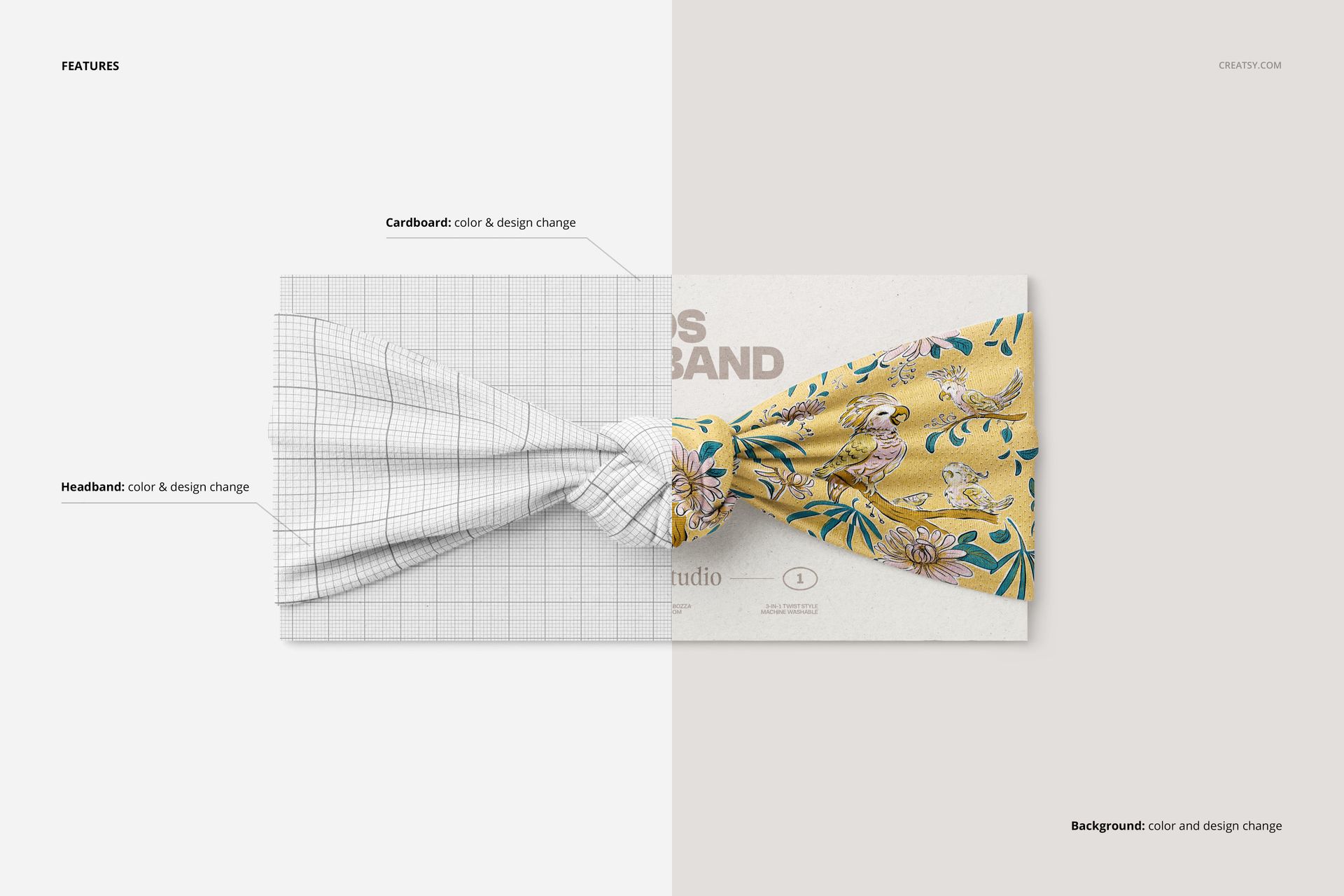
This particular headband style features an adjustable twist knot at the front. The smart object handles the fabric pattern mapping across the twisted section, maintaining the continuity of your design through the overlapping fabric layers where the knot forms. This is technically demanding because the twist creates compound curves and fabric-on-fabric overlaps that lesser mockups handle poorly. Here, the displacement mapping follows the actual photographed folds, so even complex geometric patterns hold their structure through the knot area without warping or breaking the repeat.

Compatibility Notice

These files work exclusively in Adobe Photoshop CC 2020 or newer. They do not open correctly in Photopea, GIMP, Affinity Photo, or other alternative PSD editors. The smart object structure and displacement maps used in these files rely on Photoshop-specific features that free editors cannot replicate. If you do not have access to Photoshop, this product is not compatible with your software.

What Each File Contains

Every PSD is 6000 by 4000 pixels at 300 DPI, RGB color mode. The total download is 262.53 MB as a ZIP archive. Inside each file you will find organized layer groups with clearly labeled smart objects for the fabric surface, adjustment layers for fine-tuning brightness and color temperature, and the background and model elements as fixed layers. The layer naming is consistent across all seven files, so once you learn the structure in one file, the workflow carries over to the rest.

Made For

Handmade sellers on Etsy and Amazon Handmade who sew kids headbands and need product photos before their inventory is photographed. Baby accessory brands launching a twist knot headband line who need catalog-ready images during the pre-production phase. Print-on-demand sellers adding kids accessories to their shops who need professional mockups that match the quality of their apparel listings. Pattern designers in the baby and kids niche who want to show clients how their prints translate to small accessories beyond clothing.

File details

Compatibility
PhotopeaAdobe Photoshop
Number of files included
12
Package size
262 MB262 MB|275 MB275 MB
Files type
.psd, .jpg
Files size
6000x4000
TEST FOR FREE

Made with Creatsy

Real designs. Real customers. See how creatives use Creatsy mockups to turn their artwork, branding, and product ideas into polished visuals.

MEET THE SHOP

Creatsy logo

Creatsy

Poland
4.7 (648)

Bring your ideas to life.

We're a family-run studio in Katowice, Poland, making PSD mockups by hand since 2016. Everything in this shop starts in our own studio. We shoot the photography, build the 3D, and put together every Smart Object PSD ourselves - then we test it, organize the layers, and only ship it once it actually works...

GO TO SHOP

HOW IT WORKS

3 clicks. That's it.

No tutorial needed. If you can copy-paste, you can use this.

  1. 1OpenDouble-click the smart object inside the PSD - in Adobe Photoshop, or free in your browser with Photopea.
  2. 2PasteDrop in your pattern, print, or artwork. Any design, any style.
  3. 3SaveHit save and the mockup wraps it in for you - shadows, folds, and lighting included.

FROM IDEA TO IMAGE

Built for real workflows

Skip the photo shoot Show your artwork on the real product type for approvals or listings - no studio, no model, no sample.

See it on the product, not a swatch Drop your file into the smart object and the scene's lighting and folds wrap around it, so you judge the real thing before you commit.

Smart Objects

Edit once and you're done. Your artwork drops into a smart object and the mockup updates itself - no masking, no warping by hand.

Perfectly Organized

Named layers and folders you can actually navigate. Find what you need, change what you want, and get out fast.

Print-Ready

High-resolution files built to hold up on screen and in print. Exact size and DPI are in this product's Details above.




