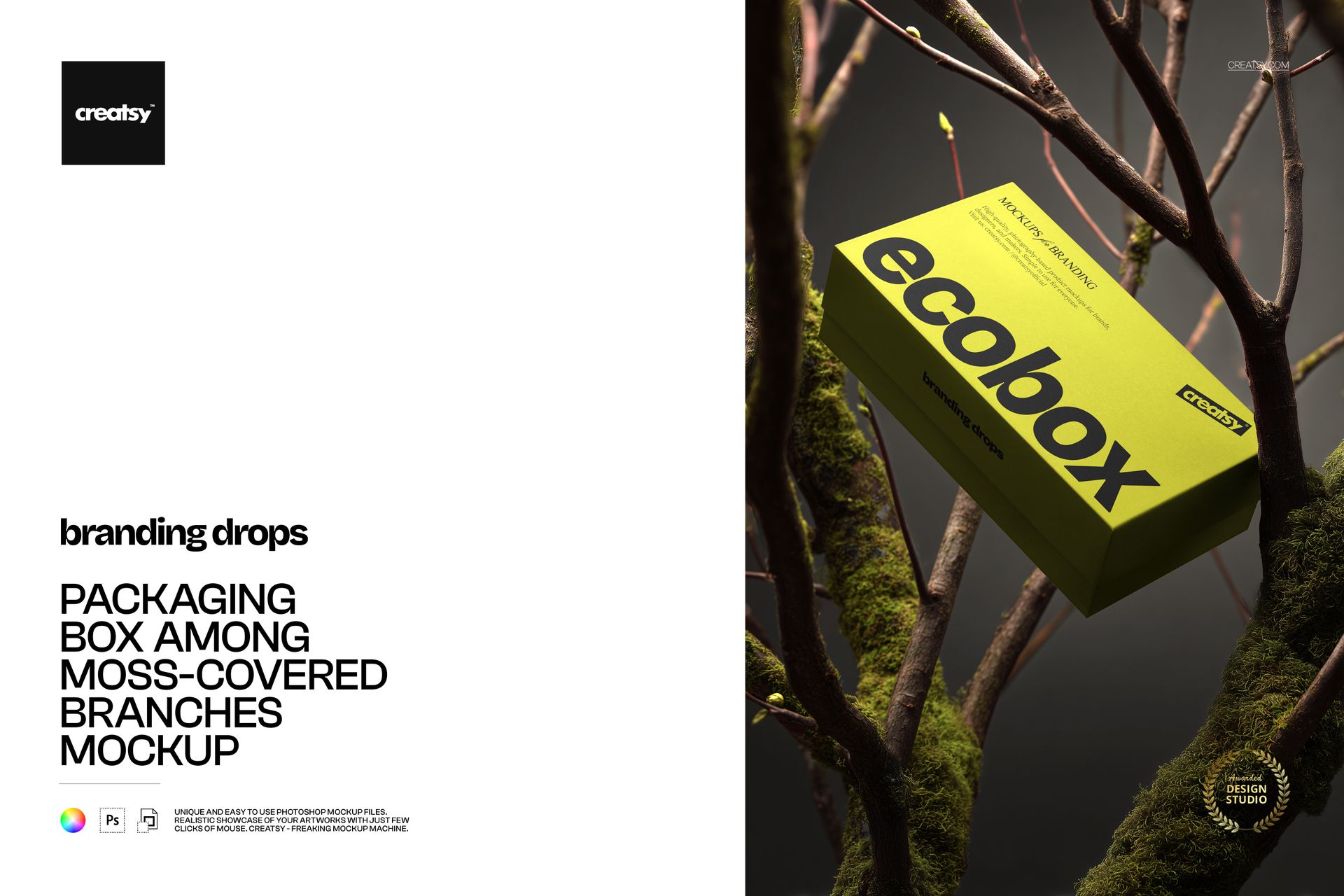
Packaging Box among Moss-Covered Branches Mockup

This product is a part of Branding Drops Mockup Bundle
ID: 1913780565 | Updated: Jan 12, 2026

Product Details

Packaging Box among Moss-Covered Branches Mockup

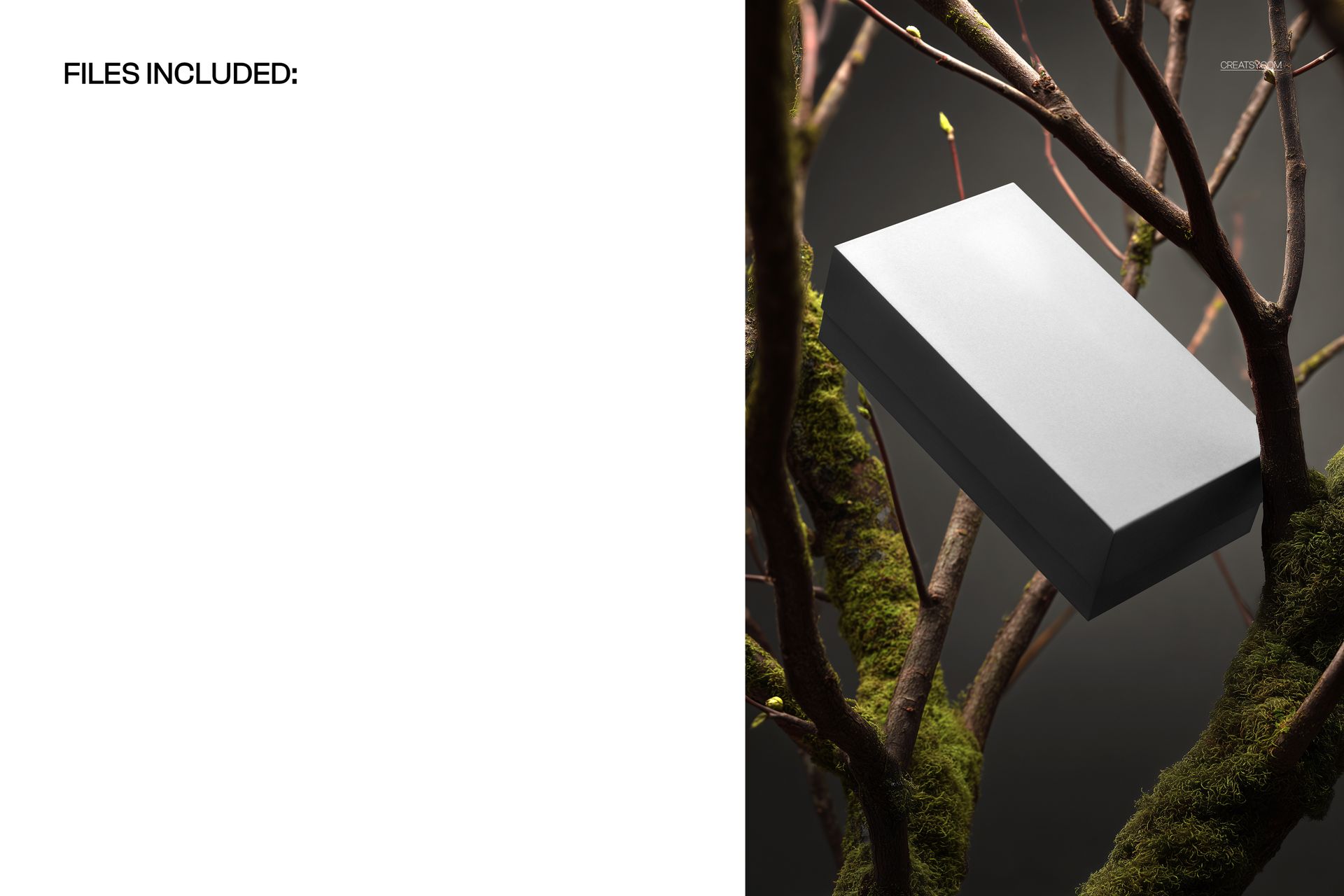
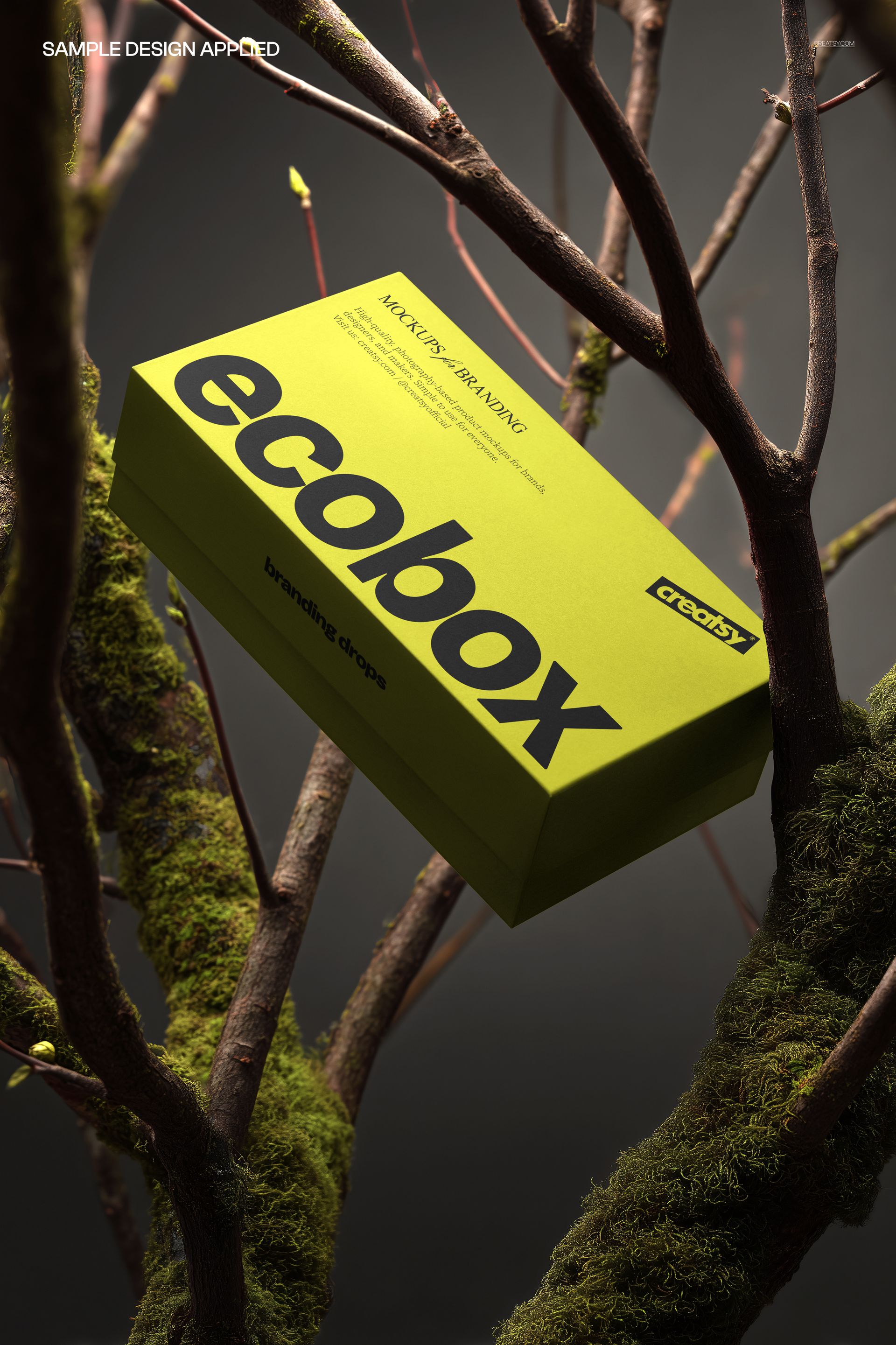
Moss-covered branches surround an angled rectangular box, framing the lid against a dark, softly blurred background. This portrait packaging mockup puts the artwork in a woodland-inspired setting while keeping both the top and side panels visible, useful for judging how a brand reads beyond a flat design layout.

What Is Included

  • 1 layered PSD with one packaging box scene.

  • 3333 × 5000 px at 300 DPI, portrait orientation.

  • 1 JPG preview, 2 files in total.

  • Compatible with Adobe Photoshop CC2020 or newer and Photopea.

Your Box Design in a Fixed Woodland Scene

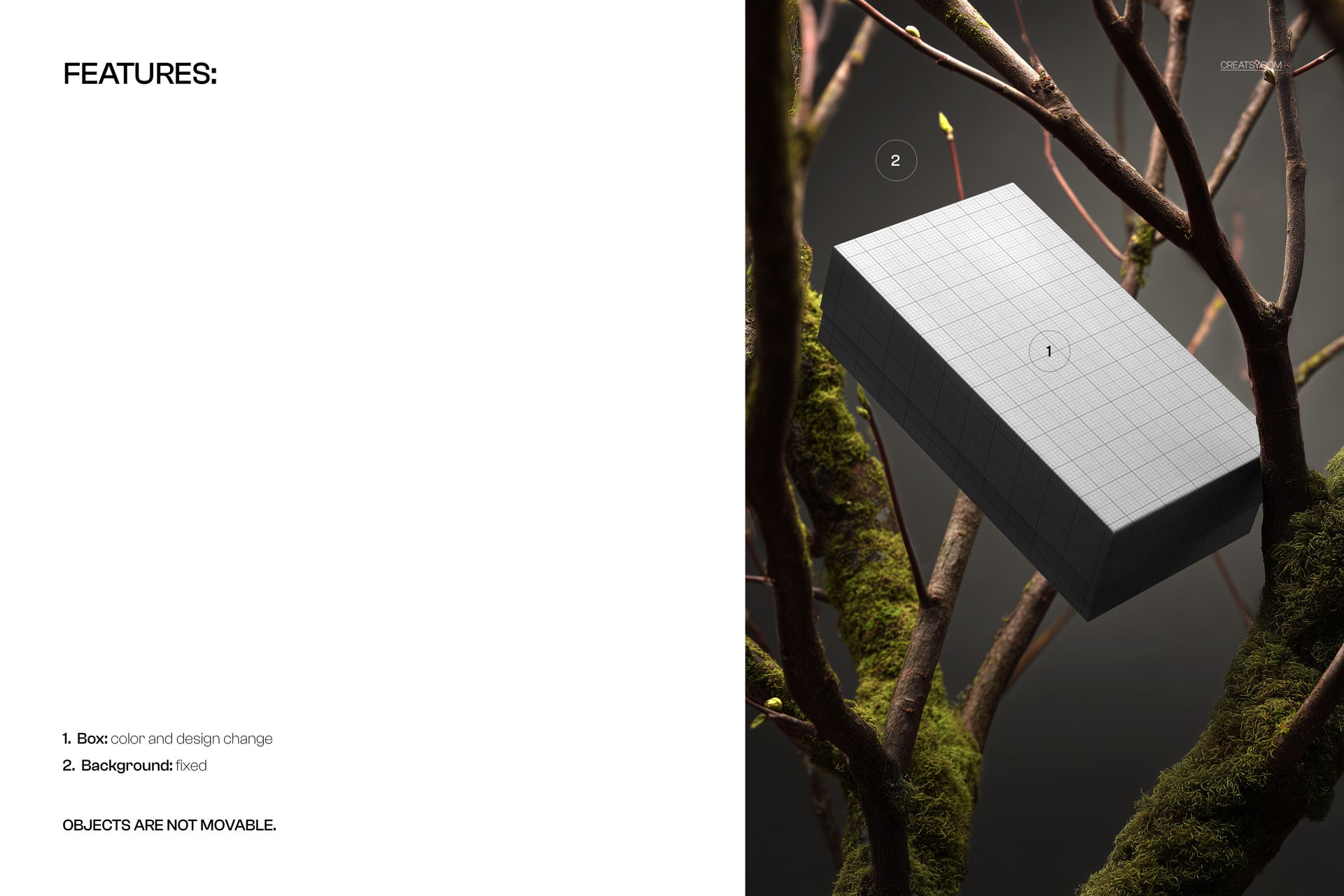
Change the color and design of the box to explore a bold wordmark, illustrated lid or repeating pattern. The moss, branches and background remain fixed, and objects cannot be repositioned. The contrast between the lit lid and shaded sides adds depth to a packaging presentation.

Easy Smart Object Editing

Open the PSD, replace the artwork through the Smart Object and save the contents to update the scene. Use the organized layers for the supported box adjustments, then check the design across the visible lid and side panels.

Perfect For

  • Nature-inspired gift and lifestyle packaging concepts.

  • Branding studios comparing box artwork and colorways.

  • Packaging portfolios, portrait campaign visuals and client presentations.

This is a digital presentation mockup. Physical packaging and the sample artwork shown in the previews are not included. The PSD is not a manufacturing dieline.

File details

Compatibility
PhotopeaAdobe Photoshop
Package size
64.3 MB64.3 MB|67.4 MB67.4 MB
Files type
.psd, .jpg
Files size
3333x5000
TEST FOR FREE

MEET THE SHOP

Creatsy logo

Creatsy

Poland
4.8 (690)

Bring your ideas to life.

We're a family-run studio in Katowice, Poland, making PSD mockups by hand since 2016. Everything in this shop starts in our own studio. We shoot the photography, build the 3D, and put together every Smart Object PSD ourselves - then we test it, organize the layers, and only ship it once it actually works...
GO TO SHOP

HOW IT WORKS

3 clicks. That's it.

No tutorial needed. If you can copy-paste, you can use this.

  1. 1OpenDouble-click the smart object inside the PSD - in Adobe Photoshop, or free in your browser with Photopea.
  2. 2PasteDrop in your pattern, print, or artwork. Any design, any style.
  3. 3SaveHit save and the mockup wraps it in for you - shadows, folds, and lighting included.

FROM IDEA TO IMAGE

Built for real workflows

Get the label signed off before the print run Wrap your design onto the box, pouch, or bottle and show the client exactly what ships.

See it on the product, not a swatch Drop your file into the smart object and the scene's lighting and folds wrap around it, so you judge the real thing before you commit.

Smart Objects

Edit once and you're done. Your artwork drops into a smart object and the mockup updates itself - no masking, no warping by hand.

Perfectly Organized

Named layers and folders you can actually navigate. Find what you need, change what you want, and get out fast.

Print-Ready

High-resolution files built to hold up on screen and in print. Exact size and DPI are in this product's Details above.