Heart-Shaped Chocolate Box Mockup Set
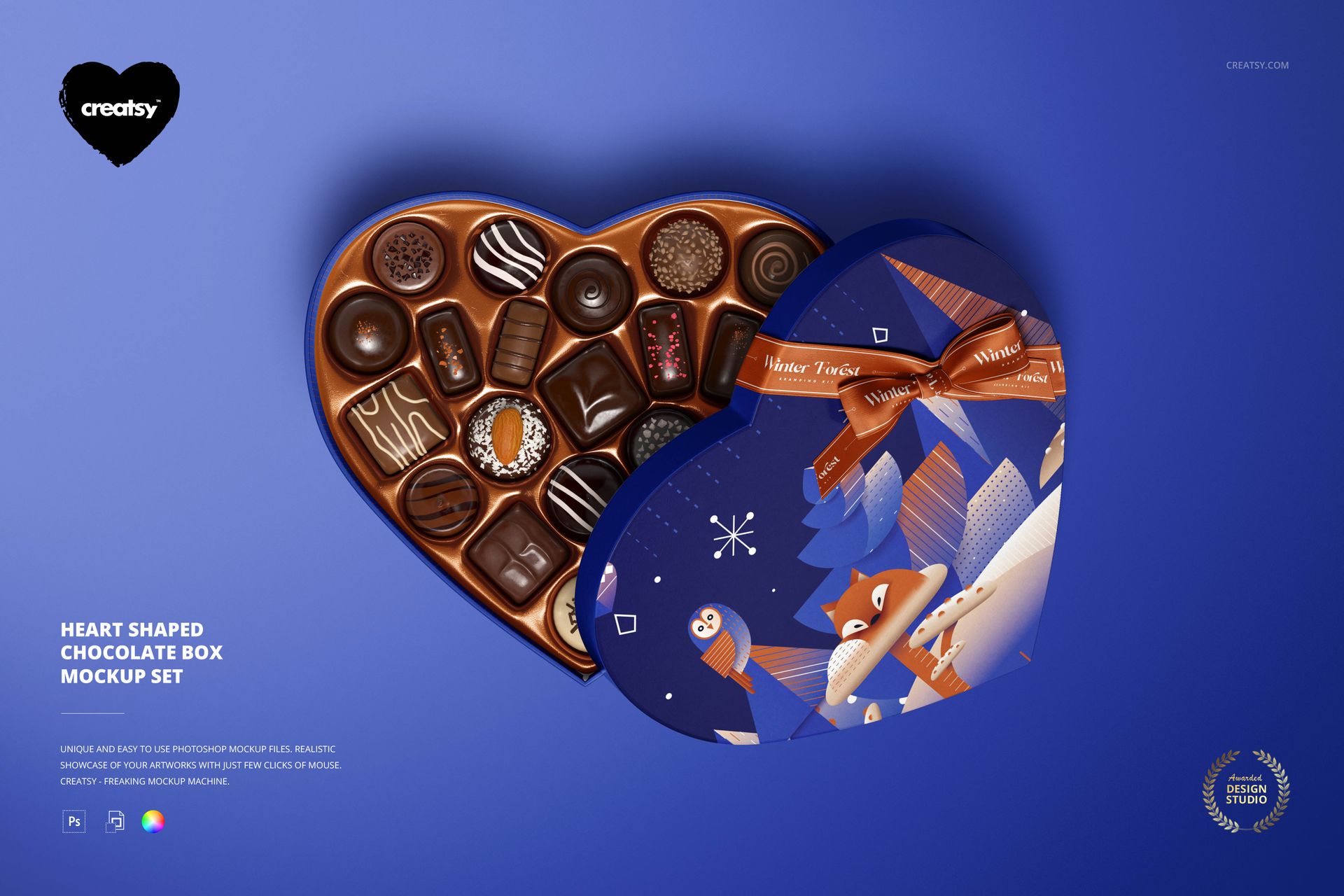
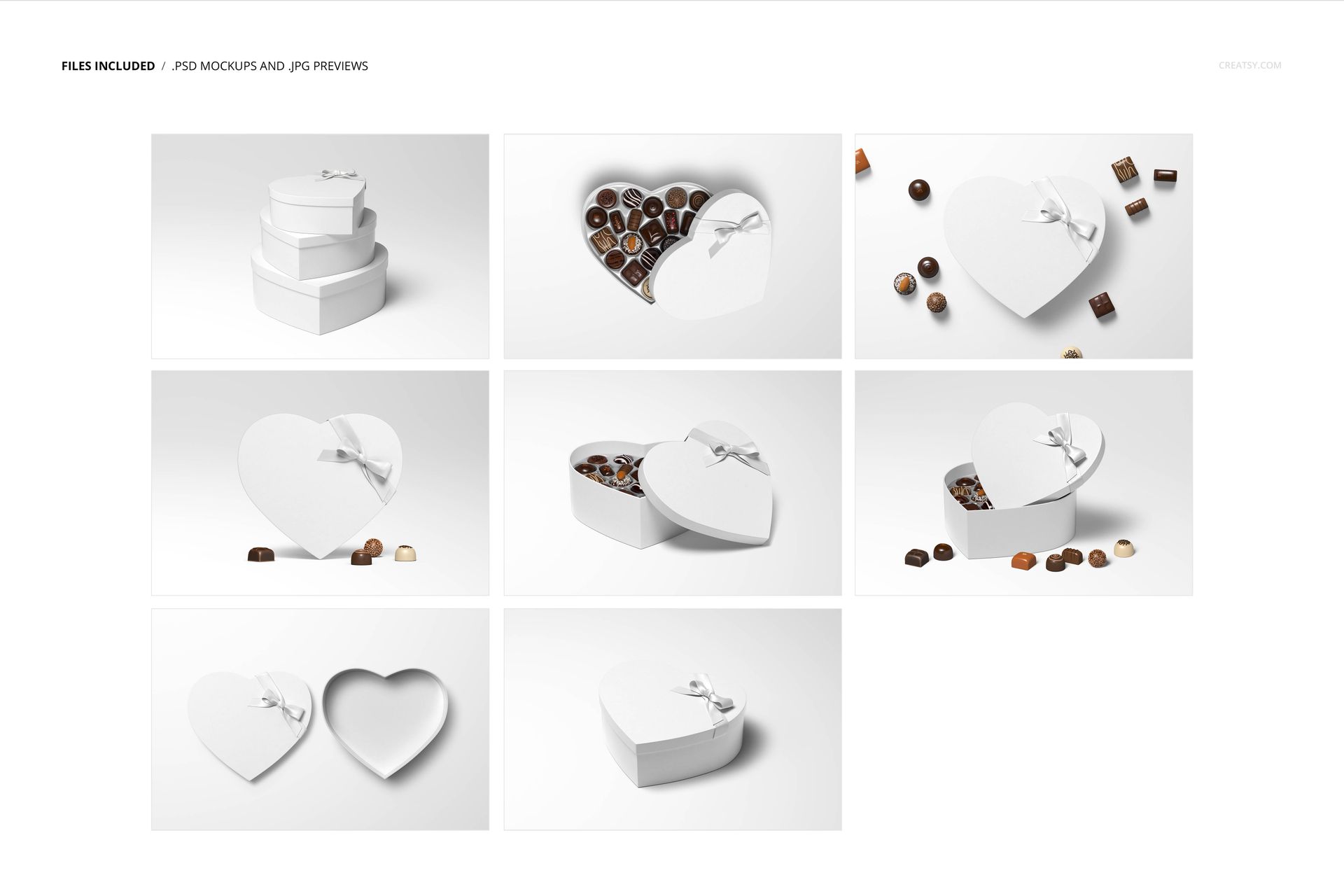
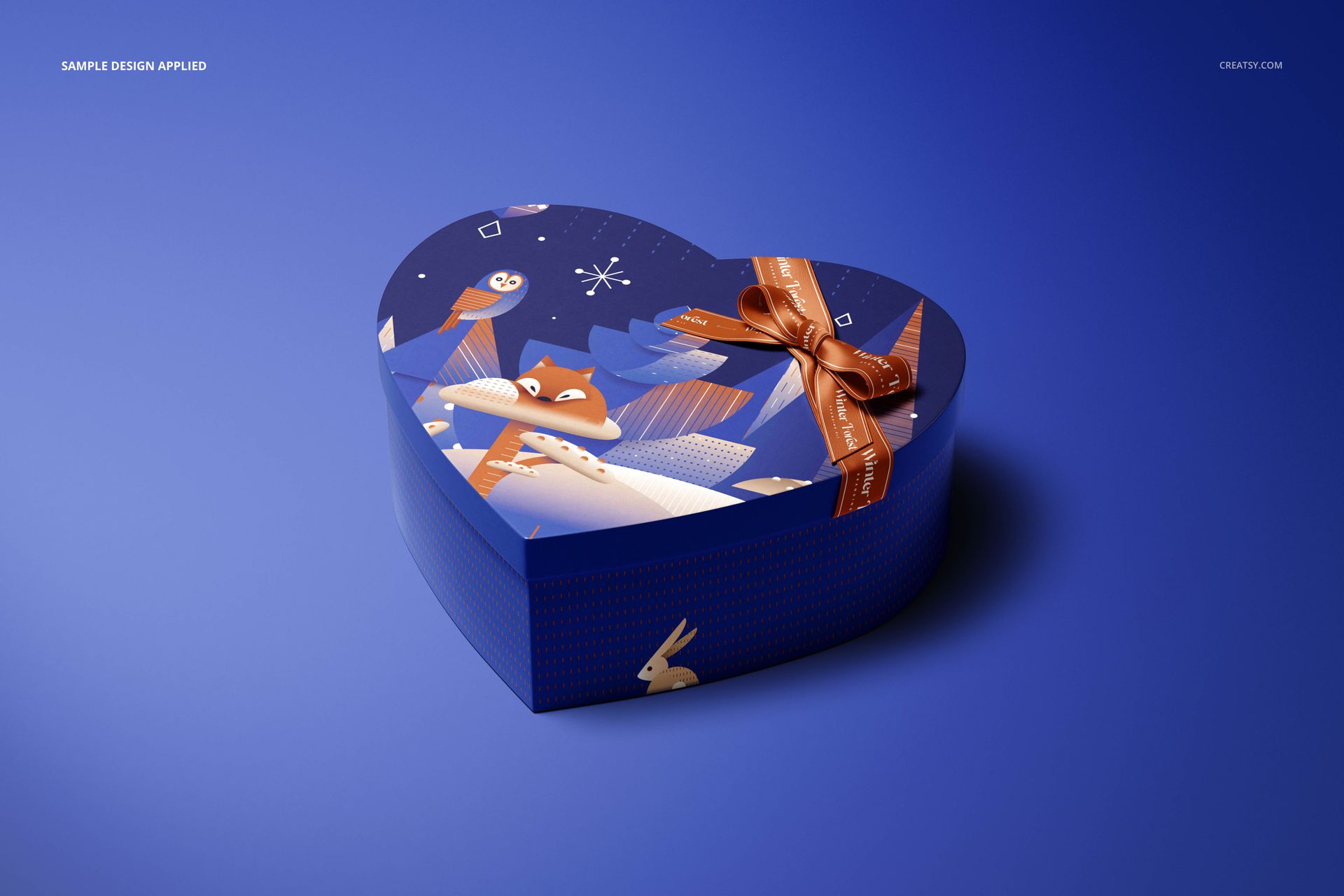
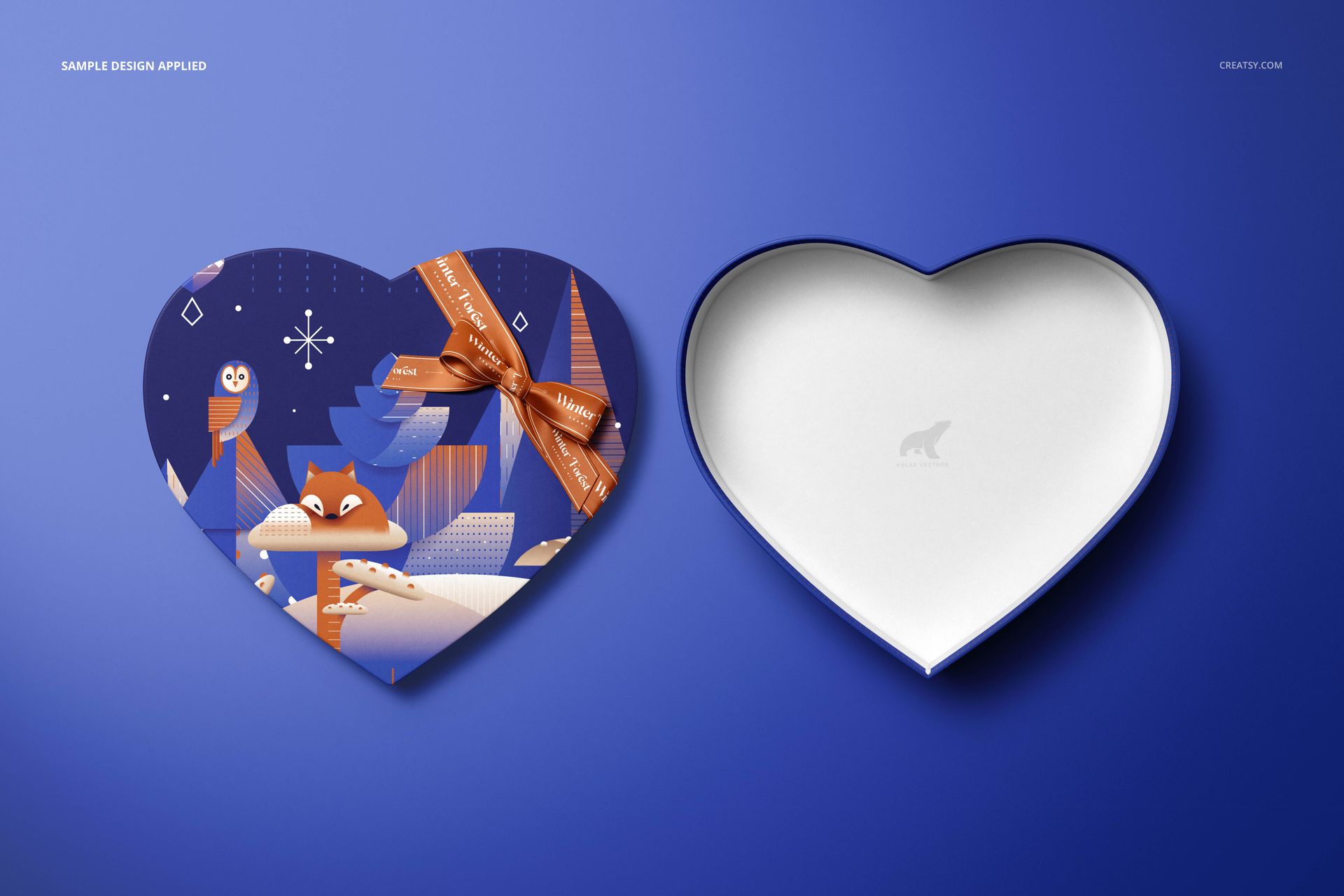
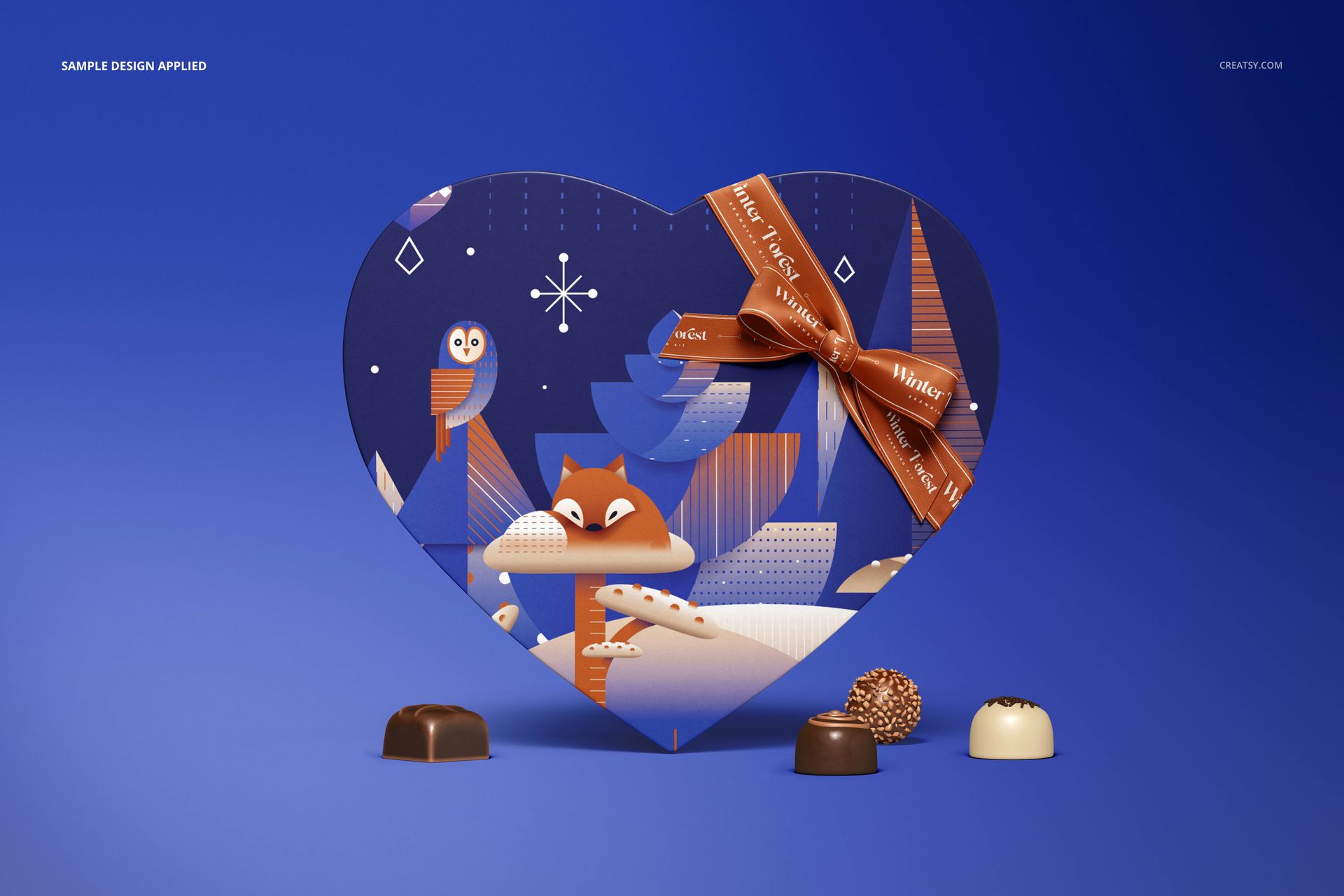
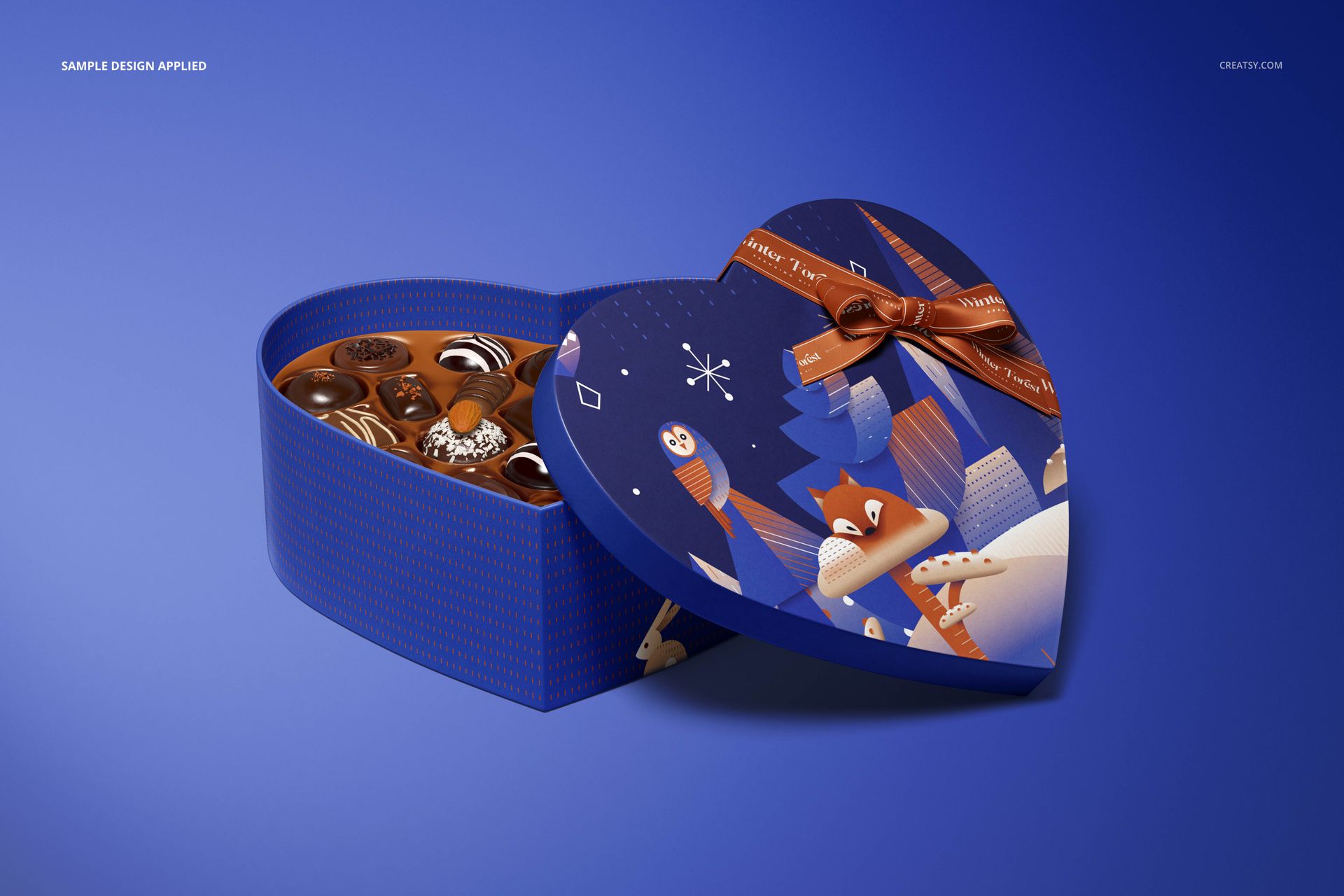
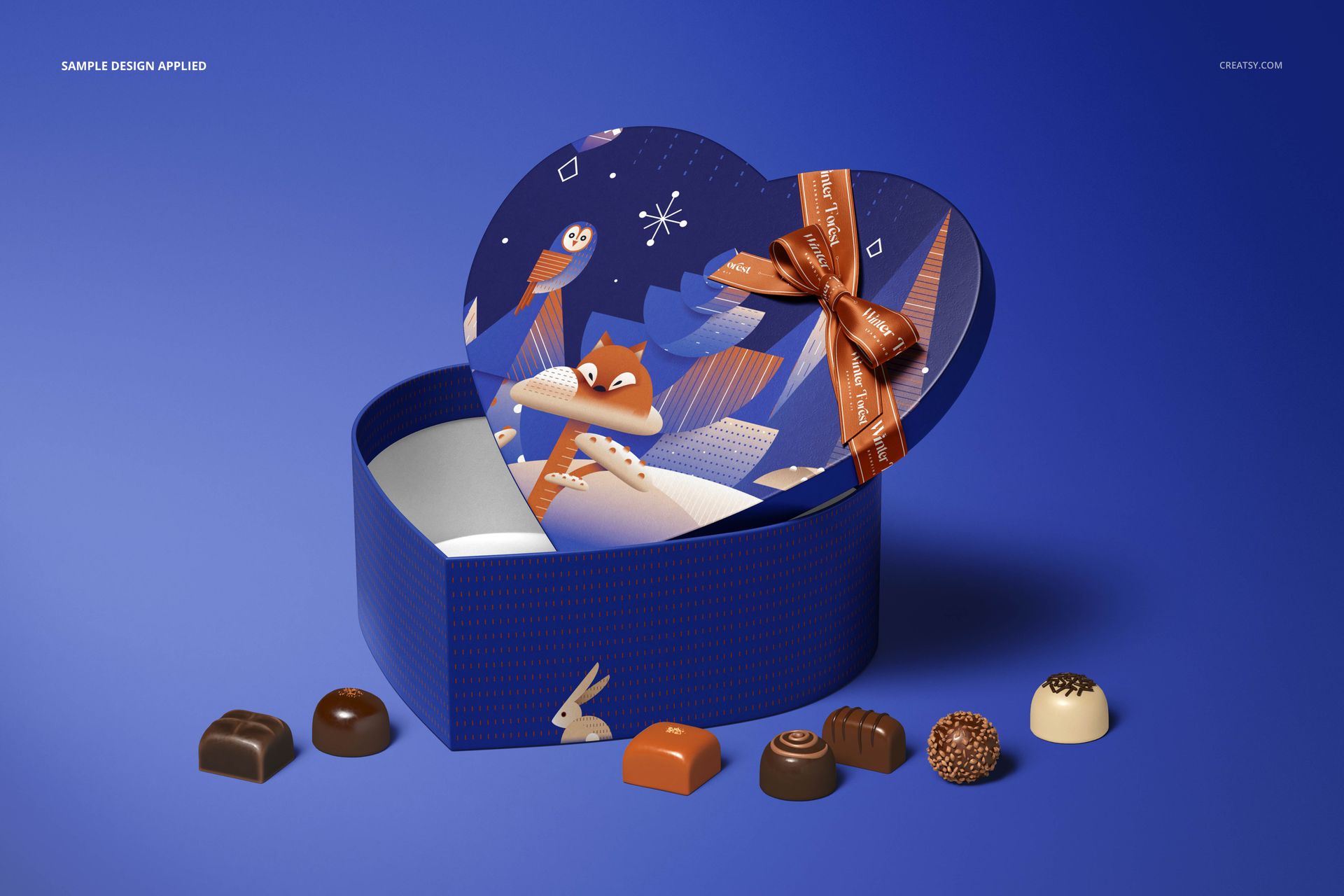
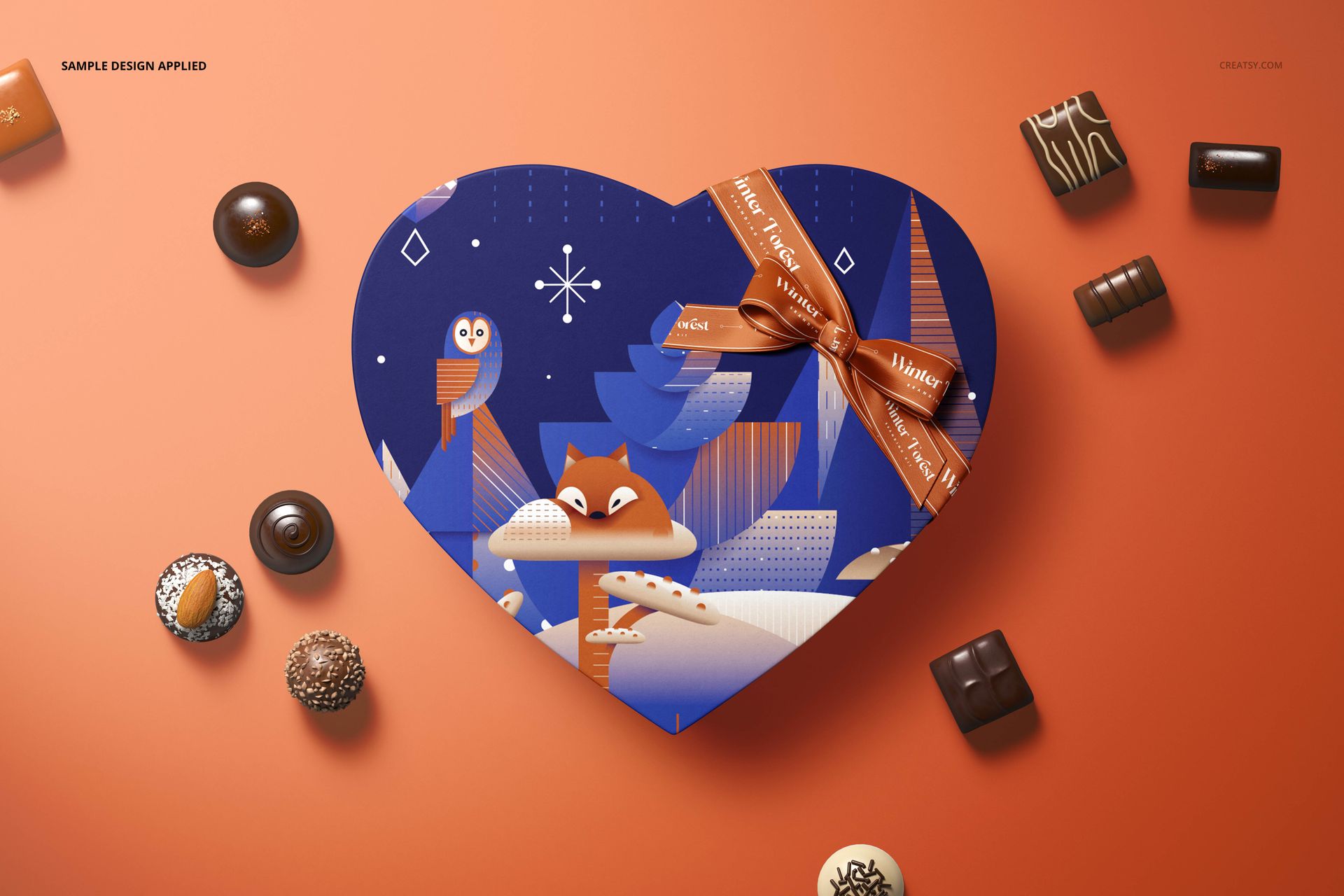
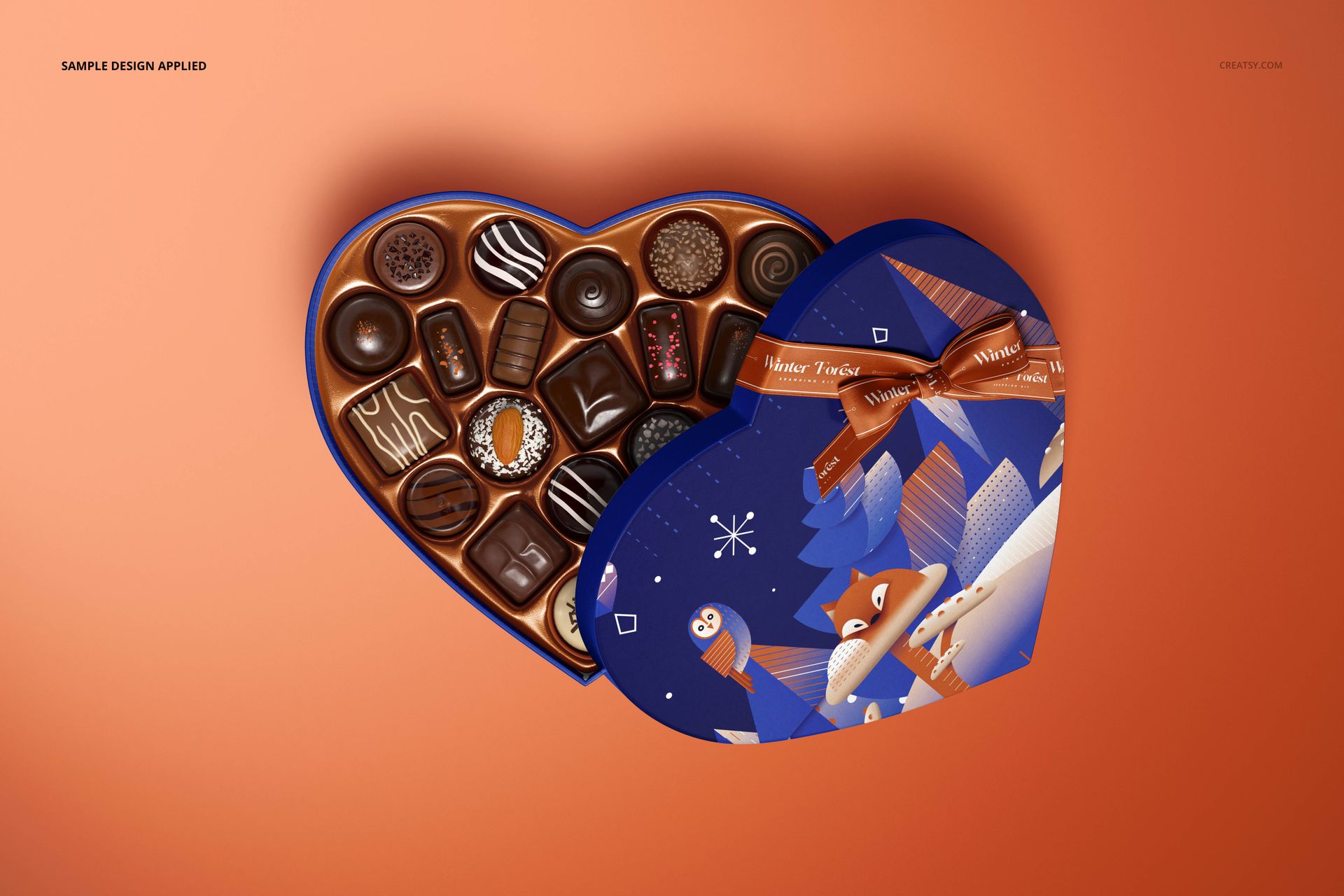
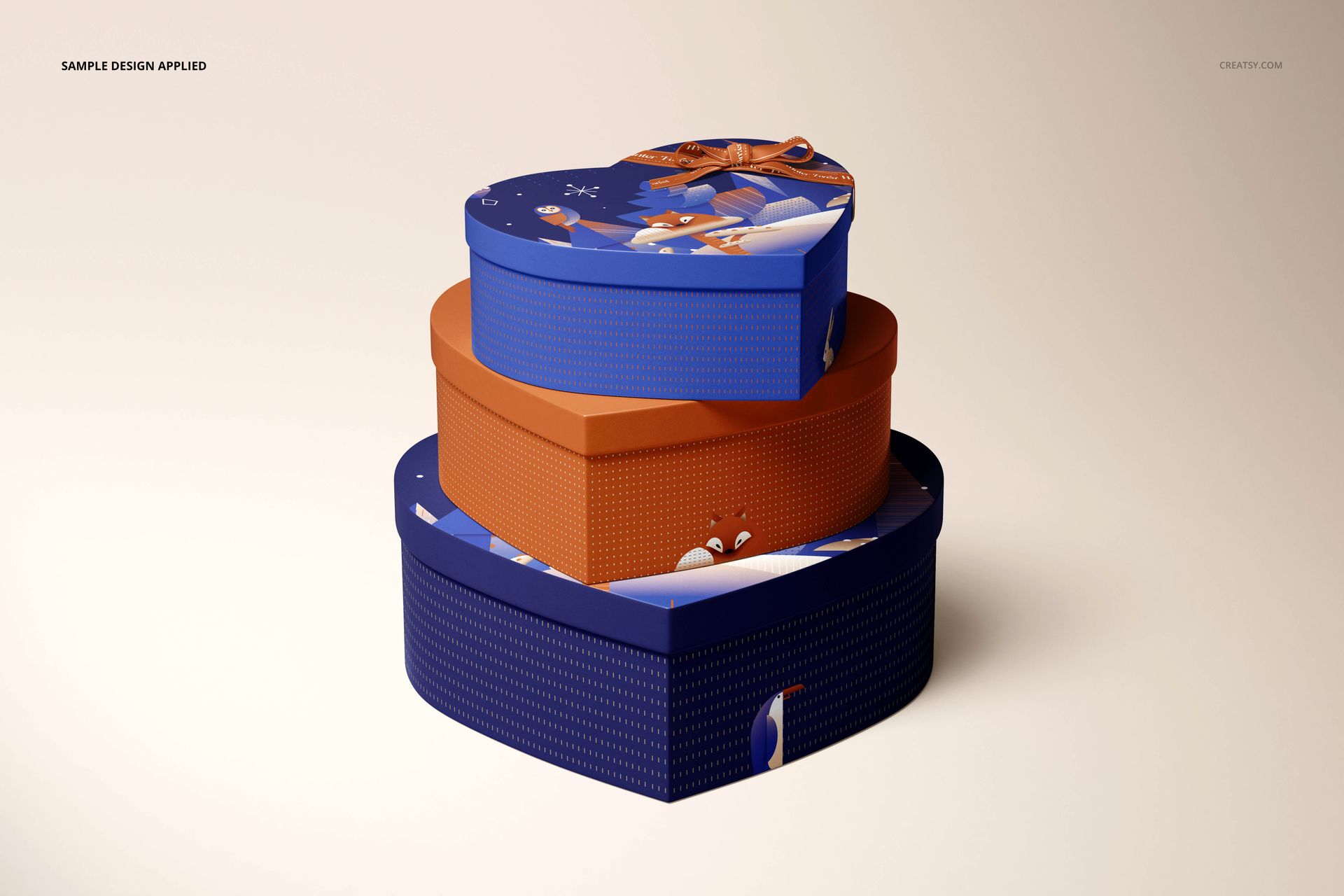
A chocolate gift has two first impressions: the decorated lid and the reveal beneath it. This heart-shaped chocolate box mockup set brings both into the same presentation, with open, closed, stacked and top-view arrangements across eight scenes. Show how your illustration, sidewall pattern, inner lining and branded ribbon work together around a distinctive curved shape.
What Is Included
8 layered PSD box scenes, each 6000 × 4000 px at 300 DPI.
1 separate Pralines.psd asset file, bringing the total to 9 PSD files.
9 JPG reference previews, including one for the pralines; 18 files in the archive.
Design the Gift Inside and Out
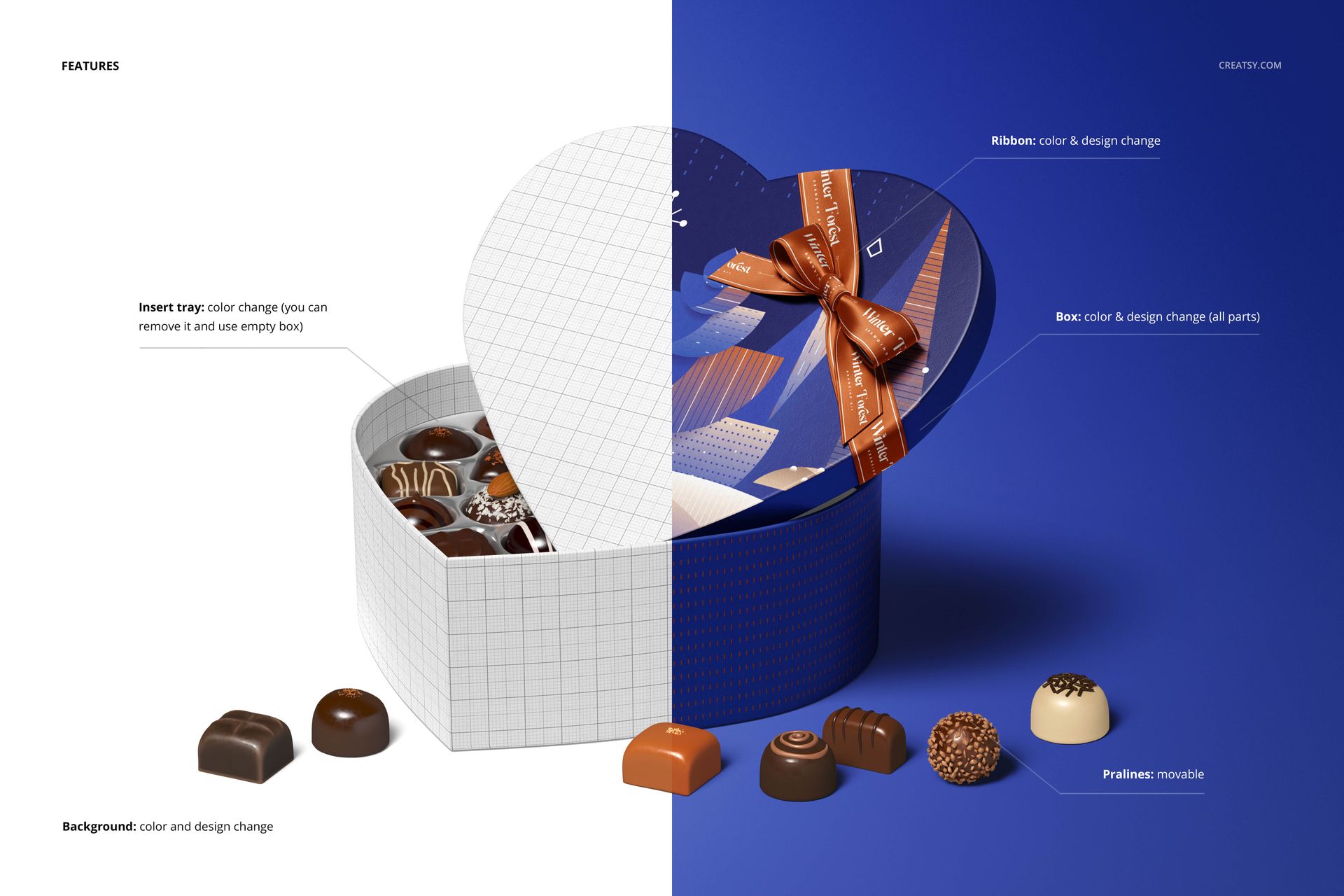
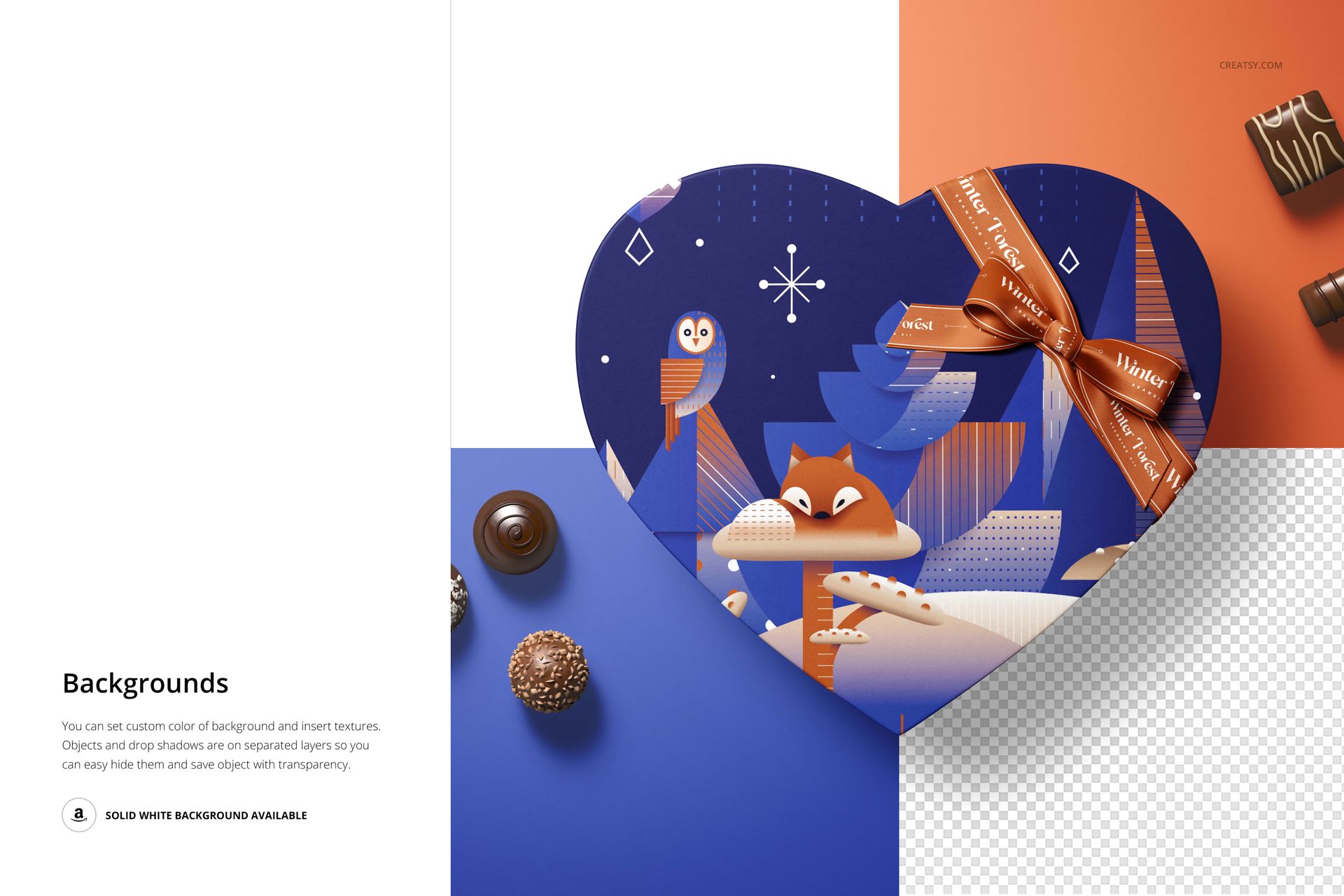
Change the color and design of the box parts, including the interior and exterior, and personalize the ribbon artwork as well as its color. Recolor the insert tray or remove it to show an empty box. Movable pralines let you style the gift presentation, while editable backgrounds support custom textures and transparent-background output.
Easy Smart Object Editing
Open a scene in Adobe Photoshop CC2018 or newer, or Photopea. Place your artwork into the relevant Smart Objects, save their contents and return to the scene. Use the organized color layers to coordinate the box, tray, ribbon and background, then compare the result across views.
Perfect For
Chocolatier branding and praline assortment launches.
Valentine, anniversary and seasonal confectionery collections.
Illustration licensing proposals and packaging design portfolios.
Digital mockup files only. No physical packaging or chocolates are supplied, and the example artwork is not included.