Hand Holding Stacked Gift Boxes with Ribbon Mockup
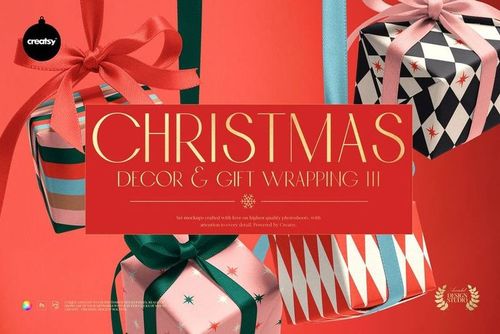
This product is a part of Christmas Decor & Gift Wrapping Mockup Bundle III
Product Details
Hand Holding Stacked Gift Boxes with Ribbon Mockup
One gift box can introduce a product. Three stacked boxes can introduce an entire collection.
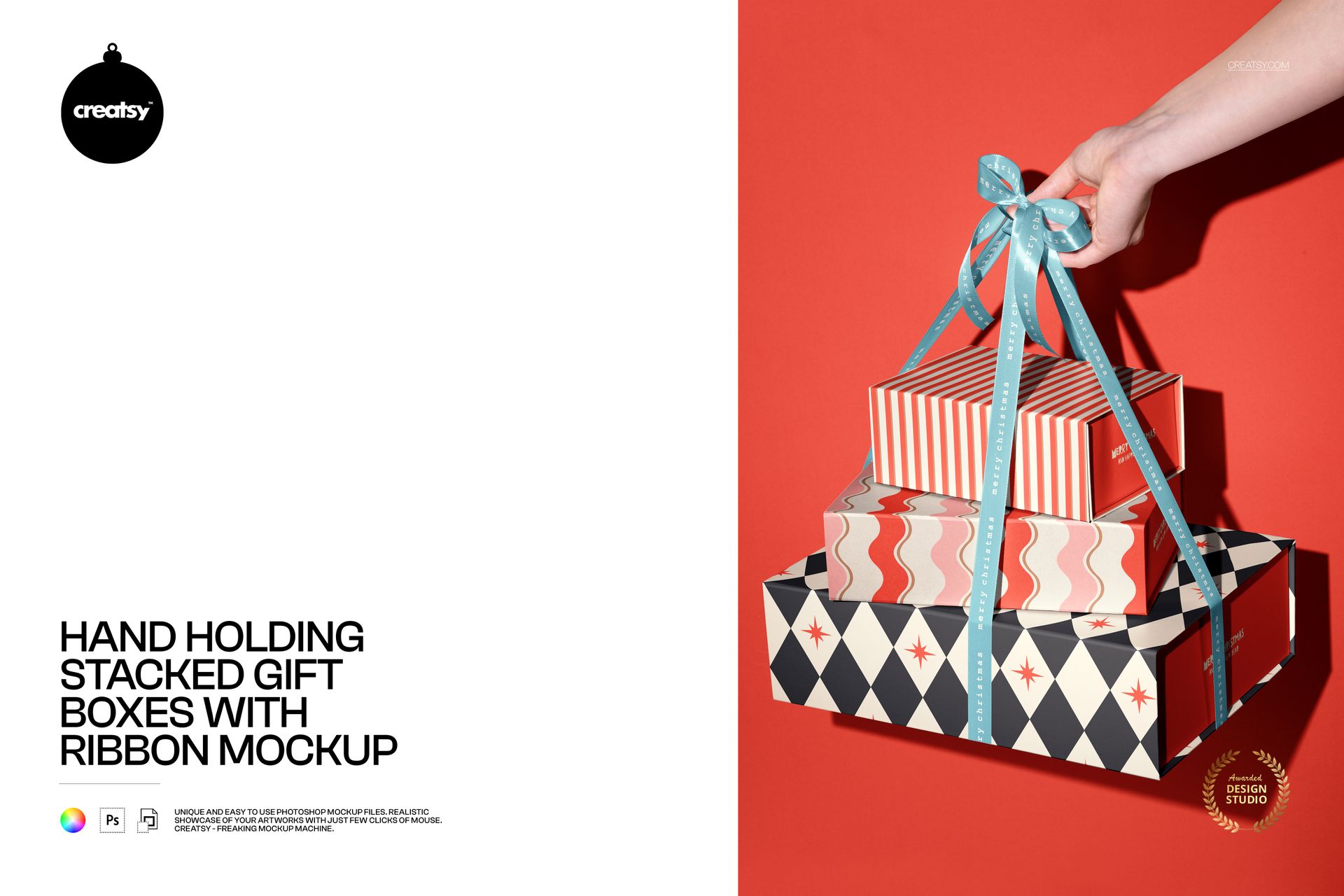
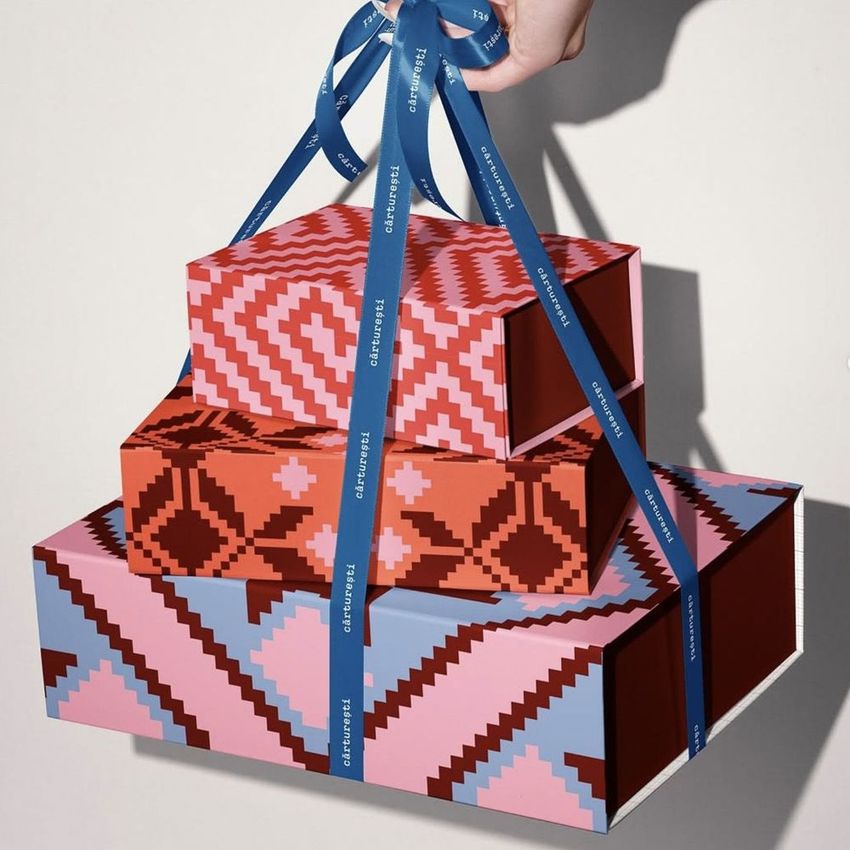
The Hand Holding Stacked Gift Boxes with Ribbon Mockup turns coordinated packaging into a bold vertical display. A hand lifts three boxes by a ribbon, adding movement and a clear sense of scale while keeping the packaging itself at the center of the composition.
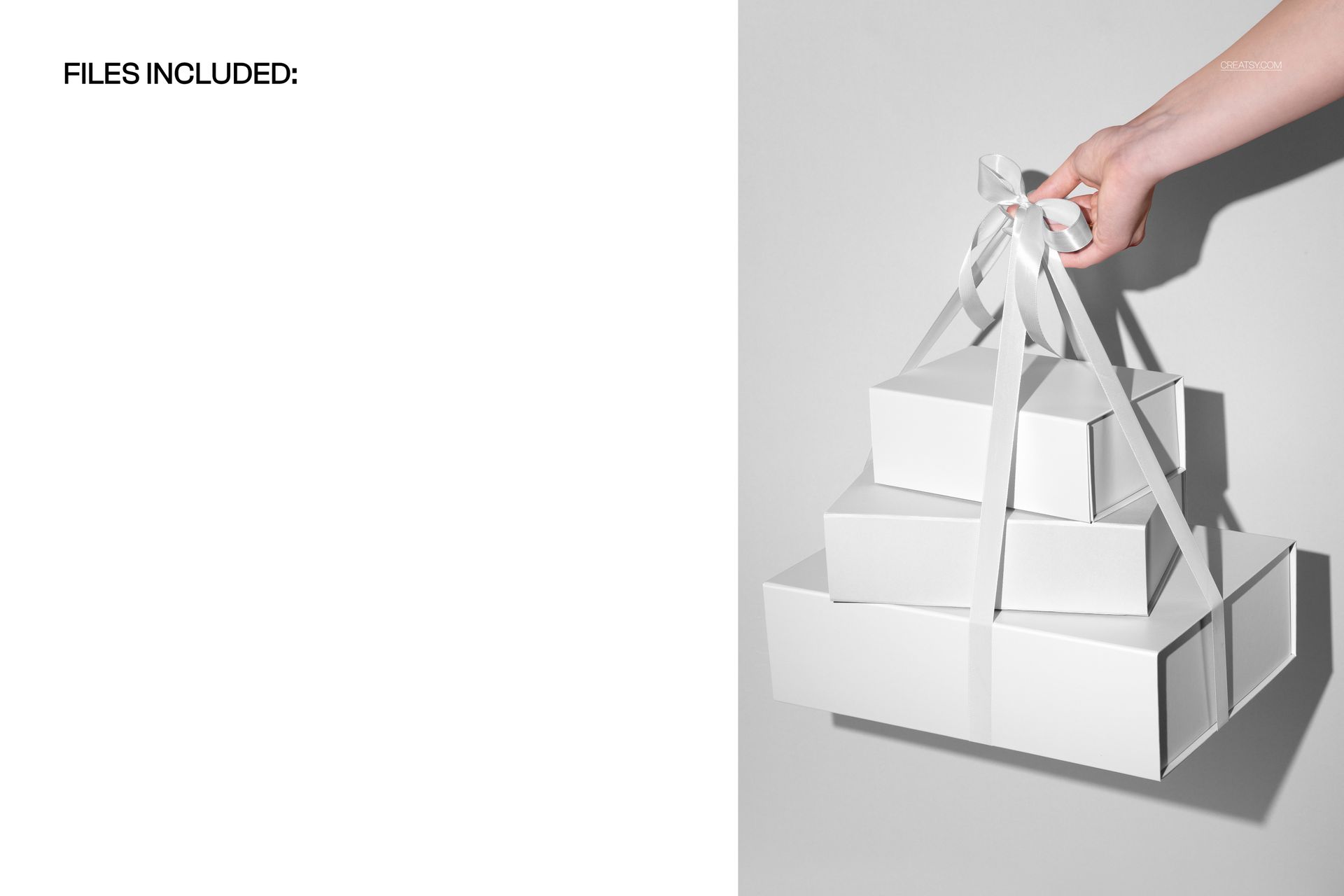
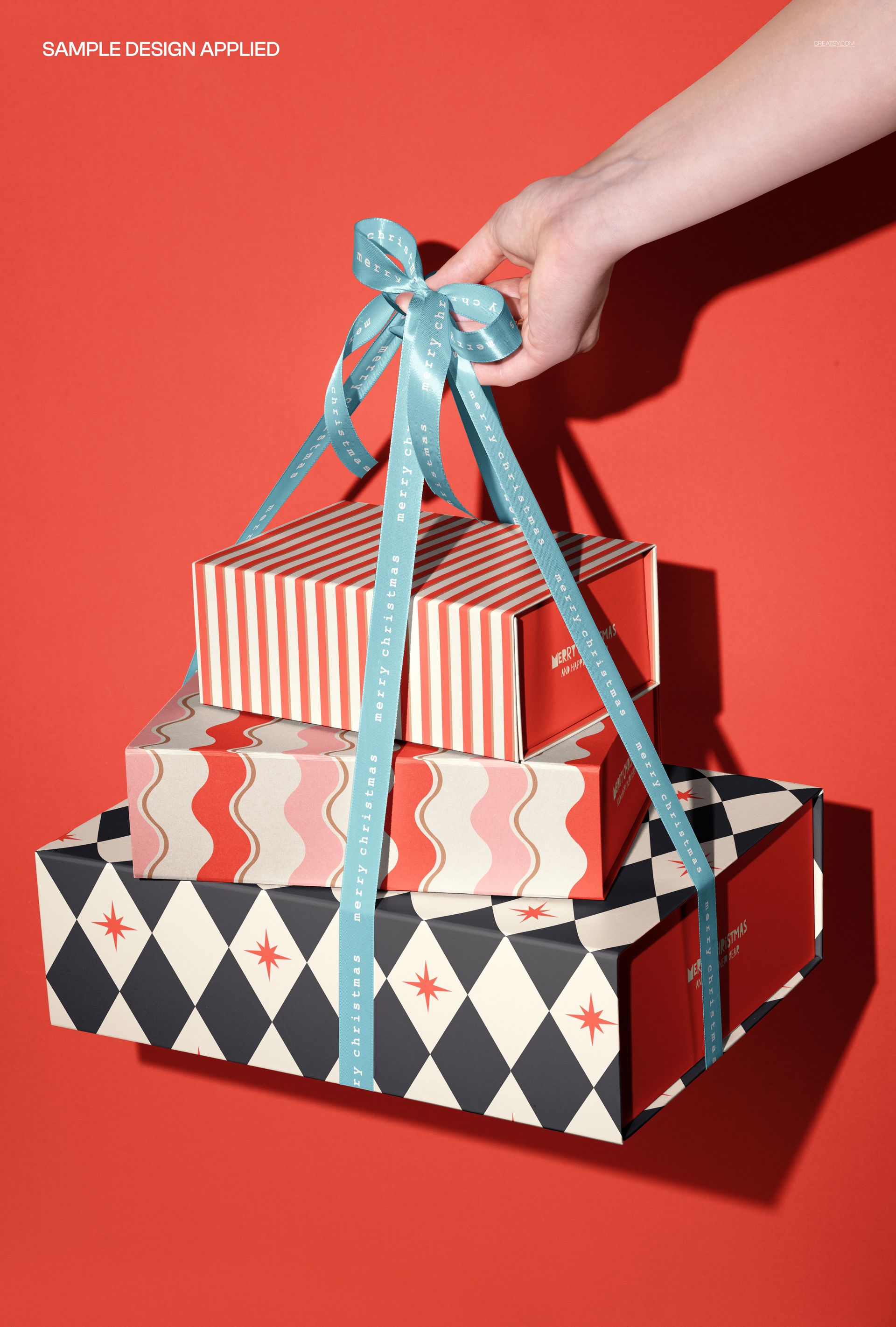
The preview gallery shows the scene with clean white boxes, a neutral grid treatment and a colorful combination of patterns tied together with a blue ribbon against a vivid red background. This range demonstrates how the composition can support minimalist branding, structured graphics and highly expressive seasonal artwork.
Present a Complete Gift Packaging Family
This mockup is especially useful when one box is not enough to communicate the full idea.
The three-level composition gives you room to present a coordinated packaging system rather than a single isolated design. You can show several patterns from one collection, use different colors for different product variants or build visual continuity from the top box to the bottom one.
Try using the stack to present:
A coordinated Christmas gift collection
Three products from one seasonal range
Matching packaging in different sizes
Complementary surface patterns
A consistent logo and typography system
A premium corporate gifting set
A beauty or wellness gift collection
Jewelry and accessory packaging
Boutique stationery gift boxes
Limited edition holiday packaging
The boxes can work as individual pieces while still feeling like part of one recognizable family.
Create Visual Rhythm Across Three Boxes
The vertical stack naturally guides the eye through the composition.
The top box can introduce a smaller pattern or logo. The central box can become the main focal point. The bottom box can carry bolder typography, a larger repeat or a strong brand color.
You can also reverse this hierarchy by keeping the upper boxes simple and placing the most expressive artwork on the largest lower box.
This makes the mockup useful for exploring:
Pattern scale across different box sizes
Color hierarchy within a packaging collection
Logo placement and visual balance
The relationship between primary and secondary artwork
How several products look together in one campaign
Whether the collection feels cohesive from a distance
A realistic stacked presentation can make these decisions easier than viewing three separate flat dielines.
A Human Element Without Distracting from the Design
The visible hand makes the scene feel active and relatable, but it does not introduce a full model, outfit or complex environment.
That balance gives the mockup a lifestyle quality while preserving flexibility. The packaging remains suitable for many types of brands and audiences because the composition does not depend on a specific person or location.
The hand also helps viewers understand the scale and weight of the gift set. Instead of appearing like floating digital boxes, the packaging feels like something that could be carried, presented or handed to a customer.
This is particularly effective for campaign visuals built around:
Gift giving
Product reveals
Holiday shopping
Celebratory moments
Premium customer experiences
Corporate gifting
Seasonal product launches
Limited edition collections
Make the Ribbon Part of the Presentation
The ribbon is more than a decorative detail. It visually connects the three boxes and turns them into one complete gift.
This gives the scene a stronger celebratory character than a standard stack of packaging. It can help communicate that the boxes belong together and are intended to be presented as a set.
The ribbon-led composition works well for:
Christmas and winter campaigns
Birthday gifting collections
Anniversary packaging
Wedding and event gift sets
Beauty and skincare boxes
Luxury confectionery packaging
Jewelry and fashion accessories
VIP and influencer packages
Corporate client gifts
Seasonal retail promotions
Use a contrasting ribbon color to make the presentation more energetic, or choose a coordinated color that blends naturally with the wider packaging identity.
Suitable for Patterns, Illustration and Branding
The broad box surfaces provide space for more than a centered logo.
Surface pattern designers can use the mockup to show how repeat artwork performs across several packaging sizes. Illustrators can create a connected narrative throughout the stack. Branding designers can test how a logo system, color palette and supporting graphics work as one collection.
Creative directions can include:
Floral and botanical patterns
Geometric repeats
Folk-inspired artwork
Holiday illustrations
Bold typography
Minimal luxury branding
Stripes and grids
Character-based packaging
Abstract surface designs
Monograms and emblems
Seasonal color palettes
Traditional or cultural motifs
The clean product shapes allow highly detailed patterns to remain visible while the ribbon and hand give the scene additional personality.
Built for Campaigns, Portfolios and Product Launches
The composition is strong enough to function as a finished marketing image, not only as an internal design preview.
Use the final visual for:
Instagram and Pinterest content
Holiday campaign graphics
Website hero images
Newsletter headers
Product launch announcements
Gift guide visuals
Packaging design portfolios
Behance case studies
Client approval decks
Corporate gifting presentations
Seasonal ecommerce banners
Retail collection previews
The clear space around the boxes can also be useful when adding campaign typography, a date, a product name or a short promotional message in a wider layout.
Preview the Collection Before Production
Producing several physical boxes can be expensive, especially when the artwork is still being reviewed.
This mockup allows you to compare packaging directions before ordering samples. You can test whether three patterns work together, whether one color dominates the collection or whether the branding remains readable across the full stack.
It can help answer practical questions such as:
Does the collection feel coordinated?
Is the logo visible on every box?
Are the patterns too similar or too different?
Does the ribbon complement the packaging?
Which box should carry the strongest artwork?
Will the final set look premium enough for a campaign?
A realistic preview can make client feedback more specific and reduce uncertainty before production.
Simple Smart Object Editing
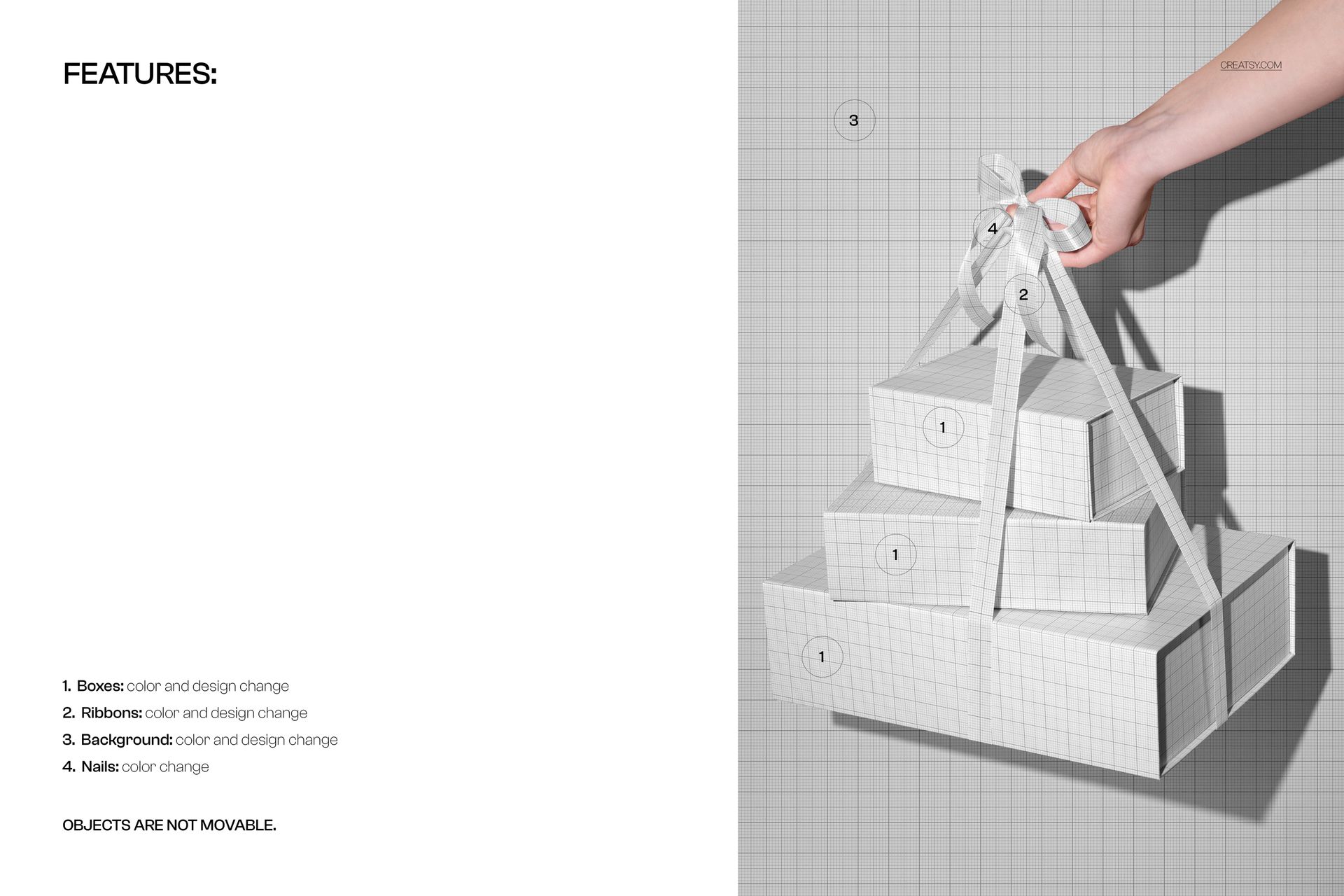
Open the PSD in Adobe Photoshop or Photopea, locate the Smart Object layers, paste in your artwork and save the file. The mockup places the design into the existing scene while preserving the original perspective, lighting and shadows.
Creatsy’s Smart Object workflow is designed to remove the need for manual masking and warping, while organized layers and folders make the file easier to navigate.
Use the same scene to compare several packaging concepts, prepare different colorways or build a coordinated set of promotional images.
What You Can Showcase
Use this mockup to present:
Stacked gift box designs
Coordinated packaging collections
Christmas gift packaging
Ribboned gift sets
Surface patterns on boxes
Seasonal product collections
Luxury gifting concepts
Corporate gift packaging
Beauty and wellness gift sets
Jewelry and accessory boxes
Boutique retail packaging
Holiday brand campaigns
Client packaging proposals
Portfolio case studies
Product launch visuals
File Specifications
Part of Christmas Decor & Gift Wrapping Mockup Bundle III
Pack includes 1 PSD file
2 files included in total
File formats: PSD and JPG
PSD dimensions listed in Product Details: 6000x4000 px
Resolution: 300 DPI
Compatible with Adobe Photoshop CC2020 or newer
Compatible with Photopea
Smart Object editing workflow
Well organized layers
Package size listed as approximately 265 MB for Windows and 278 MB for macOS
Preview artwork is not included with the download
Preview Artwork Credit
The designs featured in the product preview images are by monbibi. You can explore more of their work at https://www.shutterstock.com/g/monbibi.
The artwork is used for presentation purposes only and is not included with the mockup files. Add your own patterns, illustrations or branding to create a custom gift packaging presentation.
File details
- Compatibility
- Package size
- 265 MB
|278 MB
- Files type
- .psd, .jpg
- Files size
- 6000x4000


Made with Creatsy
Real designs. Real customers. See how creatives use Creatsy mockups to turn their artwork, branding, and product ideas into polished visuals.
MEET THE SHOP
- $1615$19.00
- $1615$19.00
- $1615$19.00

HOW IT WORKS
3 clicks. That's it.
No tutorial needed. If you can copy-paste, you can use this.
- 1OpenDouble-click the smart object inside the PSD - in Adobe Photoshop, or free in your browser with Photopea.
- 2PasteDrop in your pattern, print, or artwork. Any design, any style.
- 3SaveHit save and the mockup wraps it in for you - shadows, folds, and lighting included.
FROM IDEA TO IMAGE
Built for real workflows
Get the label signed off before the print run Wrap your design onto the box, pouch, or bottle and show the client exactly what ships.
See it on the product, not a swatch Drop your file into the smart object and the scene's lighting and folds wrap around it, so you judge the real thing before you commit.
Smart Objects
Edit once and you're done. Your artwork drops into a smart object and the mockup updates itself - no masking, no warping by hand.
Perfectly Organized
Named layers and folders you can actually navigate. Find what you need, change what you want, and get out fast.
Print-Ready
High-resolution files built to hold up on screen and in print. Exact size and DPI are in this product's Details above.