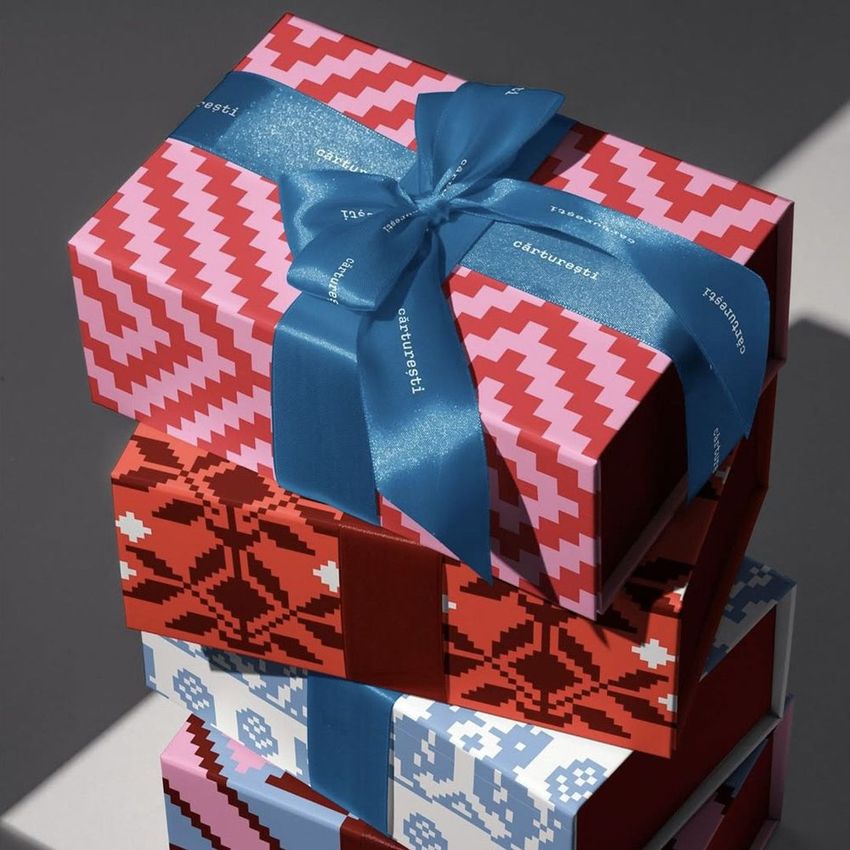
Stacked Magnetic Boxes with Satin Ribbon Mockup
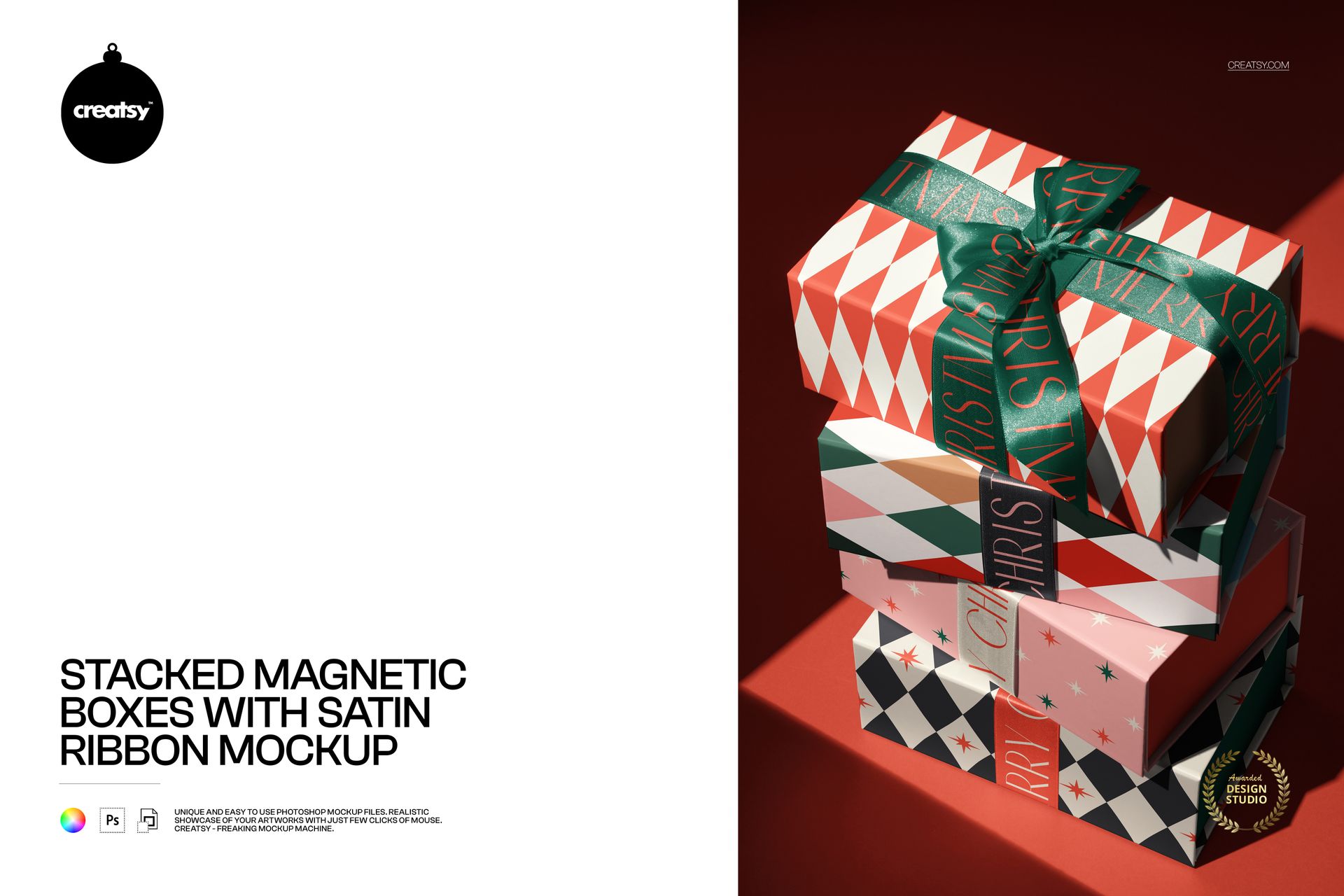
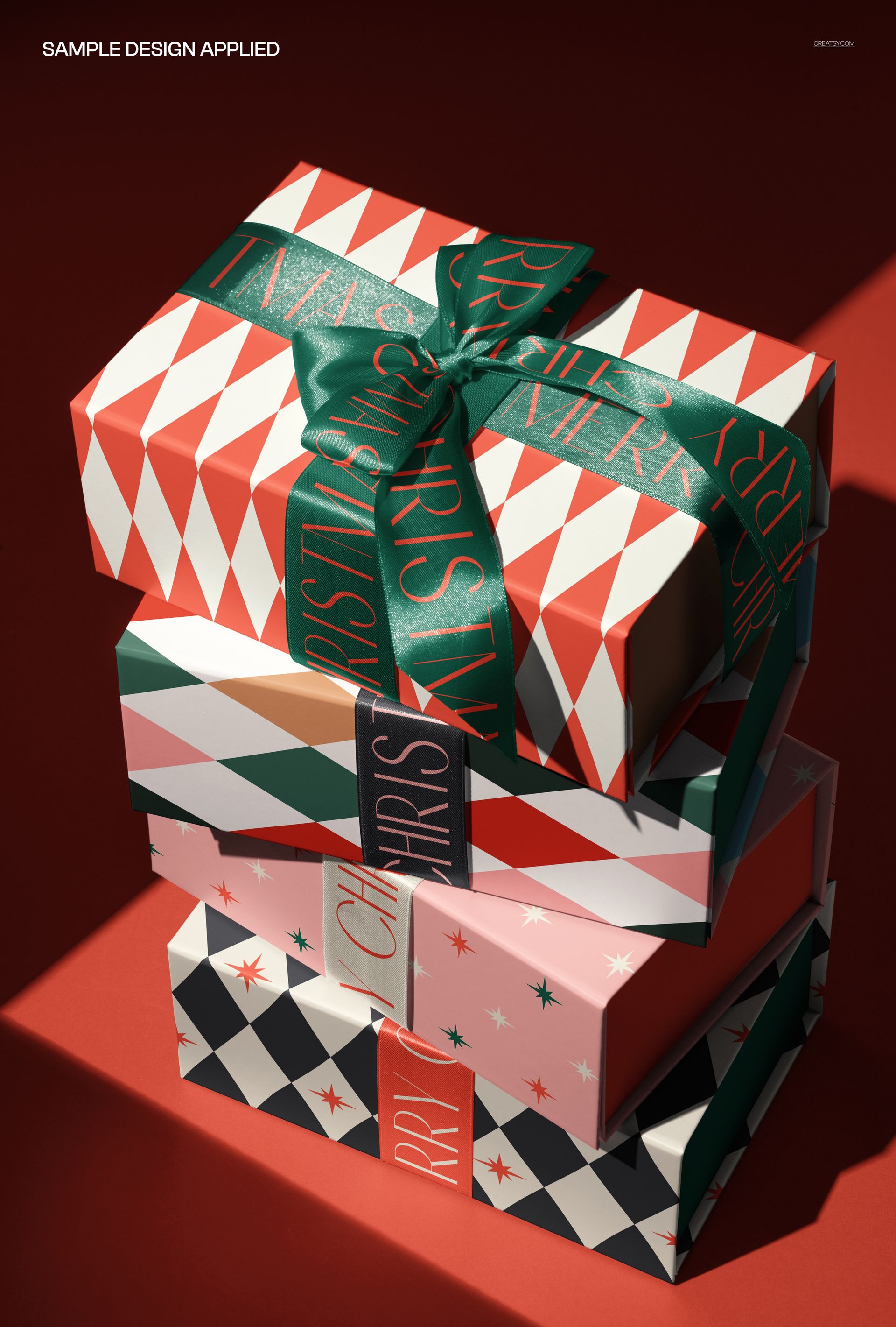
Present a coordinated packaging range with four stacked magnetic gift boxes, satin ribbons and a prominent bow. This PSD mockup shows the boxes from an elevated angle, bringing the top, front and side artwork into one richly lit composition. The visible satin texture and directional shadows give small repeats, broad geometric patterns and branded ribbons a tactile setting.
What's Included
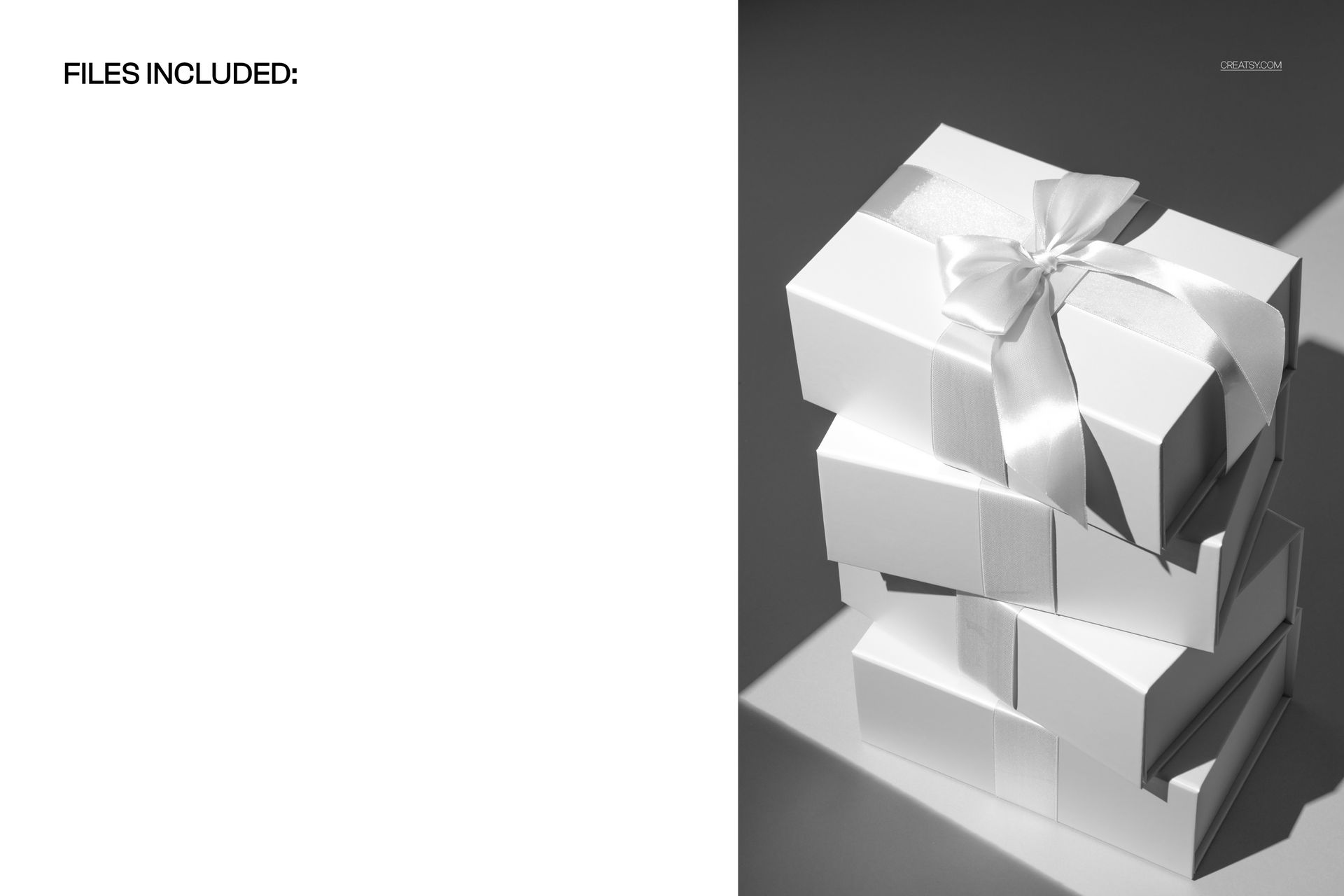
1 layered PSD mockup with one fixed scene of four stacked boxes.
1 JPG reference image.
High-resolution PSD listed at 4000 × 6000 px and 300 DPI, with organized layers.
Compatibility with Adobe Photoshop CC2020 or newer and Photopea.
Editable Features
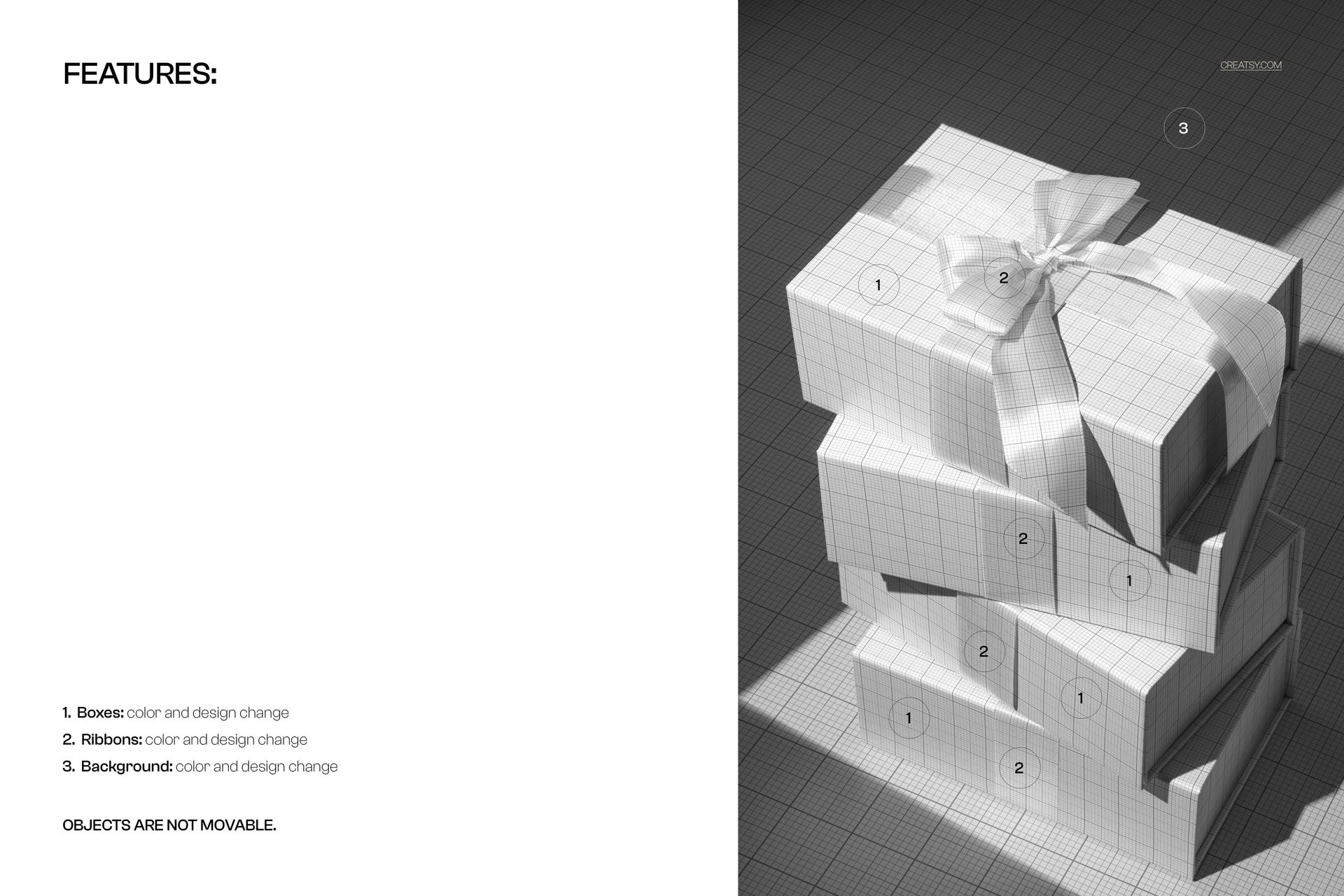
Change colors and artwork on the magnetic boxes.
Customize satin ribbon colors and printed designs.
Replace the background color or design.
Keep the original arrangement: objects are not movable.
How to Add Your Artwork
Open the PSD in Photoshop or Photopea and locate the relevant Smart Object. Open it, insert your design, save the Smart Object and return to the main composition. Repeat for the other design areas, then use the available color controls to coordinate the boxes, ribbons and background.
Perfect For
Surface pattern collections, boutique gift packaging, corporate gifting proposals and seasonal retail campaigns. Use the four-box display to show related artwork together in a client presentation or packaging portfolio.
This is a digital mockup, not a physical gift box set or a production dieline. Sample artwork shown in the previews is not included.