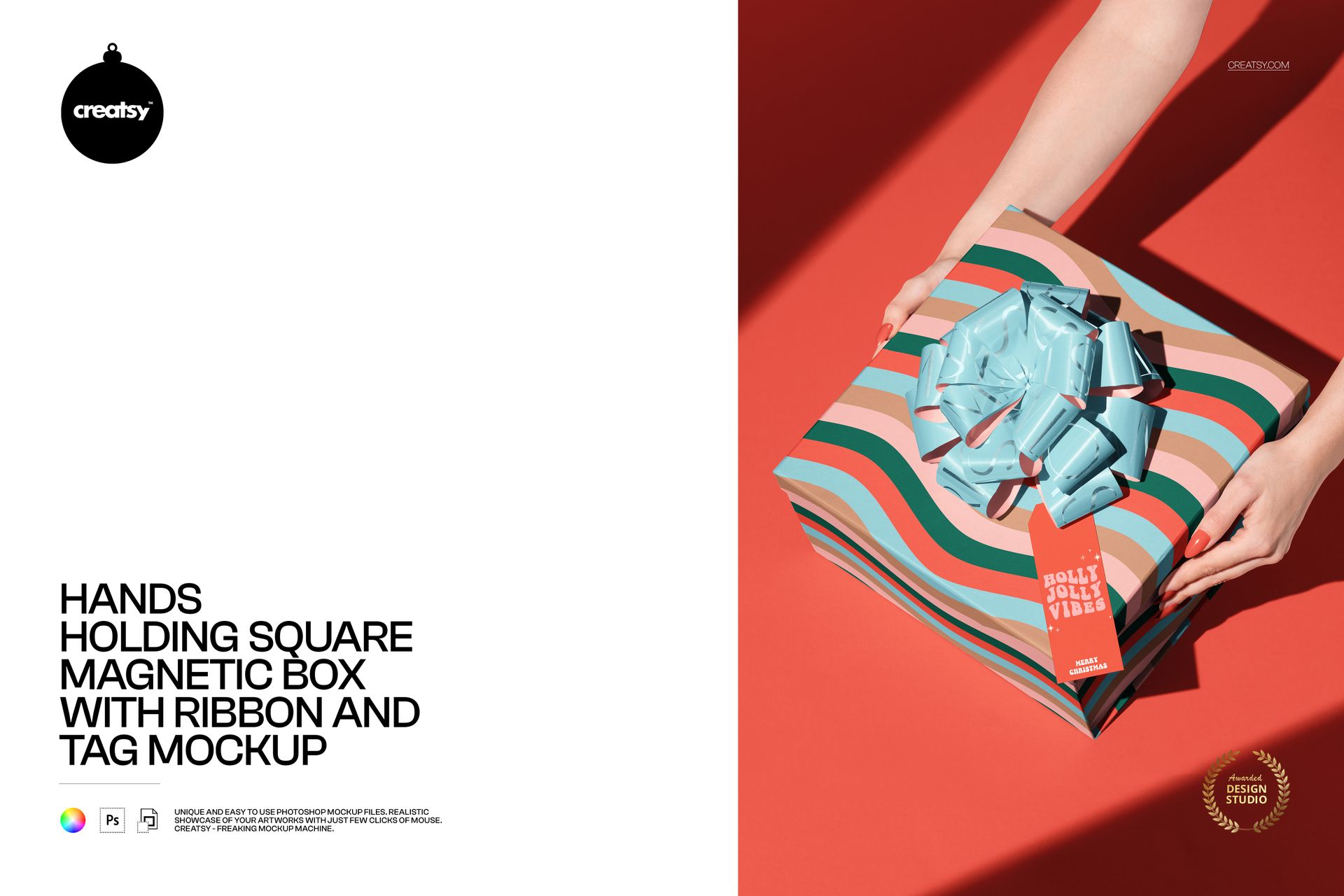
Hands Holding Square Magnetic Box with Ribbon and Tag Mockup
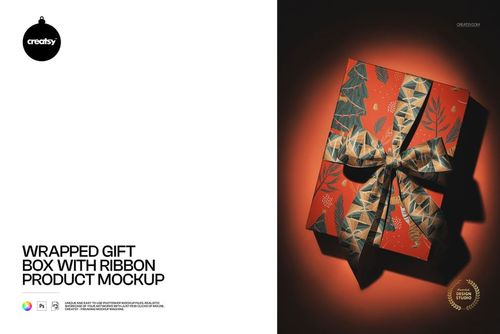
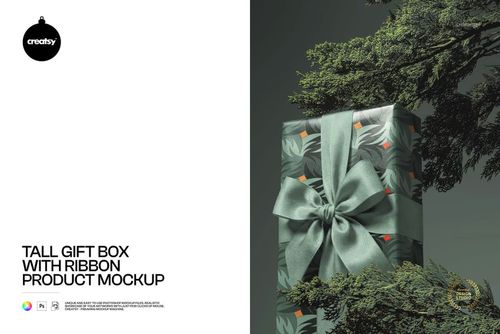
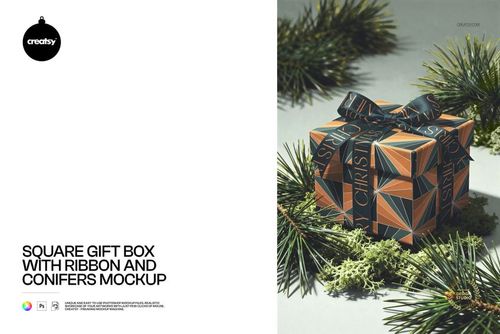
Show the moment a gift is offered with a square magnetic box held between two hands. A curled ribbon bow and long rectangular tag create three connected branding surfaces in this PSD mockup. The elevated view reveals the box lid and edges, while strong angled light gives the packaging, ribbon loops and hands clear definition.
What's Included
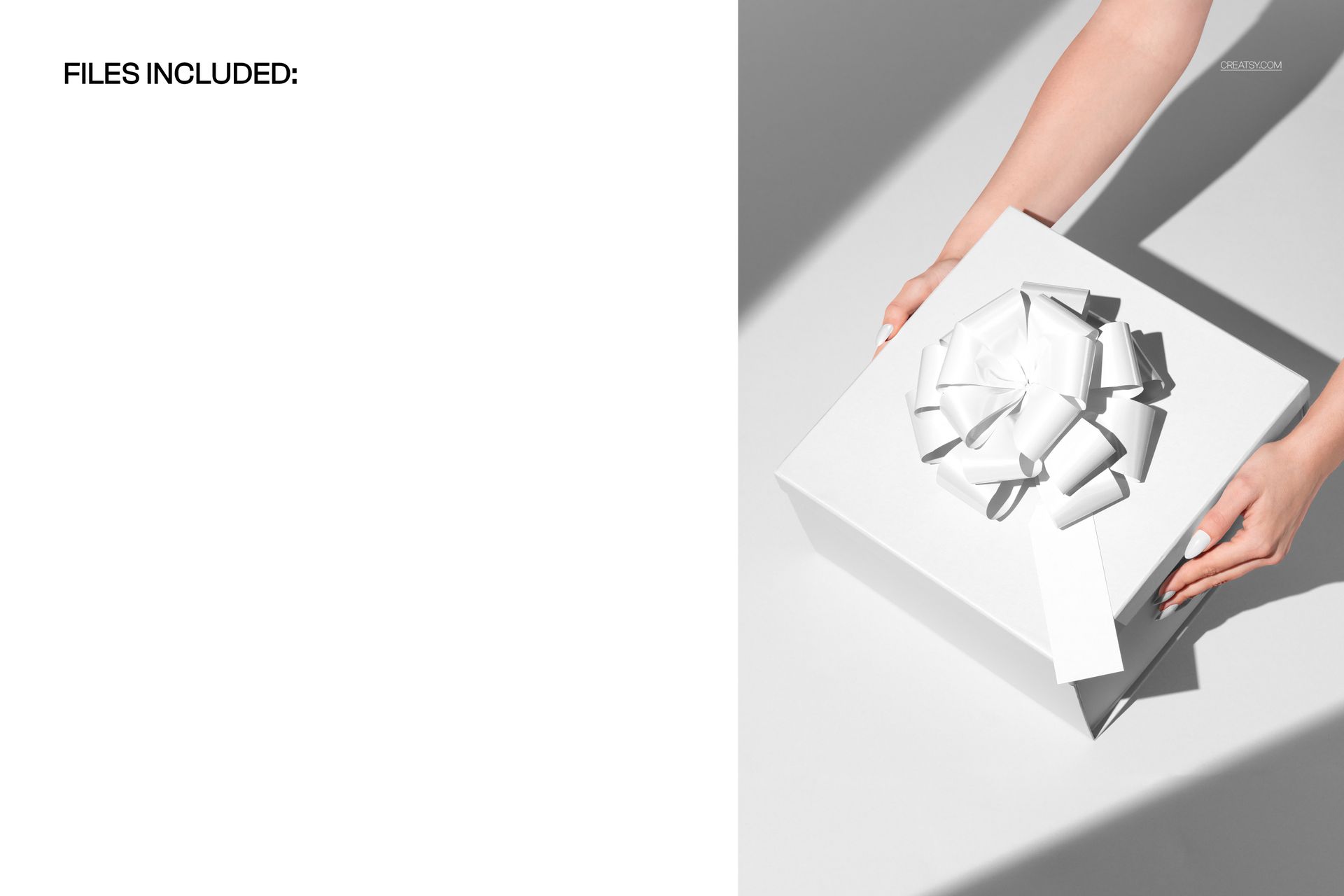
1 layered PSD containing one fixed, hand-held gift box scene.
1 JPG reference image.
PSD listed at 4000 × 6000 px and 300 DPI, with organized layers.
Support for Adobe Photoshop CC2020 or newer and Photopea.
Customize the Complete Presentation
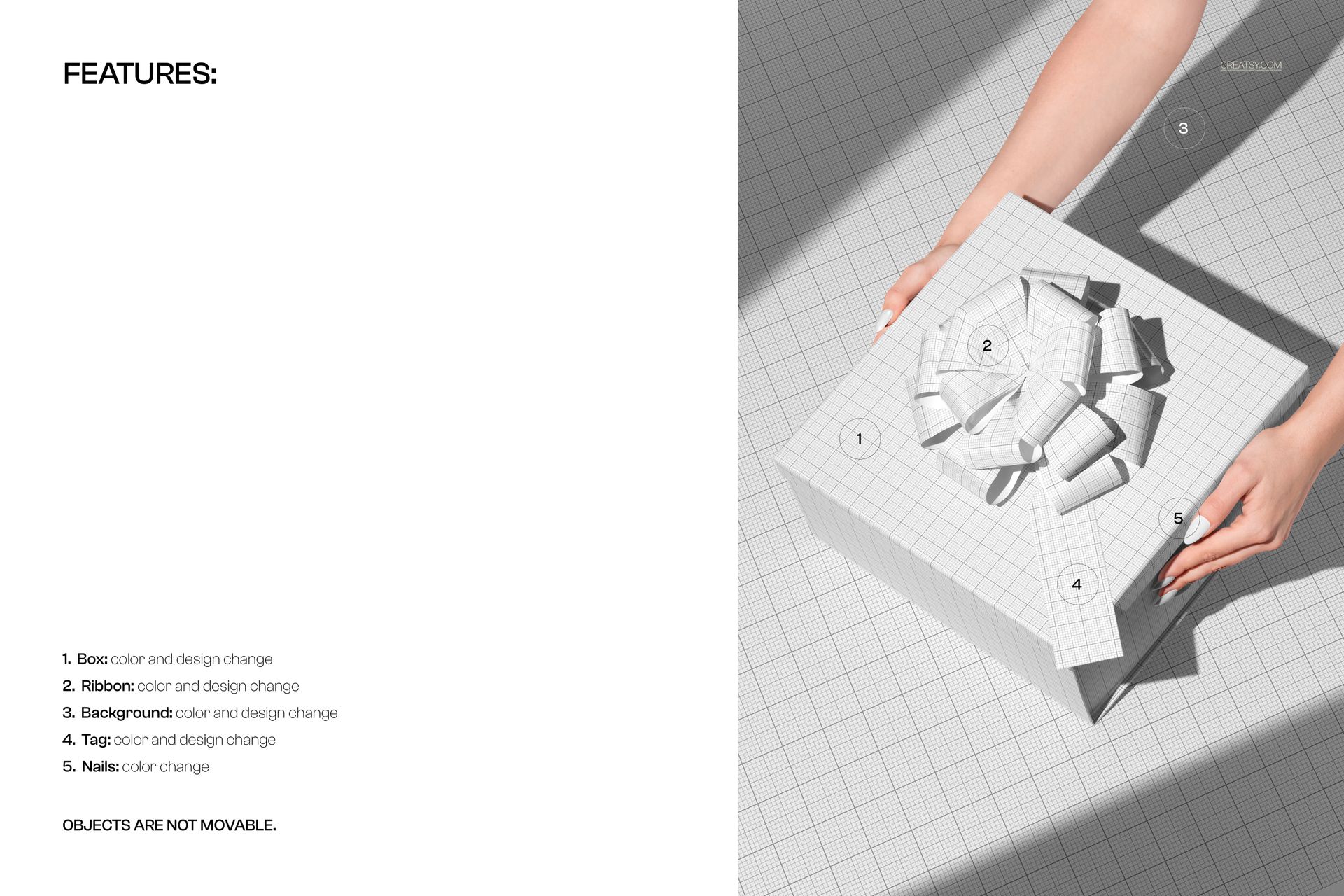
Replace box artwork and adjust the box color.
Change ribbon artwork and color.
Add your own tag design and color.
Customize the background color or design and change nail color.
Objects are not movable; the hands, bow, tag and box remain in the pictured arrangement.
Smart Object Editing
Open the PSD in Photoshop or Photopea, then open the relevant Smart Object and insert your artwork. Save that Smart Object to update the scene. Work through the box, ribbon and tag design areas, and use the available color controls to bring the presentation together.
Perfect For
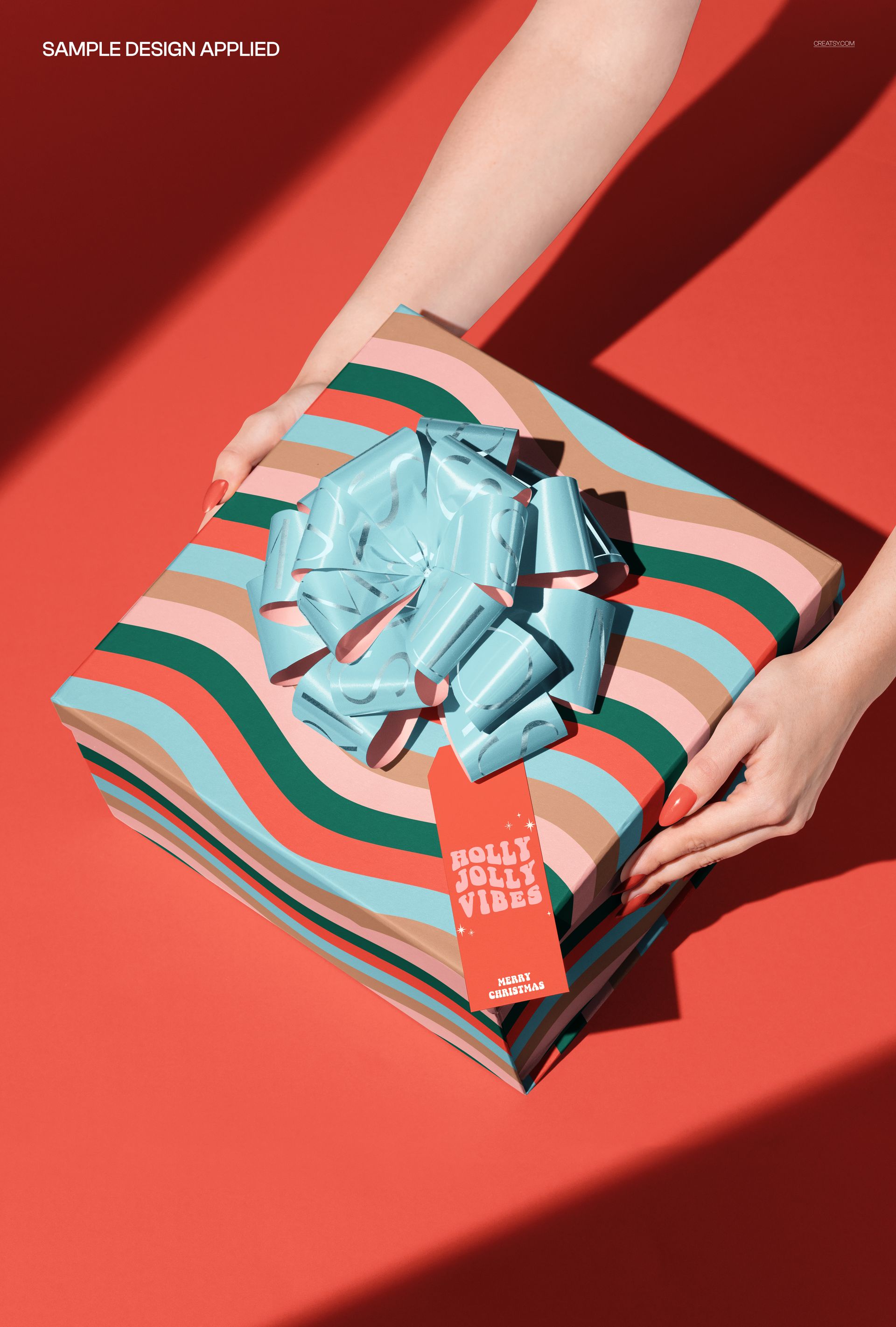
Gift packaging identities, thank-you tags, boutique launches, corporate gifts and seasonal product presentations. Branding designers can show how a main box design, printed ribbon and personal message work together in a single image.
Digital mockup only. No physical packaging or production dieline is supplied, and the sample preview designs are not included.