ID: 1852217685 | Updated: Jul 26, 2025

Product Details

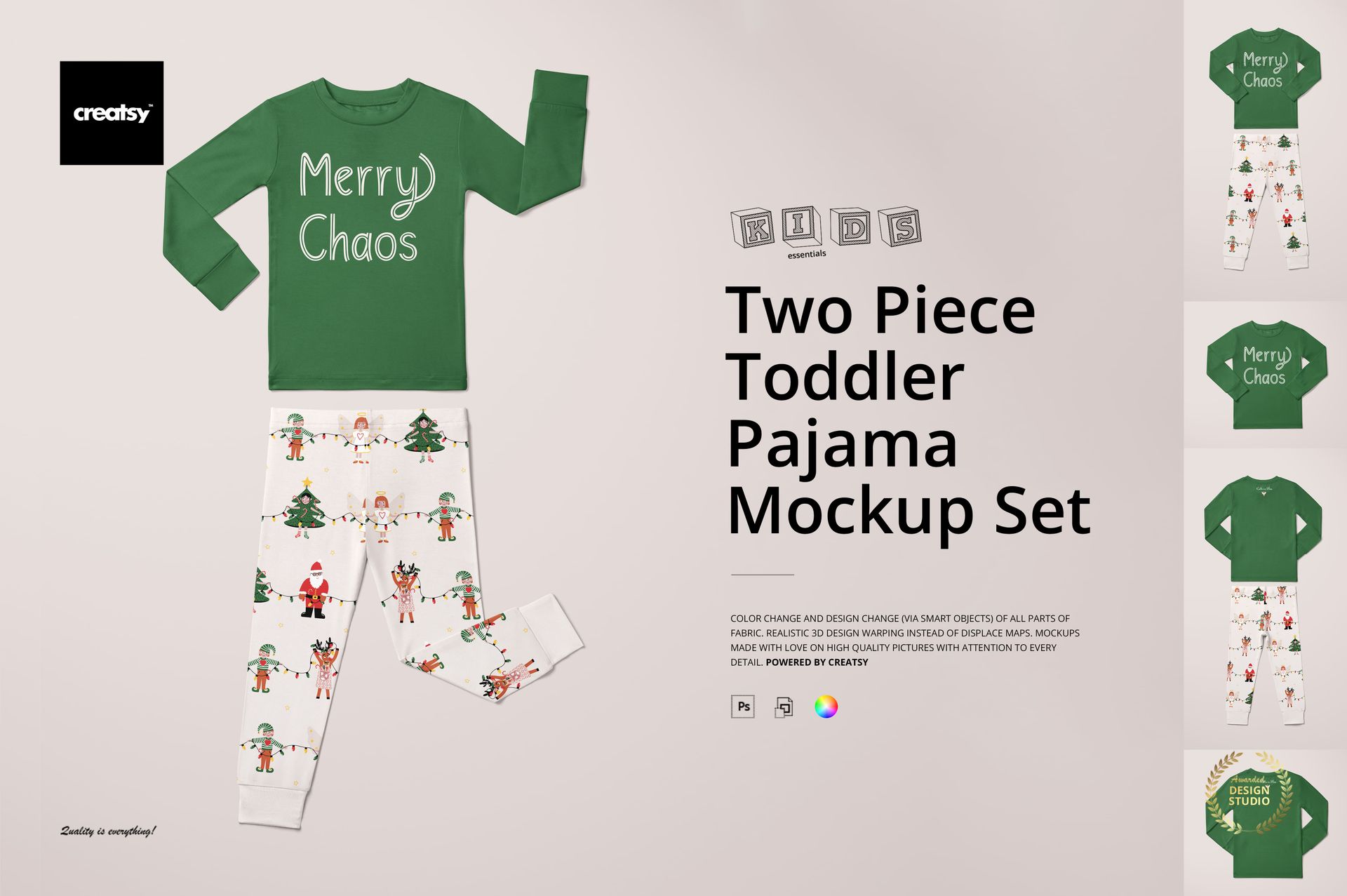
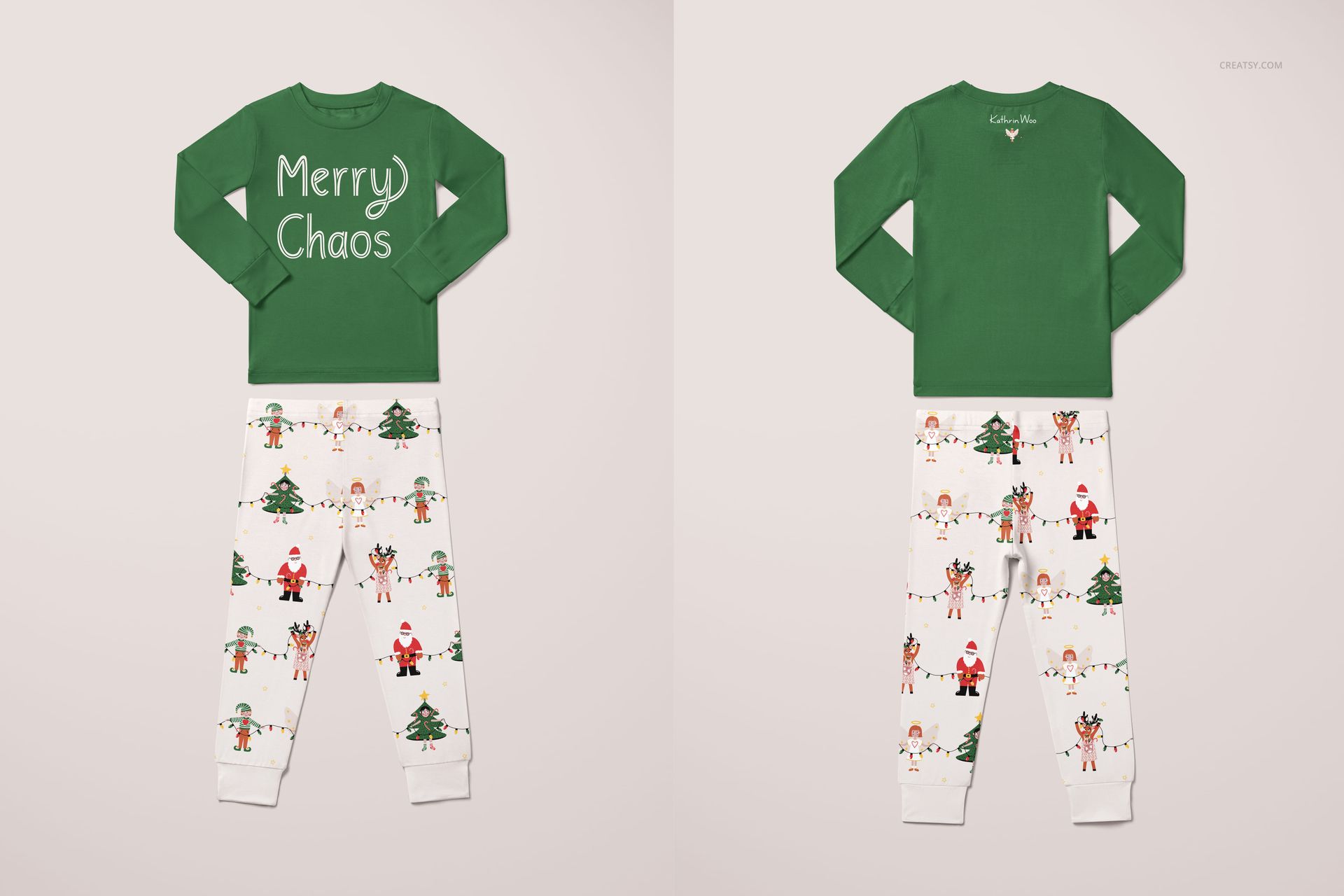
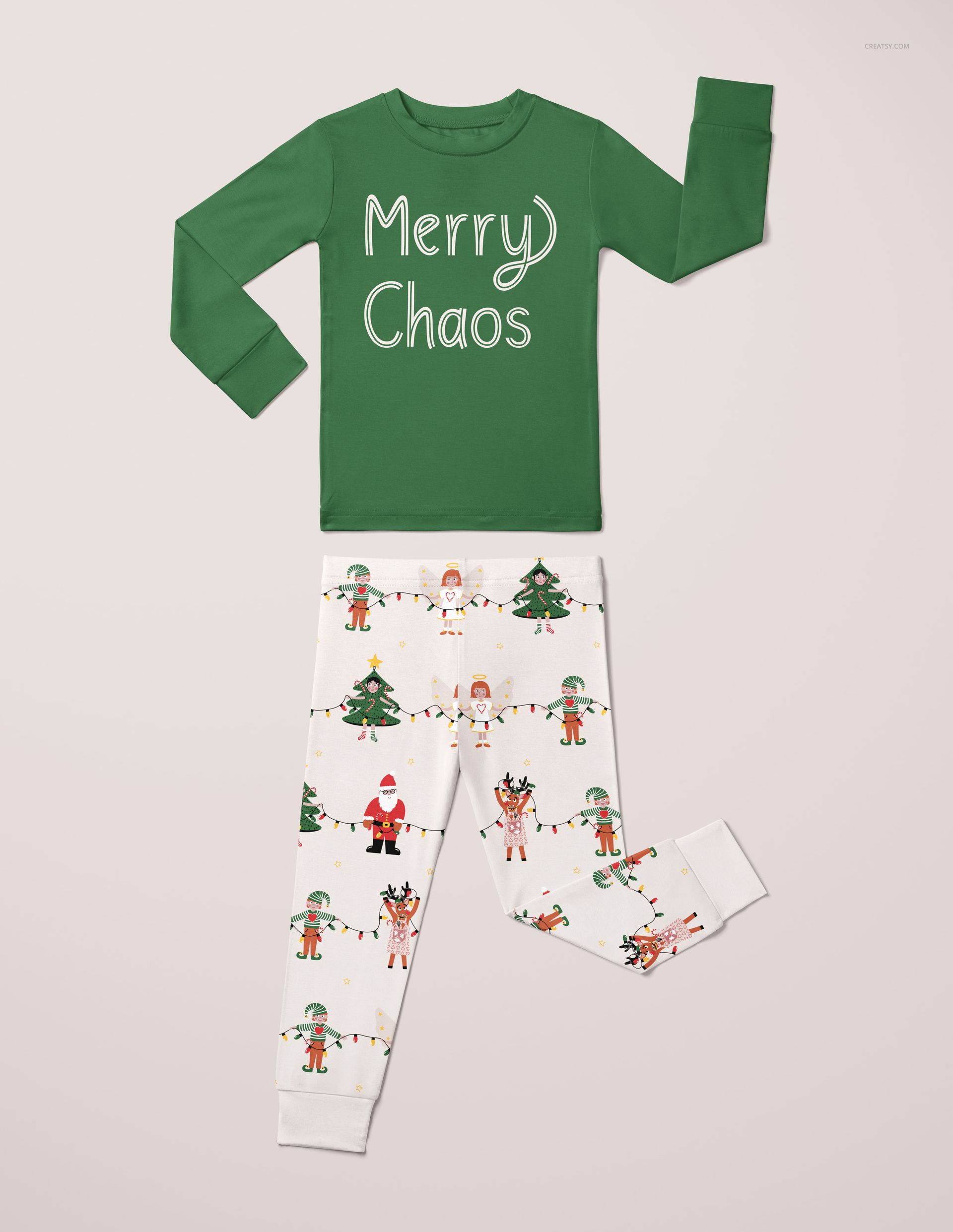
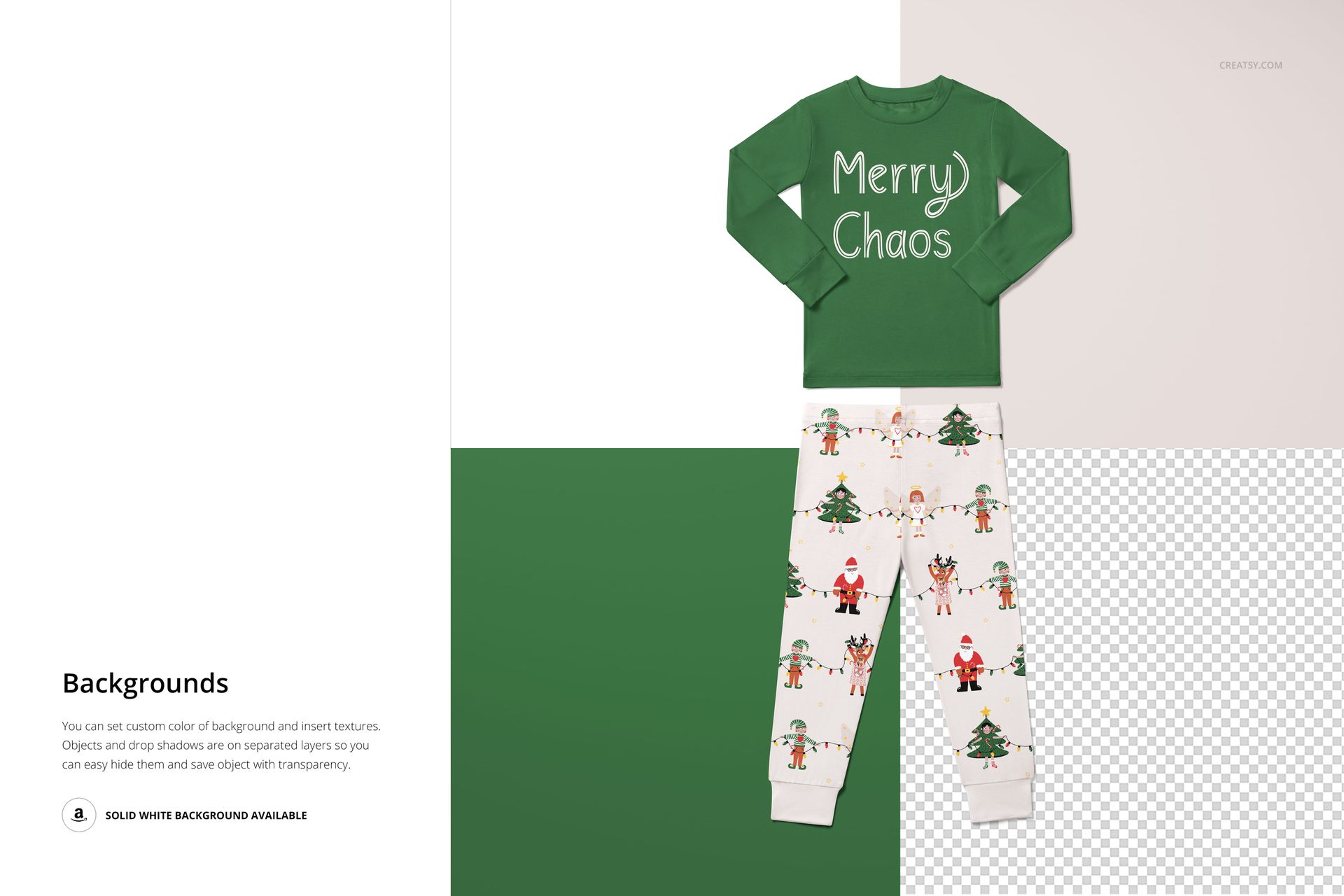
The Two Piece Toddler Pajama Mockup Set shows your artwork on a classic kids' sleepwear combination - a short-sleeve top and matching pants. The two-piece pajama format is one of the most commonly sold children's sleepwear styles, and this mockup lets you present your pattern, typography, or illustration on both garment pieces in photorealistic scenes. The set includes 5 PSD files at approximately 6000x6000 pixels and 300 DPI - square format, ideal for social media and product listing thumbnails.

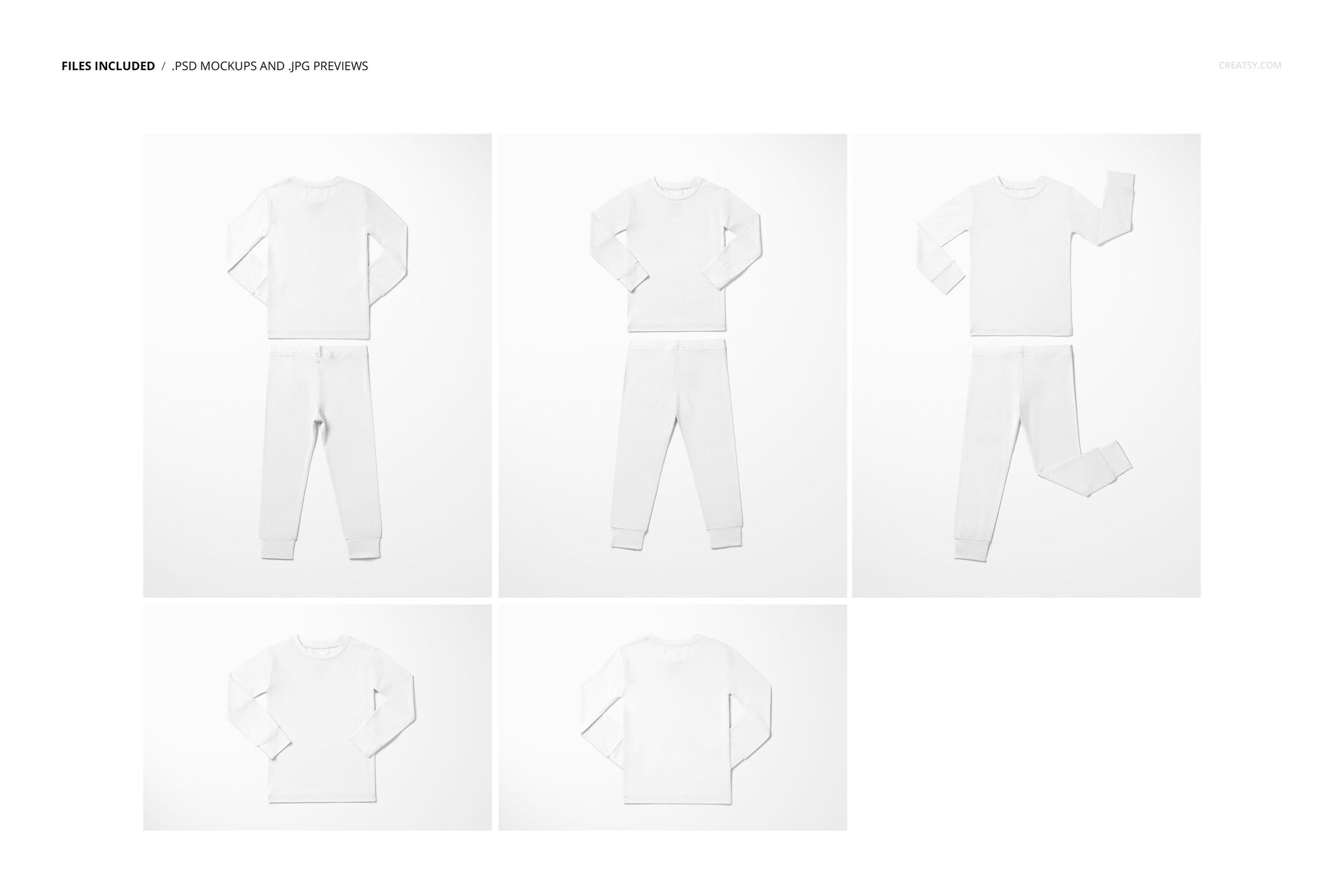
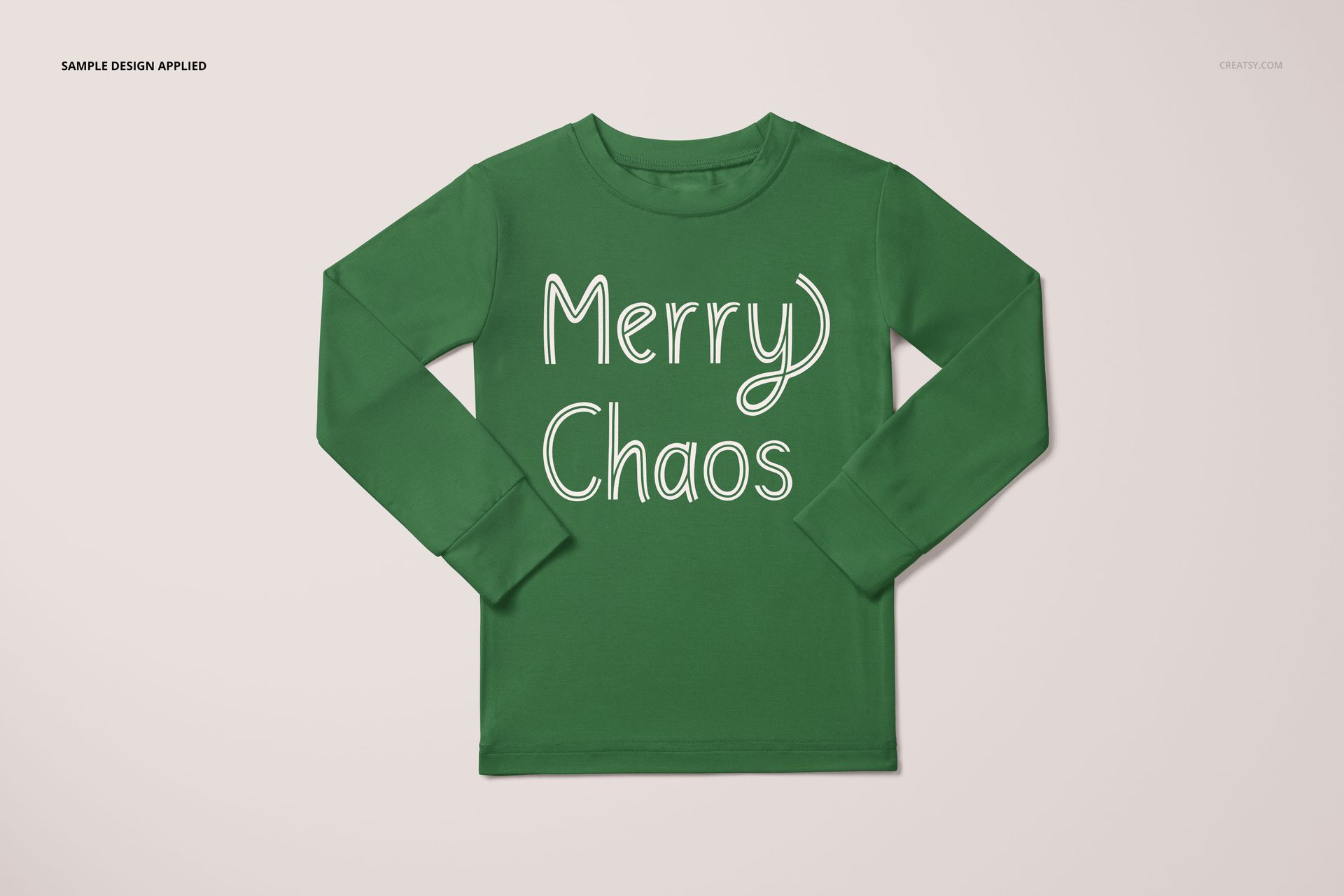
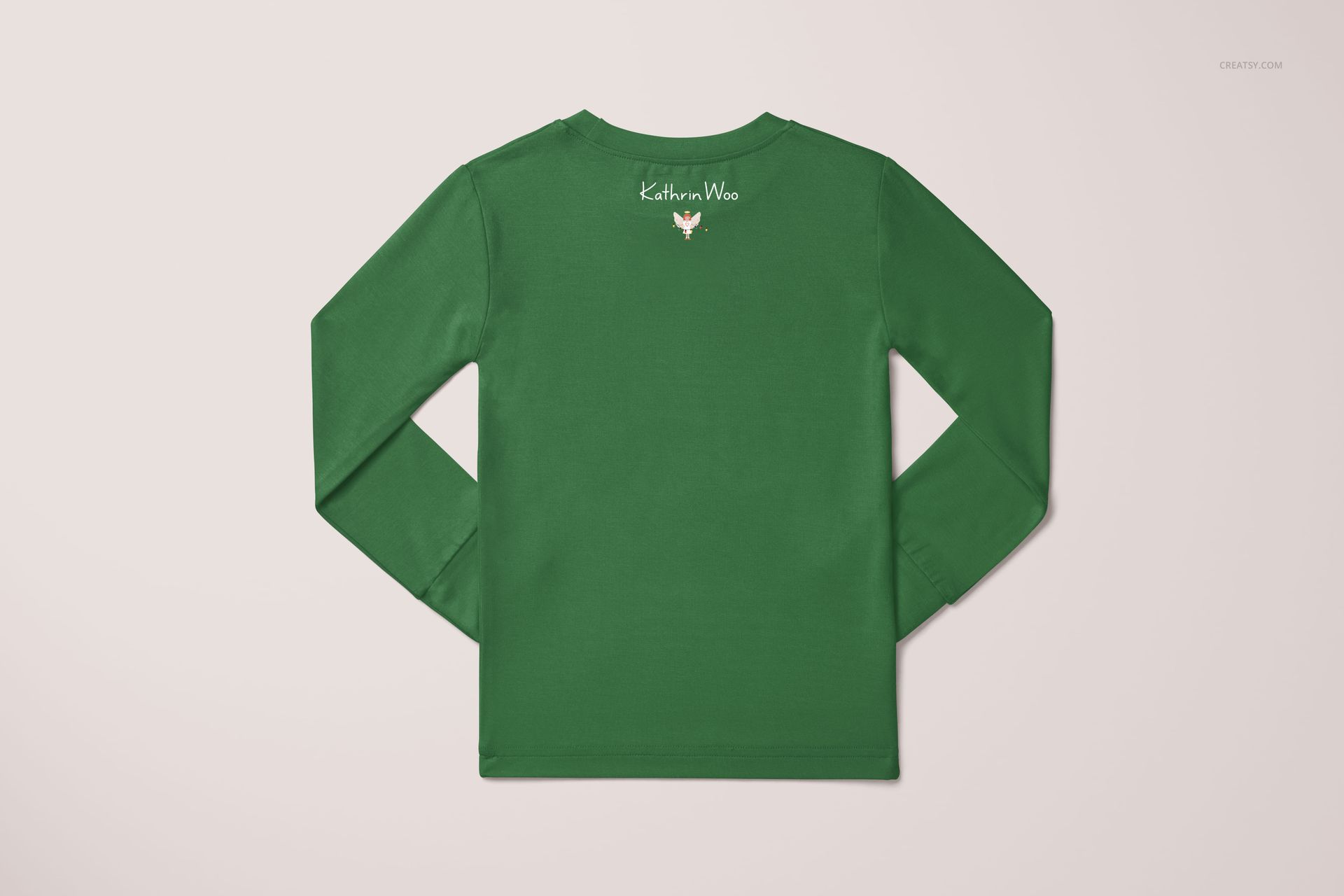
Each scene presents the pajama set from a different angle: flat lay compositions showing both pieces together, close-ups of the top with graphic or pattern detail, and views that highlight how the pants pattern coordinates with the shirt design. That range gives you enough material for a complete product listing, social media post series, or wholesale catalog entry.

Why a Two-Piece Pajama Mockup

Two-piece pajama sets are a staple in children's sleepwear. They outsell one-piece options for toddlers because parents prefer the flexibility of mixing tops and bottoms, and kids find them more comfortable for warm-weather sleeping. For pattern designers and babywear brands, this means the two-piece pajama is a high-demand product category where strong visuals directly translate to higher sales. This mockup eliminates the need for a photoshoot - drop your design into a smart object, and you have a product image ready for your shop in minutes.

The square 6000x6000 pixel format is intentional. Instagram posts, Etsy listing thumbnails, and many e-commerce platforms favor square images. These files export directly to those formats without cropping or repositioning your design.

What Is Included

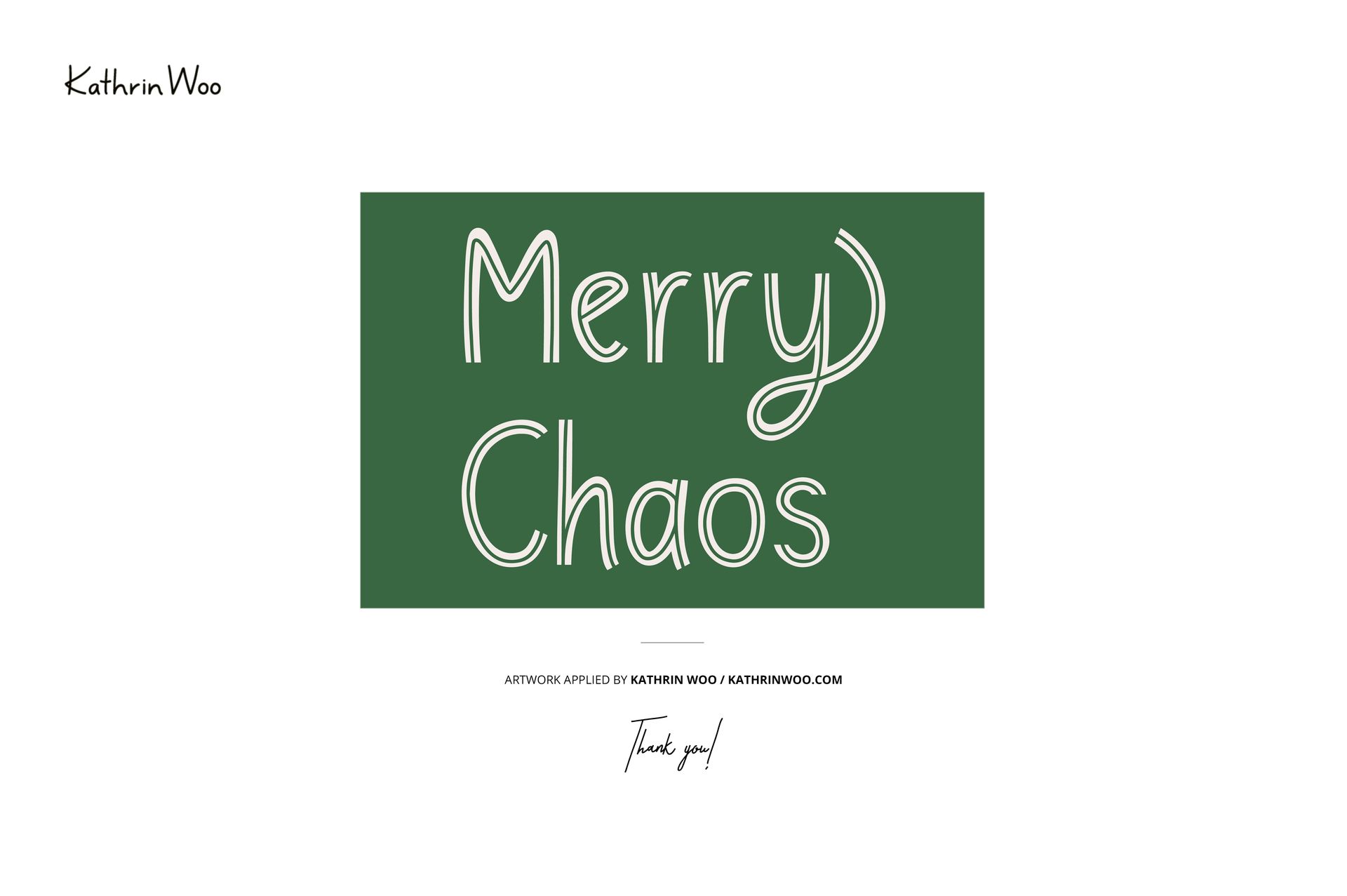
5 layered PSD files, each approximately 6000x6000 pixels at 300 DPI. Multiple views of the two-piece pajama set: flat lays showing both pieces, top-focused shots, and coordinated outfit compositions. Smart object layers for separate design placement on the top and pants. Organized, labeled layer structure. File size: approximately 1.06 GB total. Compatible with Adobe Photoshop CC 2020 or newer and Photopea (free online editor). Preview designs by Kathrin Woo (kathrinwoo.com) are for demonstration only and are not included in the download.

What You Can Customize

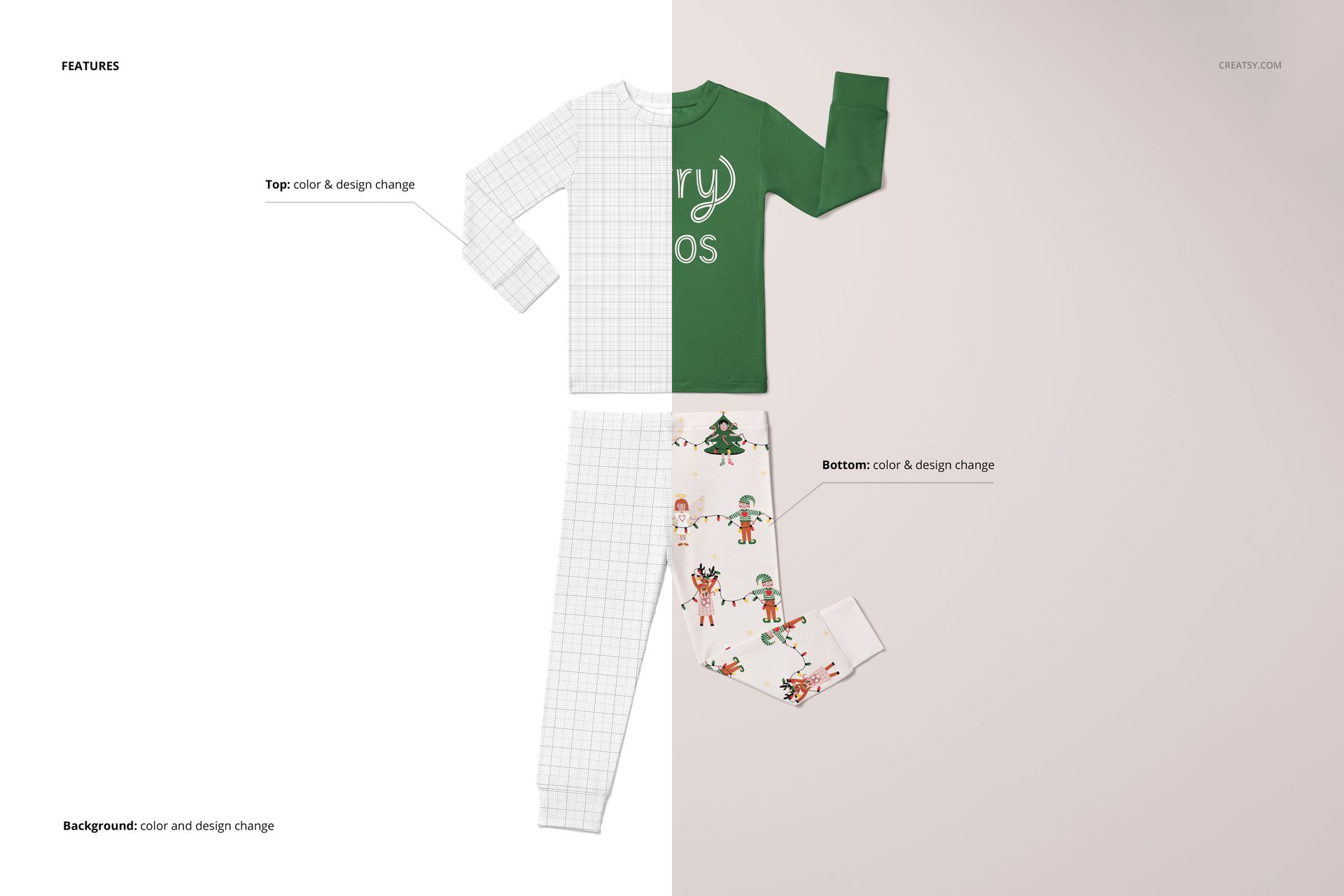
Place your pattern, illustration, lettering, or graphic artwork onto the pajama top and pants separately - each piece has its own smart object. Test a bold graphic on the shirt with a coordinating all-over pattern on the pants, or apply the same repeat to both pieces for a matching set look. Compare colorways across the full outfit. Check how your typography reads at toddler garment scale. The mockup handles perspective, fabric folds, and shadow rendering automatically.

Who This Mockup Is For

Surface pattern designers creating children's textile or sleepwear collections. Print-on-demand sellers listing toddler pajamas on Etsy, Shopify, or Amazon. Children's clothing brands preparing product visuals before production samples arrive. Illustrators and lettering artists showing their work on applied products for portfolios or licensing pitches. Branding designers building visual identity presentations for kids' sleepwear labels.

File Specifications

Format: PSD (Adobe Photoshop). Number of files: 5 PSD scenes. Resolution: approximately 6000x6000 pixels at 300 DPI (square format). Download size: approximately 1.06 GB. Layer structure: organized layers with smart objects for top and pants. Compatibility: Adobe Photoshop CC 2020+, Photopea. Design credit: preview artwork by Kathrin Woo (not included in download).

File details

Compatibility
PhotopeaAdobe Photoshop
Number of files included
10
Package size
1.05 GB1.05 GB|1.13 GB1.13 GB
Files type
.psd, .jpg
Files size
6000x6000
TEST FOR FREE

MEET THE SHOP

Creatsy logo

Creatsy

Poland
4.7 (642)

Bring your ideas to life.

We're a family-run studio in Katowice, Poland, making PSD mockups by hand since 2016. Everything in this shop starts in our own studio. We shoot the photography, build the 3D, and put together every Smart Object PSD ourselves - then we test it, organize the layers, and only ship it once it actually works...
GO TO SHOP

HOW IT WORKS

3 clicks. That's it.

No tutorial needed. If you can copy-paste, you can use this.

  1. 1OpenDouble-click the smart object inside the PSD - in Adobe Photoshop, or free in your browser with Photopea.
  2. 2PasteDrop in your pattern, print, or artwork. Any design, any style.
  3. 3SaveHit save and the mockup wraps it in for you - shadows, folds, and lighting included.

FROM IDEA TO IMAGE

Built for real workflows

Skip the photo shoot Show your artwork on the real product type for approvals or listings - no studio, no model, no sample.

See it on the product, not a swatch Drop your file into the smart object and the scene's lighting and folds wrap around it, so you judge the real thing before you commit.

Smart Objects

Edit once and you're done. Your artwork drops into a smart object and the mockup updates itself - no masking, no warping by hand.

Perfectly Organized

Named layers and folders you can actually navigate. Find what you need, change what you want, and get out fast.

Print-Ready

High-resolution files built to hold up on screen and in print. Exact size and DPI are in this product's Details above.