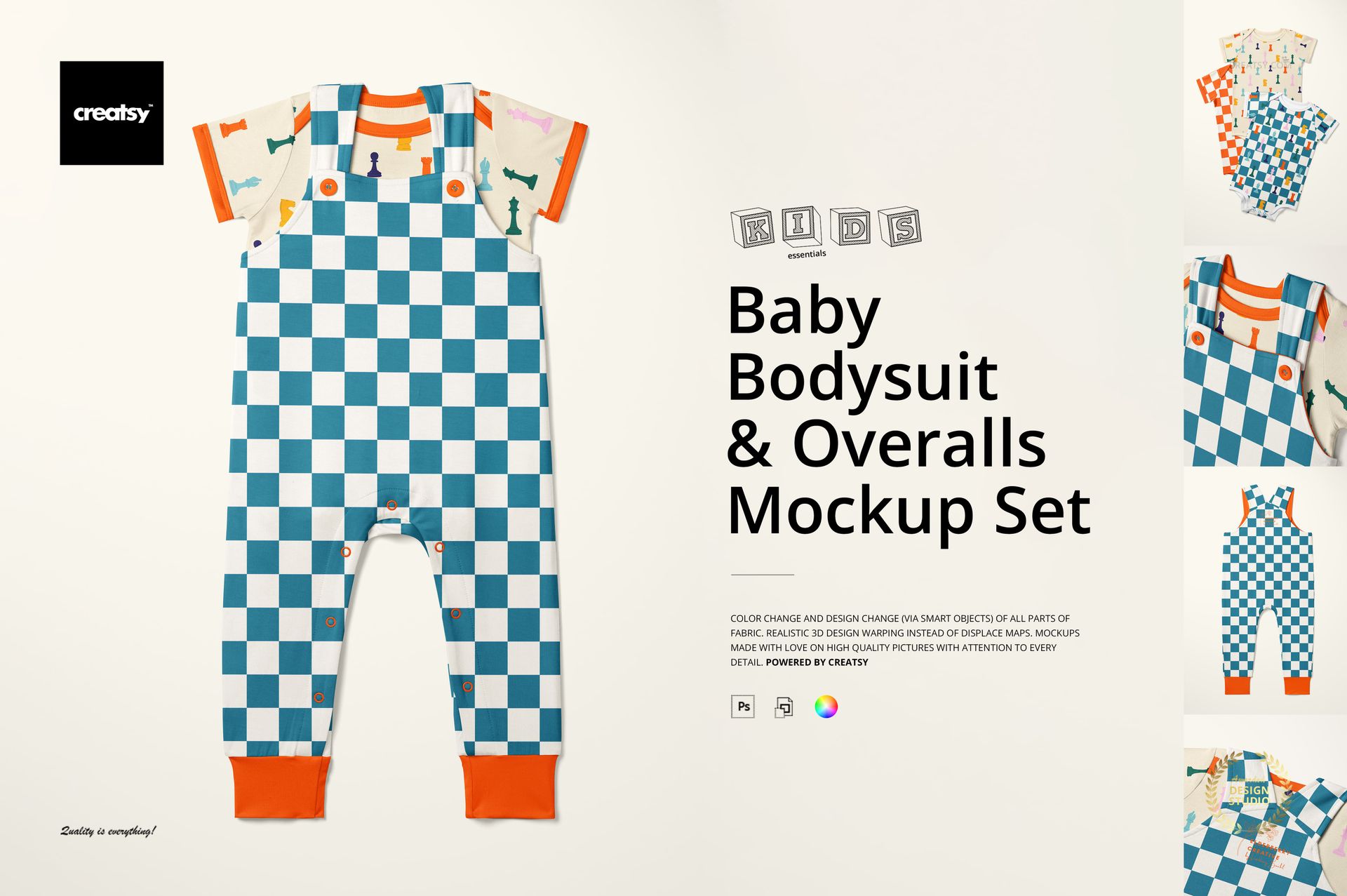
Baby Bodysuit and Overalls Mockup Set
This product is a part of Kids Essentials Mockup Bundle II
Product Details
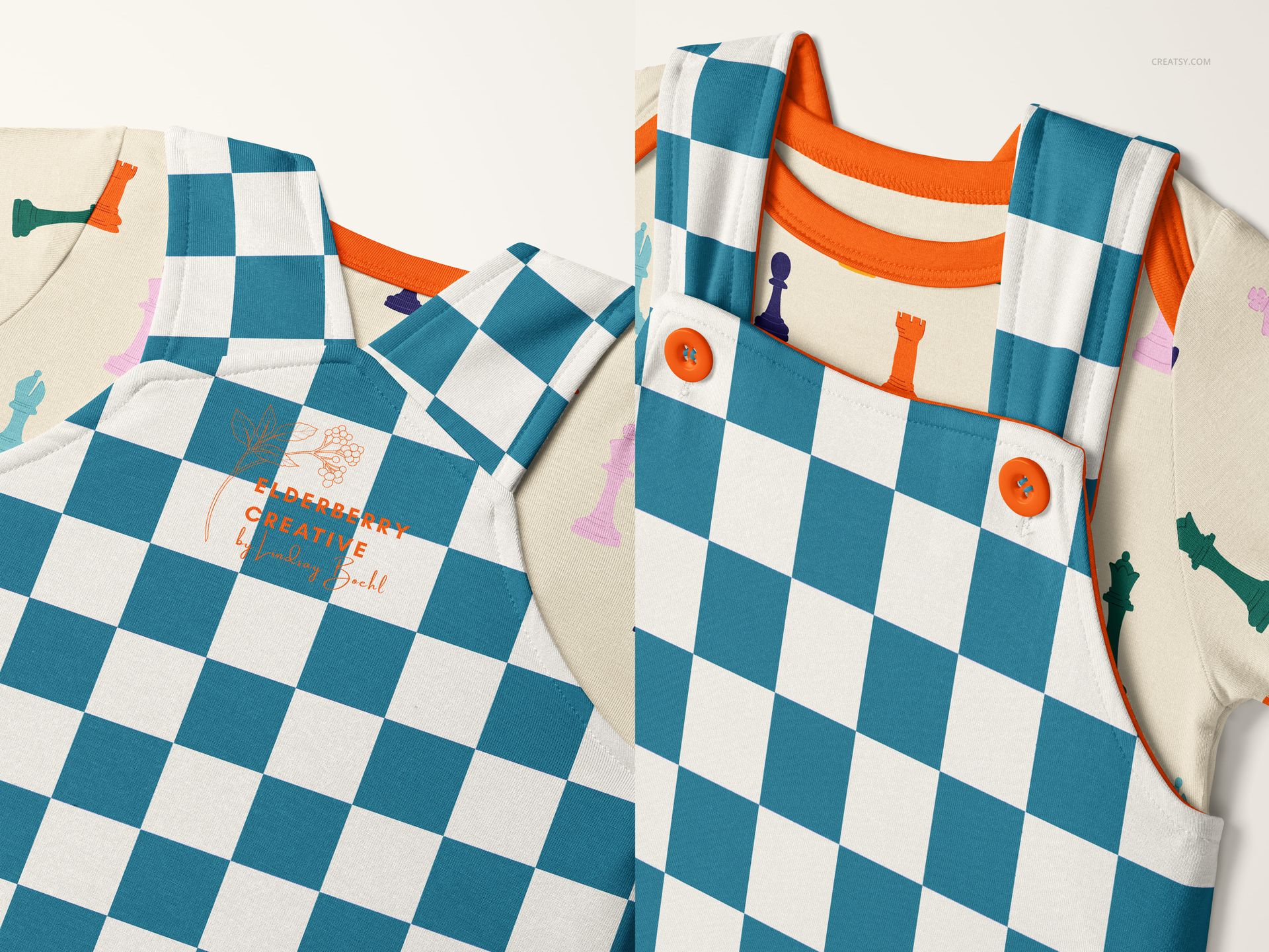
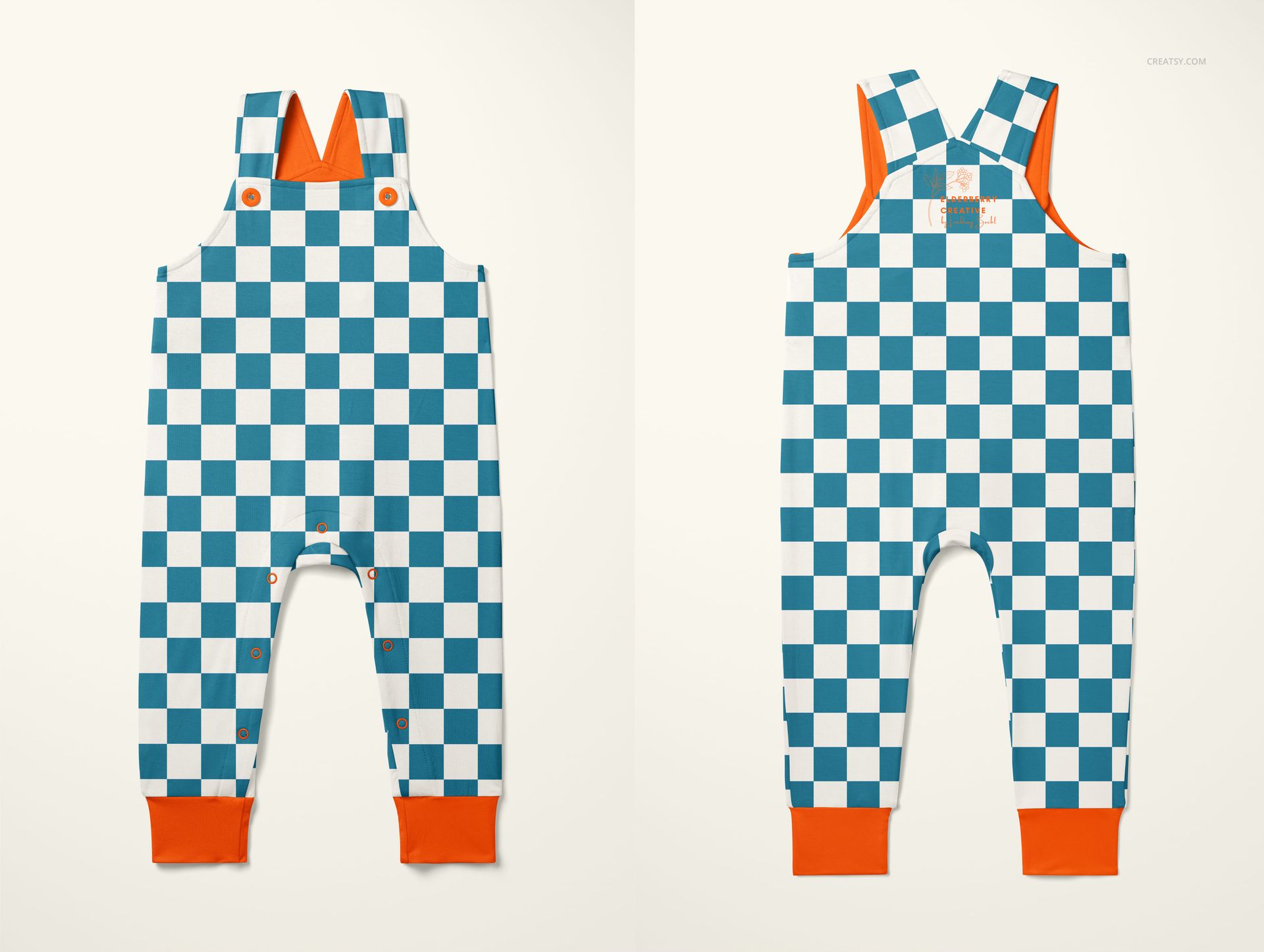
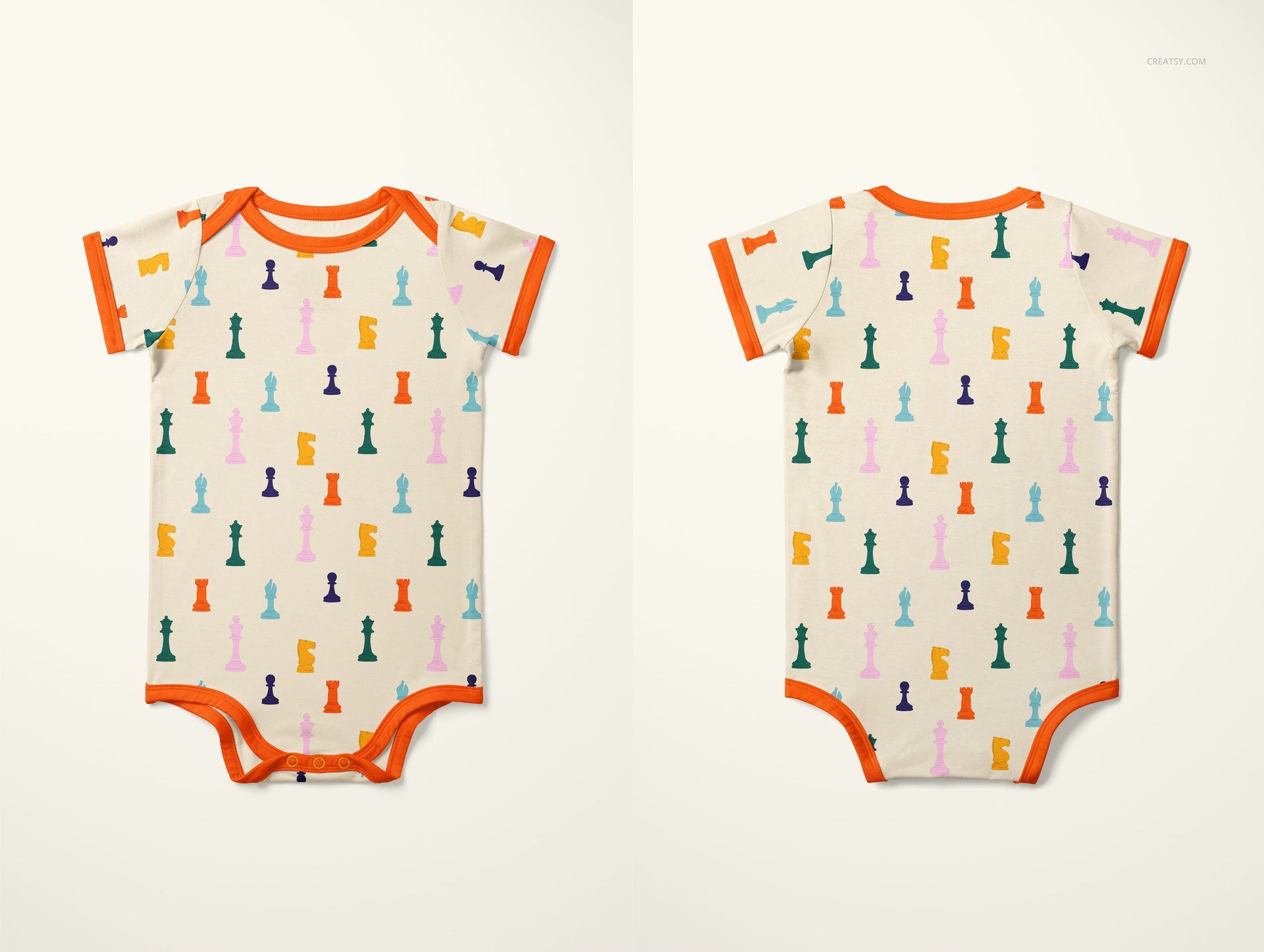
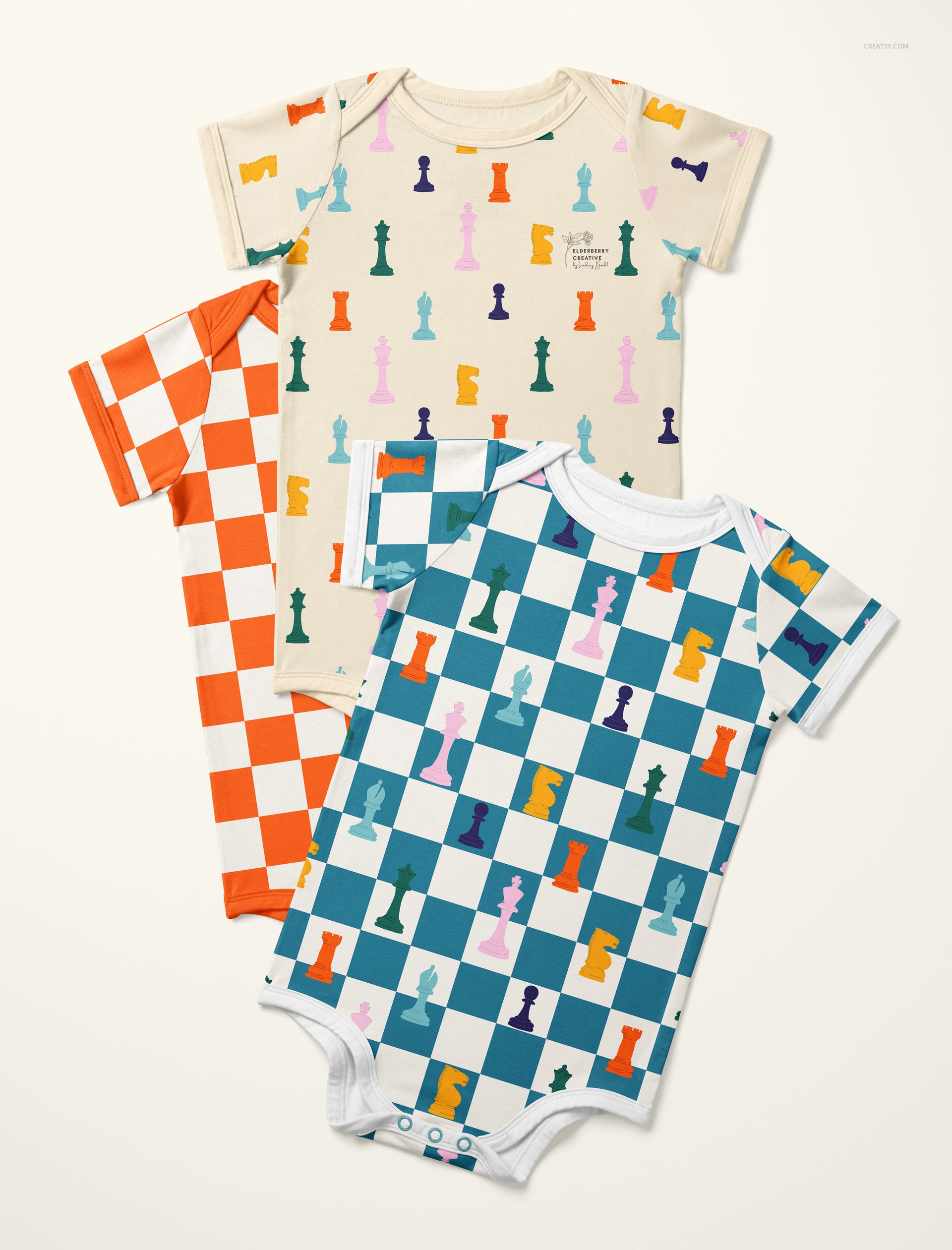
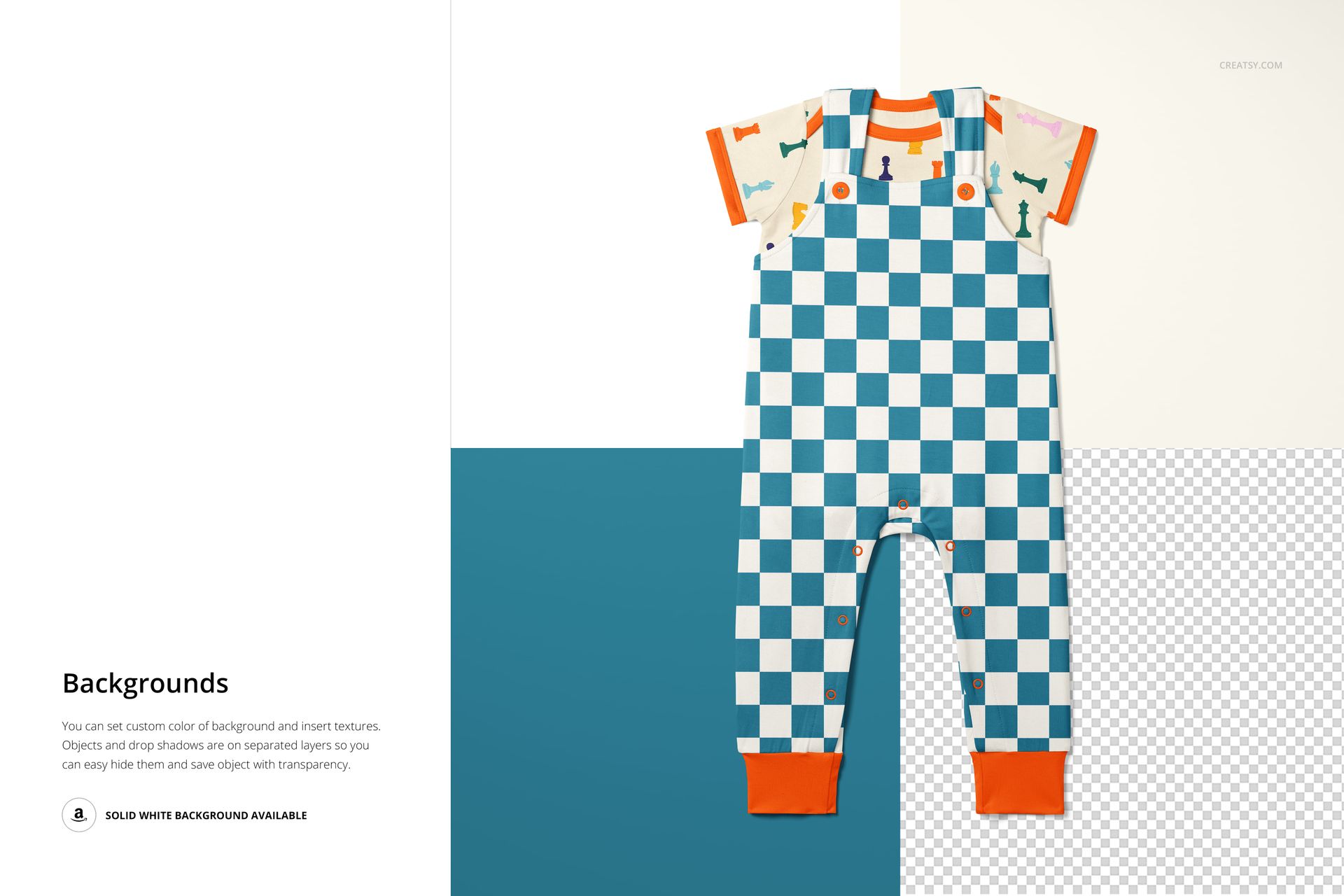
The Baby Bodysuit and Overalls Mockup Set pairs two of the most popular newborn garment types in a single pack - a classic baby bodysuit and matching overalls. Together, these two silhouettes cover the majority of baby outfit combinations that parents shop for: a standalone bodysuit, overalls worn over a bodysuit, or each piece styled separately. With 9 PSD files at approximately 6000x4000 pixels and 300 DPI, you get enough angles and scenes to build a full product listing from a single download.
This set is designed for surface pattern designers, babywear brands, and print-on-demand sellers who need photorealistic product images showing their patterns on real-looking baby clothing. Instead of ordering fabric samples, sewing prototypes, and hiring a photographer, you open a PSD, paste your artwork into a smart object, and export a shop-ready image in minutes.
Why a Bodysuit and Overalls Combination
Baby bodysuits and overalls are frequently sold as coordinated sets. Parents buy them together, brands design them together, and retailers merchandise them together. A mockup set that includes both garment types lets you present a coordinated outfit - the same pattern on the bodysuit that peeks out from under the overalls, or a complementary print pairing where the bodysuit uses a solid color and the overalls carry the hero pattern. That outfit-level presentation is what drives higher average order values in online baby clothing shops.
For pattern designers licensing artwork to manufacturers, showing both garment types together demonstrates that your design system works across multiple product shapes. A licensing agent or art director reviewing your portfolio can immediately see how the pattern scales from the compact bodysuit to the larger overalls panels, and whether the coordinate prints work as a set.
What Is Included
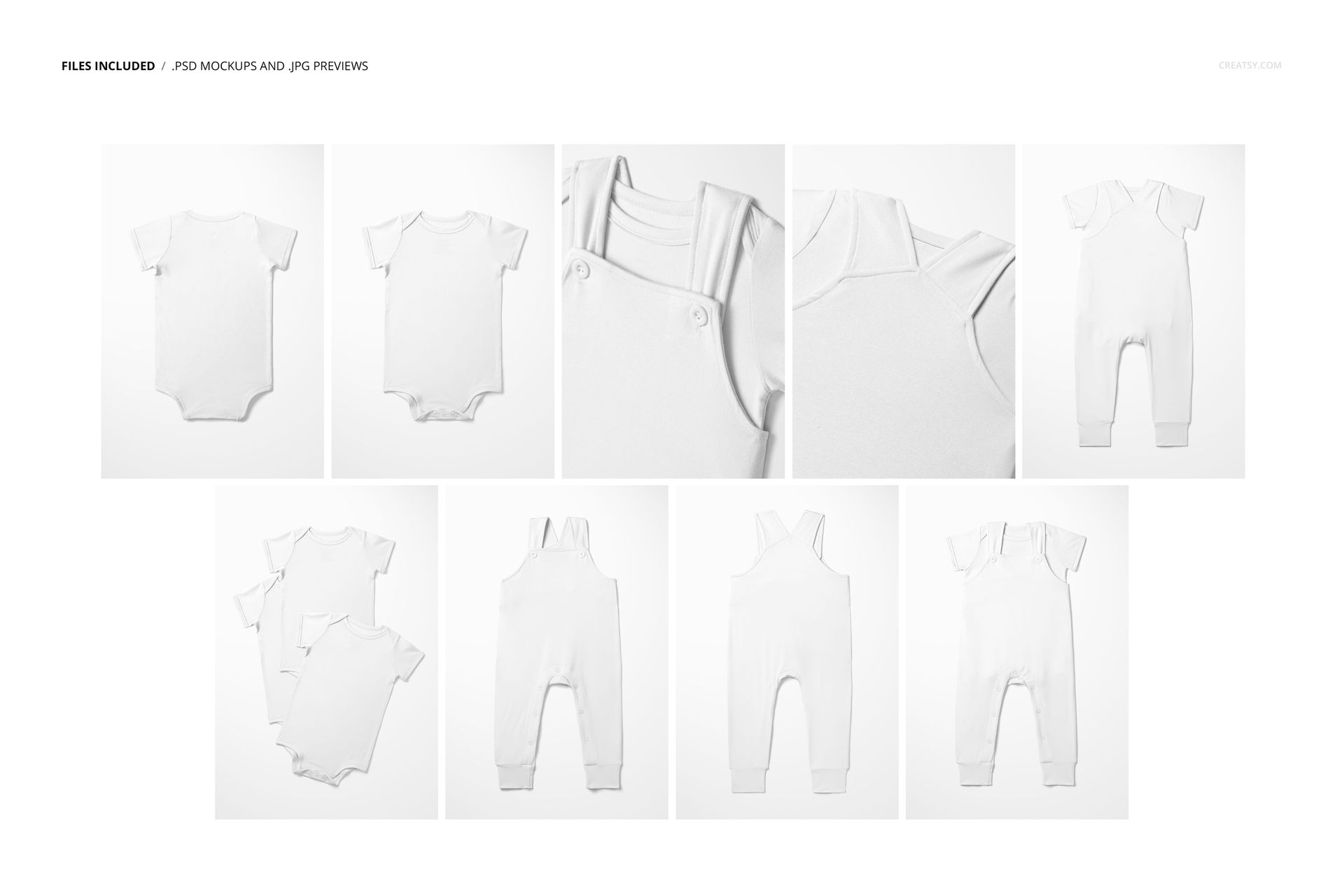
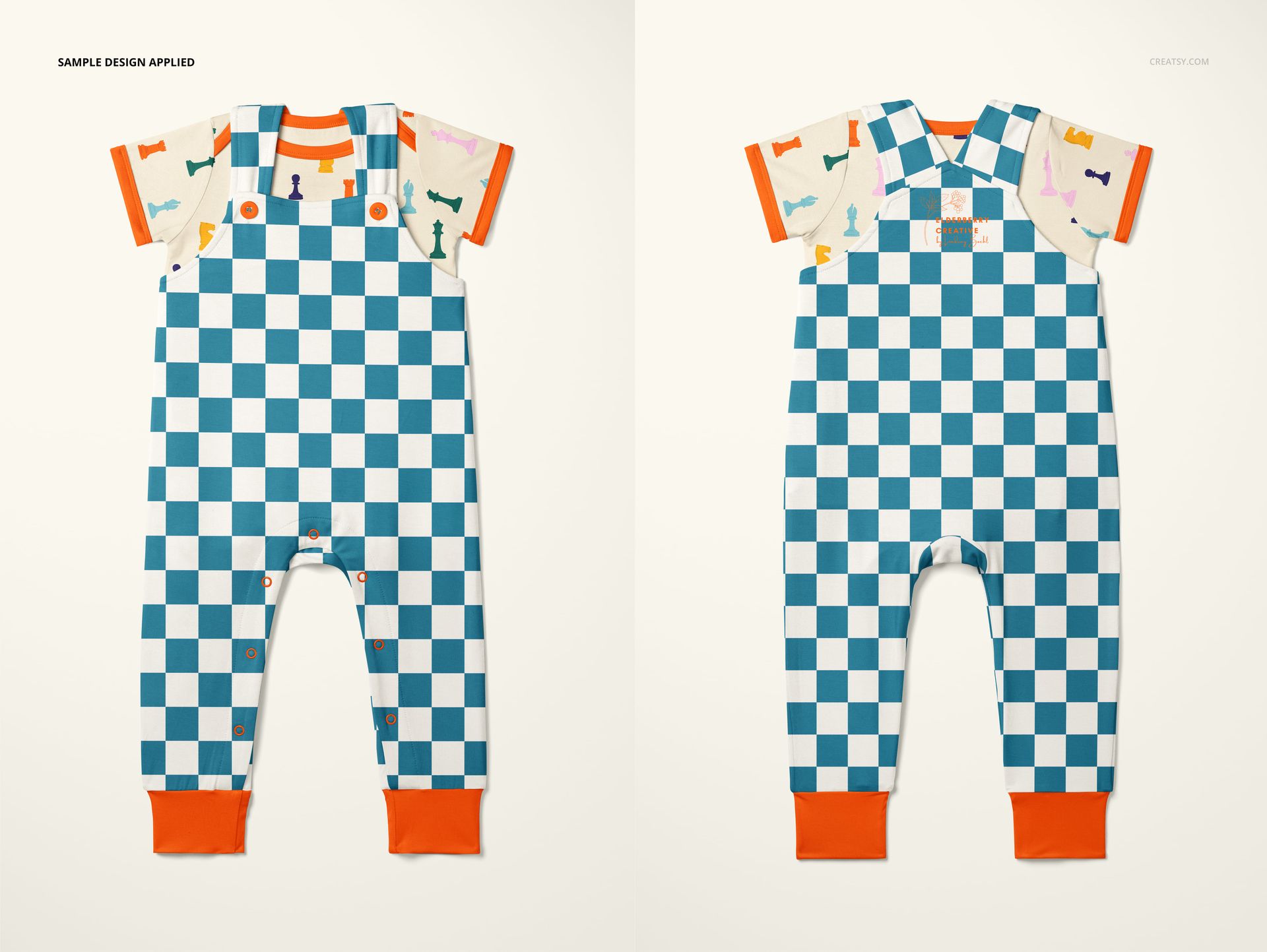
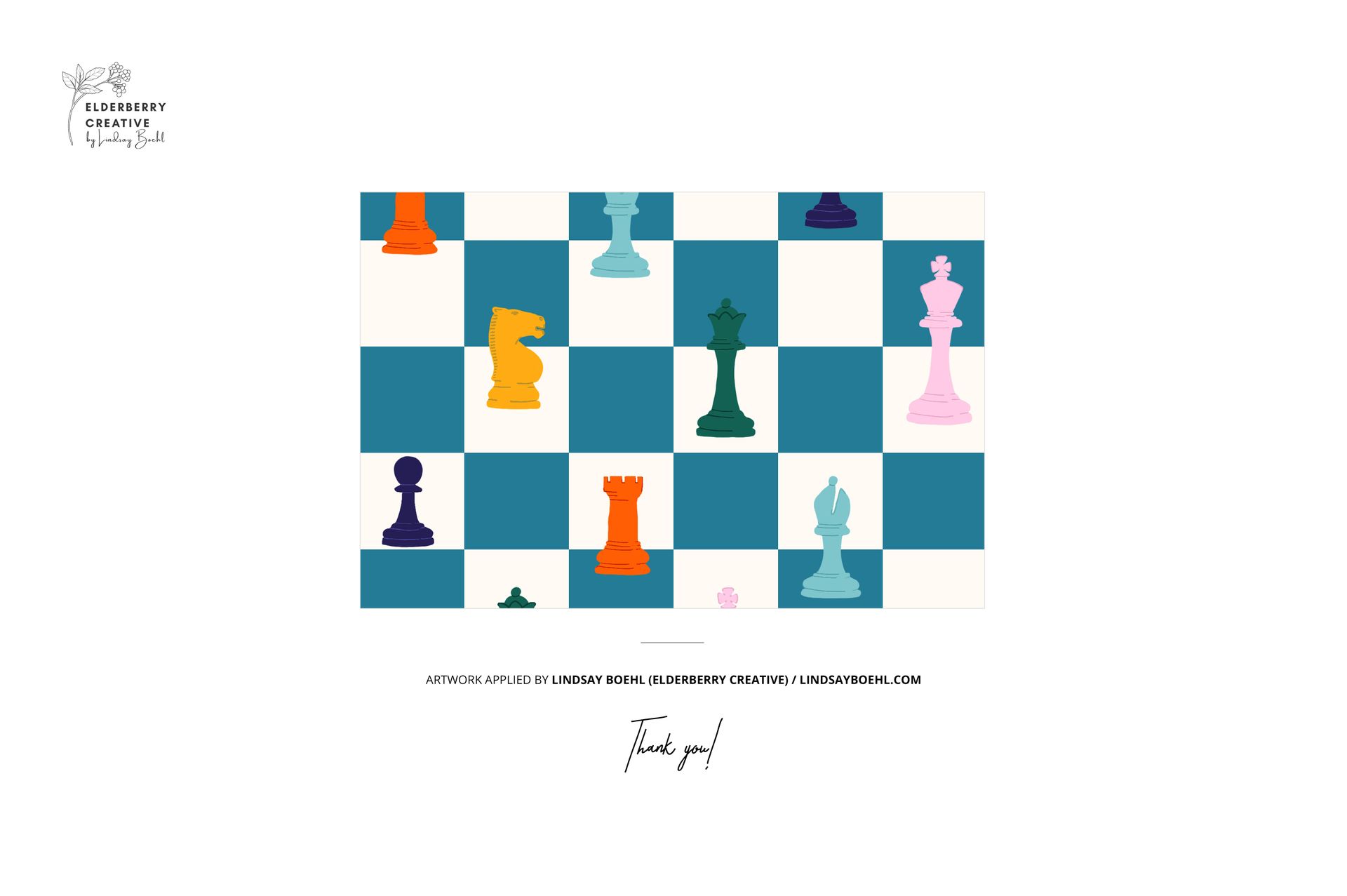
9 layered PSD files, each approximately 6000x4000 pixels at 300 DPI. Multiple angles: flat lay views of both garments (front and back), close-up details, and styled compositions showing the bodysuit and overalls together. Smart object layers for one-click pattern placement on each garment. Organized, labeled layer structure across all files. File size: approximately 2.56 GB total. Compatible with Adobe Photoshop CC 2020 or newer and Photopea (free online editor). Preview designs by Lindsay Boehl (Elderberry Creative) are shown for demonstration purposes and are not included in the download.
What You Can Customize
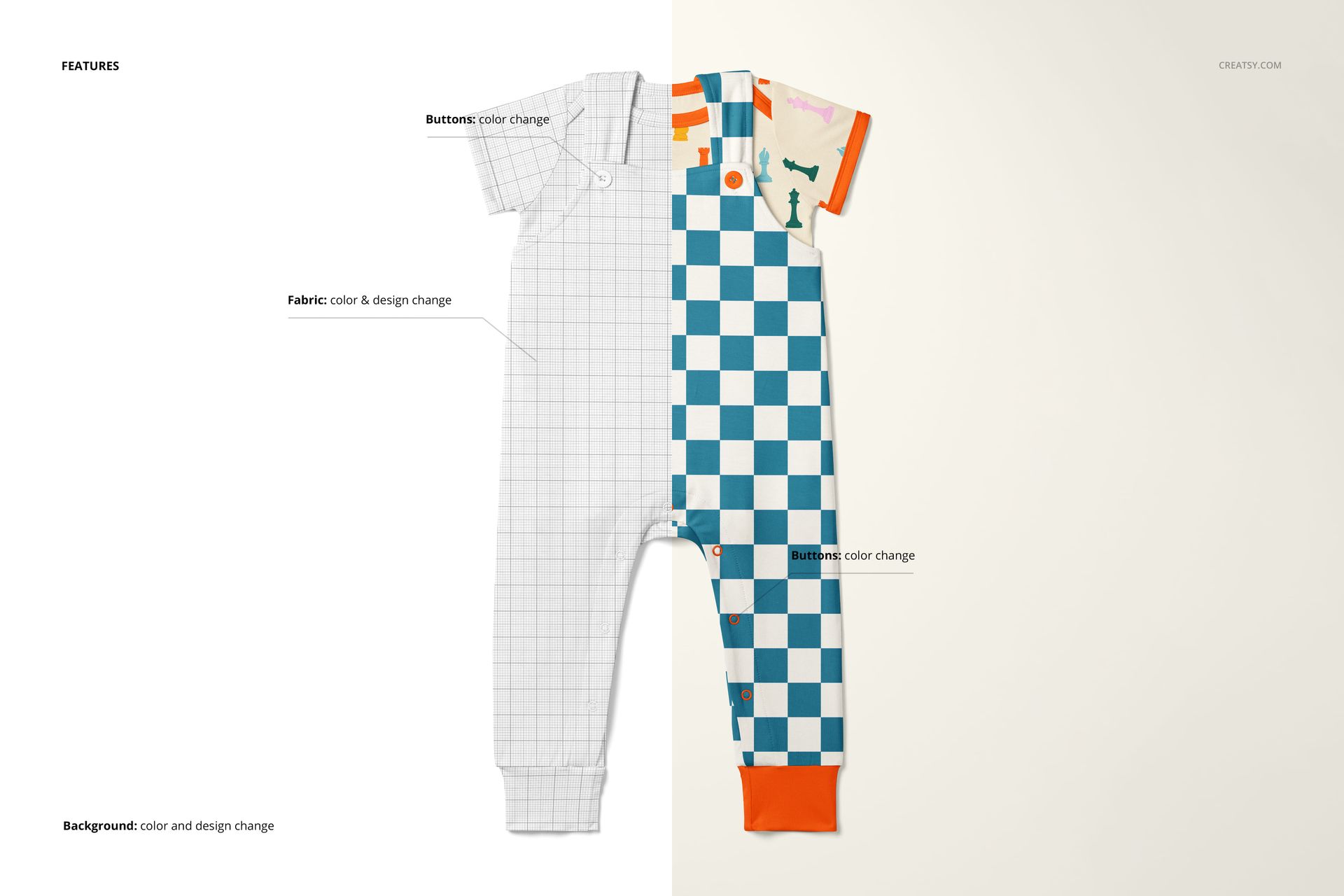
Apply your repeat pattern, illustration, or surface design onto the bodysuit and overalls separately - each garment has its own smart object layer. Test how a pattern reads on the bodysuit's compact front panel versus the overalls' larger bib and leg areas. Compare colorways by swapping artwork across the 9 scenes. Check whether a dense ditsy print or an open geometric works better at each garment's scale. The automatic perspective mapping, shadow rendering, and fabric fold simulation mean your exported images look like real product photography.
Who This Mockup Set Is For
Surface pattern designers creating baby textile collections or licensing artwork for children's apparel. Print-on-demand sellers listing baby clothing on Etsy, Shopify, Amazon Handmade, or Redbubble. Babywear brands preparing visual assets before production sampling. Textile designers pitching baby fabric collections to manufacturers. Branding designers building visual identity systems for children's clothing labels. Freelance illustrators showing applied artwork on products for portfolio presentations.
File Specifications
Format: PSD (Adobe Photoshop). Number of files: 9 PSD scenes. Resolution: approximately 6000x4000 pixels at 300 DPI. Download size: approximately 2.56 GB. Layer structure: organized layers with smart objects. Compatibility: Adobe Photoshop CC 2020+, Photopea. Design credit: preview patterns by Lindsay Boehl / Elderberry Creative (not included in download).
File details
- Compatibility
- Number of files included
- 18
- Package size
- 2.55 GB
|2.74 GB
- Files type
- .psd, .jpg
- Files size
- 6000x4000


MEET THE SHOP

HOW IT WORKS
3 clicks. That's it.
No tutorial needed. If you can copy-paste, you can use this.
- 1OpenDouble-click the smart object inside the PSD - in Adobe Photoshop, or free in your browser with Photopea.
- 2PasteDrop in your pattern, print, or artwork. Any design, any style.
- 3SaveHit save and the mockup wraps it in for you - shadows, folds, and lighting included.
FROM IDEA TO IMAGE
Built for real workflows
Skip the photo shoot Show your artwork on the real product type for approvals or listings - no studio, no model, no sample.
See it on the product, not a swatch Drop your file into the smart object and the scene's lighting and folds wrap around it, so you judge the real thing before you commit.
Smart Objects
Edit once and you're done. Your artwork drops into a smart object and the mockup updates itself - no masking, no warping by hand.
Perfectly Organized
Named layers and folders you can actually navigate. Find what you need, change what you want, and get out fast.
Print-Ready
High-resolution files built to hold up on screen and in print. Exact size and DPI are in this product's Details above.