4 oz Candle Tin Mockup Set - Cotton Wick
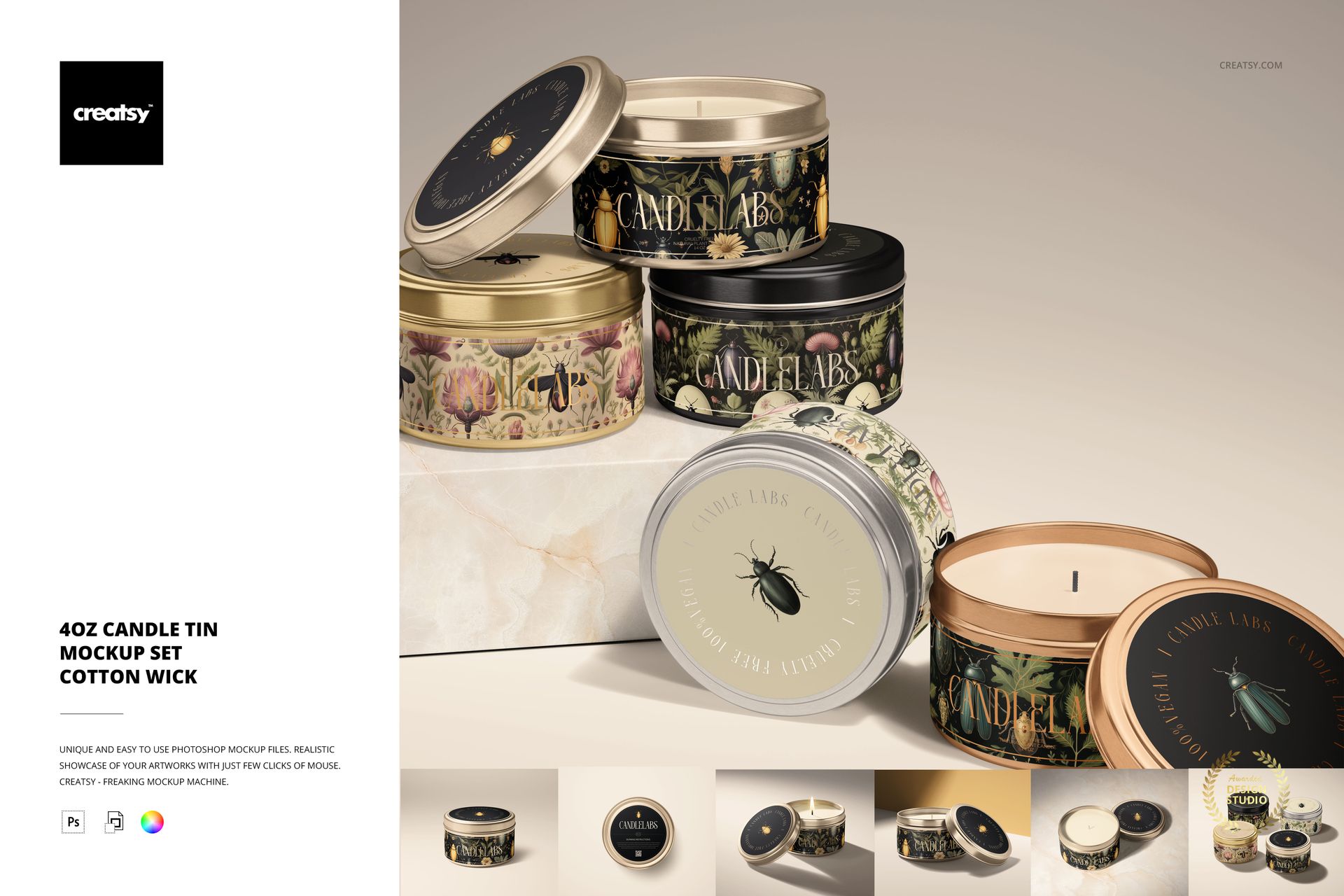
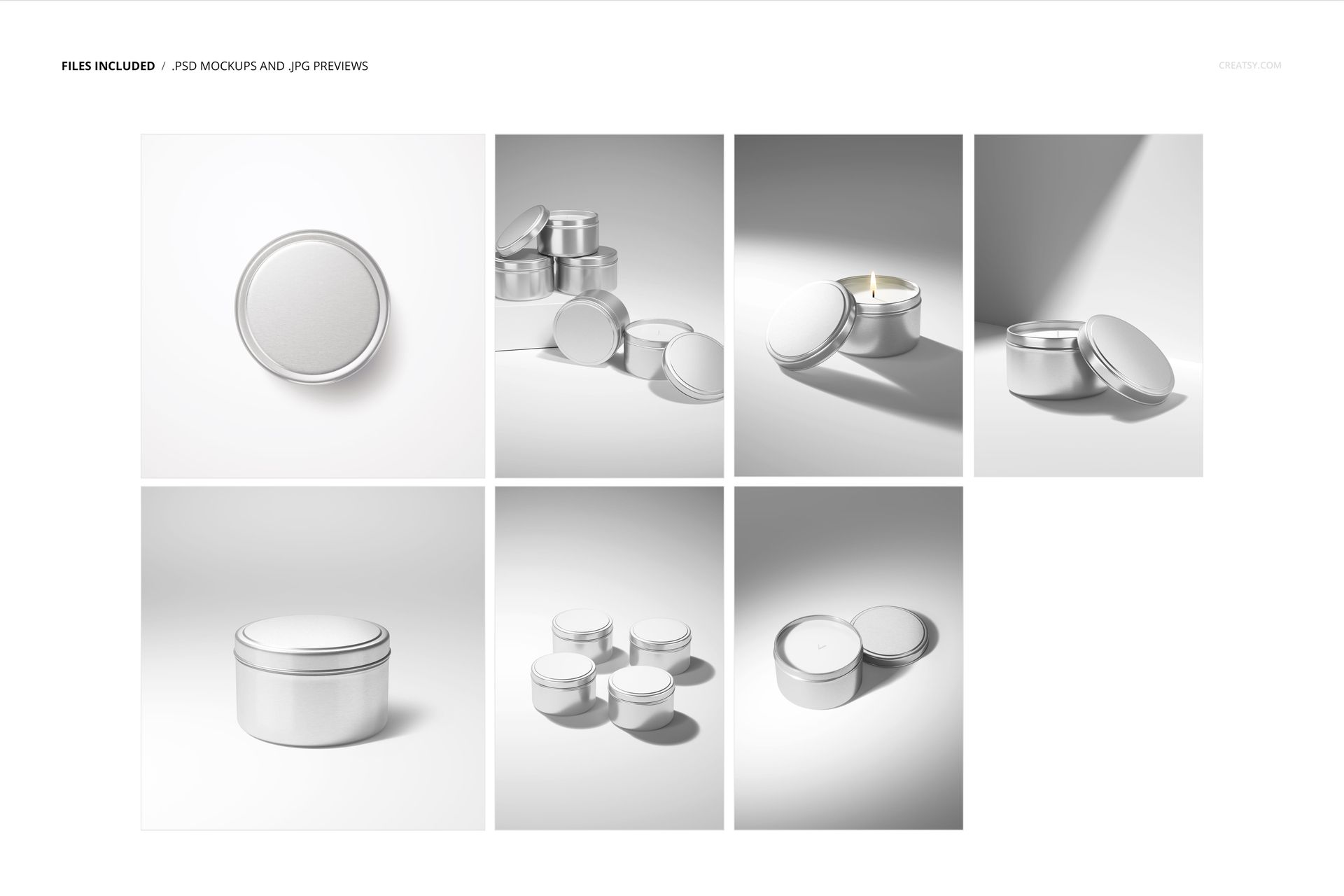
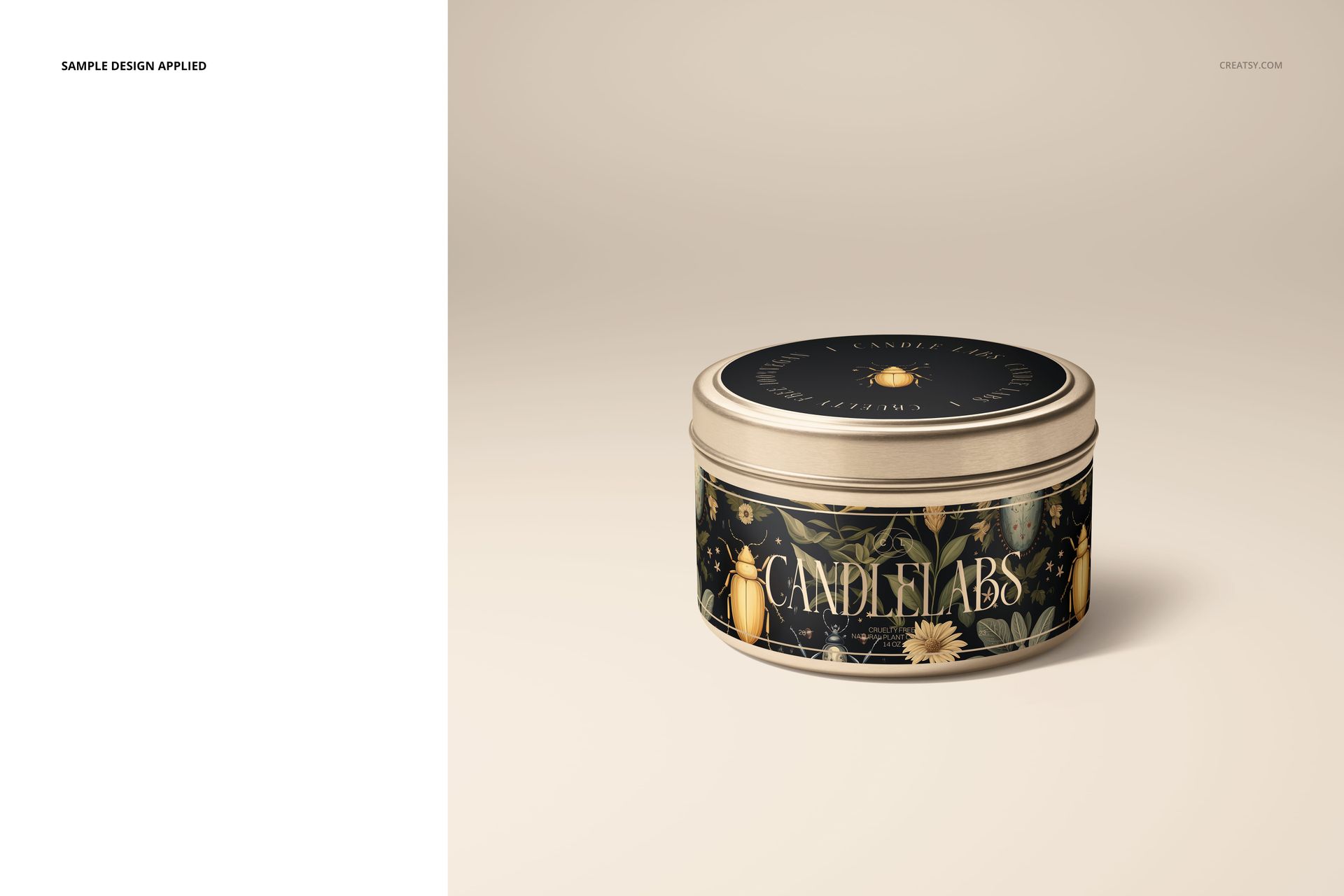
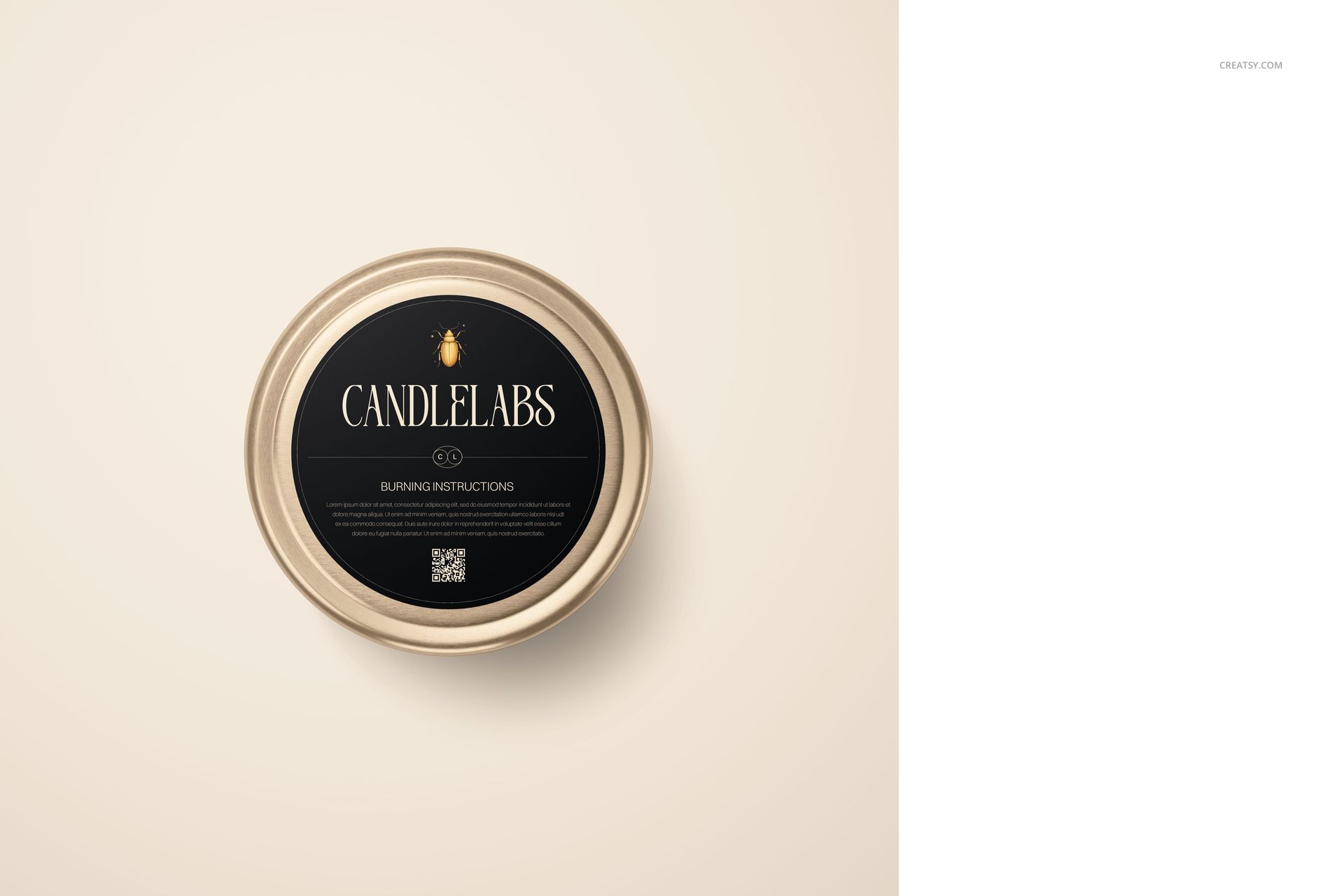
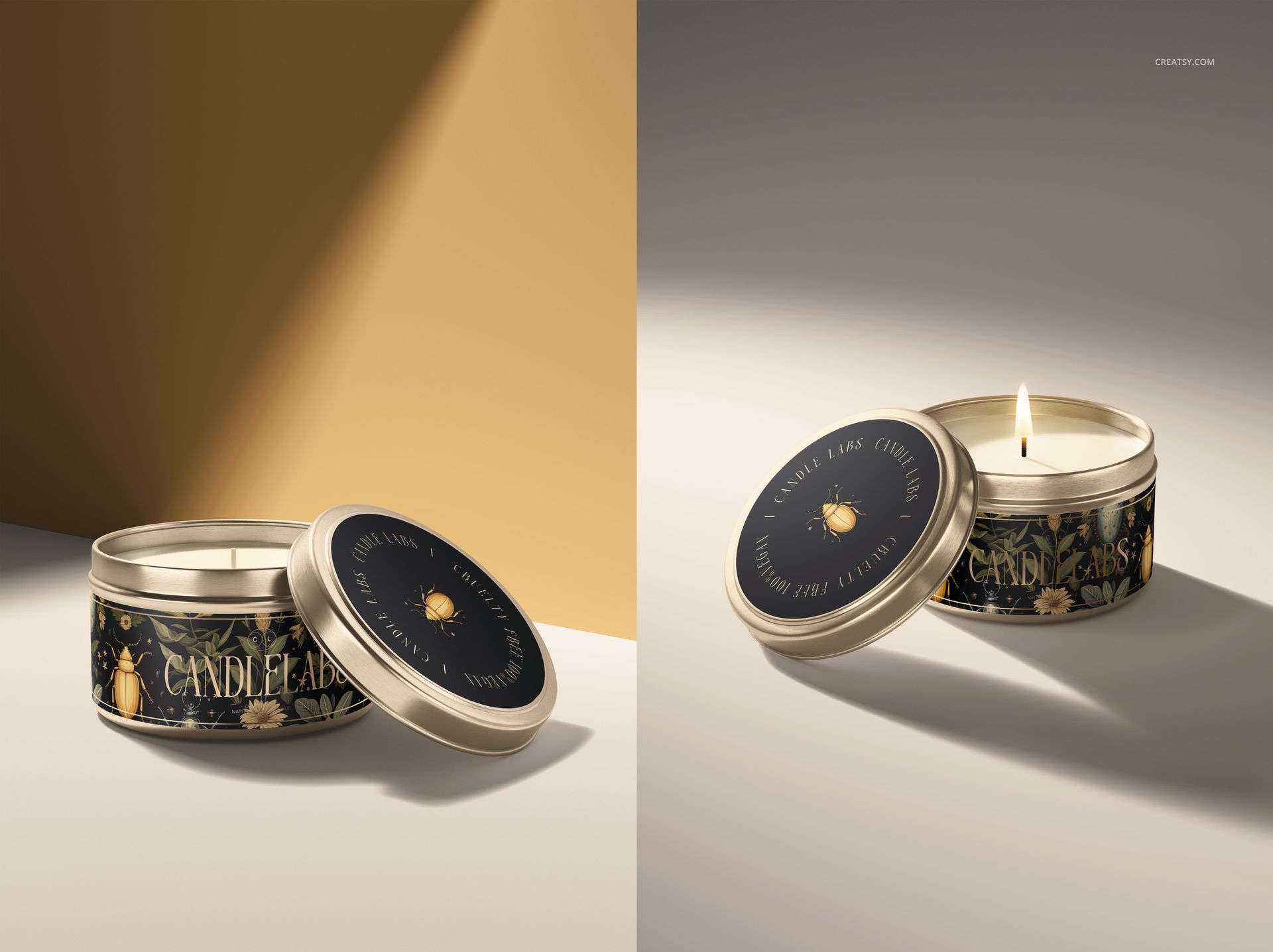
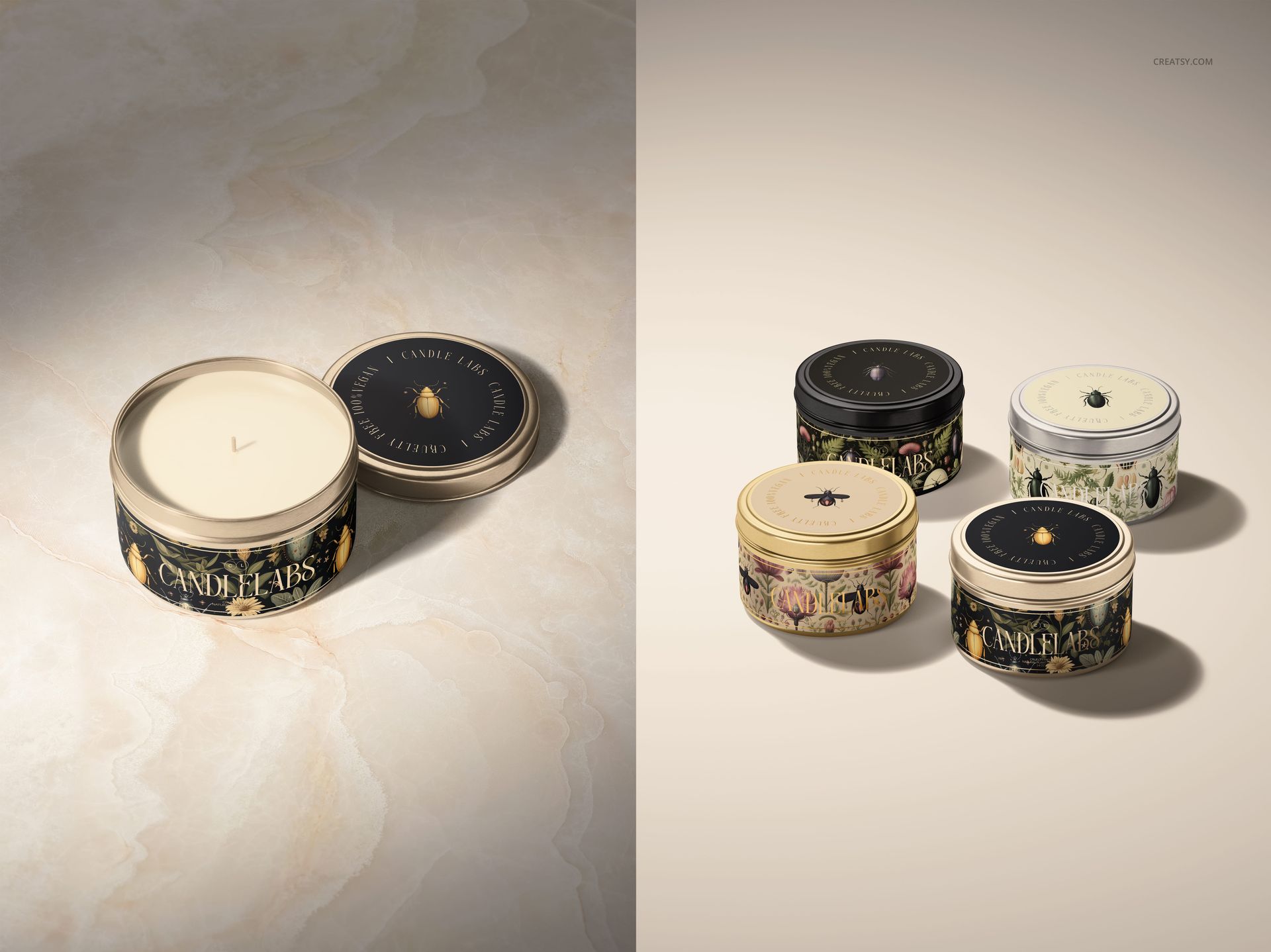
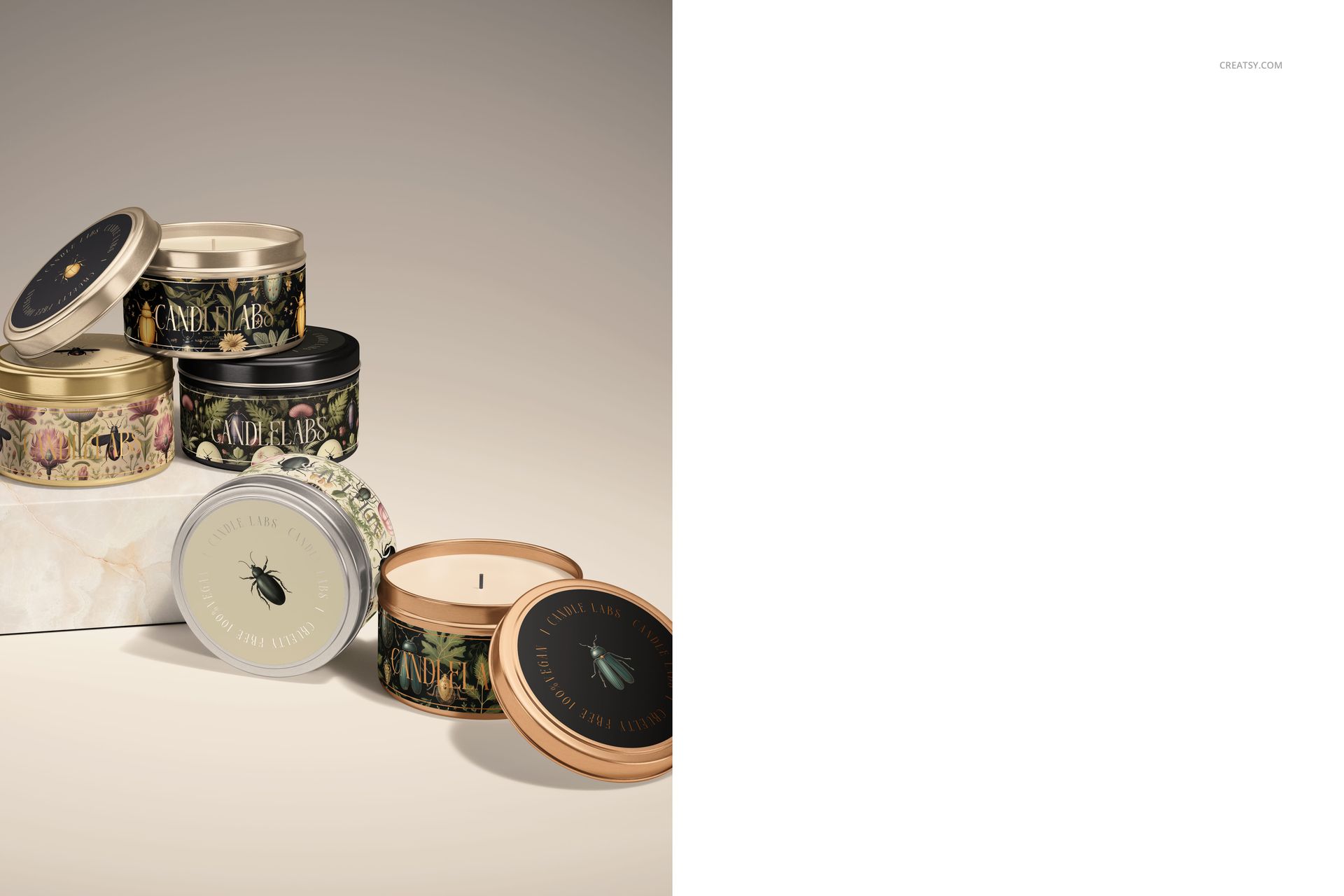
Develop a coordinated design for a 4 oz candle tin, from the side artwork to the lid label. Seven editable scenes include a closed tin, a top view, open candles with and without a flame, and group arrangements for showing a collection.
Included files
7 editable PSD mockups and 7 JPG previews.
Portrait and square PSD formats: 4000x6000 px and 6000x6000 px, 300 DPI.
Organized layers for Adobe Photoshop CC 2020 or later and Photopea.
Customize the tin and labels
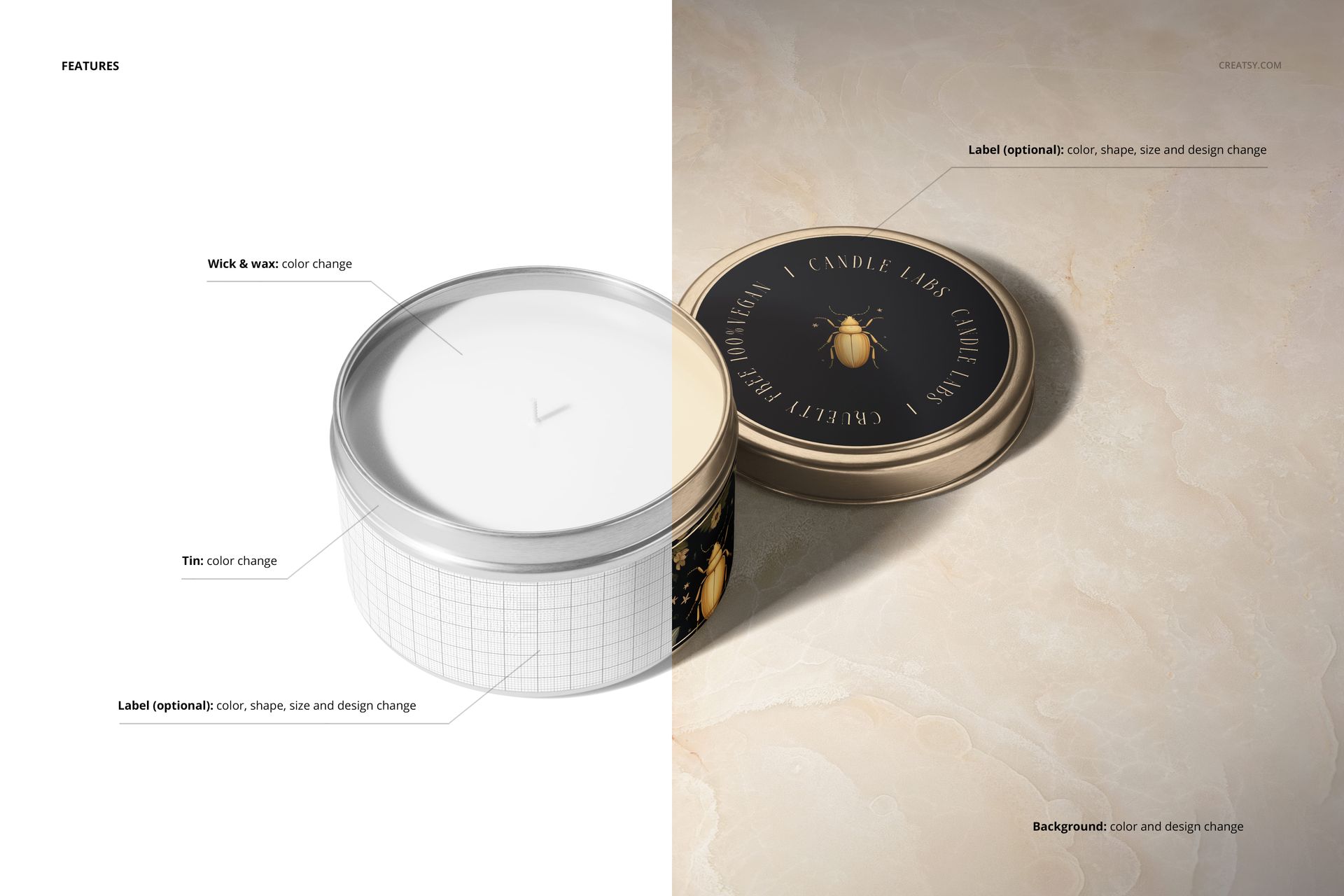
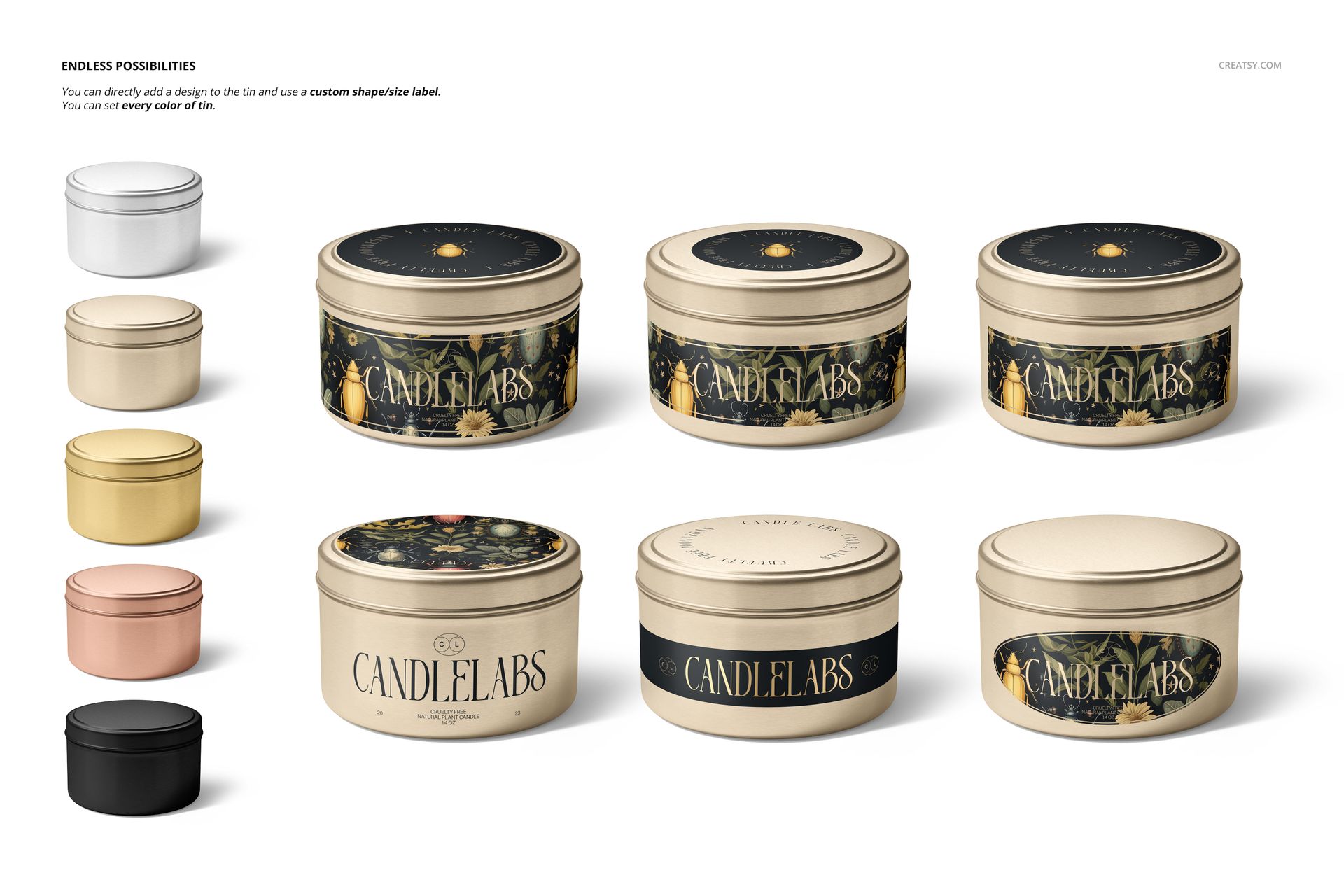
Change the tin color and place artwork directly on the tin.
Use optional side and lid labels with custom shapes, sizes, colors and designs.
Adjust the wax and cotton wick colors.
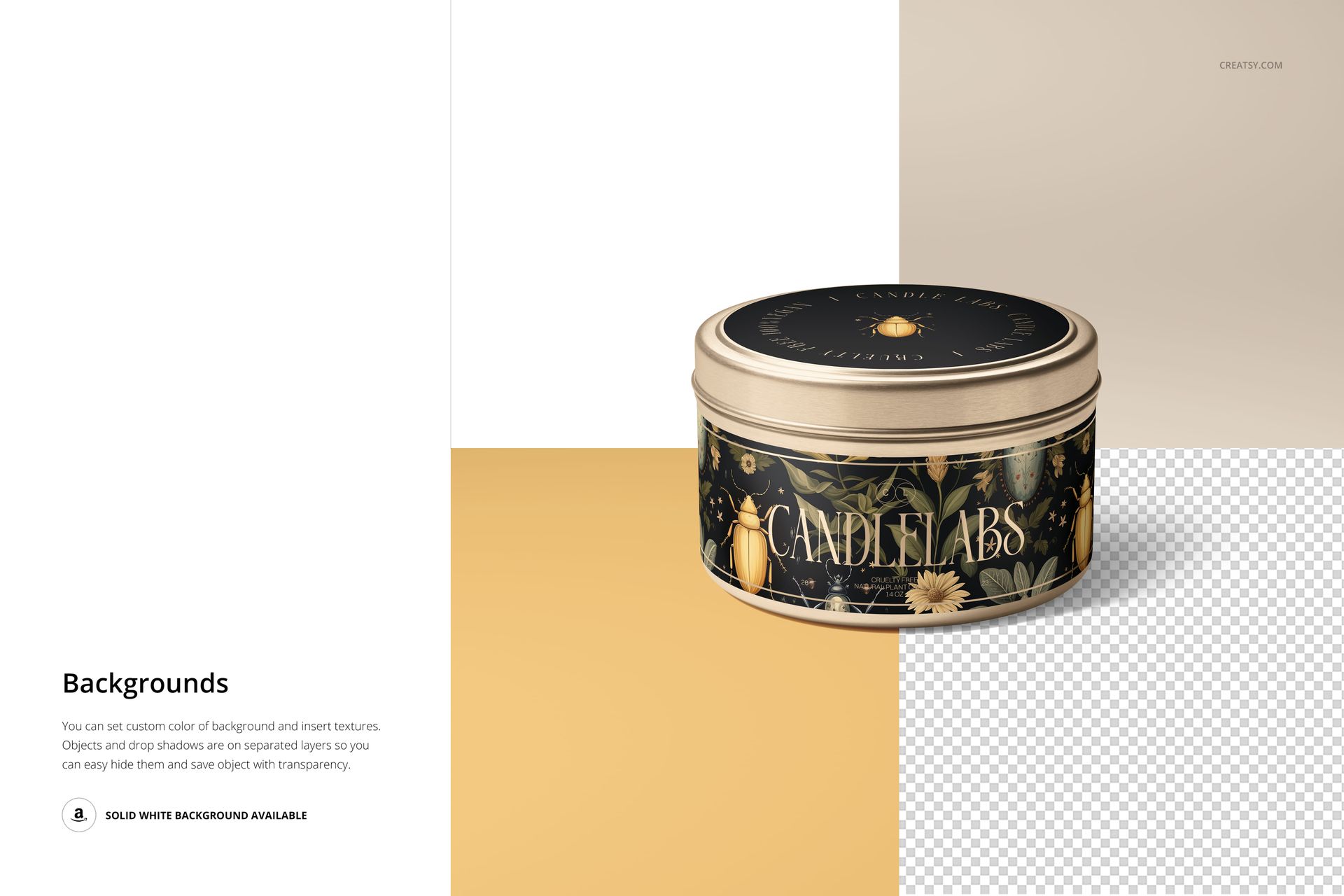
Change the background color or add a design or texture.
Separate object and drop shadow layers support transparent export and a solid white background.
Use the top view to check circular lid artwork, then compare the side design across the single tin and collection scenes.
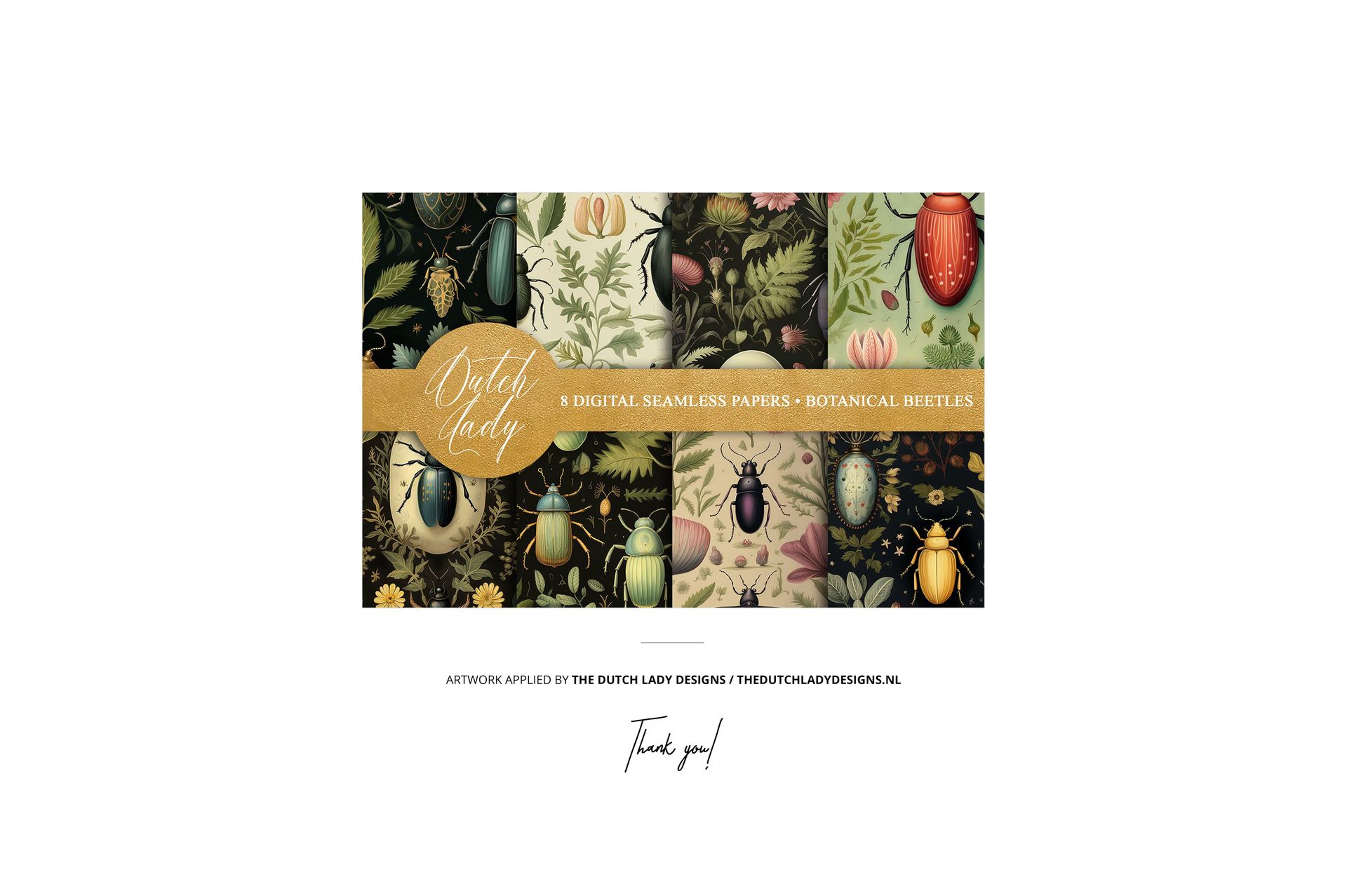
Sample patterns by The Dutch Lady Designs. These patterns are not included in the download.
This is a digital mockup, not a physical candle or printed packaging. Sample artwork shown in the previews is not included.














I initially encountered difficulty downloading the file, but customer service promptly assisted me and sent the files through WeTransfer. It was very helpful. The mockup itself is of excellent quality. I will definitely purchase another mockup from here again.
Thank you so much for your kind review! We’re really glad we could help with the download issue and that you’re happy with the mockup quality. It means a lot to hear you’d shop with us again.