Printify 9oz Scented Soy Candle Mockup Set
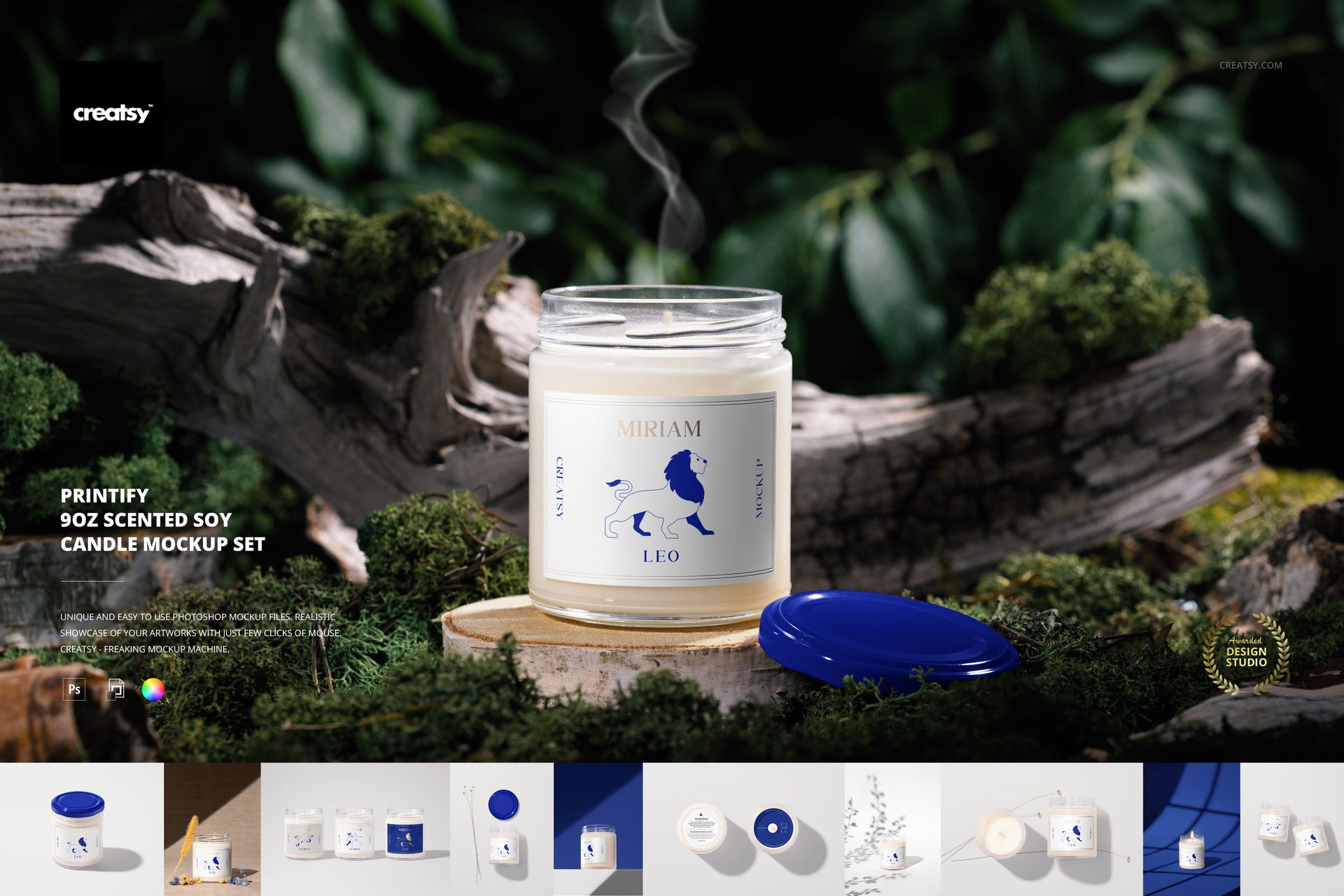
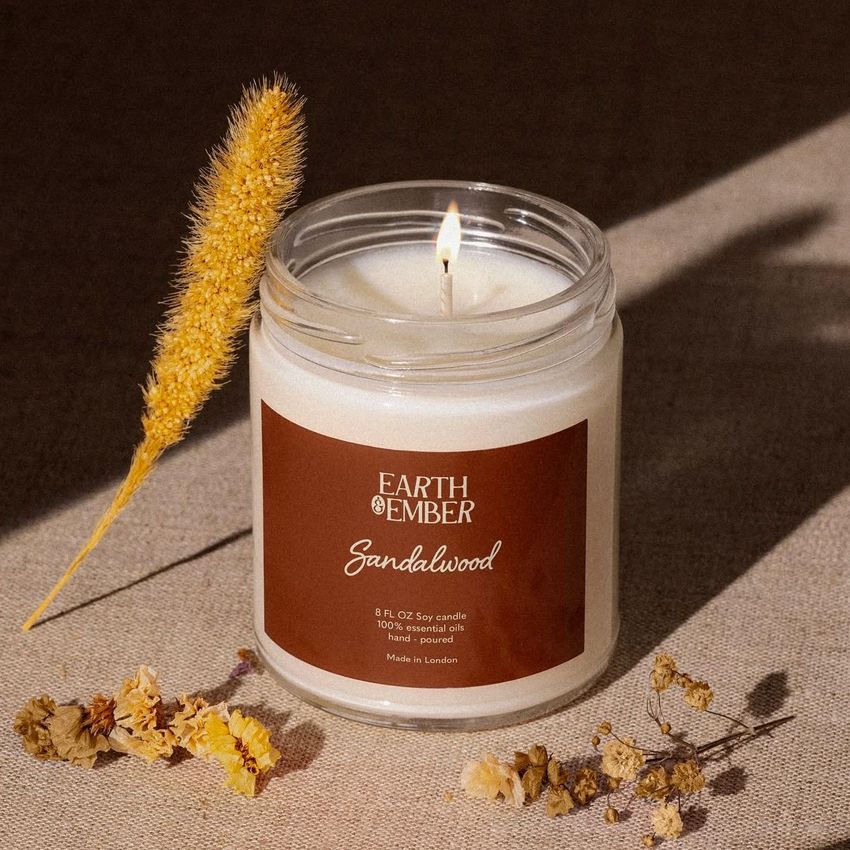
Light your creative flame with the Printify 9oz Scented Soy Candle Mockup Set! Perfect for designers and entrepreneurs looking to create a personalized candle collection, this set offers a versatile selection of 16 high-quality PSD files. Imagine effortlessly bringing your dream candle designs to life, combining your favorite scents with stunning visuals. Now it's easier than ever to create custom candles without the hassle!
Illuminate Your Imagination with Custom Candle Designs
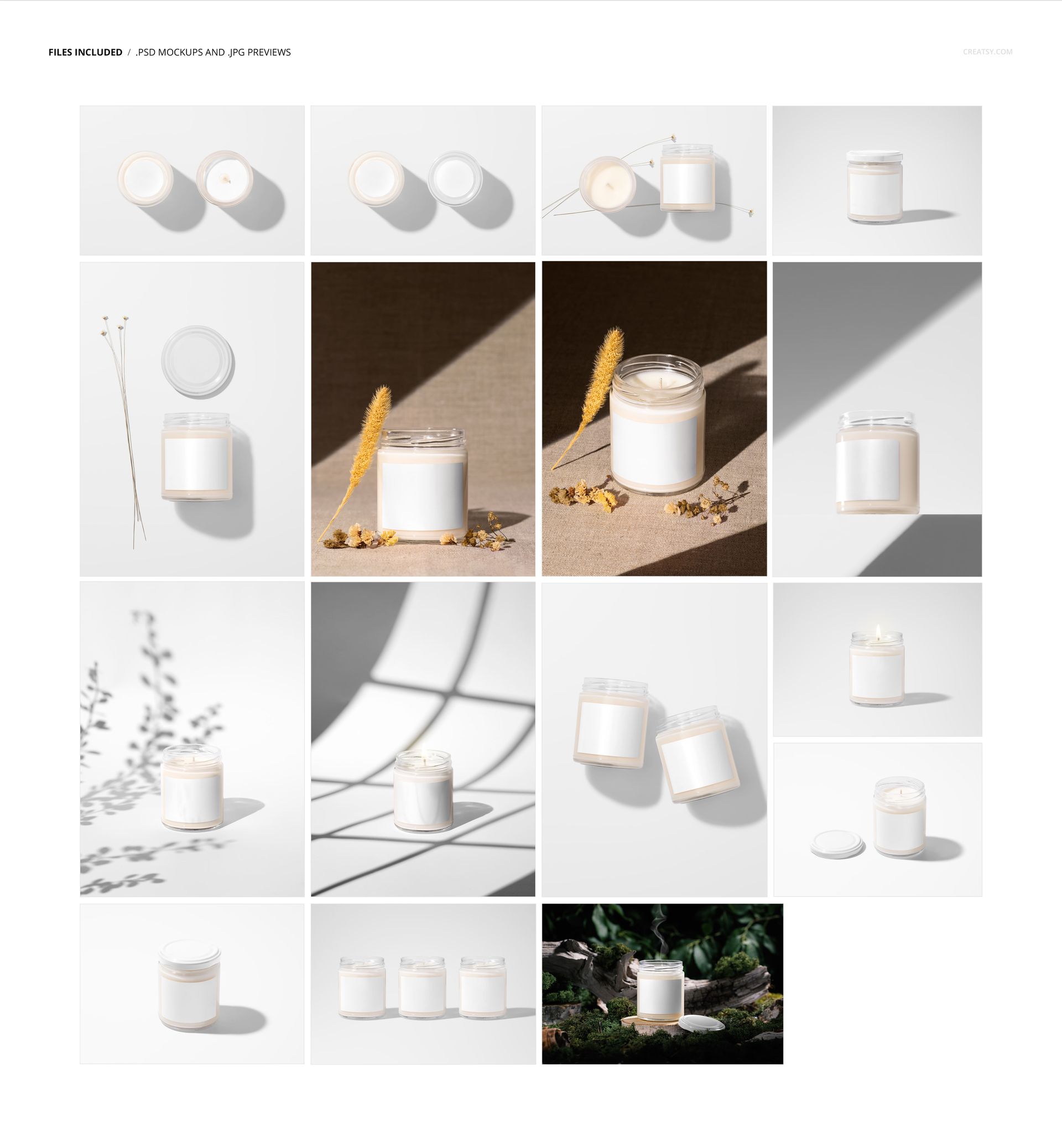
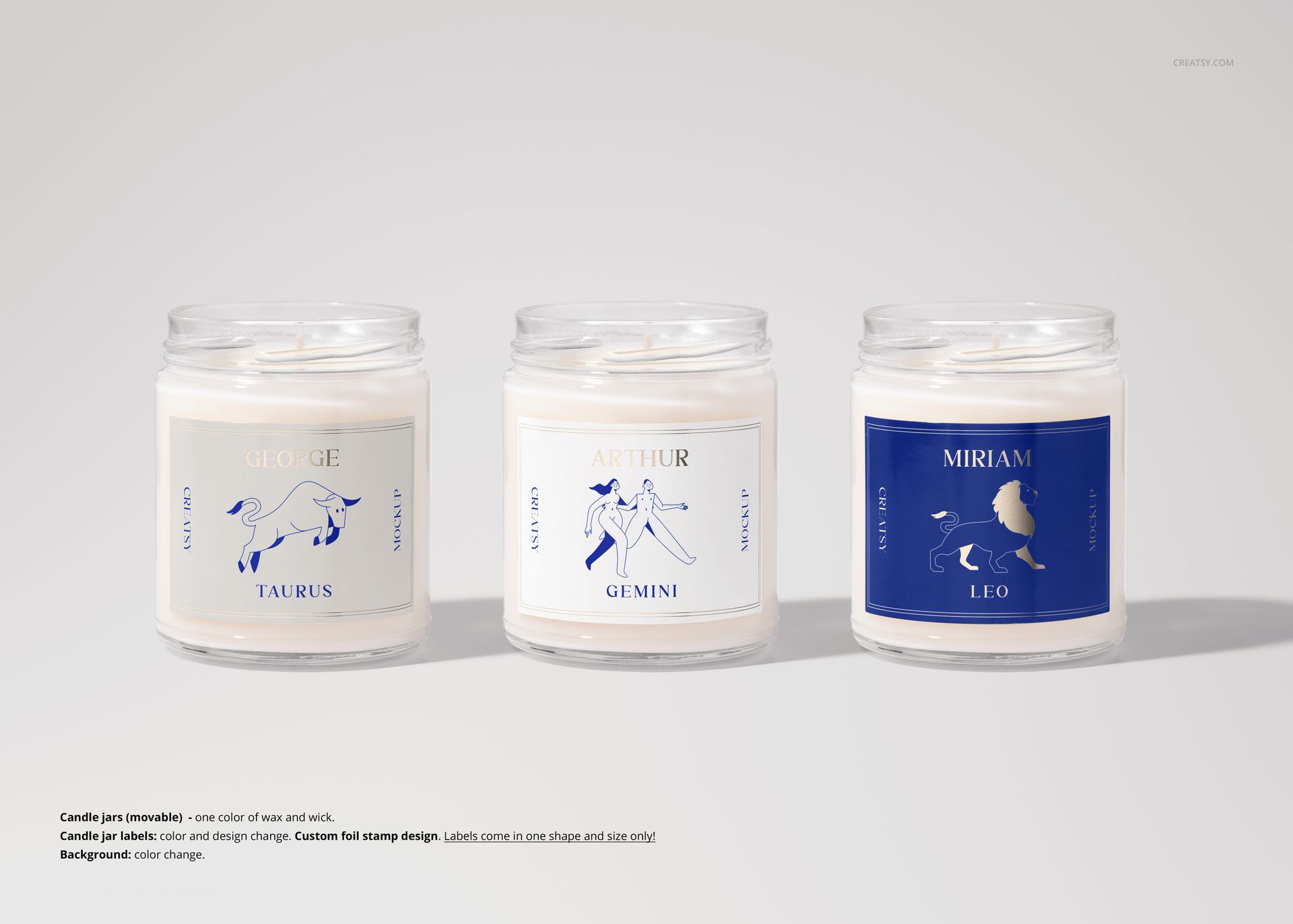
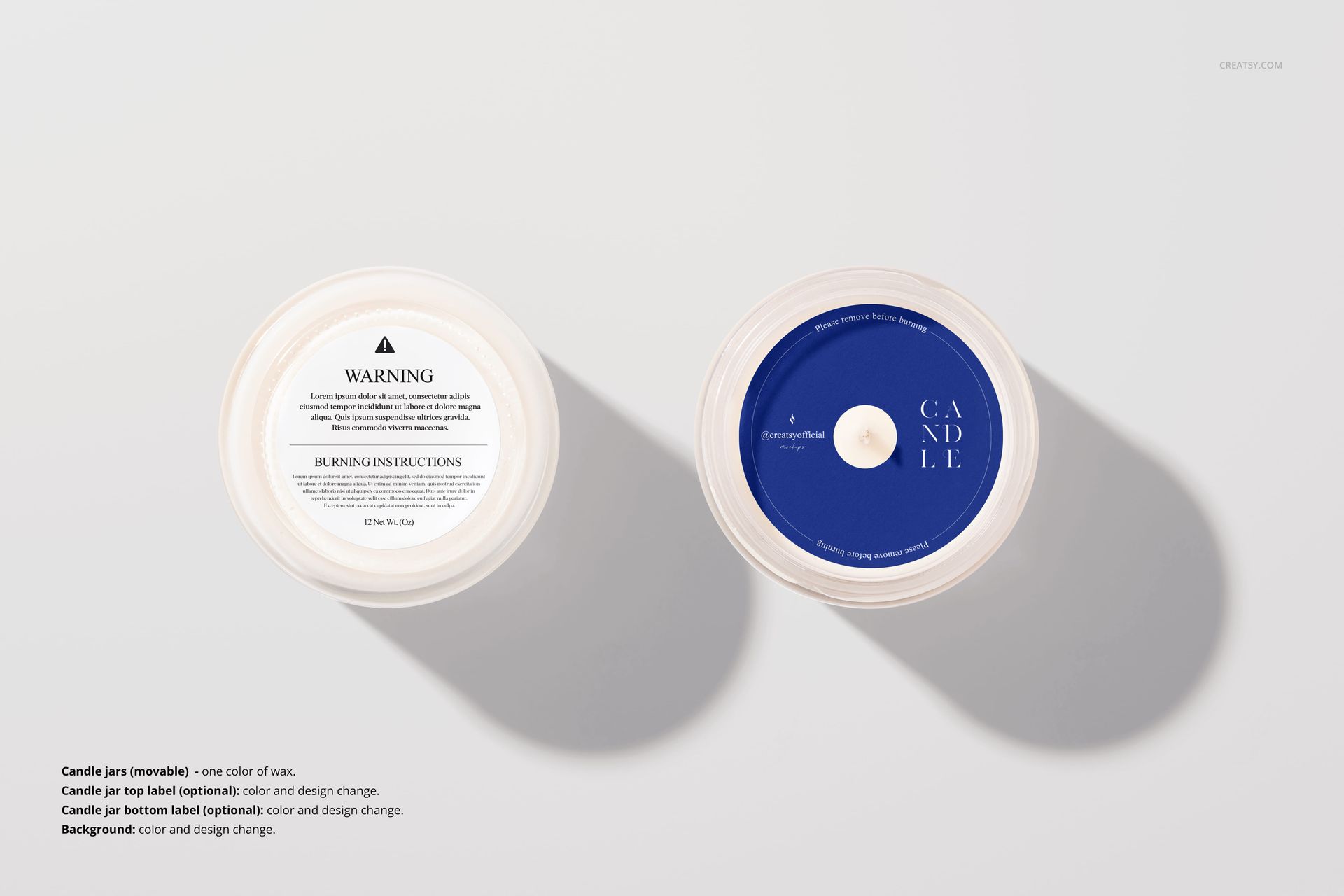
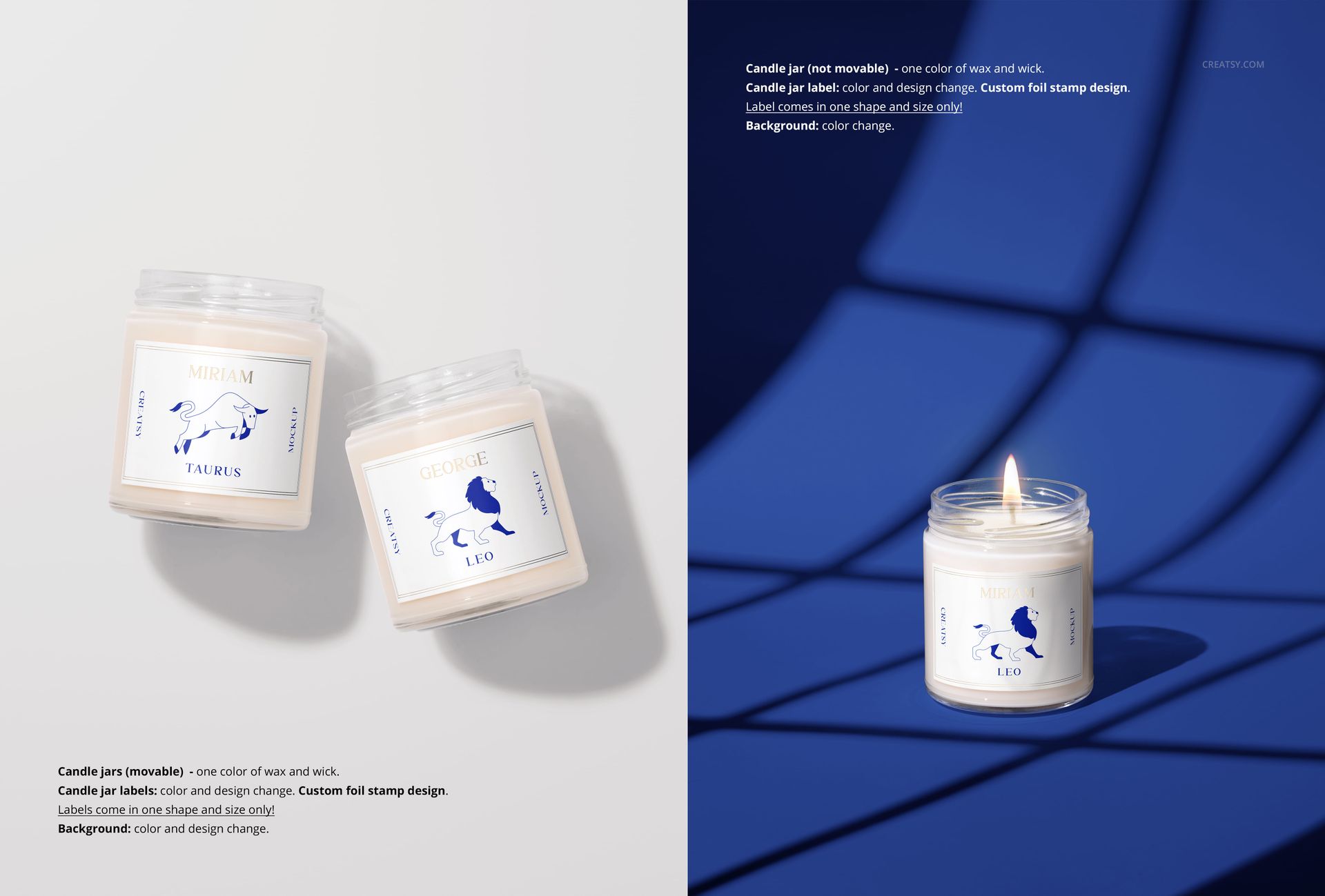
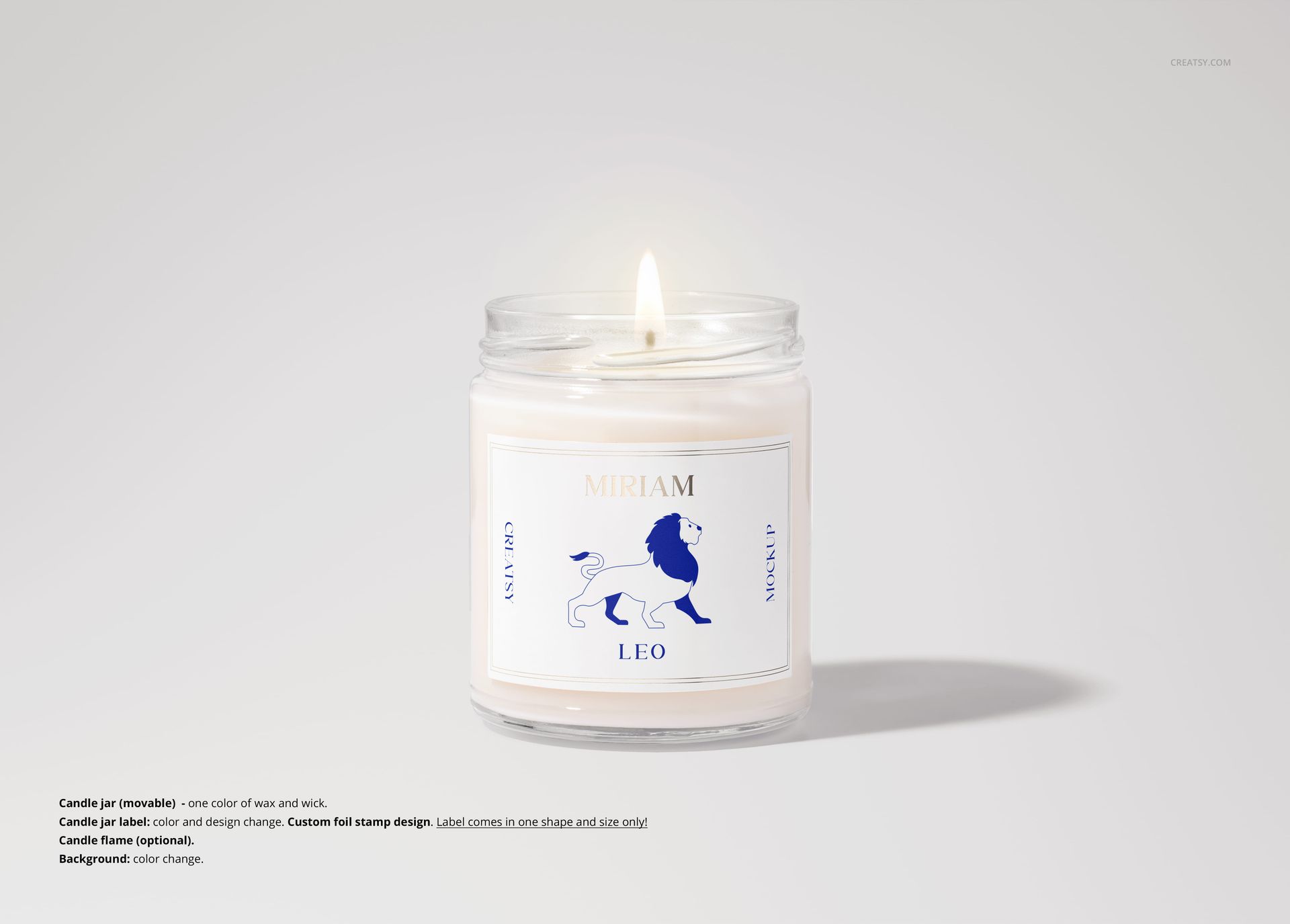
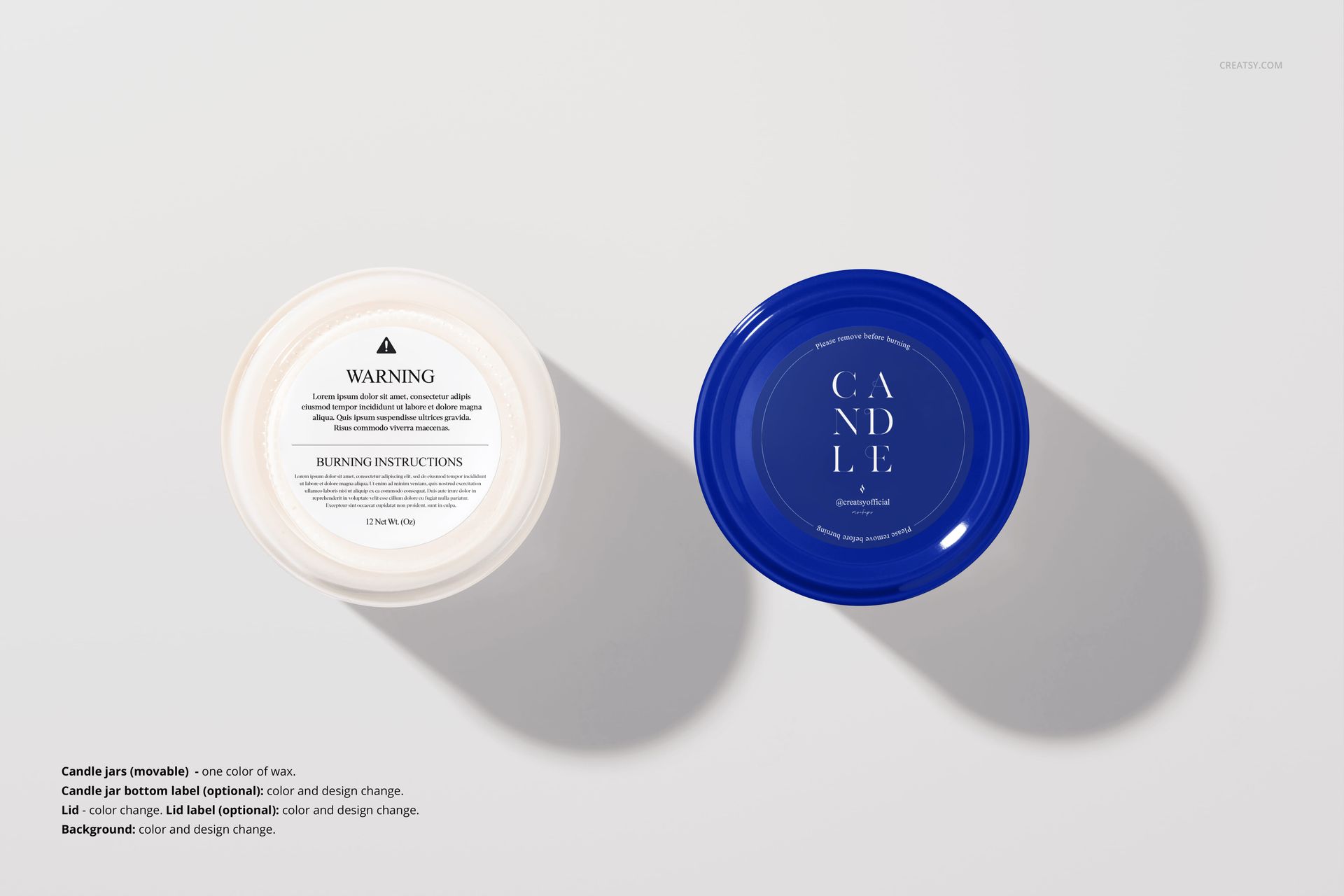
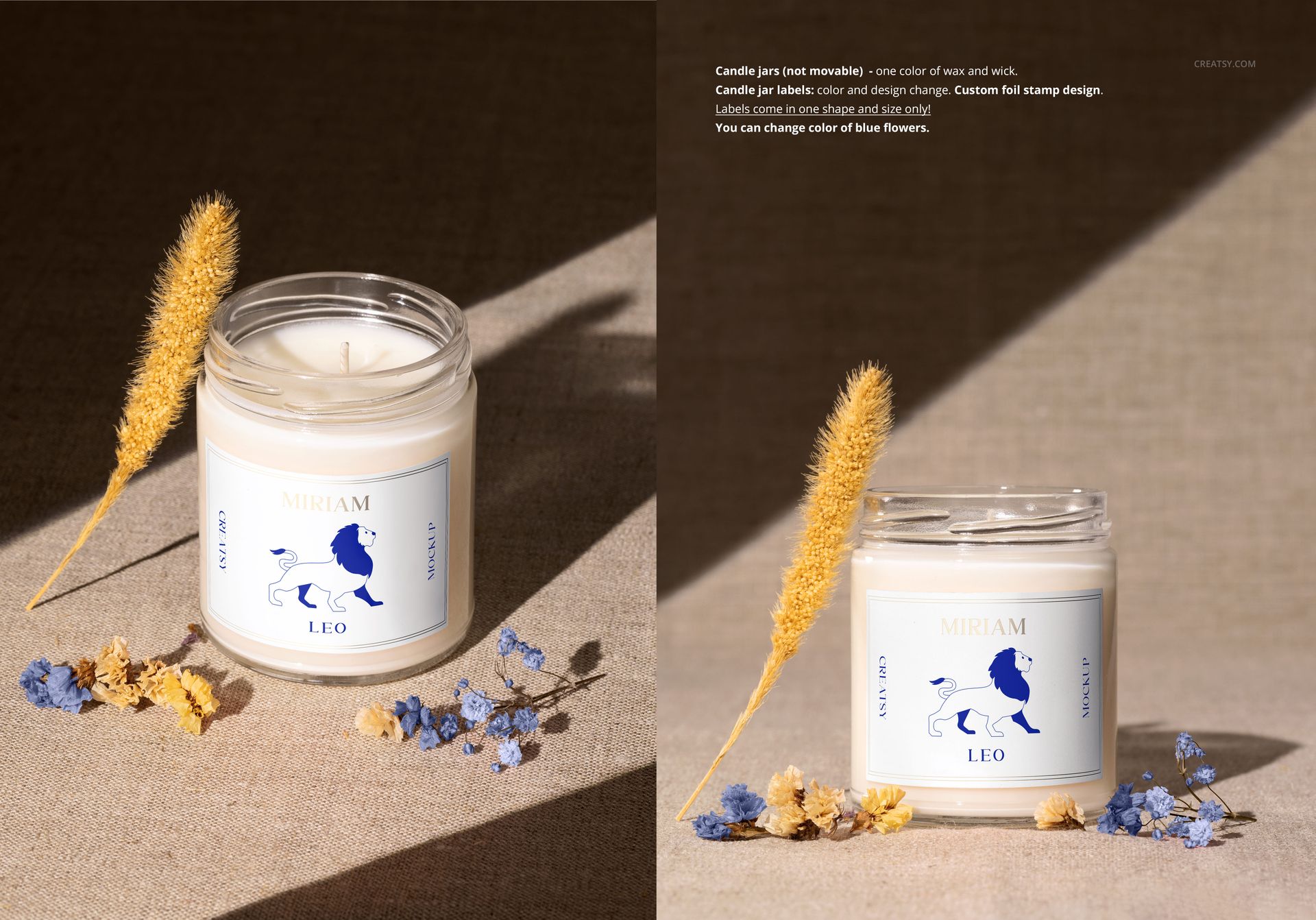
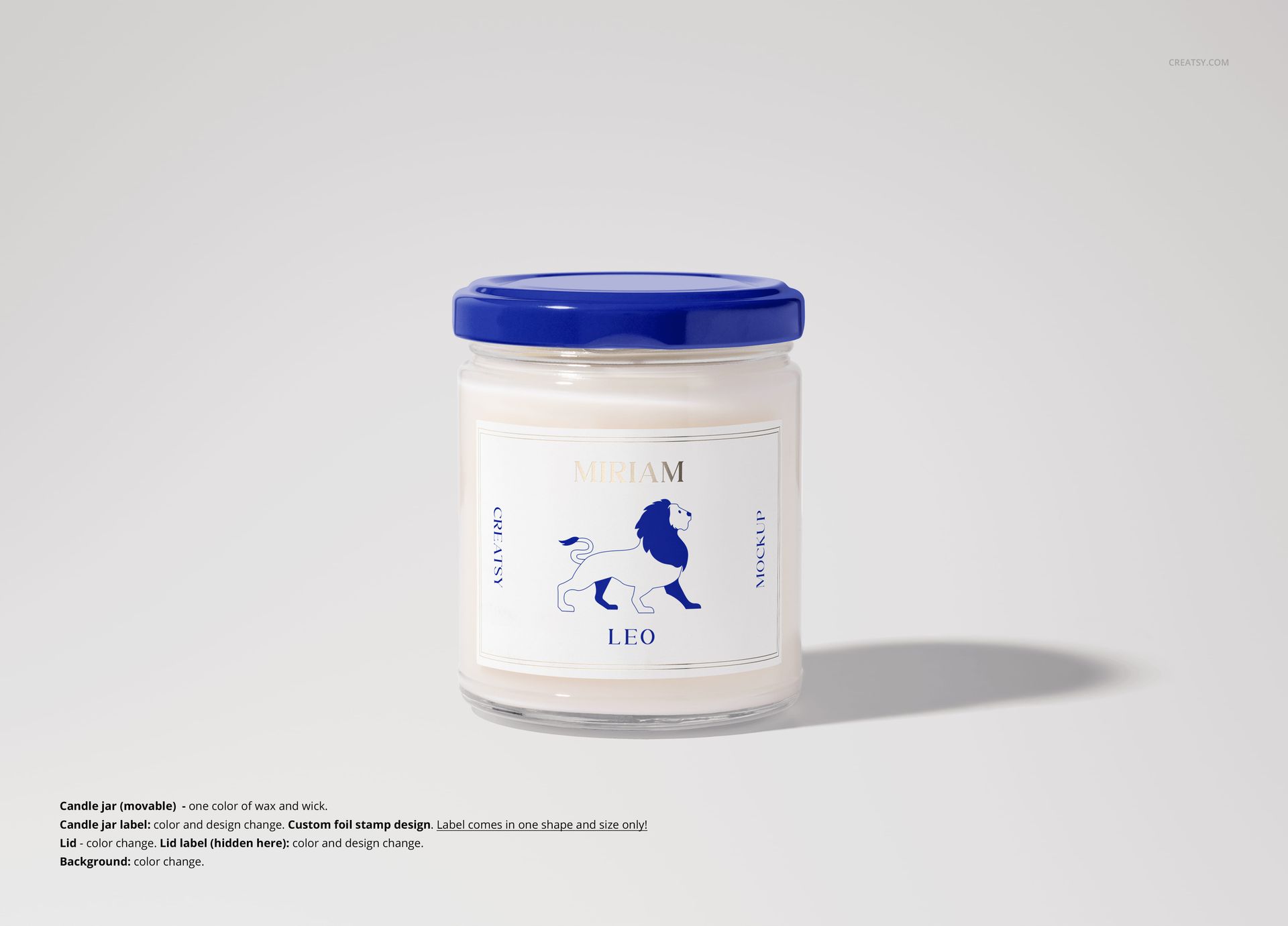
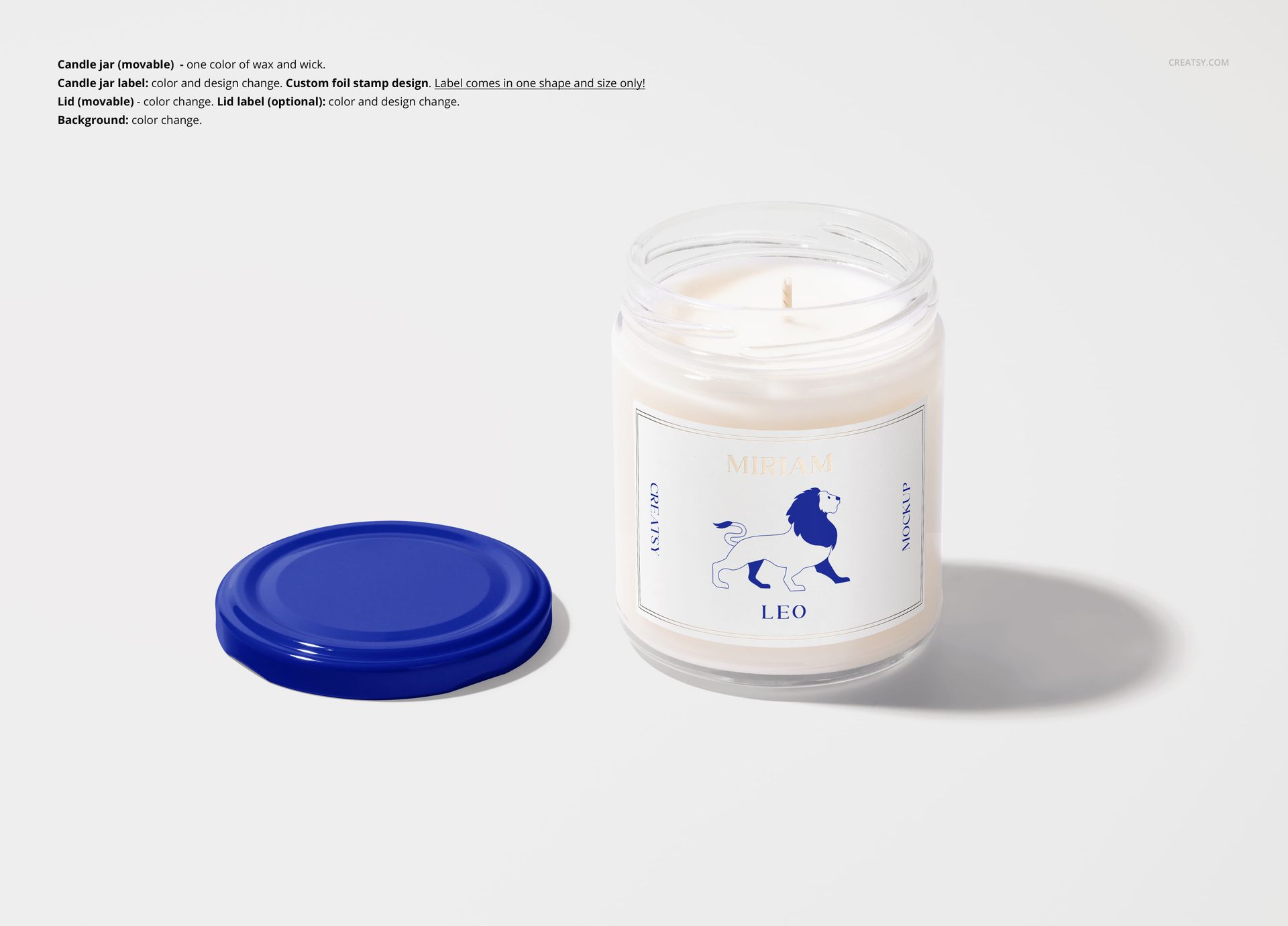
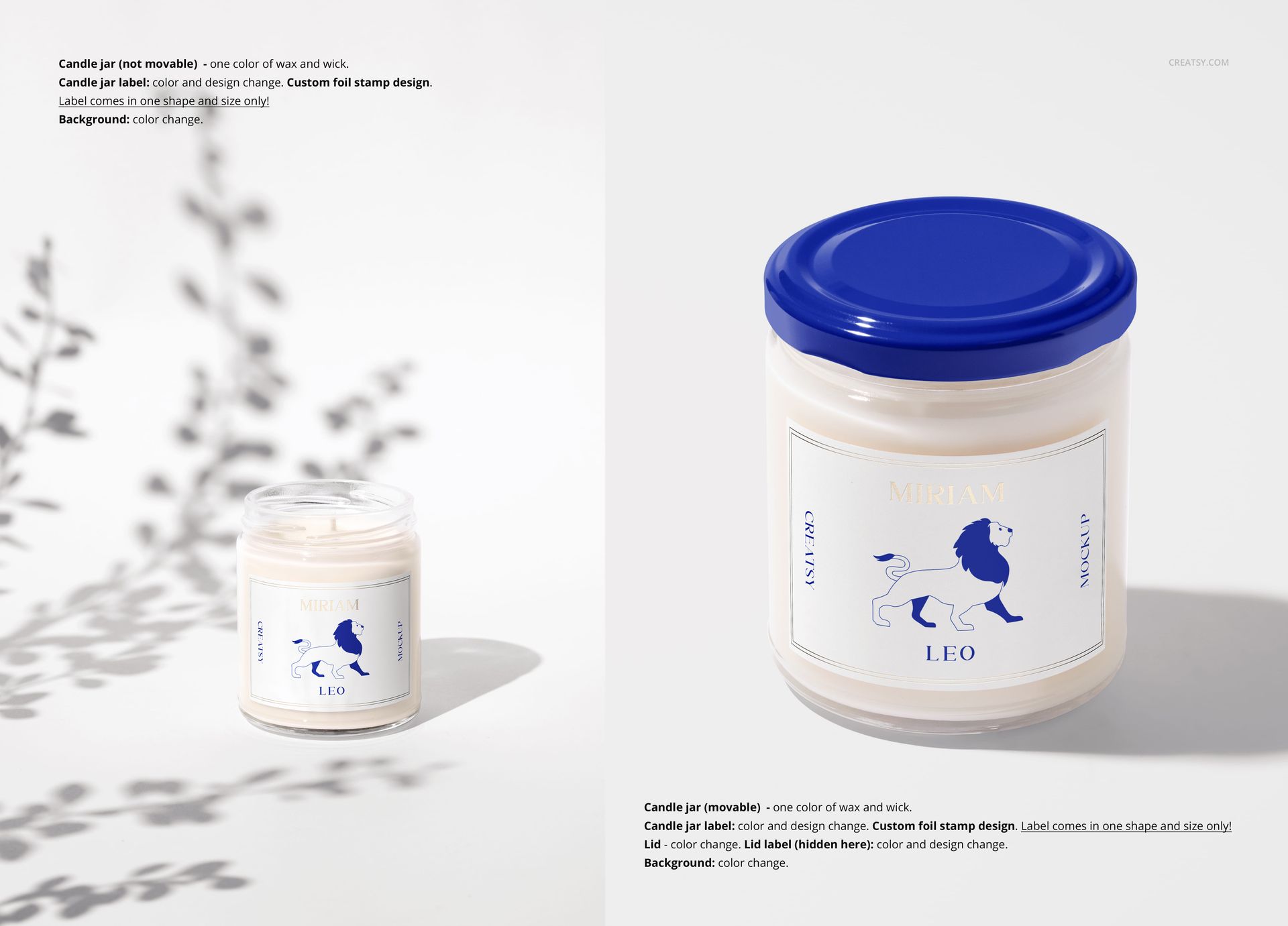
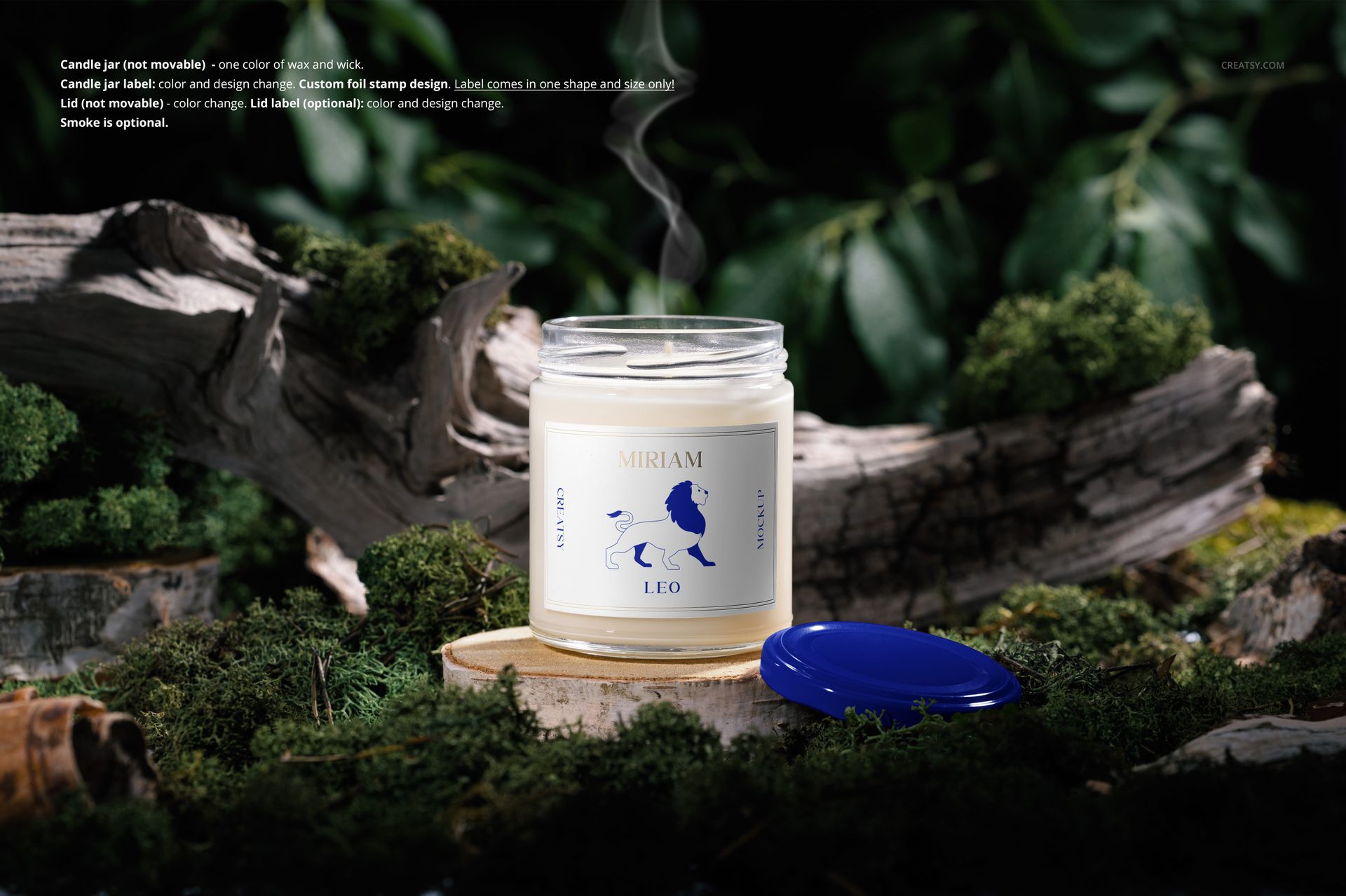
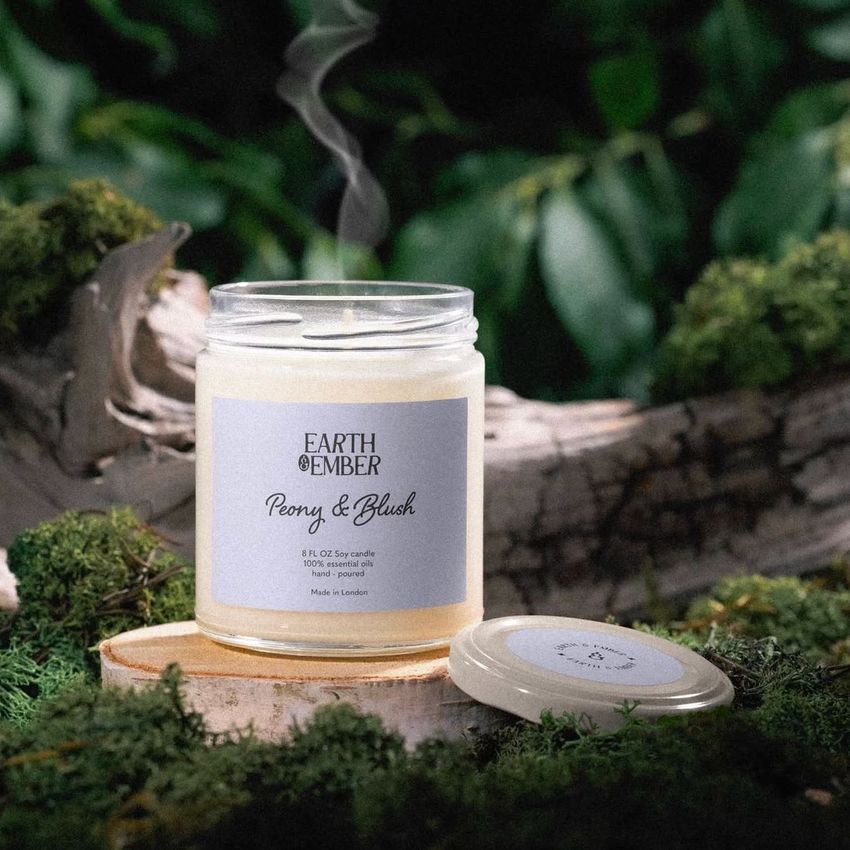
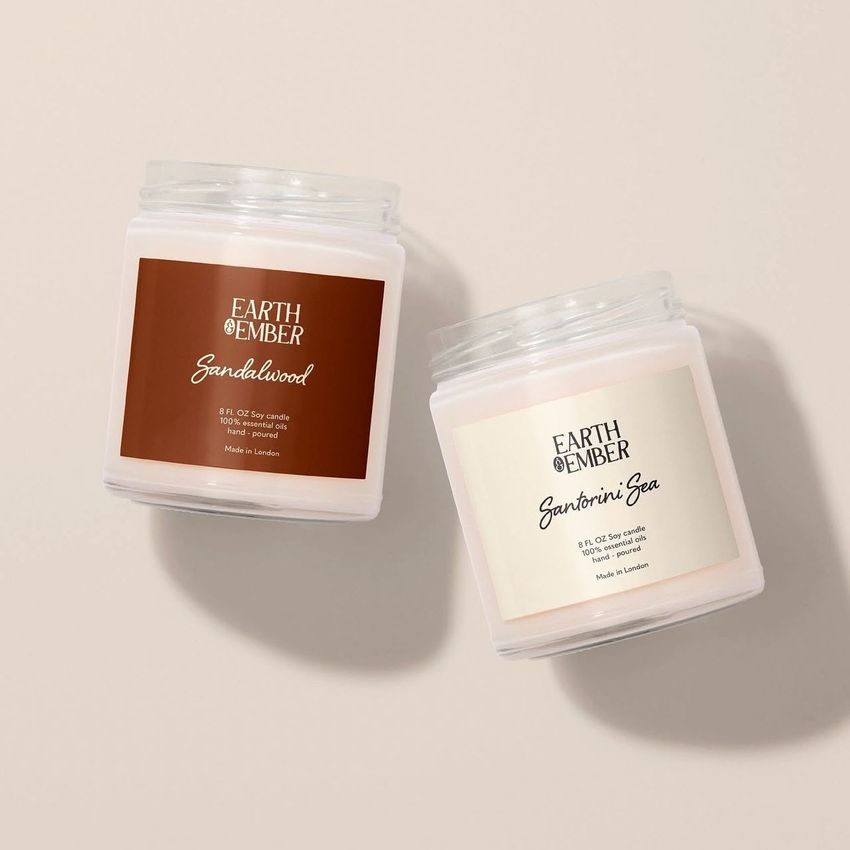
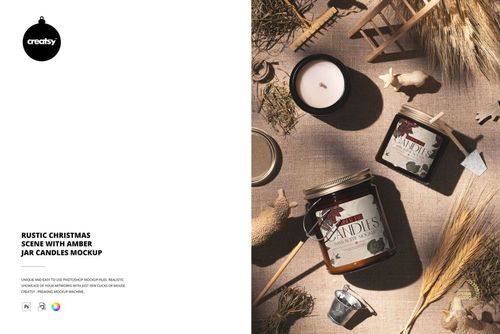
The Printify 9oz Scented Soy Candle Mockup Kit has everything you need to showcase your candle designs from every angle. Choose from a variety of shots, including top and side views, candles standing or lying down, and jars both open and closed. Play with creative shadows, move smart objects, and explore pre-designed scenes with natural elements like twigs, plants, and moss.
Transform Your Ideas into Personalized Candles
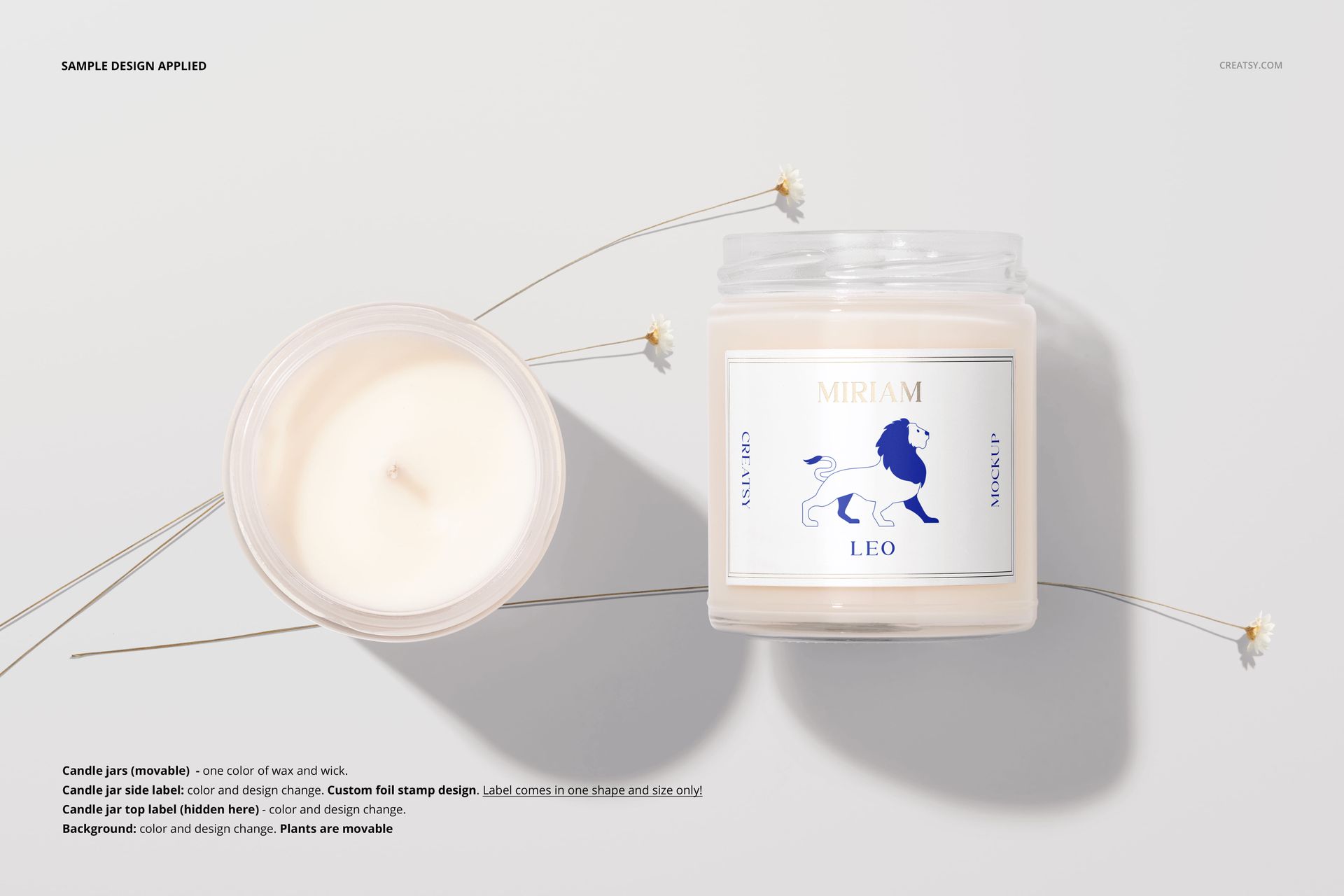
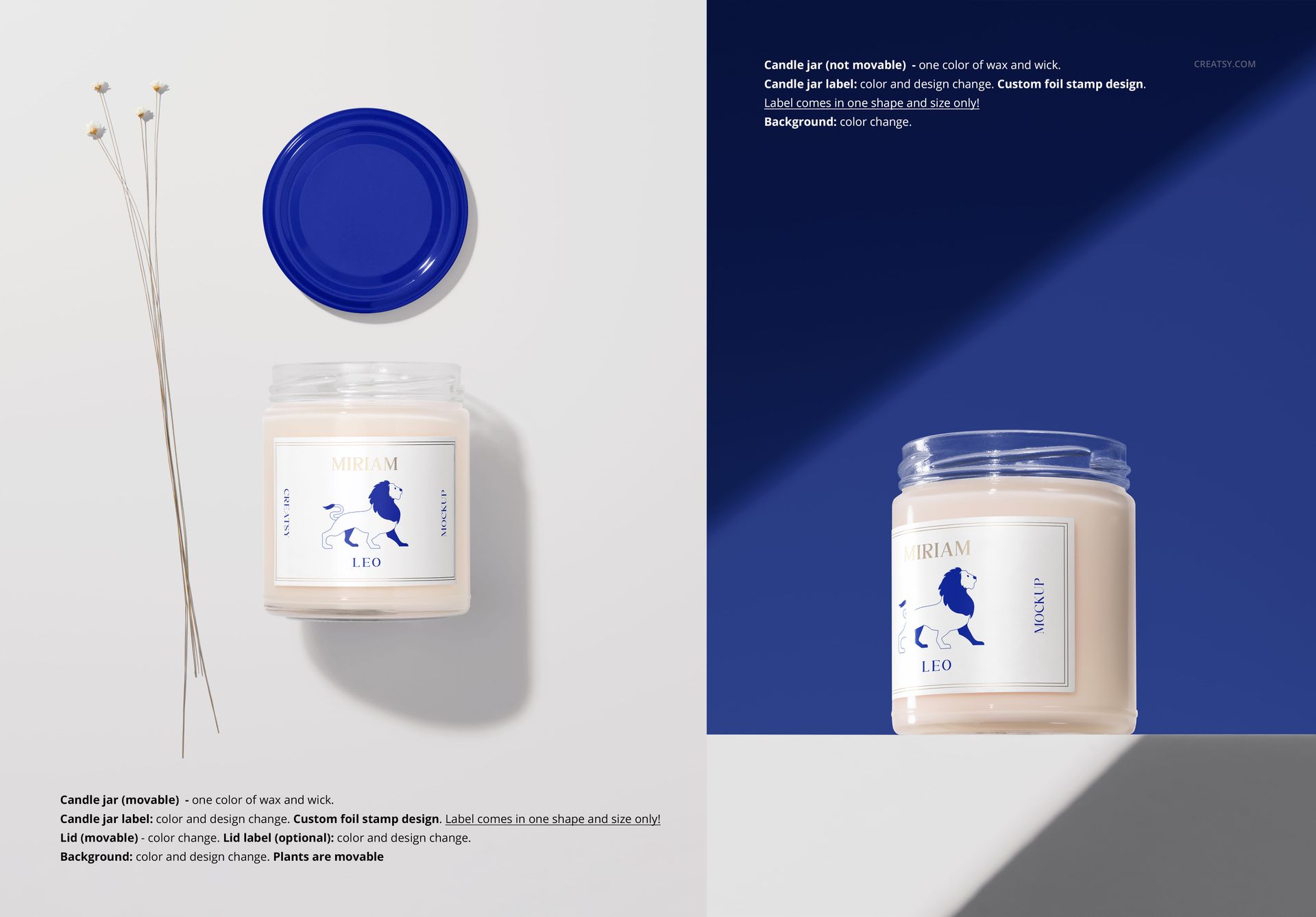
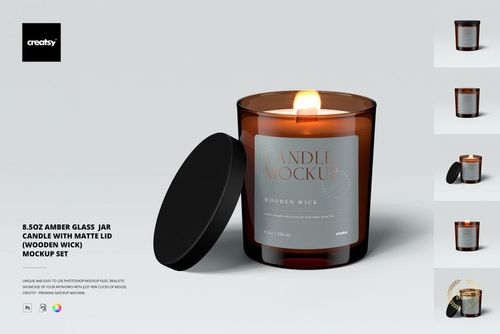
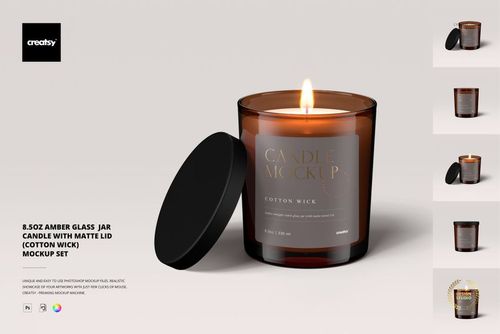
Customization options abound with this set. Apply your unique designs to the candle jar labels, as well as the labels on the jar lid and bottom. Add a custom foil stamp to the jar and customize the labels on the lid. You can even change the colors of the lids and add your own color to the decorative flowers. The candle flame and wafting smoke are optional, giving you complete control over your design vision.
Files work in Photoshop CC (min. CC2020) and in free online editor - Photopea.com;
Pack includes 16 .psd files: ~6000x4000 px, 300dpi;
Check screenshots for all the features;
Well organized layers;
Designs are NOT included, this product is a mockup intended for you to add your own artwork.