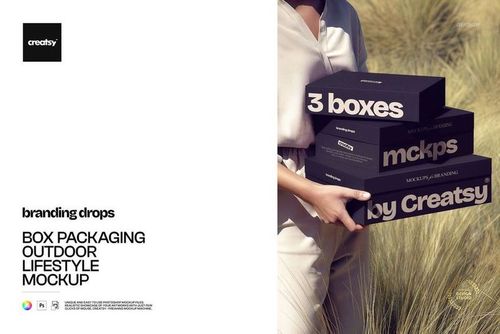
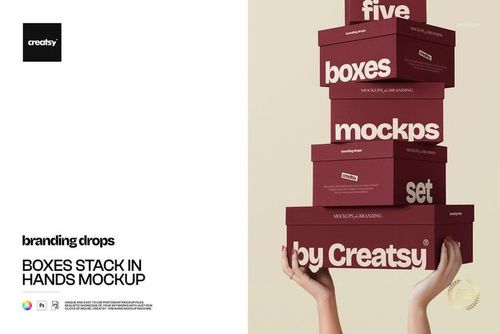
Slim Glossy Pillow Box Mockup Set

ID: 1829921109 | Updated: Apr 24, 2026

Product Details

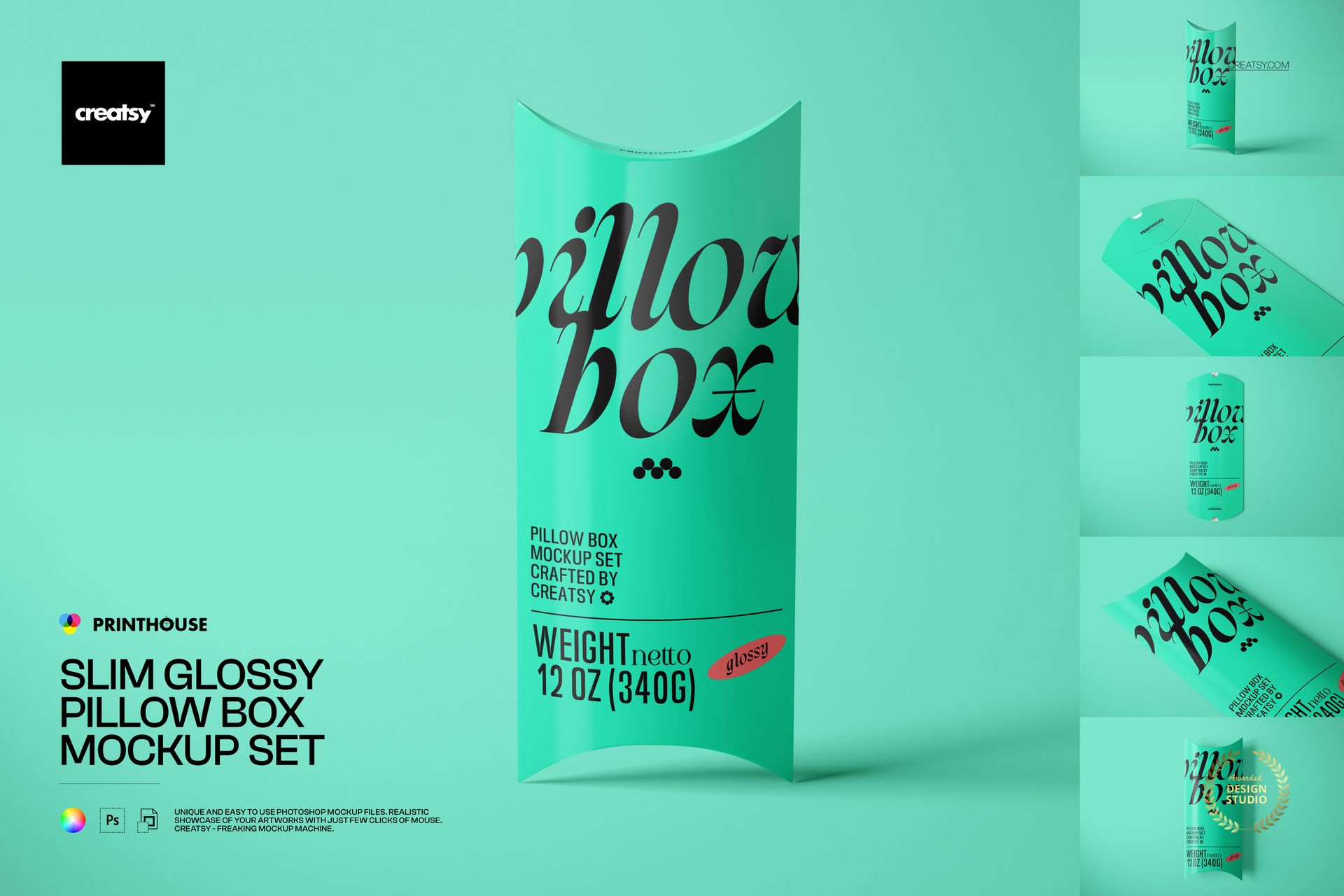
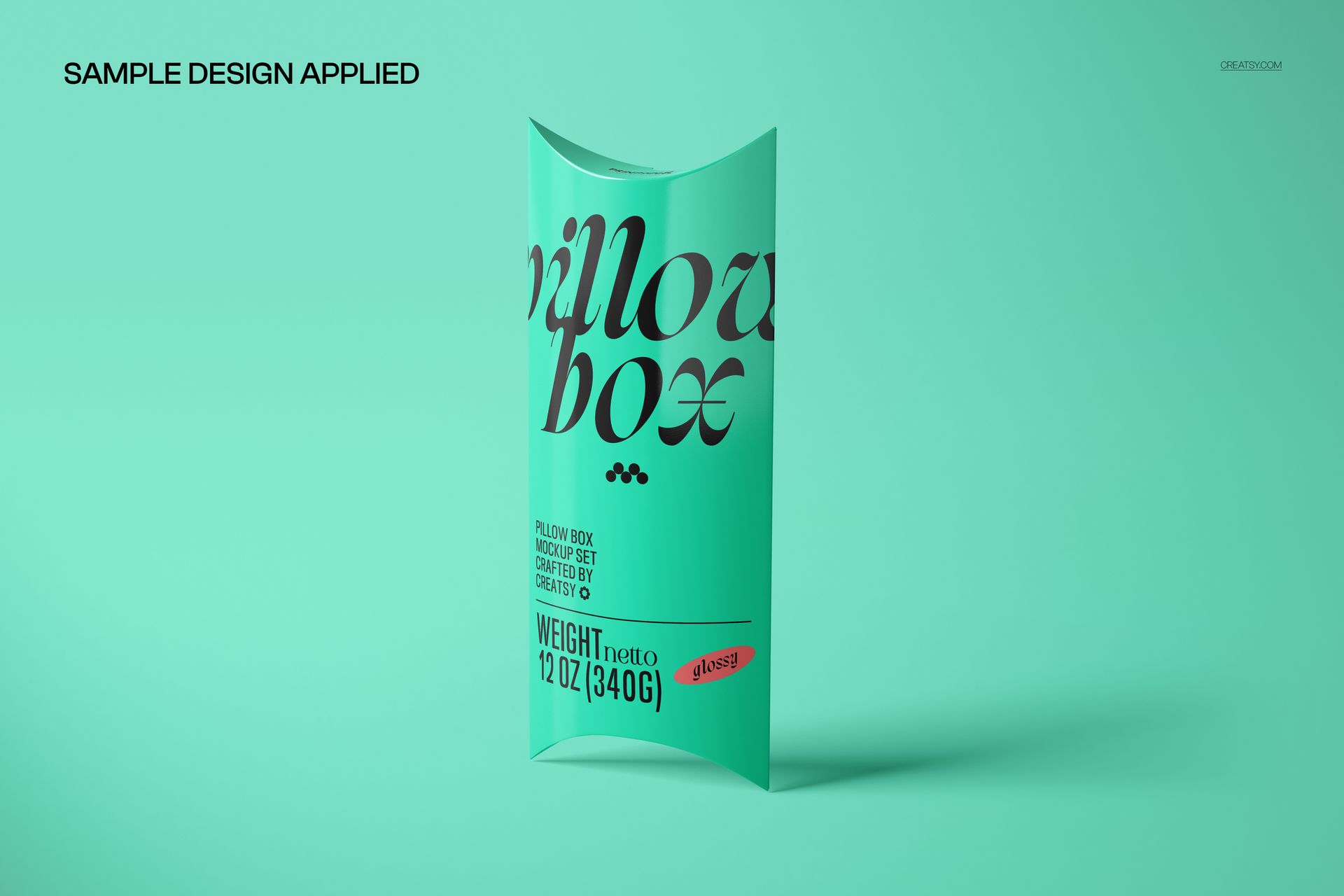
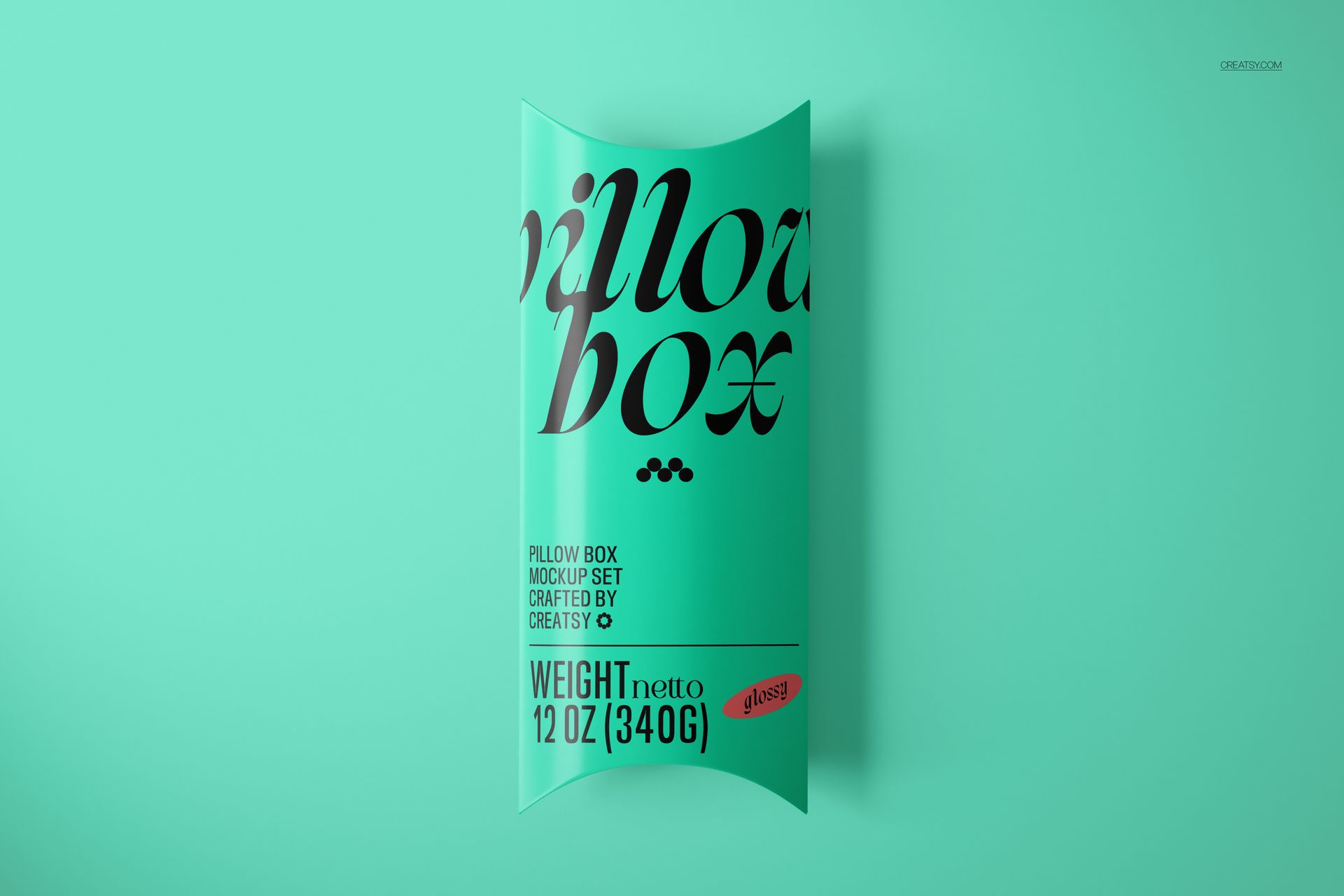
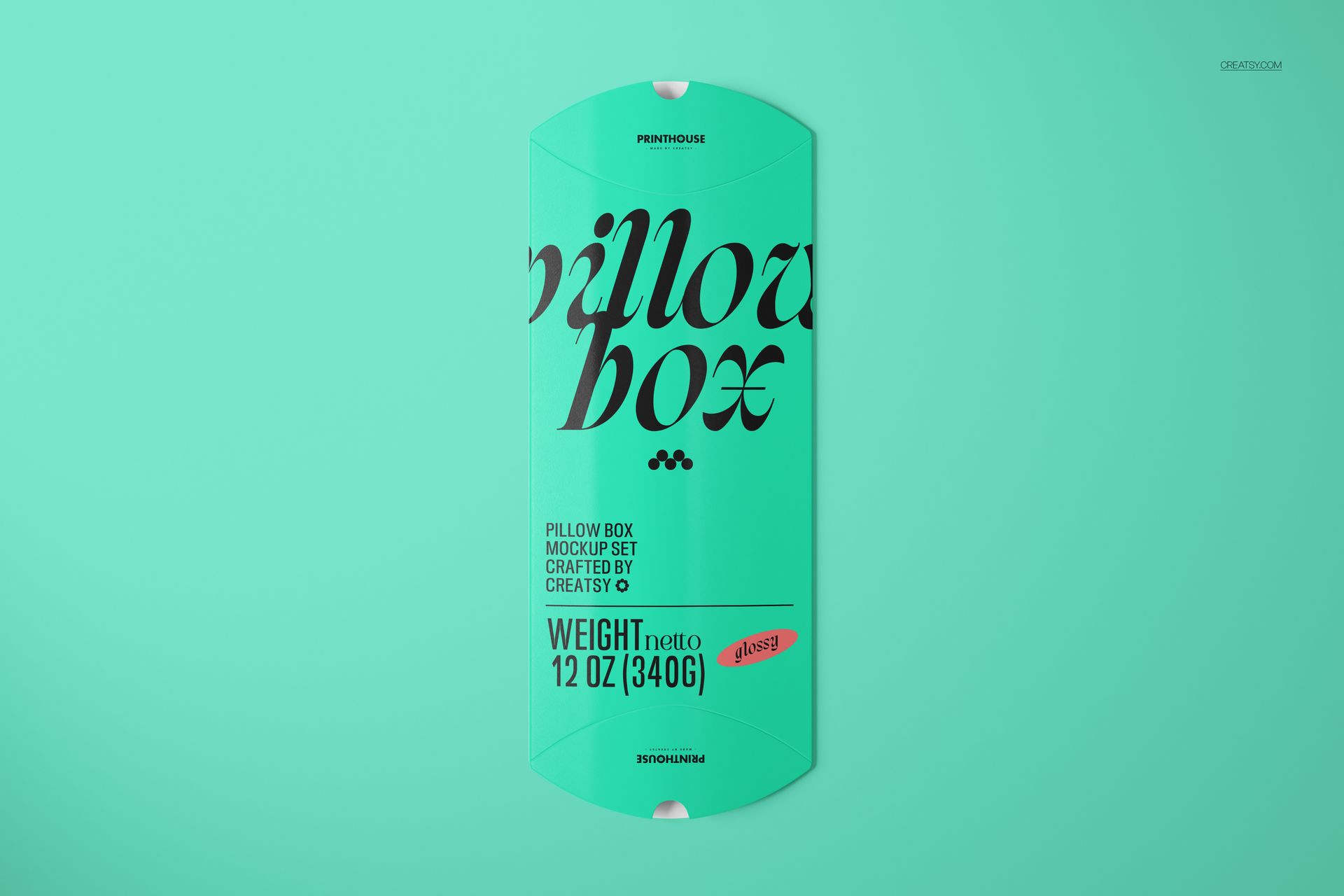
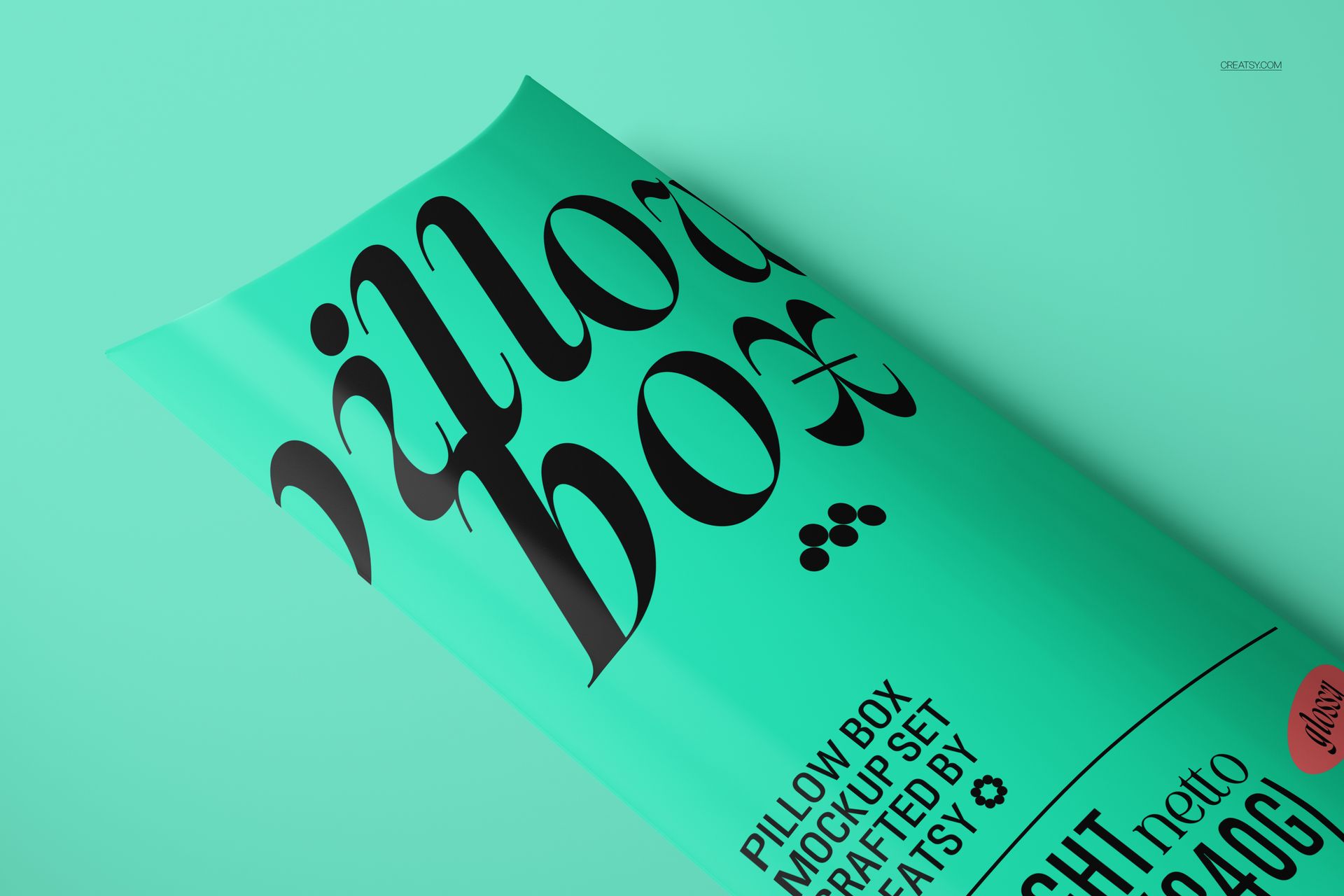
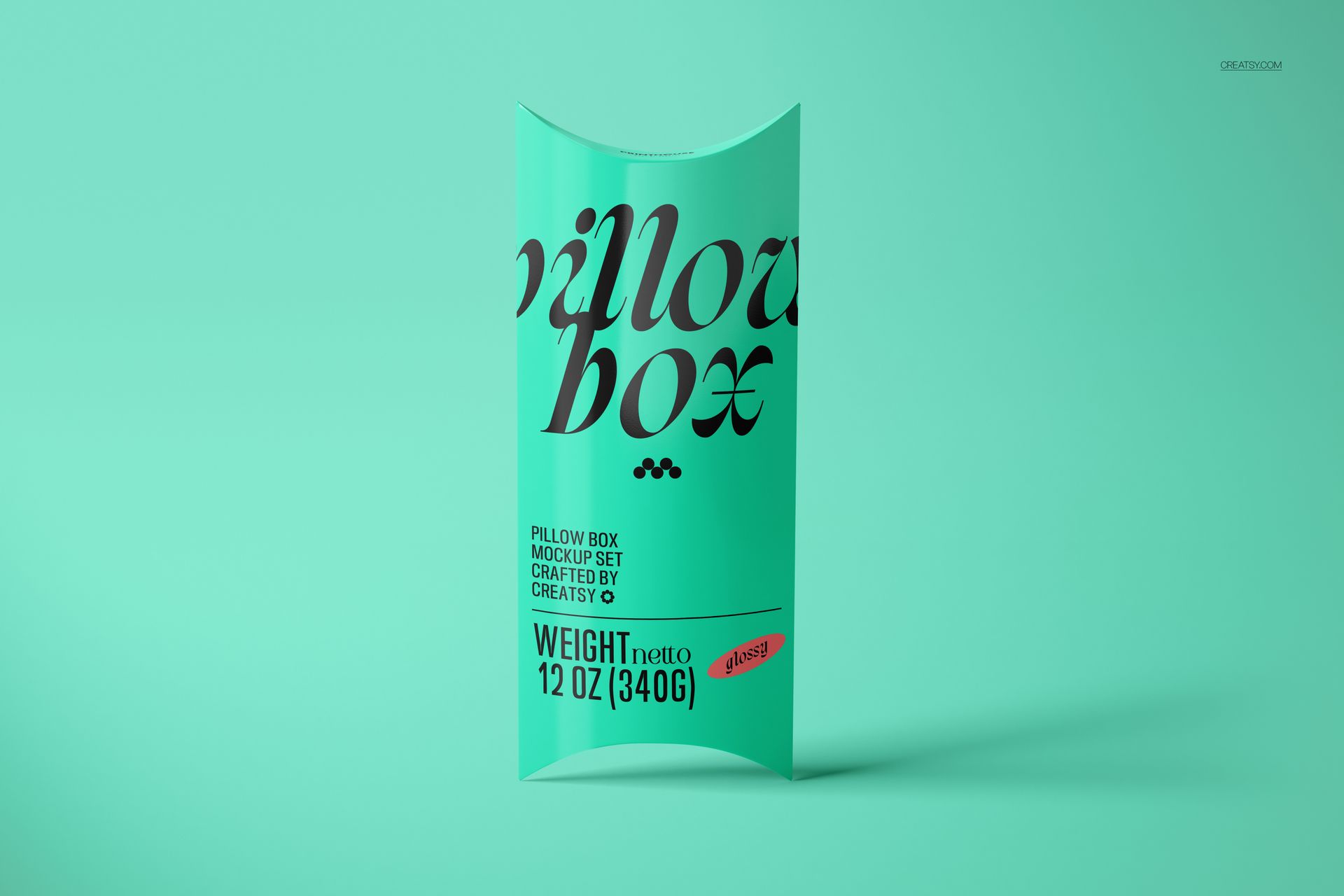
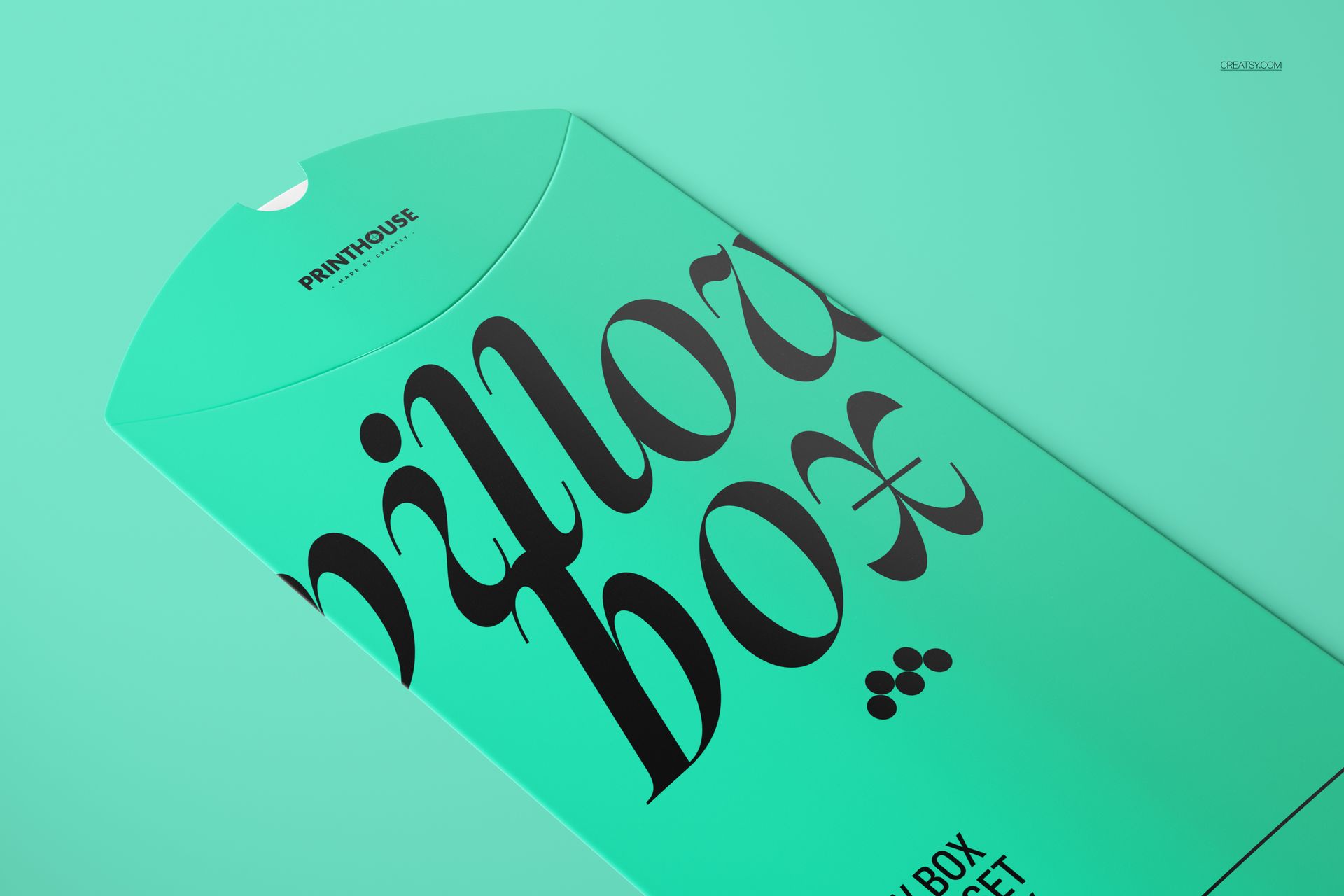
Present your packaging designs with this premium Slim Glossy Pillow Box Mockup Set by Creatsy. This comprehensive collection features 6 photorealistic PSD scenes at 6000×4000 px (300 dpi), each built with organized smart object layers for effortless one-click customization of every surface, fold, and detail.

What’s Inside:

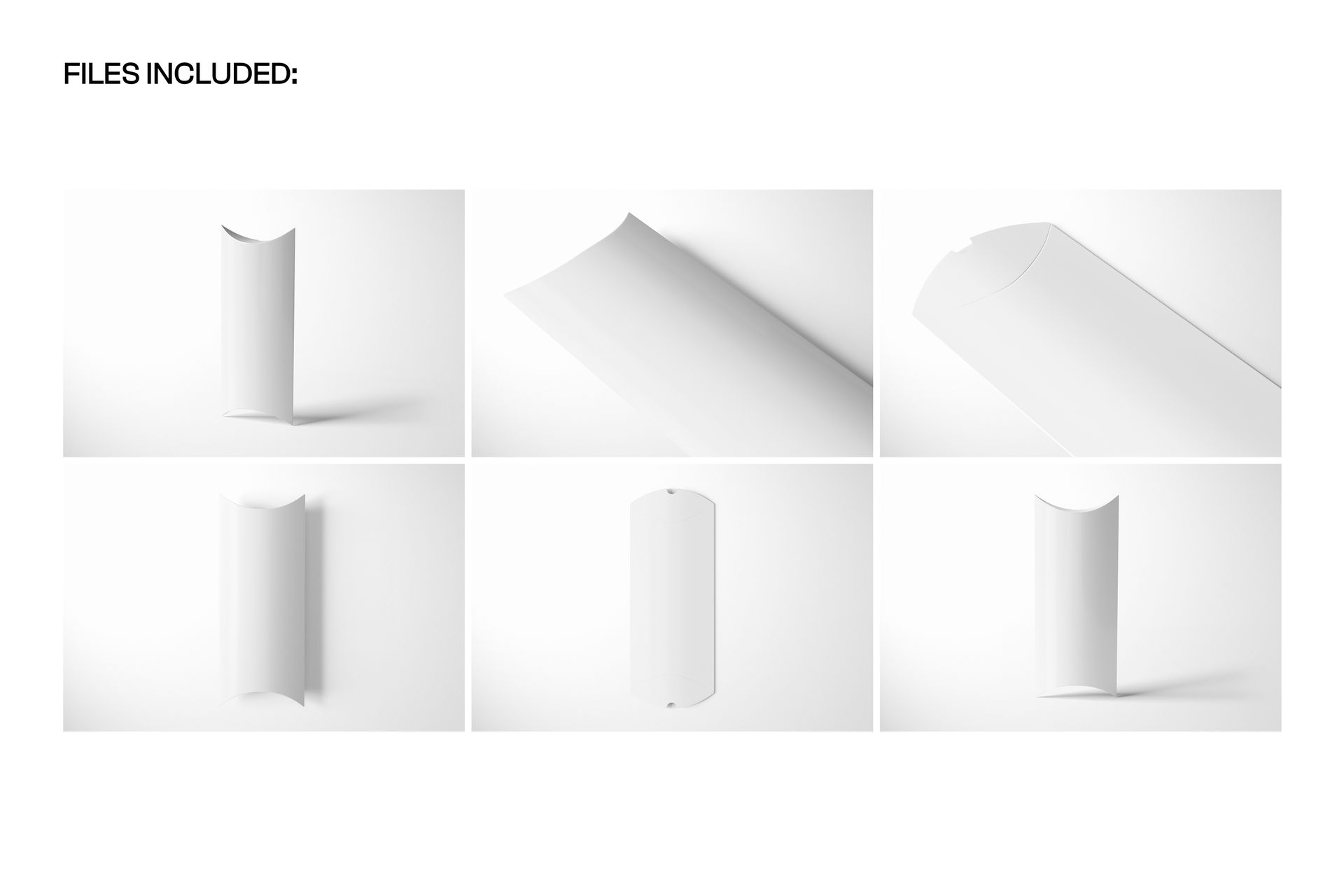
- 6 high-resolution PSD files (6000×4000 px, 300 dpi)

- Slim glossy pillow box shown from multiple angles and compositions

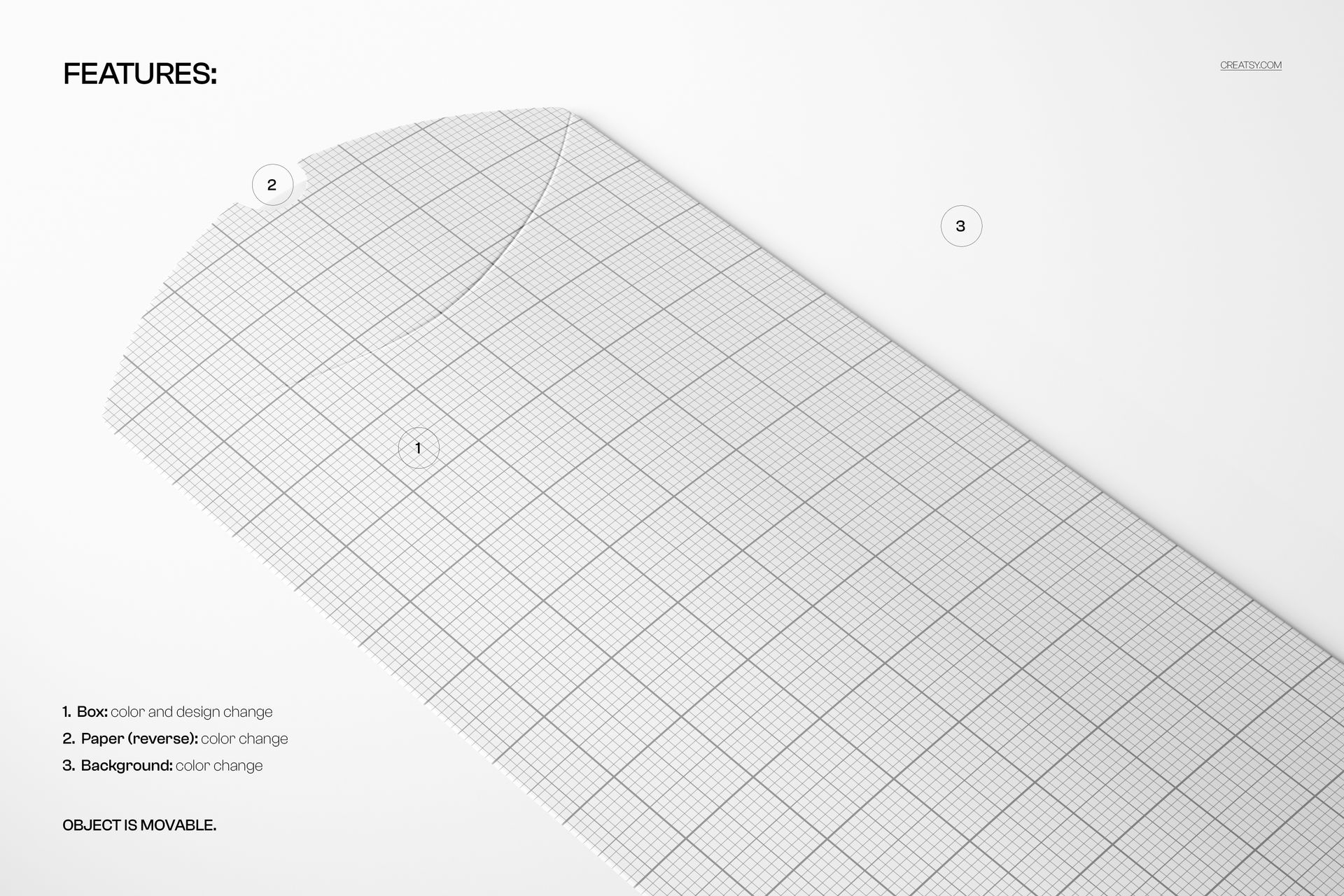
- Fully editable front, back, sides, and flap surfaces via smart objects

- Changeable box color, glossy finish intensity, shadows, and background

- Well-organized layer groups for every editable element

Design Capabilities:

- Apply your artwork, branding, pattern, or label directly onto all box surfaces

- Customize the glossy finish level and box base color independently

- Toggle individual layers on/off (shadows, reflections, background, gloss effect)

- Adjust lighting, perspective, and scene composition across 6 unique views

Compatibility:

- Adobe Photoshop CC 2020 or newer

- Photopea (free browser-based alternative)

Ideal For:

- Packaging designers presenting slim pillow box concepts to clients

- Brands and retailers showcasing gift packaging, favor boxes, or product boxes

- Graphic designers creating packaging mockups for portfolio presentations

- Print-on-demand sellers and Etsy shop owners offering custom packaging

- Marketing agencies preparing product launch visuals and e-commerce listings

File details

Compatibility
Adobe Photoshop
Number of files included
12
Package size
1.41 GB1.41 GB|1.51 GB1.51 GB
Files type
.psd, .jpg
Files size
6000x4000
TEST FOR FREE

MEET THE SHOP

Creatsy logo

Creatsy

Poland
4.7 (642)

Bring your ideas to life.

We're a family-run studio in Katowice, Poland, making PSD mockups by hand since 2016. Everything in this shop starts in our own studio. We shoot the photography, build the 3D, and put together every Smart Object PSD ourselves - then we test it, organize the layers, and only ship it once it actually works...
GO TO SHOP

HOW IT WORKS

3 clicks. That's it.

No tutorial needed. If you can copy-paste, you can use this.

  1. 1OpenDouble-click the smart object inside the PSD - in Adobe Photoshop, or free in your browser with Photopea.
  2. 2PasteDrop in your pattern, print, or artwork. Any design, any style.
  3. 3SaveHit save and the mockup wraps it in for you - shadows, folds, and lighting included.

FROM IDEA TO IMAGE

Built for real workflows

Get the label signed off before the print run Wrap your design onto the box, pouch, or bottle and show the client exactly what ships.

See it on the product, not a swatch Drop your file into the smart object and the scene's lighting and folds wrap around it, so you judge the real thing before you commit.

Smart Objects

Edit once and you're done. Your artwork drops into a smart object and the mockup updates itself - no masking, no warping by hand.

Perfectly Organized

Named layers and folders you can actually navigate. Find what you need, change what you want, and get out fast.

Print-Ready

High-resolution files built to hold up on screen and in print. Exact size and DPI are in this product's Details above.