Baby Patchwork Quilt Mockup Set
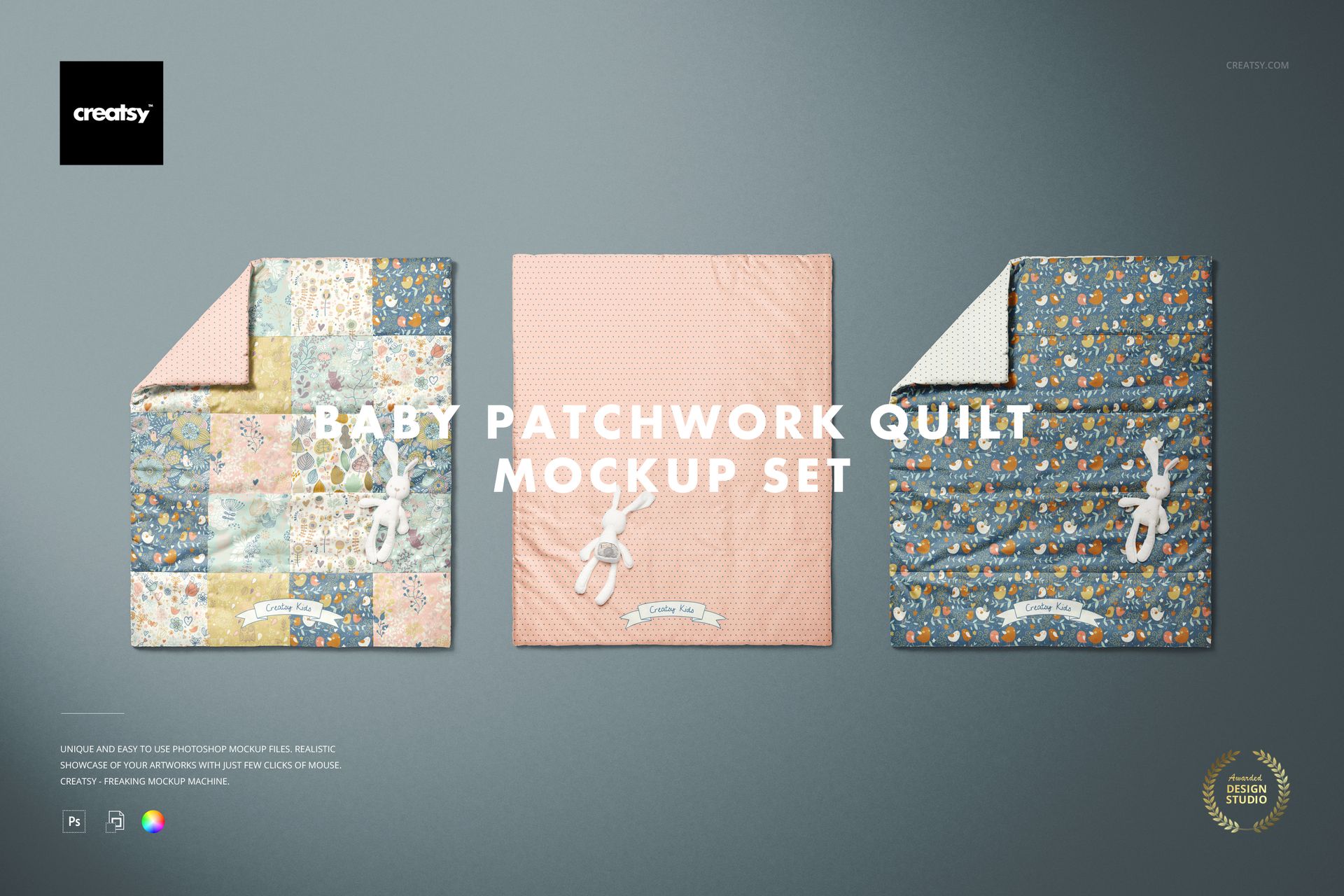
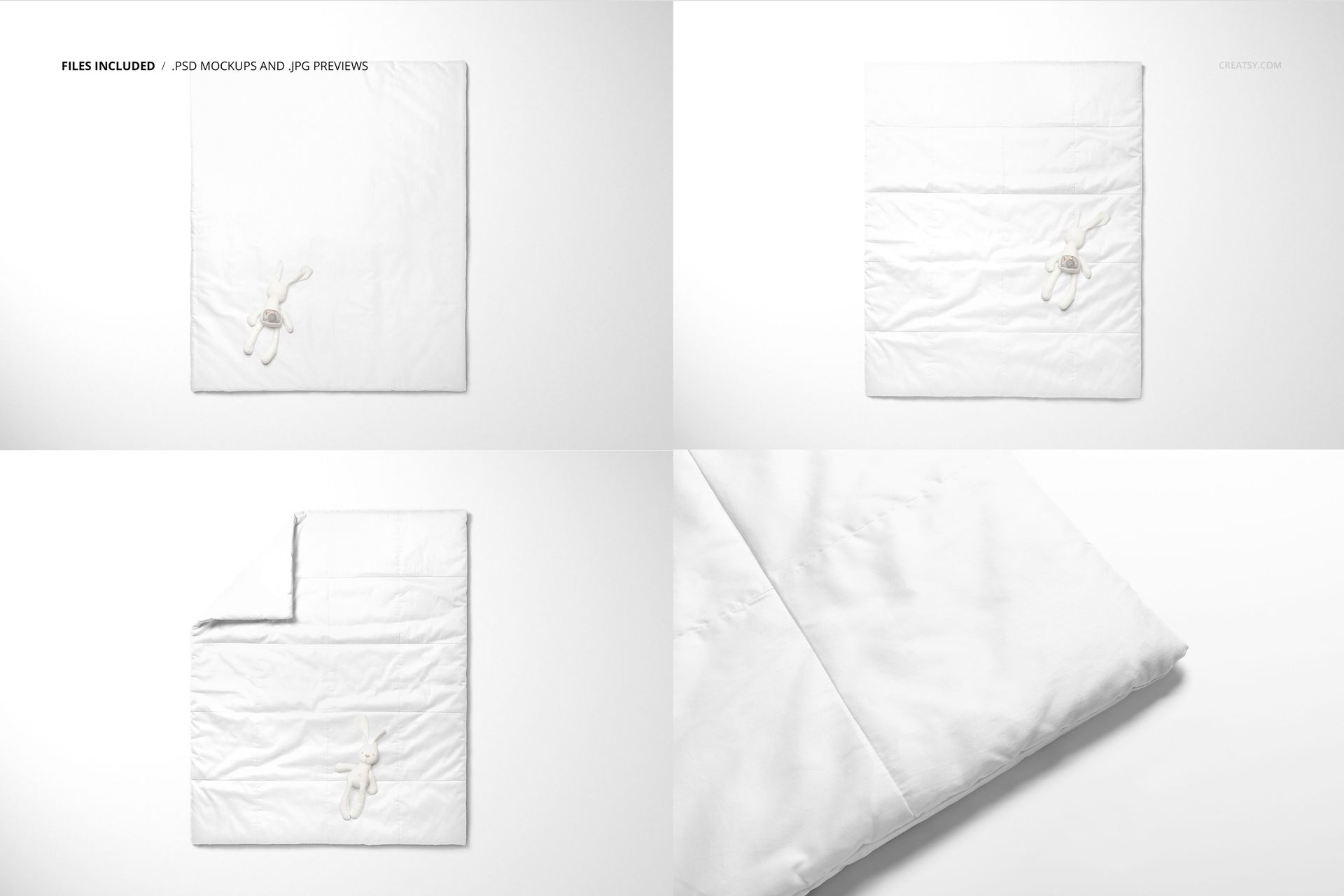
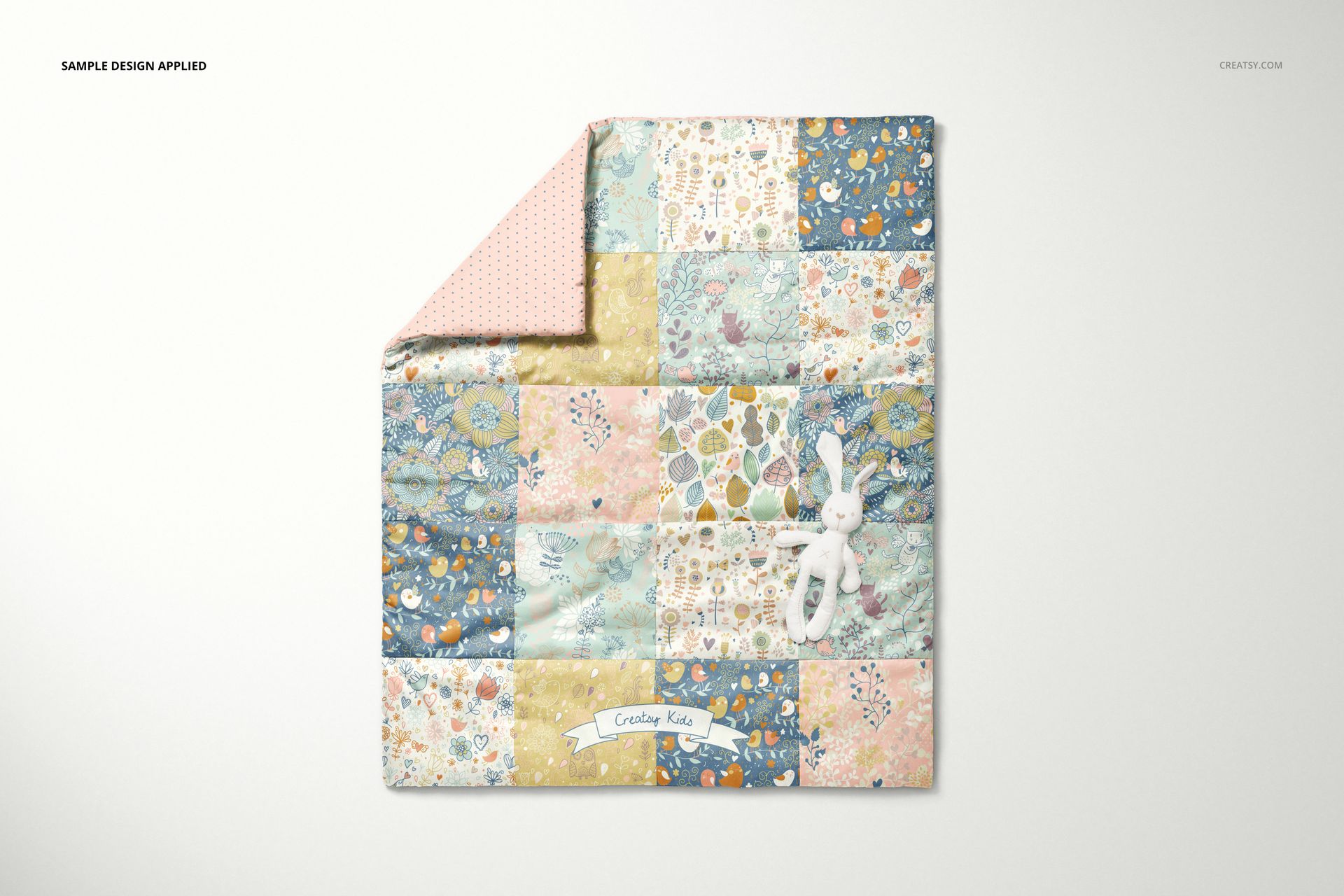
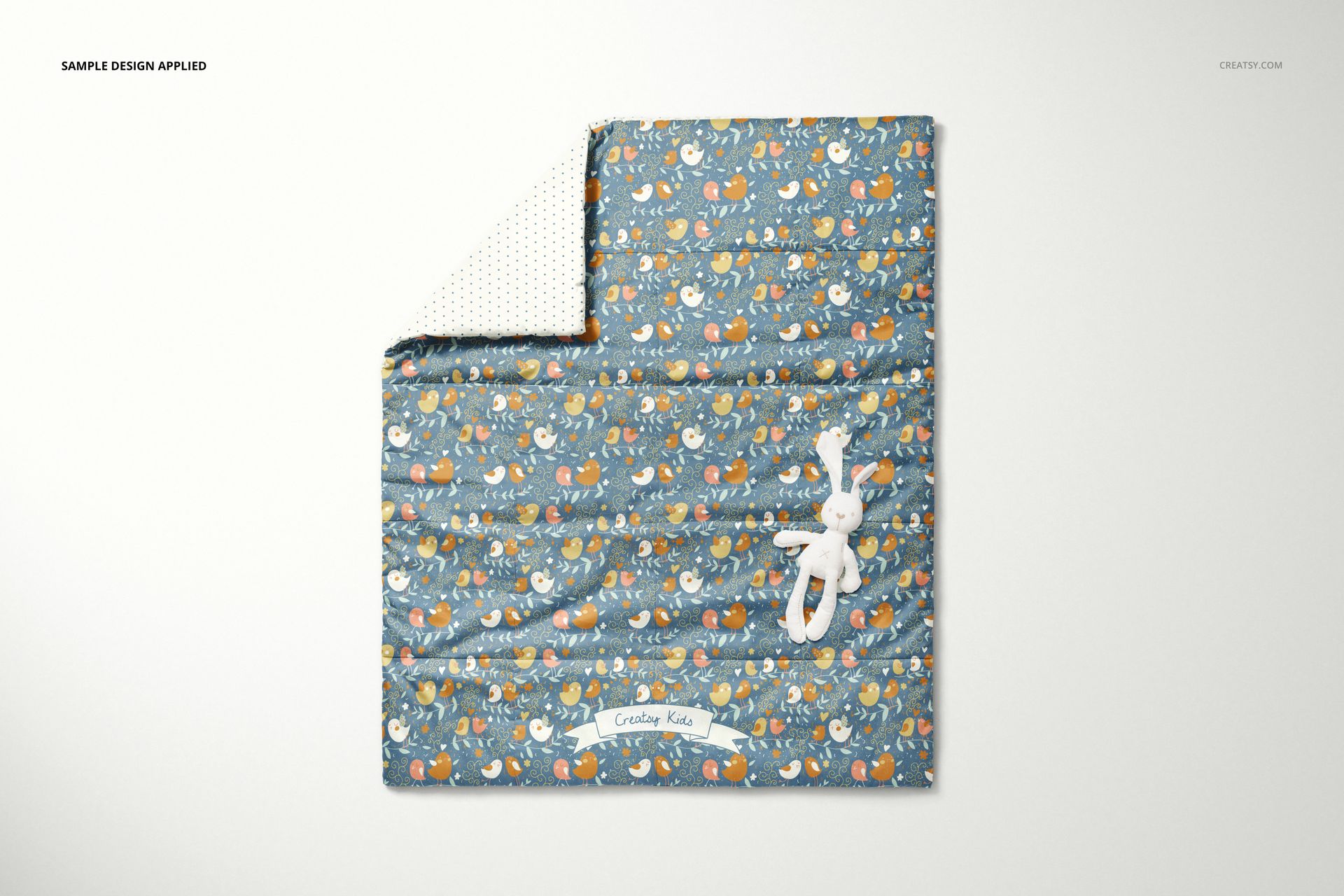
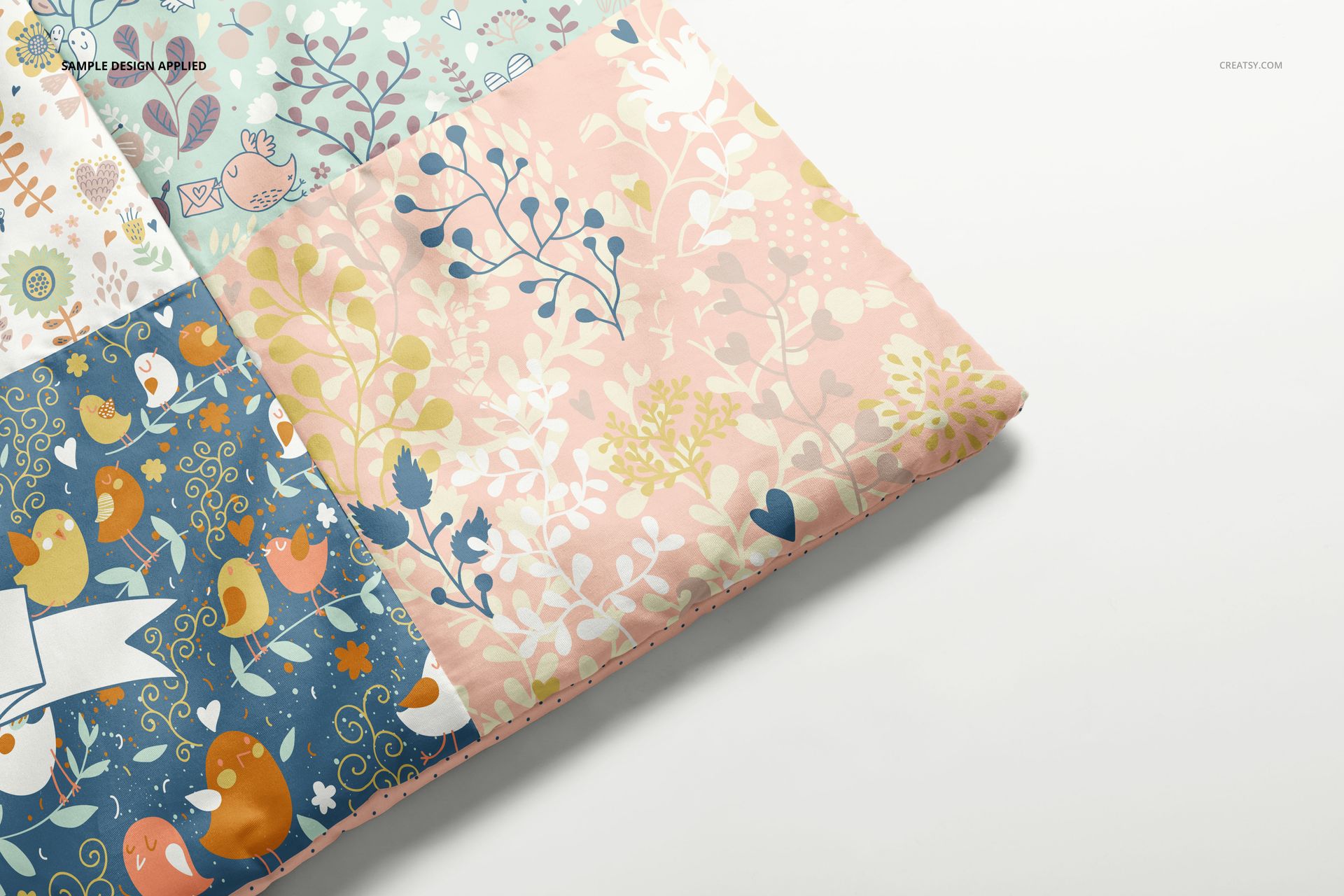
Show how a nursery print looks across a quilted surface, a turned corner and a closer fabric view. This baby patchwork quilt mockup set presents a 95 × 112 cm quilt in four scenes, giving textile designers a way to compare pattern scale, colorways and front-to-back combinations.
What is included
4 layered PSD scenes at 6000 × 4000 px, 300 DPI.
4 JPG previews and a PDF user manual.
Organized layers for editing in Adobe Photoshop CC2015 or later and Photopea.
Build a coordinated quilt presentation
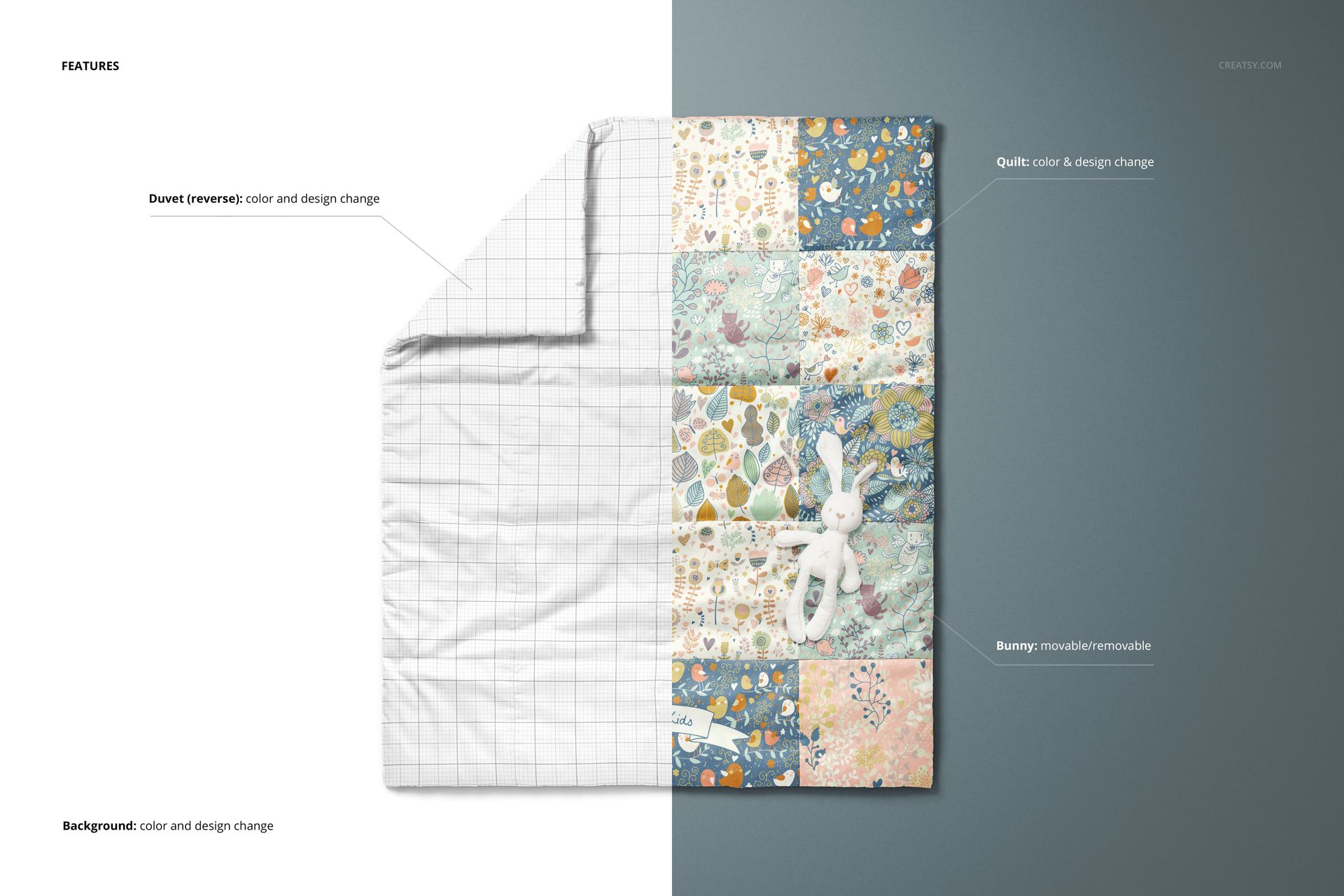
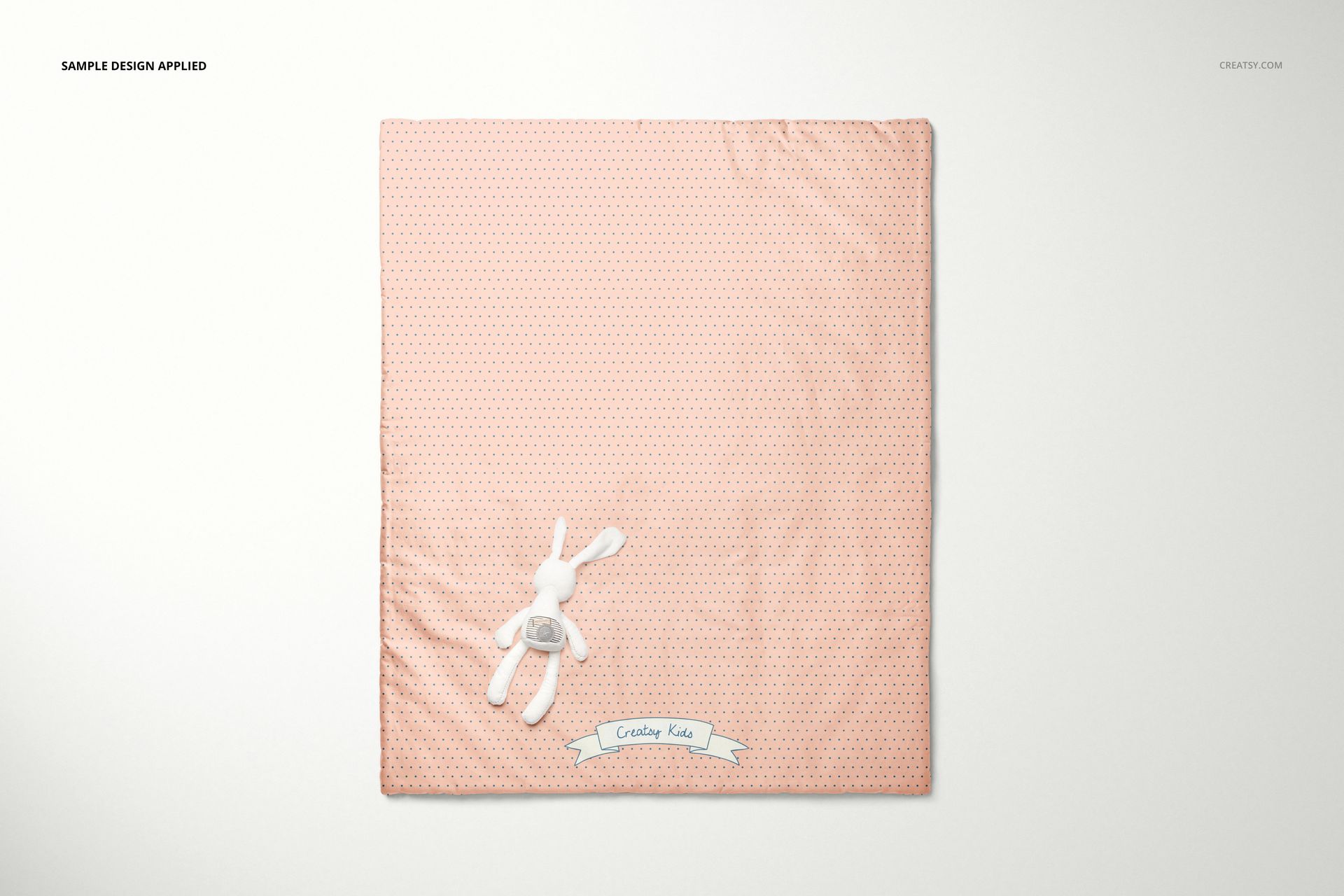
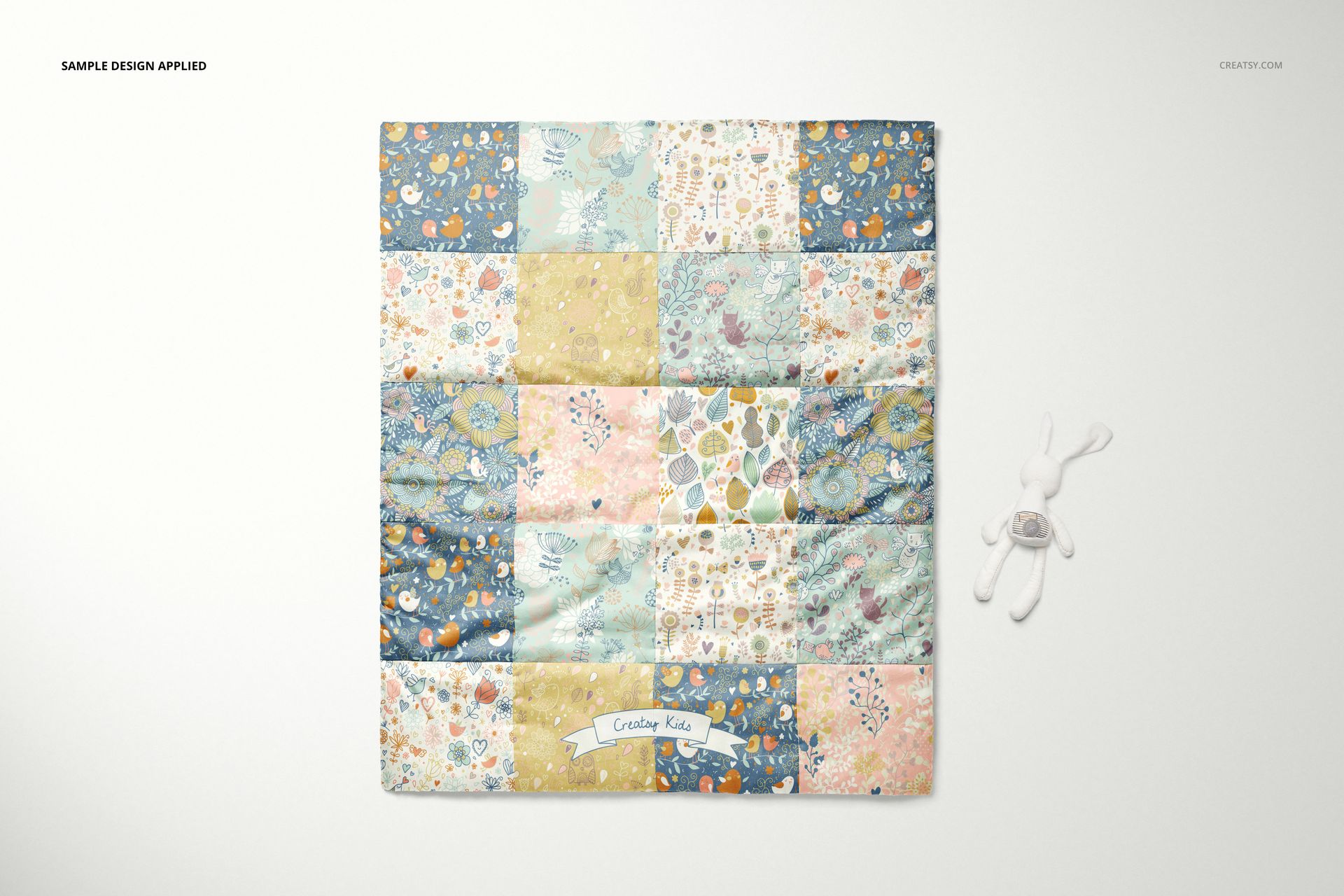
Change the quilt color and design, coordinate the reverse, and move or hide the bunny prop. The gallery demonstrates both patchwork-style artwork and an all-over print. Custom background colors, inserted textures and separate object and shadow layers support different presentation styles, including transparent-background exports.
Add your fabric artwork
Open a PSD, replace the artwork inside its designated Smart Objects, save the edited Smart Object content and return to the scene. Adjust the color layers and background, then compare the full quilt with the detail views before exporting your presentation.
Use the set for surface-pattern portfolios, nursery textile collections and client design reviews. This is a digital mockup, not a physical quilt or a sewing pattern. Sample artwork is not included.






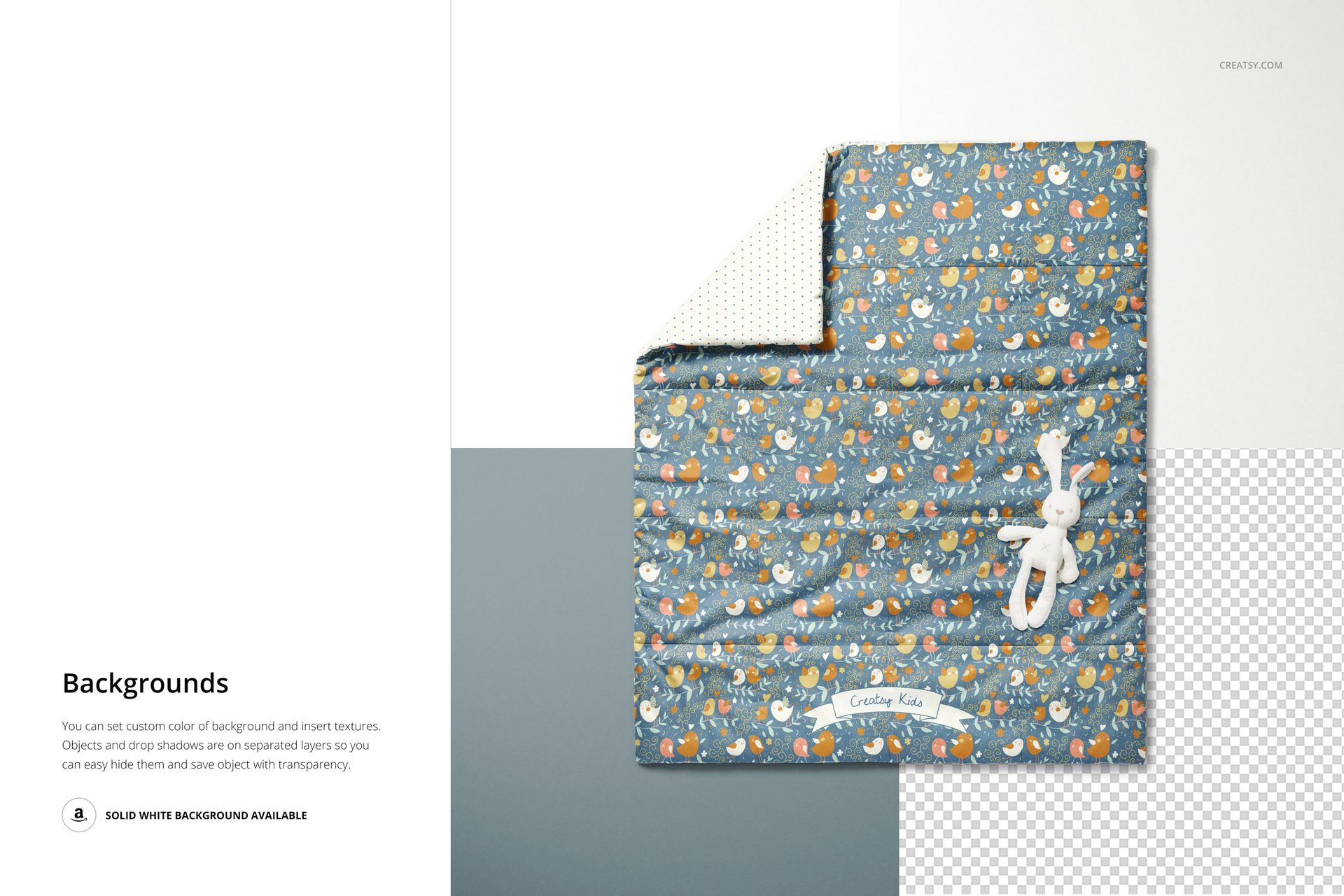


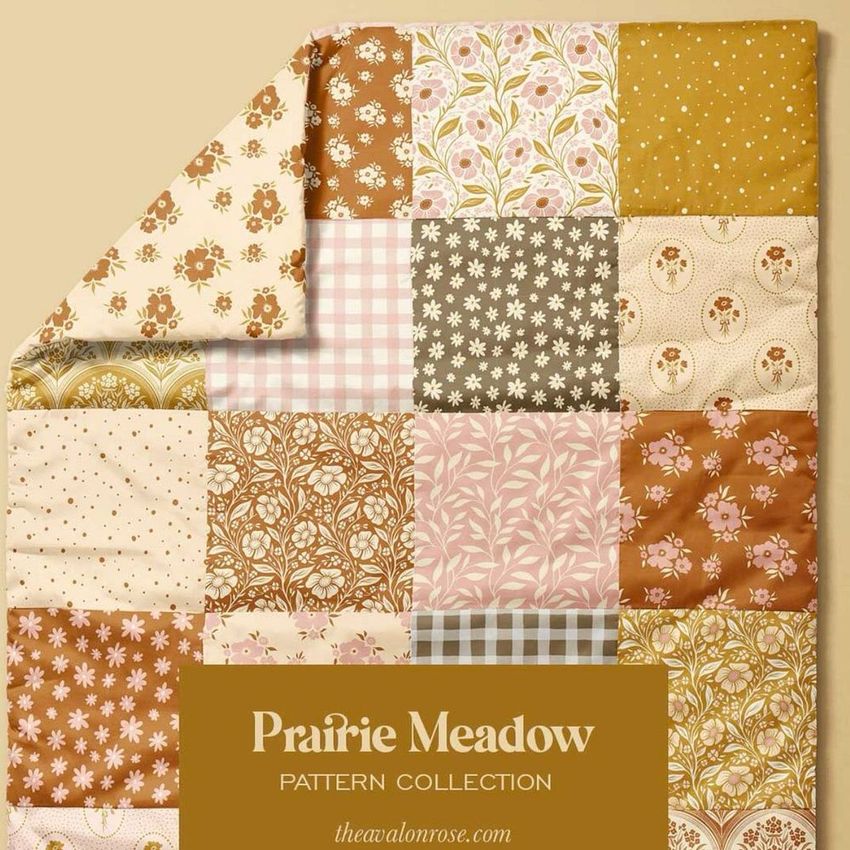
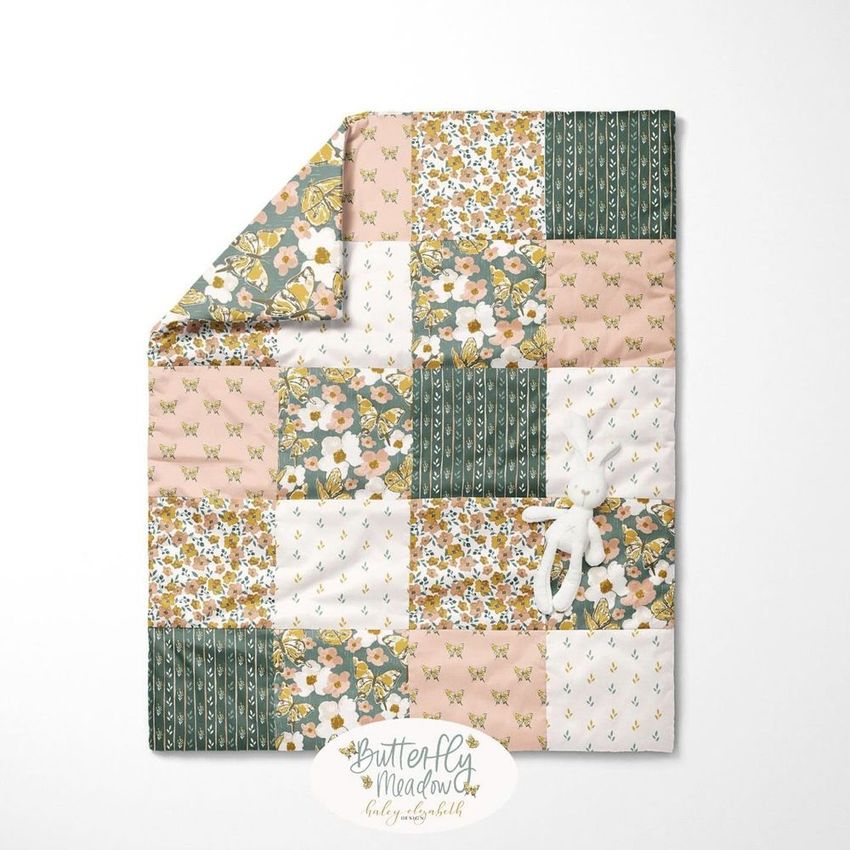
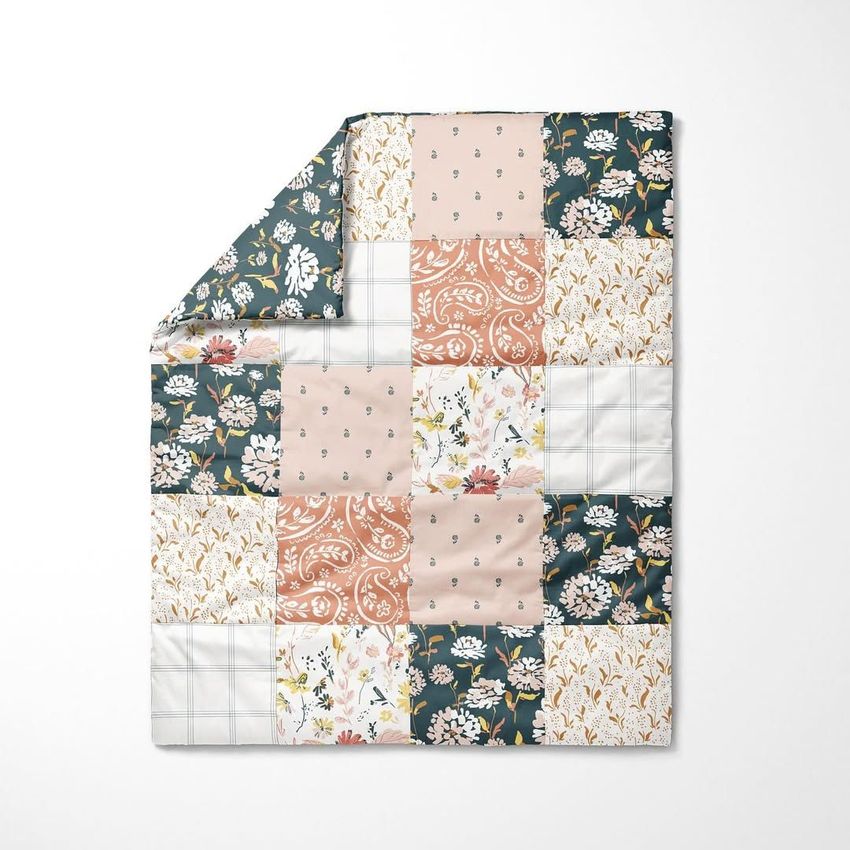
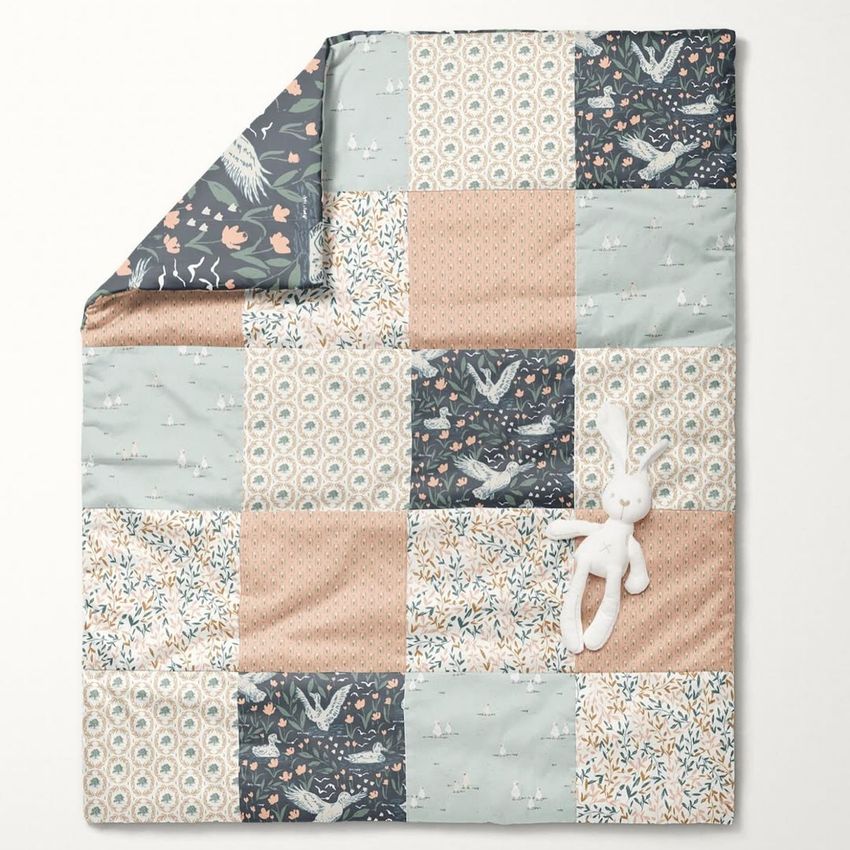








This mock-up was perfect for my cheater quilt pattern fabric design. I was able to easily adjust it to show the different colorways and quickly change the background to coordinate with each design. The mock-ups are such a great way to help customers visualize what the pattern could look like on an actual product. I have purchased mock-ups from other sellers, but none have come close to the quality and adjustability of Creatsy mock-ups.
Thank you so much for this thoughtful review! We’re thrilled to hear the mockup worked so well for your cheater quilt design and helped you show different colorways so easily. Your kind words about the quality and adjustability of our mockups truly mean a lot to us.