Baby Wearable Blanket Mockup Set (02/LFv.2)
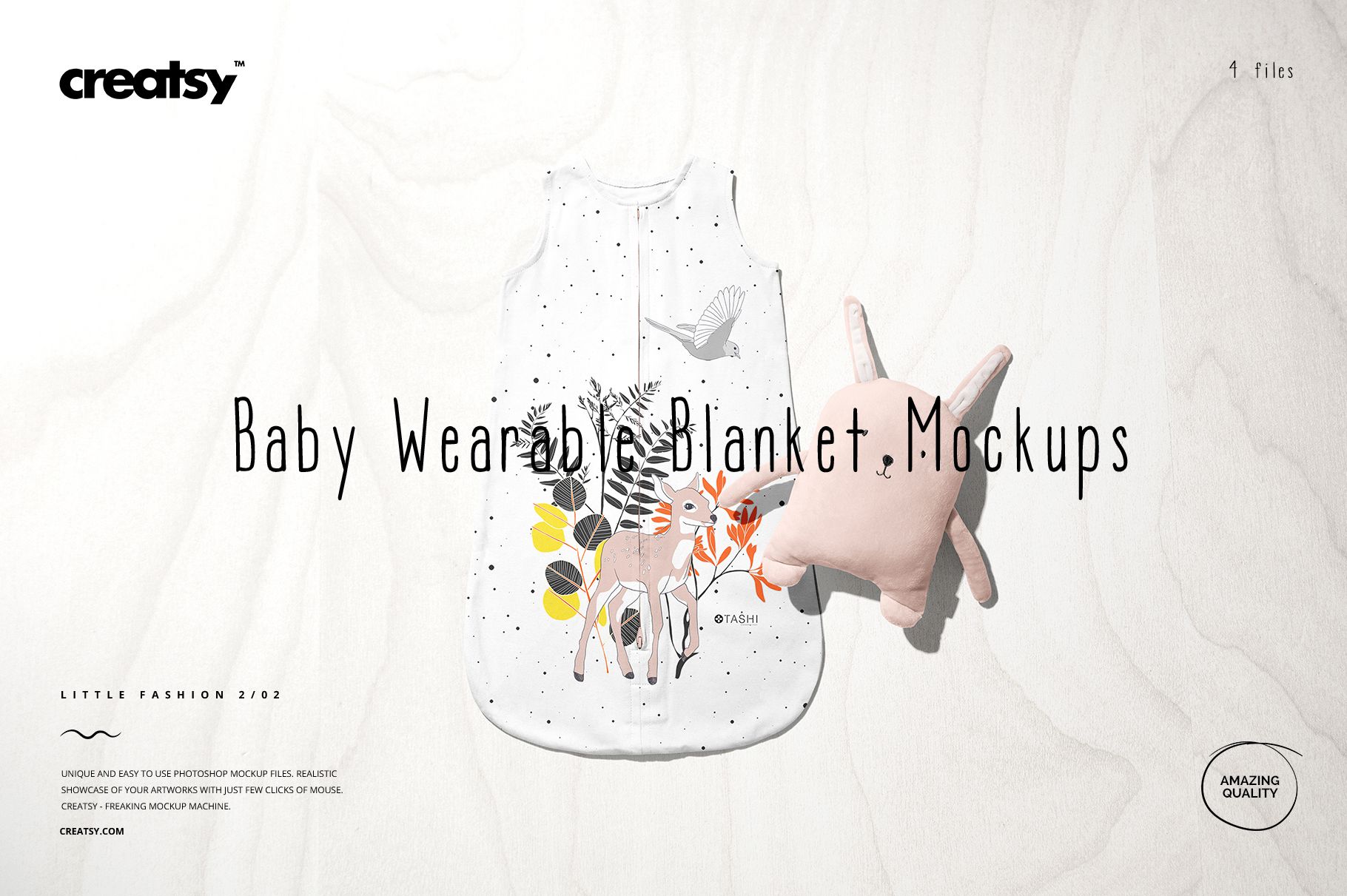
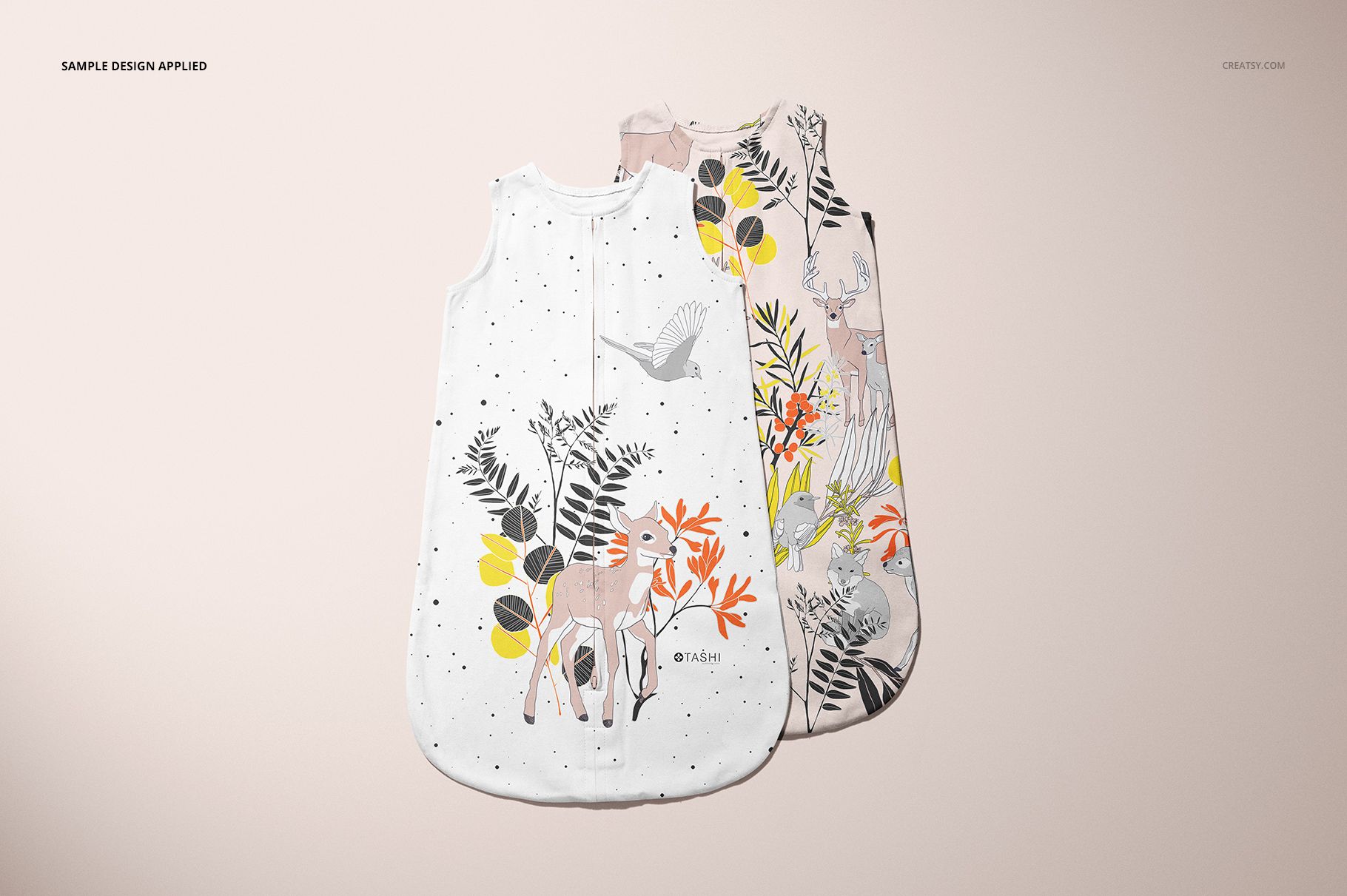
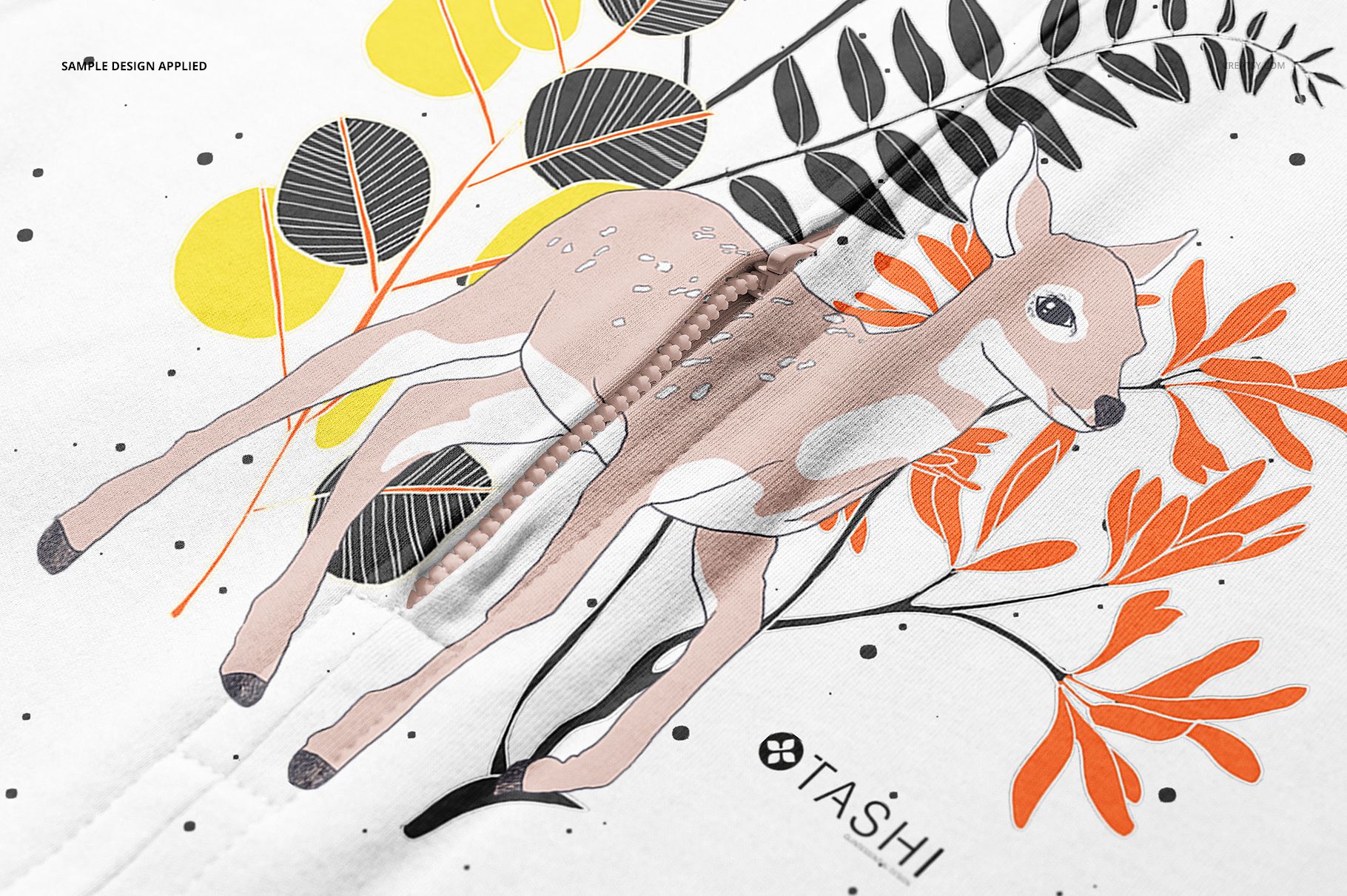
A central zipper gives a baby sleep-sack design a natural dividing line. Use this wearable blanket mockup set to see how placement artwork and repeating patterns sit around that detail, with front, back, paired-product and zipper-closeup scenes for a complete design presentation.
What is included
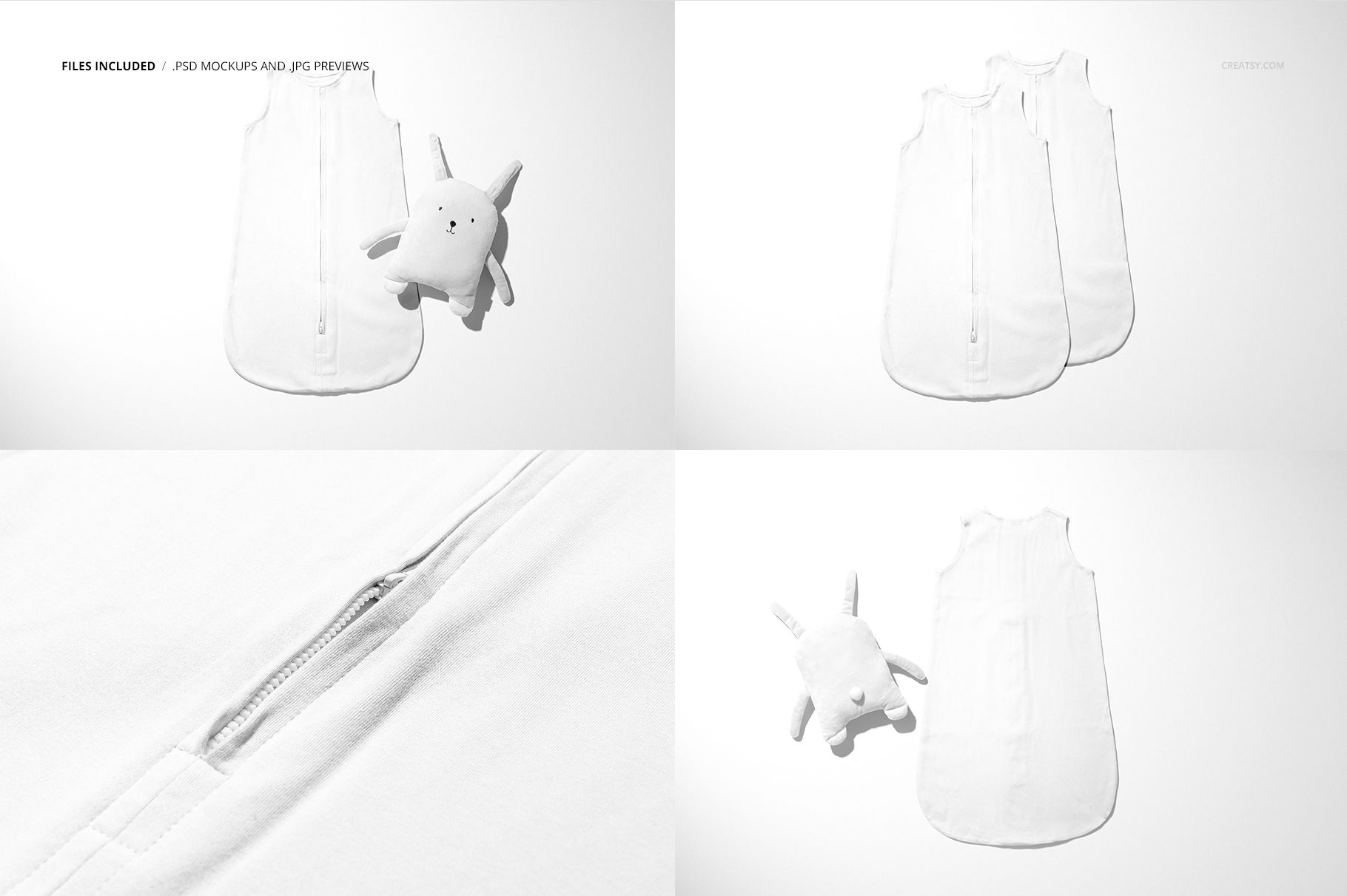
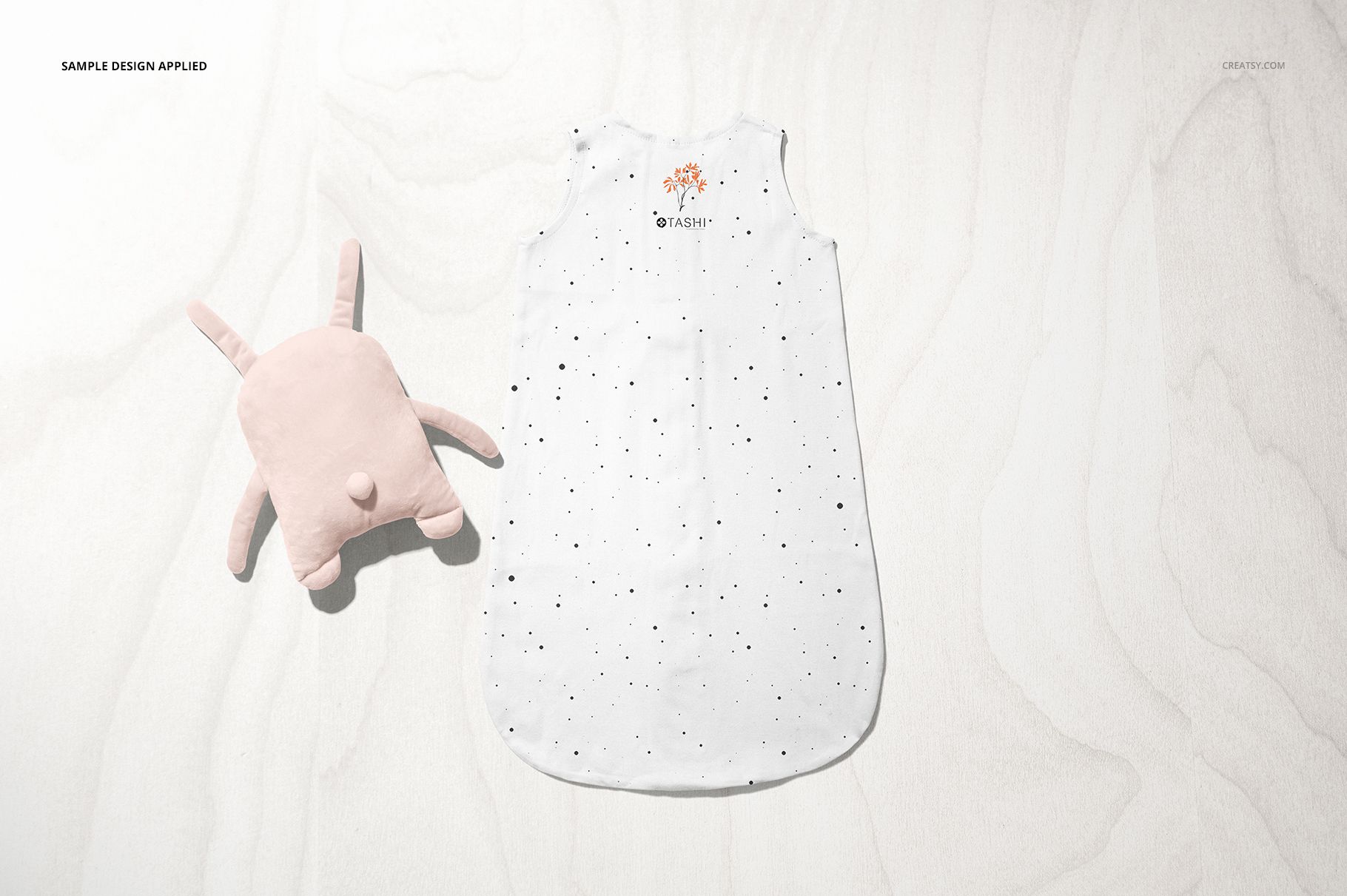
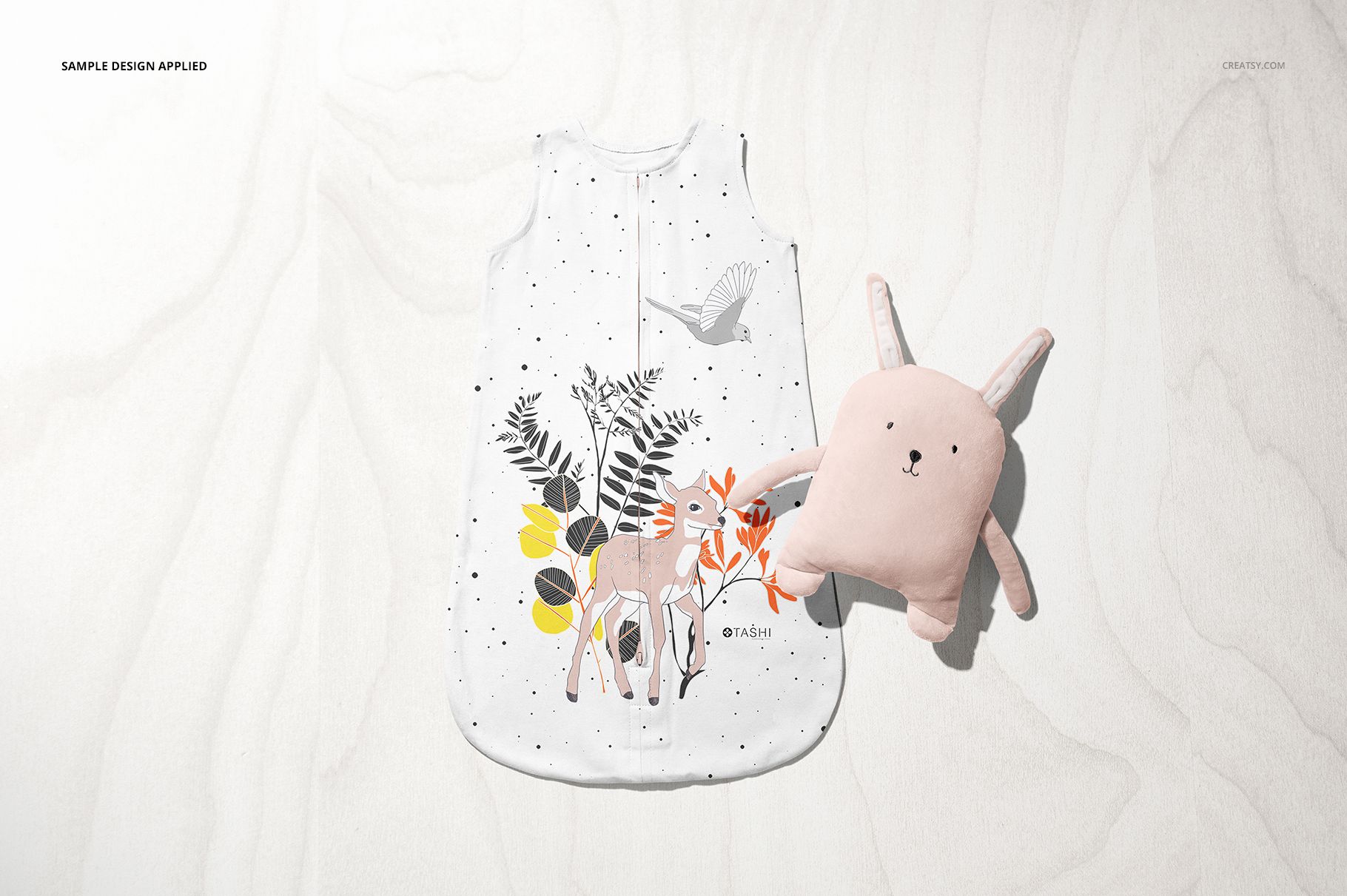
4 layered PSD files: Front, Back, Two and Closeup.
6000 × 4000 px scenes at 300 DPI.
4 JPG scene previews and a separate JPG guide.
Editing in Adobe Photoshop CC2020 or later and Photopea.
Refine the print and presentation
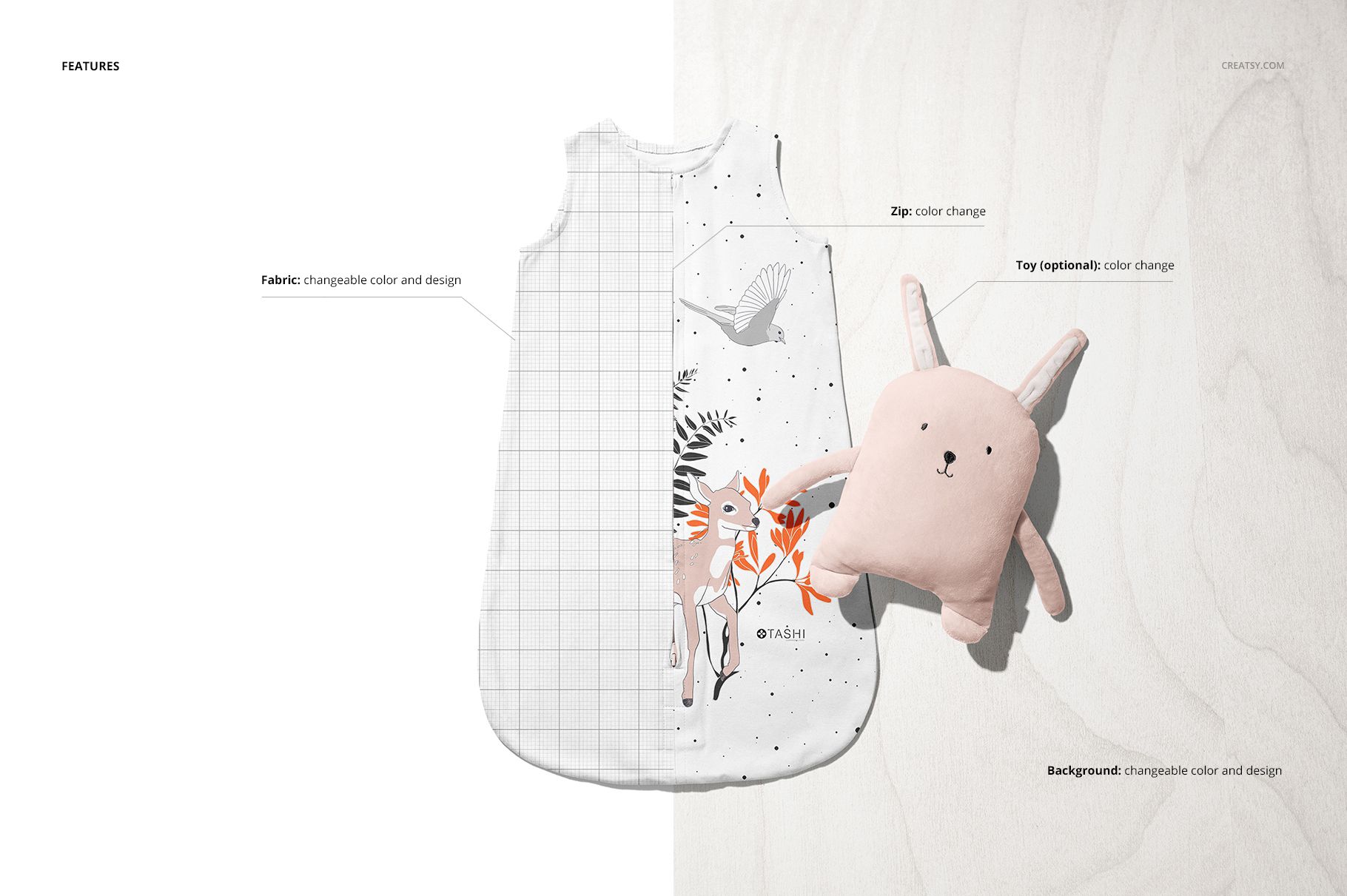
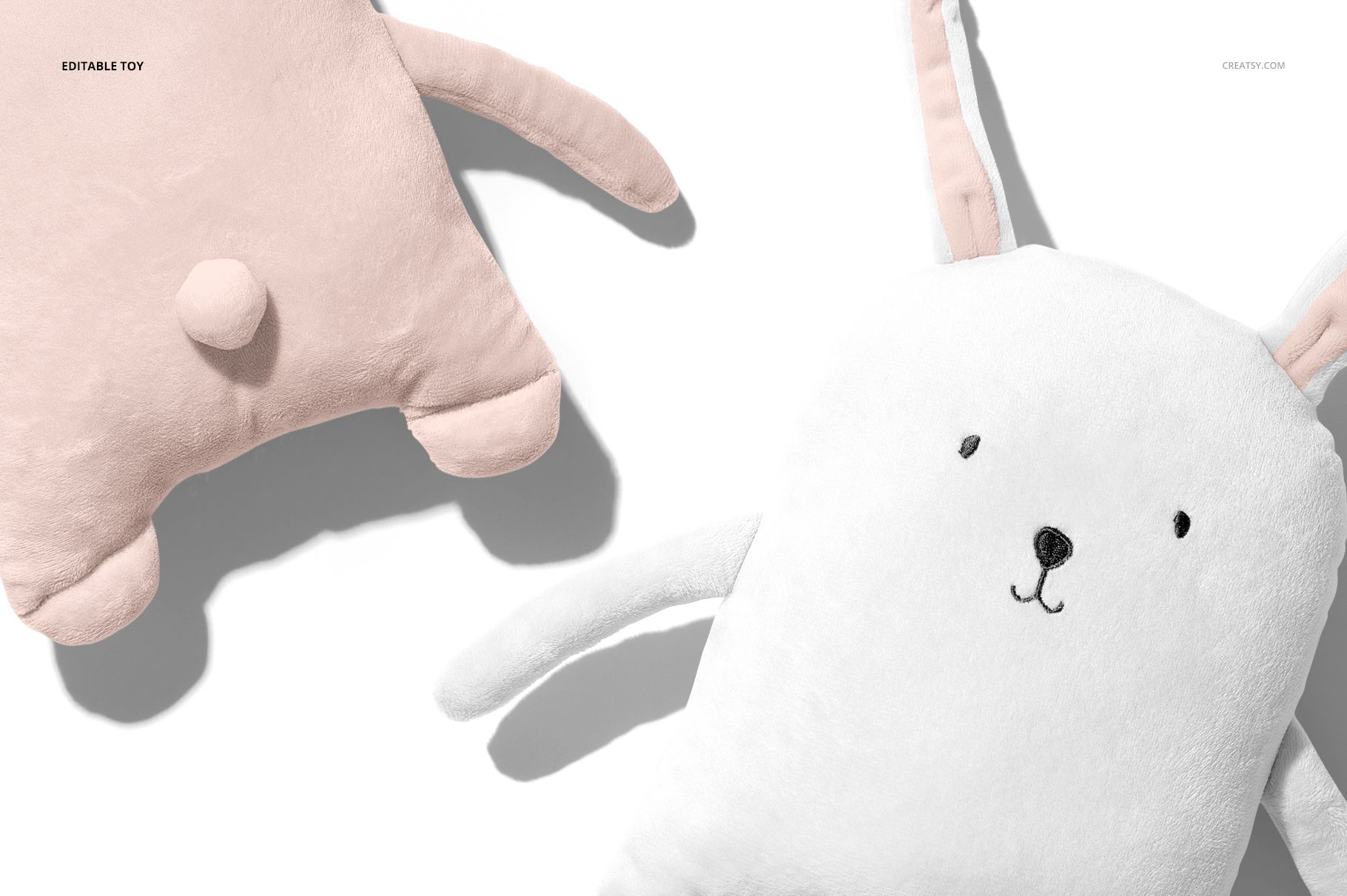
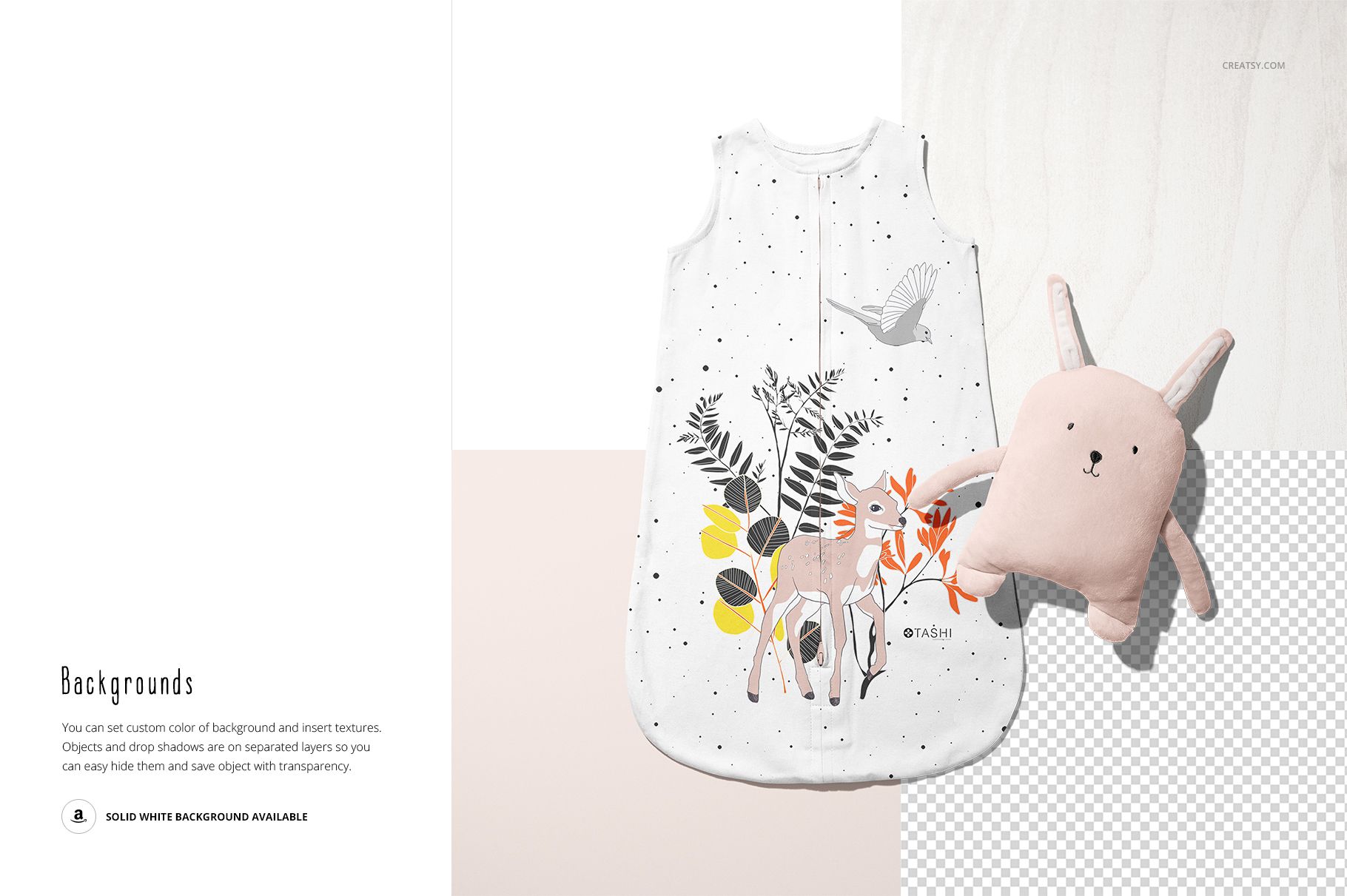
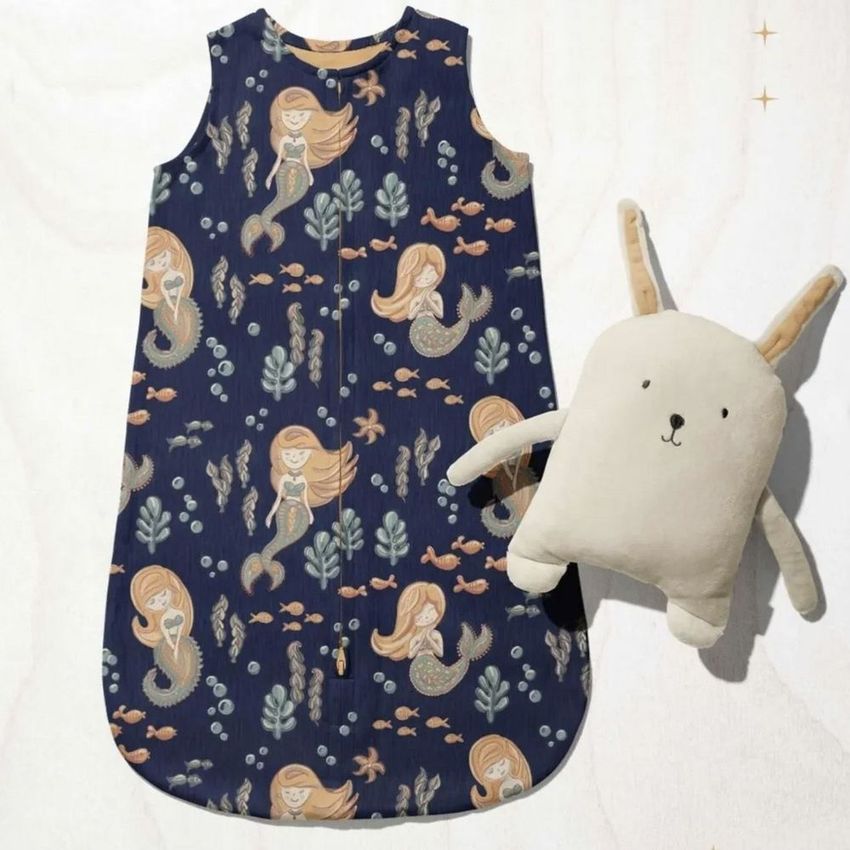
Change the fabric color and design, coordinate the zipper color, and recolor or hide the optional toy. Set a custom background color, insert a texture or use separate object and drop-shadow layers for transparent-background output. The paired view supports side-by-side presentation of coordinated designs.
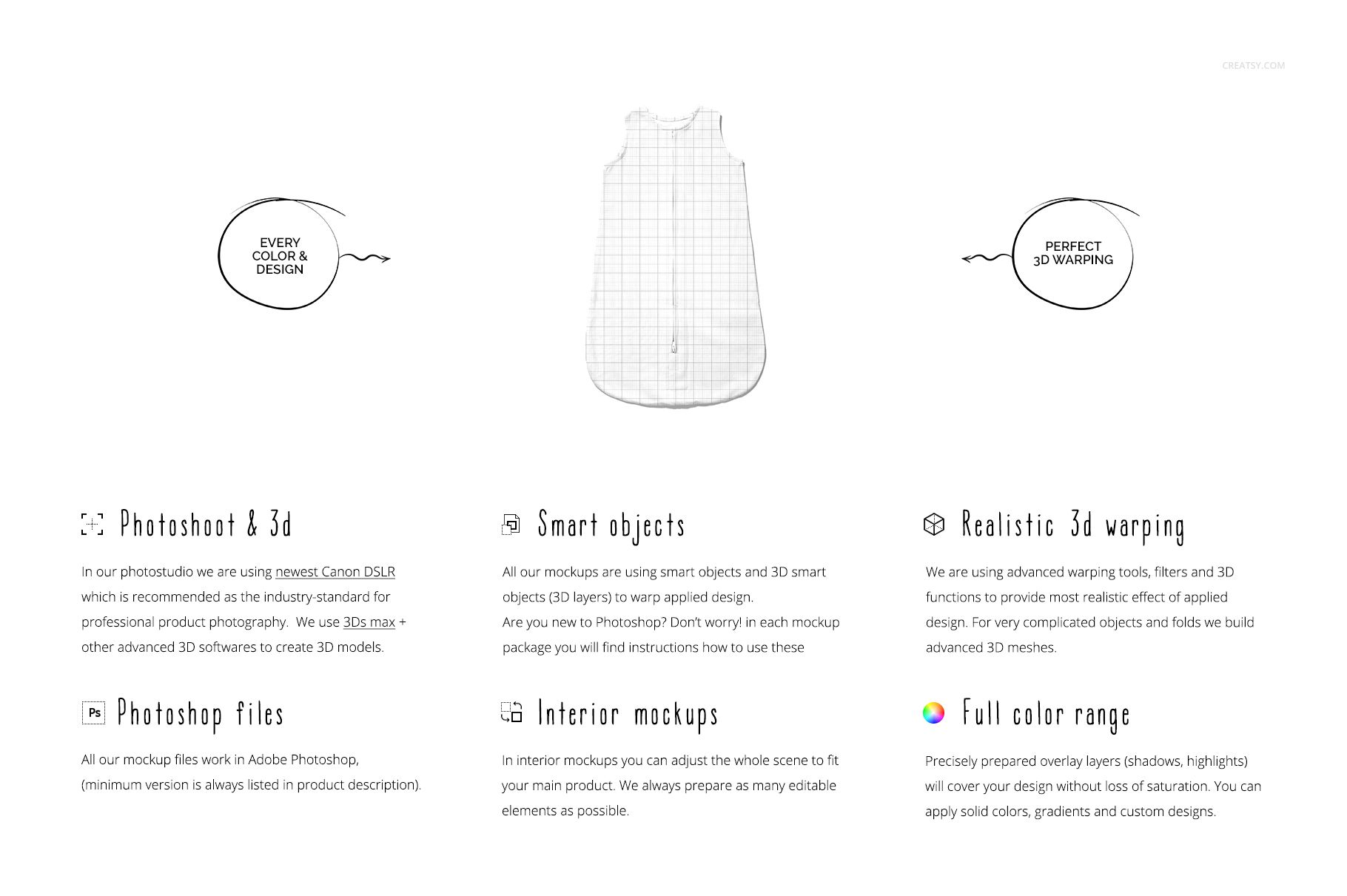
Use the Smart Object workflow
Open the relevant PSD and replace the artwork in its designated Smart Object. Save the Smart Object contents, return to the scene and refine the available color layers. Check the full garment and the zipper closeup together before exporting client or portfolio images.
Created for infant sleepwear concepts, surface-pattern portfolios and baby-brand lookbooks. This is a digital mockup, not a physical wearable blanket, sewing pattern or safety certification. Sample designs are not included.















There should be the option to change the colors of the elastic bands on the neck and arm areas.
Hi Yusuf, thank you for the feedback. In this Baby Wearable Blanket Mockup Set, those areas are not separate elastic bands. The entire front is one piece of fabric, and what you see around the neck and arm areas are stitching seams, so there is no separate “band” layer to recolor. That said, we are preparing an update to add an optional color control for those parts, and we will let you know as soon as it is live (usually within 1 to 2 days). :)