Christmas Greeting Card and Envelope Mockup
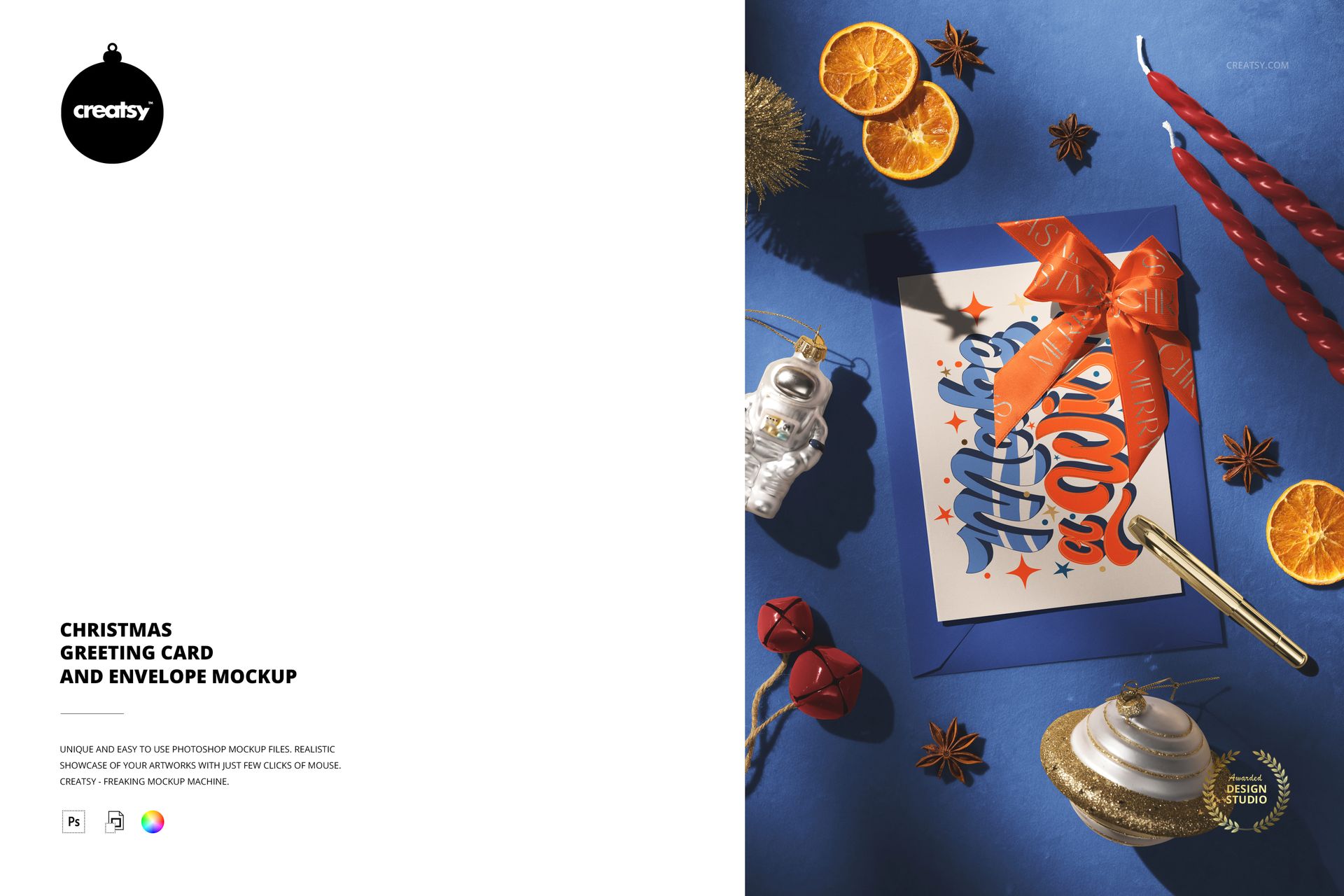
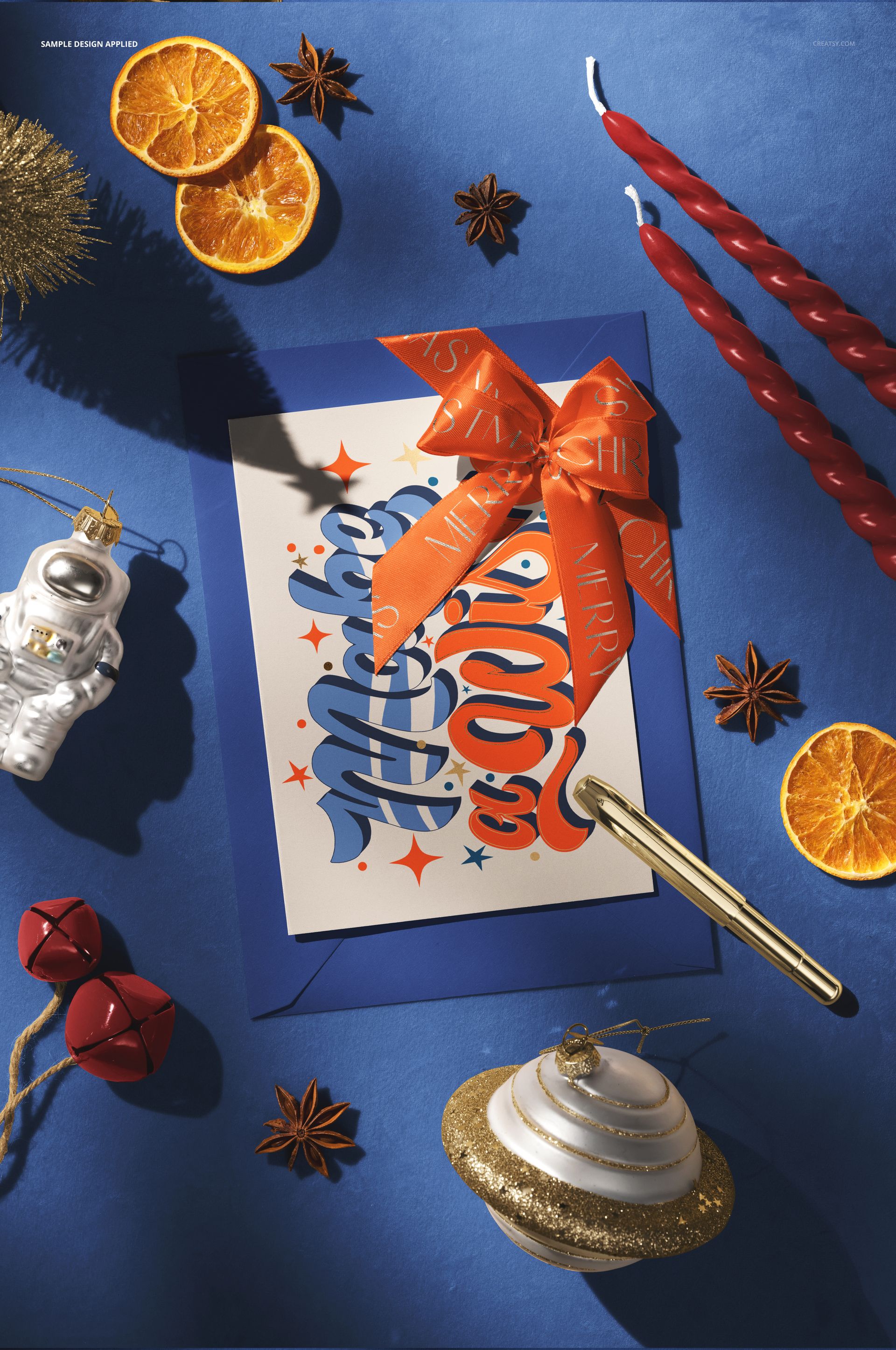
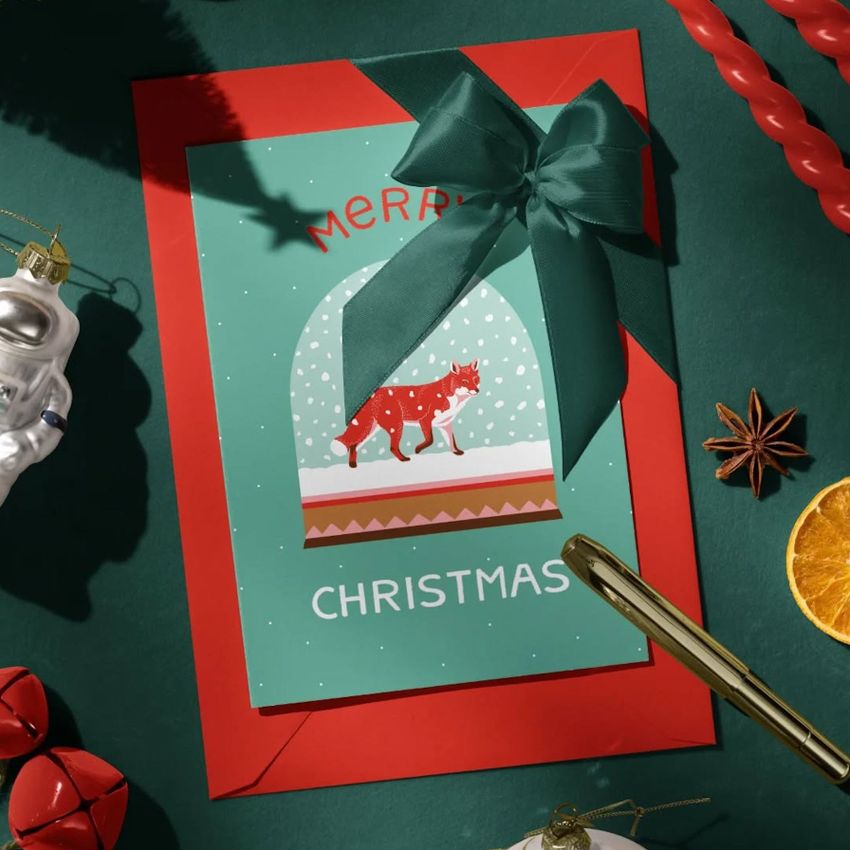
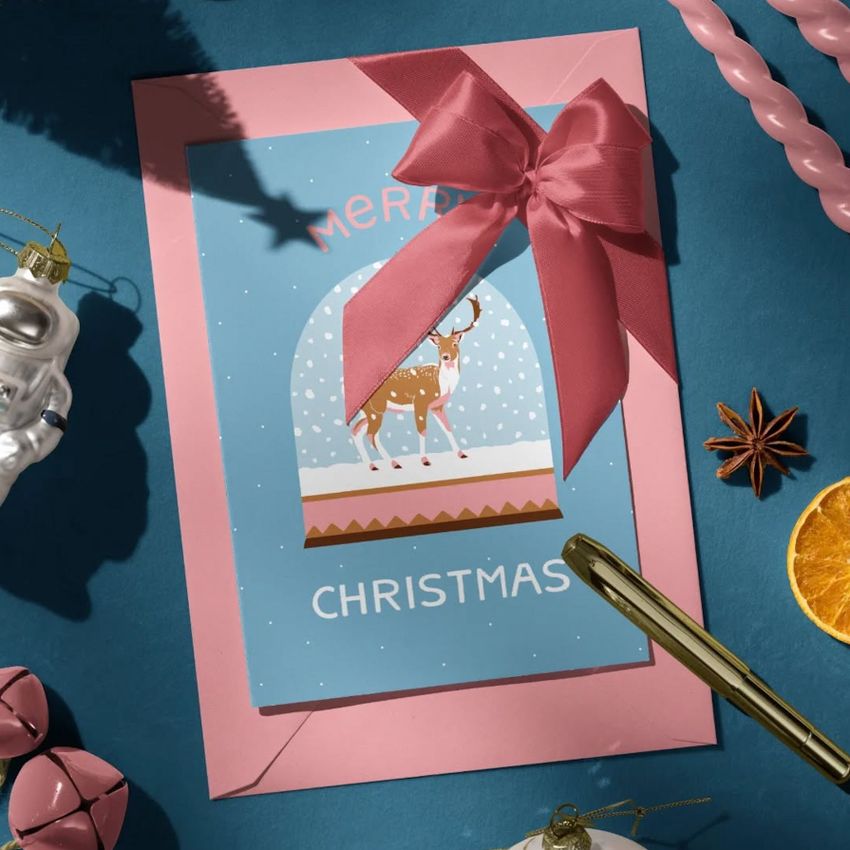
Present holiday card artwork in a festive top-view scene arranged around a greeting card, envelope, decorative ribbon, twisted candles, bells, dried orange slices, star anise, a removable pen, an astronaut ornament, and a glittered Saturn ornament. The rich velvet background and directional shadows give stationery designs a colorful seasonal setting while keeping the card and envelope easy to see.
Use the mockup to test Christmas greetings, illustrated cards, invitations, typographic designs, envelope artwork, and coordinated color palettes. Editable surfaces and metallic effects make it possible to create traditional, modern, playful, or space-inspired holiday presentations from the same organized PSD.
What Is Included
1 layered and well-organized PSD mockup file
1 JPG preview file
2 digital files in total
PSD resolution of 4000 × 6000 px at 300 DPI
Smart Object editing in Adobe Photoshop CC2020 or newer and Photopea
Customize the Card, Envelope, and Ribbon
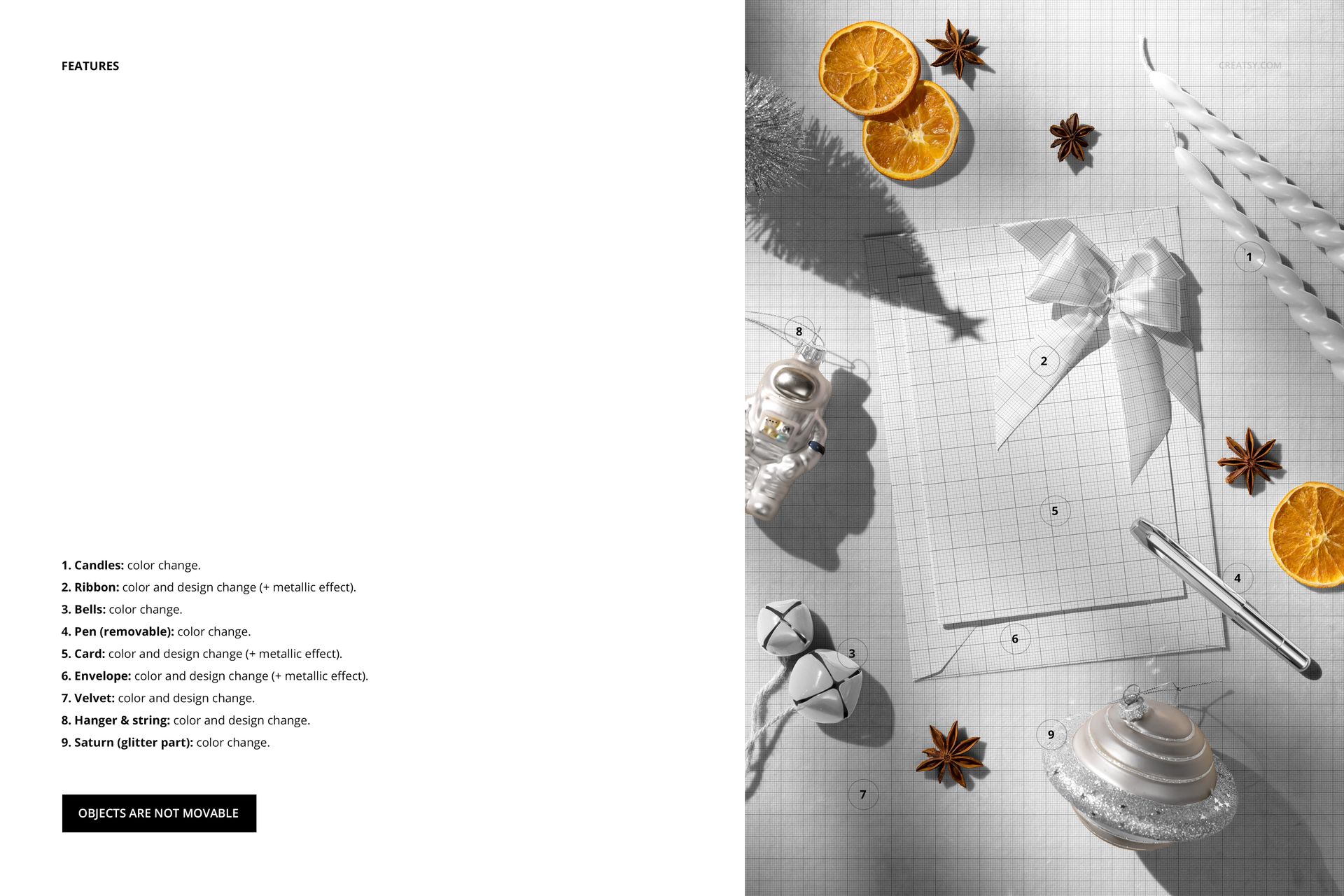
Apply your own colors and designs to the greeting card and envelope through the organized editing areas. The card, envelope, and ribbon also support a metallic effect, helping you compare flat color with a reflective decorative finish. Change the ribbon design to coordinate the bow with the artwork and surrounding holiday palette.
Adjust the Festive Details
Change the colors of the twisted candles, bells, removable pen, and glitter section of the Saturn ornament. The velvet background and the ornament hanger with its string support color and design changes. These controls help connect the stationery artwork with the blue surface, red accessories, metallic accents, or an entirely different color direction.
Fixed Composition with a Removable Pen
The objects are fixed in position and cannot be moved. The pen can be removed, allowing a cleaner view of the card and envelope while the rest of the arrangement retains its original lighting and balance.
Smart Object Workflow in Photoshop and Photopea
Open the relevant Smart Object, insert your artwork, save the edited layer, and return to the main composition to review the result. The PSD works in Adobe Photoshop CC2020 or newer and Photopea. For another browser-based presentation option, explore the Creatsy Online Mockup Editor.
Useful For
Christmas greeting card and envelope designs
Holiday invitations and seasonal stationery
Festive typography and illustrated card collections
Client presentations and color palette reviews
Online shop images, portfolios, and social media graphics
Coordinated card, envelope, and ribbon concepts
Digital product notice: This is a digital download. No physical card, envelope, decorations, or stationery will be shipped. The sample artwork shown in the previews is for presentation only and is not included.







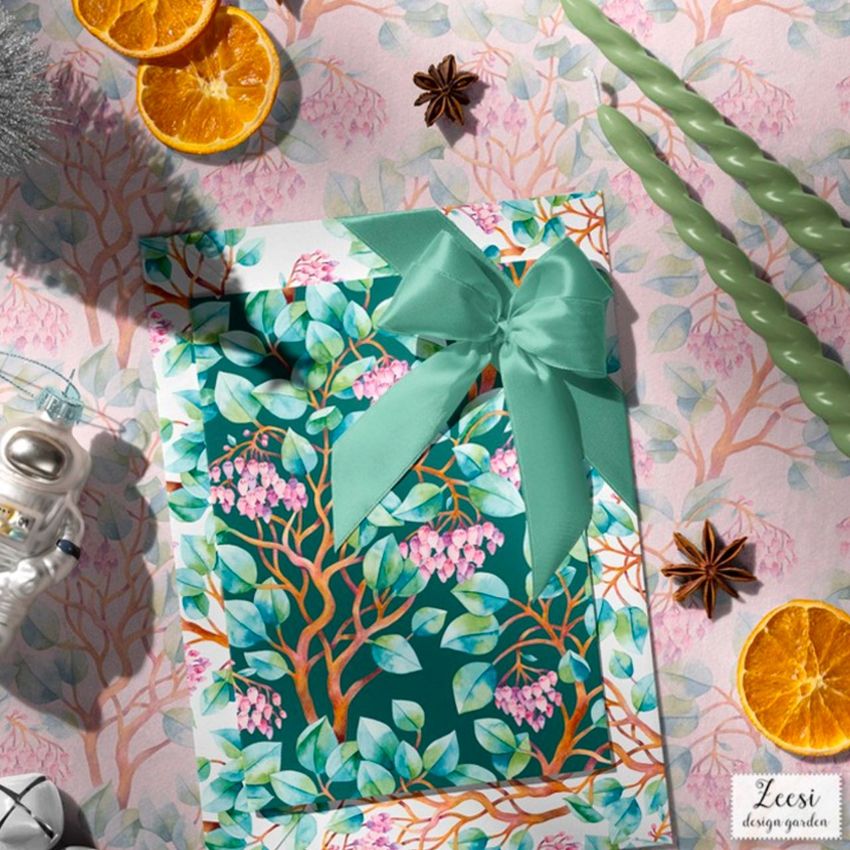









This one is very easy to modify and change the look depending of the trinkets, color palette and motifs of the card that you place. Very very versatile and easy to use.
Thank you so much for sharing this, Cris_Tamay! We are delighted that the mockup was easy to customize and versatile enough to work with different props, color palettes, and card motifs. We truly appreciate your thoughtful review!