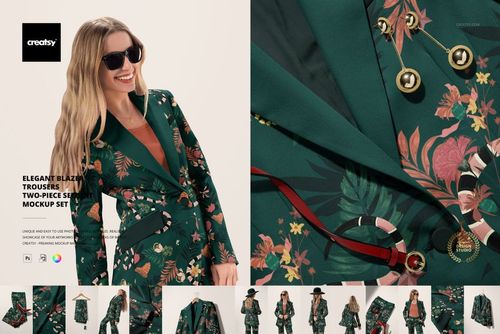
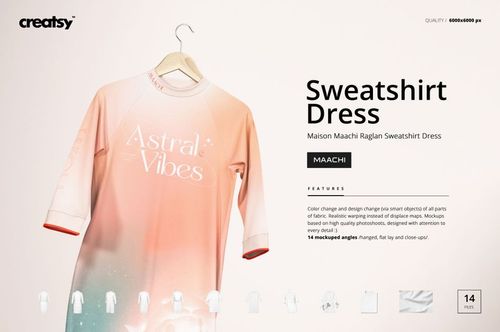
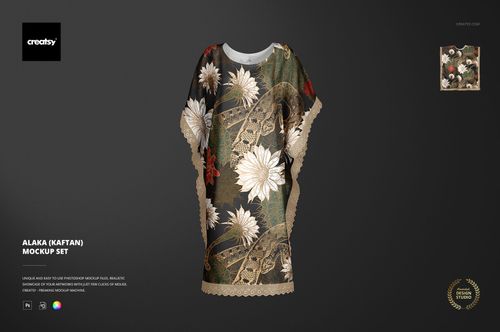
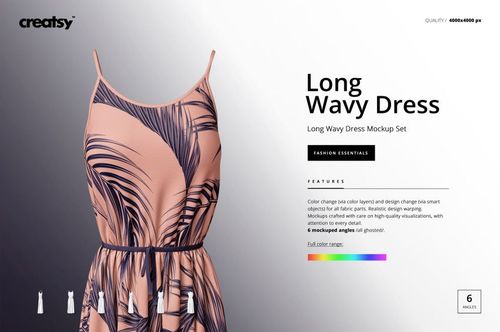
Chiffon Kimono Mockup Set - 4 PSD Files
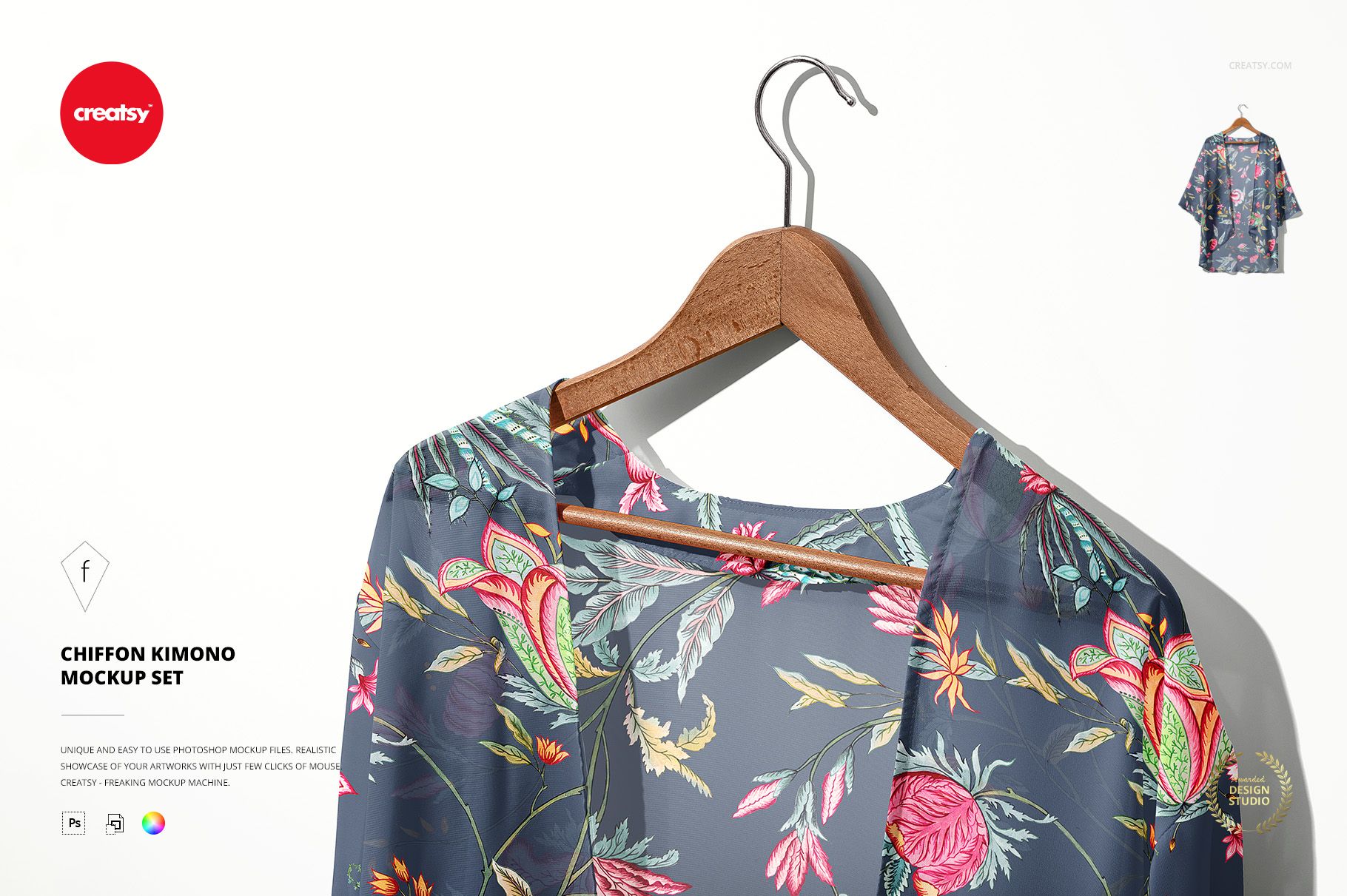
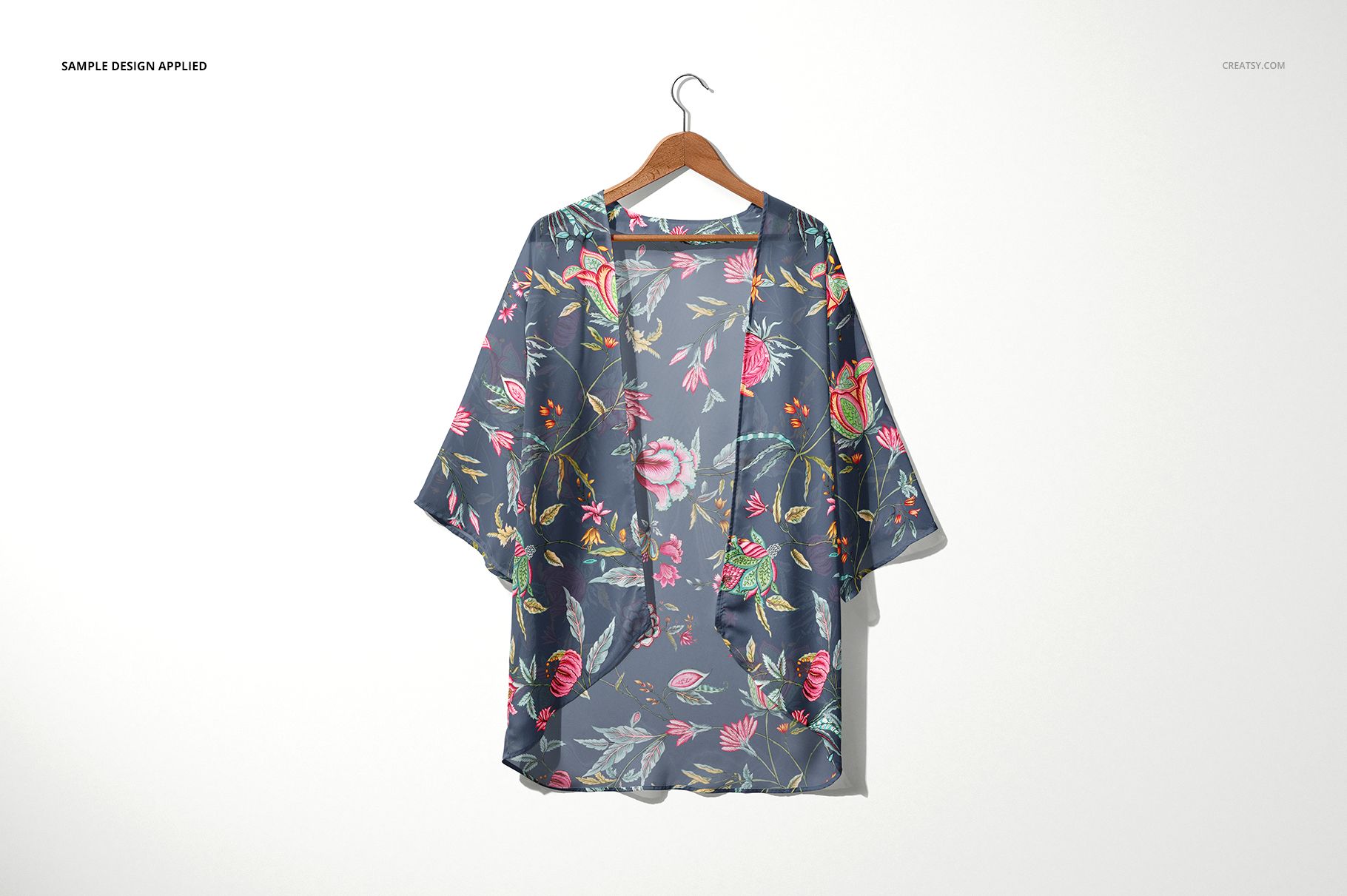
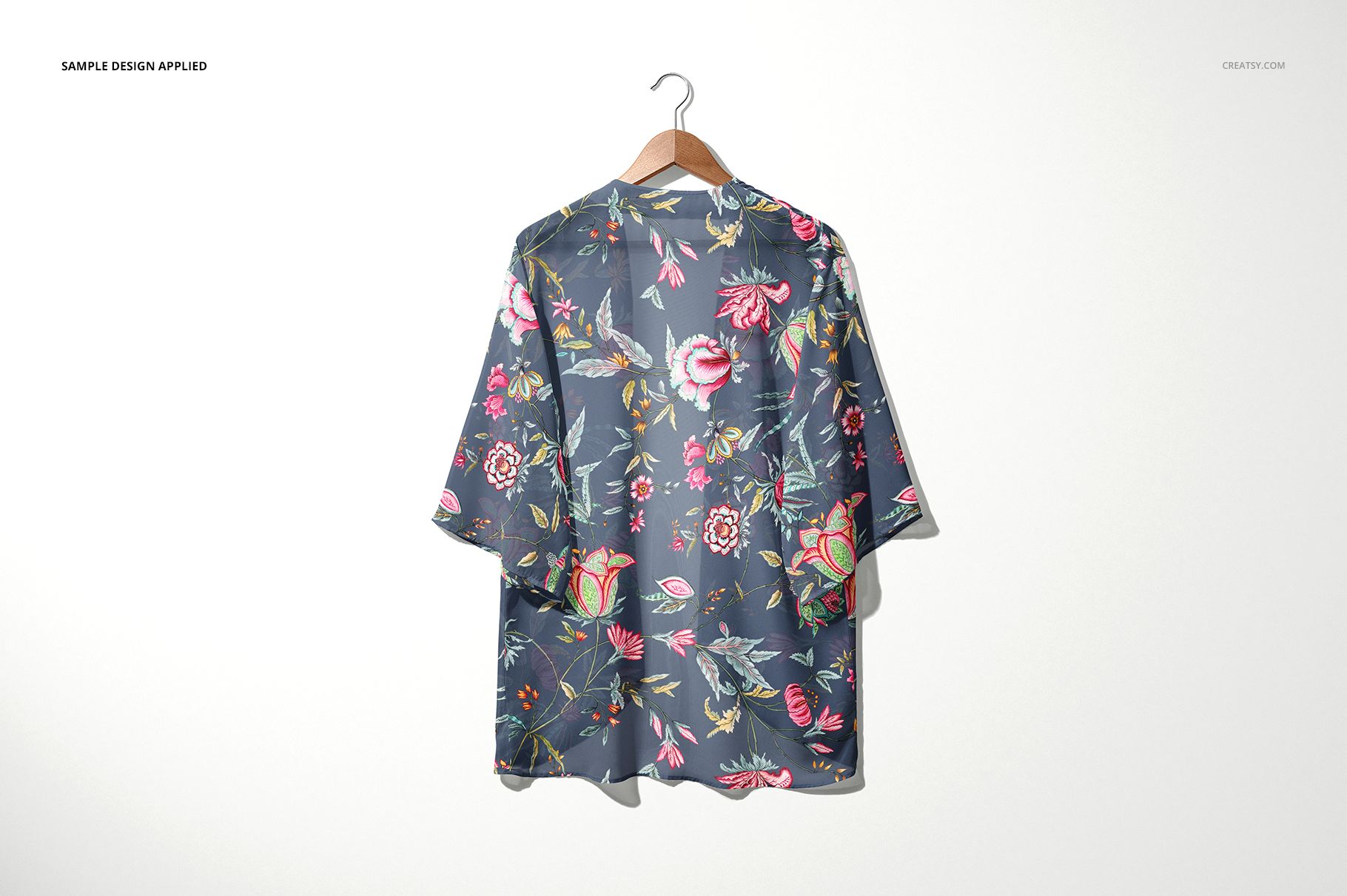
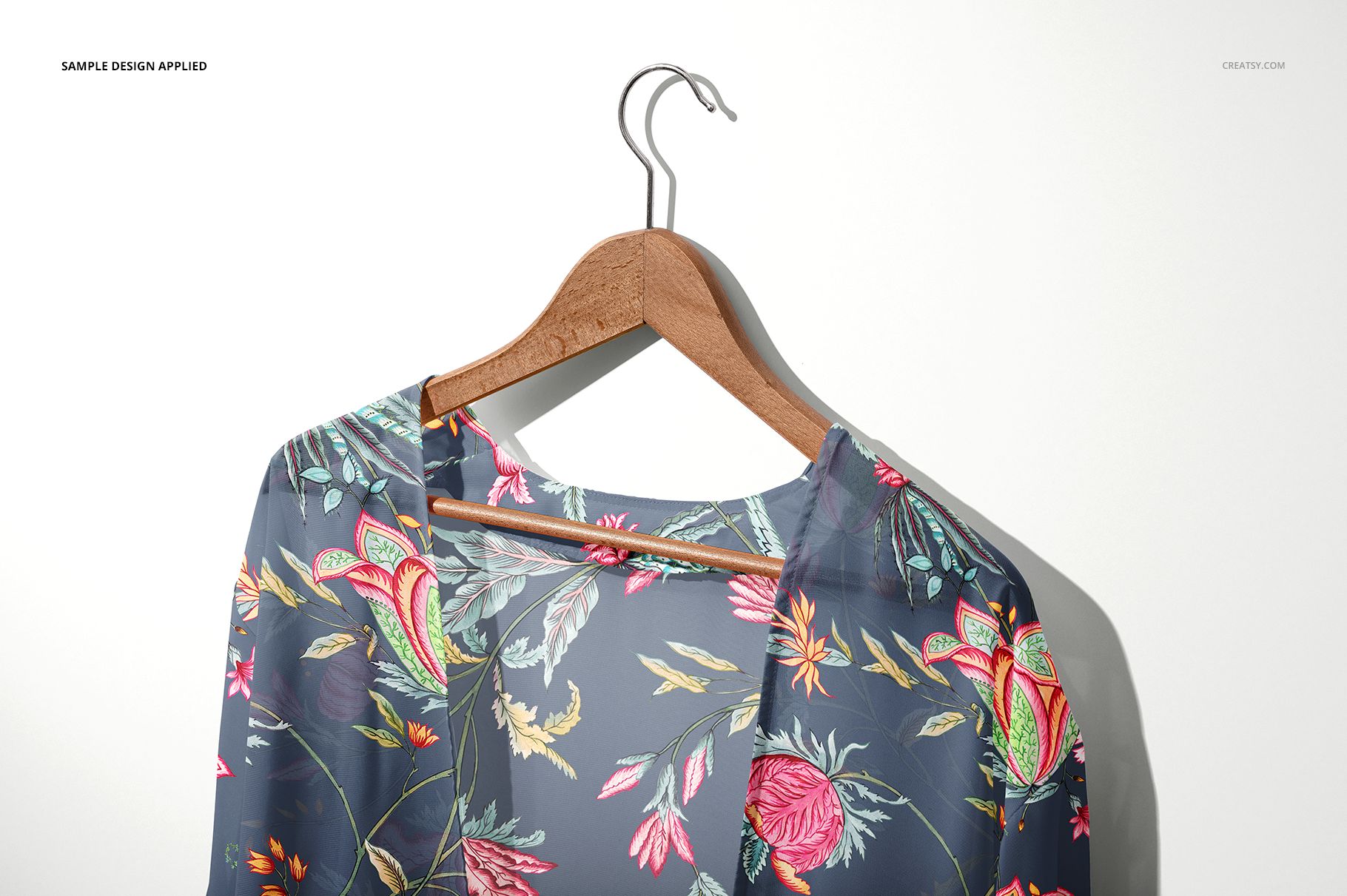
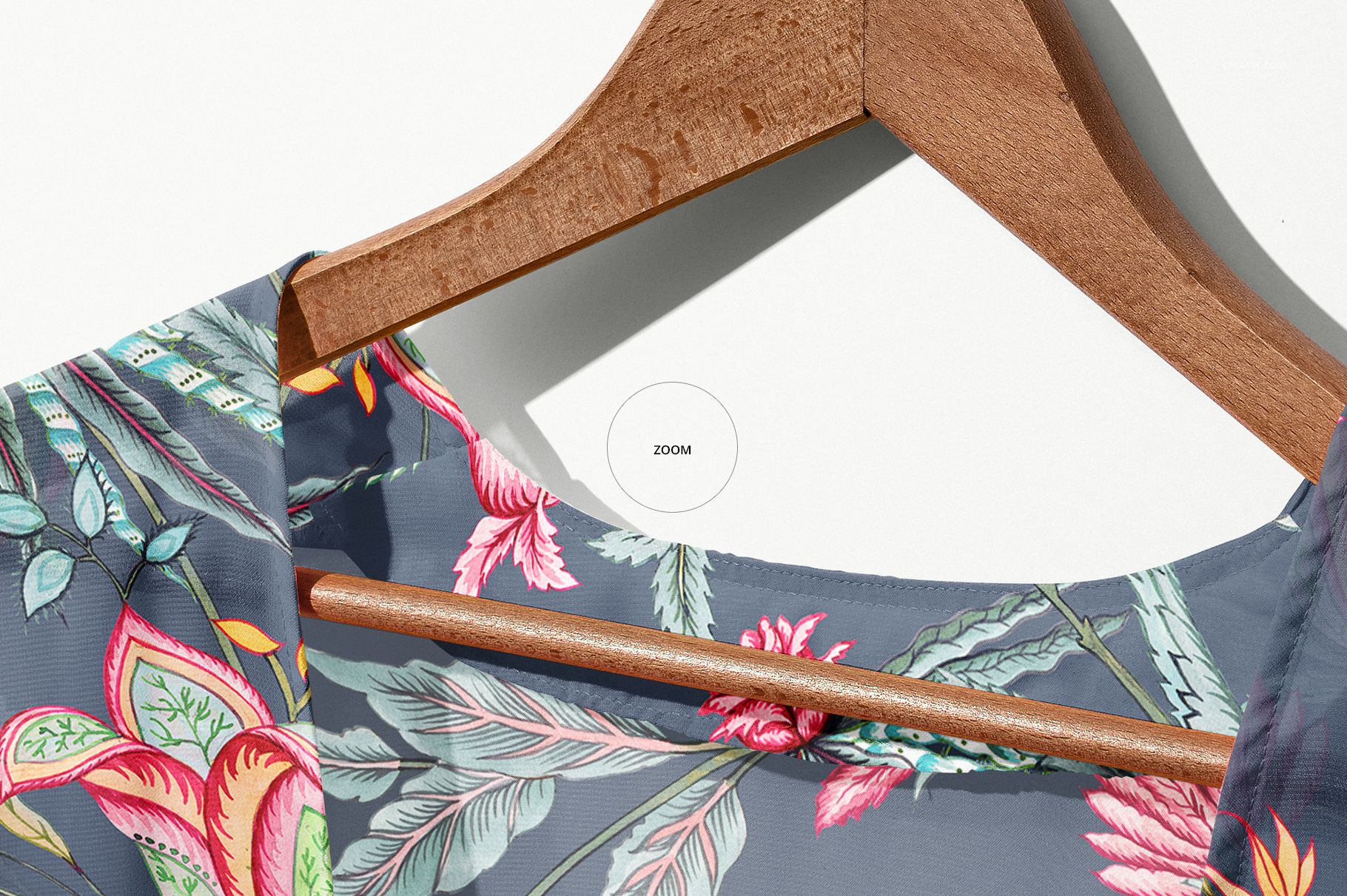
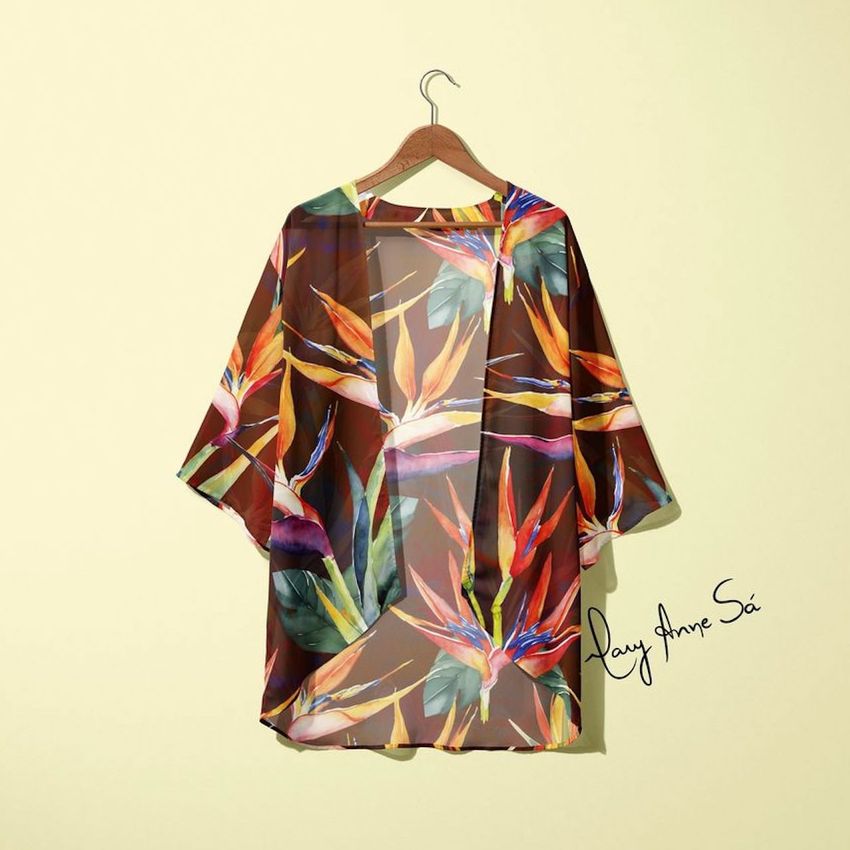
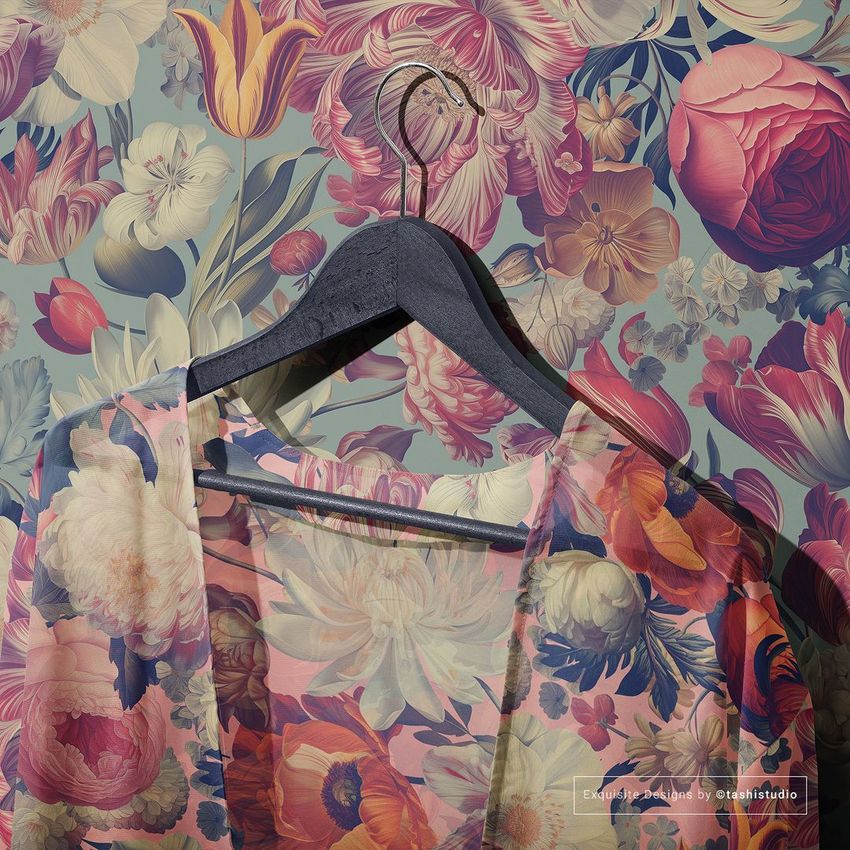
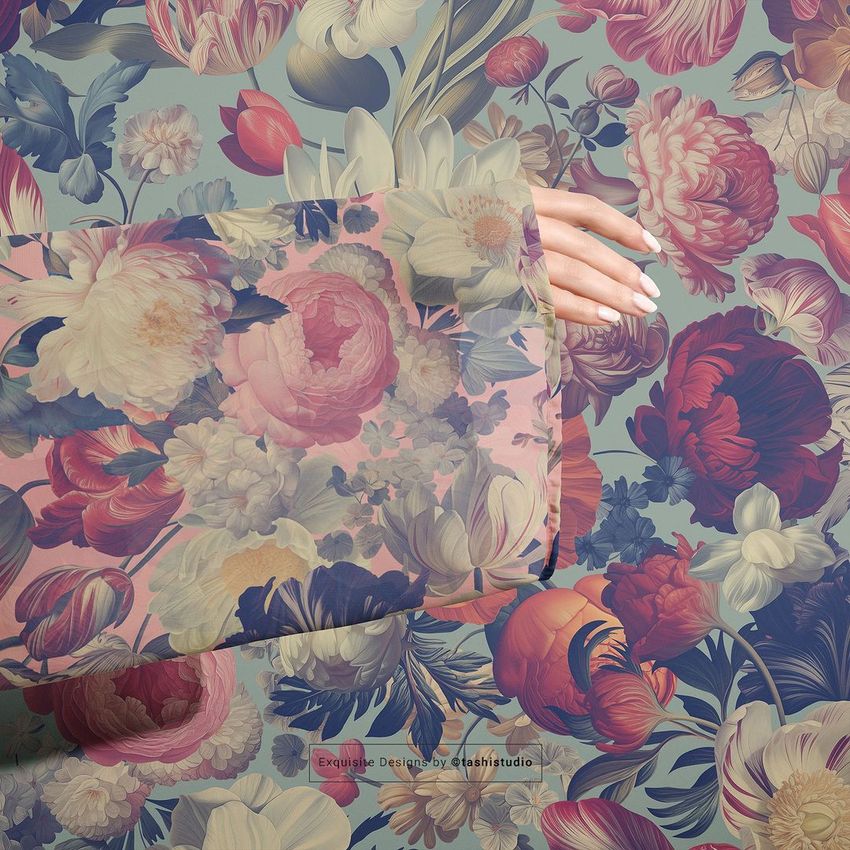
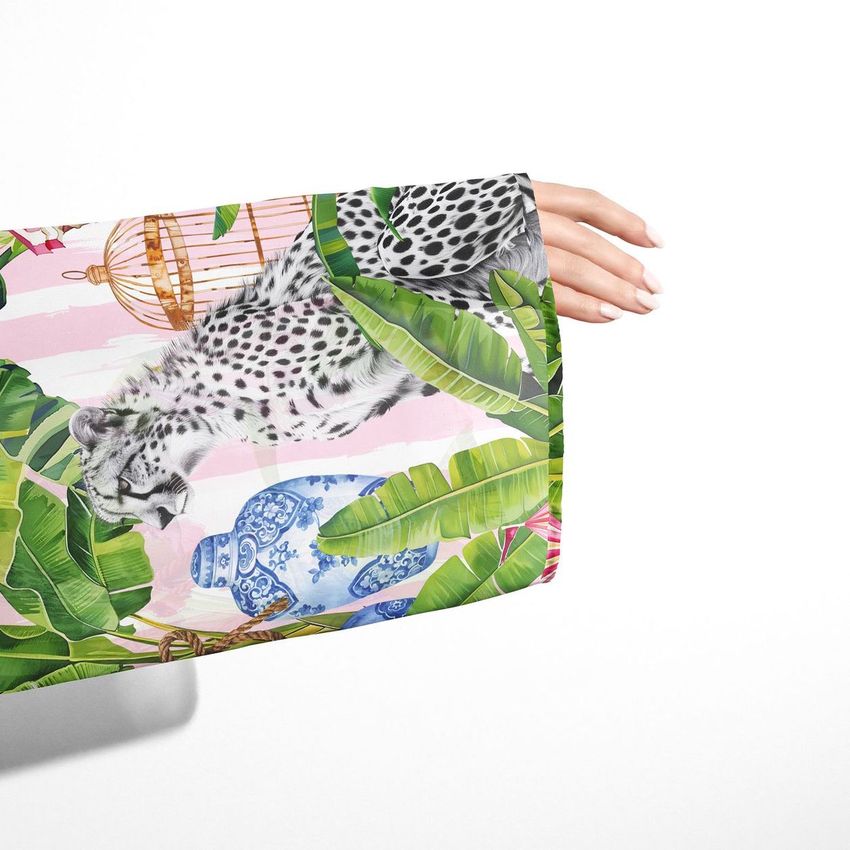
Show chiffon kimono designs exactly as they would look when finished and photographed on a natural wooden hanger. This mockup set includes 4 high-resolution PSD files presenting a chiffon kimono from multiple angles - front view, back view, detail close-ups, and full garment compositions. Each file was built from real chiffon fabric photography, capturing the lightweight translucency, delicate drape, and soft texture that define this material. Whether you design surface patterns for fashion brands, run a print-on-demand store, or develop your own kimono line, these mockups give you product-ready images in under a minute without photography costs or fabric sampling.
Why This Mockup Set Works
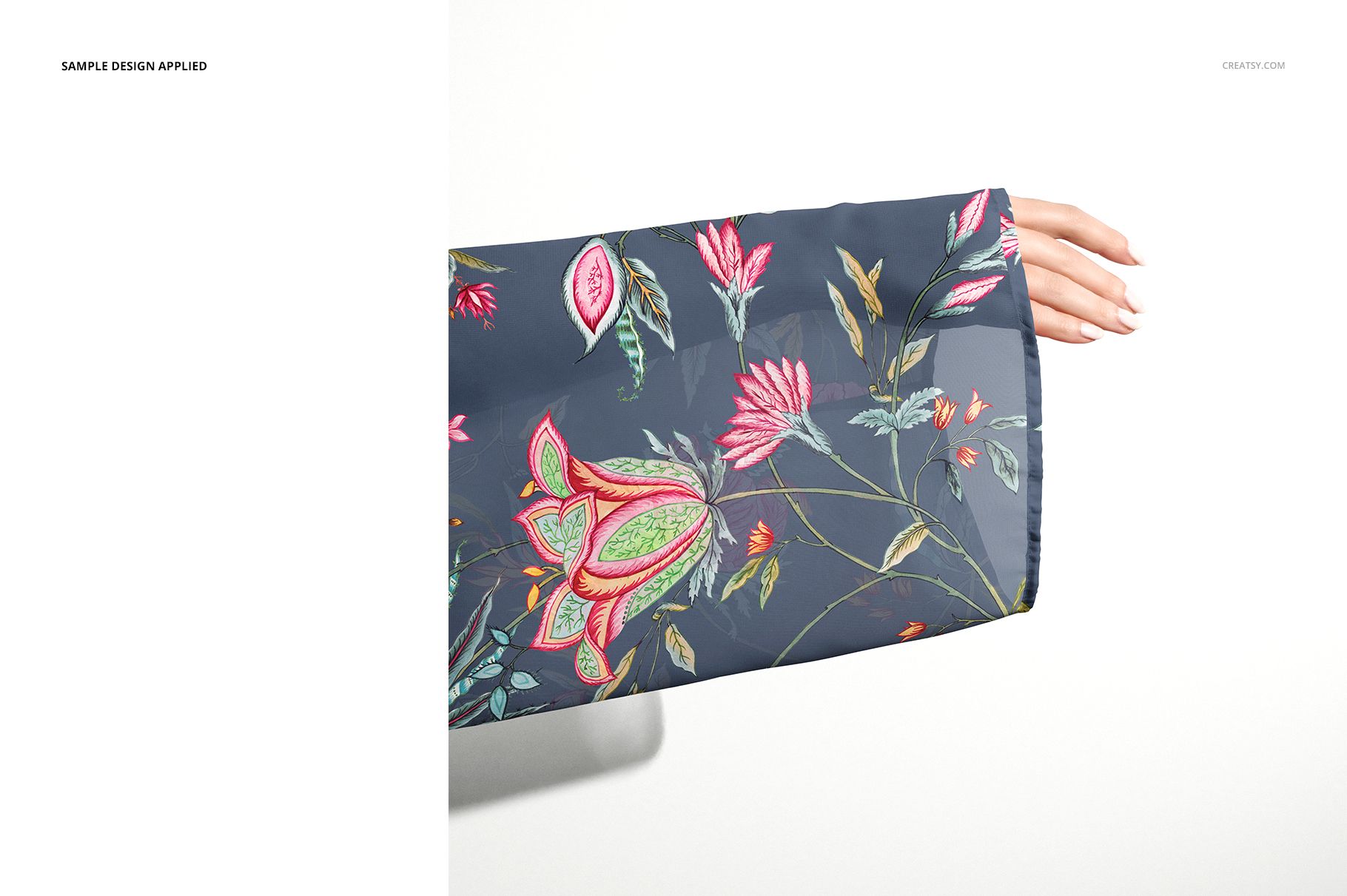
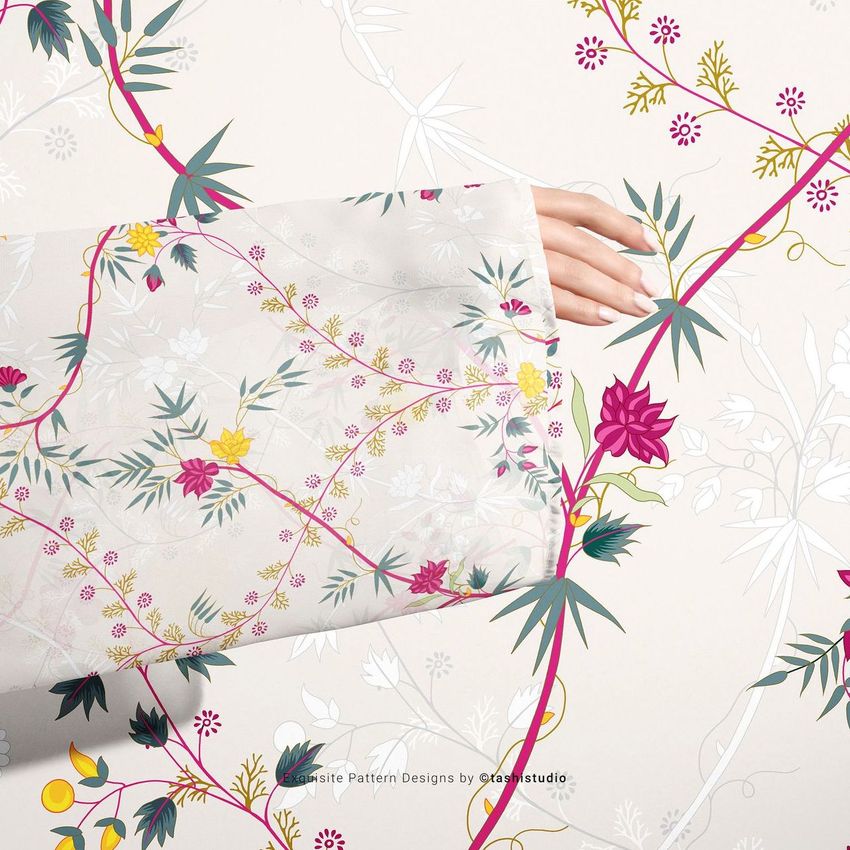
Chiffon is one of the most challenging fabrics to represent digitally because its appeal depends on how light passes through the fibers and how the material flows when draped. These mockups were shot with actual chiffon fabric, so the result preserves genuine translucency, soft fold shadows, and the textured surface that separates chiffon from heavier weaves. When you apply your design through the smart object layer, it wraps around the garment with realistic deformation - showing how your pattern behaves across seams, hems, sleeves, and draped sections of a finished kimono. The wooden hanger adds a premium retail feel that elevates product listings and portfolio presentations.
What Is Included
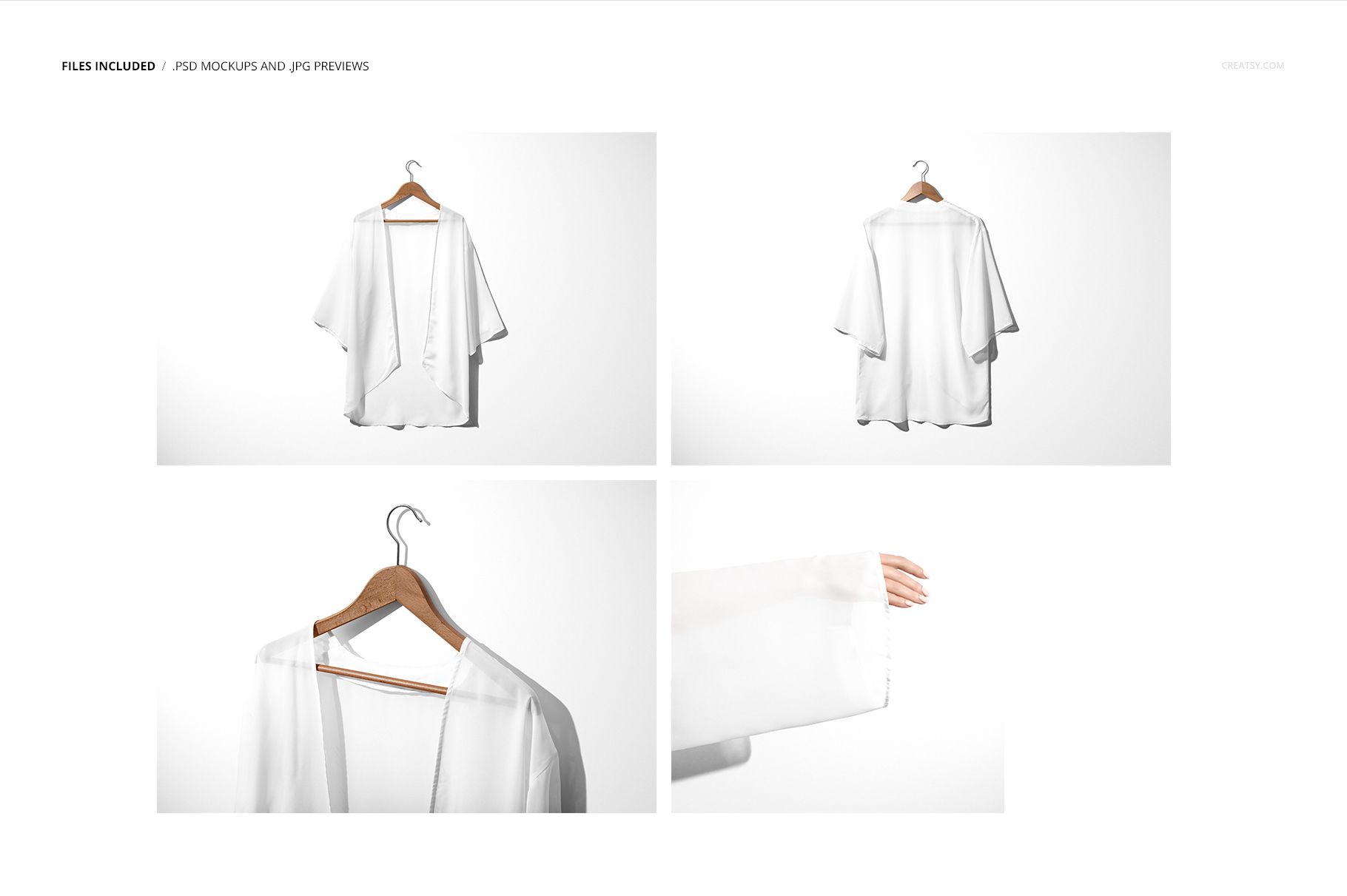
The set contains 4 PSD files covering the essential presentation angles for a chiffon kimono. Three files open at 6000x4000 pixels and one at 4000x4000 pixels, all at 300 DPI for print-quality output. You get a full front view with the kimono open and draped on the hanger, a back view for complete pattern visibility across the garment, a close-up detail shot highlighting fabric texture and print clarity, and a composition view presenting the garment in a styled context. Each file uses well-organized layers with labeled smart objects for fast design placement.
What You Can Customize
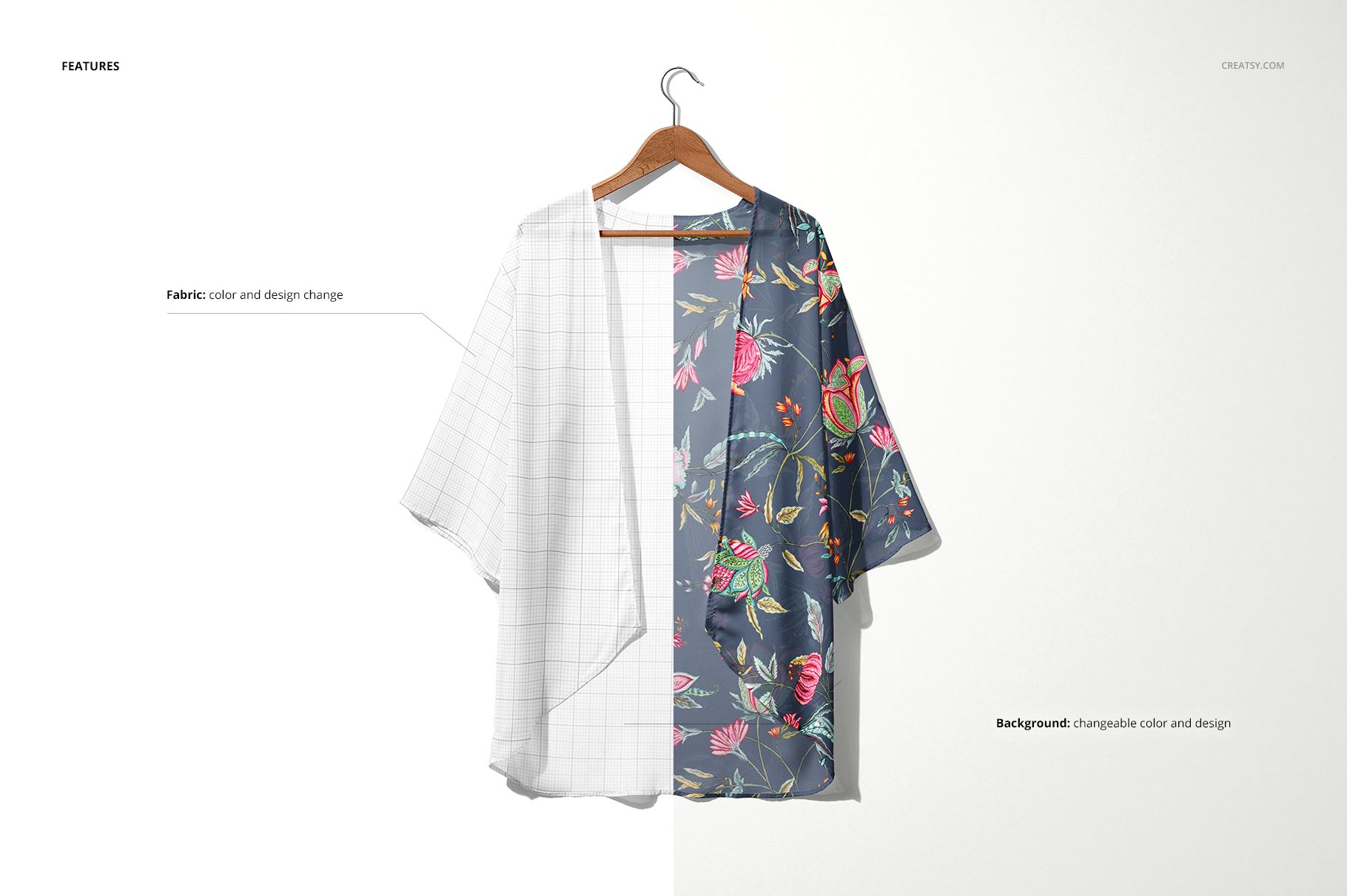
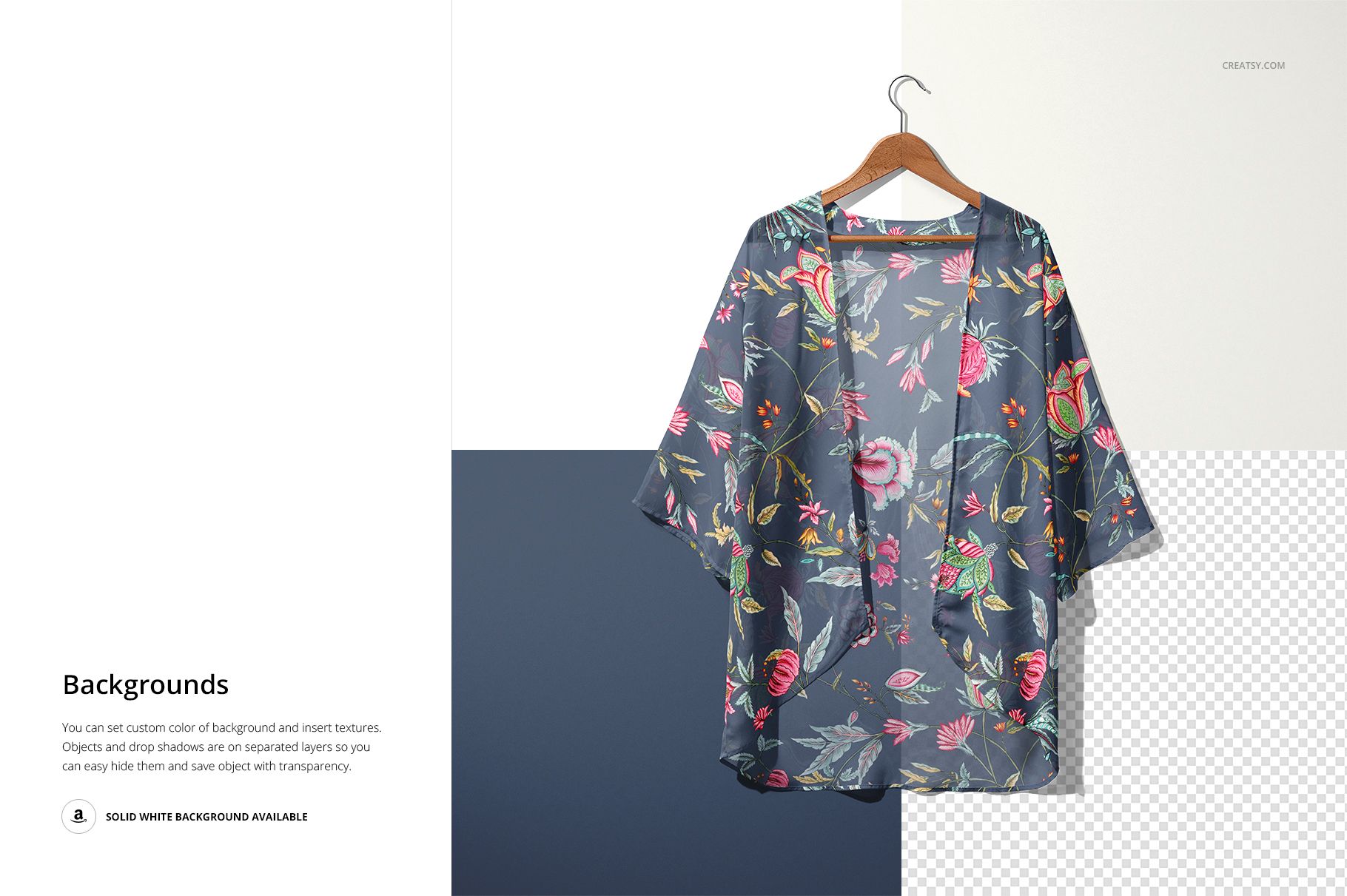
Both the fabric design and background are fully editable in every file. Drop your repeat pattern, artwork, or solid color into the fabric smart object layer, and the design maps across the chiffon surface with accurate perspective and realistic material behavior. Switch background colors to match your brand palette, create white-background e-commerce listings, or build styled compositions for social media and portfolio use. The smart object handles scaling automatically, so any pattern size works without manual adjustment.
Who This Mockup Is For
Surface pattern designers presenting kimono-ready prints to manufacturers or licensing clients. Fashion brands previewing chiffon collection pieces before sampling and production. Textile designers showcasing lightweight fabric prints for resort wear, beach cover-ups, and bohemian fashion. E-commerce sellers creating product listings for custom kimonos on Etsy, Shopify, or Amazon Handmade. Print-on-demand entrepreneurs testing kimono designs before placing production orders.
File Specifications
Format: PSD (Adobe Photoshop CC2015 or newer). Files: 4 mockup scenes. Resolution: 3x 6000x4000 px + 1x 4000x4000 px, all at 300 DPI. Editable elements: fabric design and color, background color and texture. Layers: well organized with labeled smart objects. Preview artwork by Tashi Tsering (TSTUDIO) is not included in the download.