Woven Poncho Mockup Set

ID: 1734007125 | Updated: Oct 14, 2024

Product Details

Woven Poncho Mockup Set

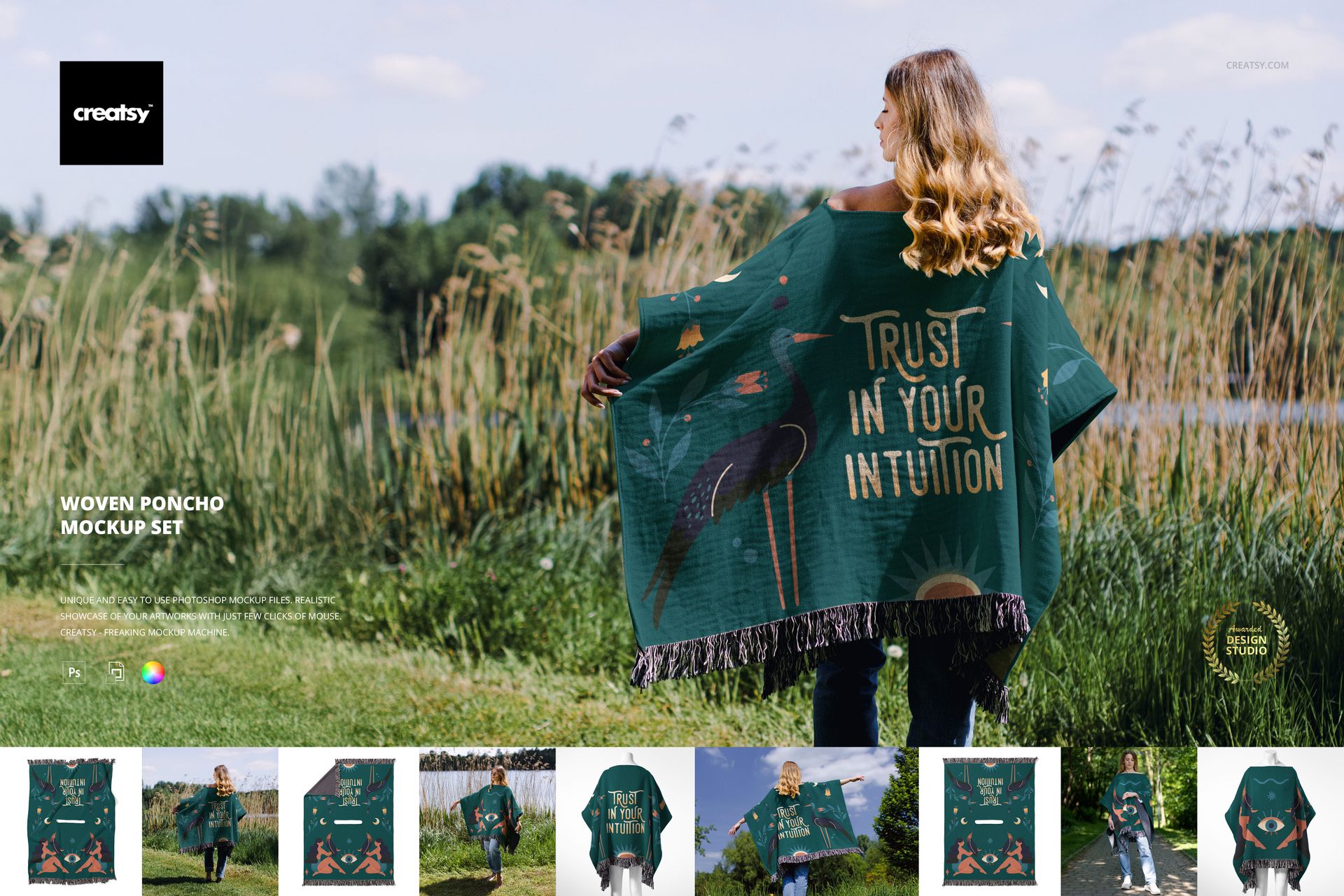
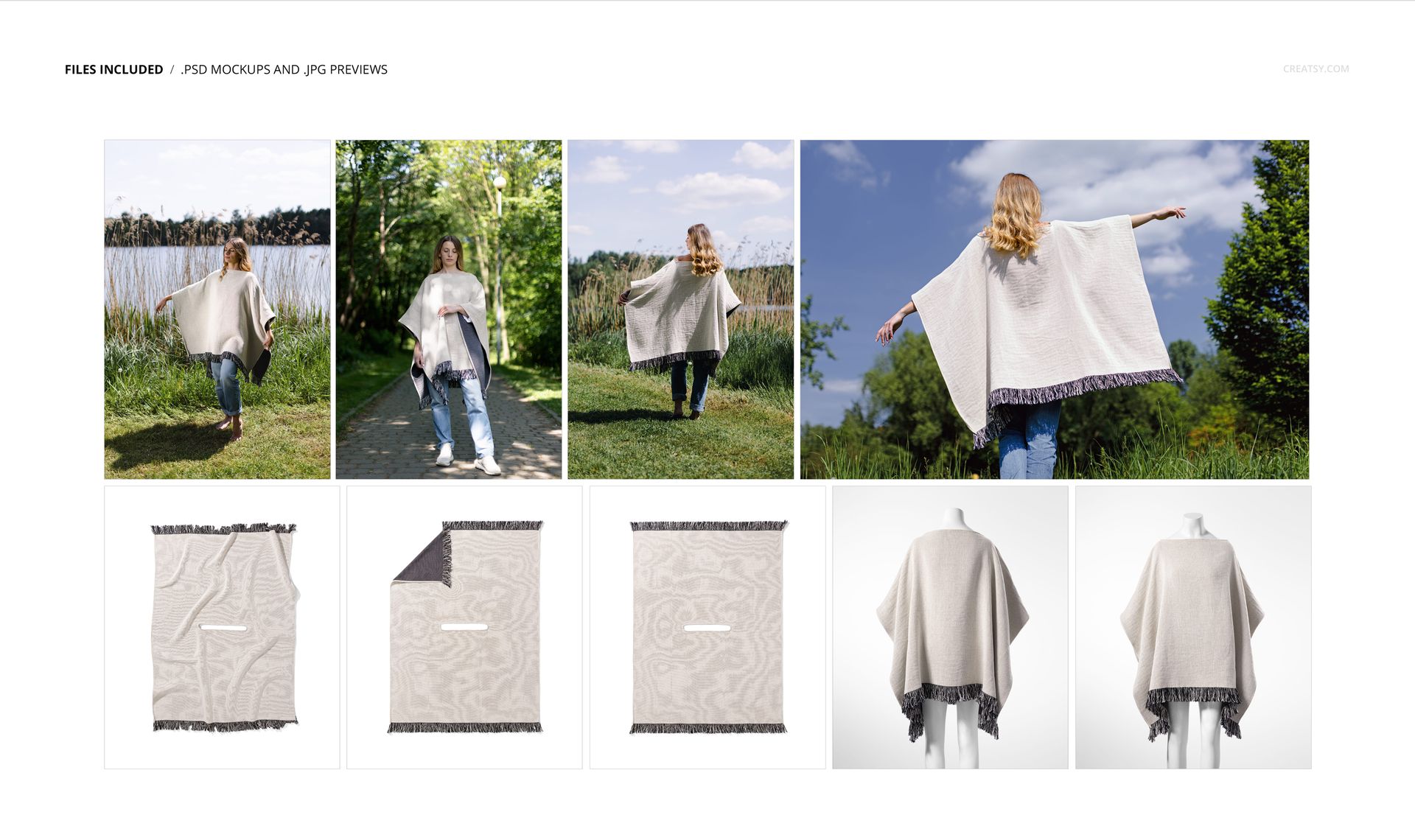
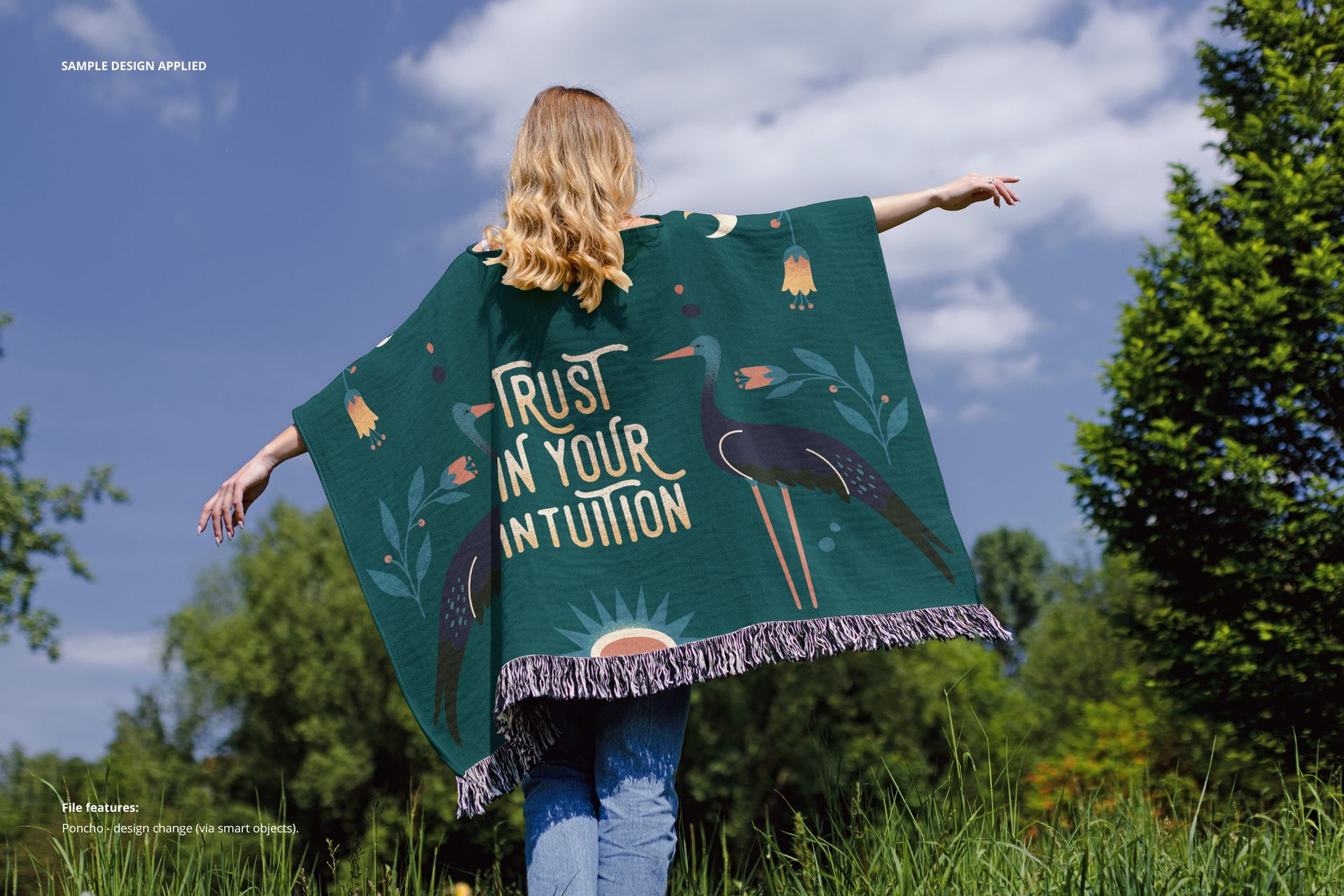
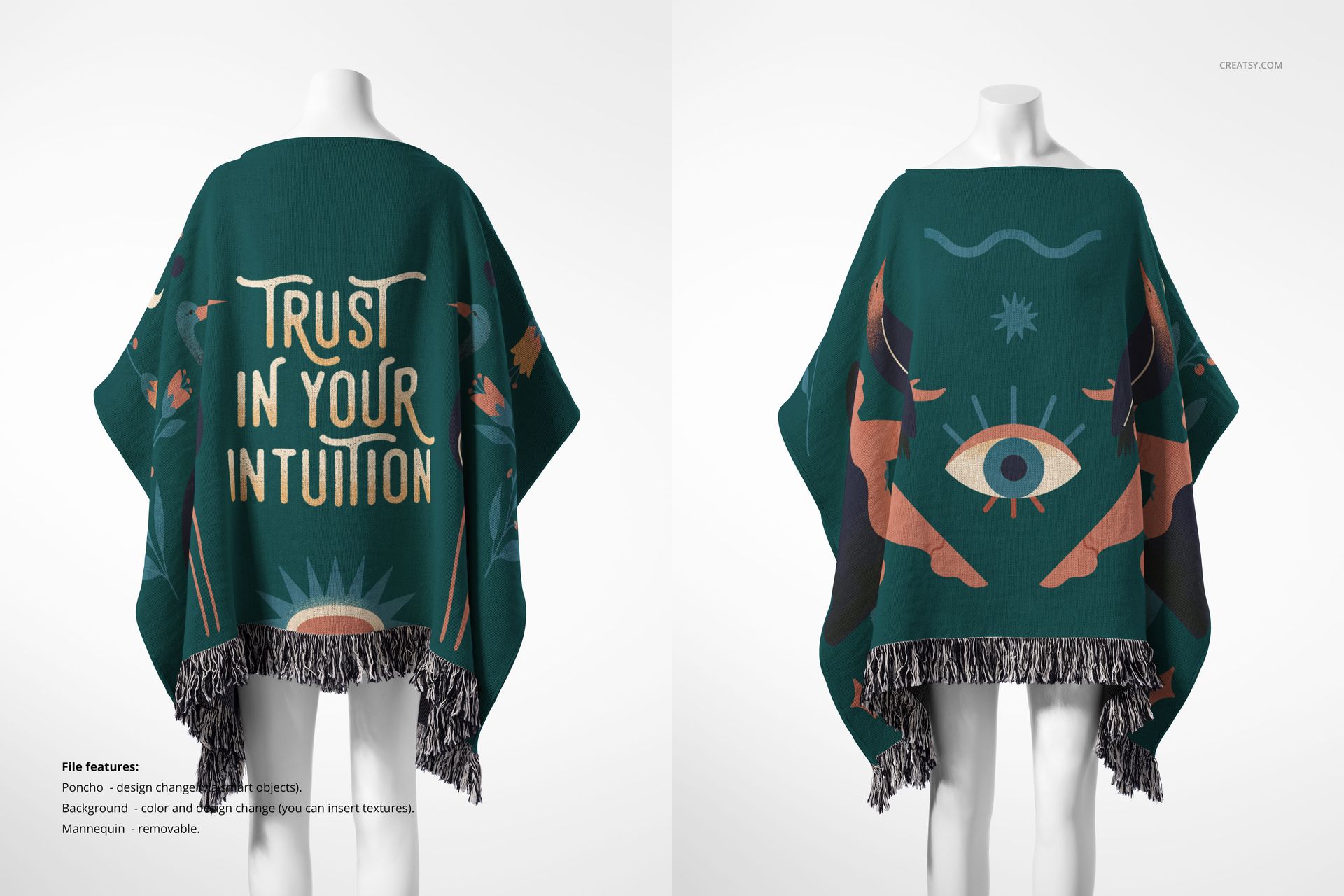
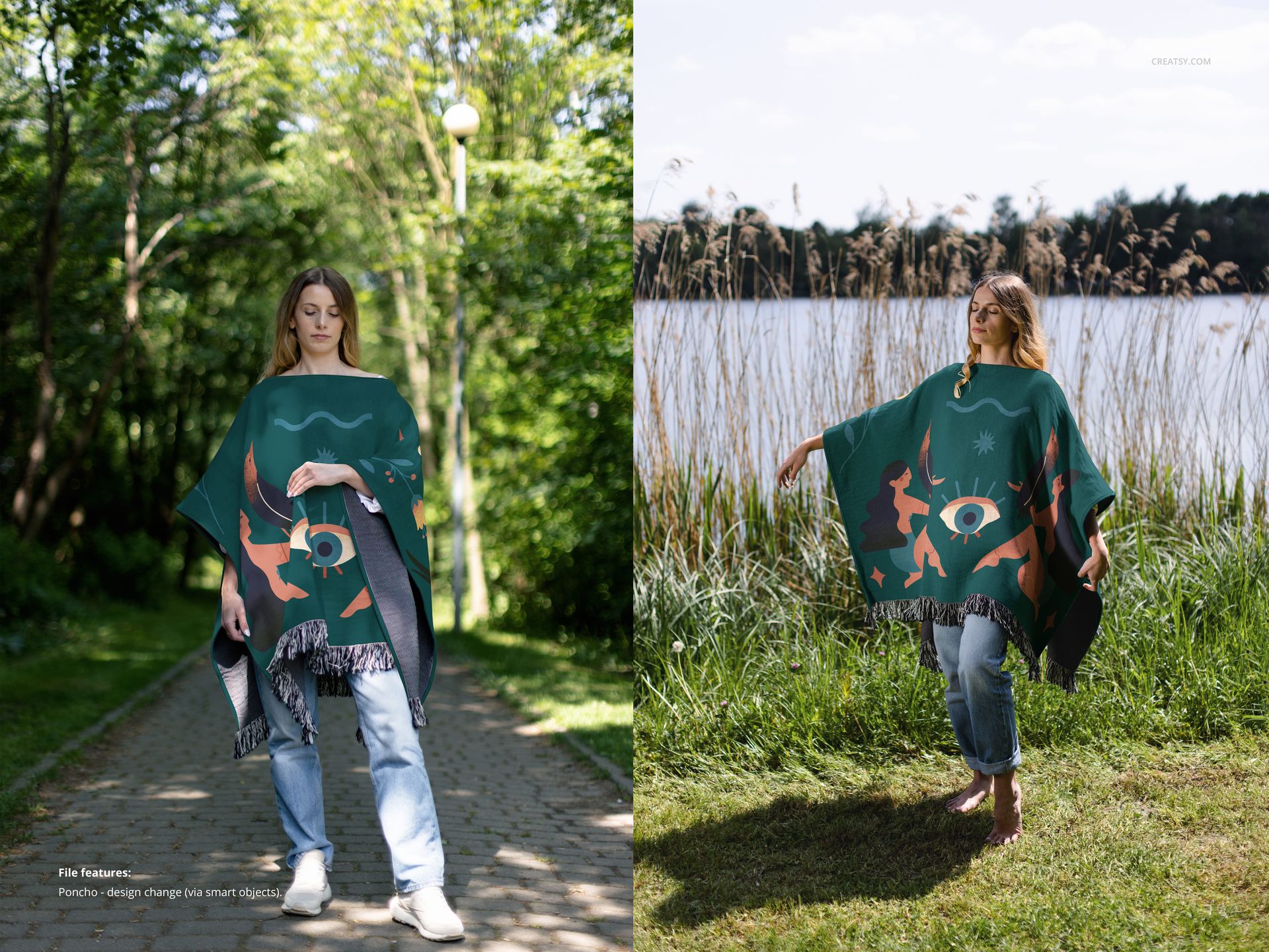
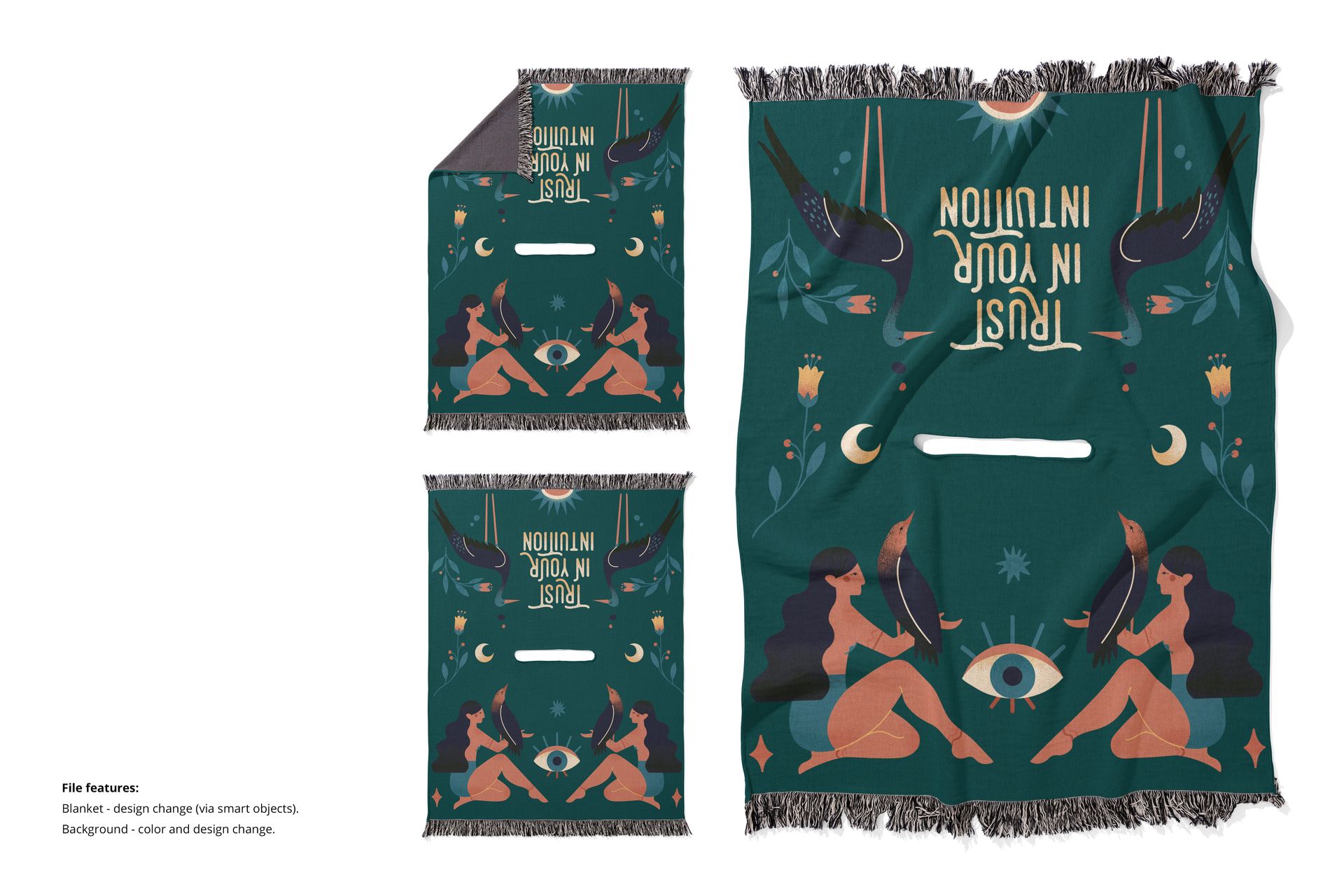
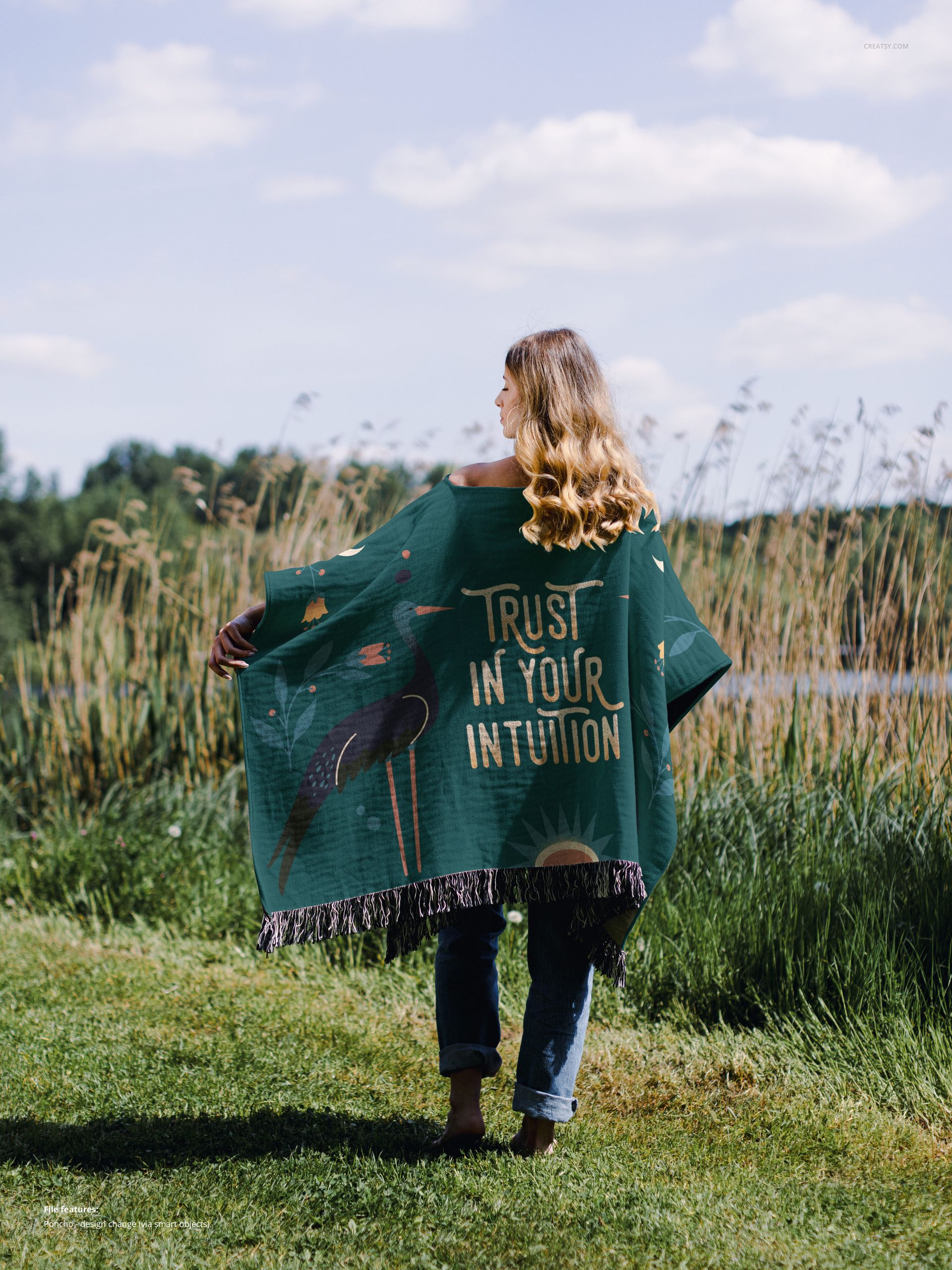
Take a woven textile design from an outdoor outfit scene to a clear studio presentation. These poncho mockups combine draped fabric, fringed edges, model photographs, flat lays and front and back mannequin views.

Preview the woven finish

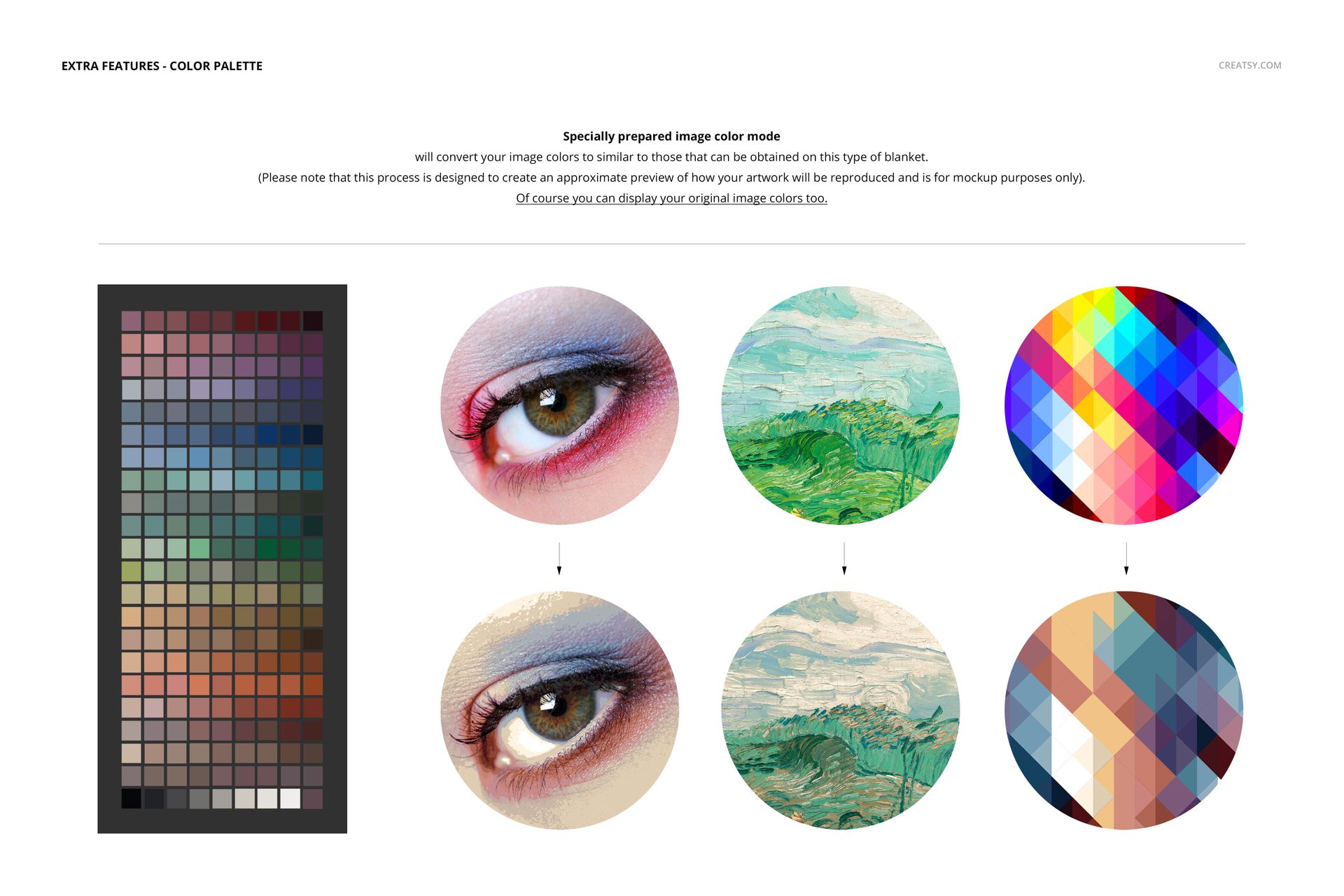
Apply your artwork through Smart Objects. A specially prepared image color mode approximates the reduced color range of this type of woven fabric, while an alternative lets you retain your original image colors. The woven effect is a presentation aid, not a production color proof.

  • 9 layered PSD mockups and 9 JPG previews.

  • ACT color palette and PDF guide: User Manual - Woven Colors.

  • 6000 × 4000 px; 4000 × 6000 px; 300 DPI; Adobe Photoshop CC 2020 or later, or Photopea.

  • Removable mannequin in the mannequin scenes; studio background color and design can be changed.

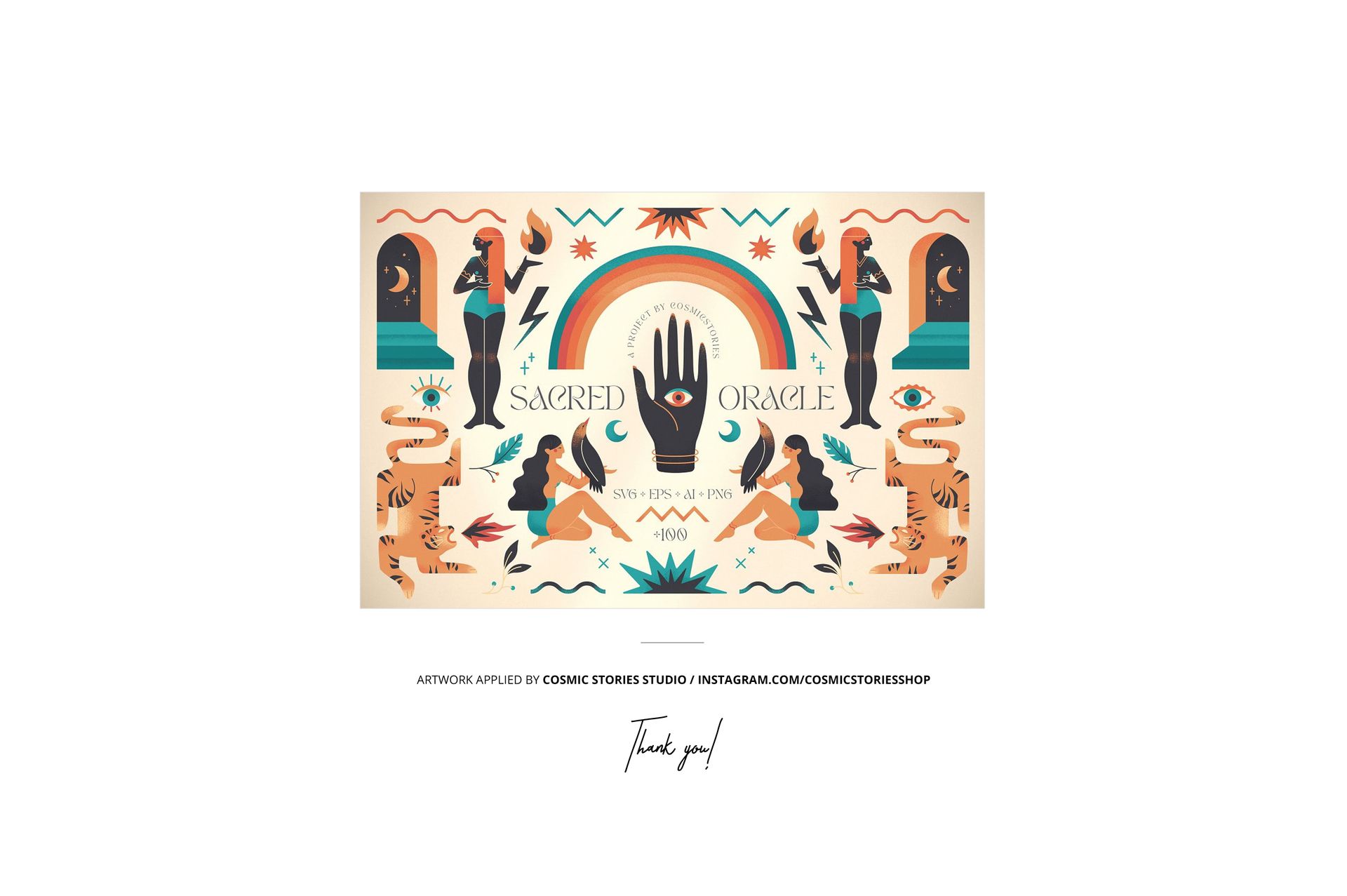
Use the set to present a coordinated textile collection across lifestyle and product views. Digital files only; no physical poncho is supplied. Sample artwork by Cosmic Stories Studio is not included.

File details

Compatibility
PhotopeaAdobe Photoshop
Package size
792 MB792 MB|830 MB830 MB
Files type
.psd, .jpg, .pdf
Files size
6000x4000
FREE MOCKUPS

Reviews

Professional PSD mockups built in-house - editable, realistic, high-resolution, and supported by real people.

5 (1 rating)
Sort by:

rebelwanderer avatar
rebelwanderer
Jan 13, 2025

Fantastic review of an item that is simply not available anywhere else. Such high-quality images!

Malgorzata Hapon avatar
Malgorzata Hapon Author
Nov 25, 2026

Thank you! We’re glad you enjoyed the poncho mockups and the quality of the images.


MEET THE SHOP

Creatsy logo

Creatsy

Poland
4.8 (716)

Bring your ideas to life.

We're a family-run studio in Katowice, Poland, making PSD mockups by hand since 2016. Everything in this shop starts in our own studio. We shoot the photography, build the 3D, and put together every Smart Object PSD ourselves - then we test it, organize the layers, and only ship it once it actually works...
GO TO SHOP

HOW IT WORKS

3 clicks. That's it.

No tutorial needed. If you can copy-paste, you can use this.

  1. 1OpenDouble-click the smart object inside the PSD - in Adobe Photoshop, or free in your browser with Photopea.
  2. 2PasteDrop in your pattern, print, or artwork. Any design, any style.
  3. 3SaveHit save and the mockup wraps it in for you - shadows, folds, and lighting included.

FROM IDEA TO IMAGE

Built for real workflows

Approve the print on the garment first Send the client a photoreal shot on the actual garment instead of a flat tile, so sign-off doesn't wait on a sample sew.

See it on the product, not a swatch Drop your file into the smart object and the scene's lighting and folds wrap around it, so you judge the real thing before you commit.

Smart Objects

Edit once and you're done. Your artwork drops into a smart object and the mockup updates itself - no masking, no warping by hand.

Perfectly Organized

Named layers and folders you can actually navigate. Find what you need, change what you want, and get out fast.

Print-Ready

High-resolution files built to hold up on screen and in print. Exact size and DPI are in this product's Details above.