


Women’s Blazer Close-Up Mockup

ID: 1373288789 | Updated: Aug 31, 2026

Product Details

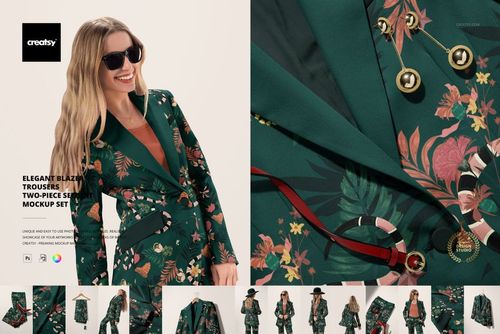
Women’s Blazer Close-Up Mockup for Pattern Placement

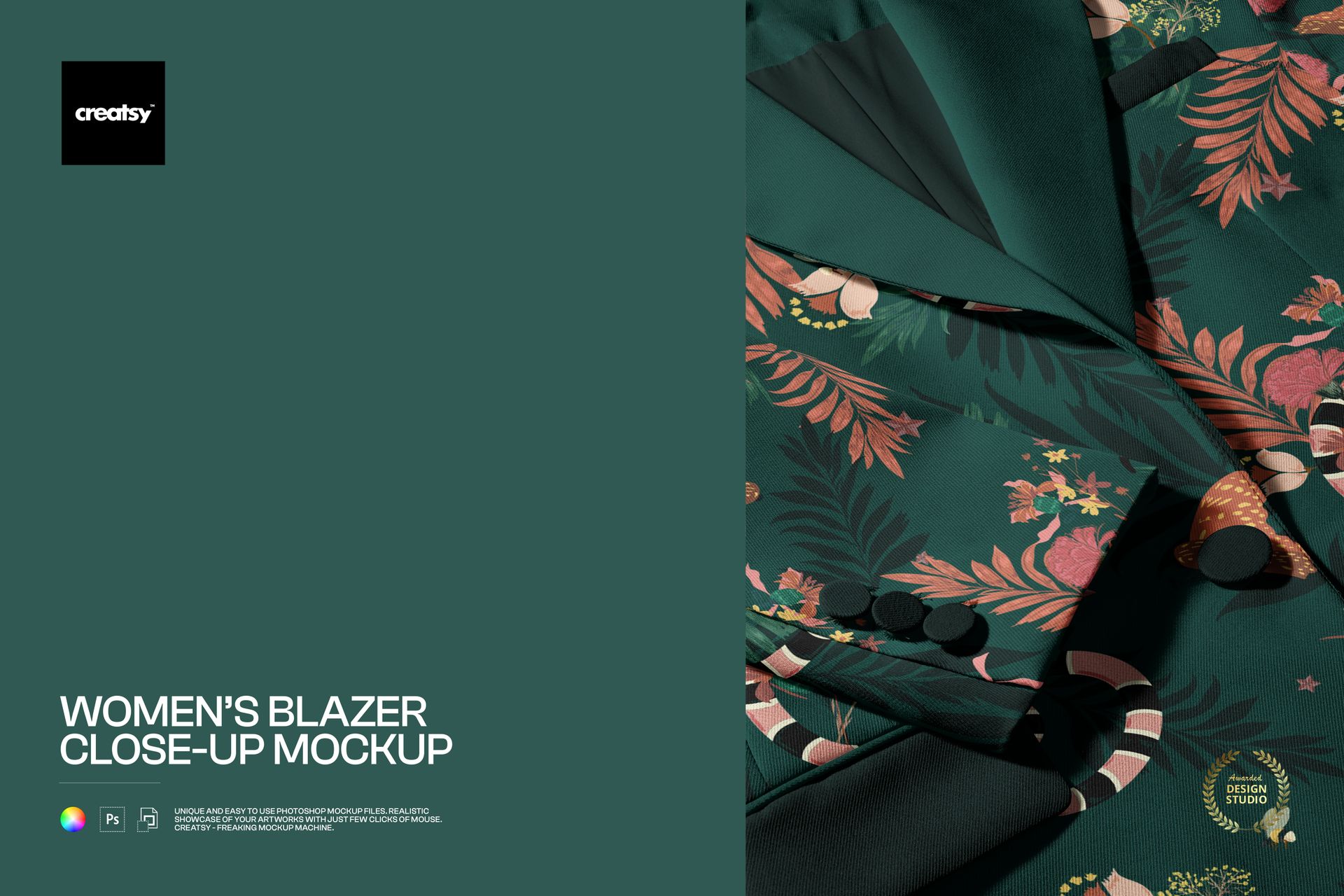
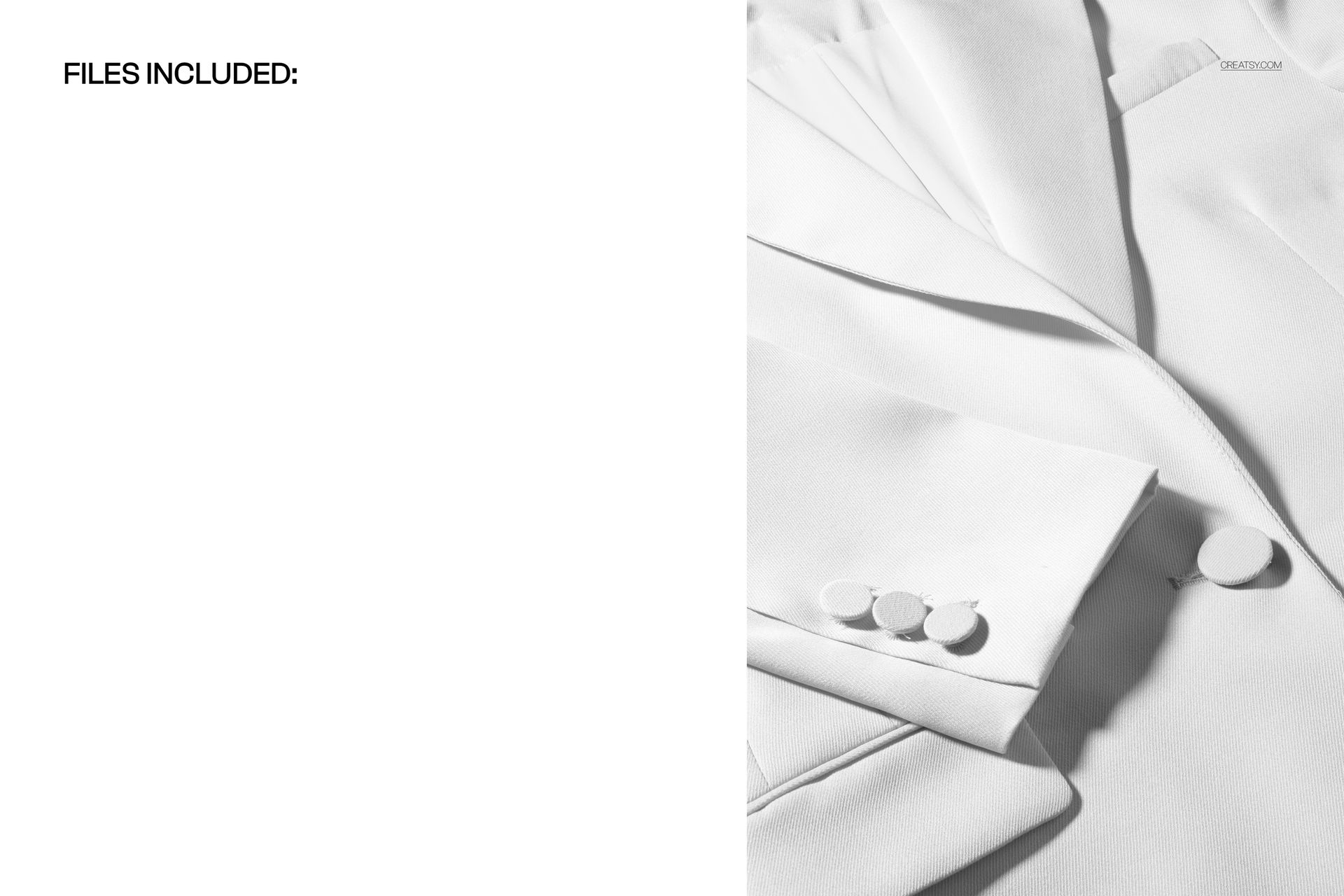
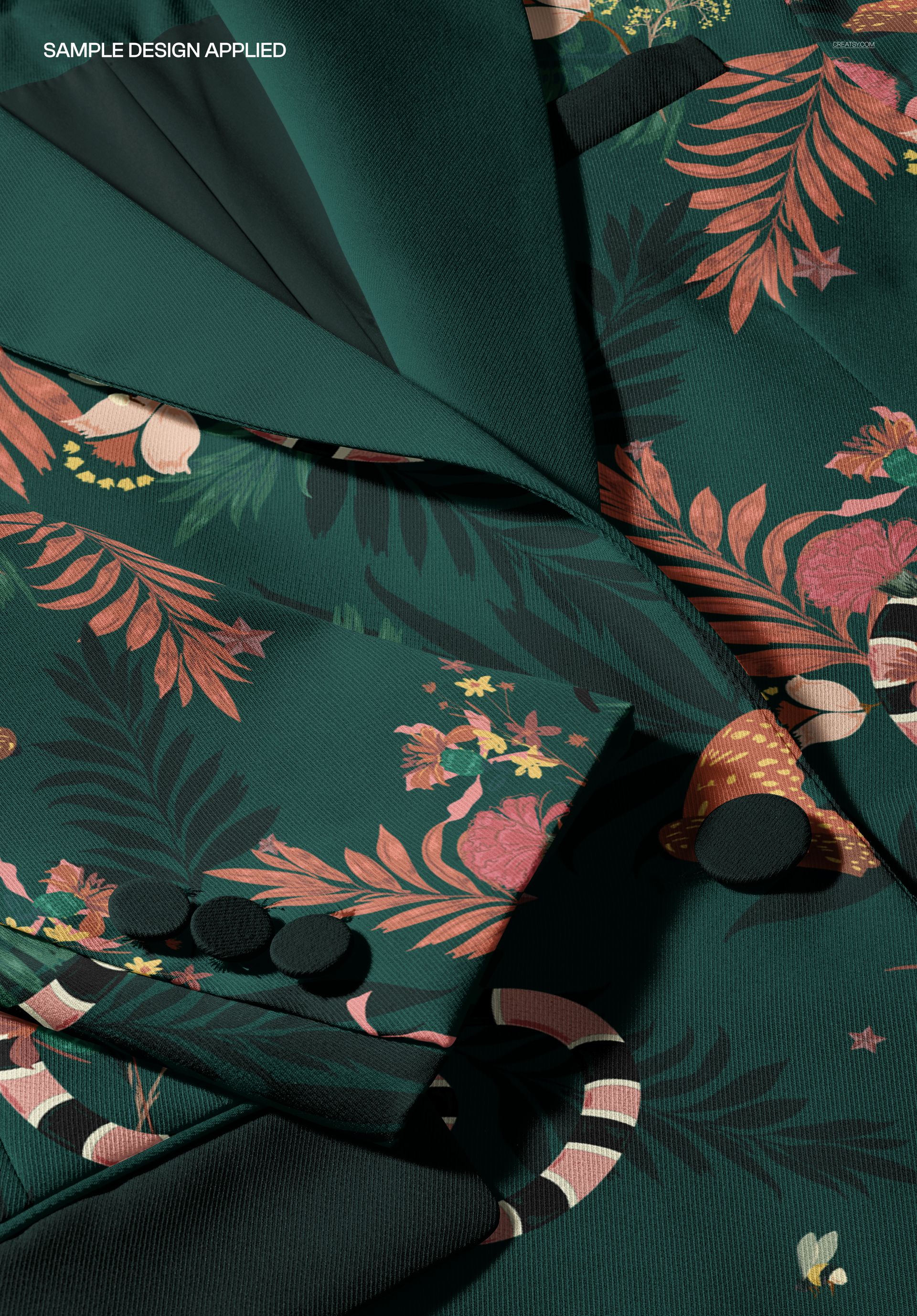
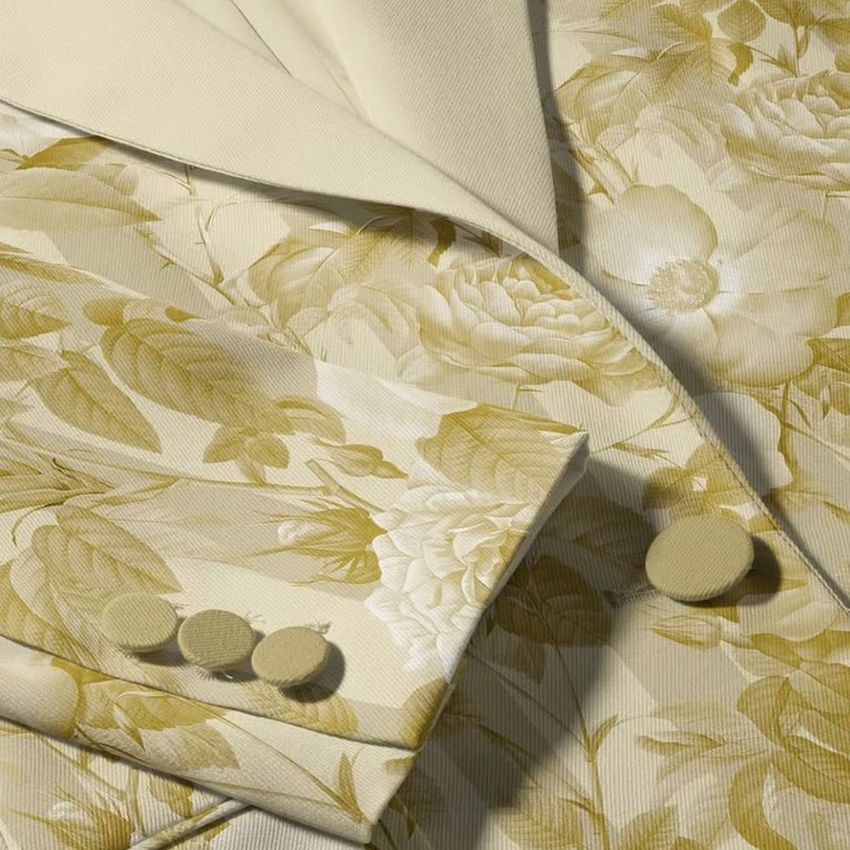
Present textile prints on a tailored women’s blazer in a detailed top-view composition. The close crop keeps the lapels, sleeve, covered buttons, seams and woven fabric texture visible, making this scene useful for checking how artwork behaves across real garment construction.

What you can evaluate

  • Pattern scale: compare small repeats with larger statement motifs before producing a sample.

  • Placement near details: inspect how key artwork sits beside lapels, overlapping panels, button areas and sleeve edges.

  • Material realism: present color and print with preserved textile grain, folds, depth and directional lighting.

  • Client-ready context: turn a flat repeat into a focused apparel visual for approvals, portfolios, line sheets and collection boards.

File specifications

  • 1 layered PSD: 6000 × 4000 px at 300 DPI.

  • Recommended software: Adobe Photoshop CC 2020 or newer.

  • Large professional file: the uncompressed PSD is approximately 852 MB, so allow sufficient memory and storage.

  • Organized workflow: clearly arranged layers and Smart Object-based artwork placement.

  • Sample artwork: created by Tashi Tsering and not included in the download.

File details

Compatibility
PhotopeaAdobe Photoshop
Package size
459 MB459 MB|482 MB482 MB
Files type
.psd, .jpg
TEST FOR FREE

Made with Creatsy

Real designs. Real customers. See how creatives use Creatsy mockups to turn their artwork, branding, and product ideas into polished visuals.

MEET THE SHOP

Creatsy logo

Creatsy

Poland
4.7 (681)

Bring your ideas to life.

We're a family-run studio in Katowice, Poland, making PSD mockups by hand since 2016. Everything in this shop starts in our own studio. We shoot the photography, build the 3D, and put together every Smart Object PSD ourselves - then we test it, organize the layers, and only ship it once it actually works...

GO TO SHOP

HOW IT WORKS

3 clicks. That's it.

No tutorial needed. If you can copy-paste, you can use this.

  1. 1OpenDouble-click the smart object inside the PSD - in Adobe Photoshop, or free in your browser with Photopea.
  2. 2PasteDrop in your pattern, print, or artwork. Any design, any style.
  3. 3SaveHit save and the mockup wraps it in for you - shadows, folds, and lighting included.

FROM IDEA TO IMAGE

Built for real workflows

Approve the print on the garment first Send the client a photoreal shot on the actual garment instead of a flat tile, so sign-off doesn't wait on a sample sew.

See it on the product, not a swatch Drop your file into the smart object and the scene's lighting and folds wrap around it, so you judge the real thing before you commit.

Smart Objects

Edit once and you're done. Your artwork drops into a smart object and the mockup updates itself - no masking, no warping by hand.

Perfectly Organized

Named layers and folders you can actually navigate. Find what you need, change what you want, and get out fast.

Print-Ready

High-resolution files built to hold up on screen and in print. Exact size and DPI are in this product's Details above.