Family Book Mockup Set
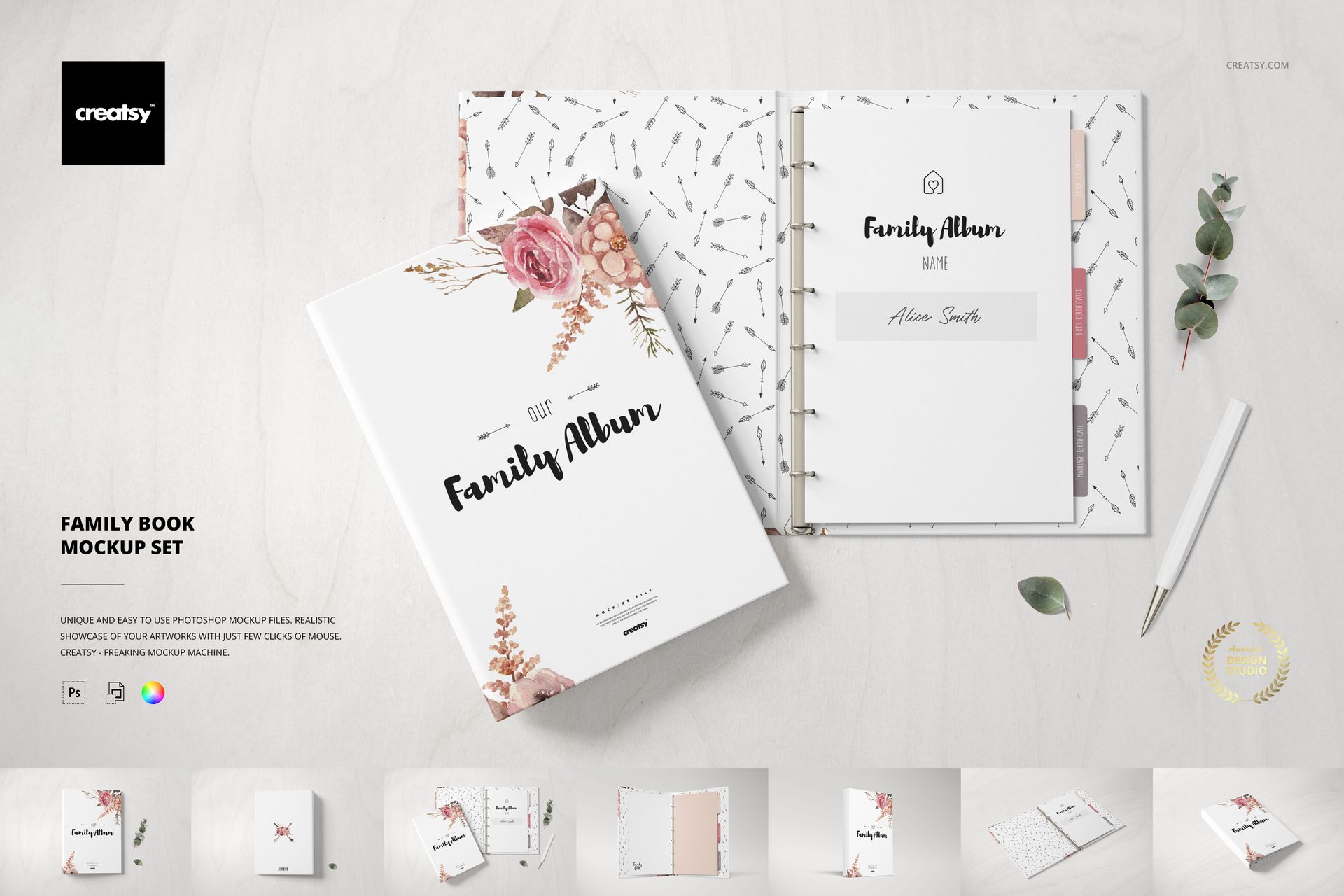
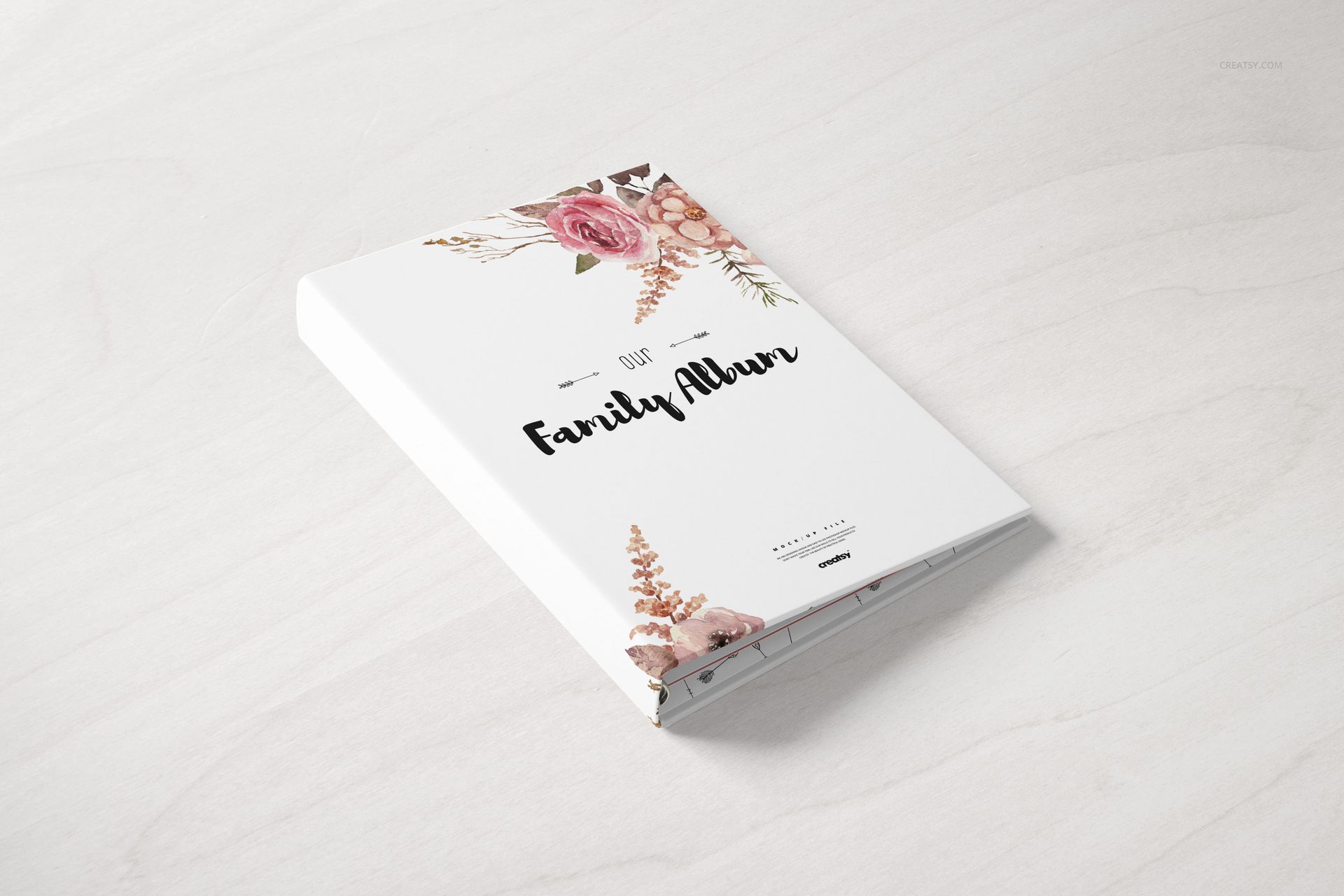
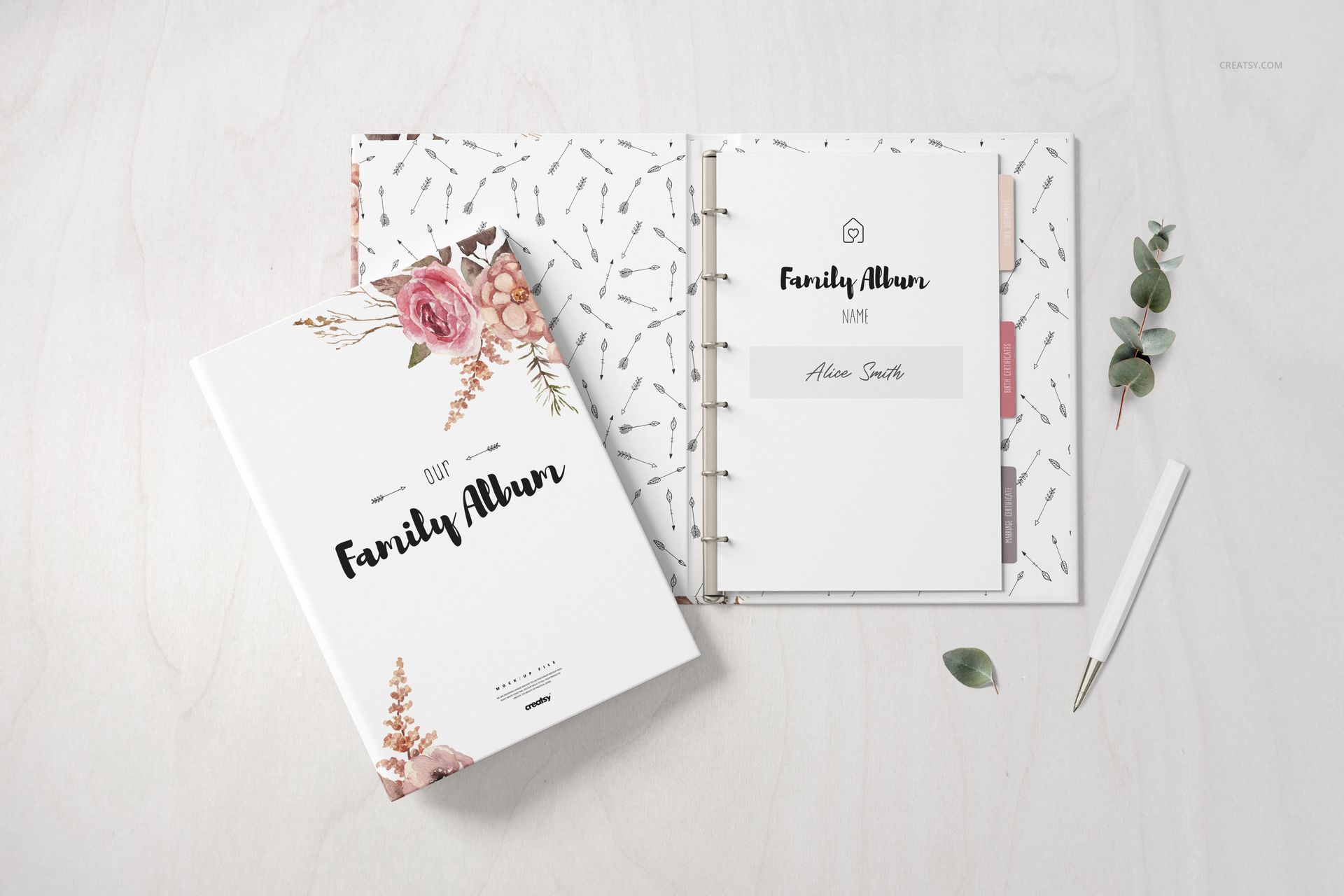
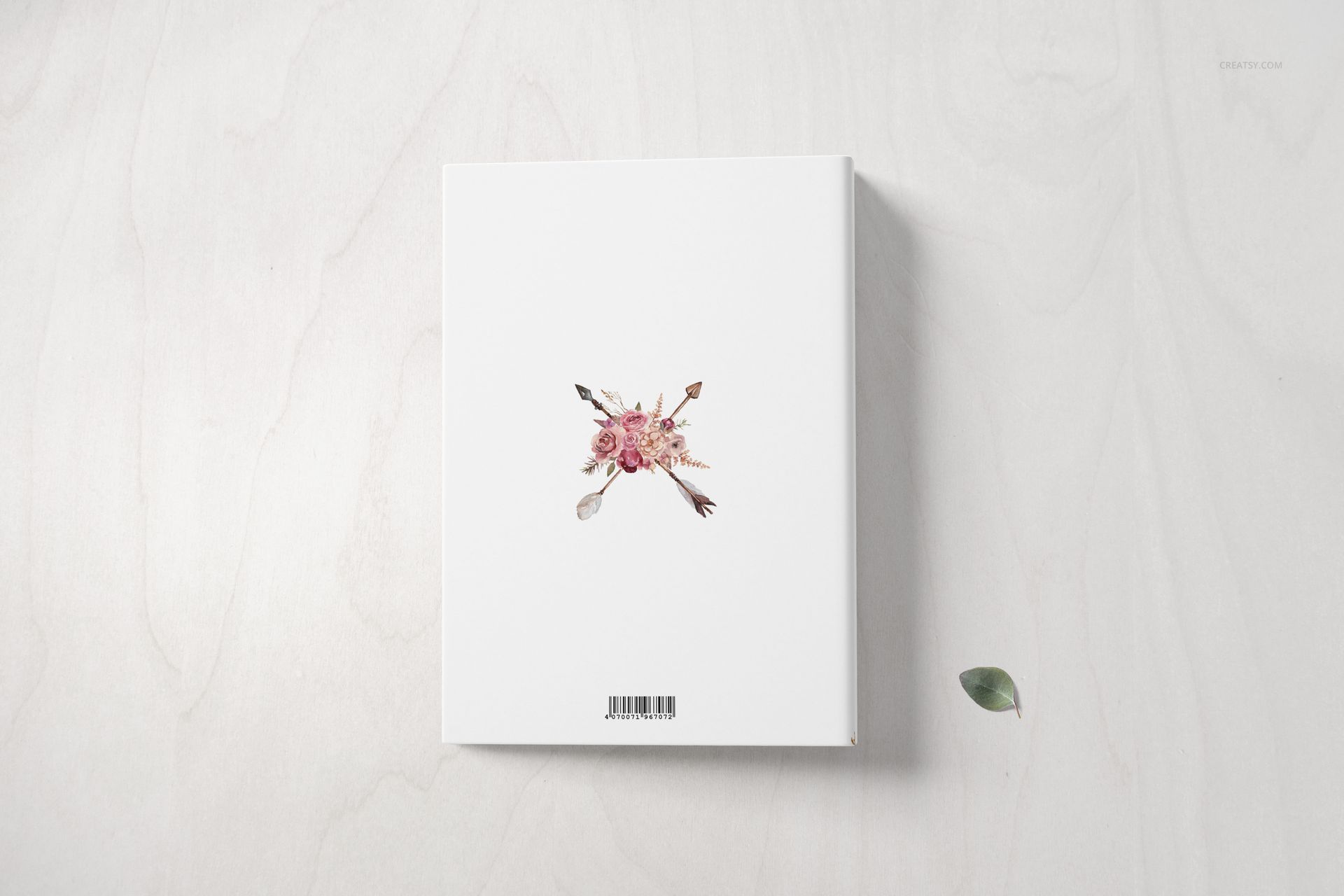
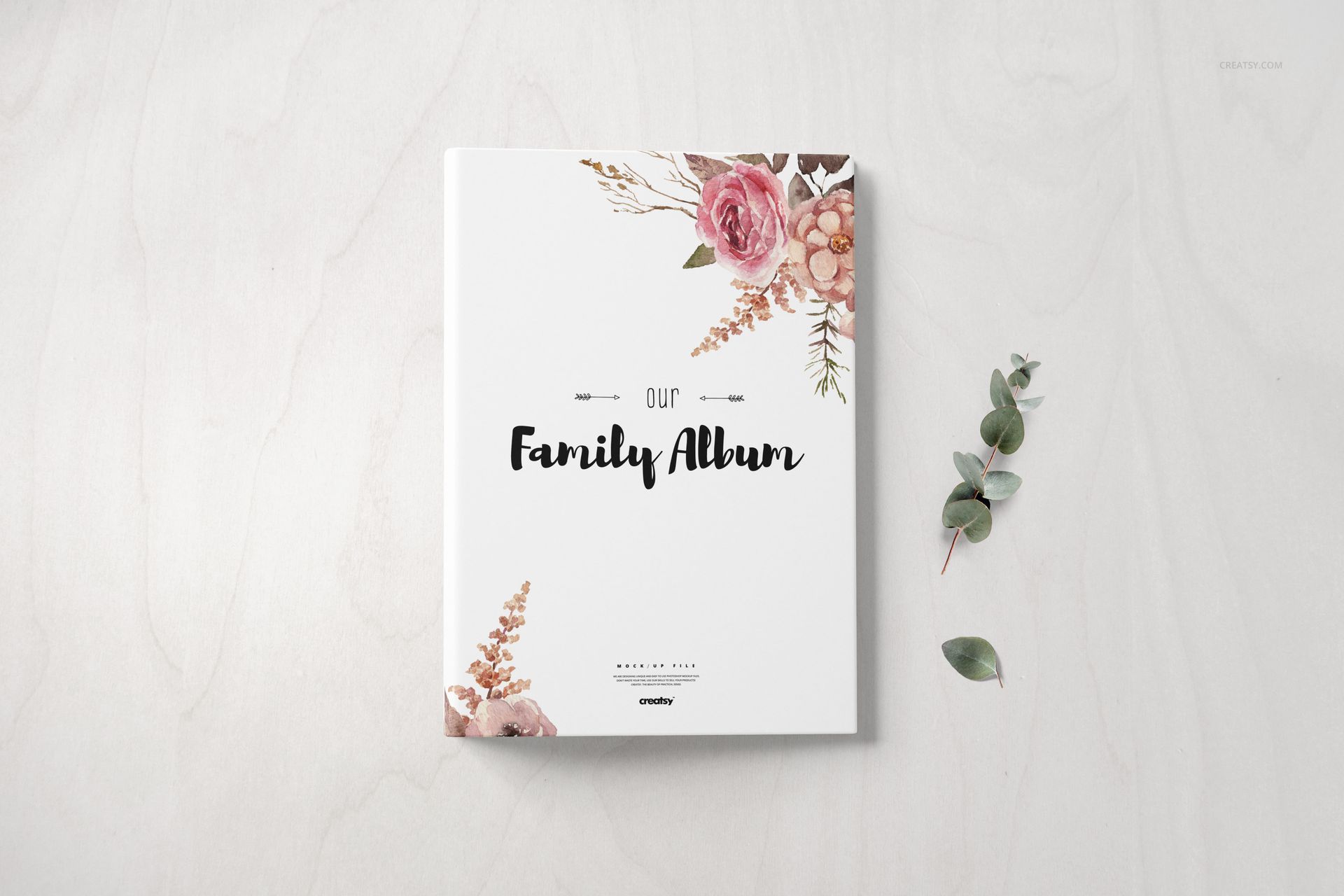
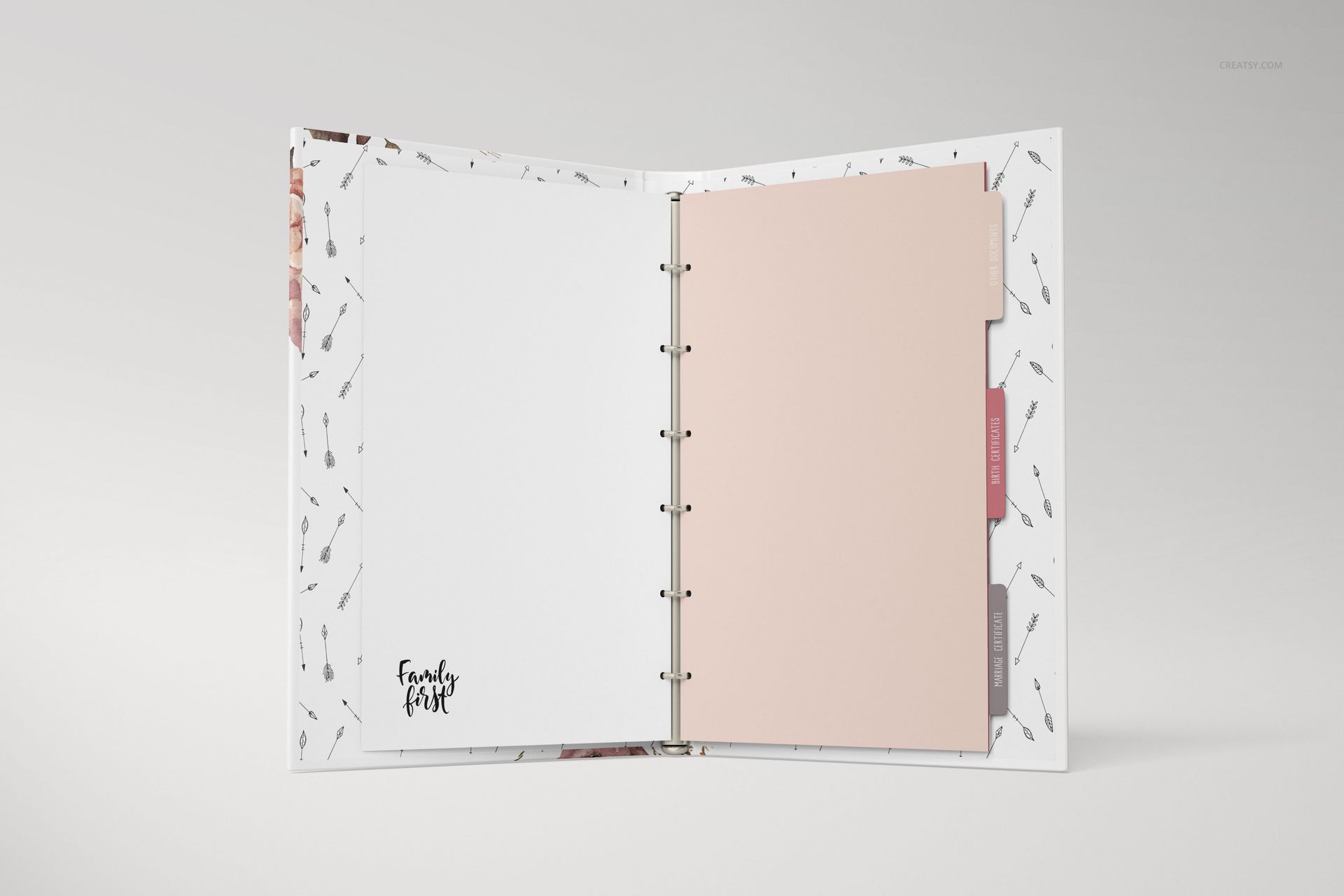
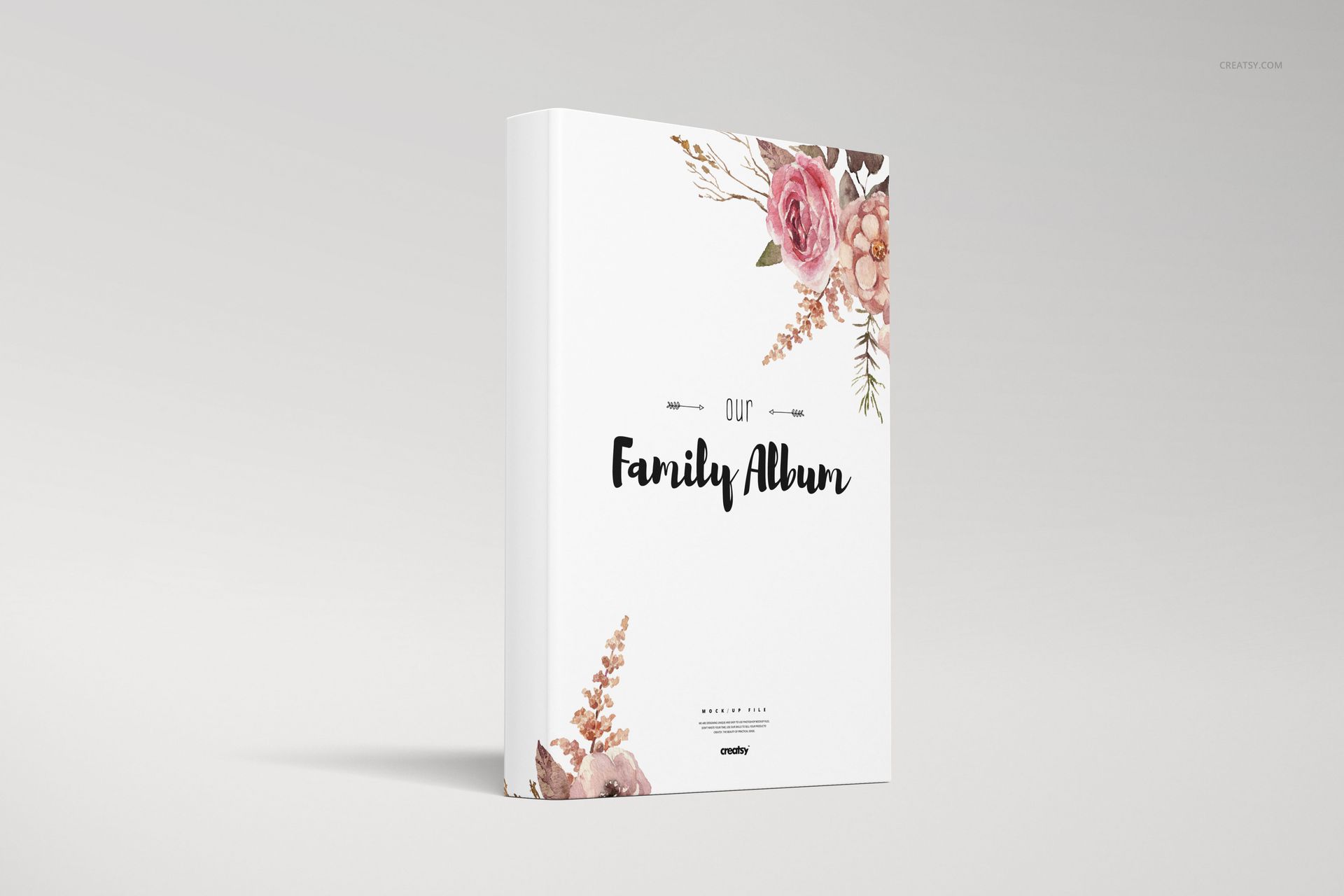
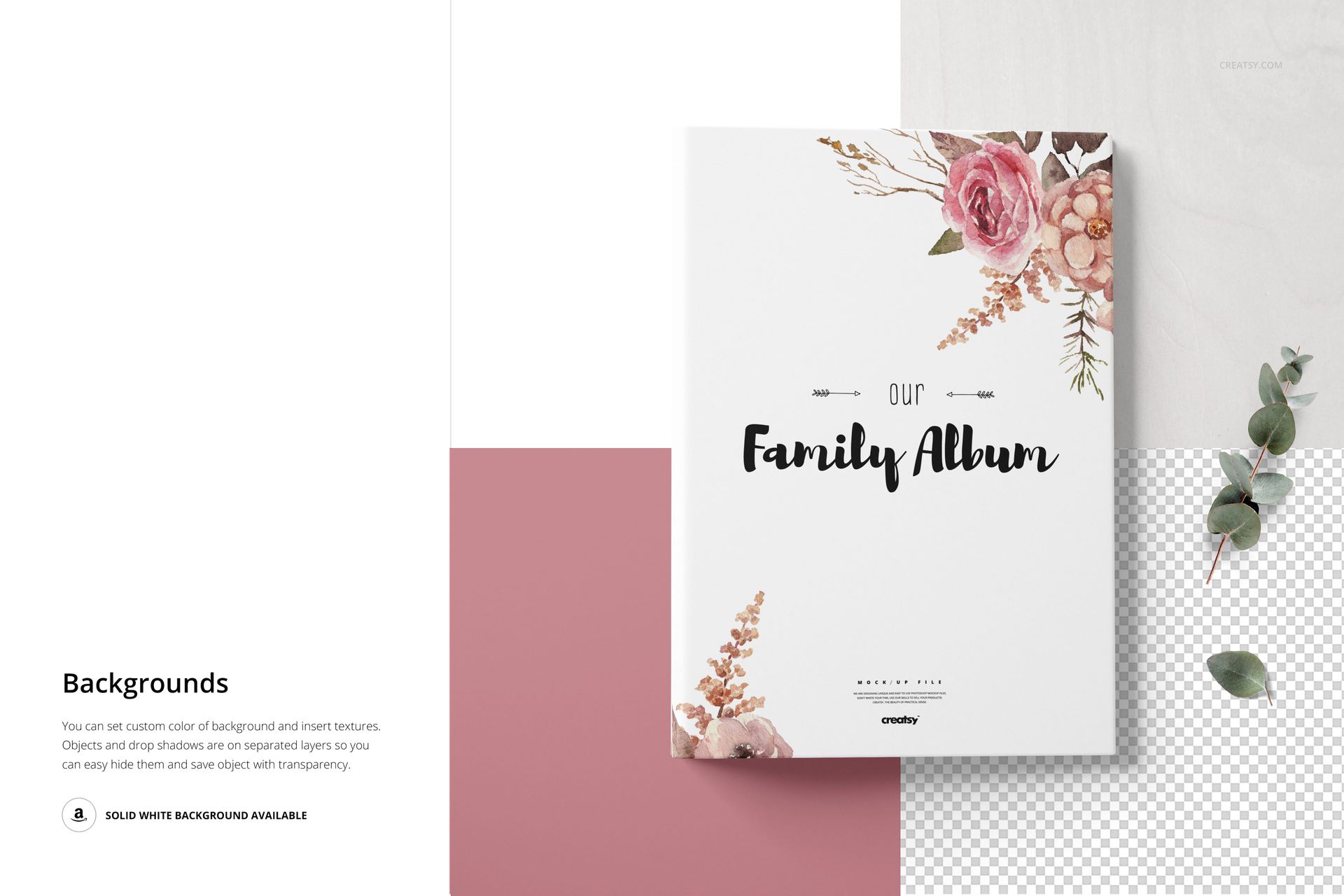
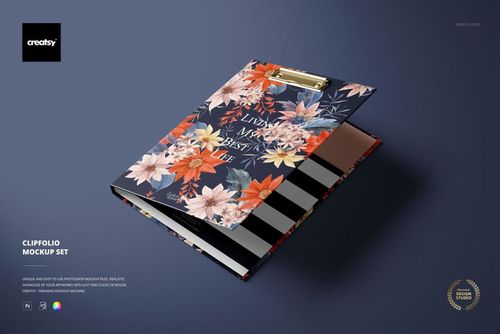
Present a family album or keepsake book across seven bright, coordinated scenes that show more than the front cover. Closed, open, angled, top-view, back-cover, and interior views help explain the full book concept, including ring binding, divider tabs, and page artwork.
The soft neutral surfaces and subtle stationery props keep attention on the album while giving the presentation a warm, personal context suited to family stories, genealogy projects, memory books, and custom keepsakes.
What Is Included
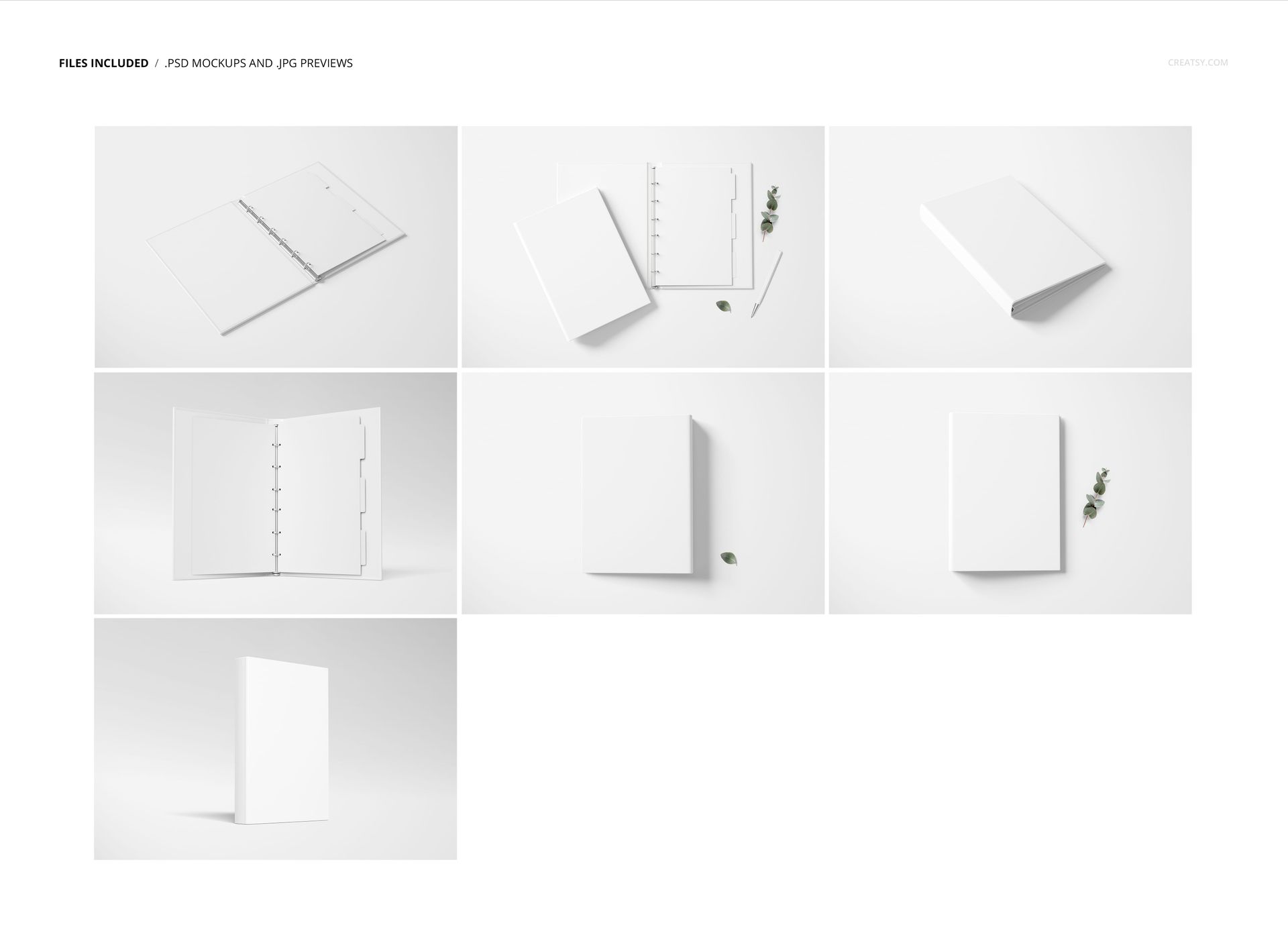
7 layered and well-organized PSD mockup files
7 JPG preview files, 14 files in total
6000 × 4000 px PSD scenes at 300 DPI
Smart Object editing in Adobe Photoshop CC2020 or newer and Photopea
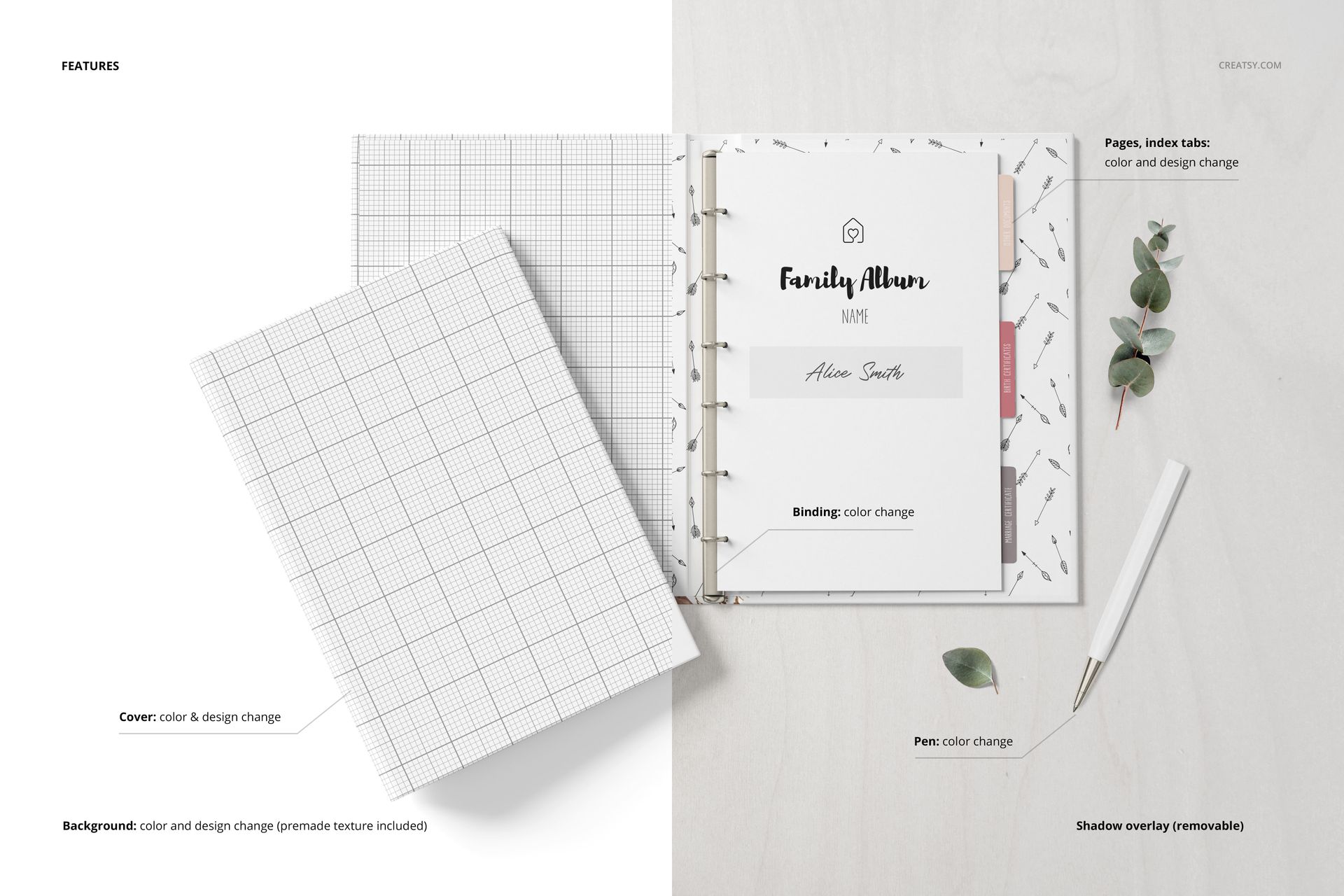
Editable book colors, designs, and backgrounds
Seven Views of the Cover and Interior
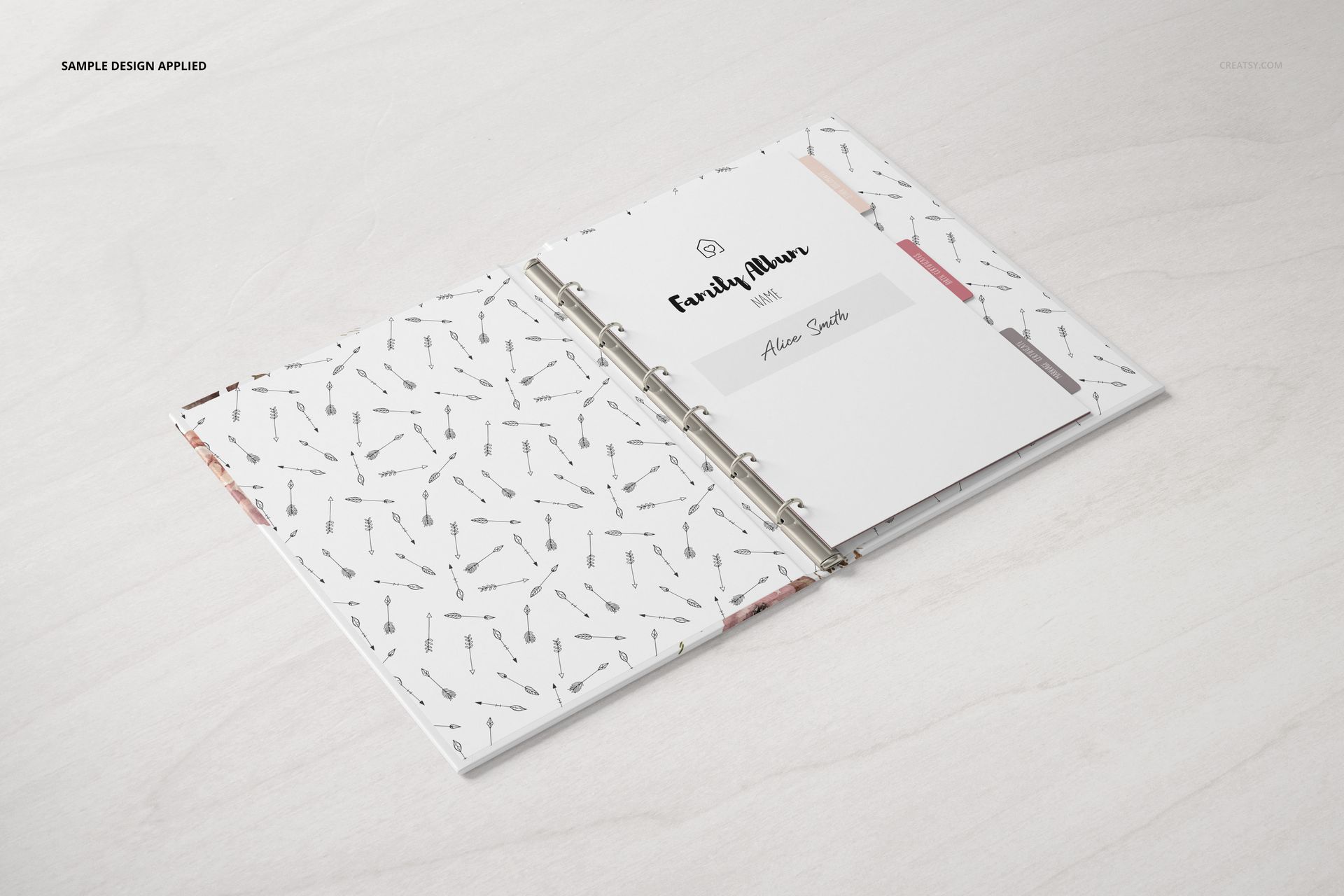
Use the closed and upright views for clear cover artwork, the angled scenes for depth, and the open ring-bound layouts to present title pages, interior designs, patterns, or divider tabs. The varied views support a complete gallery without switching to a visually unrelated setting.
Easy Smart Object Editing
Place artwork through Smart Objects, adjust the confirmed book colors and designs, and set a custom background color or insert your own background design. The organized files work in Adobe Photoshop CC2020 or newer and Photopea.
Perfect For
Family albums and genealogy book presentations
Memory books, guest books, and keepsake projects
Custom cover and interior page artwork
Client approvals, portfolios, and product listings
Illustration and surface pattern collections
This is a digital mockup set. No physical book, album, paper, divider, pen, plant, or decorative item will be shipped. Sample artwork and patterns shown in the previews are not included.