Clipfolio Mockup Set
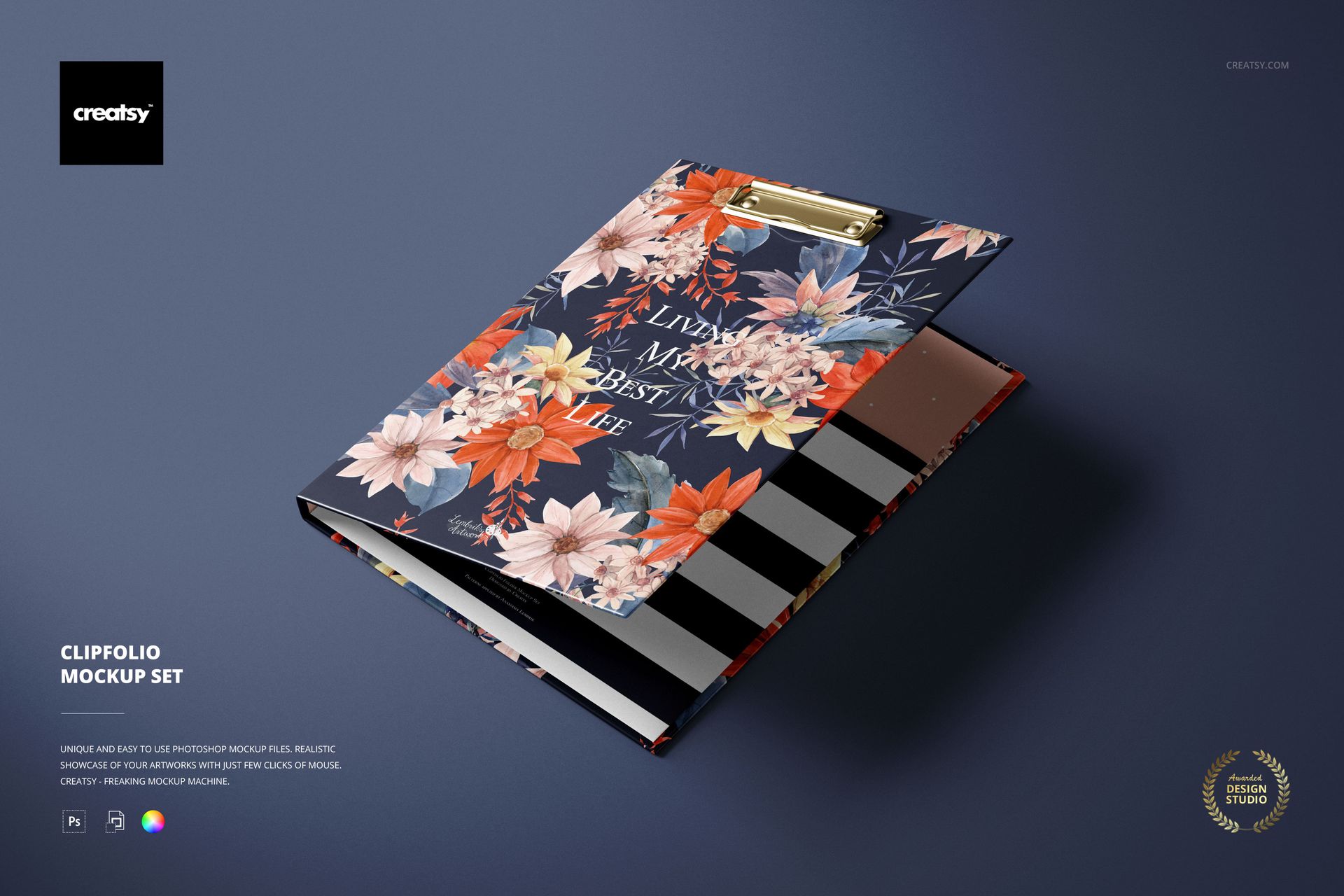
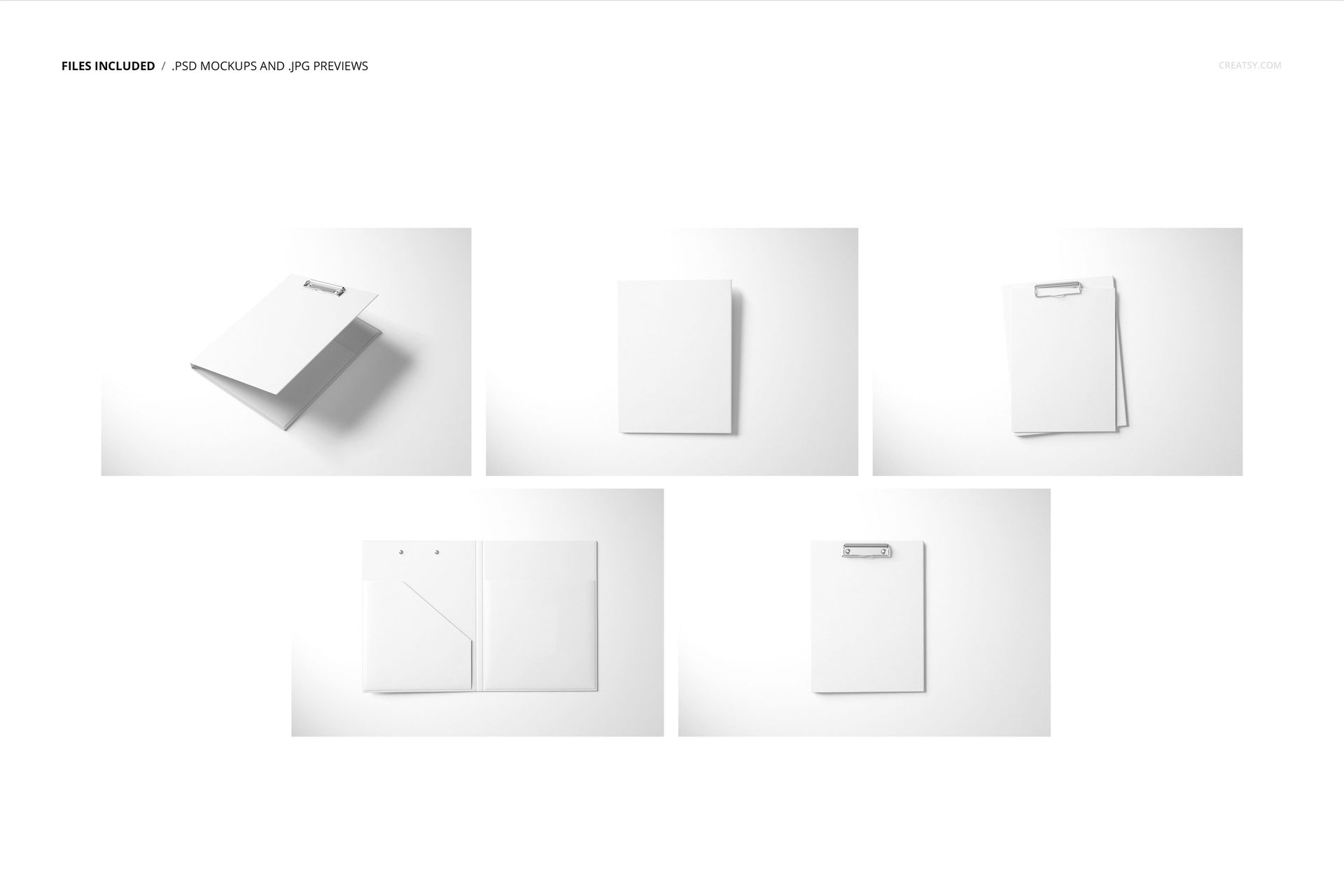
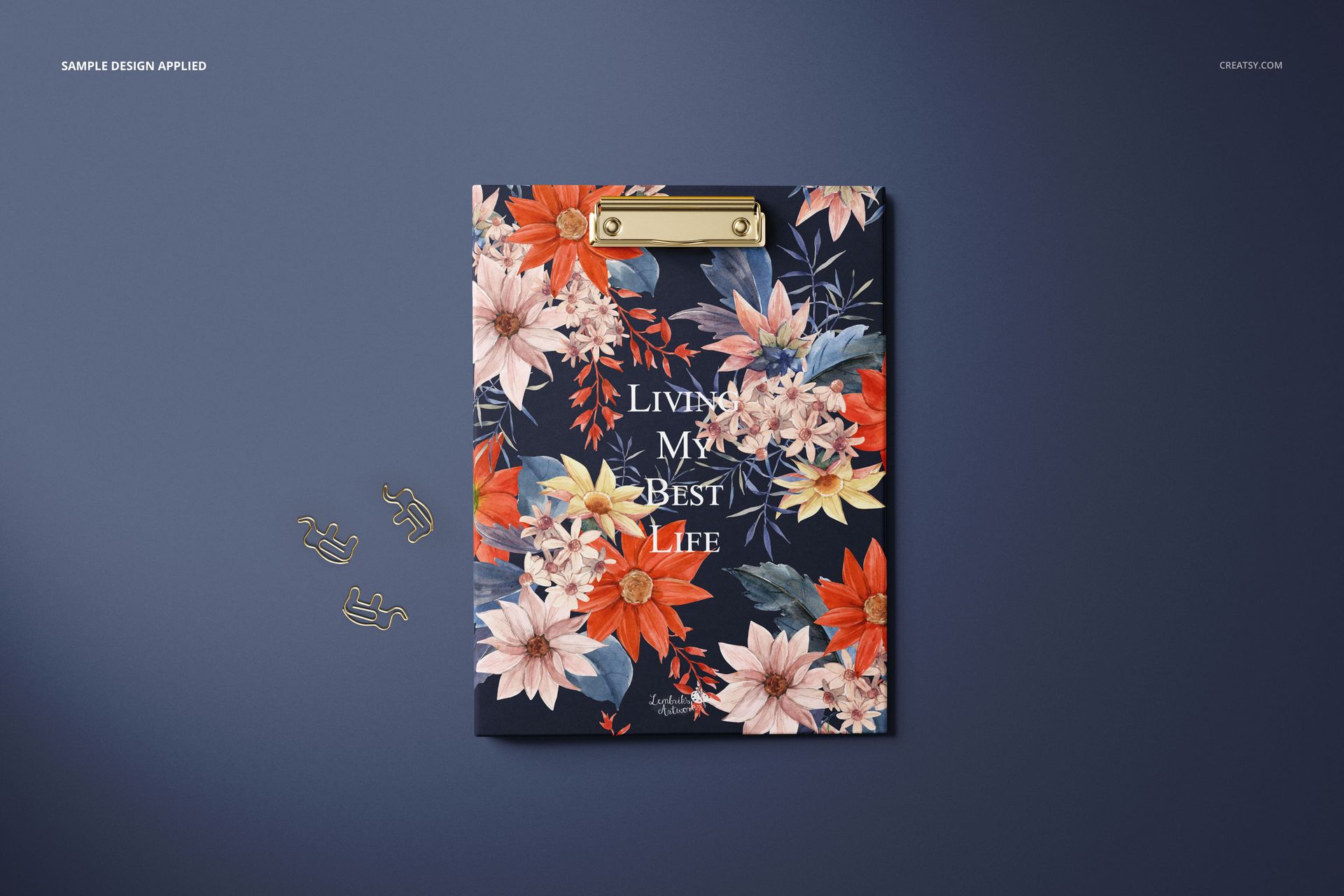
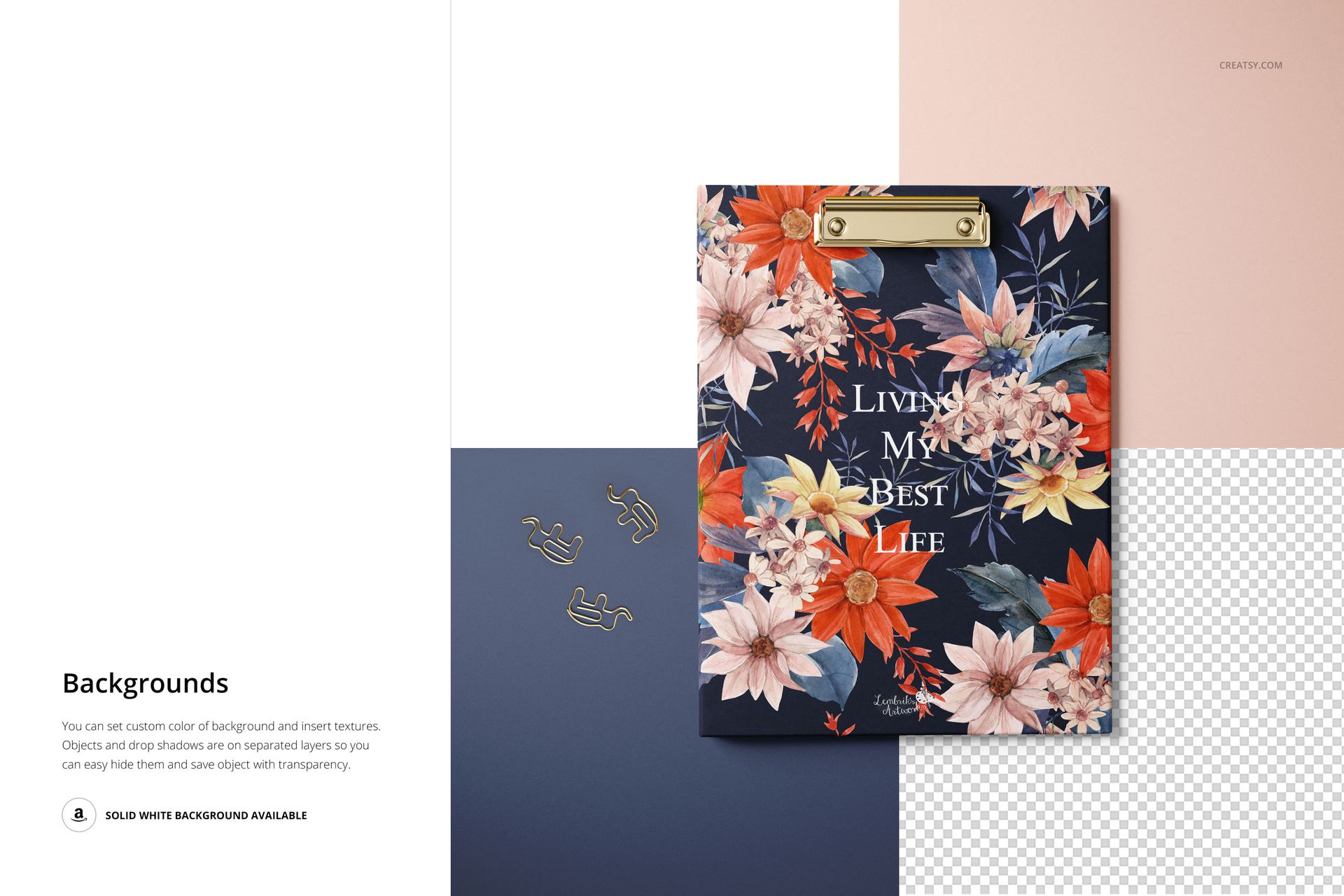
Present stationery artwork on a hard-cover clipfolio across five high-resolution scenes. The set includes angled, front, back, open-interior, and working clipboard views, giving you a clear way to show coordinated exterior and interior designs.
What Is Included
5 layered PSD mockup files with organized layers
5 JPG preview files, 10 files in total
6000 × 4000 px at 300 DPI for each PSD scene
Smart Objects for placing your artwork
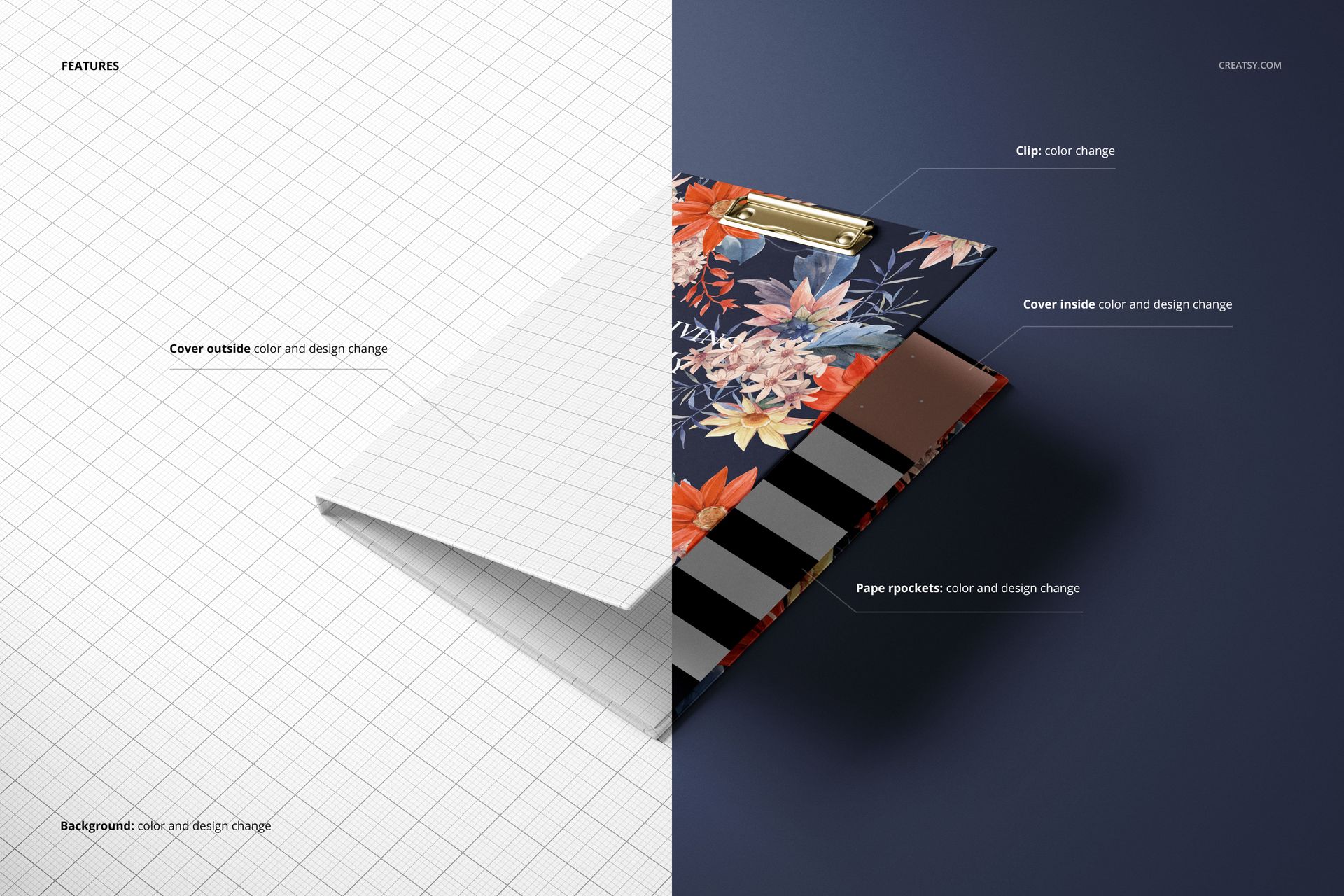
Editable Clipfolio Details
Outside cover color and design
Inside cover color and design
Paper pocket color and design
Metal clip color
Background color and design
Five Useful Presentation Views
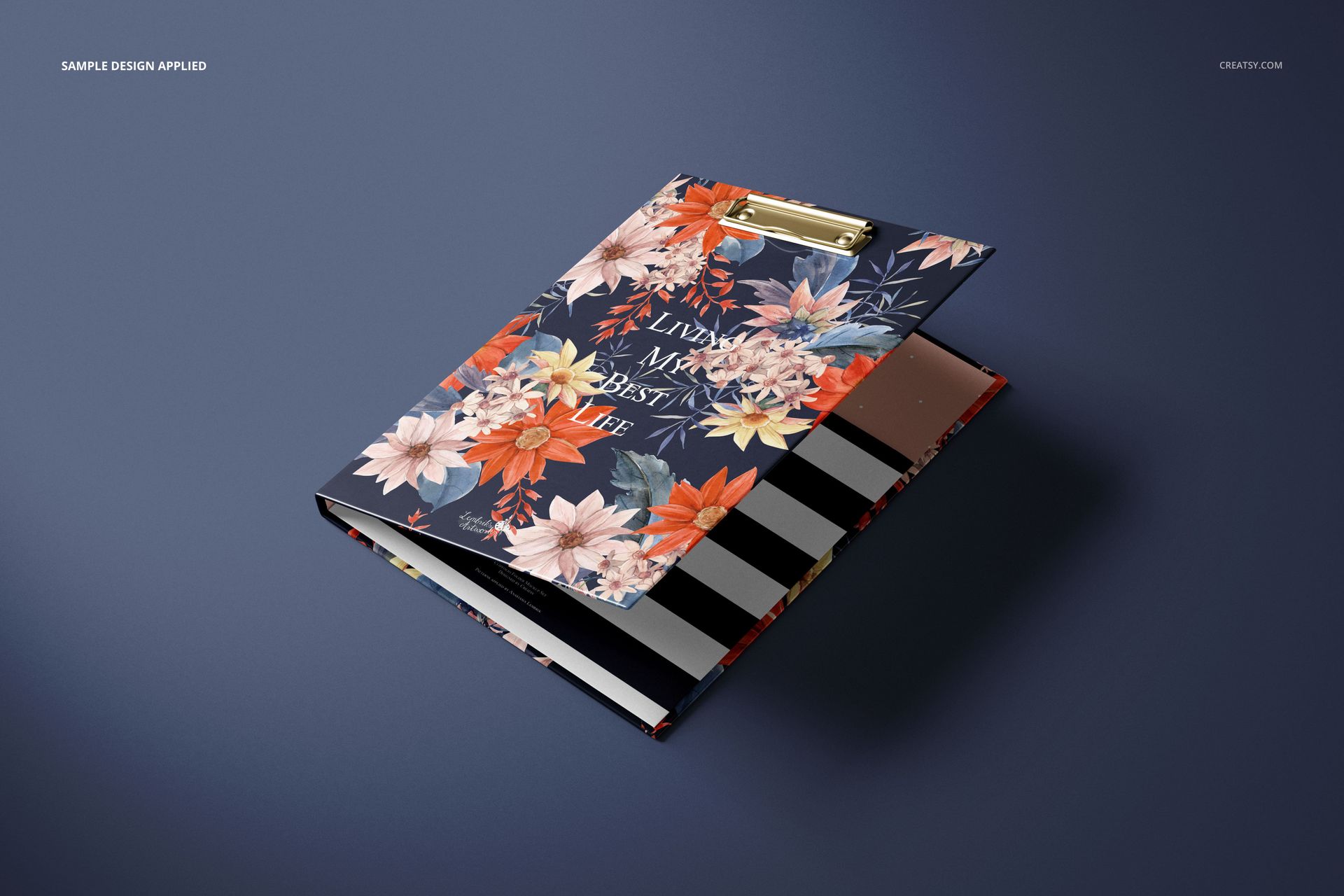
Angled partially open clipfolio
Front cover view
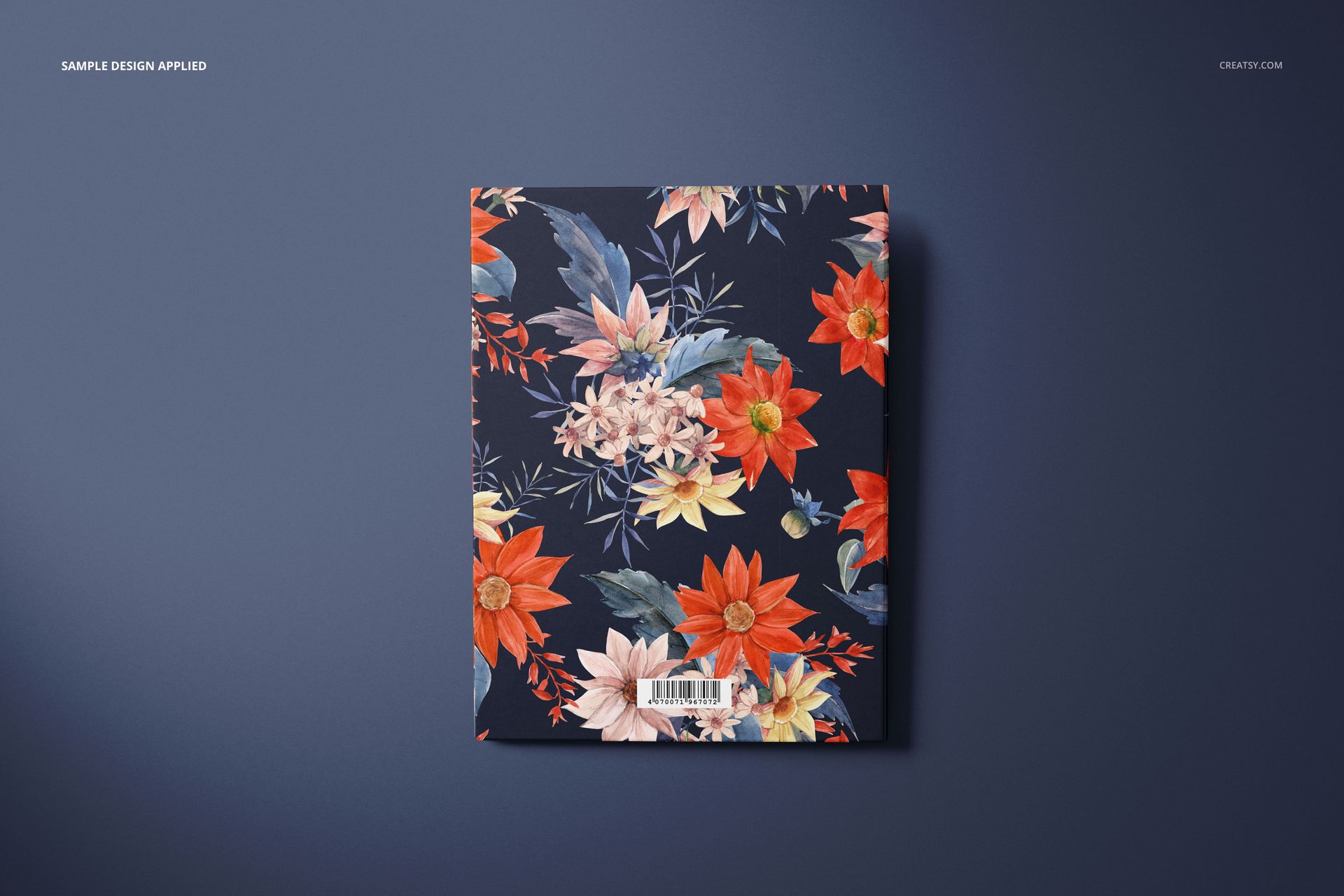
Back cover view
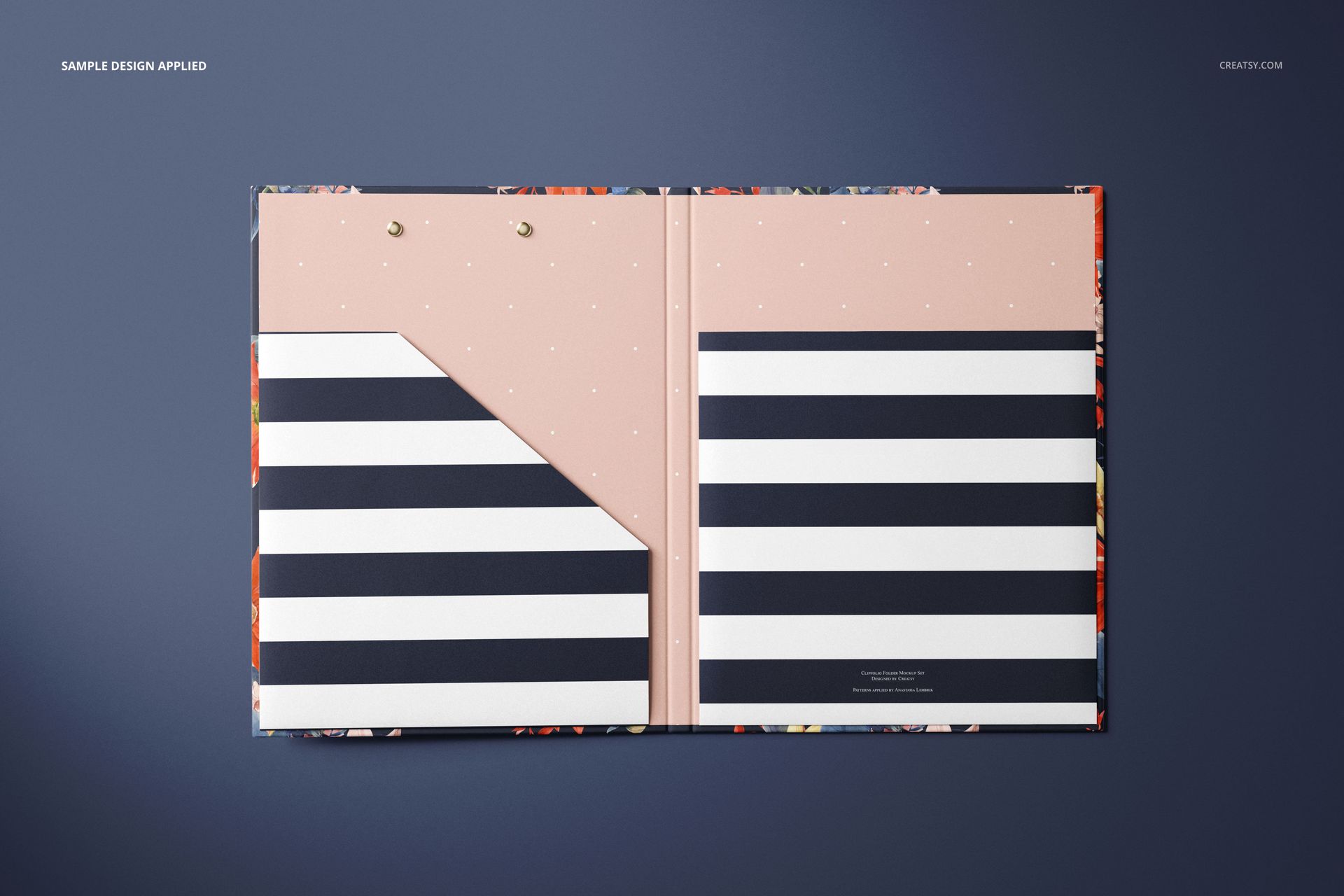
Open interior with paper pockets
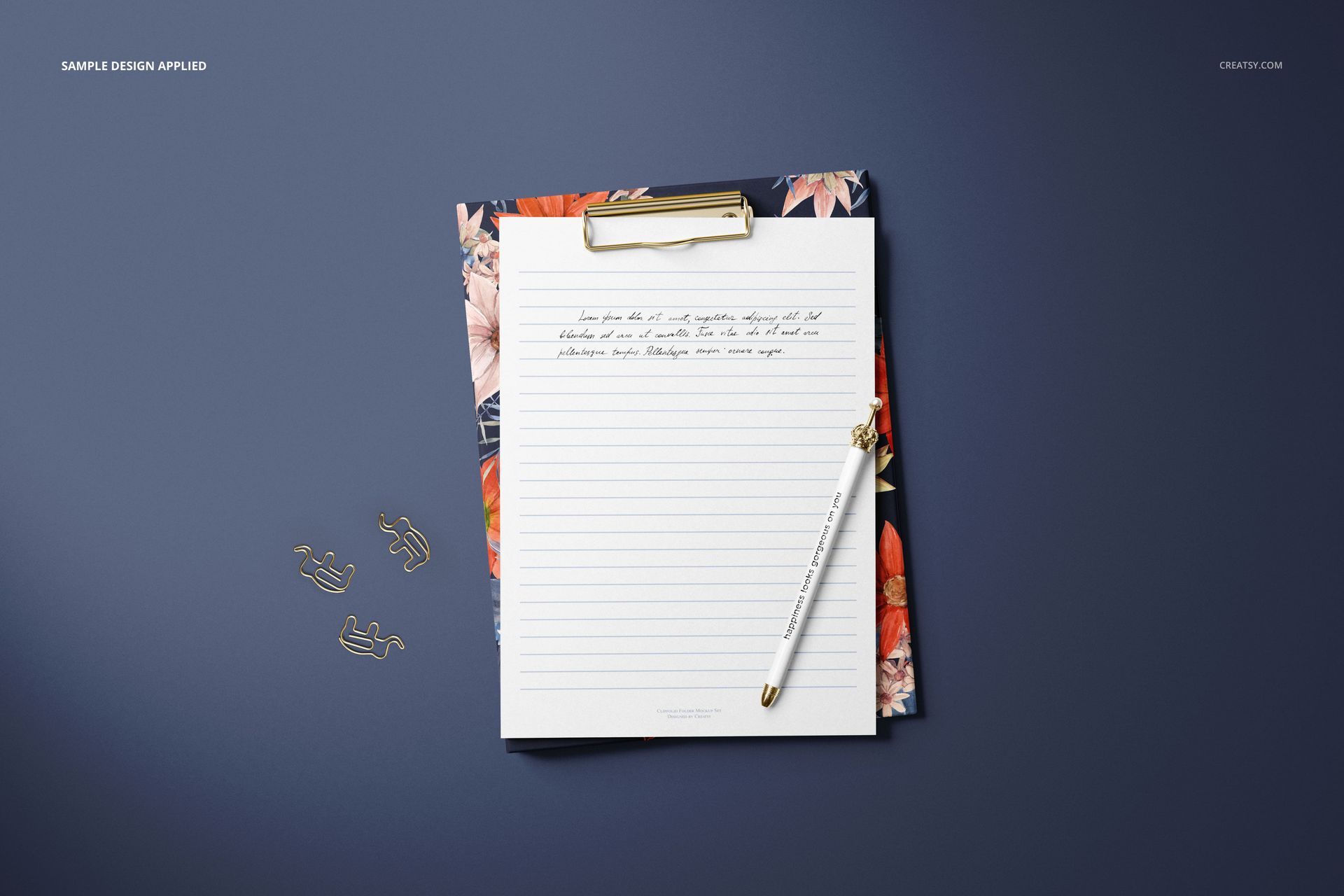
Clipboard view with a sheet and stationery props
Easy Smart Object Editing
Open a PSD in Adobe Photoshop CC2020 or later, or edit it in Photopea. Replace the sample artwork through Smart Objects, adjust colors, and use the organized layers to control objects, shadows, and the background.
Perfect For
Stationery and office supply branding
Portfolio and client presentation images
Product listings for custom clipfolios and document folders
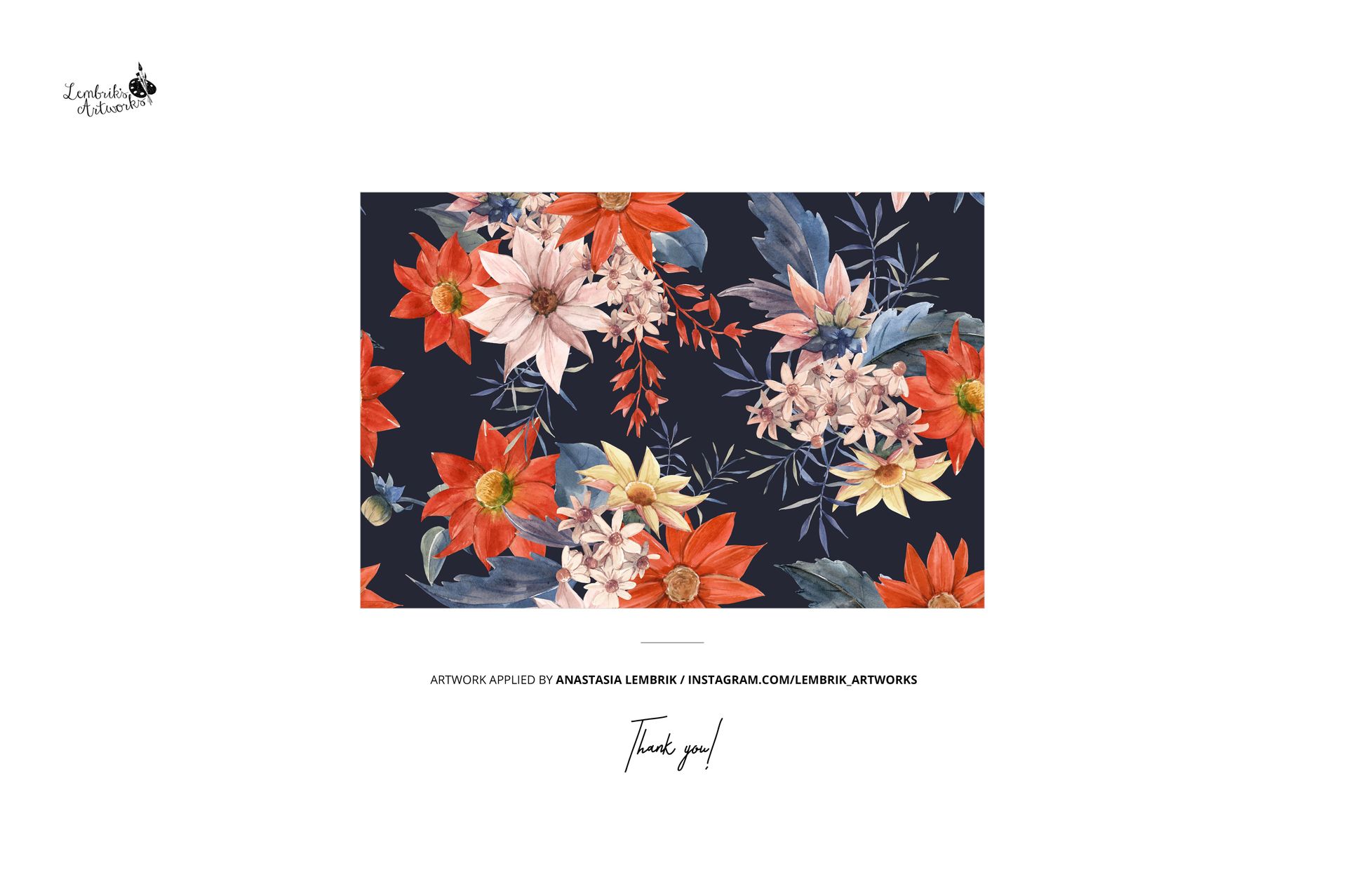
Pattern, illustration, and surface design previews
Digital product: No physical item will be shipped. The sample patterns and artwork shown in the previews are not included.