Binder Mockup Set
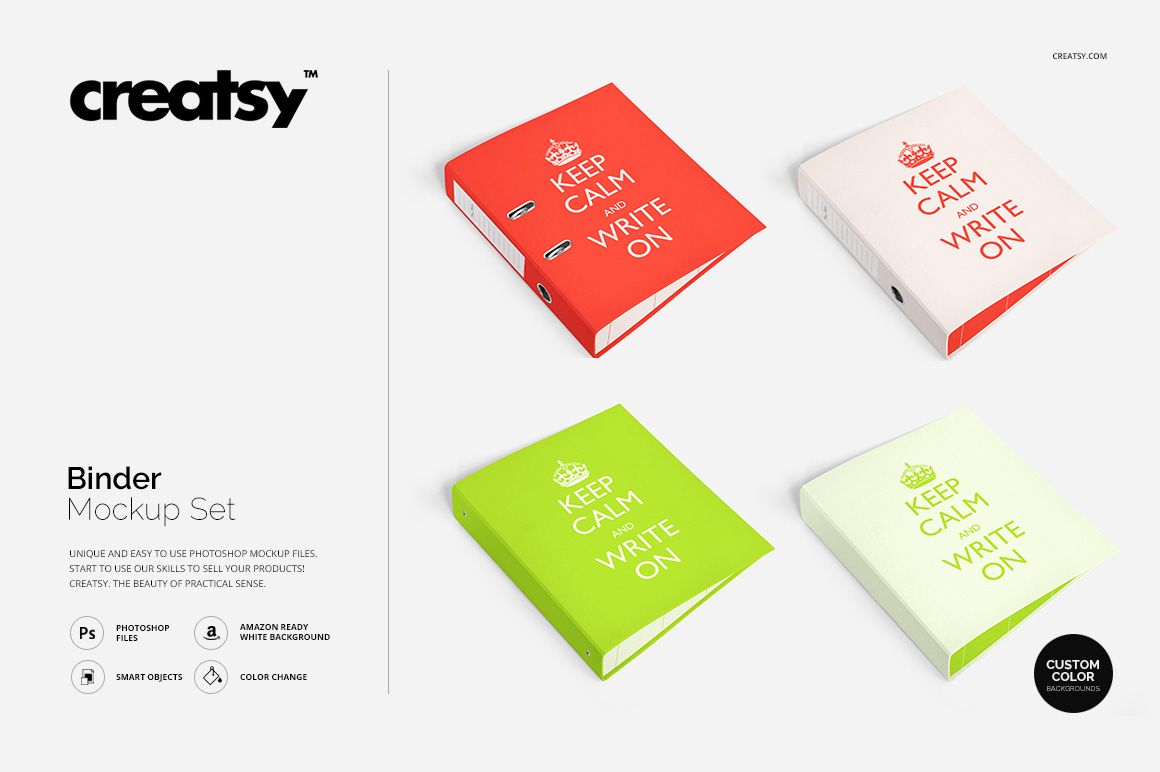
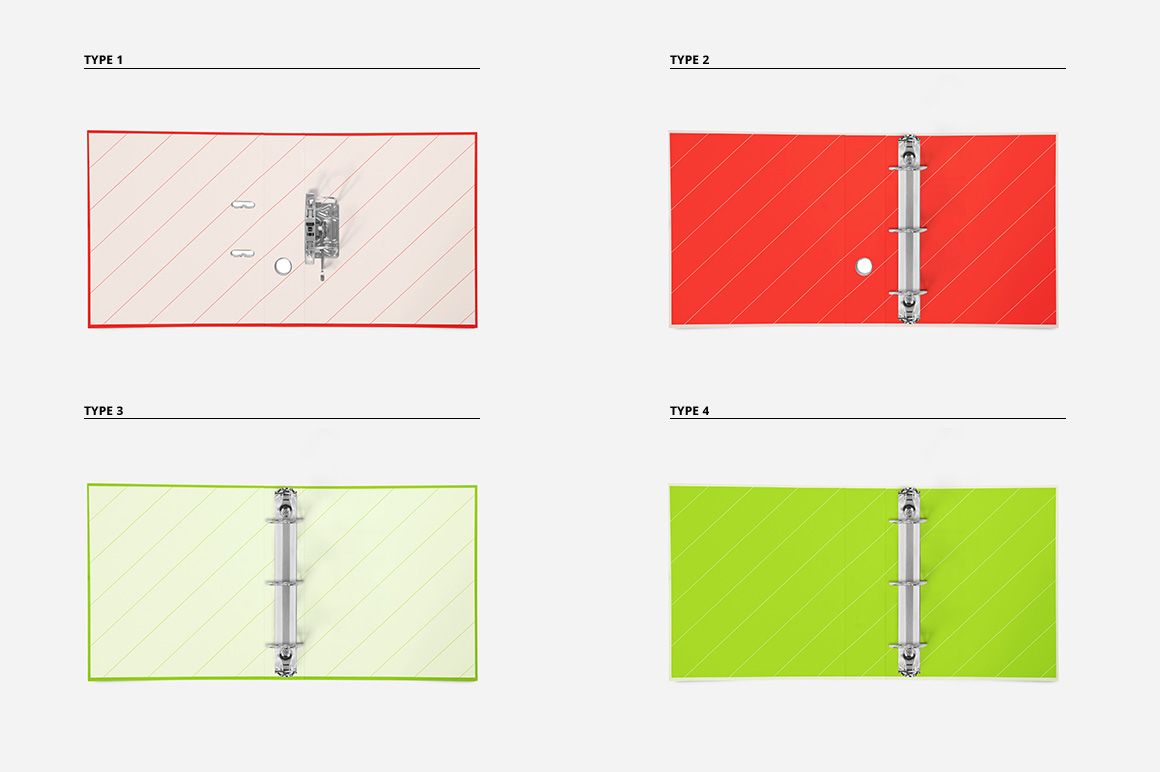
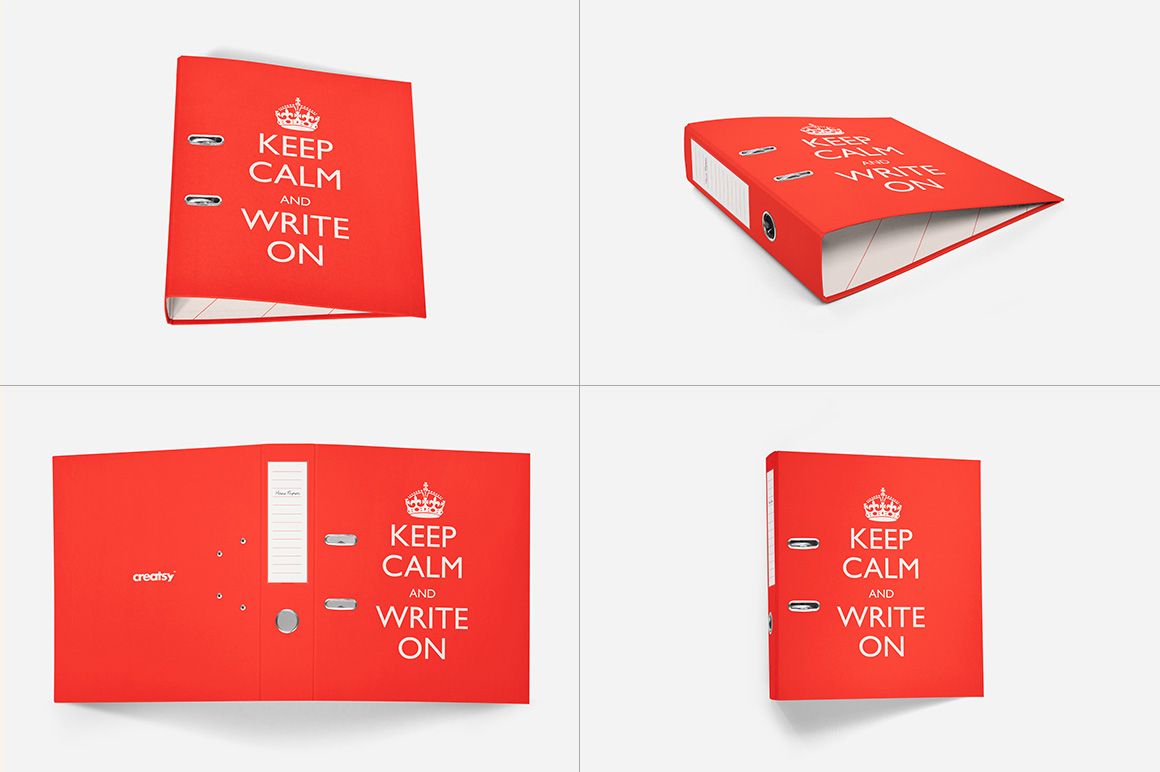
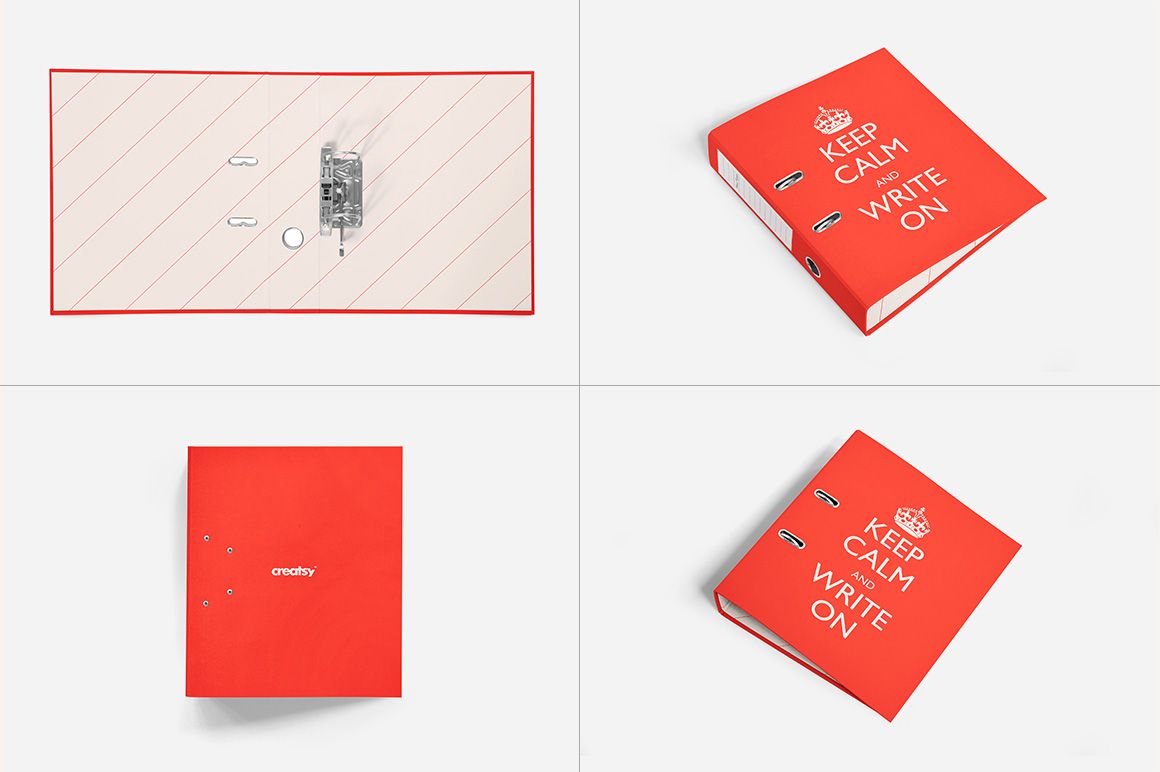
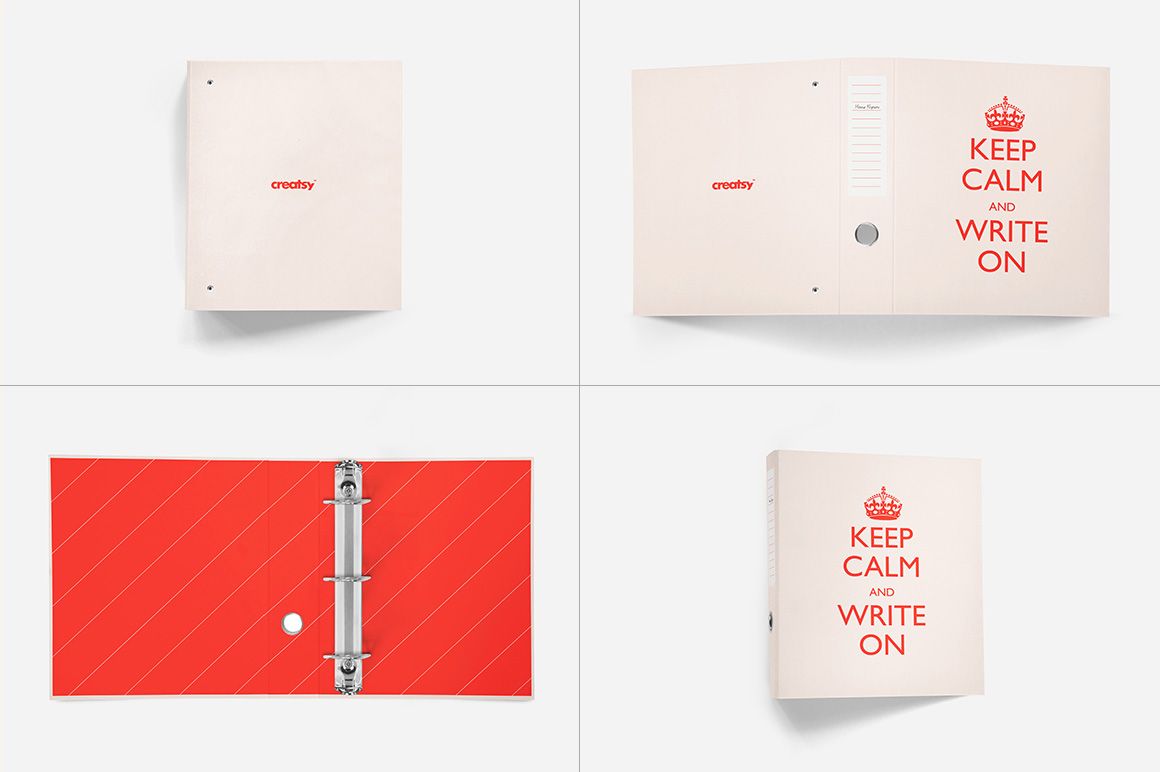
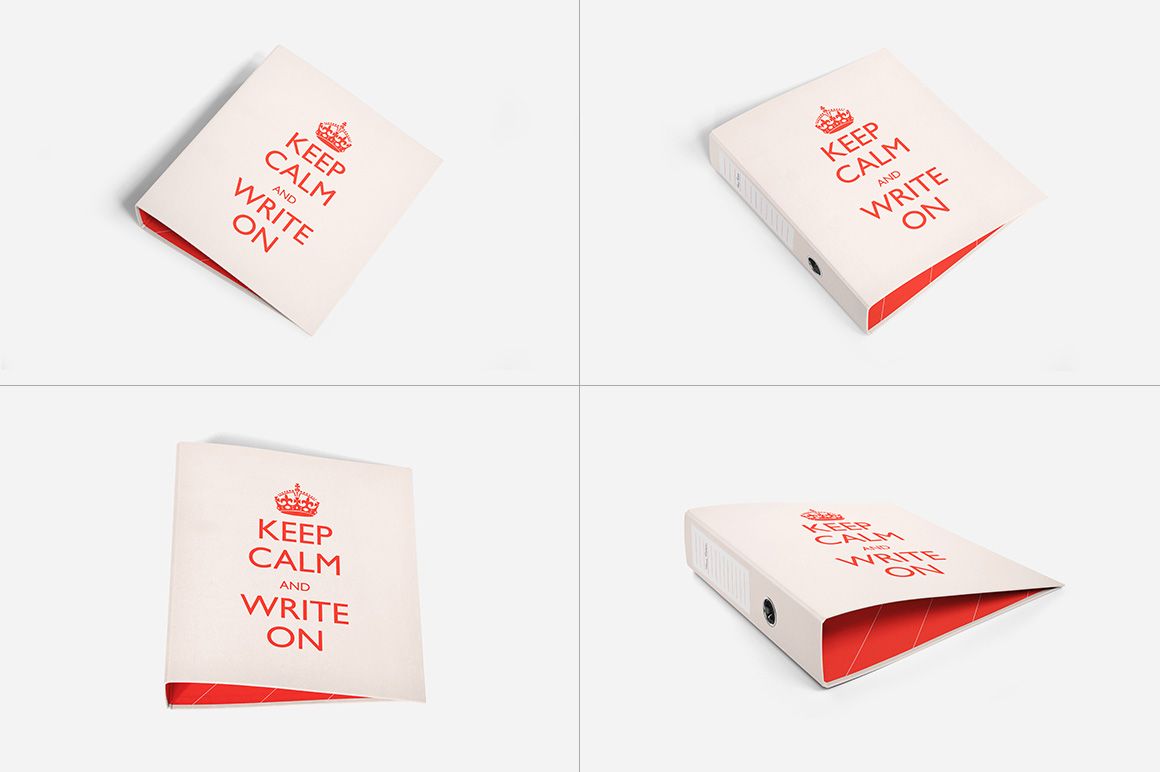
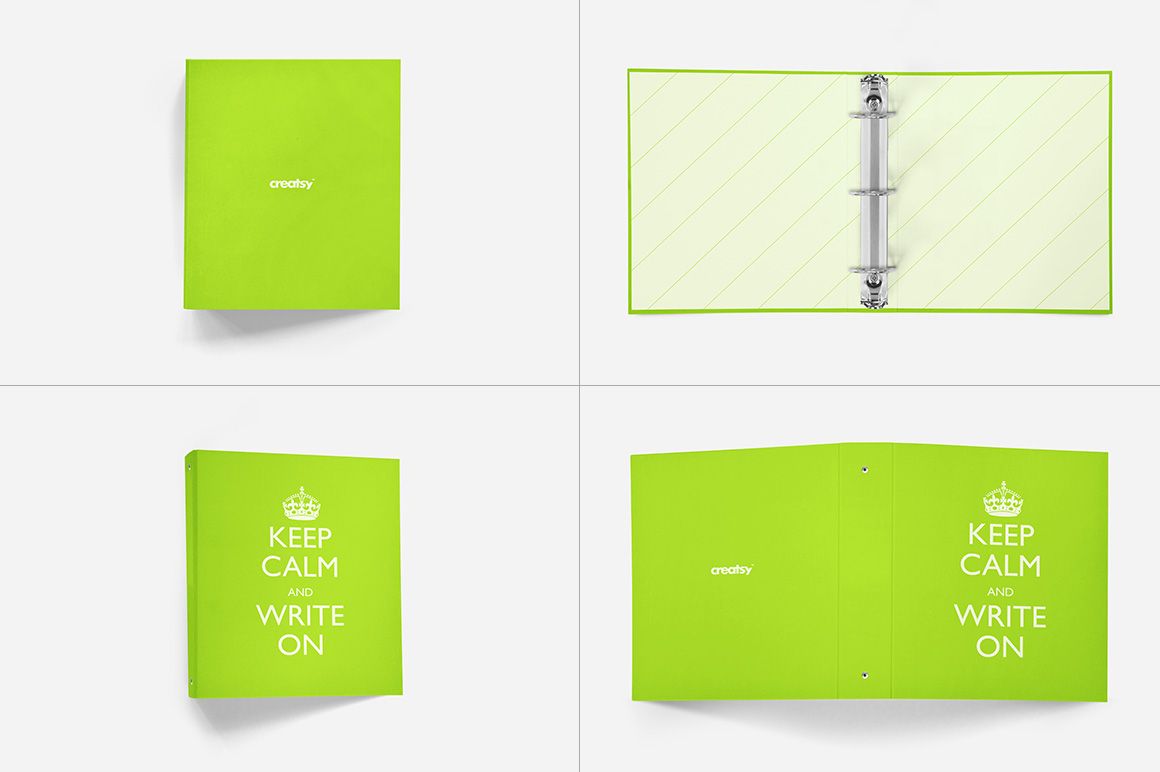
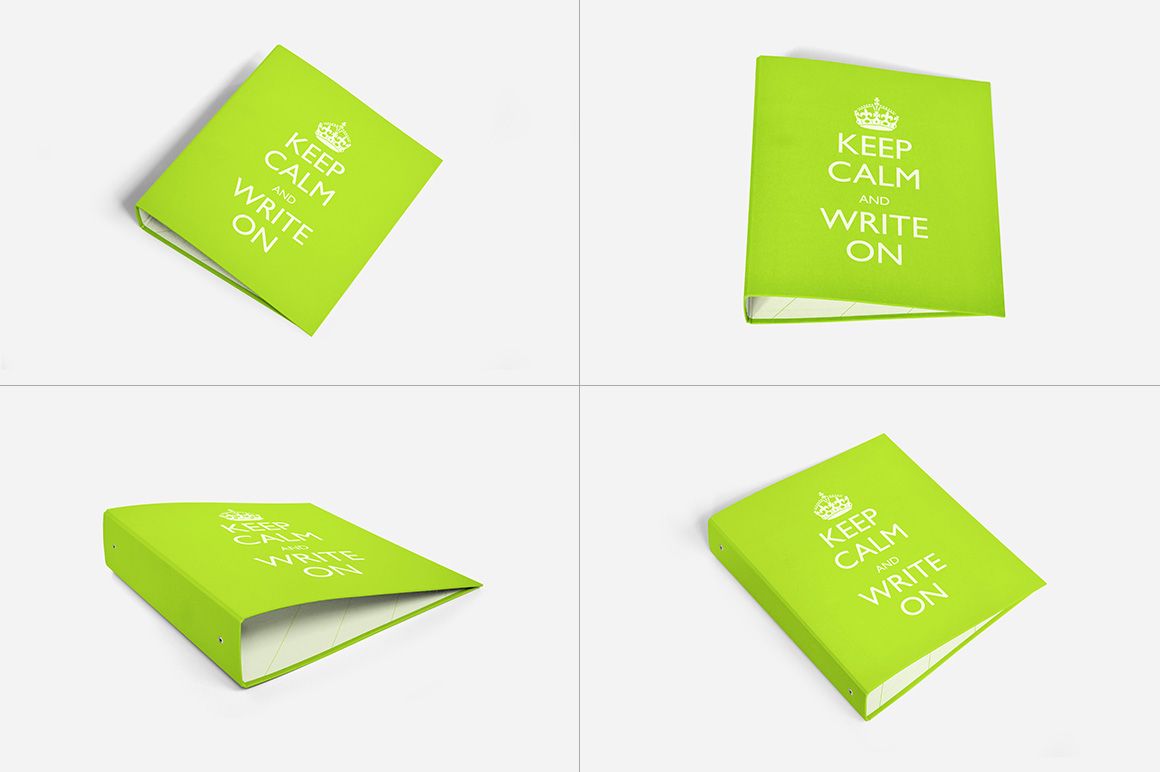
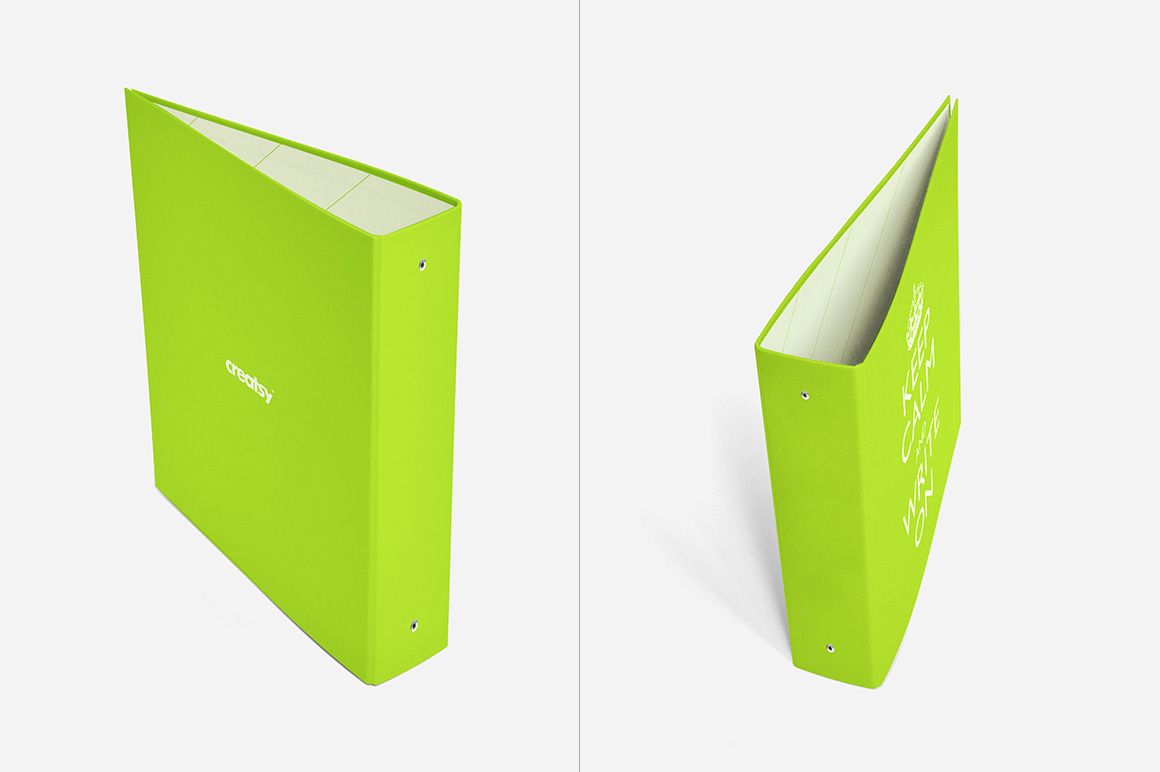
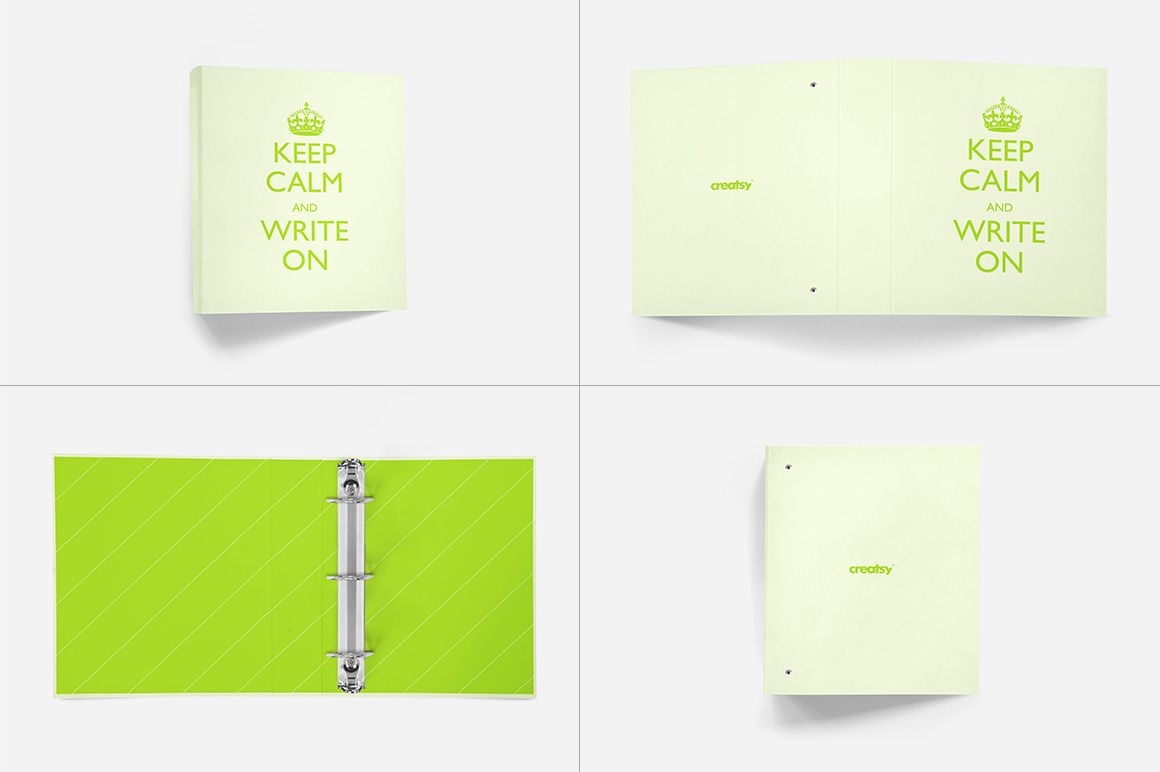
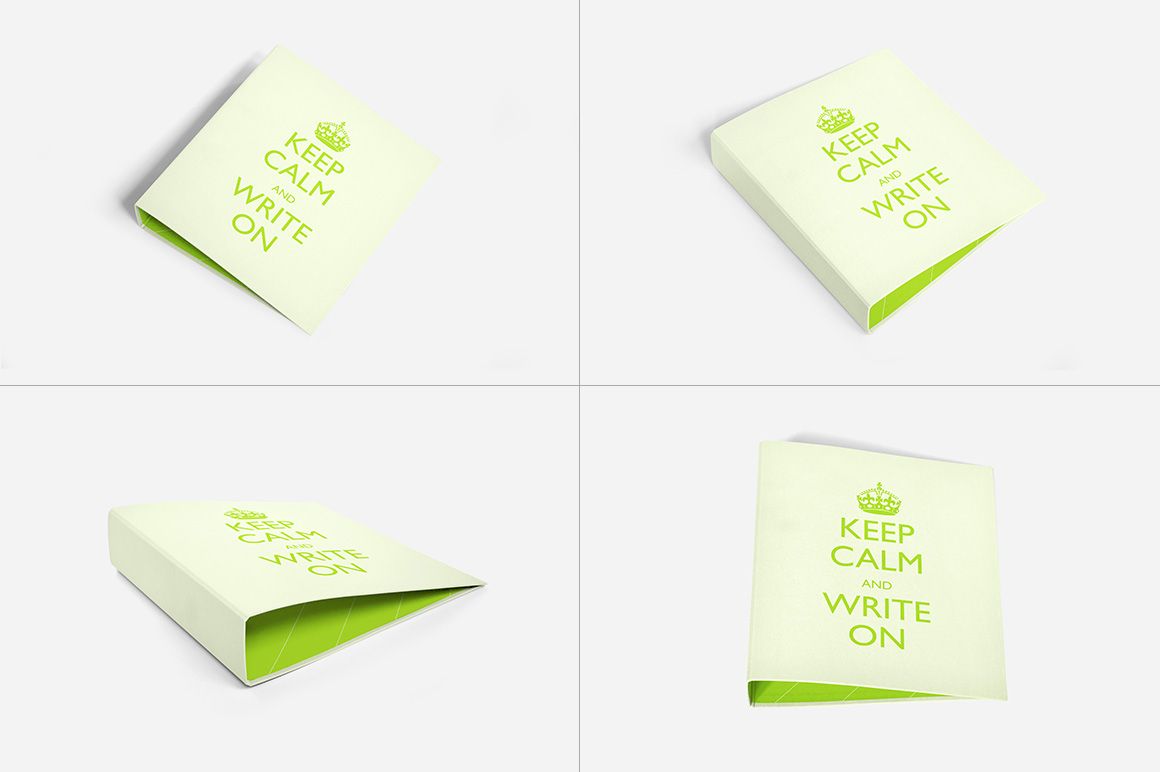
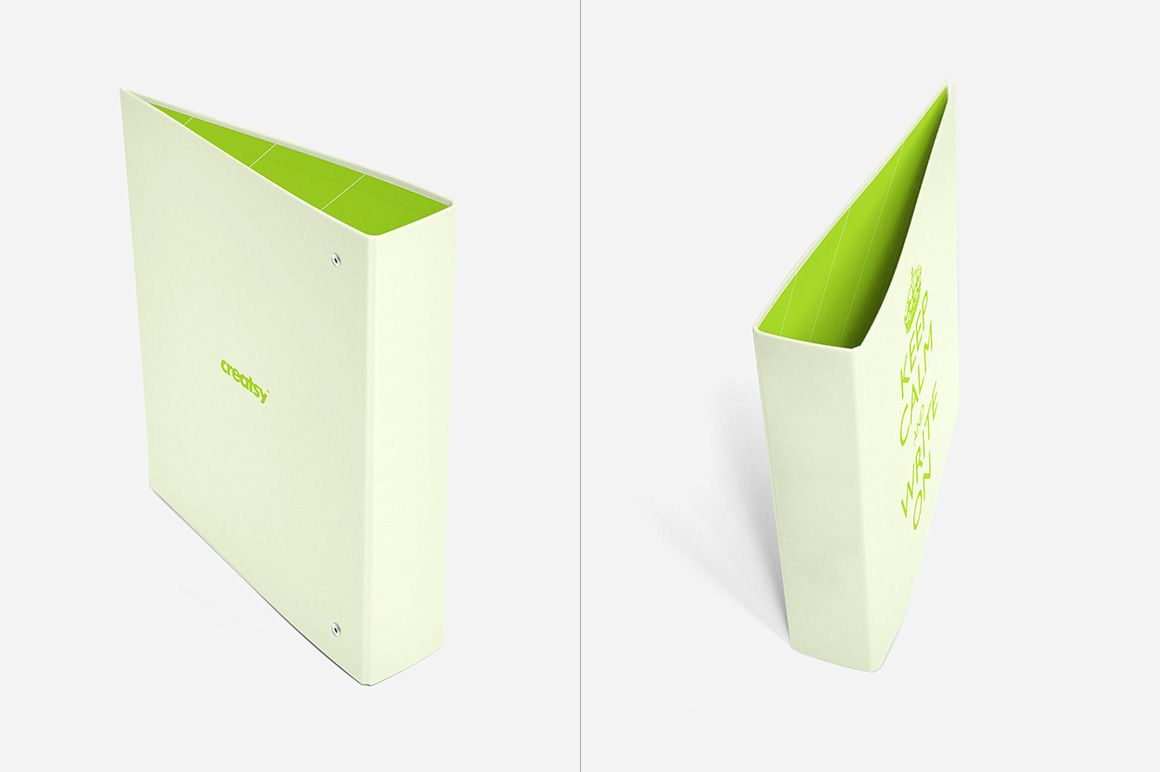
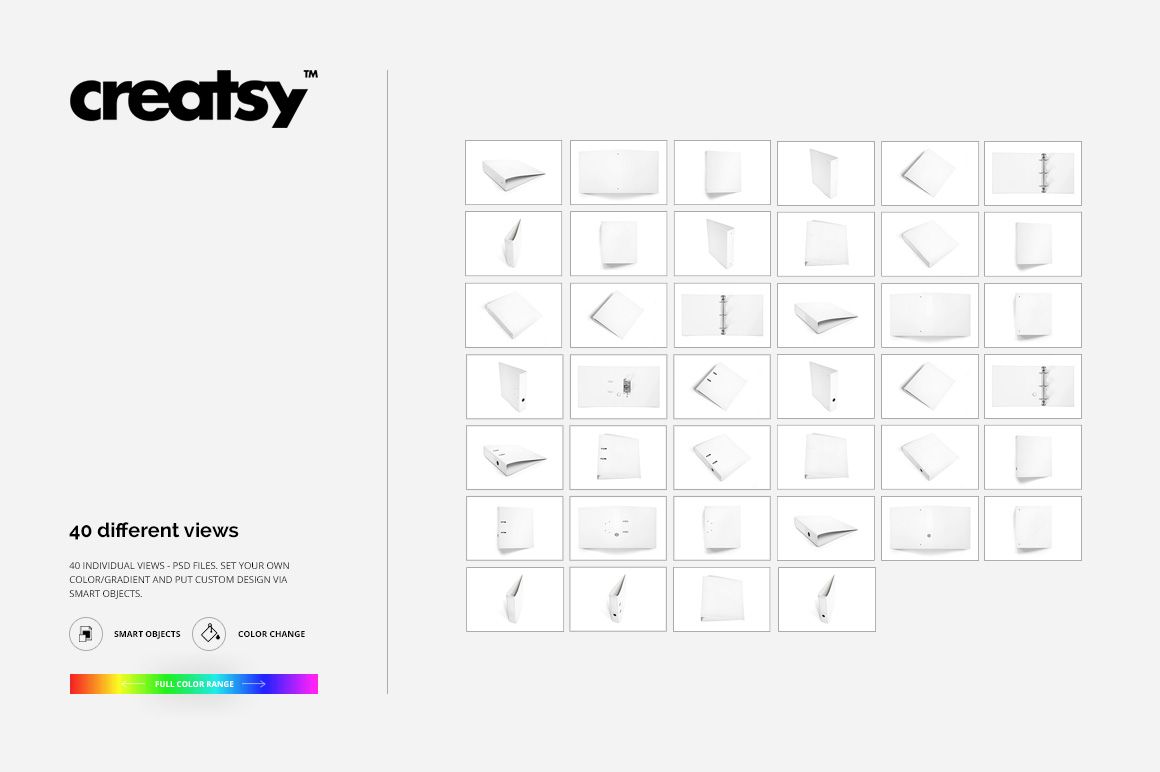
Build a complete ring binder presentation with 40 high-resolution scenes covering four binder types and ten viewpoints for each type. Open, closed, lying, standing, front, back, and full-cover views let you explain an entire stationery concept without relying on one generic angle.
The consistent landscape format makes it easy to compare binder constructions, colorways, cover designs, and branding details across a connected client presentation, portfolio case study, or product gallery.
What Is Included
40 layered and well-organized PSD mockup files
40 JPG preview files
1 TIF guide, for 81 files in total
Four binder types with ten PSD views per type
6000 × 4000 px PSD scenes at 300 DPI
Ten Views for Every Binder Type
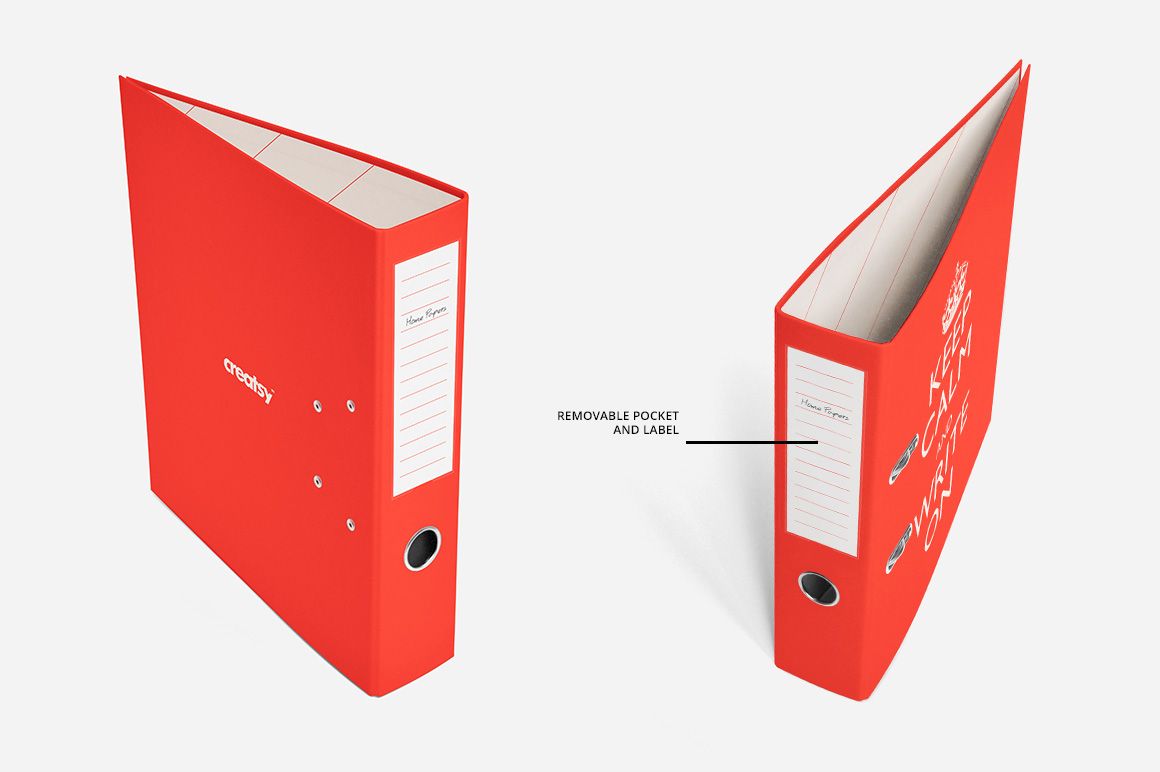
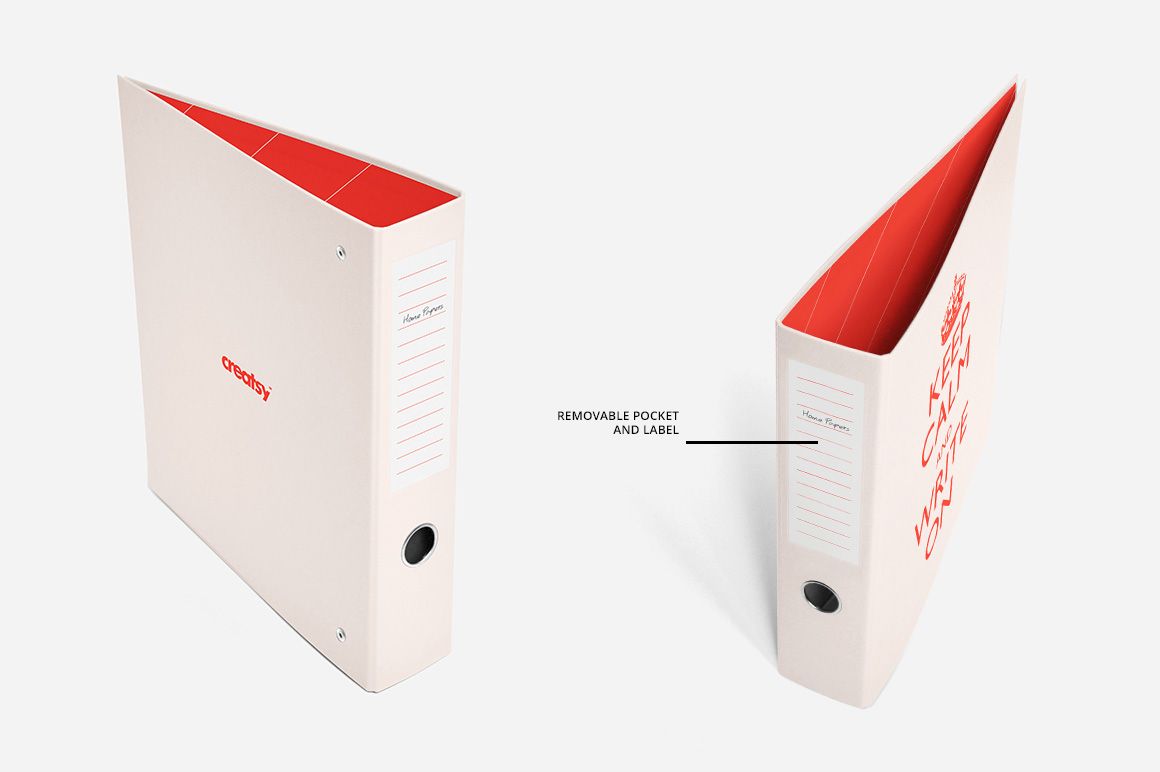
Each binder type is supplied in a full-cover view, a back view, an open view, a lying front view, four lying perspectives, and two standing perspectives. Use the direct angles for clear catalog imagery and the dimensional views to show the spine, opening, ring mechanism, and overall construction.
Editable Covers, Labels, and Pockets
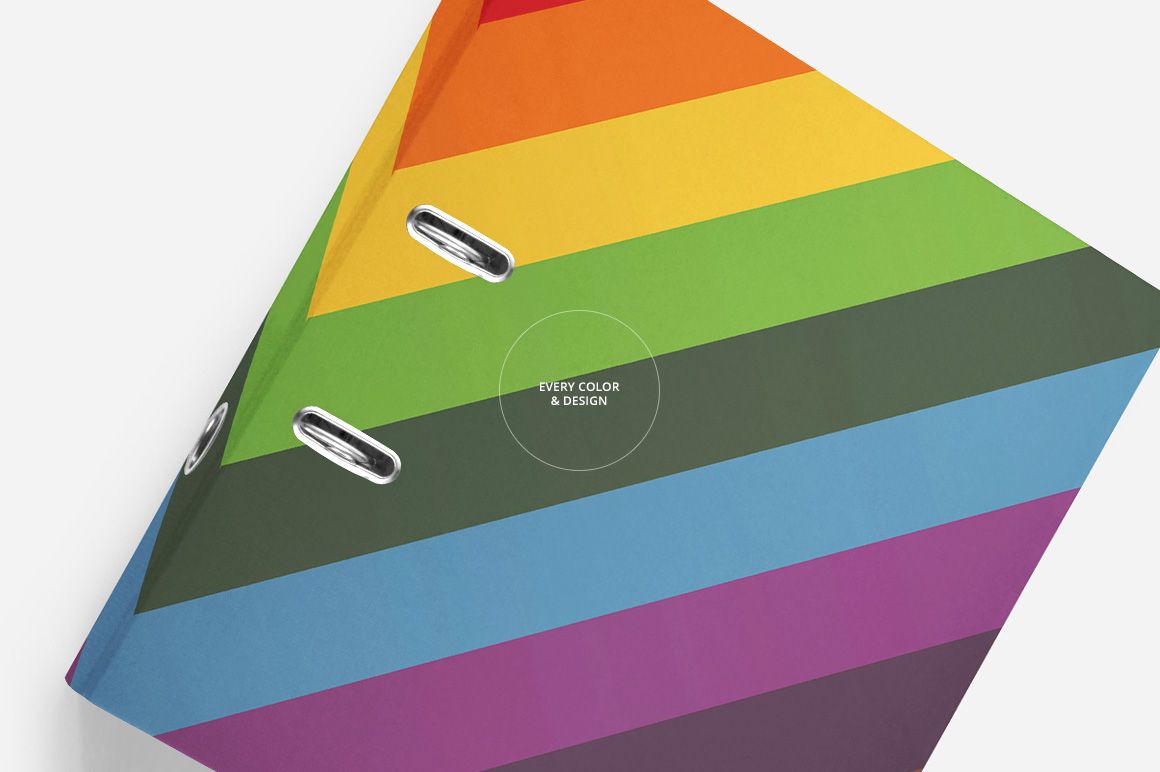
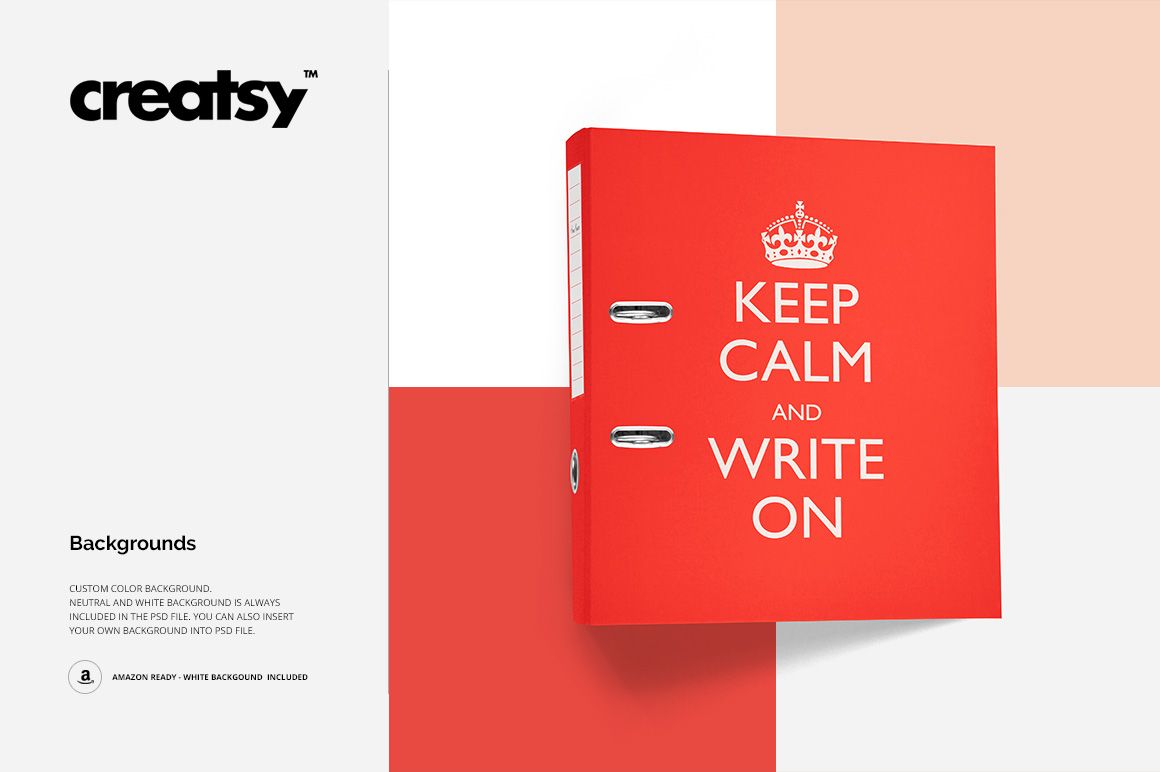
Place artwork through Smart Objects and adjust the confirmed binder colors and designs. The prepared label and pocket can be removed when they do not suit the concept. Choose a custom background color, a neutral setting, or the included clean white background for marketplace-ready imagery.
Easy Smart Object Editing
Open the relevant Smart Object, insert your artwork, save the layer, and return to the main PSD to see the updated binder. Current product compatibility information confirms Adobe Photoshop and Photopea; the Photoshop files support CS6 or newer.
Perfect For
Corporate identity and office stationery presentations
School, training, and organizational binder concepts
Print shop and office-supply product previews
Client approvals, portfolios, catalogs, and online listings
Comparing four binder constructions and multiple colorways
Clean white-background marketplace images
This is a digital mockup set. No physical binder, paper insert, label, pocket, or decorative item will be shipped. Sample artwork shown in the previews is not included.