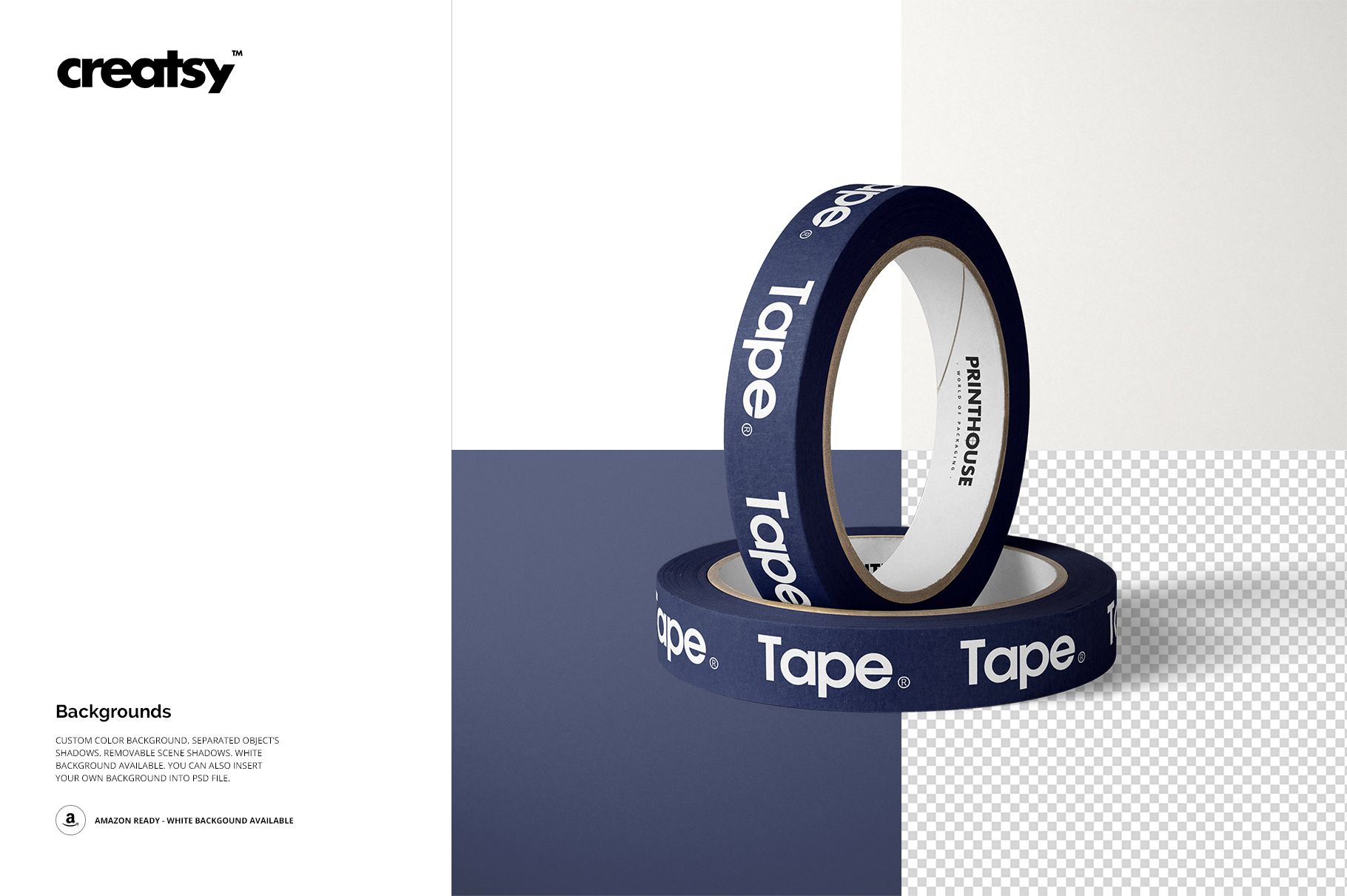
Packing Tape Mockup Set (01)
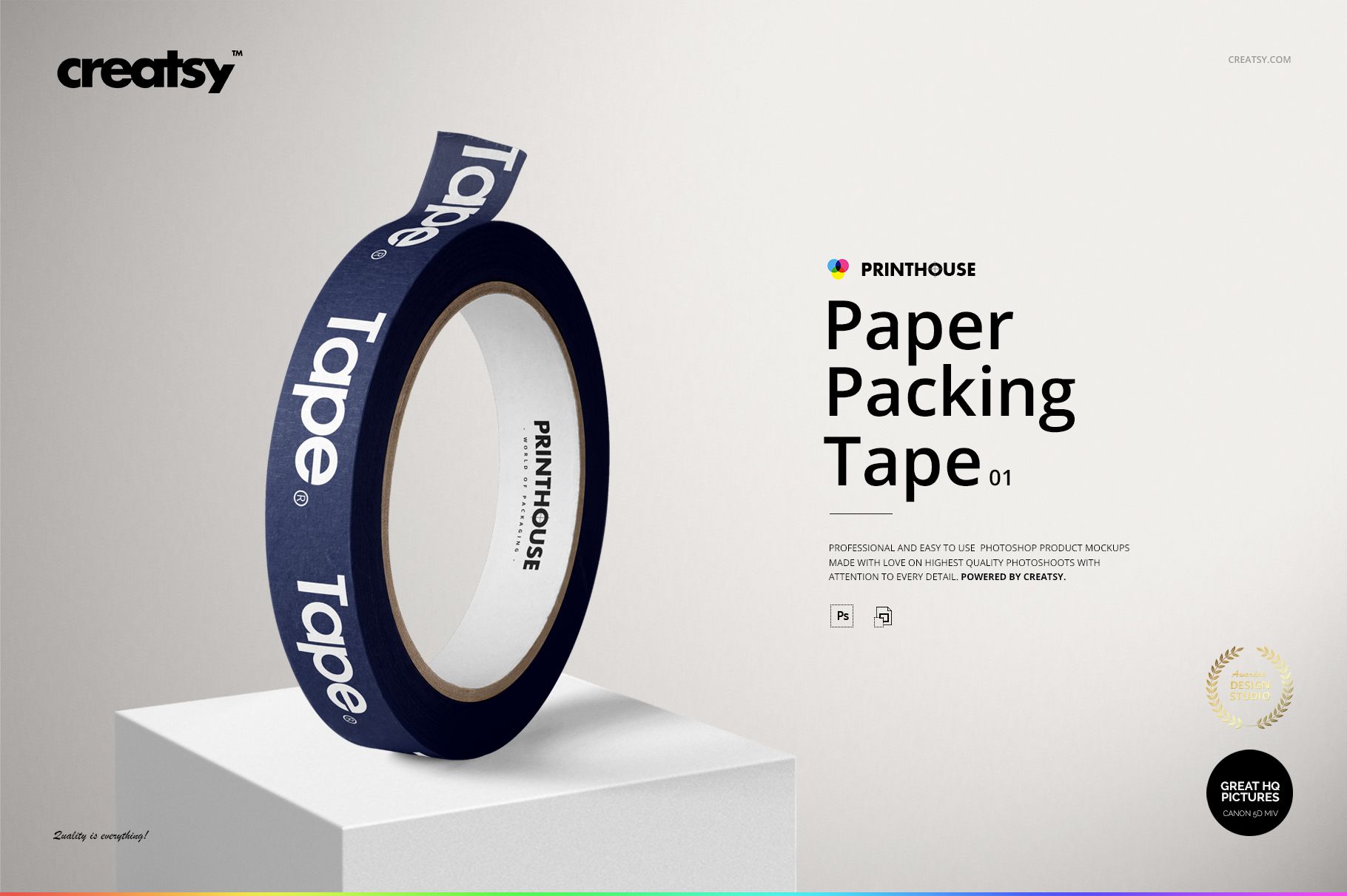
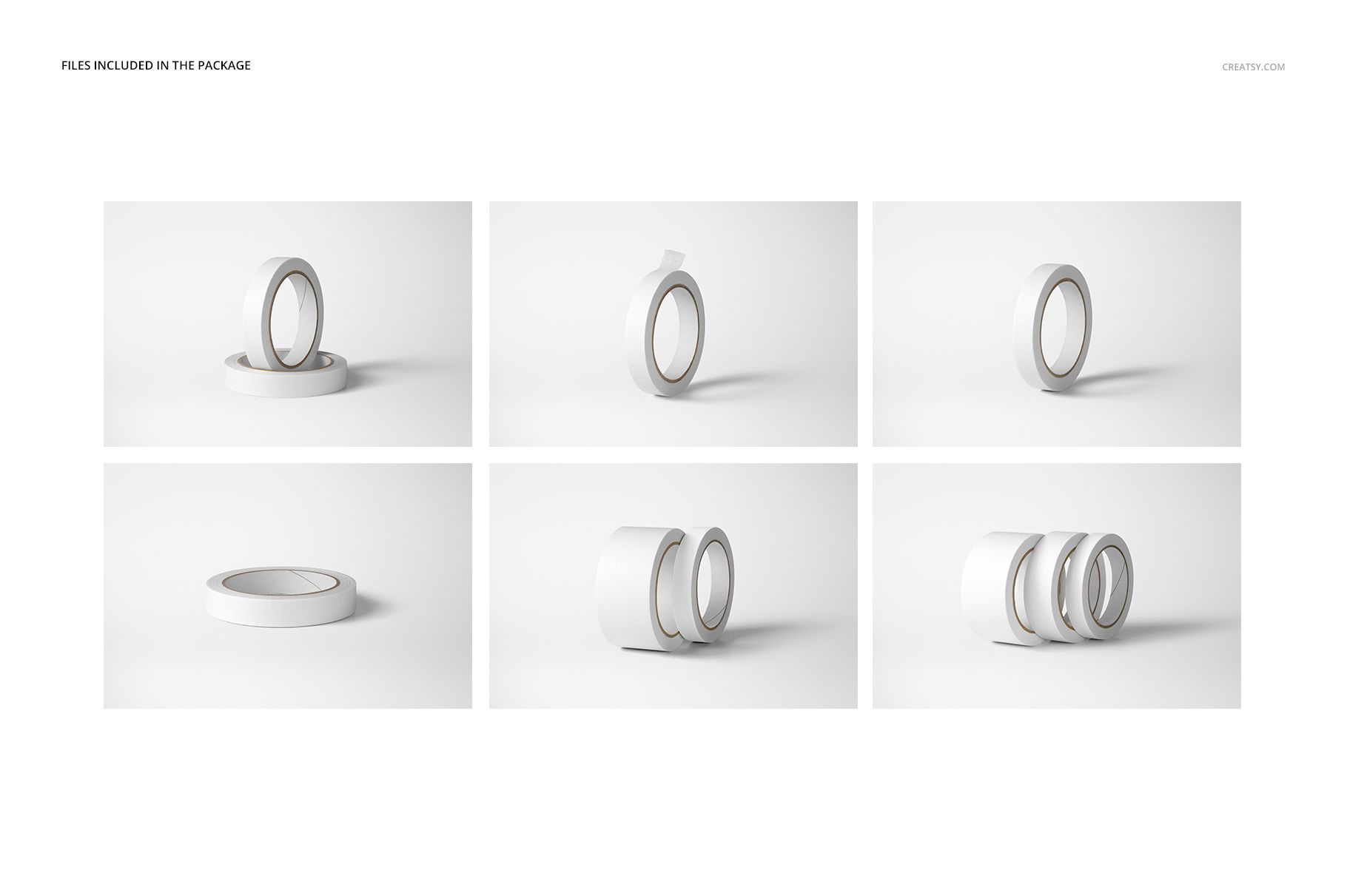
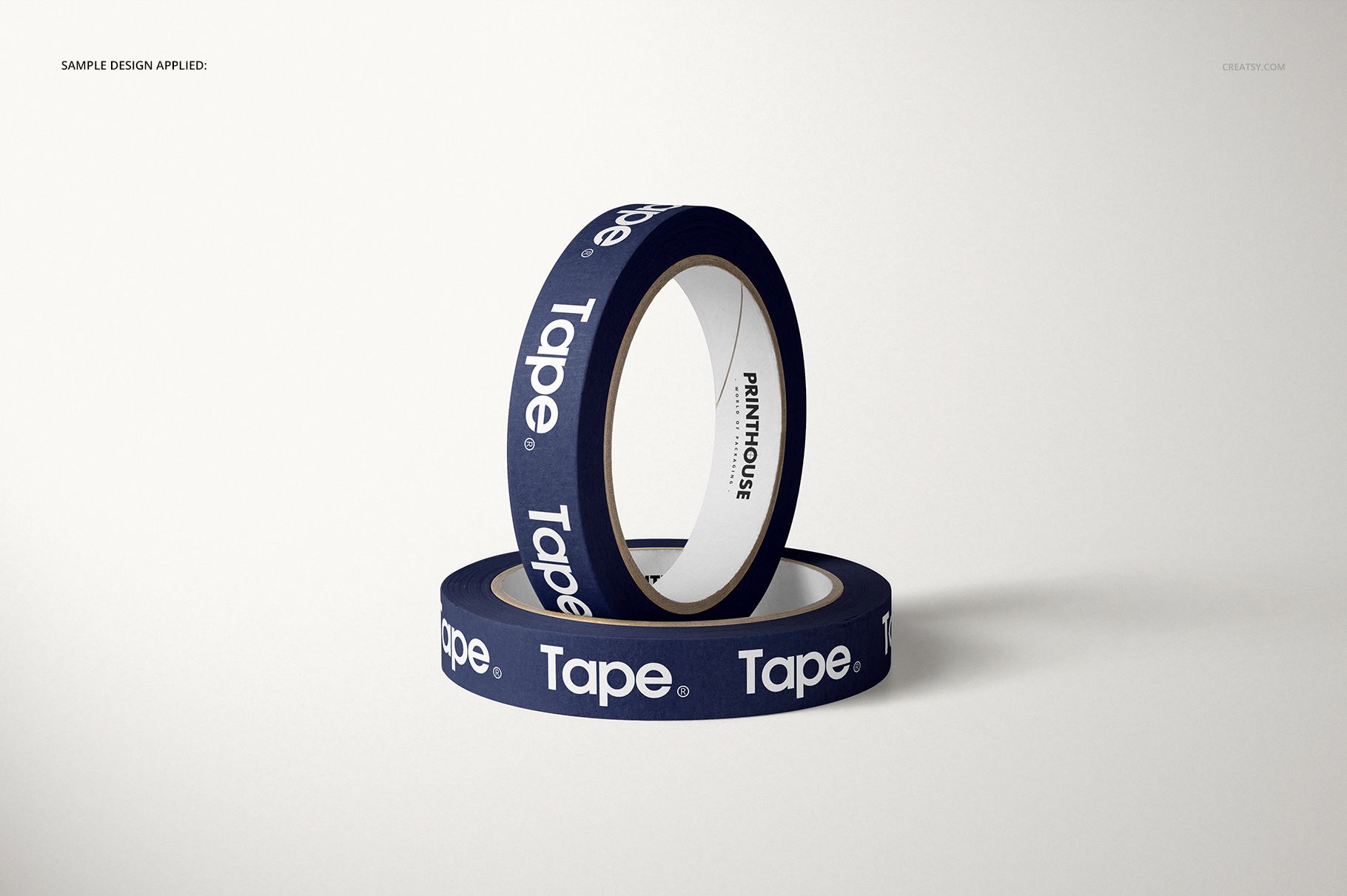
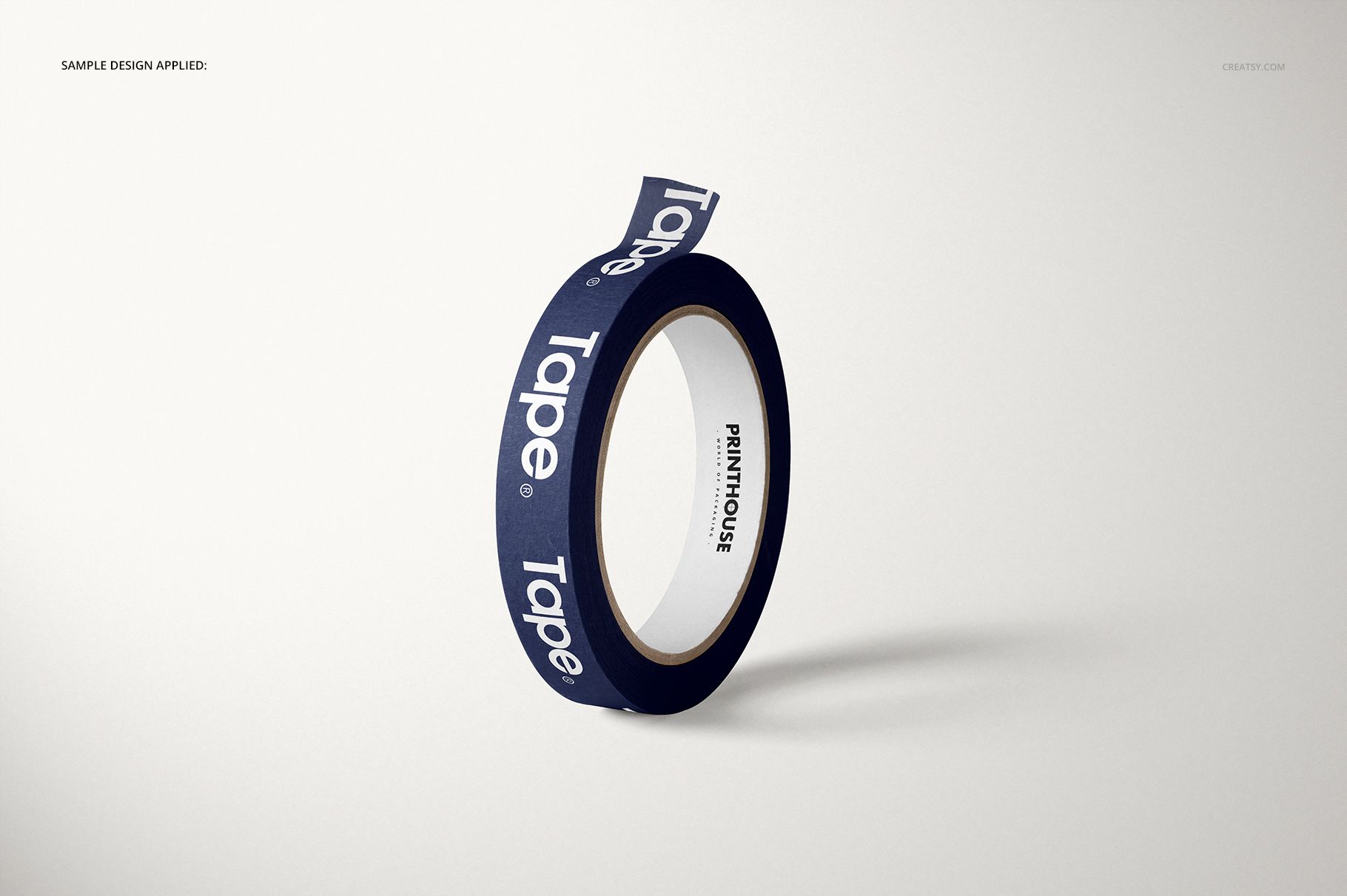
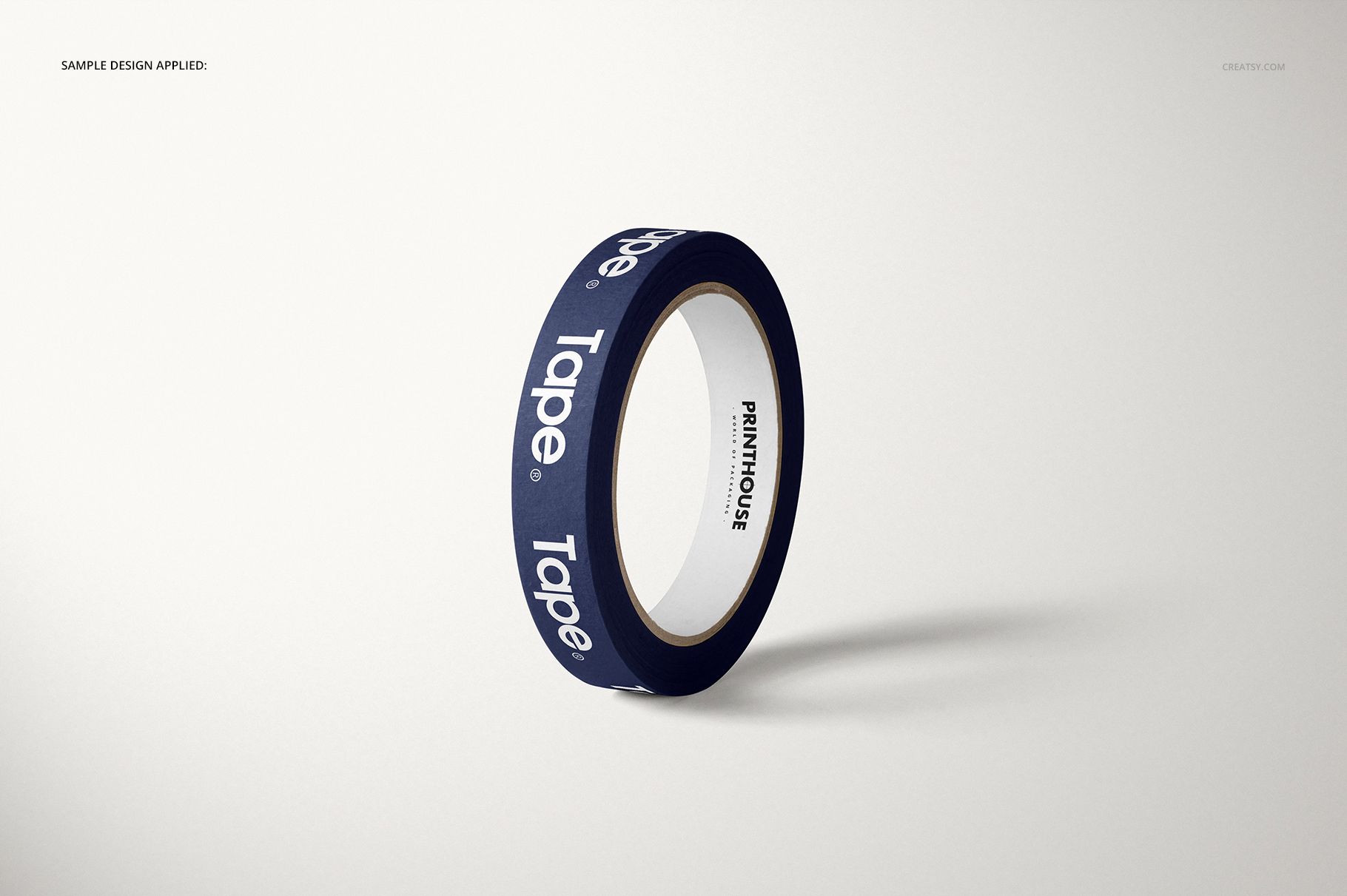
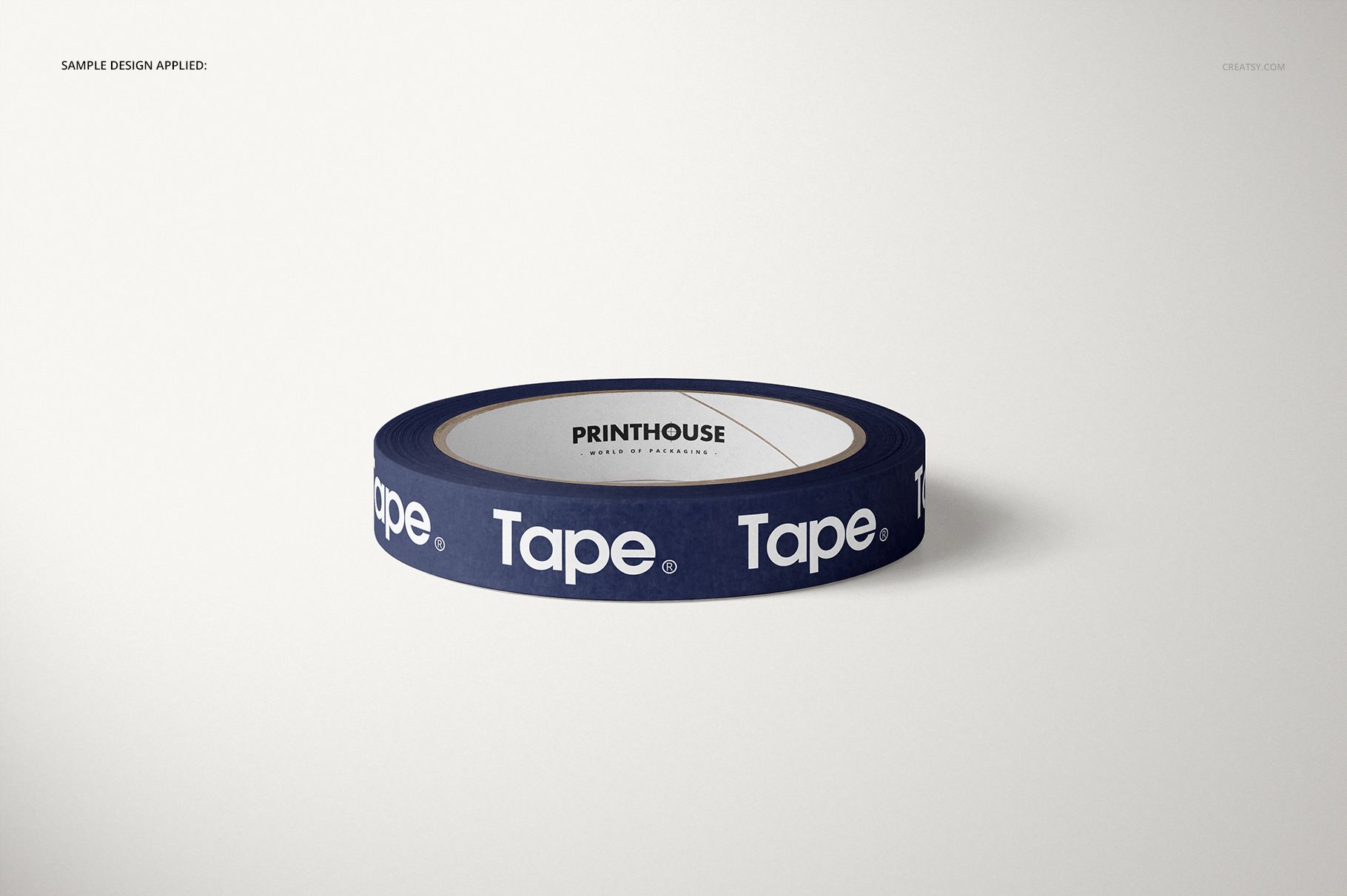
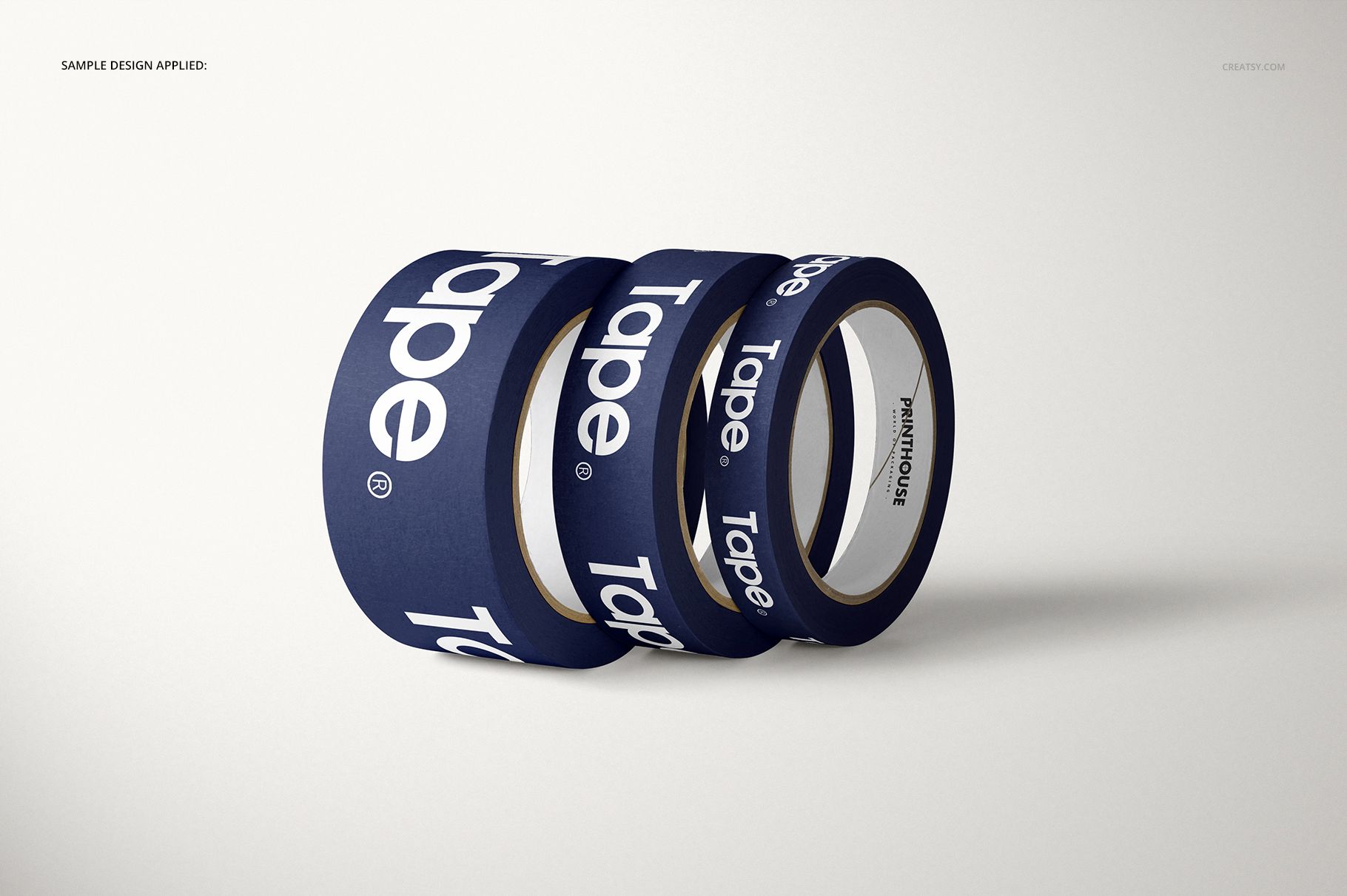
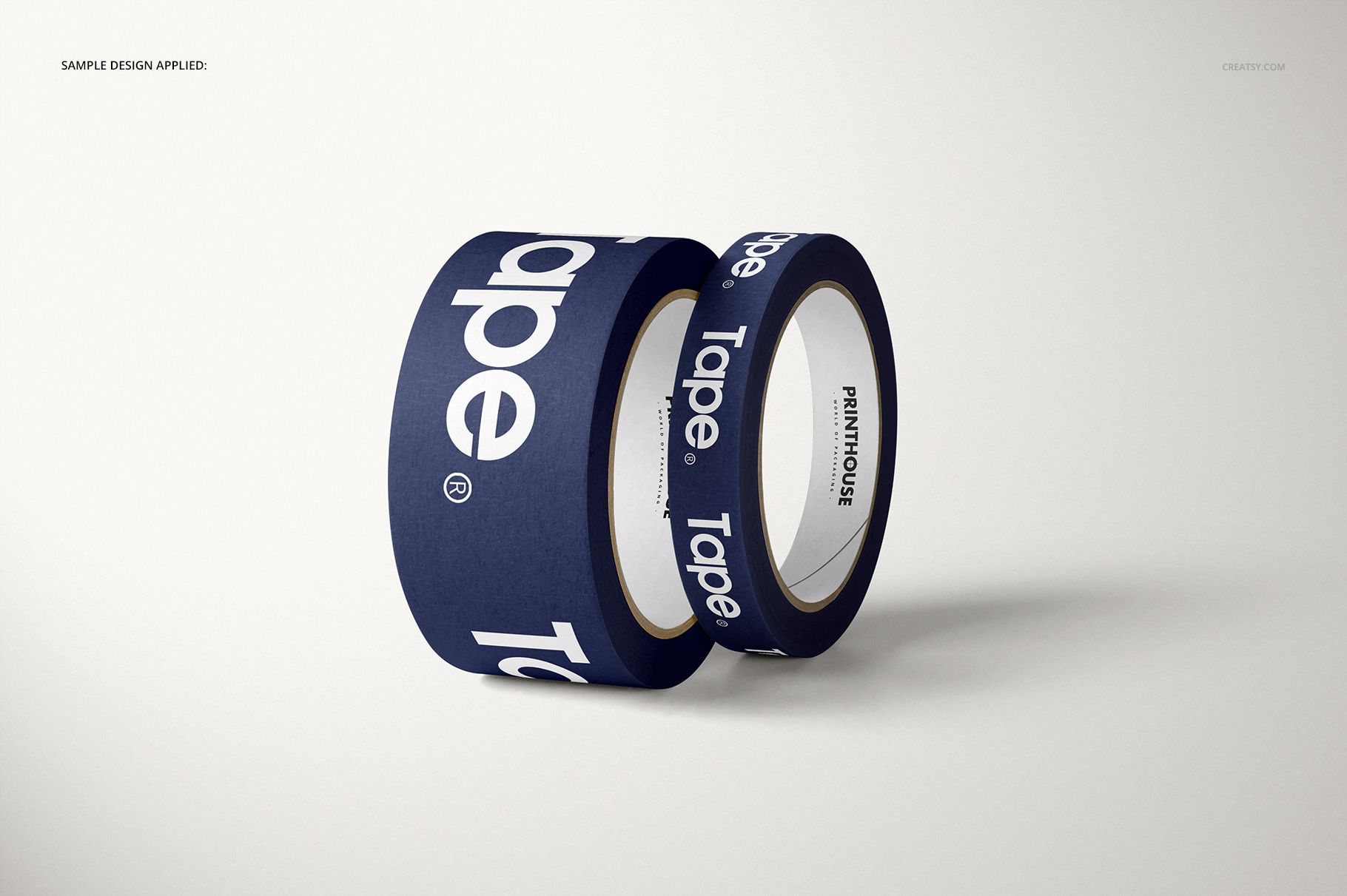
Present branded paper packing tape from six coordinated studio perspectives. The set combines upright, angled, paired, triple-roll, and grouped compositions on clean light surfaces, giving packaging artwork enough context to feel physical while keeping the printed tape as the focal point.
Use the different roll positions to compare logo scale, typography spacing, repeat patterns, and color contrast before ordering printed tape. The consistent lighting also helps build an ecommerce gallery or client deck without photographing a separate sample for every view.
What Is Included
6 layered PSD mockup files with Smart Objects and color layers
6 matching JPG previews at 6000 x 4000 px
1 Guide.jpg reference at 1918 x 1414 px
13 files in total: 6 PSD and 7 JPG
Landscape format at 300 DPI
Package size: 1.97 GB on Windows | 2.11 GB on Mac
Six Angles for Consistent Branding
Move from a single standing roll to close paired views and multi-roll arrangements without changing the overall visual language. This makes it easier to show pattern continuity, evaluate how lettering follows the cylindrical form, and present both a hero image and supporting details from one set.
Easy Smart Object Editing
Open a PSD in Adobe Photoshop CC2015 or later, or in Photopea, enter the prepared Smart Object, place your artwork, and save. Color layers provide an additional way to coordinate the tape with a packaging palette. The current manifest contains no PSB files.
Perfect For
Branded shipping and ecommerce packaging
Paper tape patterns, logos, and typographic repeats
Packaging design presentations and client approvals
Print shop previews and promotional tape concepts
Portfolio case studies and online product galleries
Preview Artwork Credit
Mockup imagery and PSD production are credited to Creatsy®. The example PrintHouse artwork demonstrates placement and is not included as a separate design asset. No external preview artist is identified on the product page.