Champagne bottle mockup held in styled hands
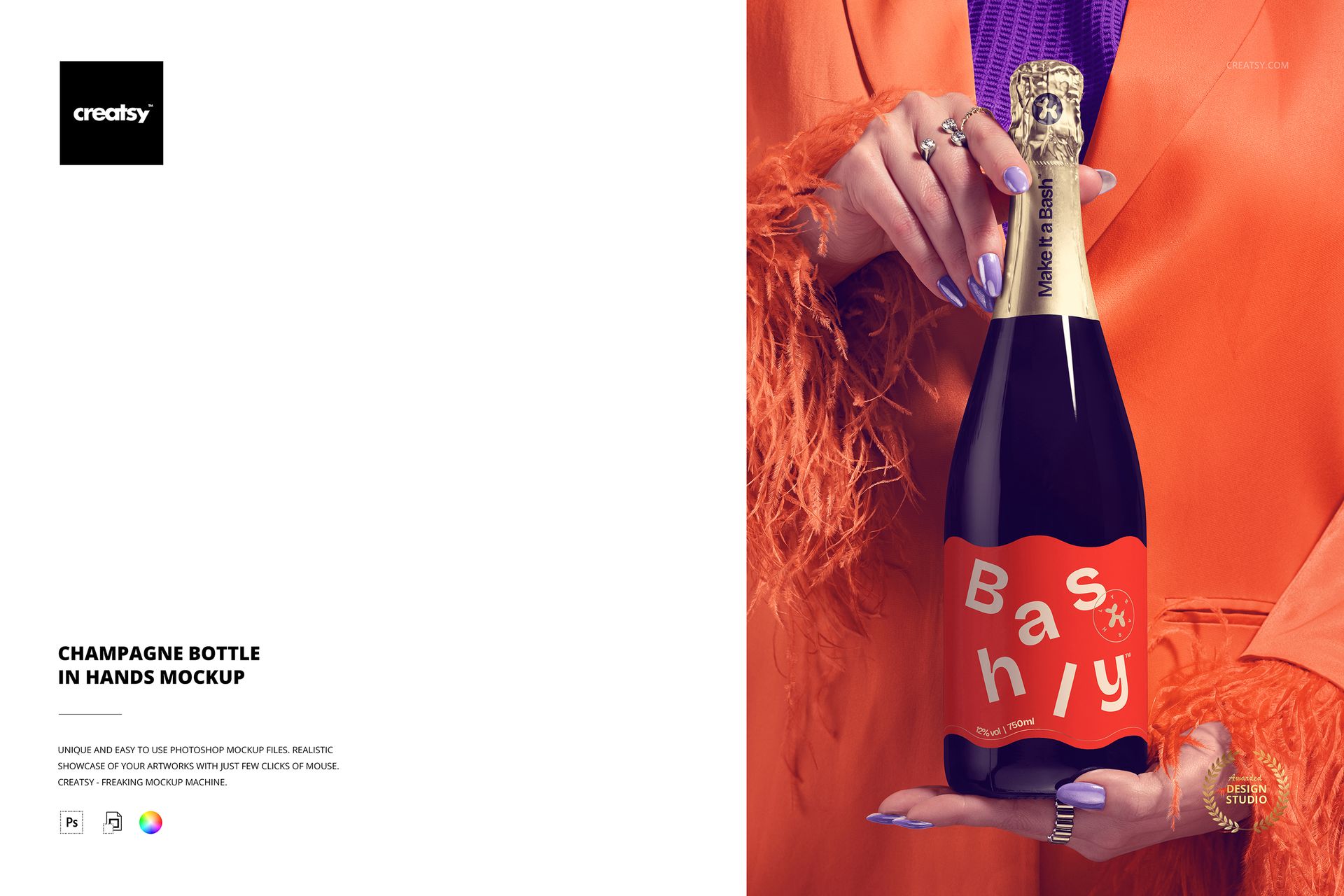
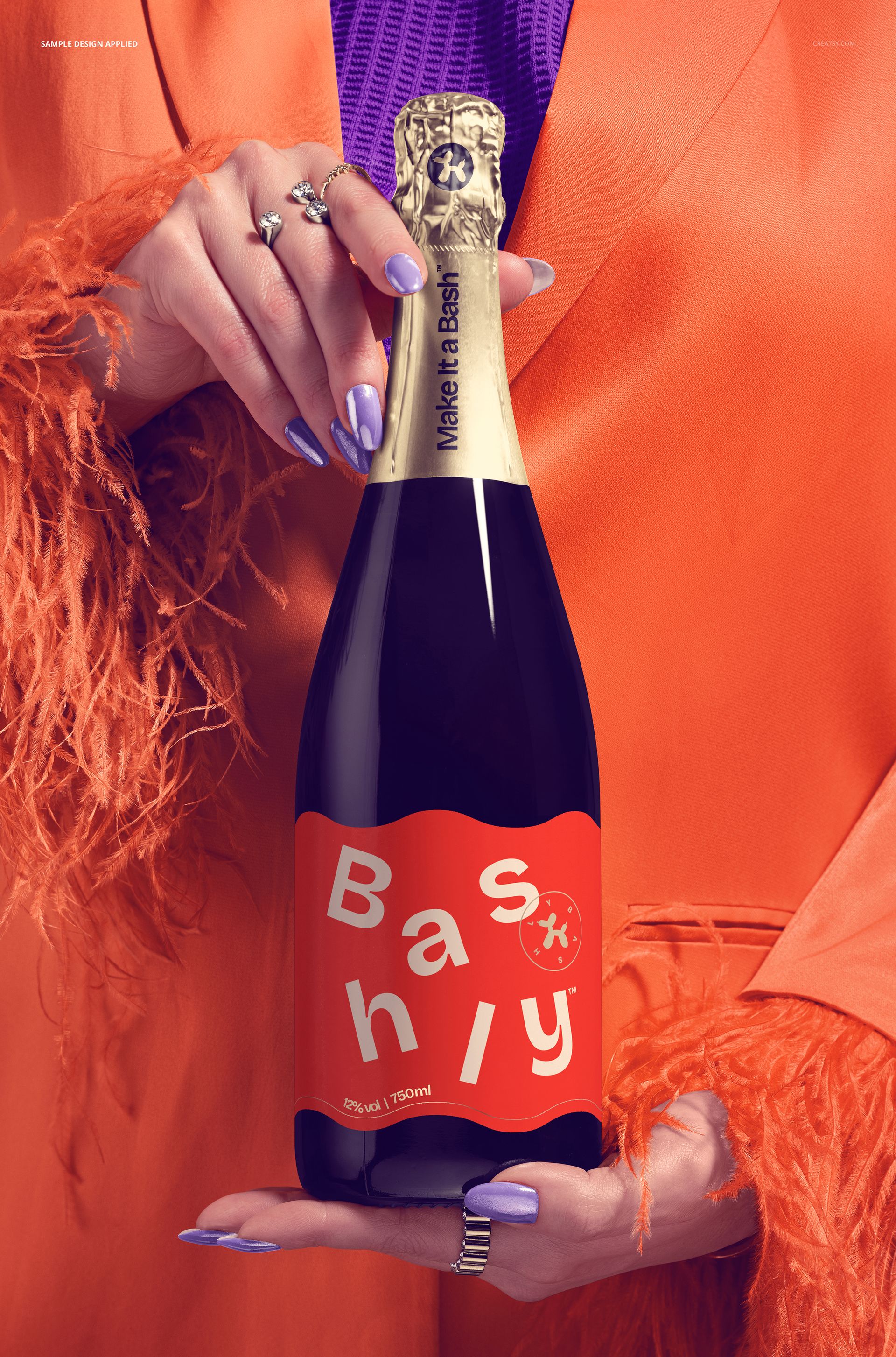
This is a champagne bottle mockup with a real sense of occasion: an elegantly dressed woman holds the bottle in manicured, jewelled hands, framed by a white feather-trimmed jacket. Add your label and capsule through the smart objects, recolor the bottle and even her styling, and you present a luxury drink with a party feel, no photographer and no printed bottle needed. It suits champagne, prosecco, and sparkling wine brands.
The scene
The bottle sits front and center, held in two hands with painted nails and rings, against a soft, glamorous outfit and feather cuffs. The mood is celebration and luxury, the kind of frame that fits New Year, weddings, birthdays, and premium drink launches. Because the pose and the bottle stay fixed, every label you load appears in the same styled hold, so a range of releases keeps one polished, editorial look.
What you can edit
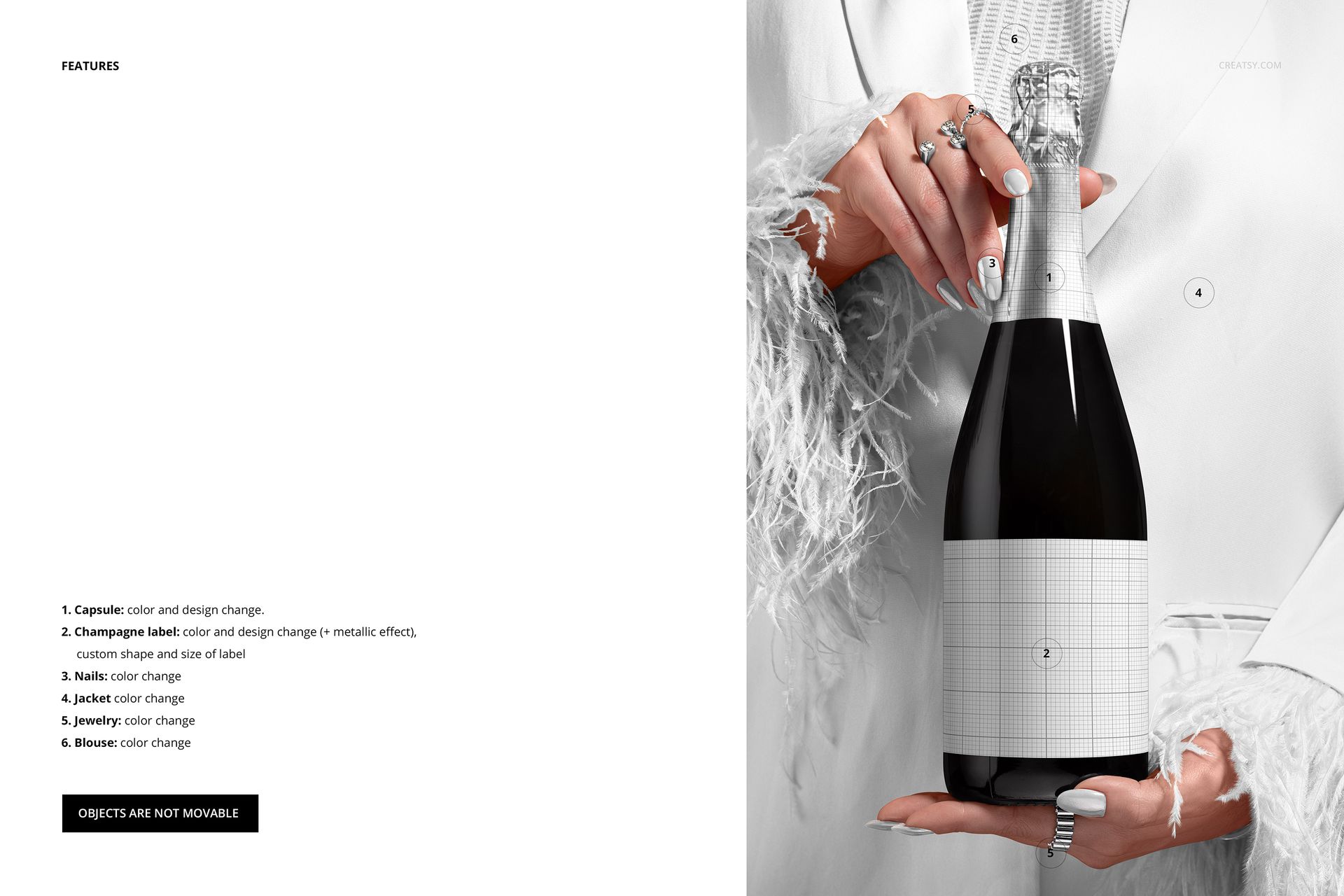
The label is the star, and it is unusually flexible. The champagne label changes color and design, takes a metallic effect, and you can even change its shape and size to match your real bottle. The neck capsule changes color and design too. Beyond the bottle, the model styling recolors to match your brand: the nails, the jewelry, the jacket, and the blouse all change color. The objects do not move, so this is one dialed-in glamour angle rather than a scene you rebuild.
A label that fits your bottle
Most bottle mockups lock you into one label shape. This one lets you resize and reshape the label, so a tall narrow front, a short wide band, or a classic champagne label all sit correctly on the glass. Add the metallic effect and your foil or gold detail catches the light like real print. For a drinks brand that flexibility is the difference between a mockup that almost fits and one that matches your bottle exactly.
How it works
Open the PSD in Photoshop or in Photopea, the free browser editor. Double-click the label or capsule smart object, drop in your artwork, and save, and it wraps onto the bottle with the glass, light, and reflections already in place. Adjust the label shape, switch on the metallic effect, recolor the styling to match, then export a JPG or PNG for an Etsy listing, a product page, an ad, or a lookbook.
Style the whole shot to your brand
Because the outfit, the nails, and the jewelry all recolor, you can tune the mood around your label instead of fighting it. Warm gold styling for a classic champagne, cool silver for a modern sparkling wine, or a bold color to match a launch, all from the same file. That control turns a single scene into an on-brand shot for any release.
Specifications
1 layered PSD file
6000 x 4000 px, 300 dpi
Editable champagne label (color, design, metallic effect, custom shape and size)
Editable capsule color and design
Recolorable nails, jewelry, jacket, and blouse
Designs placed through smart objects
Objects are not movable
Well organized, clearly named layers
Works in Adobe Photoshop CC2020 or newer and in Photopea
Package size about 344 MB
Who it is for
It fits champagne, prosecco, and sparkling wine brands, spirits and drinks makers, and event or gift labels aiming for a premium, celebratory look. Designers and agencies can use it to present a label to a client without a photo shoot. If you want a luxury, held-in-hands bottle shot in a few minutes, this delivers it and keeps working for every new label and season.