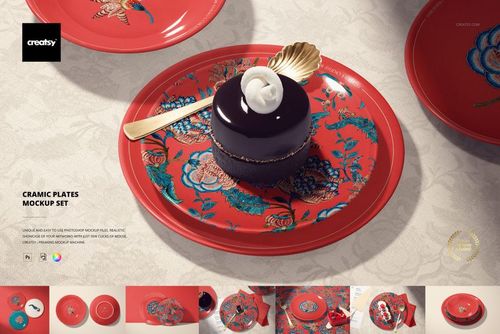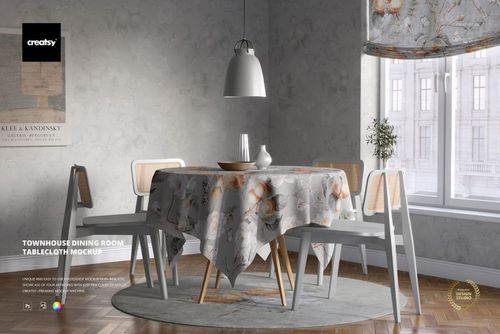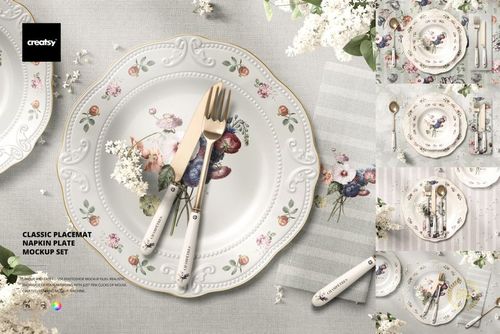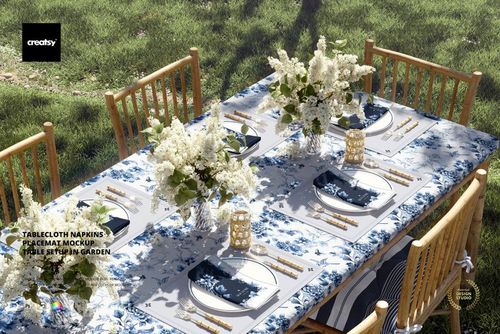



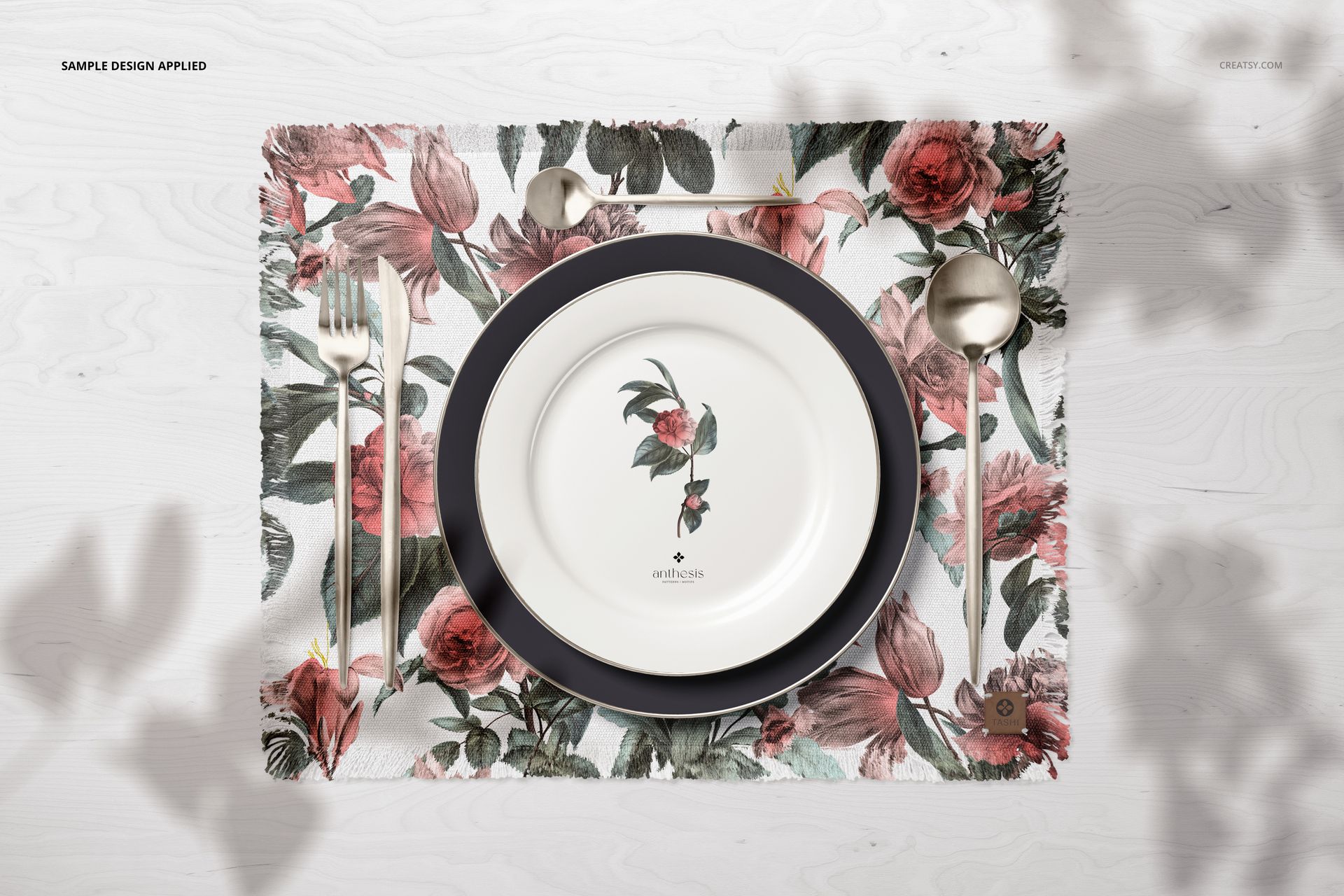
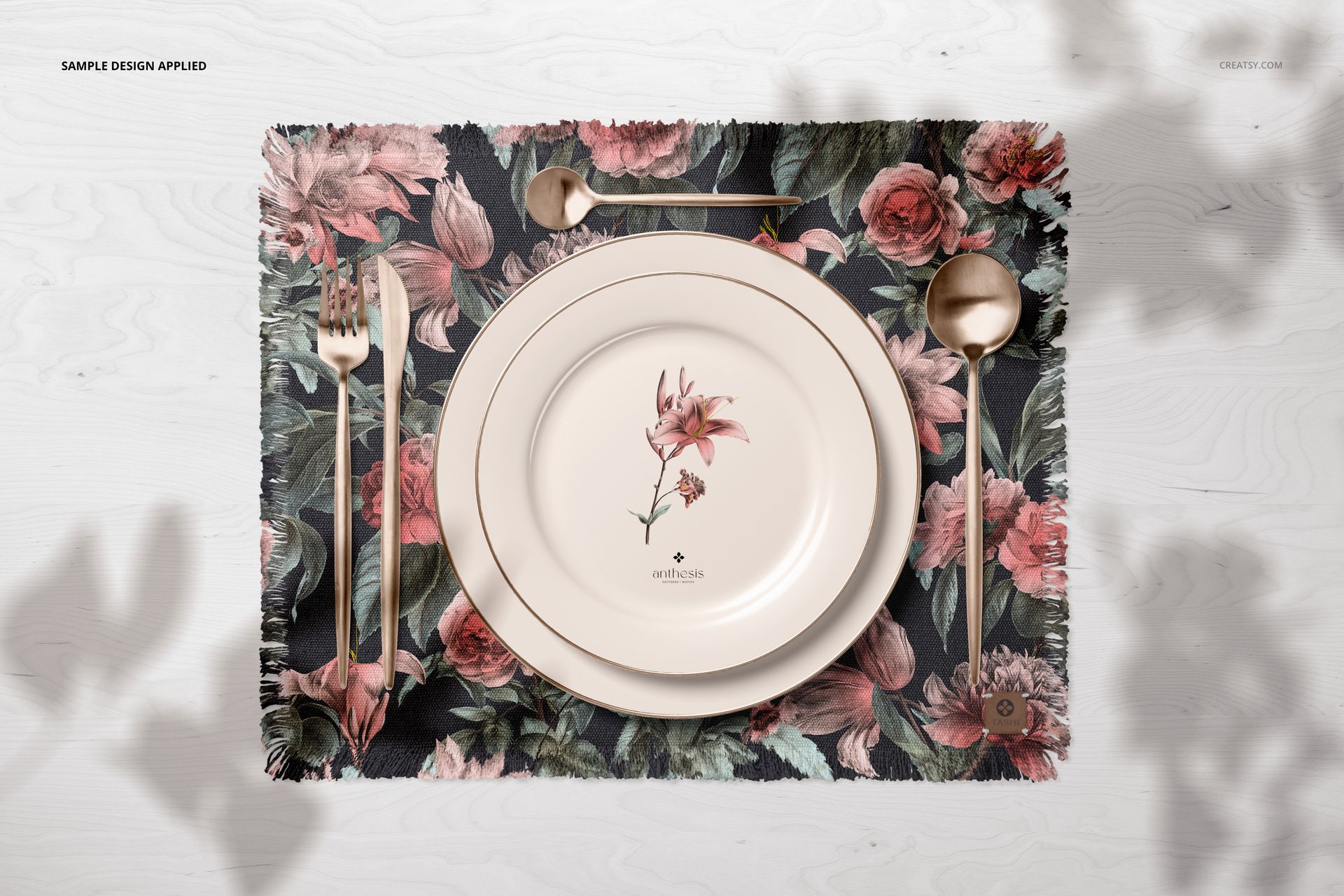
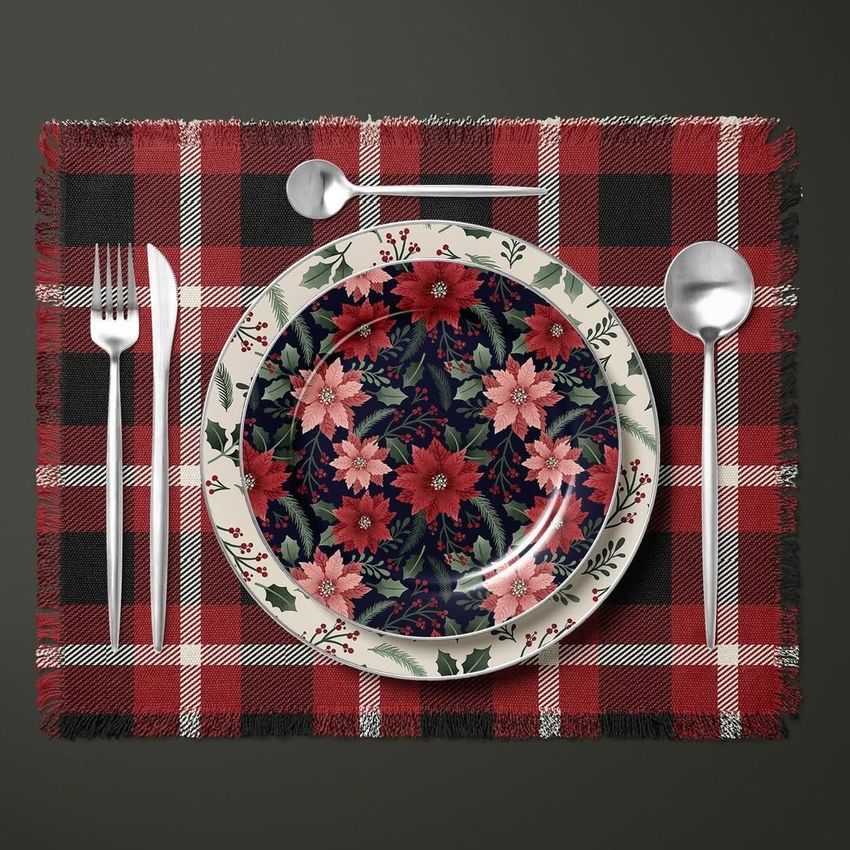
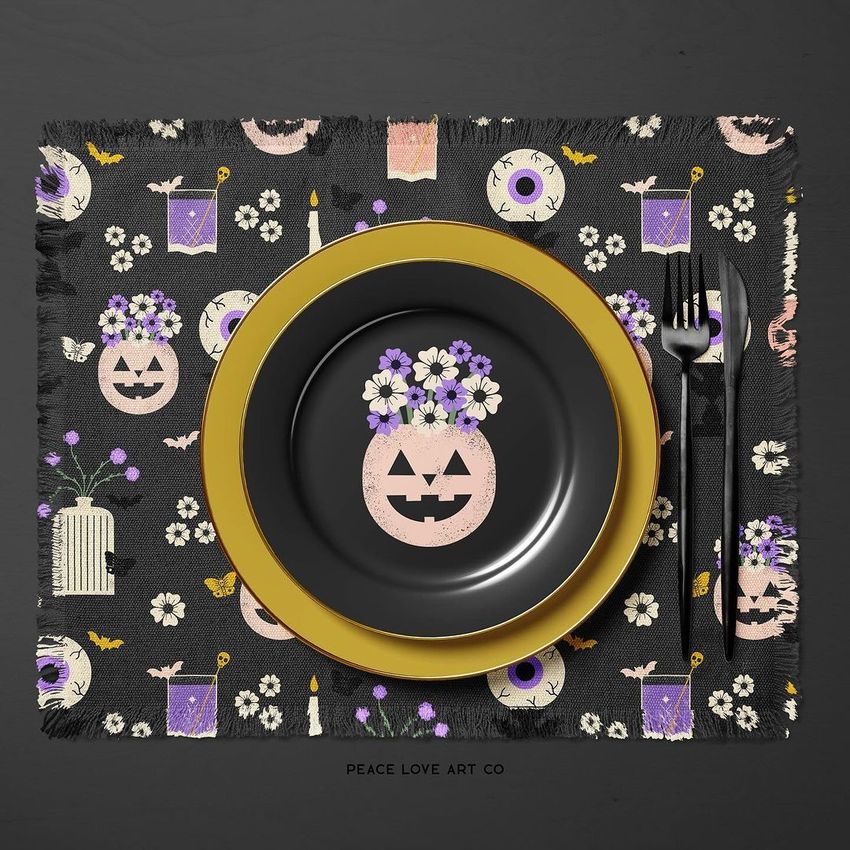
Fringed Placemat and Plates Mockup

ID: 1499693397 | Updated: May 10, 2022

Product Details

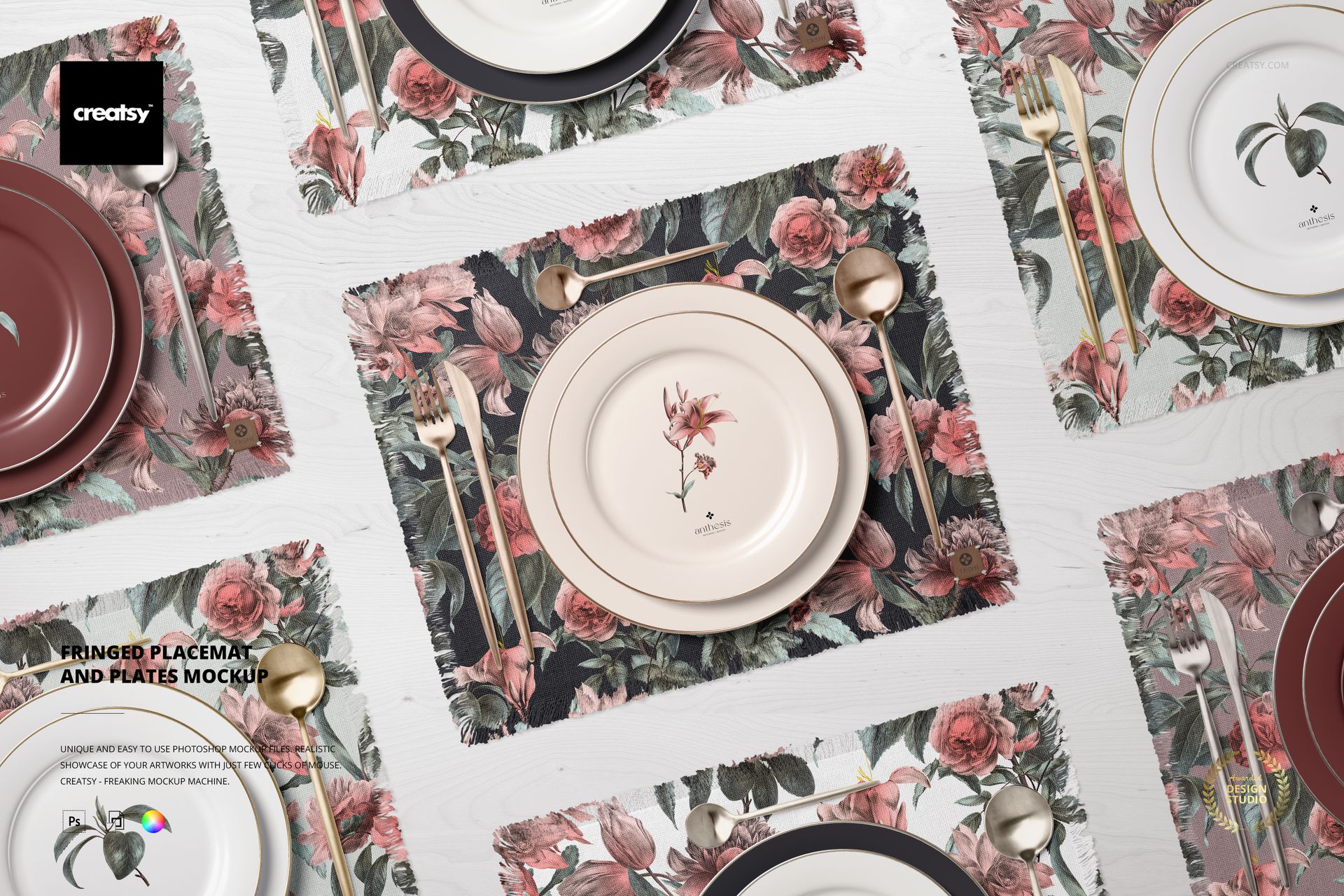
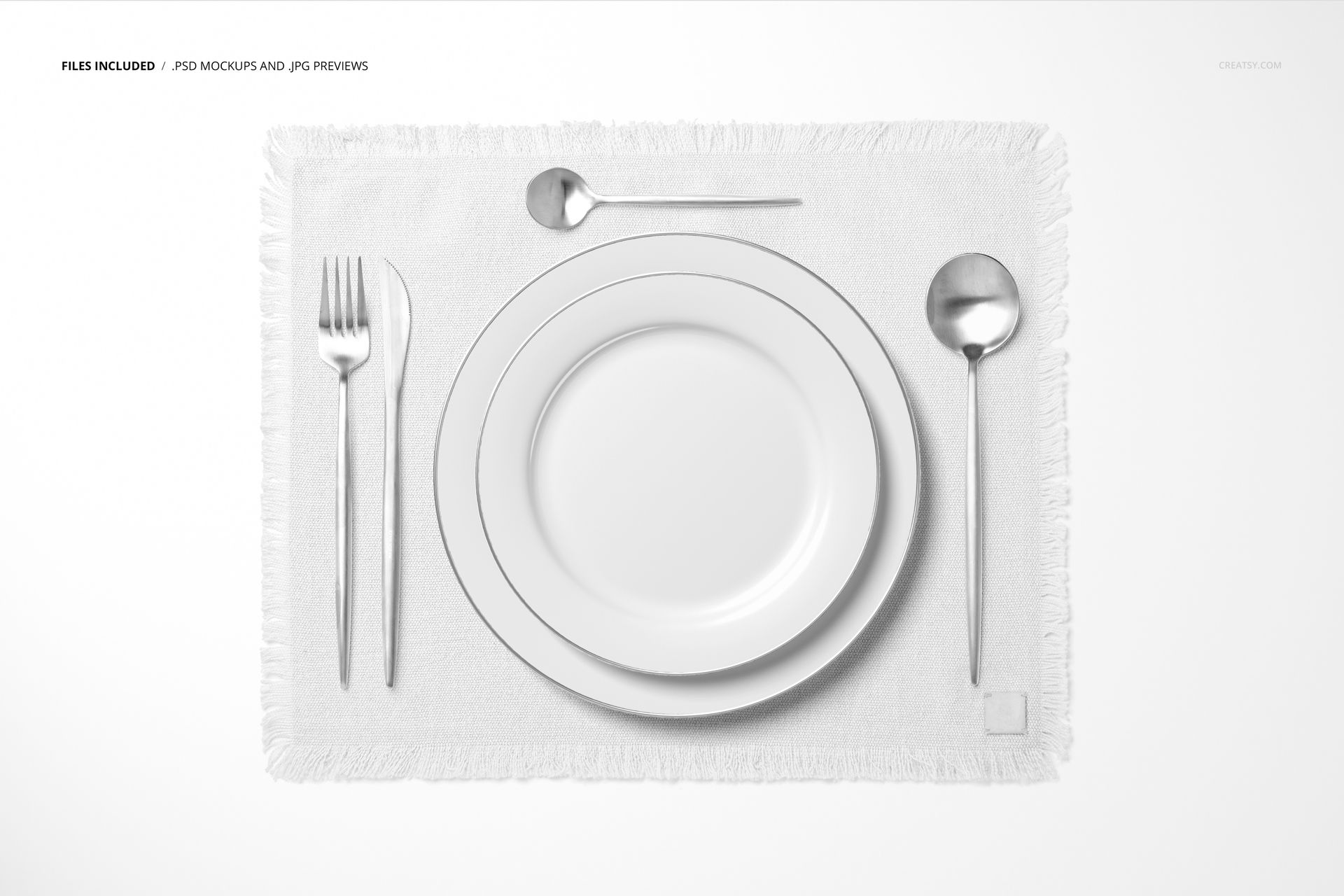
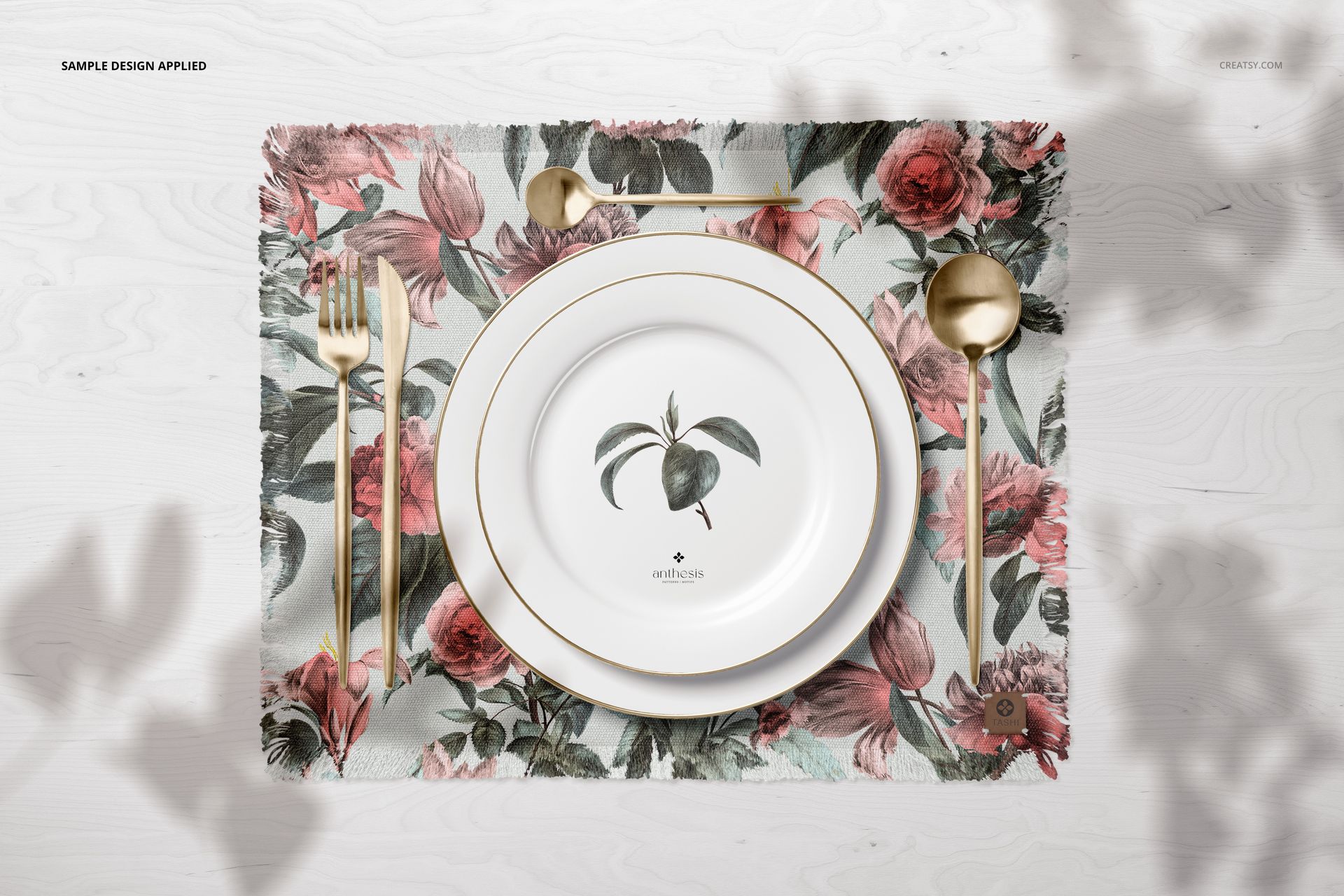
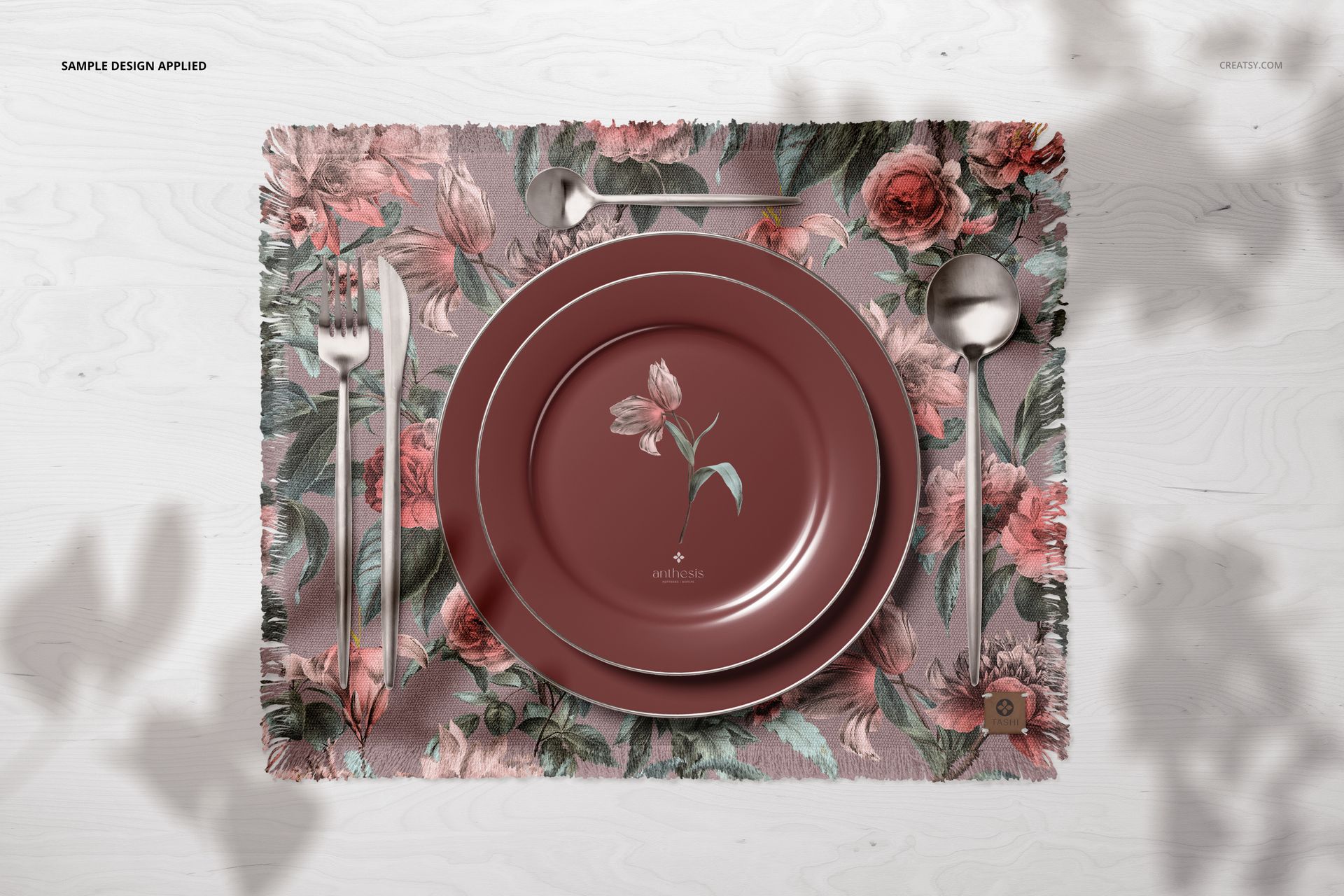
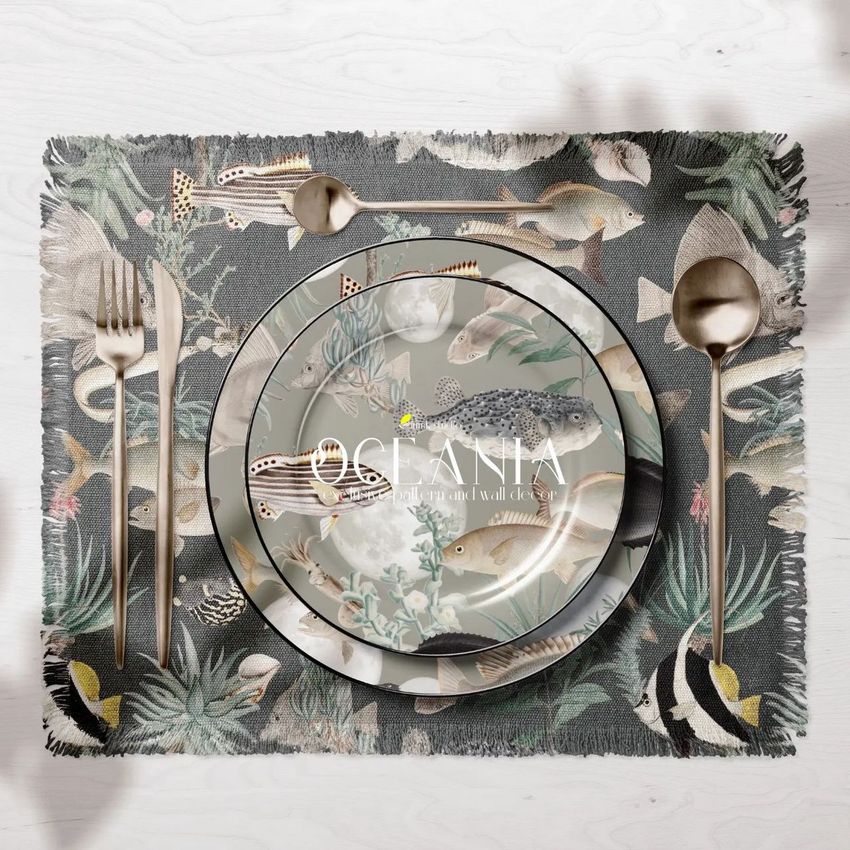
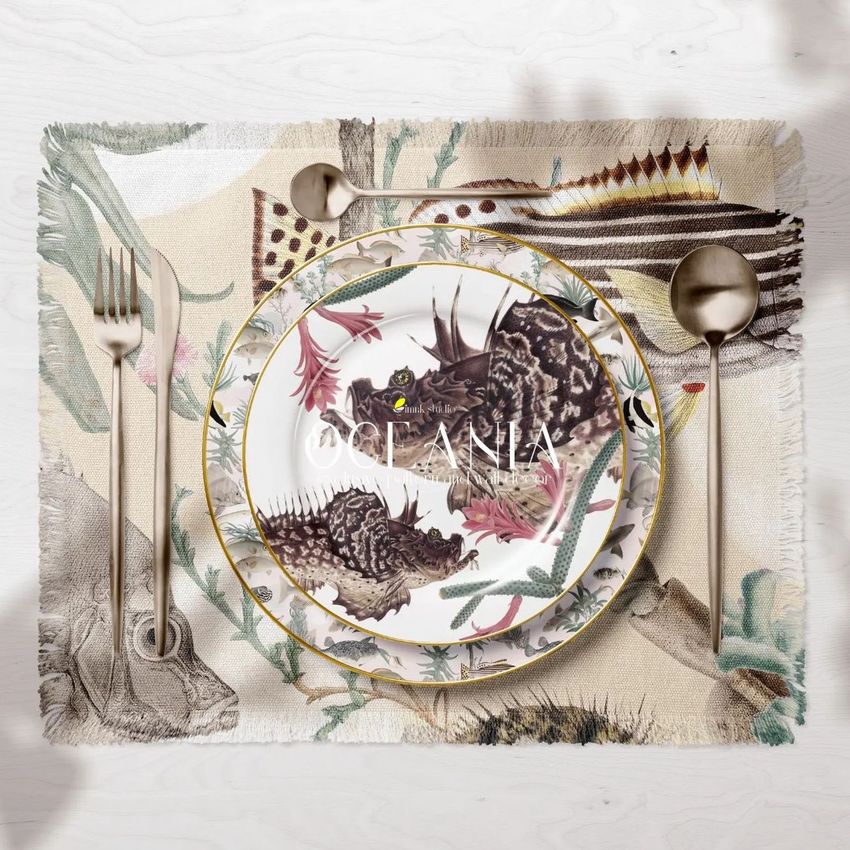
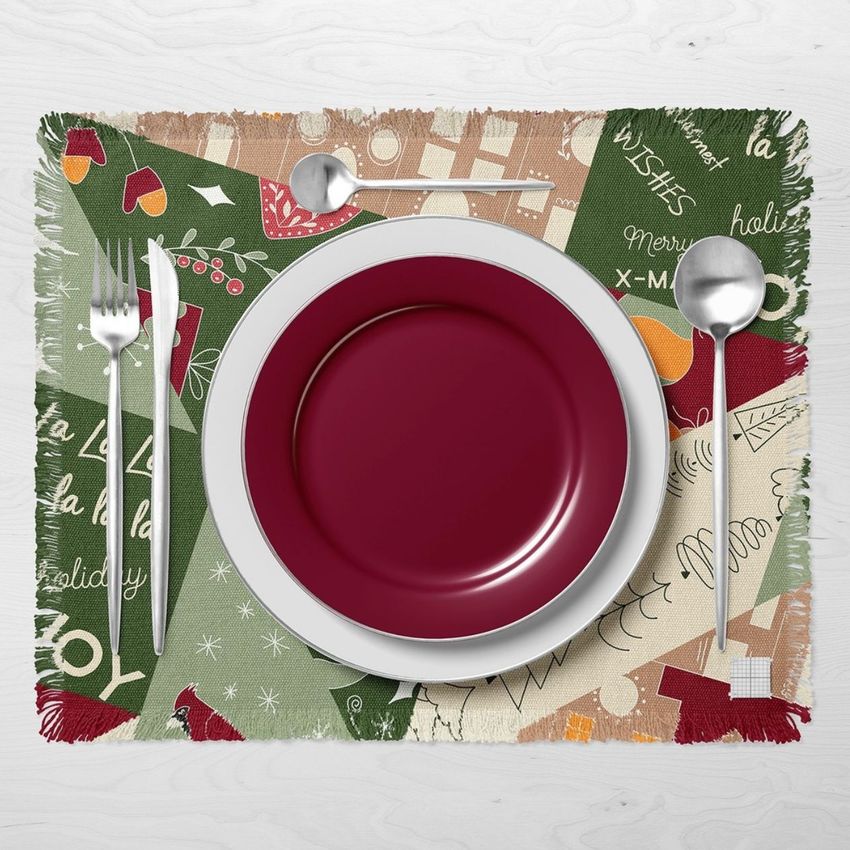
The Fringed Placemat and Plates Mockup lets you present textile designs, surface patterns, and table linen branding on a realistic fringed cotton placemat photographed in a styled dining scene with plates and tableware. This layered PSD file gives you control over the placemat surface, plate colors, and background - producing product images that look like a professional table setting photo shoot for your e-commerce listings, portfolio, or client presentations.

Why This Mockup Works

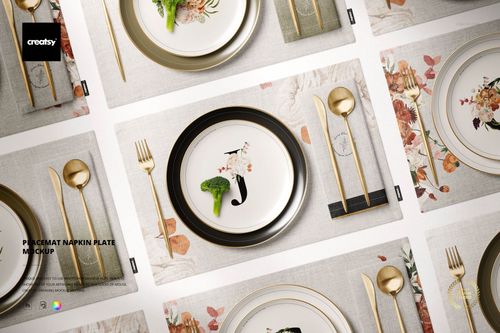
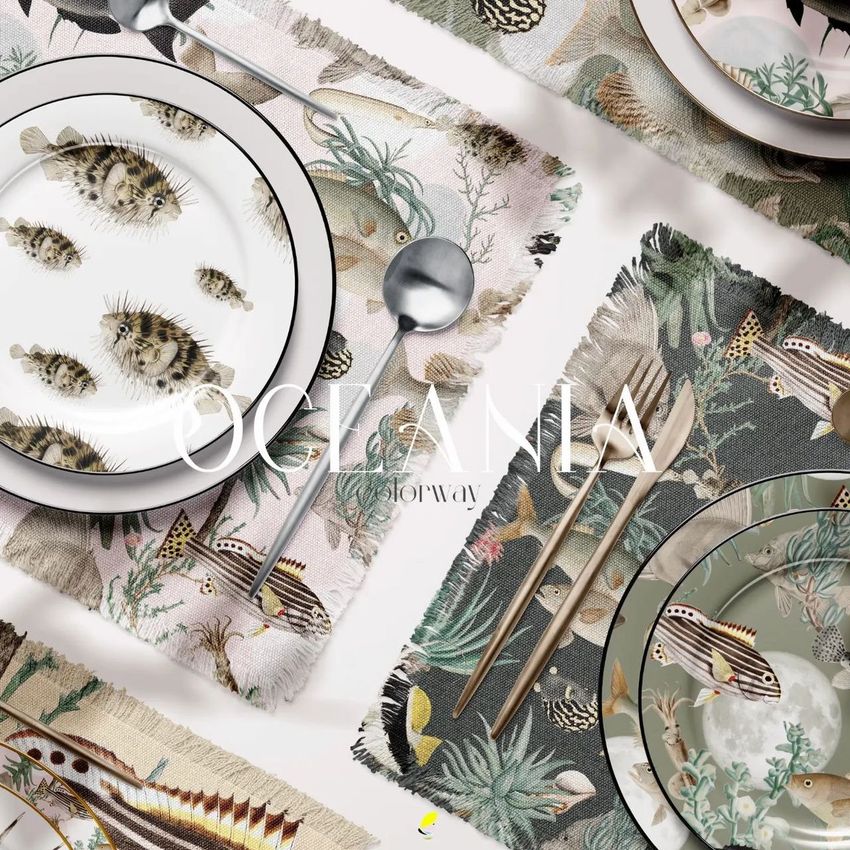
Flat pattern swatches do not communicate how a textile design will look on an actual table linen product. This mockup places your artwork on a fringed placemat with natural fabric texture, realistic fringe detail along the edges, and coordinated plates and cutlery that add dining context without competing with your design. The overhead and angled camera positions show how patterns interact with fabric folds and table surfaces, giving customers and clients a clear sense of how your design performs in a real dining environment. This lifestyle context is what drives purchase decisions on Etsy, Shopify, Amazon Handmade, and wholesale platforms where table linen buyers expect to see products styled in realistic settings.

What Is Included

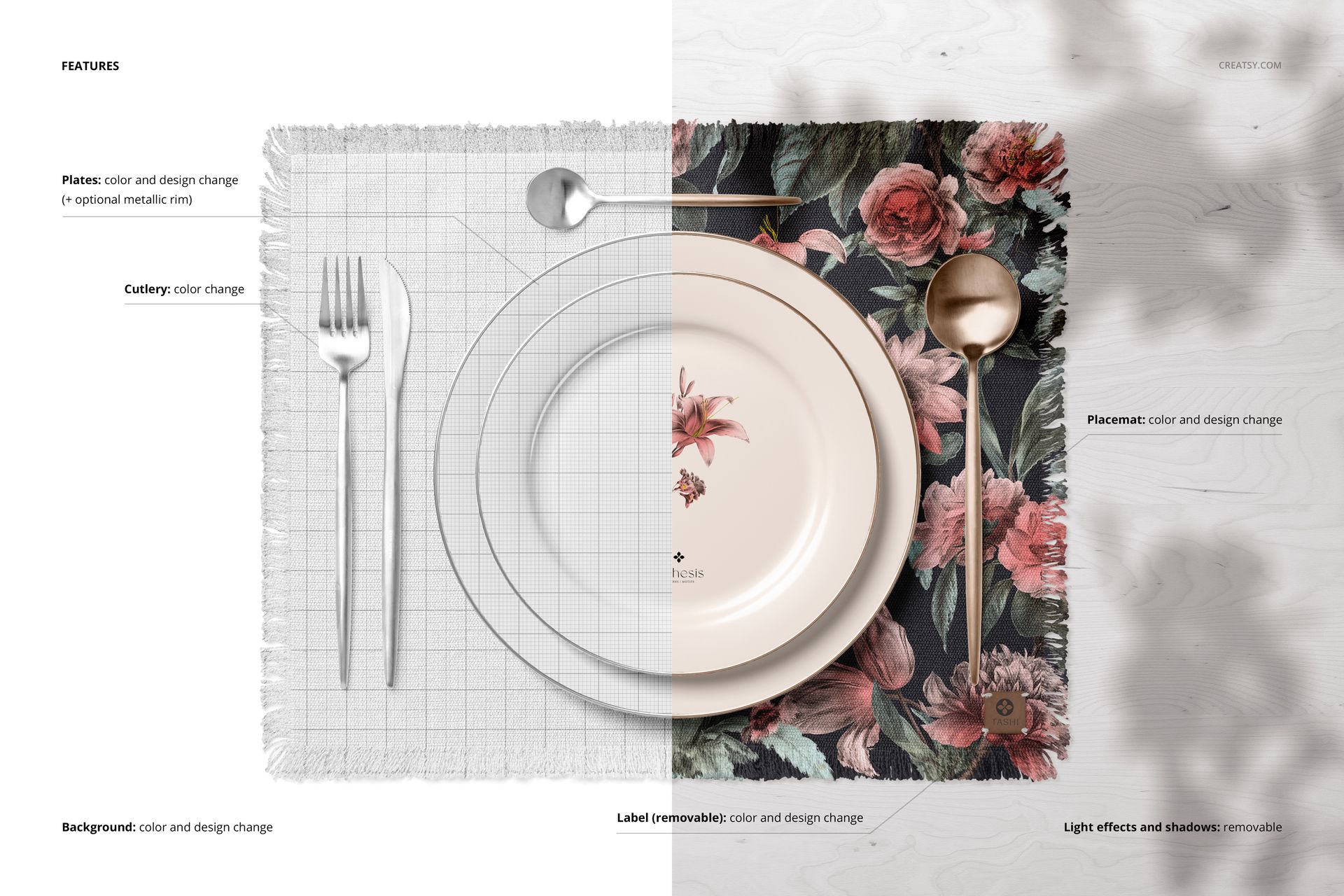
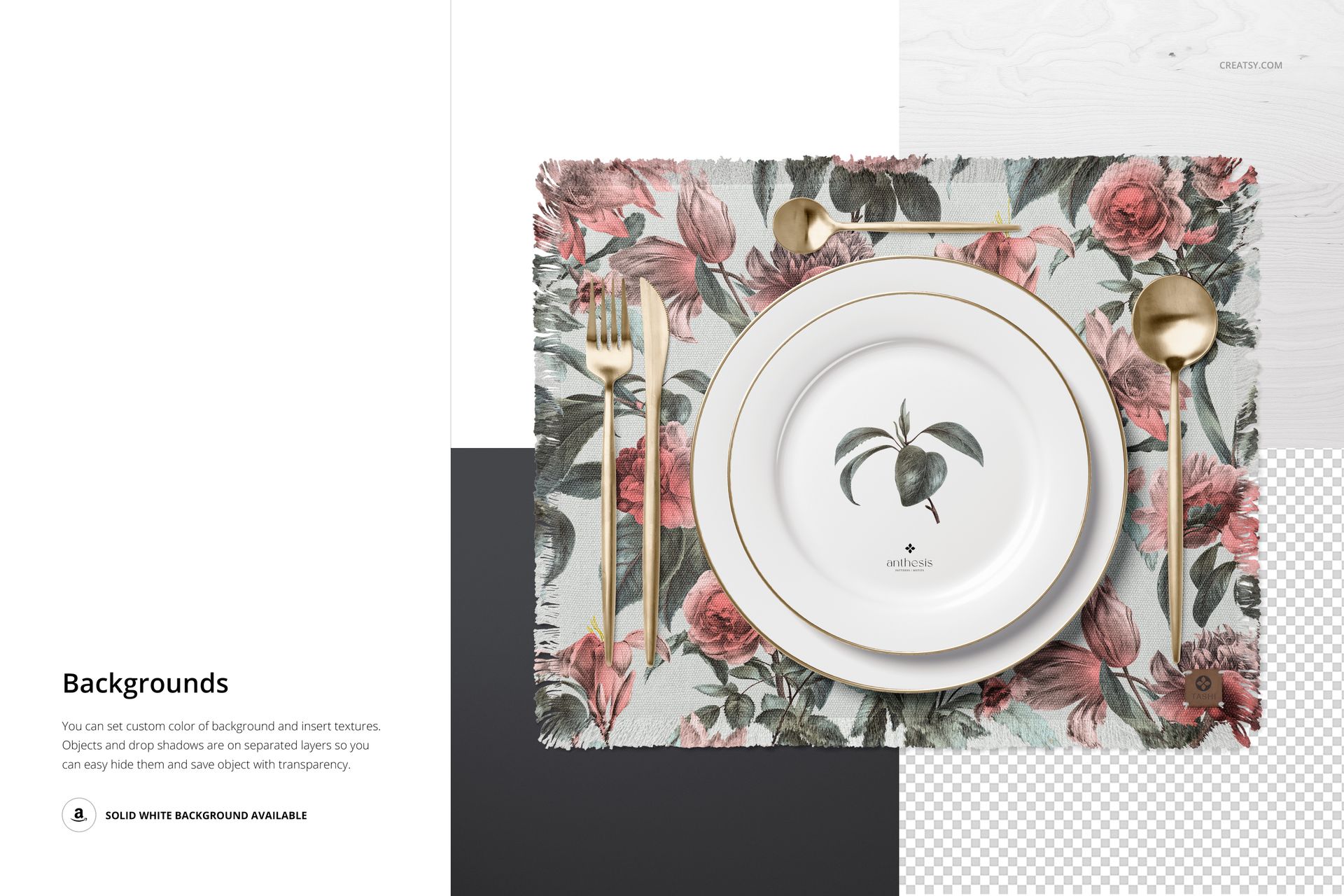
You receive 1 high-resolution PSD file containing a complete table setting scene with a fringed placemat as the centerpiece, dinner and salad plates, and coordinating tableware elements. The file includes well-organized smart object layers for the placemat surface design, plate color adjustments, background customization, and individual decorative elements. Each layer is clearly labeled so you can locate and modify specific components without searching through unnamed layers or guessing which smart object controls which surface.

What You Can Customize

Open the PSD in Adobe Photoshop CC 2015 or newer and double-click the placemat smart object to place your textile design. Your pattern maps onto the fabric surface with realistic cotton texture, natural fiber detail, and accurate fringe rendering along the edges. Change plate colors to coordinate with your design palette, adjust the background color or scene styling to match your brand aesthetic, and toggle individual table setting elements for different compositions. The 6000 x 4000 px canvas at 300 DPI provides enough resolution for both web product pages and high-quality print materials including catalog spreads and trade show displays.

Who This Mockup Is For

This mockup serves surface pattern designers creating table linen collections, home textile brands preparing product pages for placemats and dining accessories, wedding and event planners presenting table setting concepts to clients, restaurant and hospitality designers building branded dining material presentations, e-commerce sellers listing handmade or printed placemats on Etsy and Shopify, and interior designers showcasing dining room textile selections. It is equally useful for fabric manufacturers producing wholesale lookbooks and for design students building professional portfolio pieces that demonstrate how patterns work on real tabletop products.

File Specifications

Format: 1 layered PSD file with organized smart object layers. Dimensions: 6000 x 4000 px at 300 DPI - suitable for web product listings, social media content, and print-quality catalog pages. Compatibility: Adobe Photoshop CC 2015 or newer. File size: 714.53 MB. Editable elements: placemat surface design, plate colors, background, table setting accessories. Example artwork by Tashi Tsering (tashistudio.com).

File details

Compatibility
PhotopeaAdobe Photoshop
Number of files included
3
Package size
714 MB714 MB|749 MB749 MB
Files type
.psd, .jpg, .pdf
Files size
6000x4000
TEST FOR FREE

Made with Creatsy

Real designs. Real customers. See how creatives use Creatsy mockups to turn their artwork, branding, and product ideas into polished visuals.

MEET THE SHOP

Creatsy logo

Creatsy

Poland
4.7 (642)

Bring your ideas to life.

We're a family-run studio in Katowice, Poland, making PSD mockups by hand since 2016. Everything in this shop starts in our own studio. We shoot the photography, build the 3D, and put together every Smart Object PSD ourselves - then we test it, organize the layers, and only ship it once it actually works...

GO TO SHOP

HOW IT WORKS

3 clicks. That's it.

No tutorial needed. If you can copy-paste, you can use this.

  1. 1OpenDouble-click the smart object inside the PSD - in Adobe Photoshop, or free in your browser with Photopea.
  2. 2PasteDrop in your pattern, print, or artwork. Any design, any style.
  3. 3SaveHit save and the mockup wraps it in for you - shadows, folds, and lighting included.

FROM IDEA TO IMAGE

Built for real workflows

Wrap your logo around the cup, not a flat rectangle Drop the artwork in and see how it sits on the curve before you list it.

See it on the product, not a swatch Drop your file into the smart object and the scene's lighting and folds wrap around it, so you judge the real thing before you commit.

Smart Objects

Edit once and you're done. Your artwork drops into a smart object and the mockup updates itself - no masking, no warping by hand.

Perfectly Organized

Named layers and folders you can actually navigate. Find what you need, change what you want, and get out fast.

Print-Ready

High-resolution files built to hold up on screen and in print. Exact size and DPI are in this product's Details above.