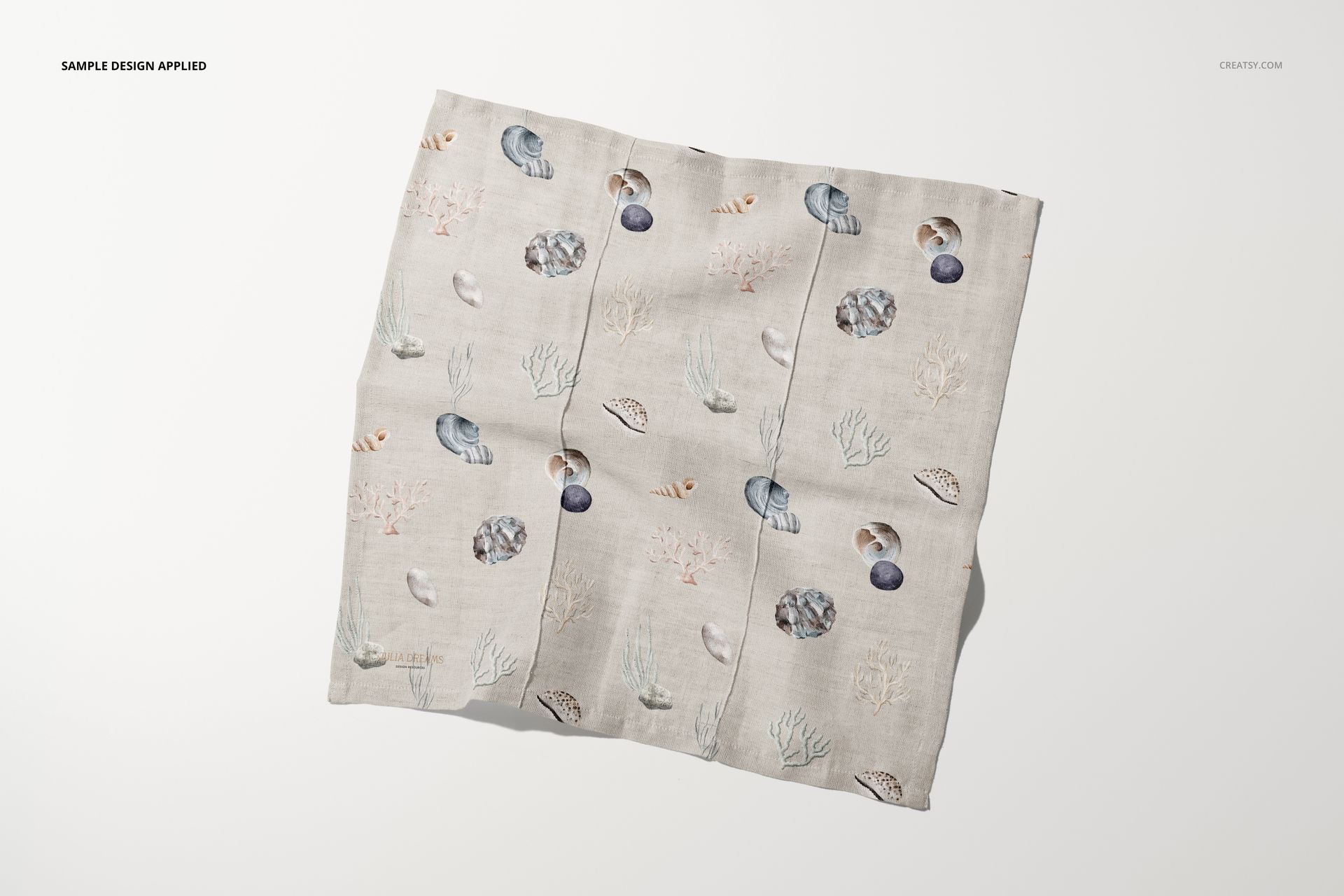
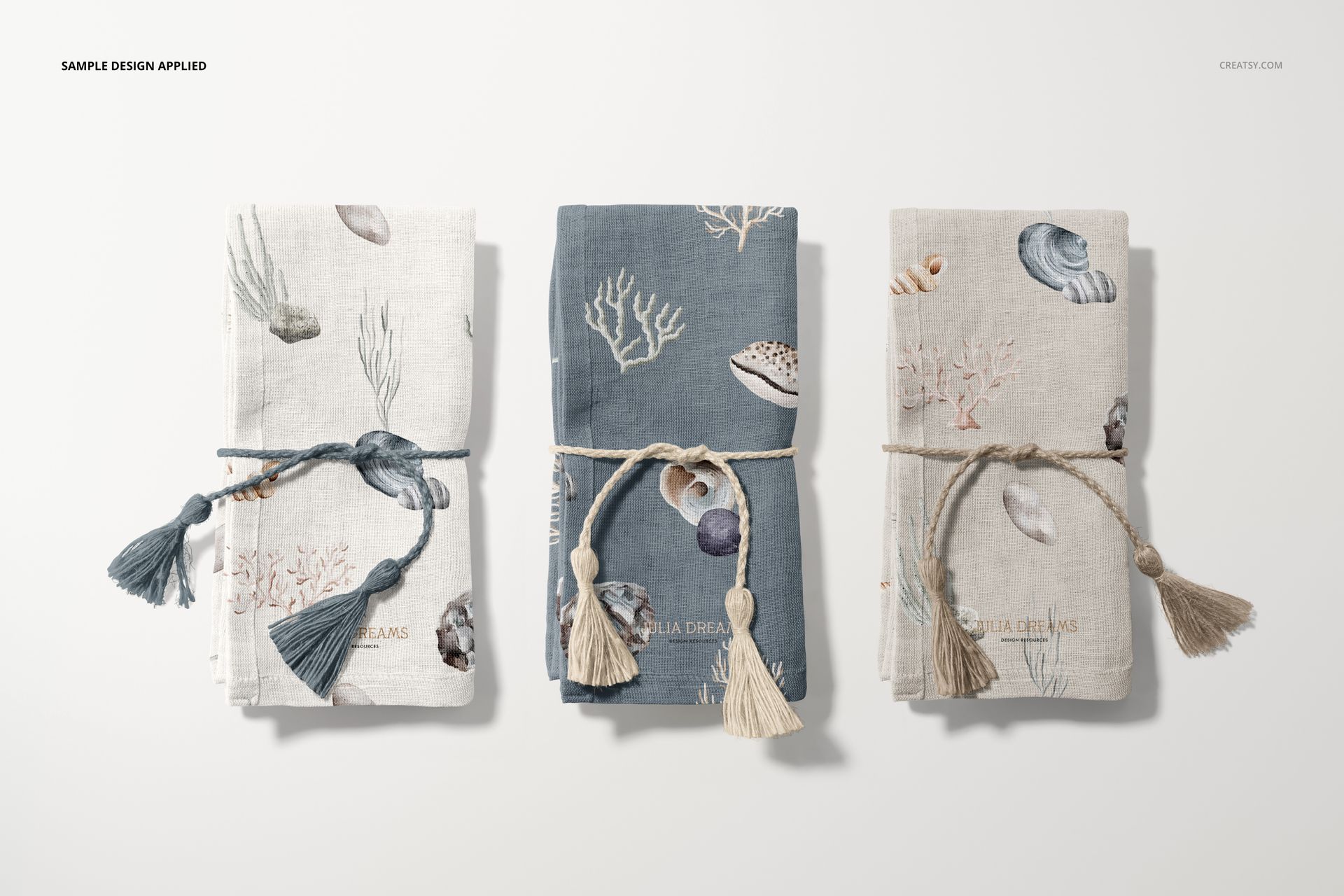
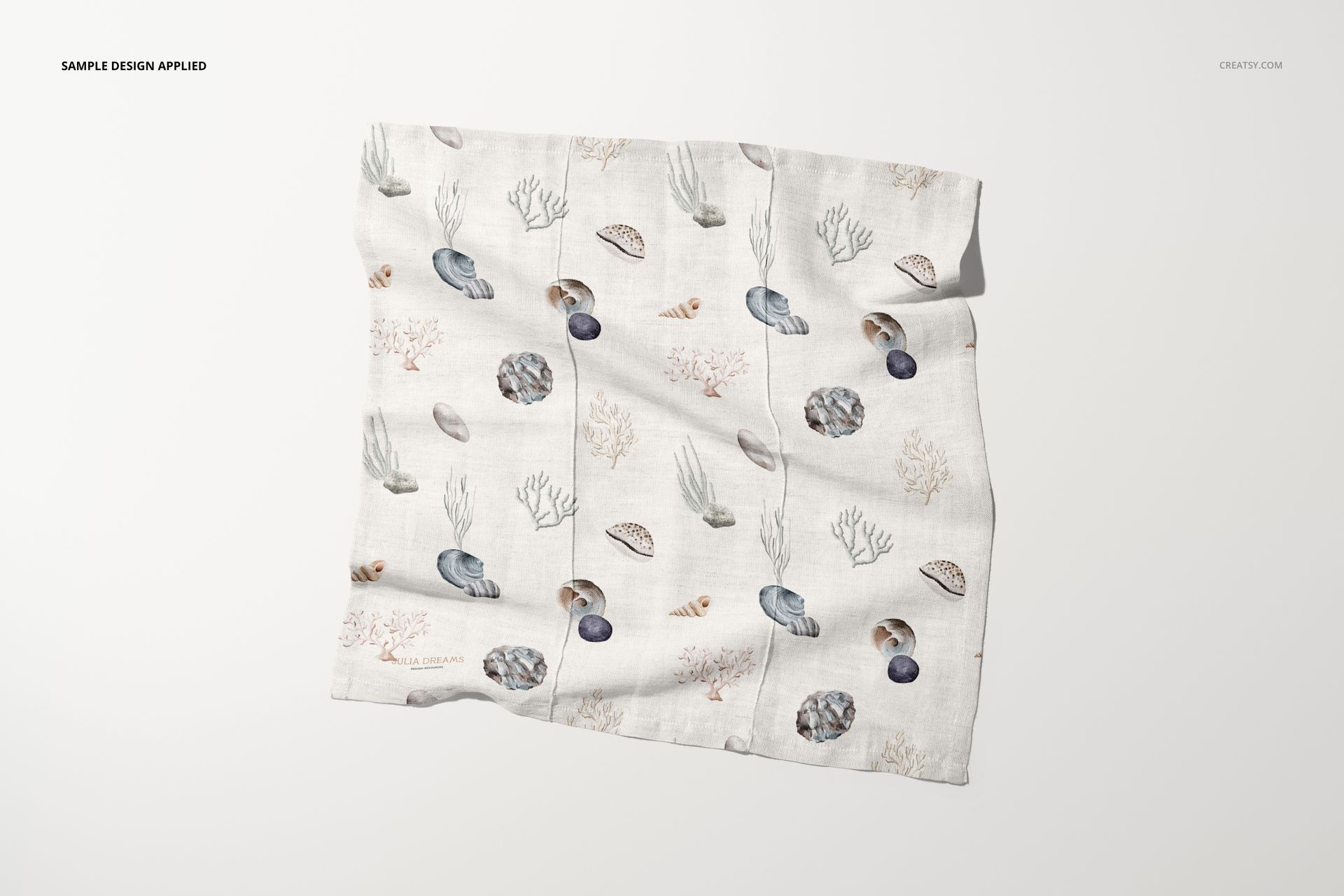
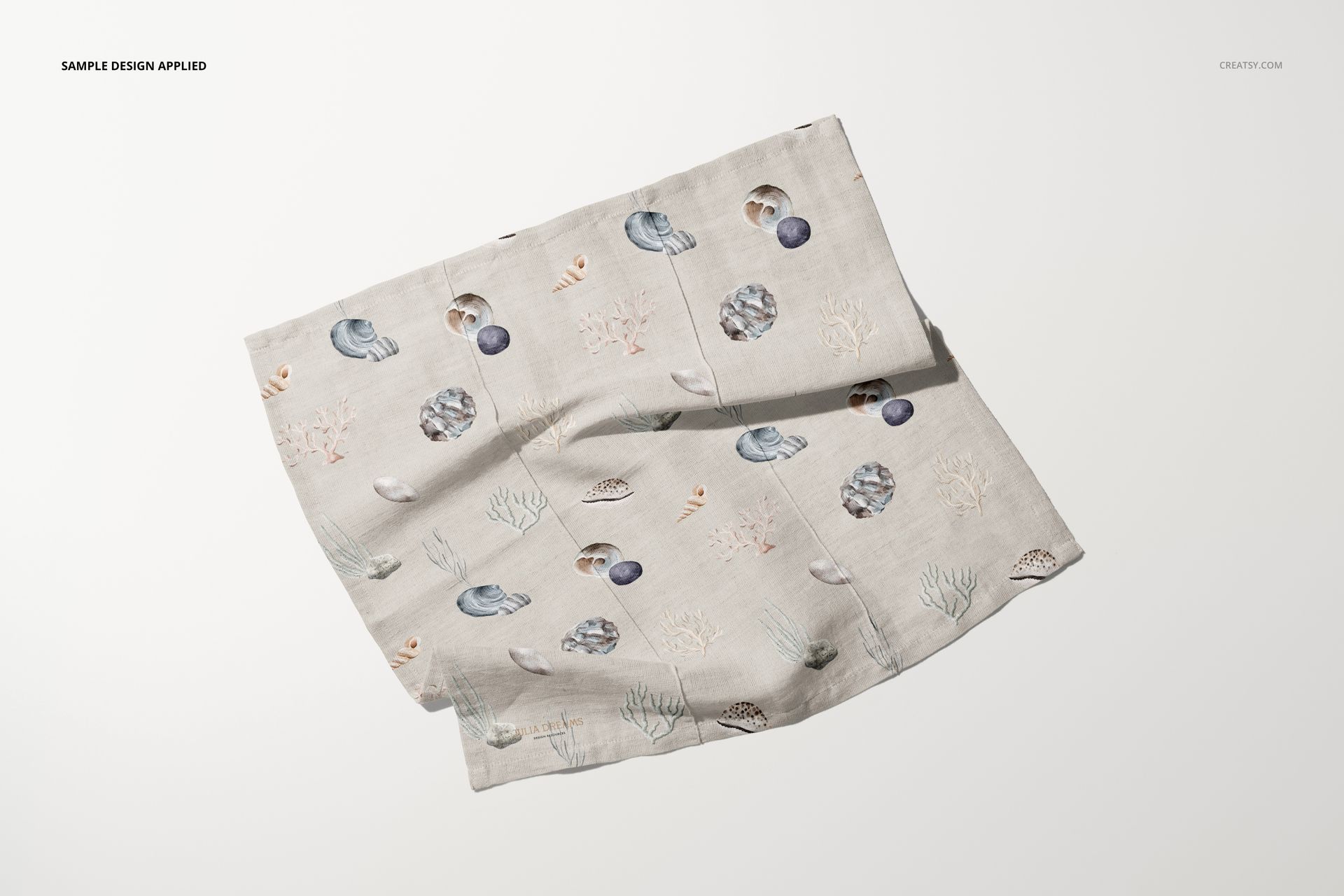
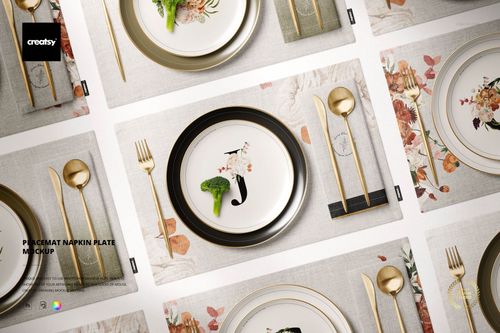
Cotton Linen Napkin Mockup Set

Product Details
What is the Cotton Linen Napkin Mockup Set?
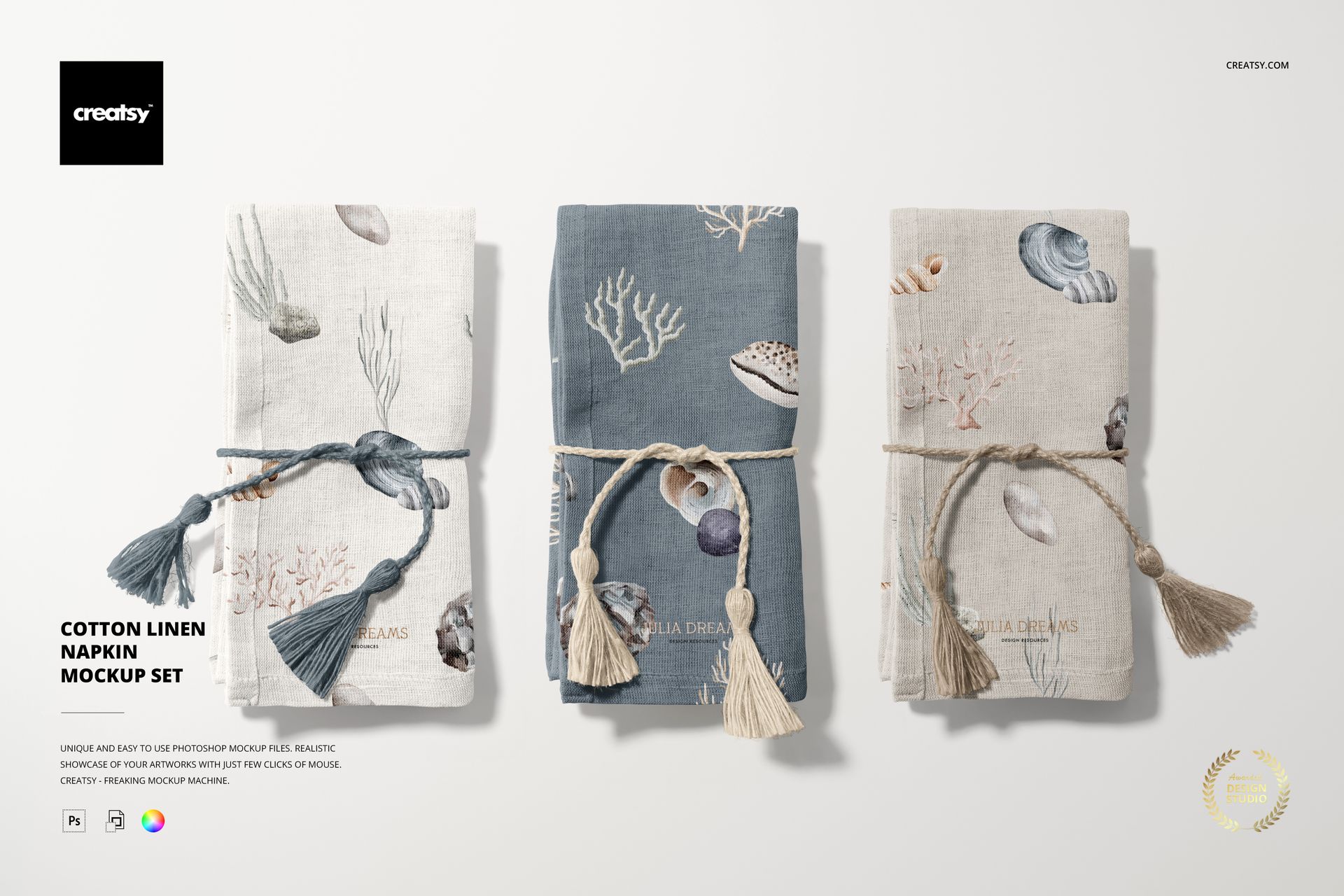
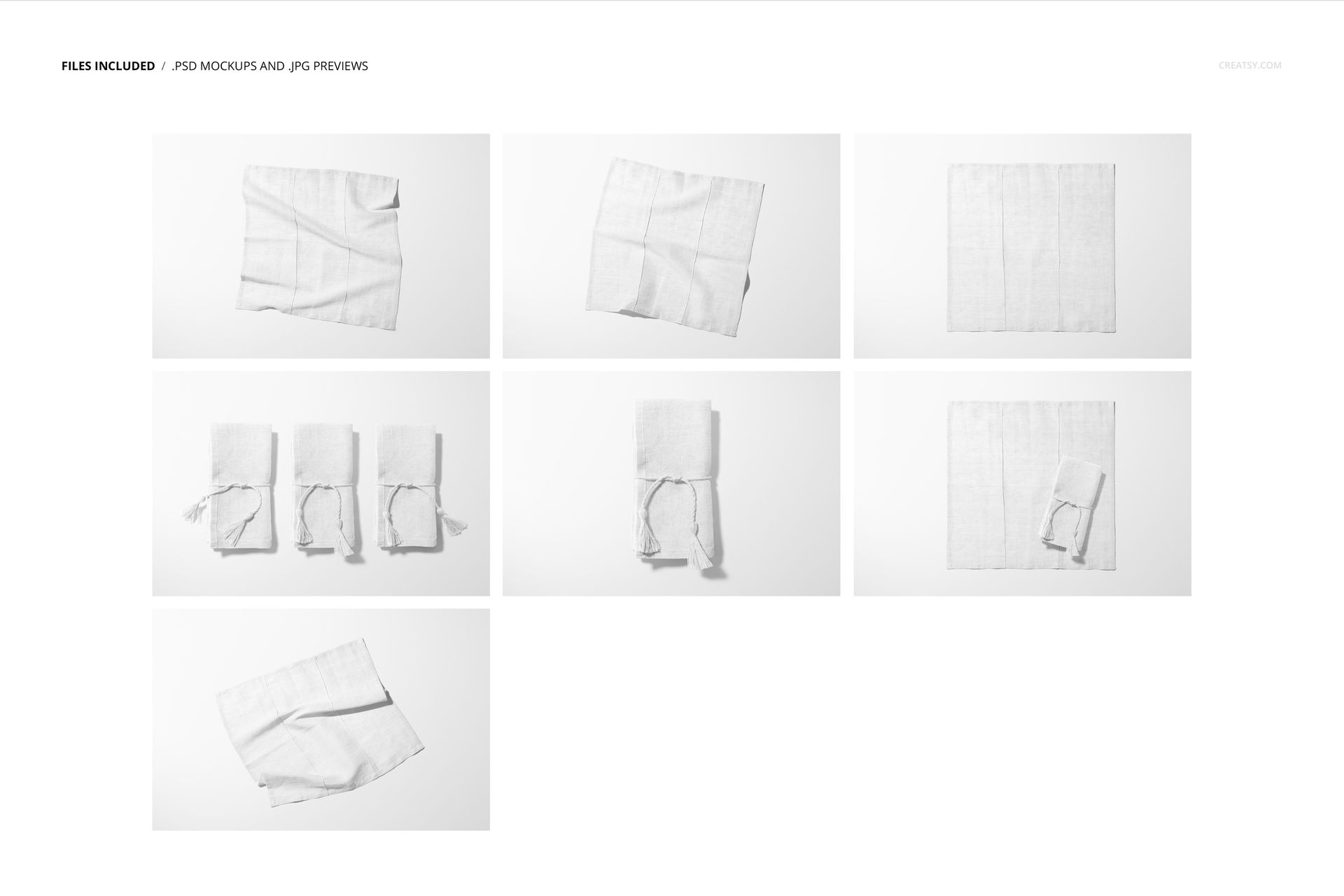
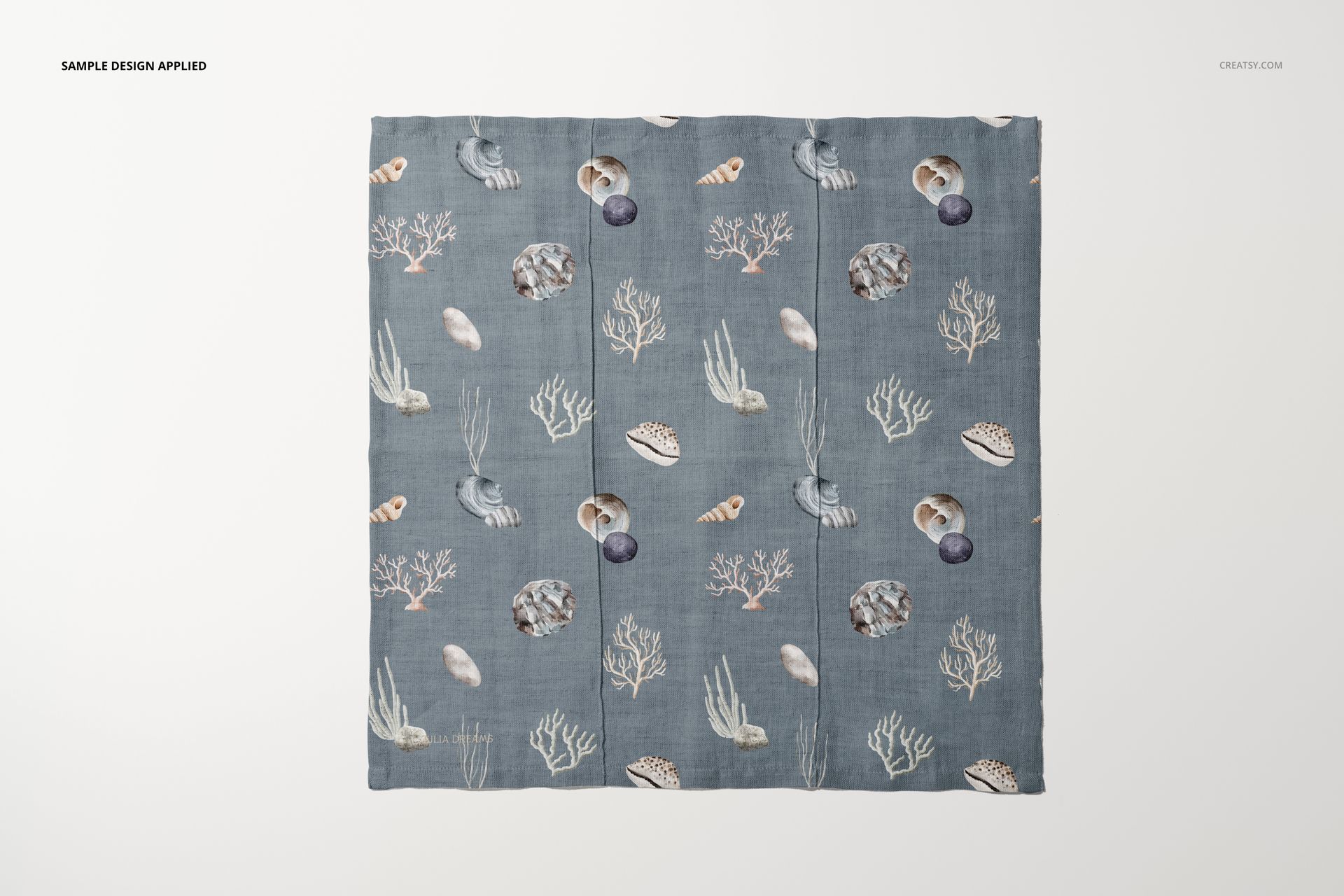
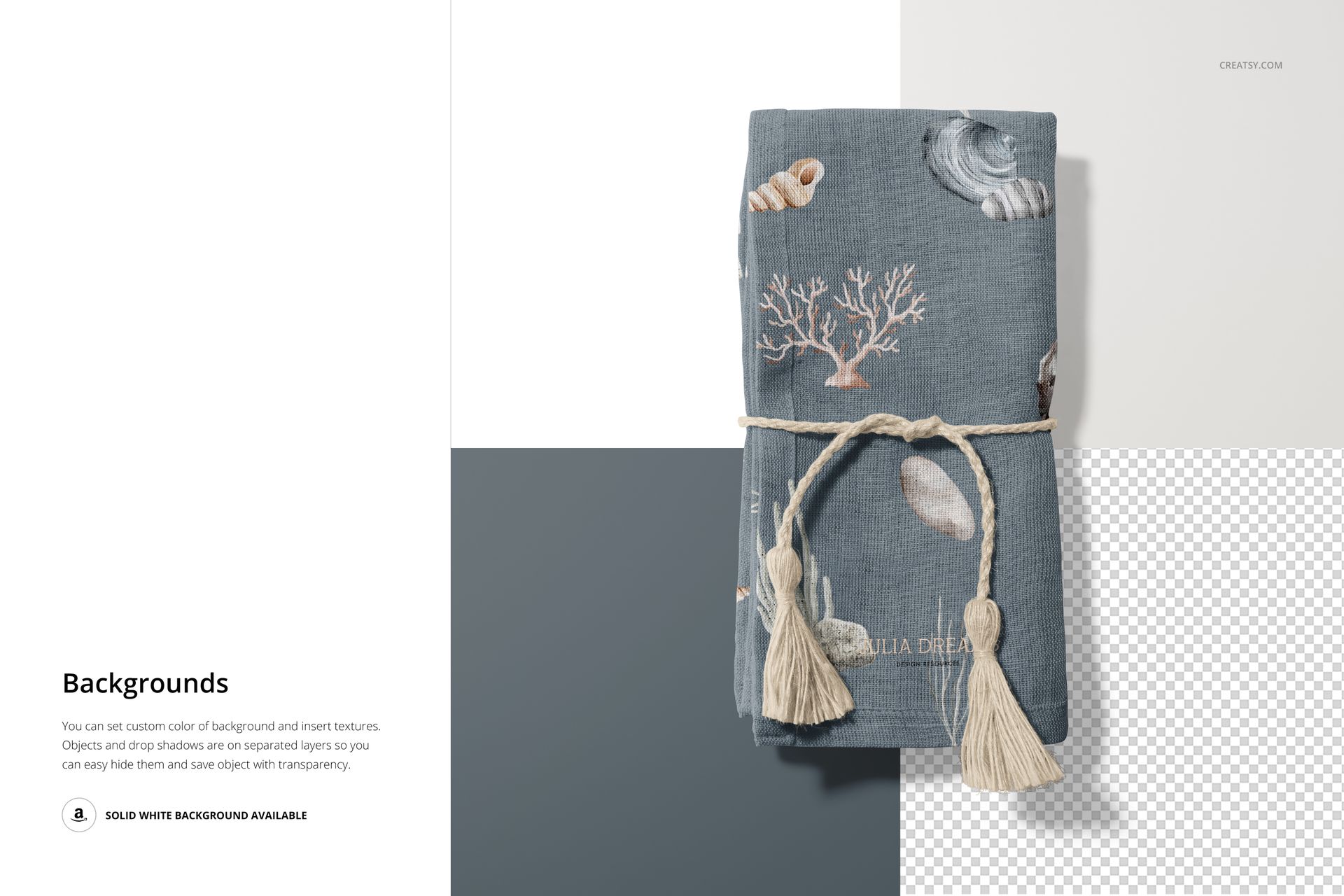
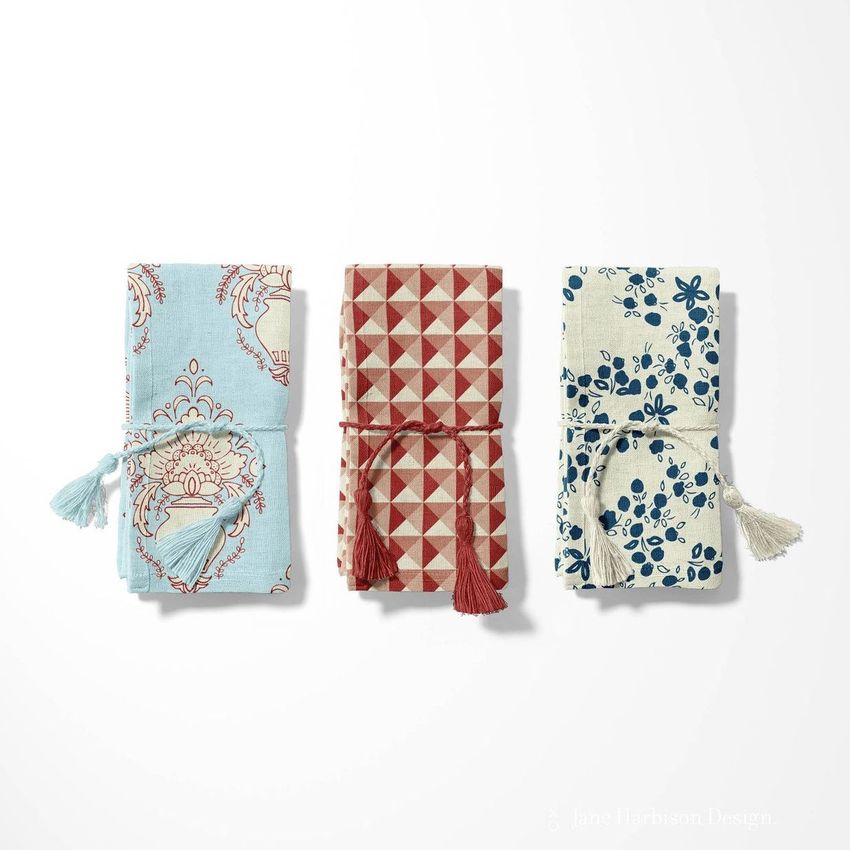
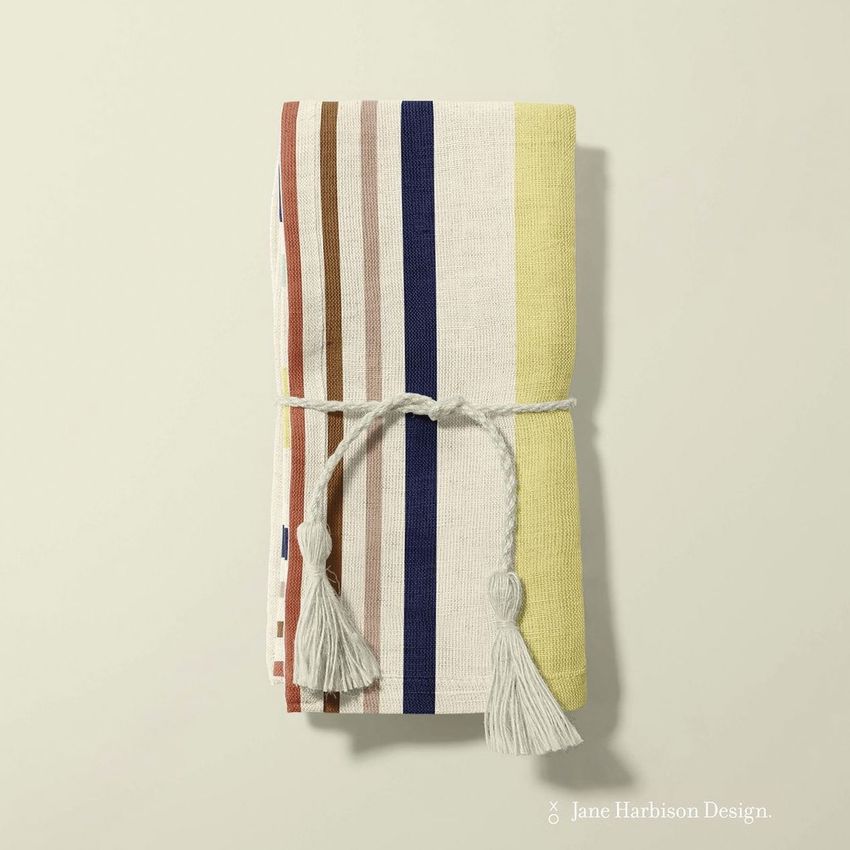
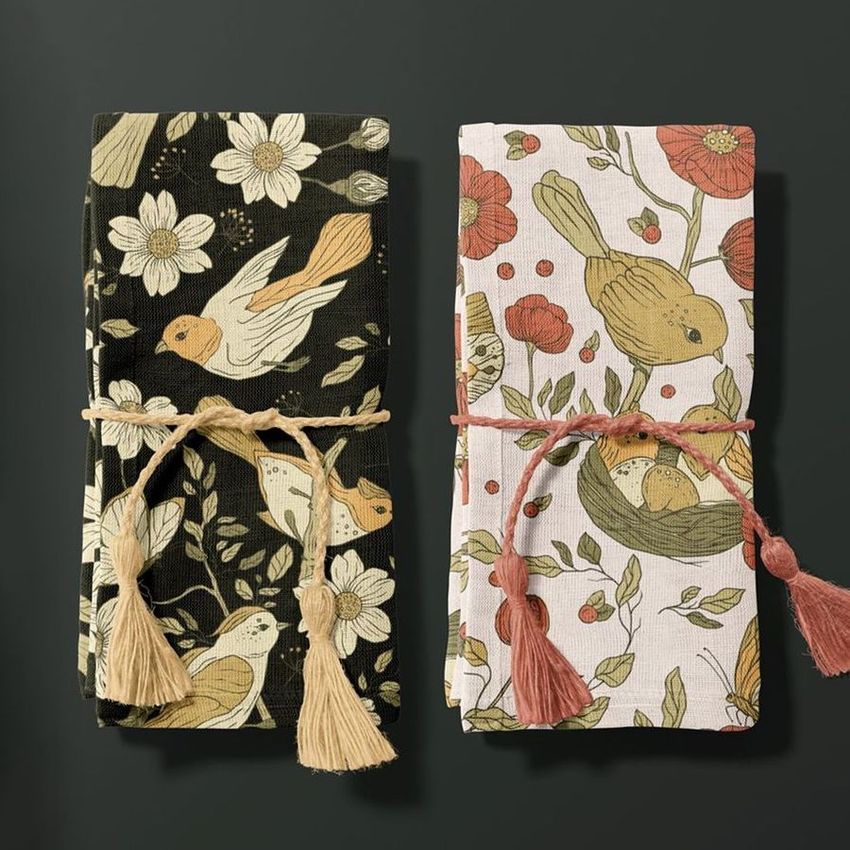
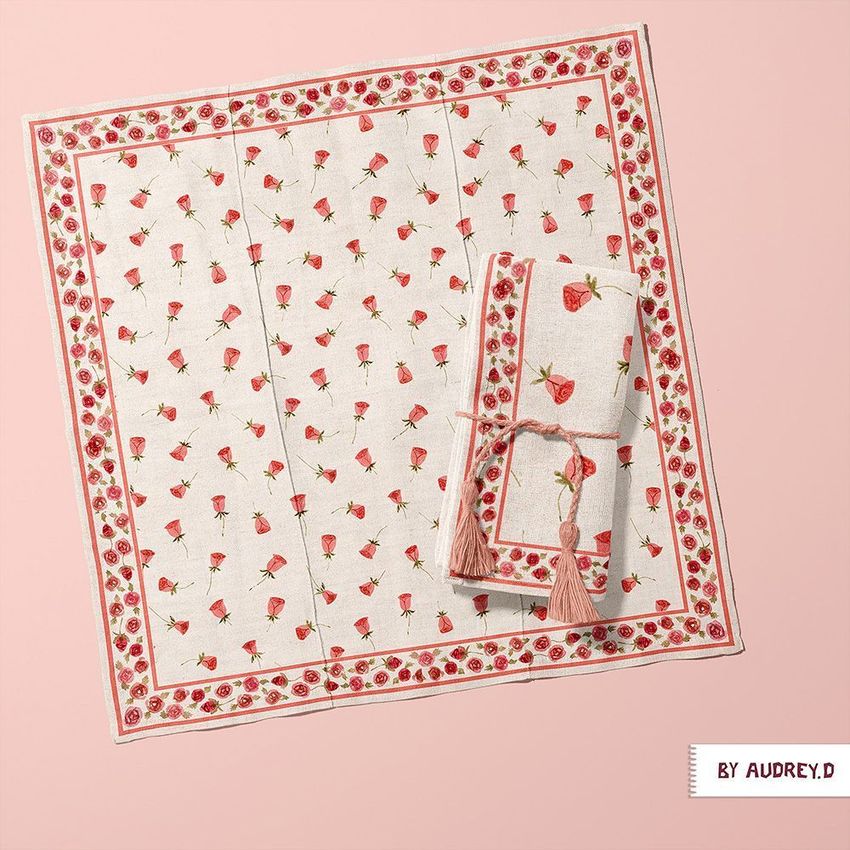
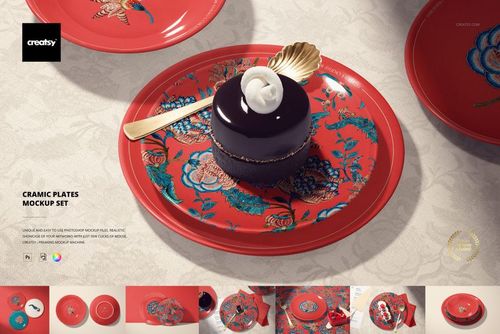
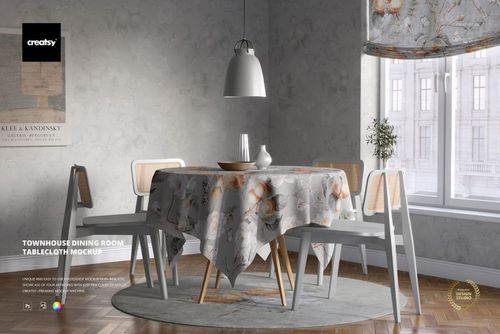
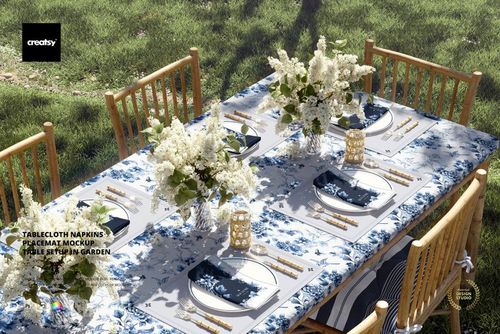
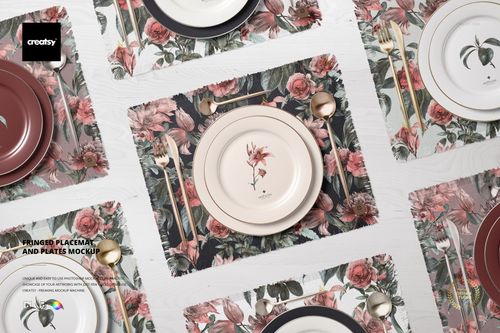
Cotton Linen Napkin Mockup Set template by Creatsy is a fantastic way to whet your clients' appetite using your illustrations and designs. A great way to add flavor to your illustration or design portfolio, this Cotton Linen Napkin Mockup Set gives you unique layouts to choose from to mock up your artwork. Each Adobe Photoshop mockup file contains well-organized layers with easy-to-use features, allowing you to personalize the mockup to your satisfaction. The color layers and smart objects enable you to tailor the mockup to your design’s specifications. This mockup set is shown in various positions and angles. You can easily change the color of the design and background. Objects and drop-shadows are on separate layers, giving you the flexibility to save the mockups with transparency. Perfect warping from every viewpoint allows your designs to integrate with the mockup seamlessly. Cotton Linen Napkin Mockup Set is a professional way to mock up your designs for any event.
What makes Creatsy mockups unique?
Creatsy’s standard of excellence means you will always have the best files possible to show your artwork in a realistic setting. You can use mockups to achieve your business goals and expand your current customer base. Well-organized mockup files are a must-have for every designer, artist, or illustrator who wants to increase online visibility, impress clients, and build a stunning portfolio.
- Size: 45x45 cm,
- Compatibility: Adobe Photoshop min. version PS CC 2020/version 21,
- Includes: 7 PSD files with well-organized layers: 6000x4000 px, 300 dpi,
- Editable components: color and design change,
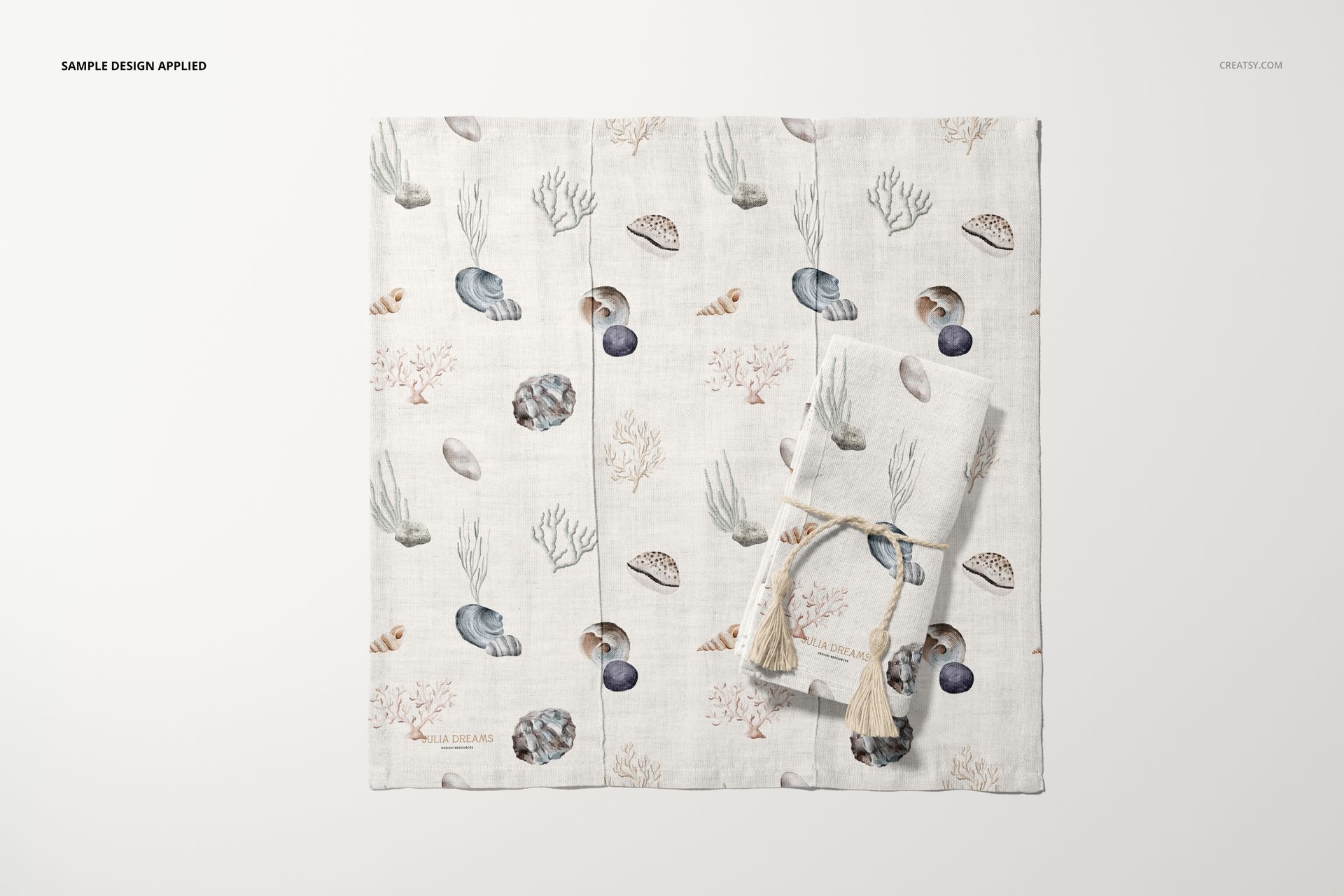
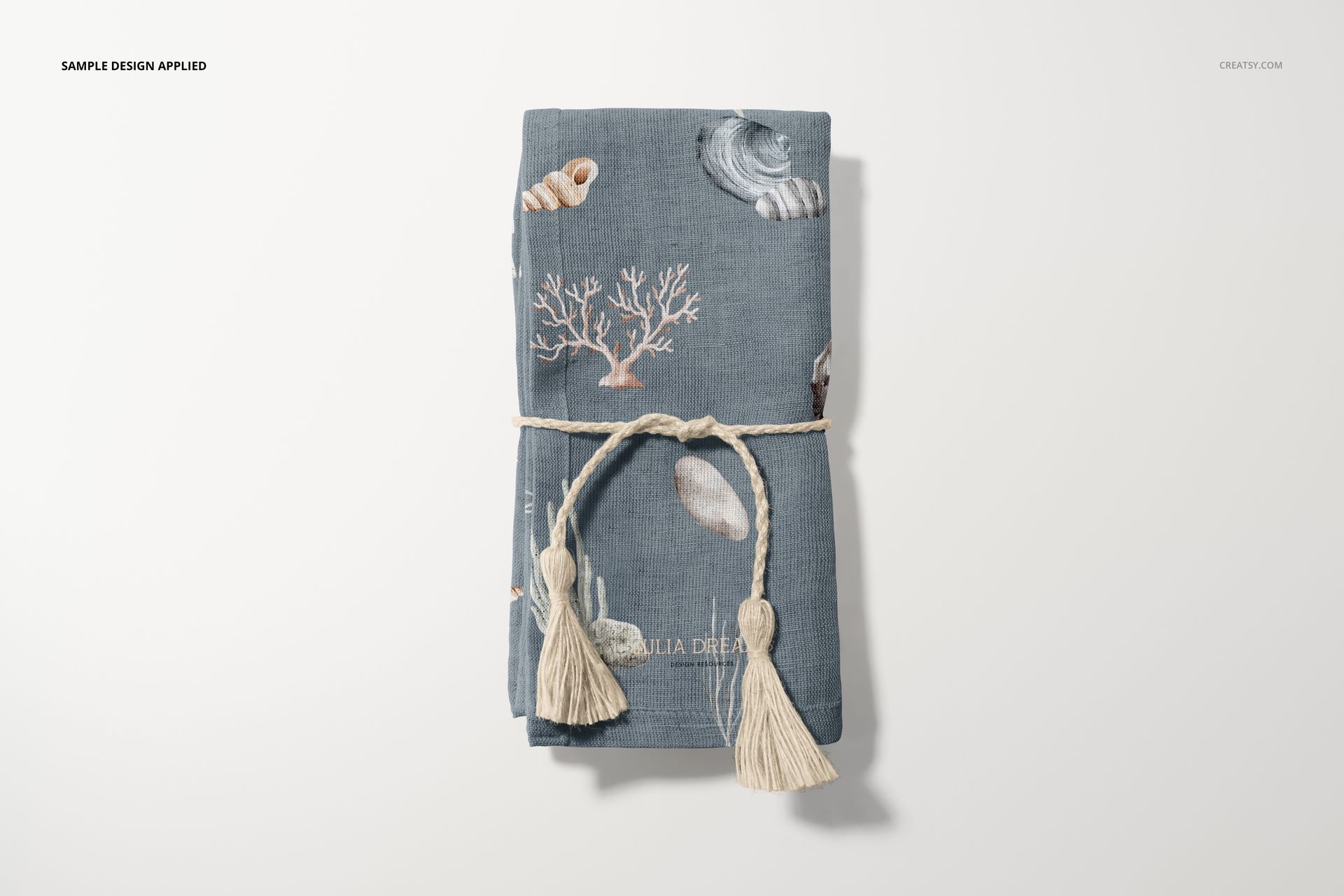
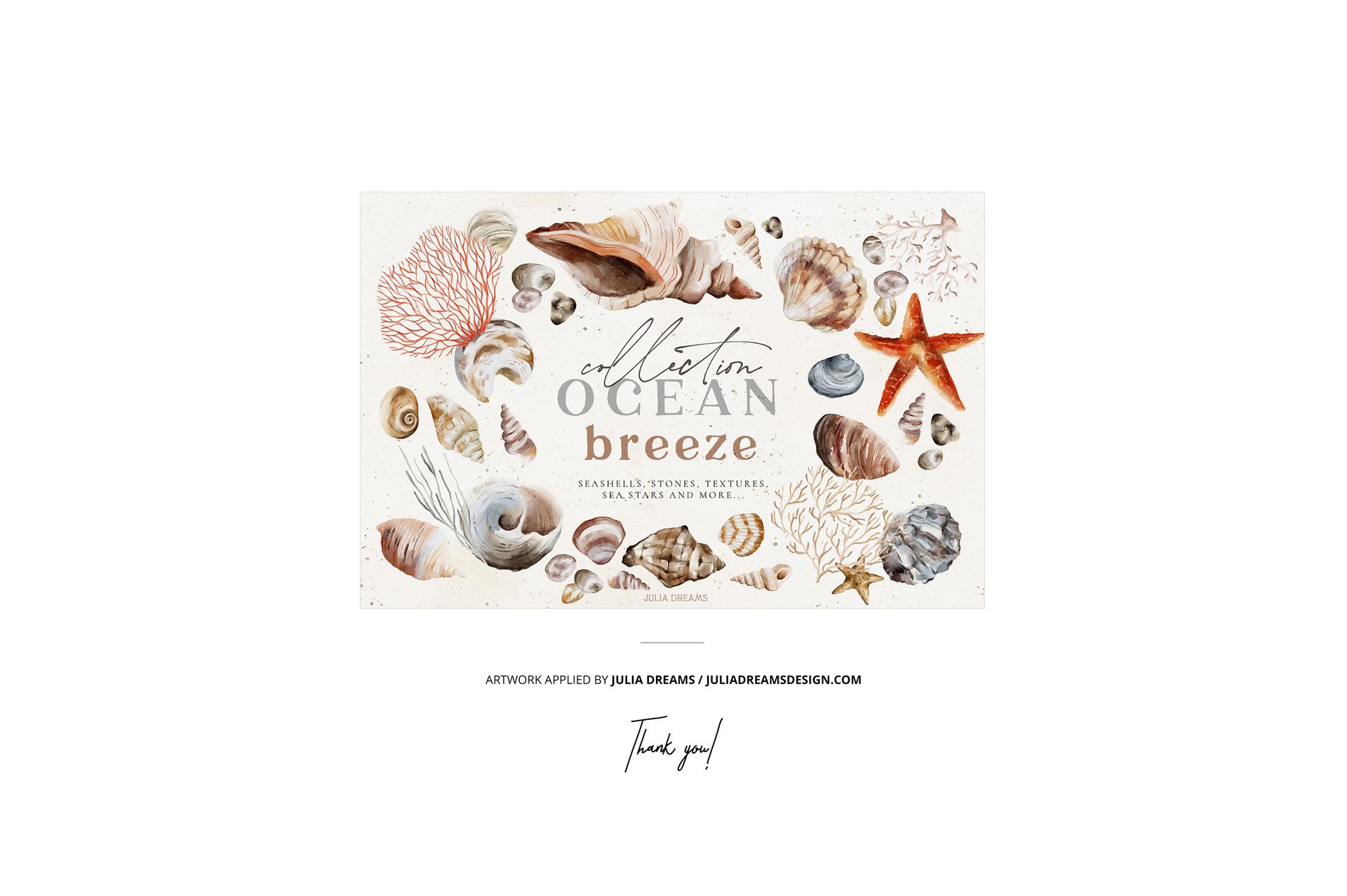
- Example artwork by Julia Dreams / juliadreamsdesign.com,
- Patterns are NOT included, this product is a mockup intended for you to add your own designs.
File details
- Compatibility
- Number of files included
- 15
- Package size
- 3.24 GB
|3.48 GB
- Files type
- .psd, .jpg, .pdf
- Files size
- 6000x4000


Made with Creatsy
Real designs. Real customers. See how creatives use Creatsy mockups to turn their artwork, branding, and product ideas into polished visuals.
MEET THE SHOP

HOW IT WORKS
3 clicks. That's it.
No tutorial needed. If you can copy-paste, you can use this.
- 1OpenDouble-click the smart object inside the PSD - in Adobe Photoshop, or free in your browser with Photopea.
- 2PasteDrop in your pattern, print, or artwork. Any design, any style.
- 3SaveHit save and the mockup wraps it in for you - shadows, folds, and lighting included.
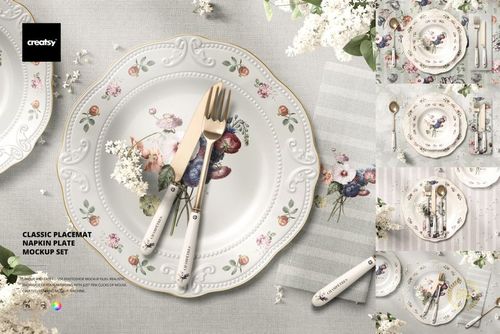
FROM IDEA TO IMAGE
Built for real workflows
Wrap your logo around the cup, not a flat rectangle Drop the artwork in and see how it sits on the curve before you list it.
See it on the product, not a swatch Drop your file into the smart object and the scene's lighting and folds wrap around it, so you judge the real thing before you commit.
Smart Objects
Edit once and you're done. Your artwork drops into a smart object and the mockup updates itself - no masking, no warping by hand.
Perfectly Organized
Named layers and folders you can actually navigate. Find what you need, change what you want, and get out fast.
Print-Ready
High-resolution files built to hold up on screen and in print. Exact size and DPI are in this product's Details above.