Townhouse Dining Room Tablecloth Mockup

ID: 1947130197 | Updated: Oct 1, 2024

Product Details

Townhouse Dining Room Tablecloth Mockup

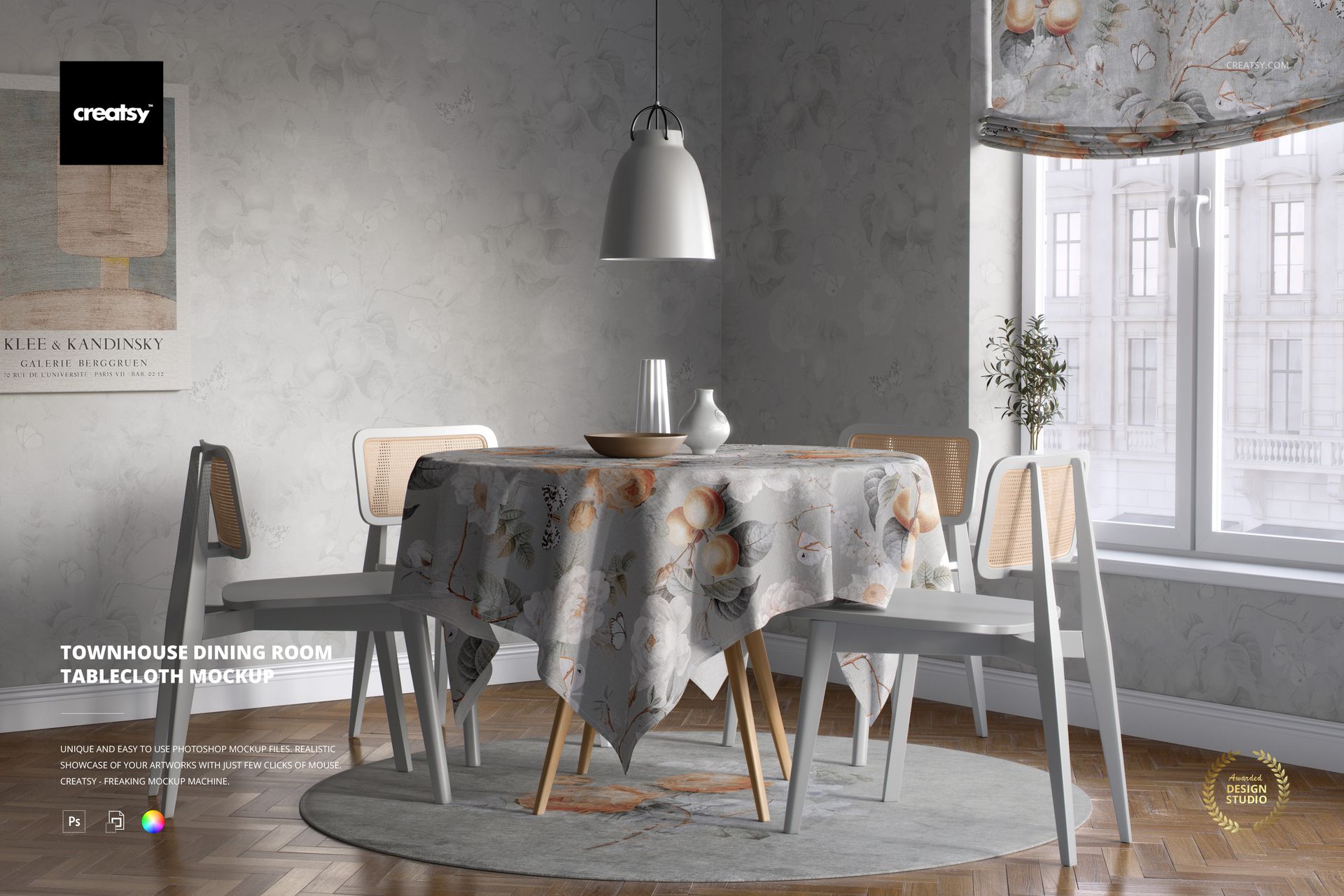
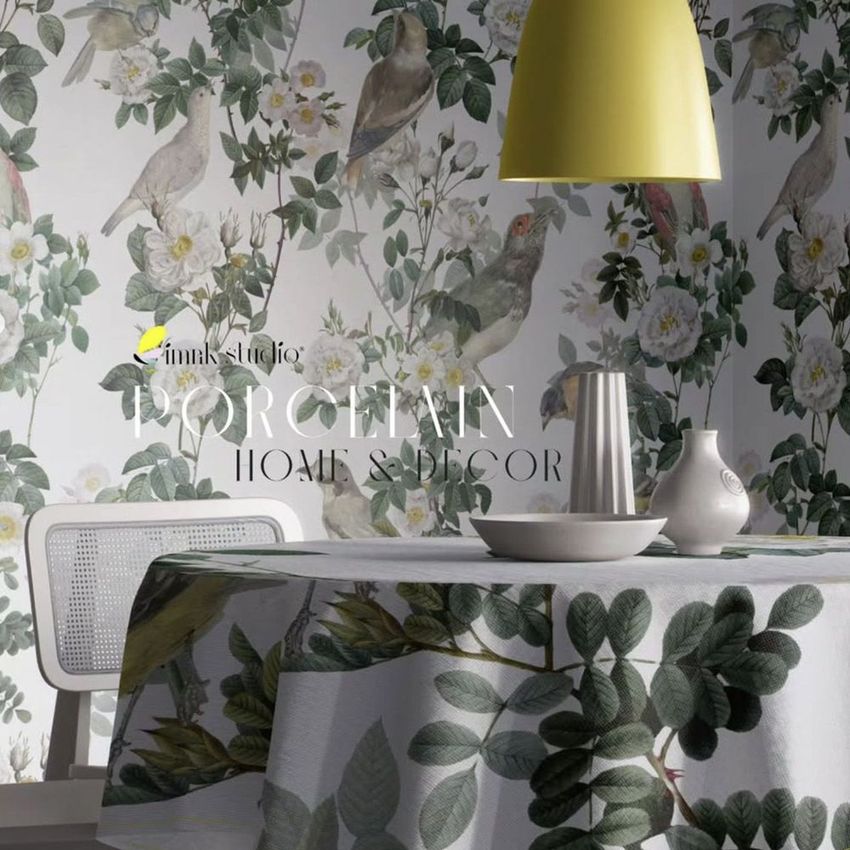
Welcome guests into a space that feels warm, artistic, and perfectly curated with the Townhouse Dining Room Tablecloth Mockup – a richly styled scene that blends cozy comfort with elegant interior design. Designed for surface pattern designers, home décor creatives, and visual storytellers, this mockup is the ideal setting to show off your textile or tableware concepts in a beautifully lit, old-town-inspired environment.


Set the Table for Creativity

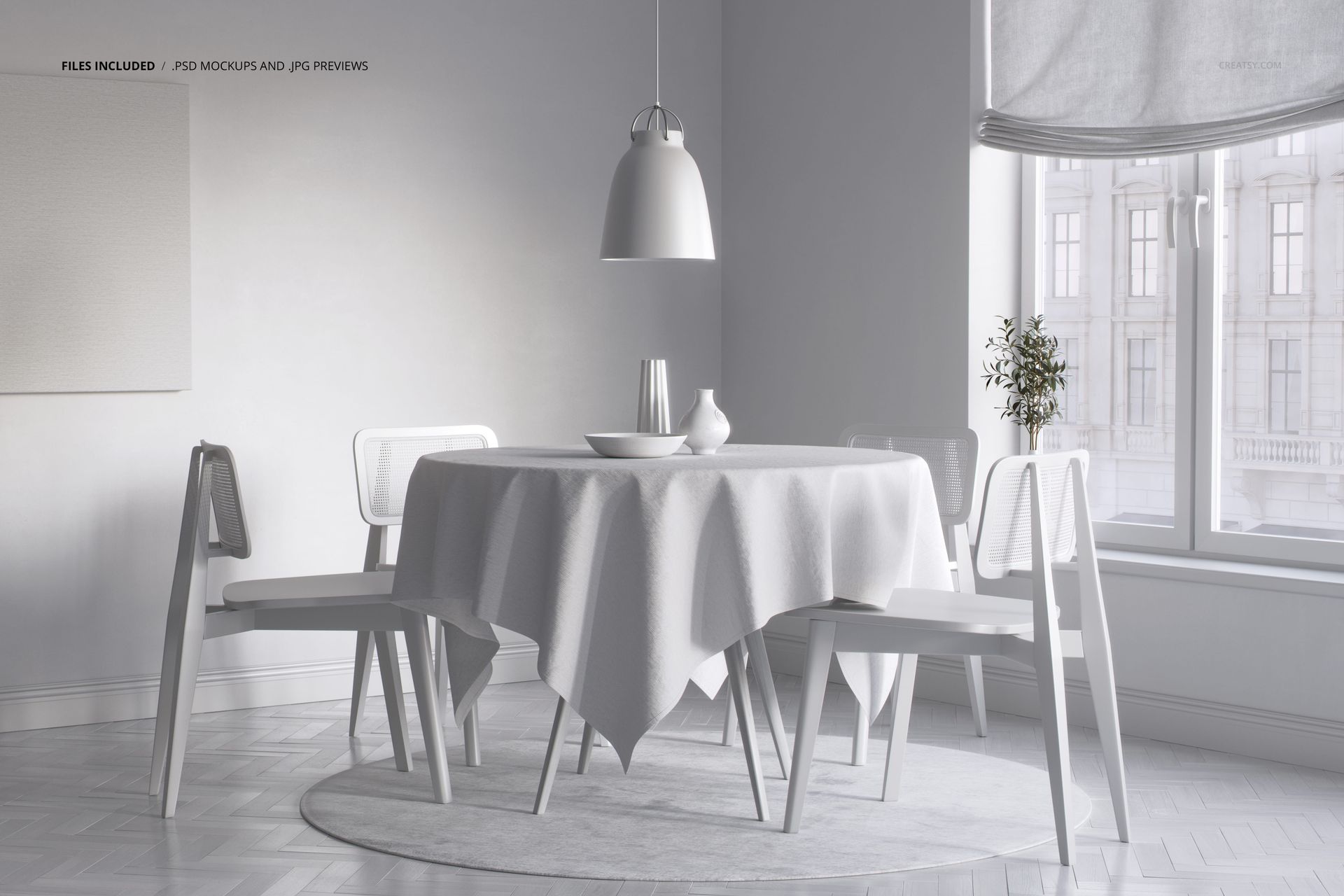
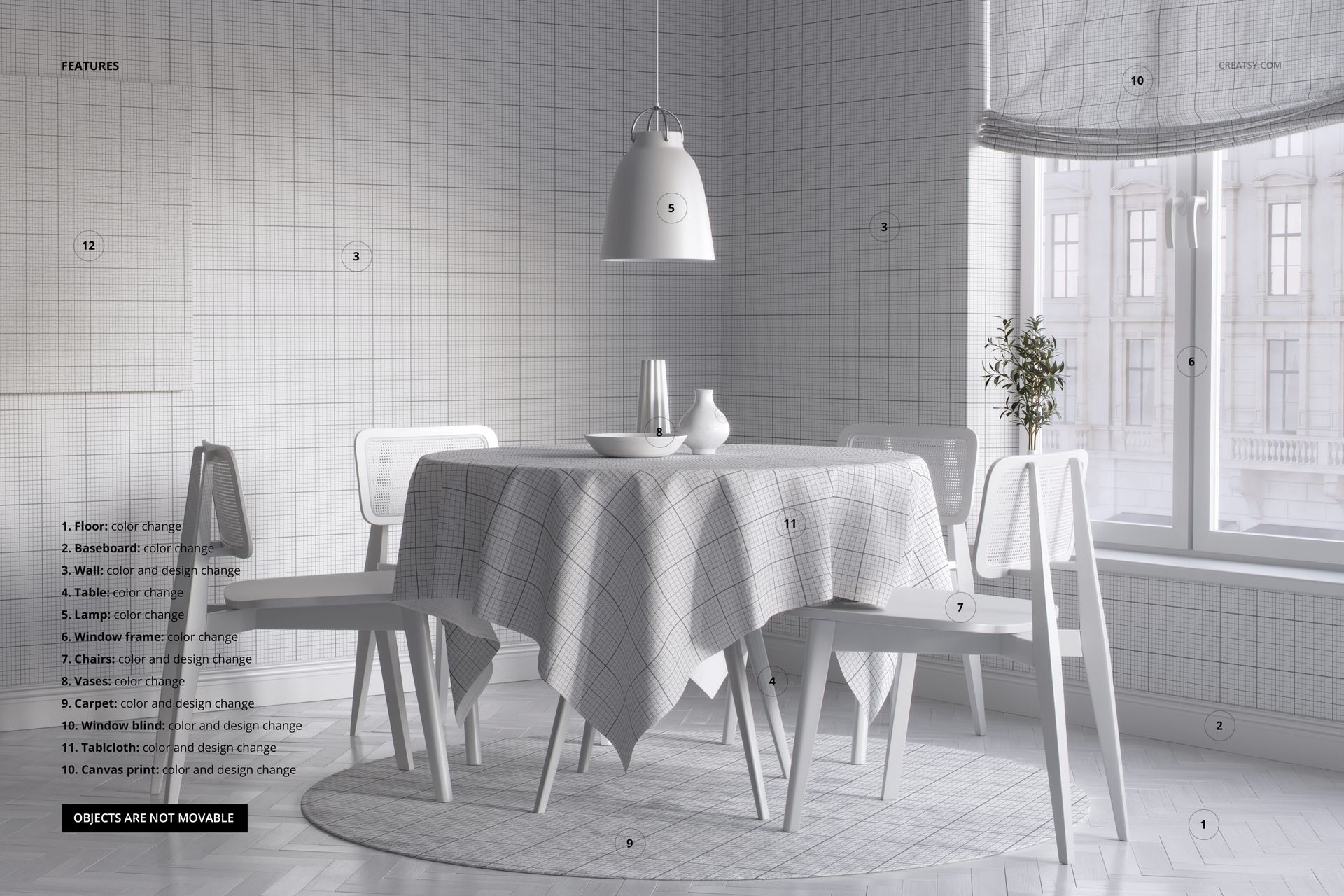
This fully editable PSD file includes a wide range of customizable elements, allowing you to bring your vision to life down to the smallest detail. Apply your own patterns and colors to the tablecloth, rug, and chairs, and adjust the table and ceramic accessories to match your style. You can even change the flooring, baseboards, and wall design, turning the space into something truly unique. Add your artwork to the framed canvas and window blinds, tweak the window frame color, and top it all off by customizing the hanging ceiling light. Soft daylight streaming through the windows and the neutral tones of the space create a calm, inviting atmosphere that makes every design look polished and professional.


  •   File works only in Photoshop (min. CC2020);

  • Pack includes 1 .psd file: 6000x4000 px, 300dpi;

  • Check screenshots for all the features;

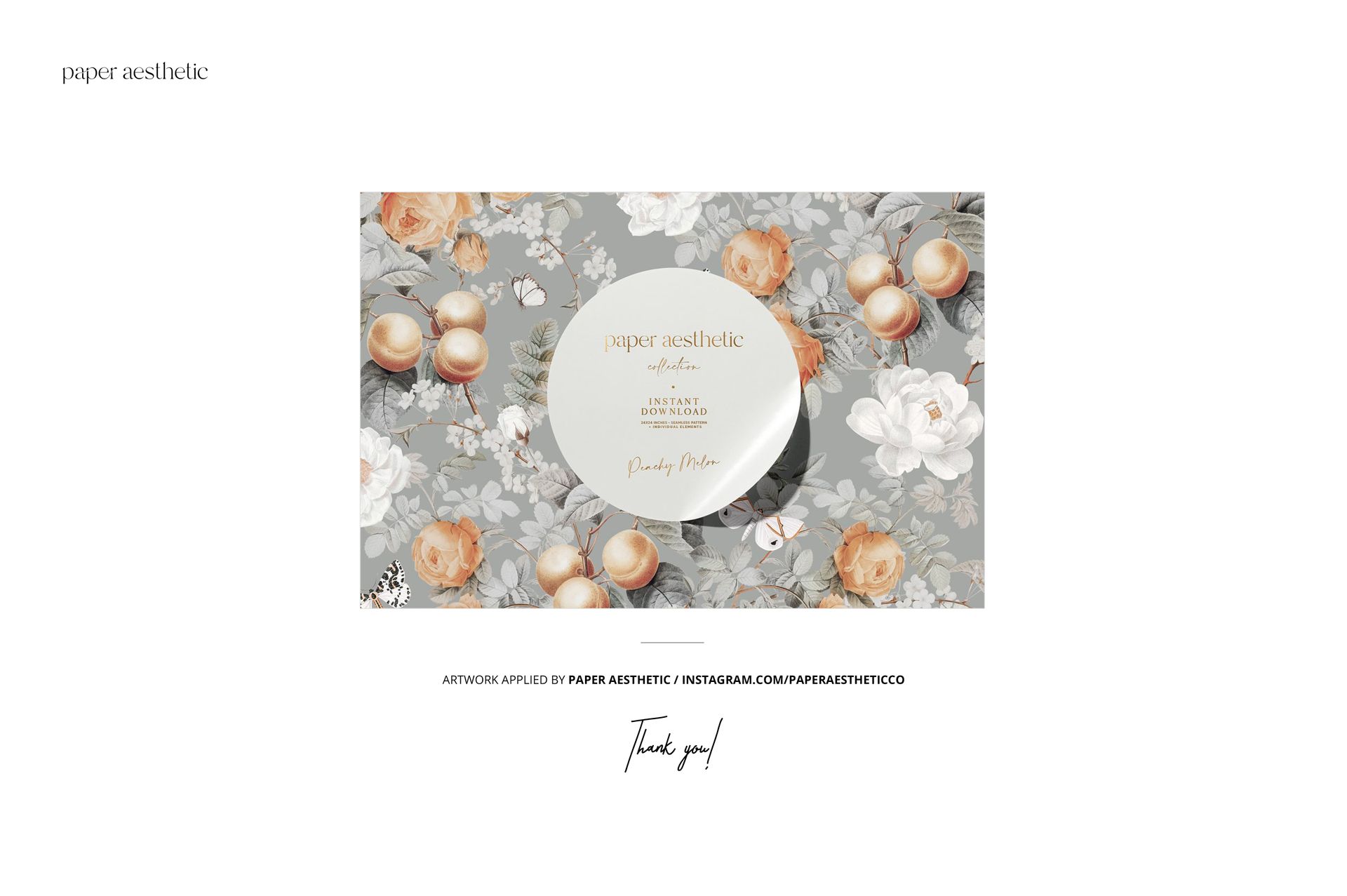
  • Design applied on mockups by Paper Aesthetic: instagram.com/paperaestheticco (not included in the main zip file);

  • Well organized layers. 

File details

Compatibility
PhotopeaAdobe Photoshop
Number of files included
2
Package size
342 MB342 MB|358 MB358 MB
Files type
.psd, .jpg
Files size
6000x4000
TEST FOR FREE

Made with Creatsy

Real designs. Real customers. See how creatives use Creatsy mockups to turn their artwork, branding, and product ideas into polished visuals.

MEET THE SHOP

Creatsy logo

Creatsy

Poland
4.7 (641)

Bring your ideas to life.

We're a family-run studio in Katowice, Poland, making PSD mockups by hand since 2016. Everything in this shop starts in our own studio. We shoot the photography, build the 3D, and put together every Smart Object PSD ourselves - then we test it, organize the layers, and only ship it once it actually works...
GO TO SHOP

HOW IT WORKS

3 clicks. That's it.

No tutorial needed. If you can copy-paste, you can use this.

  1. 1OpenDouble-click the smart object inside the PSD - in Adobe Photoshop, or free in your browser with Photopea.
  2. 2PasteDrop in your pattern, print, or artwork. Any design, any style.
  3. 3SaveHit save and the mockup wraps it in for you - shadows, folds, and lighting included.

FROM IDEA TO IMAGE

Built for real workflows

Wrap your logo around the cup, not a flat rectangle Drop the artwork in and see how it sits on the curve before you list it.

See it on the product, not a swatch Drop your file into the smart object and the scene's lighting and folds wrap around it, so you judge the real thing before you commit.

Smart Objects

Edit once and you're done. Your artwork drops into a smart object and the mockup updates itself - no masking, no warping by hand.

Perfectly Organized

Named layers and folders you can actually navigate. Find what you need, change what you want, and get out fast.

Print-Ready

High-resolution files built to hold up on screen and in print. Exact size and DPI are in this product's Details above.