Gift Wrapping Paper Mockup Set
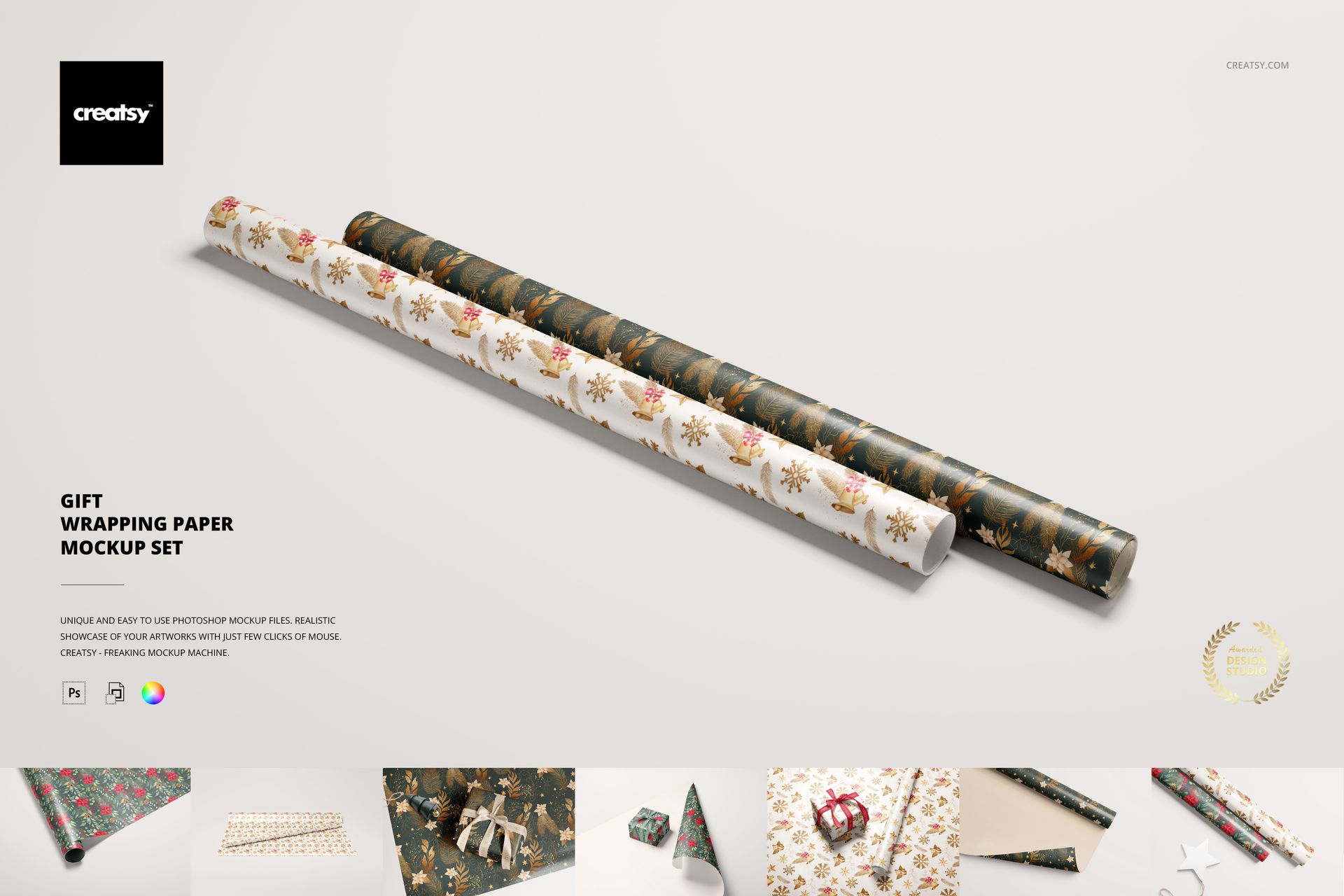
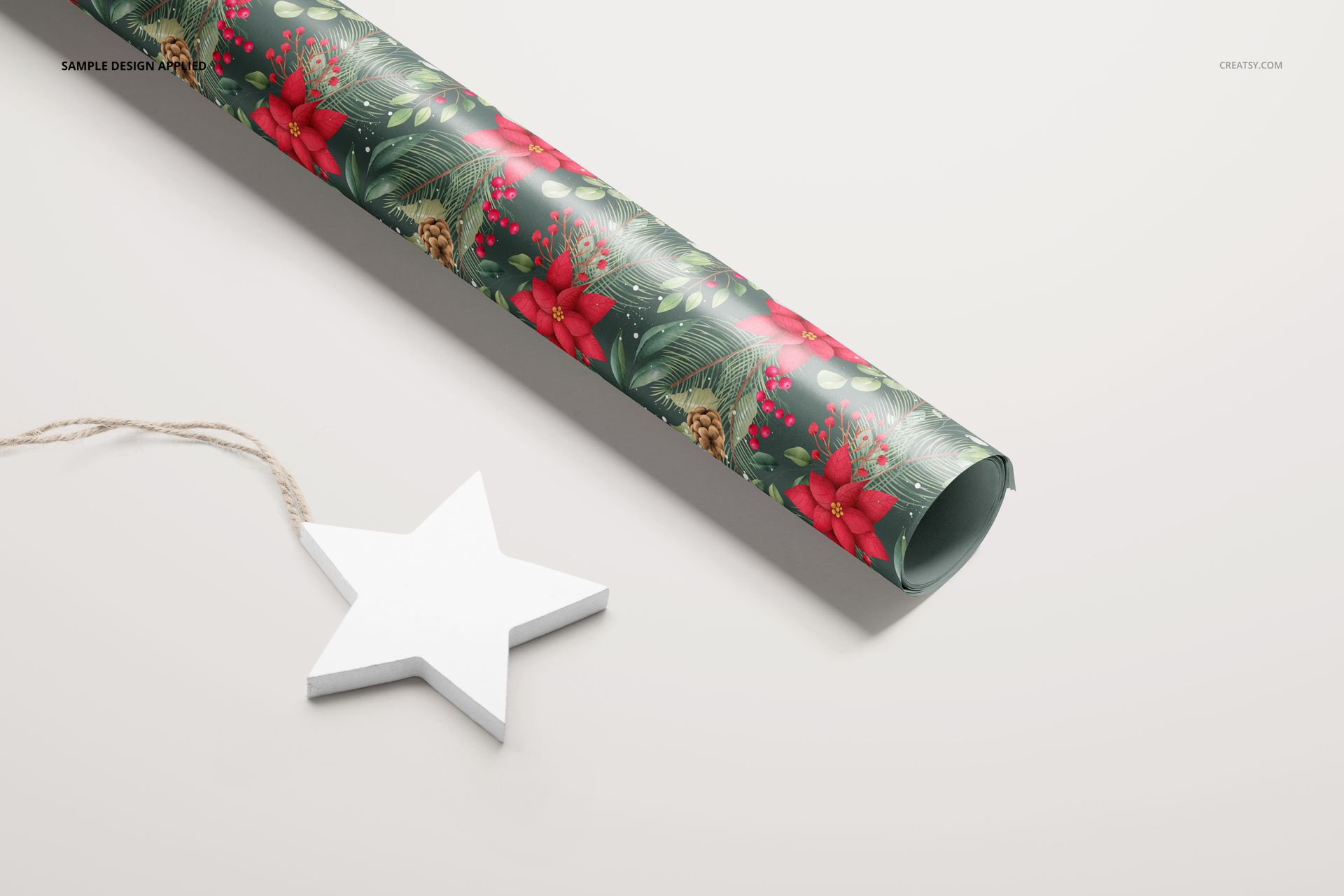
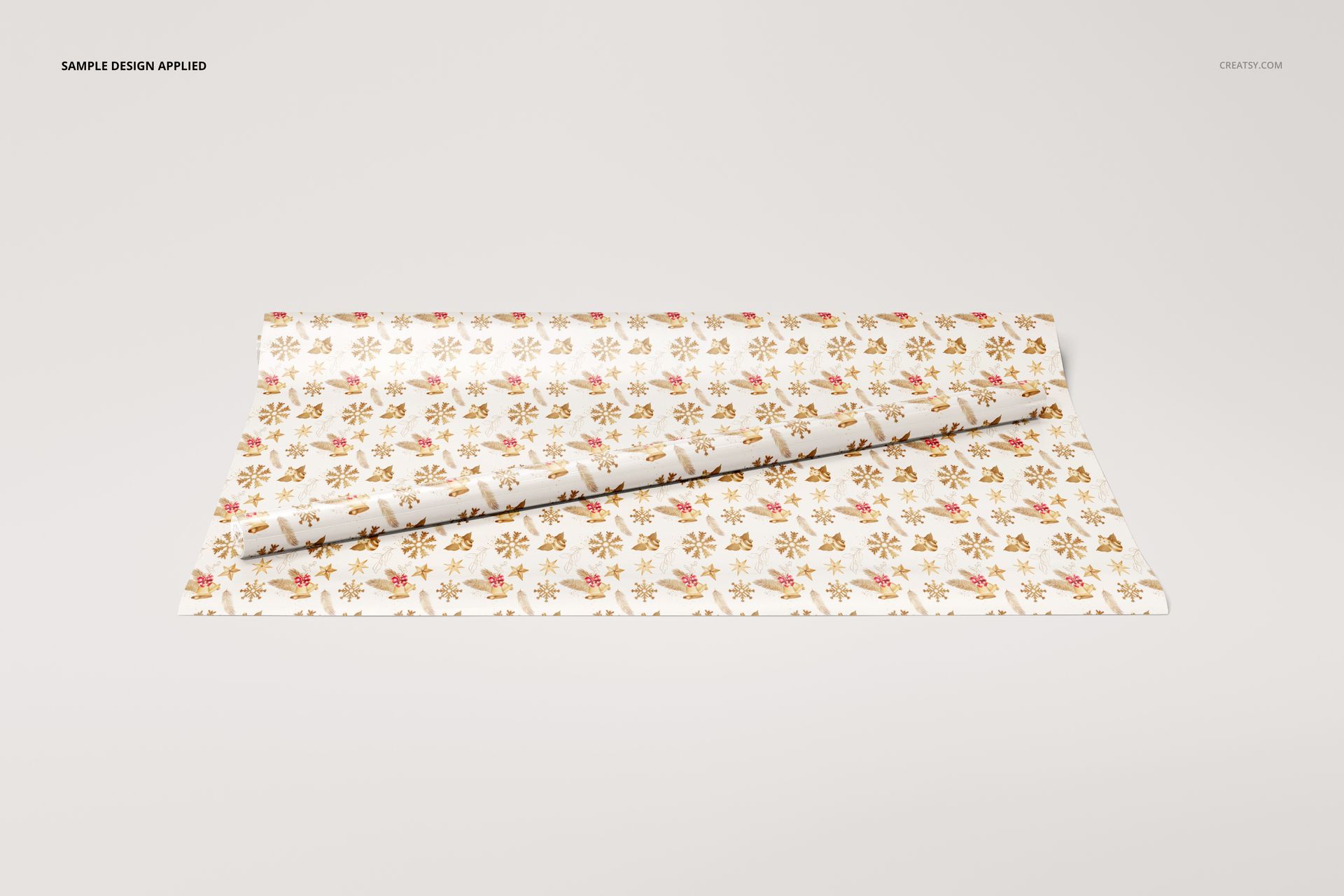
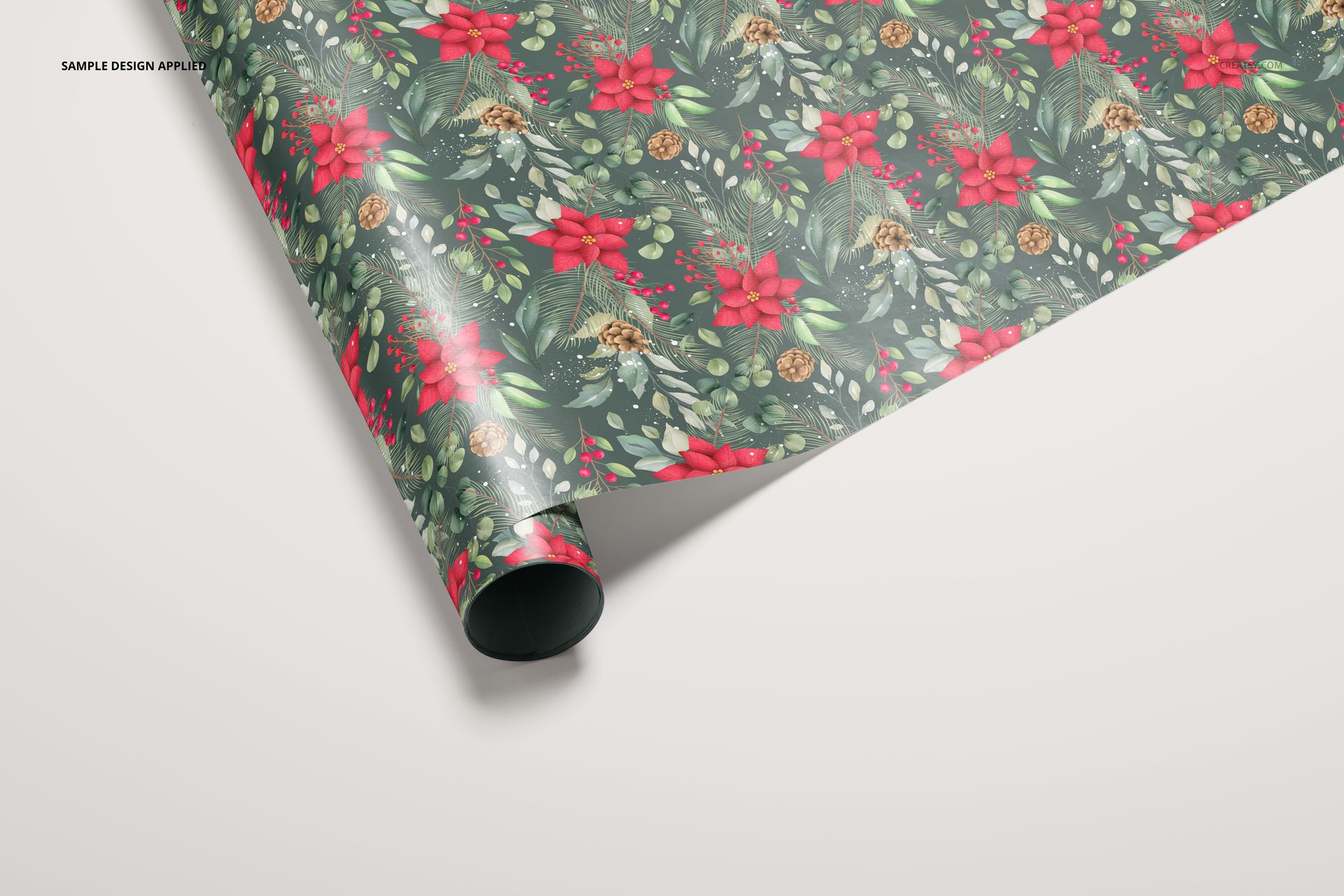
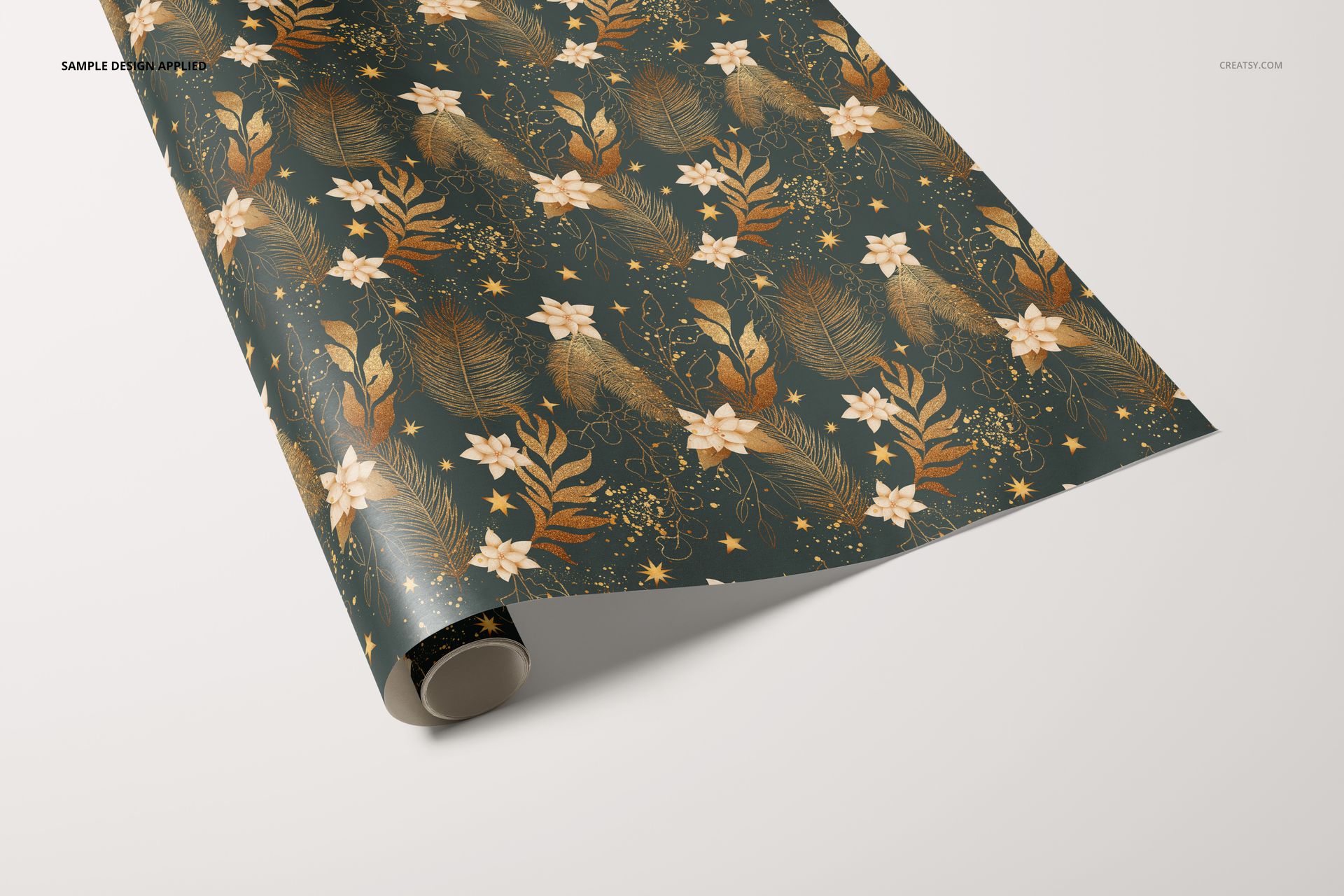
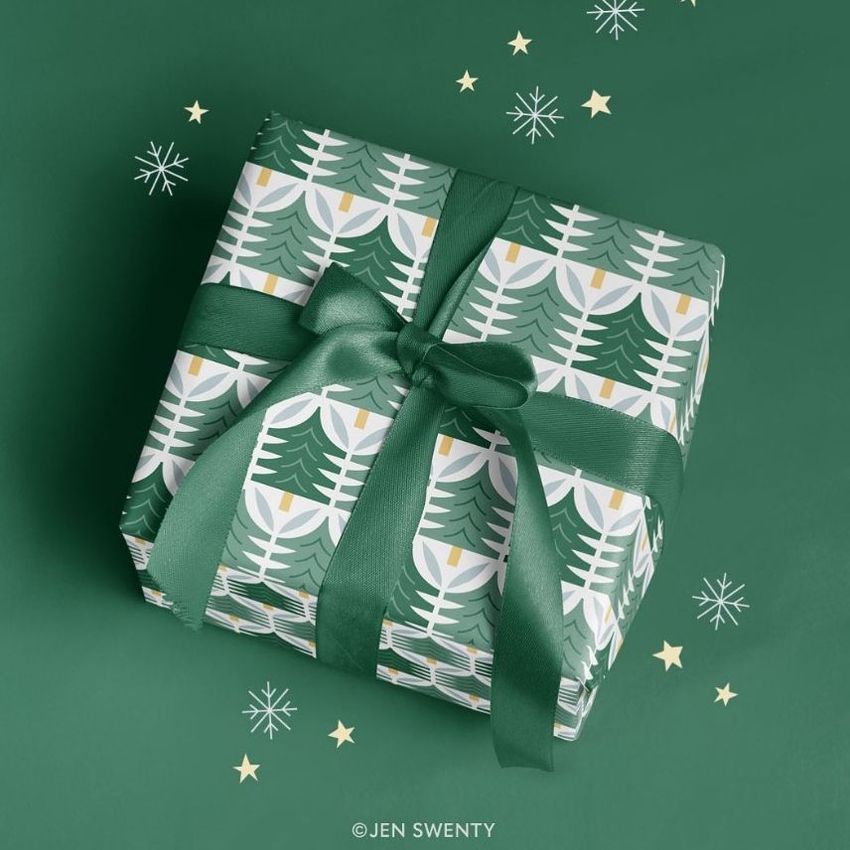
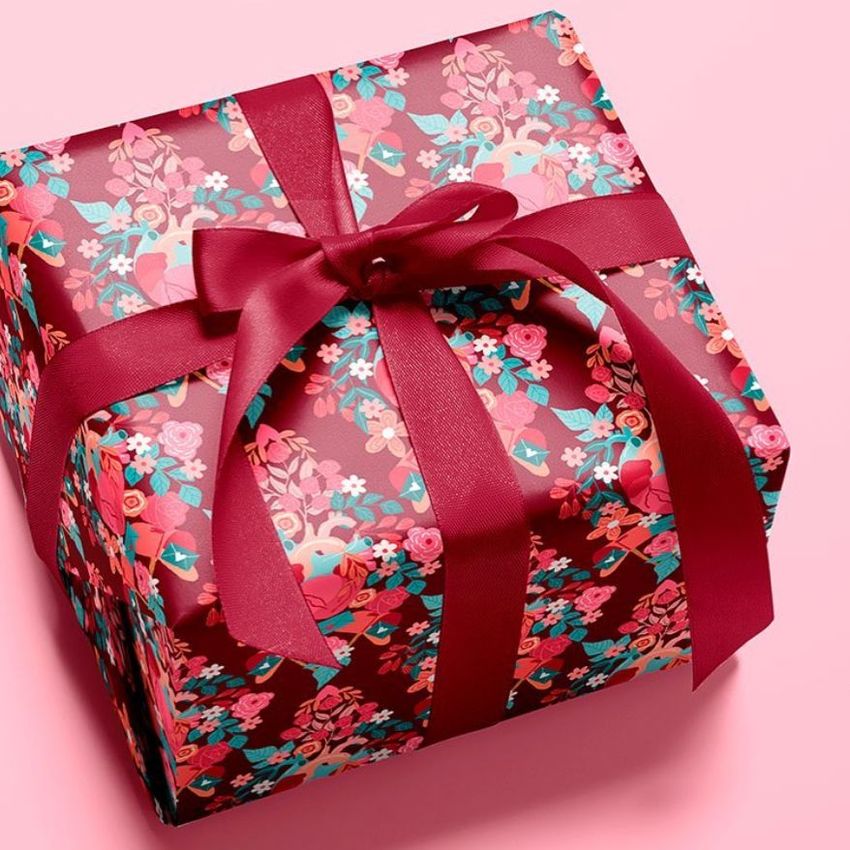
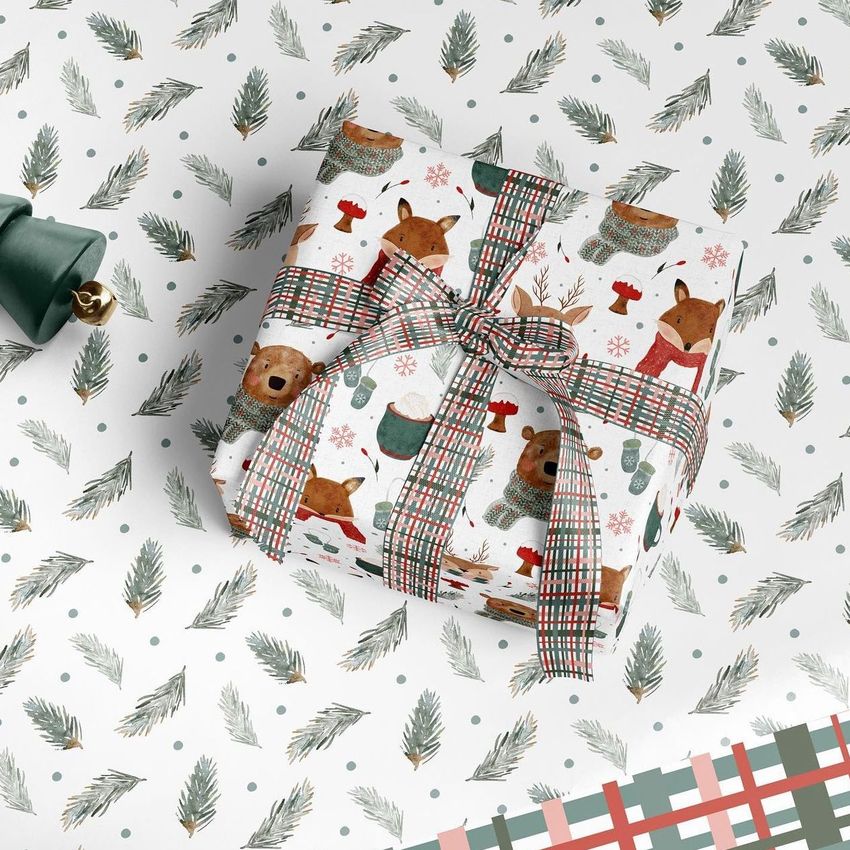
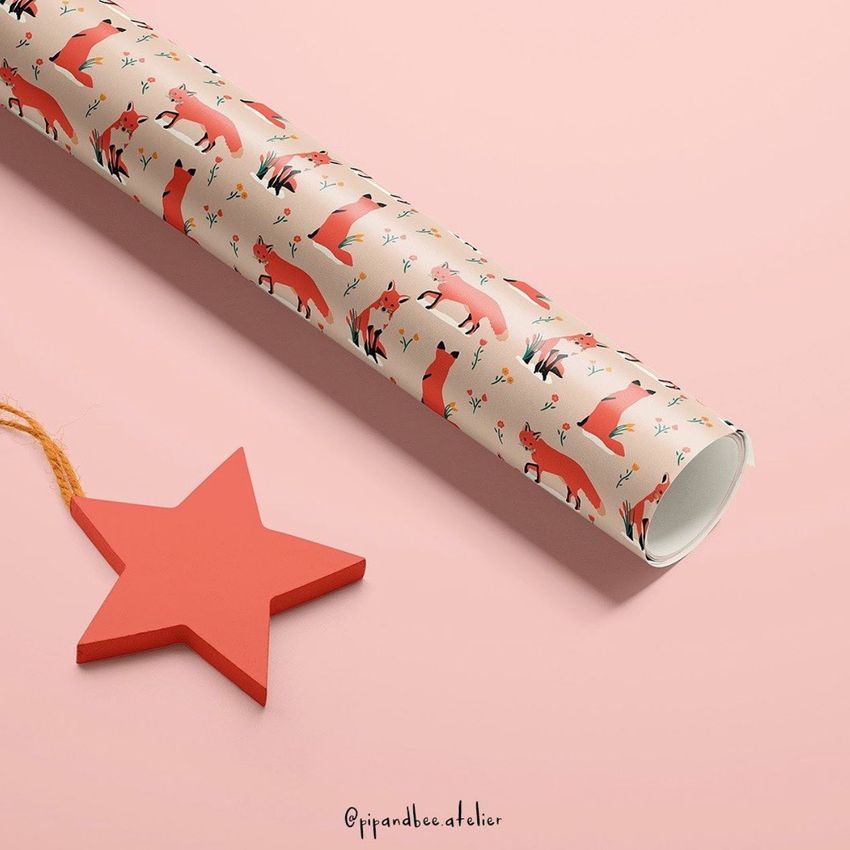
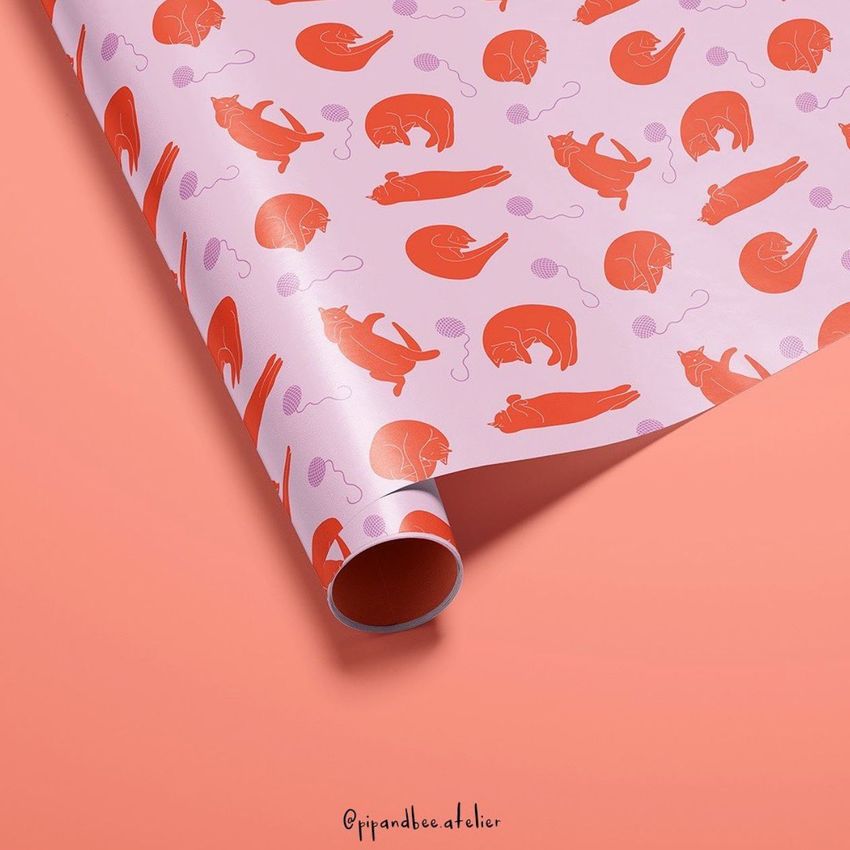
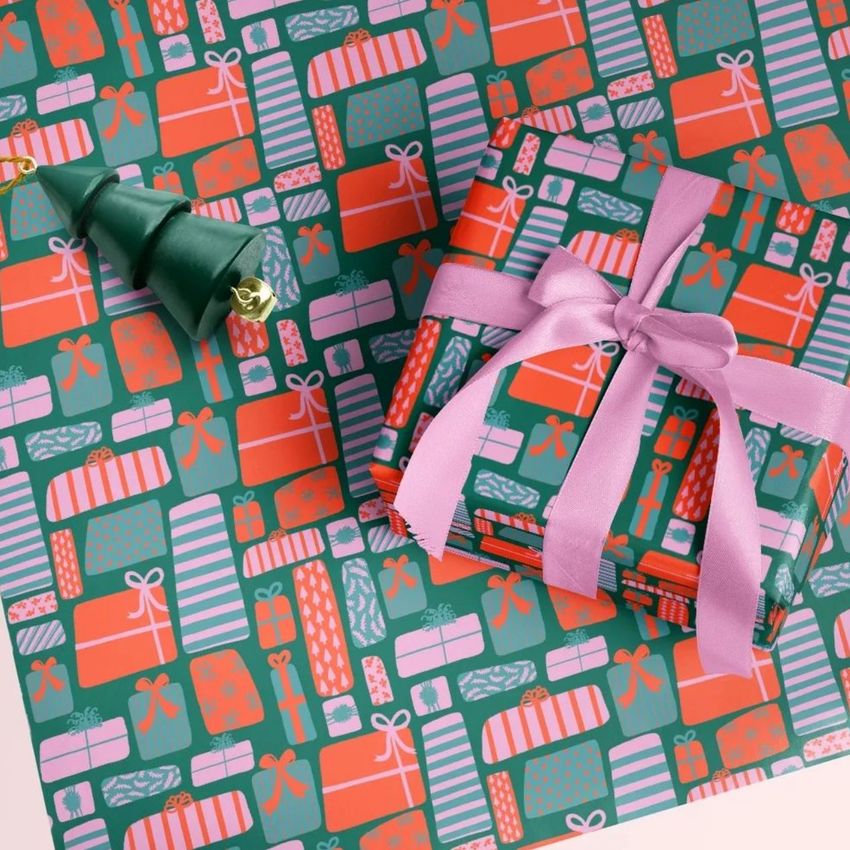
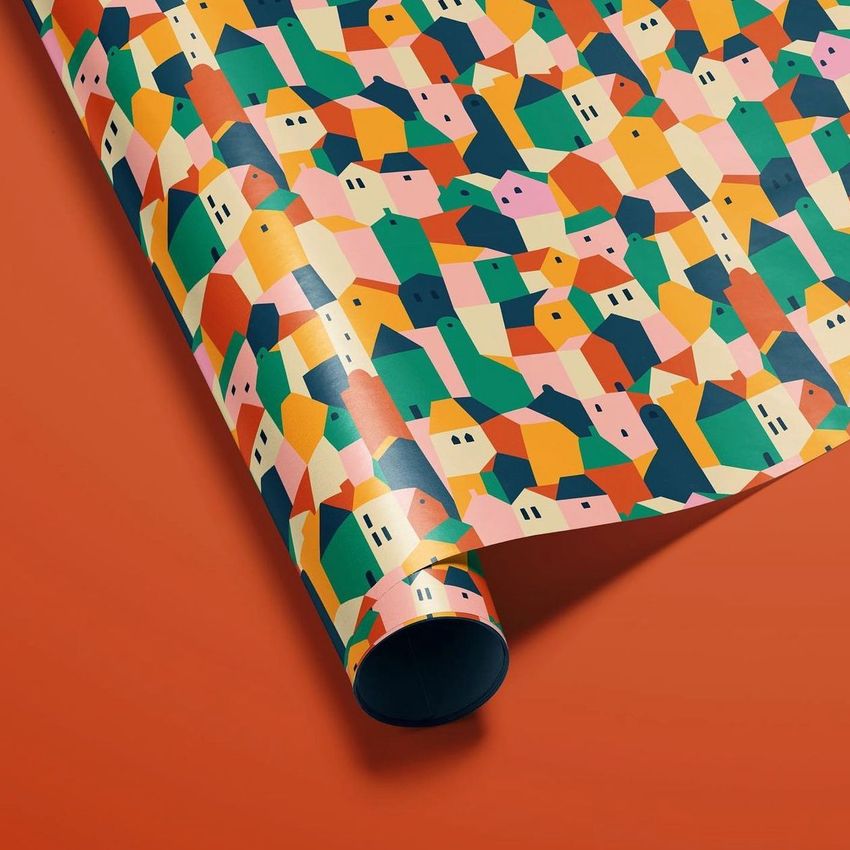
A paper roll reveals a strip of a pattern; an unrolled sheet shows its spacing, while a wrapped box introduces folds and ribbon. Gift Wrapping Paper Mockup Set brings these views together in ten editable Photoshop scenes, helping surface pattern designers and gift wrap brands present the same artwork across rolls, loose sheets and finished presents.
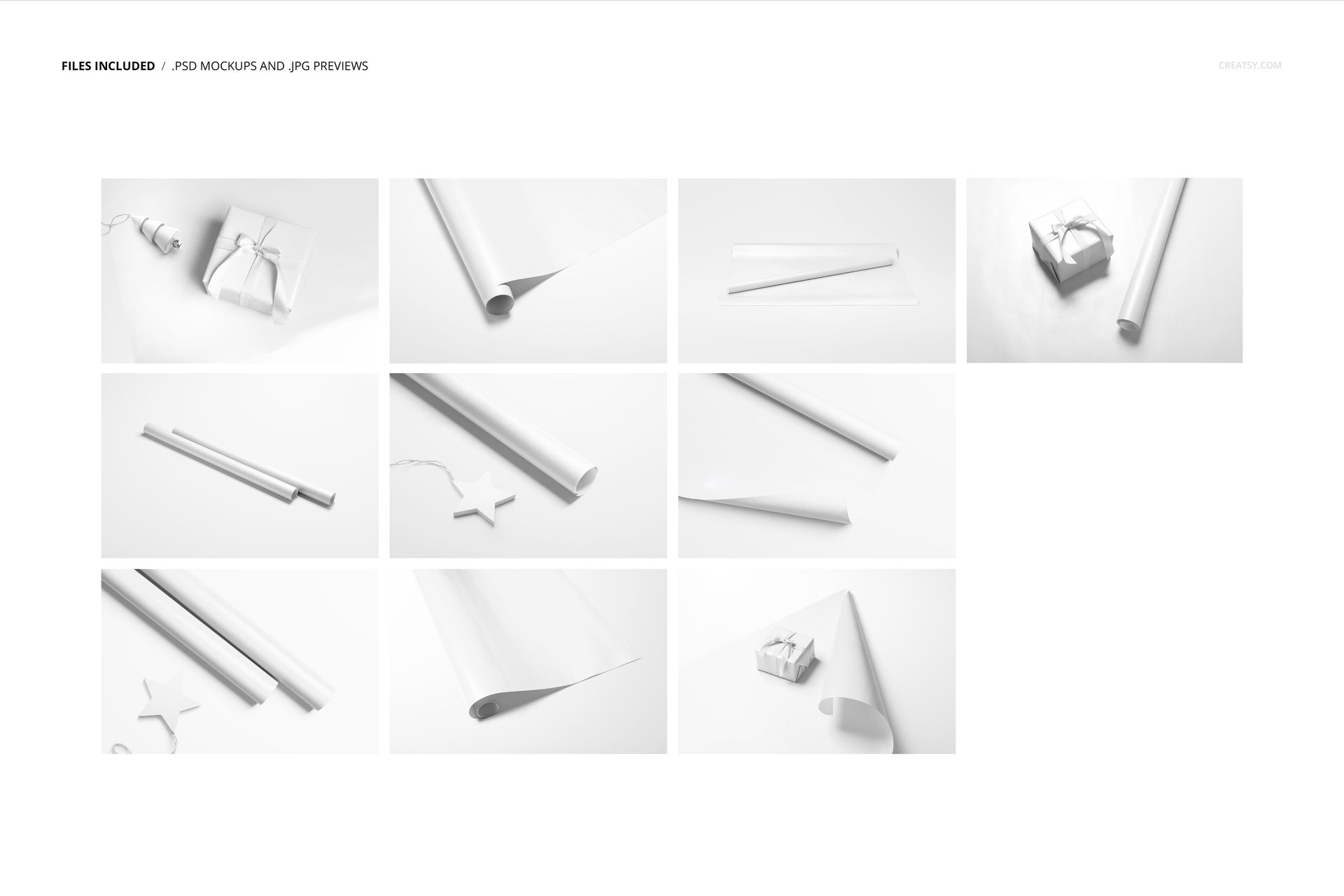
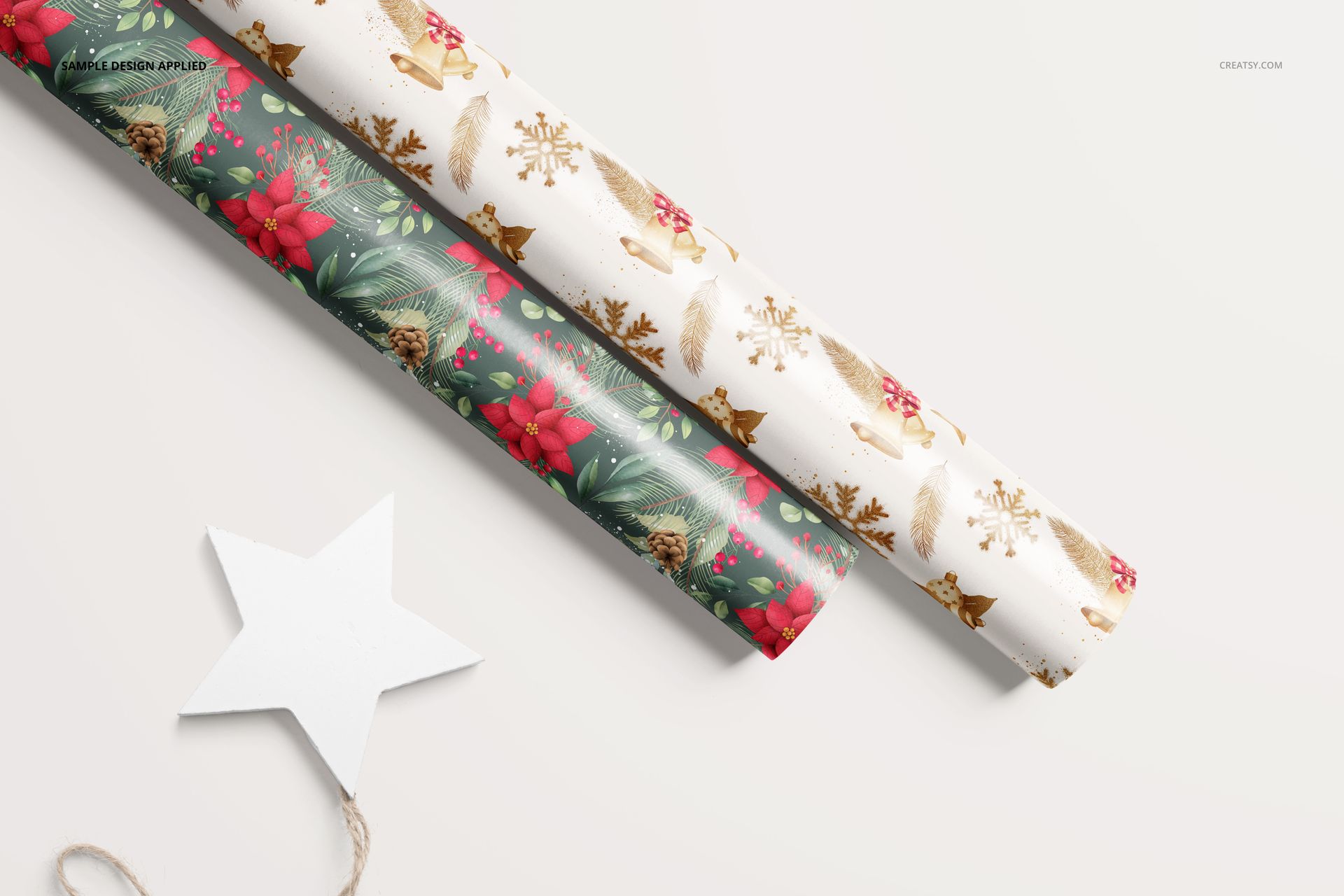
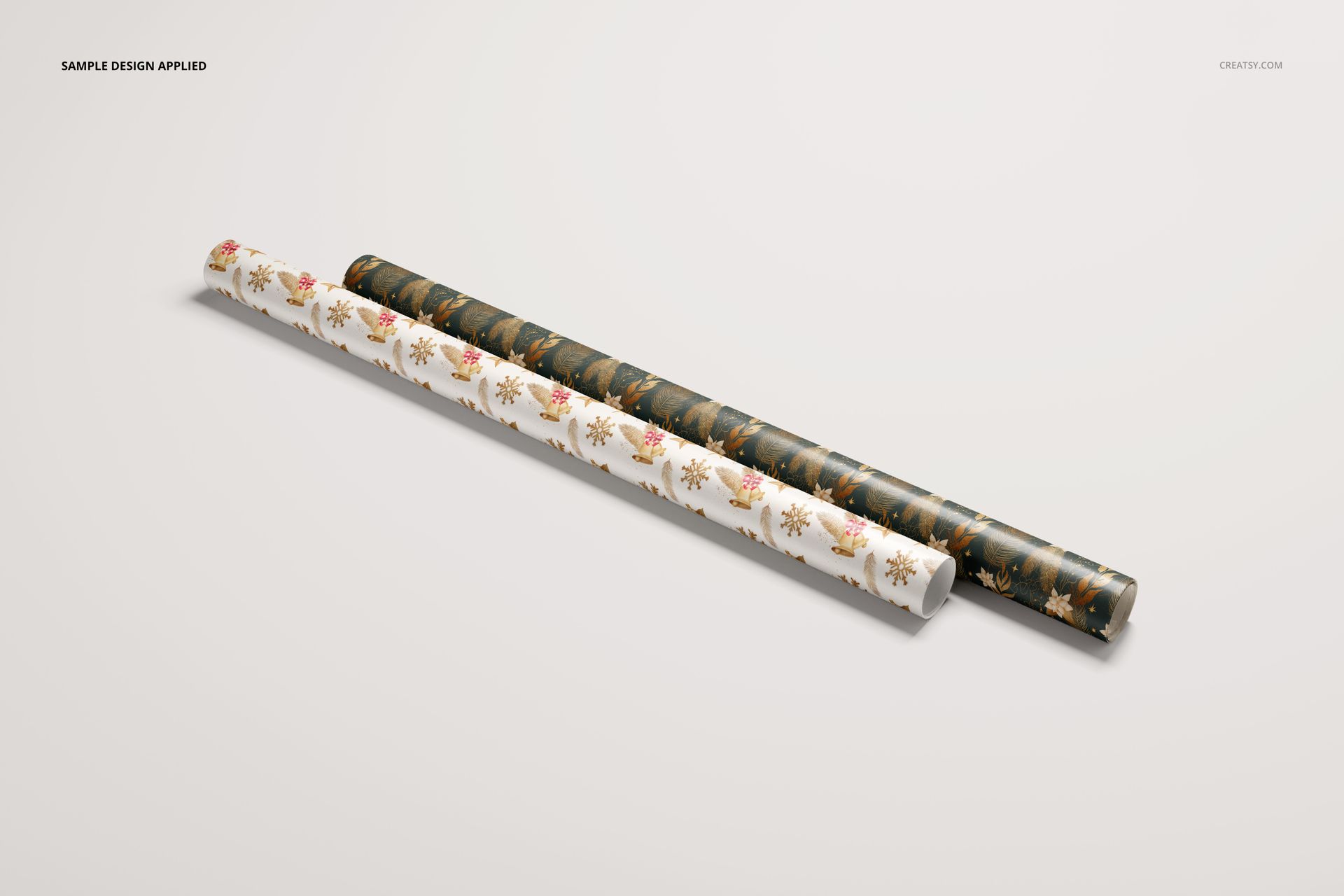
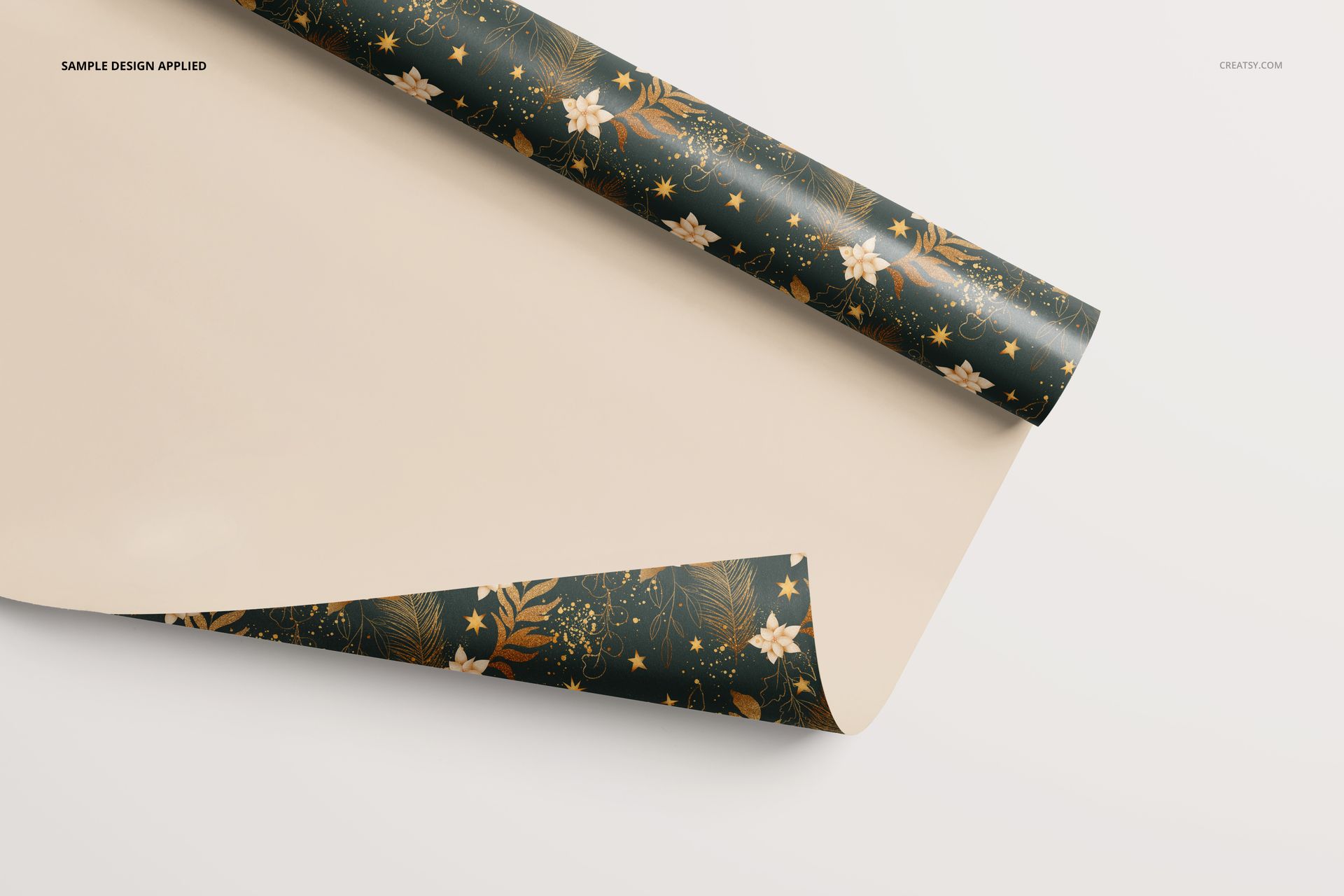
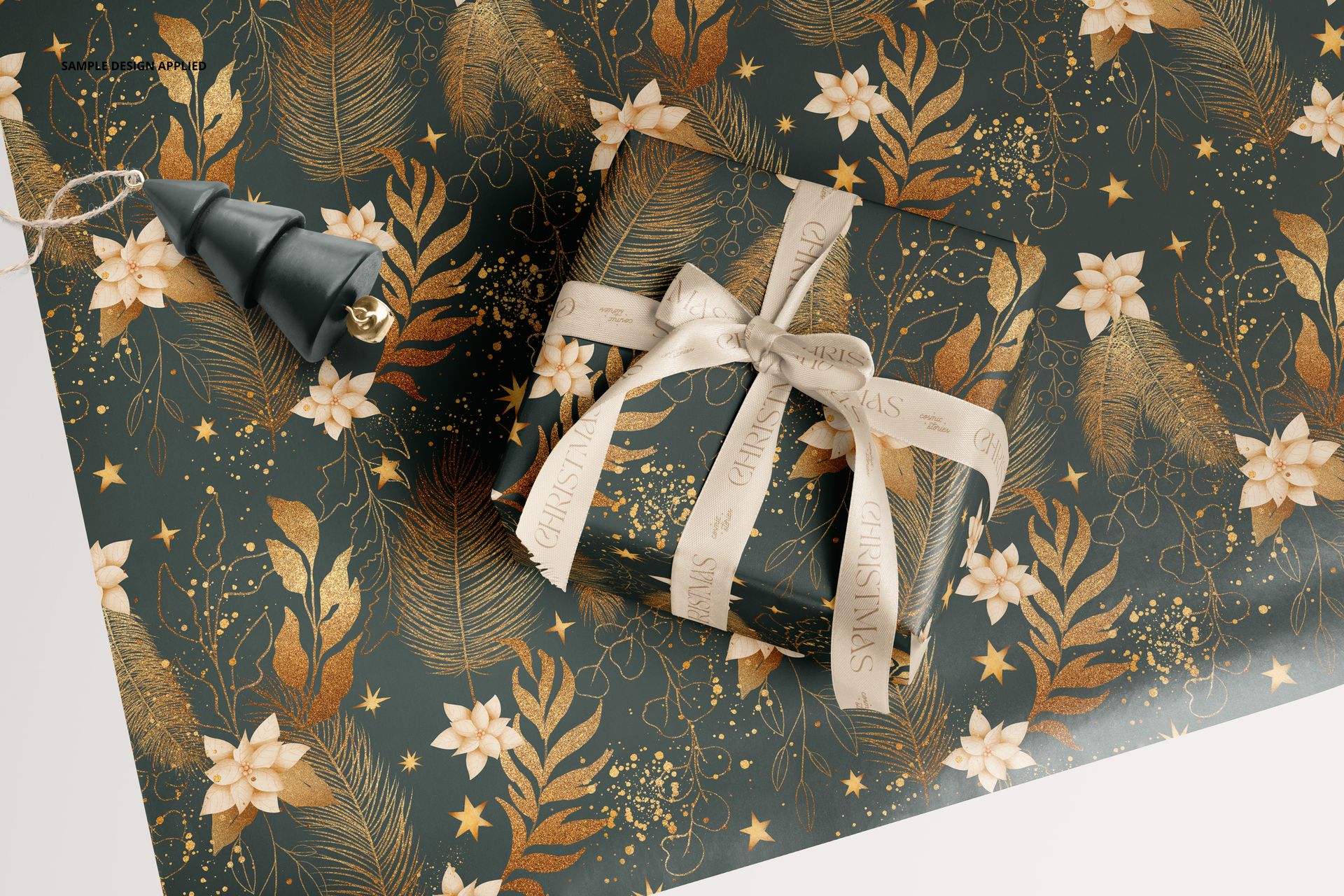
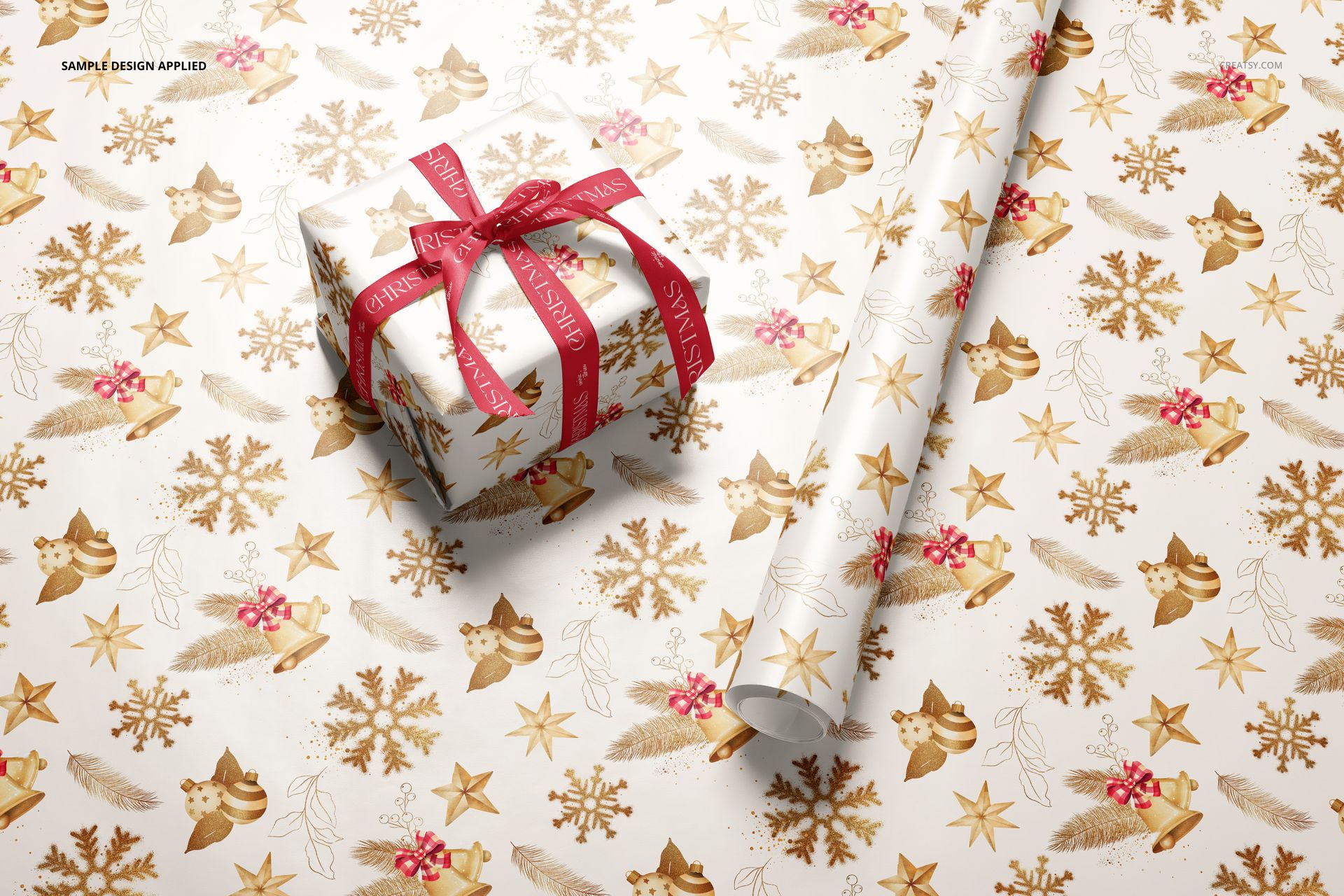
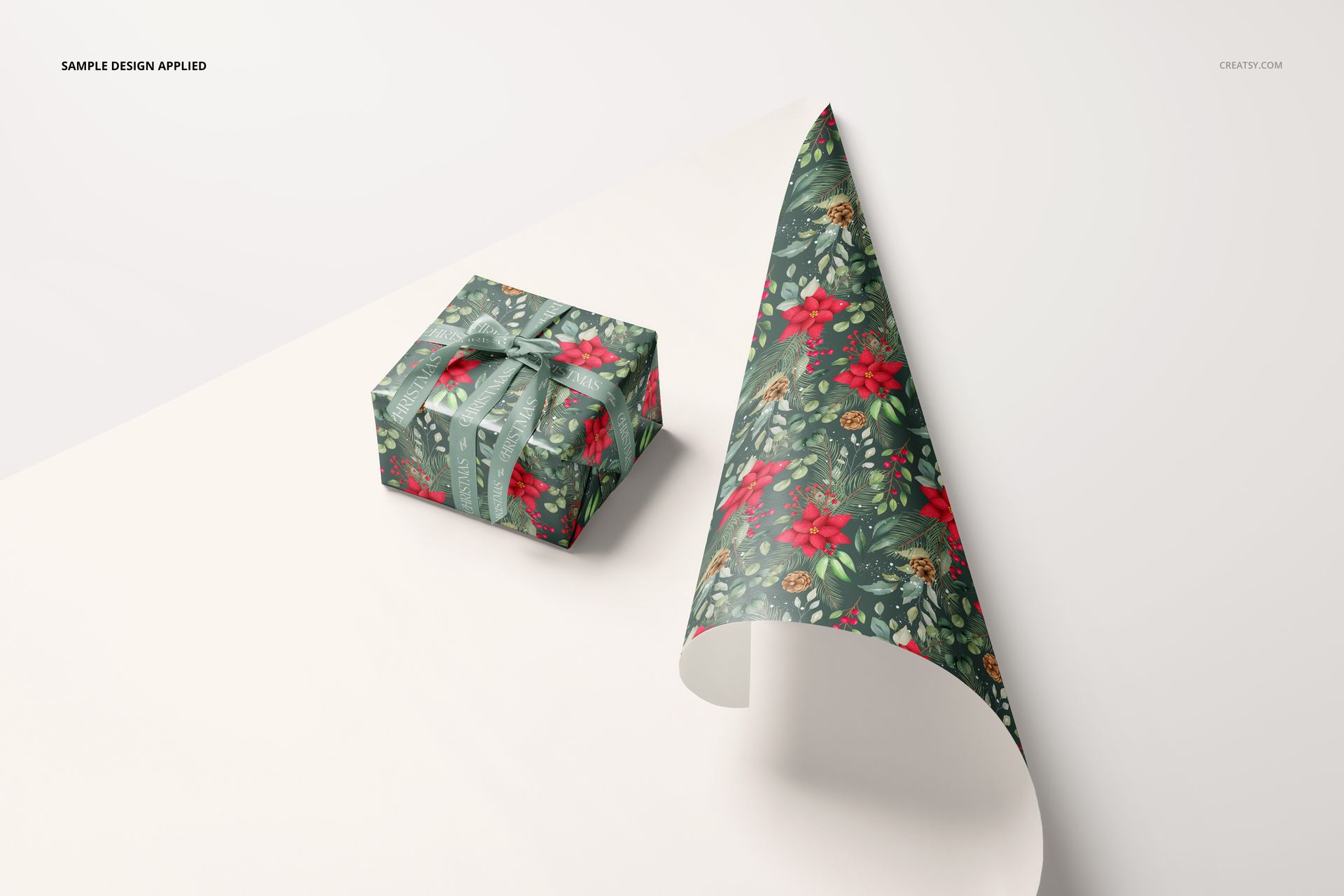
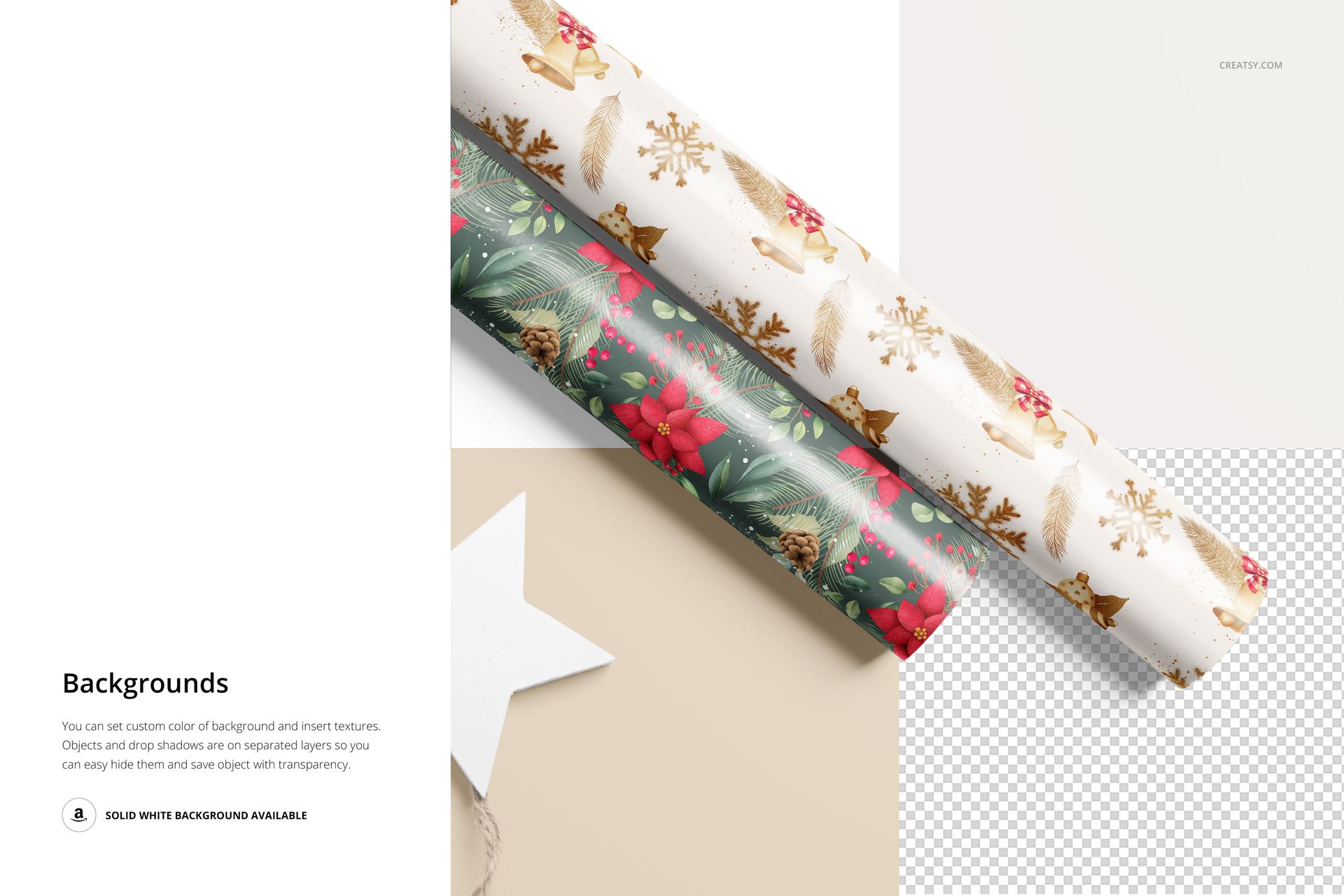
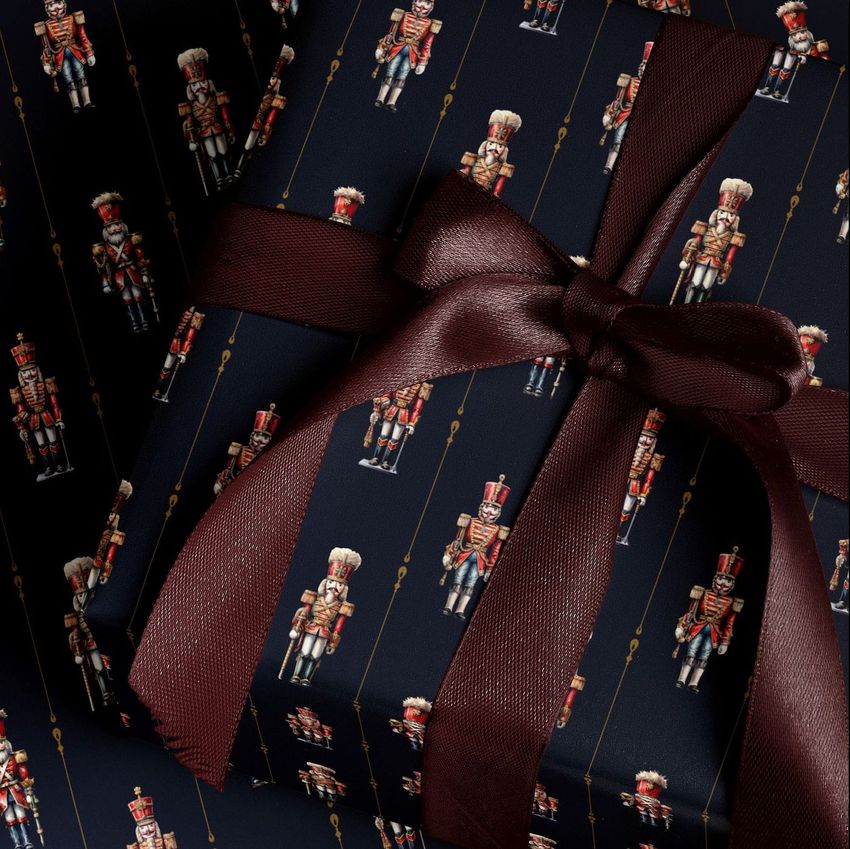
The collection includes paired rolls, curling paper close-ups and ribbon-tied gift arrangements. Use a broad sheet view to explain the repeat, then a wrapped gift to show how motifs read when only part of the design remains visible. These are layered digital mockups for your own artwork, not printable wrapping paper or physical packaging.
What You Can Edit
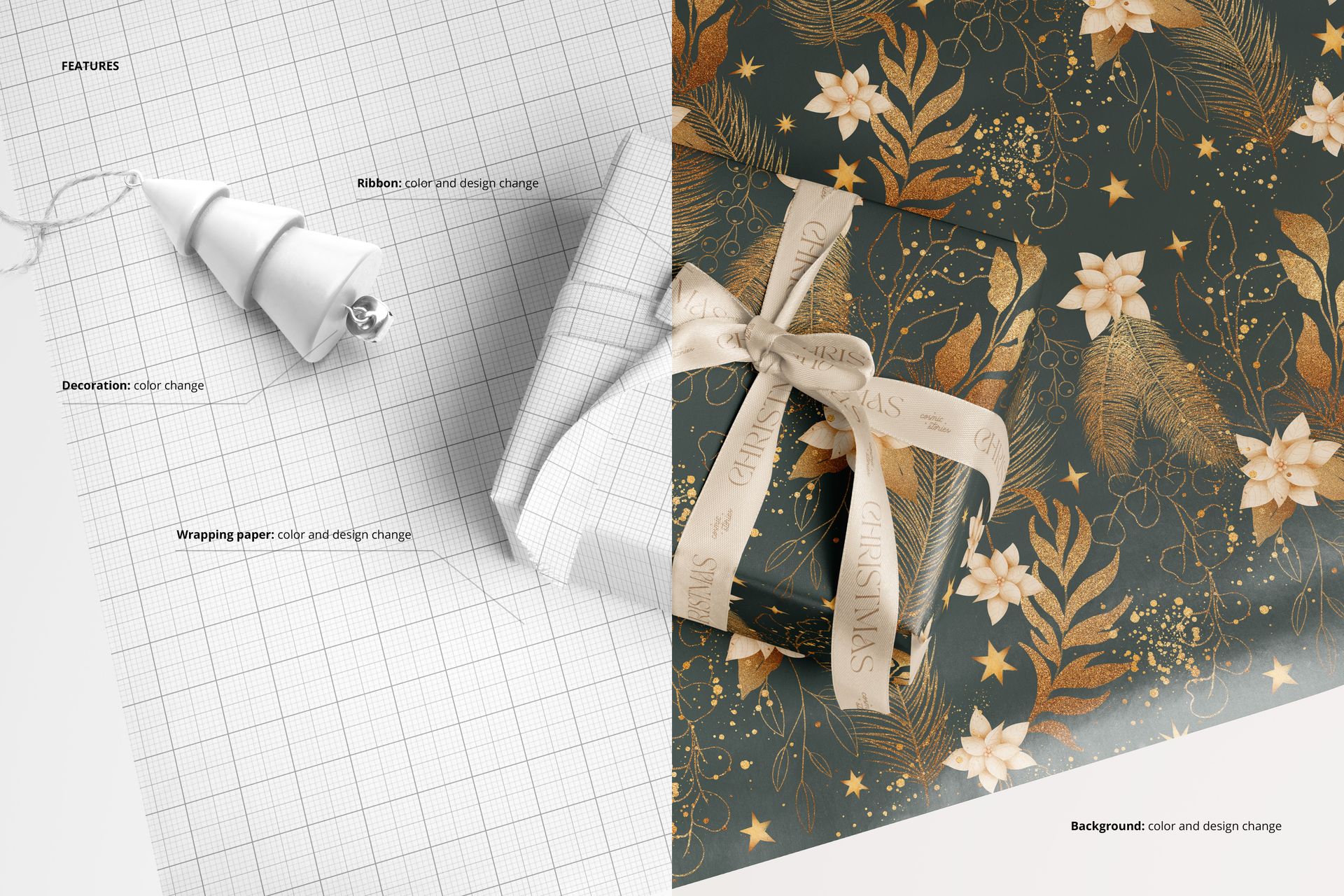
Replace the wrapping paper and ribbon designs through Smart Objects, adjust their colors and recolor the decorative props. Change the background color or add a texture or design. Objects and drop shadows are kept on separate layers, allowing you to hide the background for a transparent export. The visible curves, edges and highlights help give the applied artwork its paper form.
What Is Included
10 layered PSD mockups with different wrapping paper and gift arrangements.
10 JPG previews, one for each scene, at 6000 × 4000 px.
1 PDF user manual explaining the mockup workflow.
21 files in total, with editable scene documents supplied at 6000 × 4000 px and 300 DPI.
Where to Use These Scenes
Build a surface design portfolio, a gift wrap collection preview or a product presentation for a client. Roll close-ups suit compact motifs and lettering; larger unrolled areas make room to assess repeat spacing. Ribbon-tied boxes add a finished-gift context for Christmas, birthday or everyday wrapping designs without making the included example patterns part of the download.


















Everything about this is perfect!
Thank you! ❤️