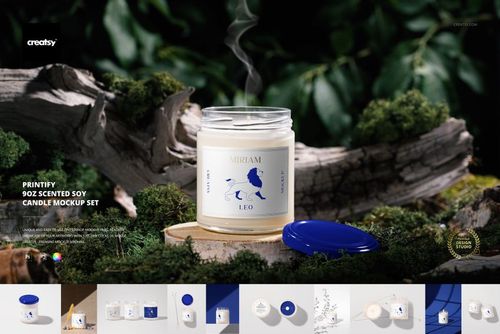
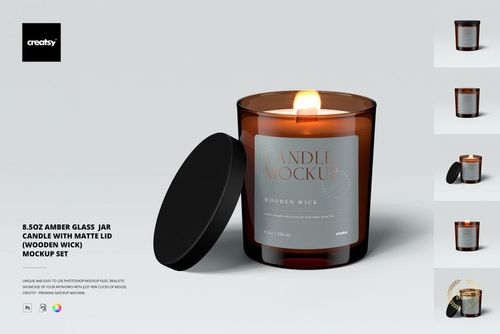
Classic Candle Mockup Set 1
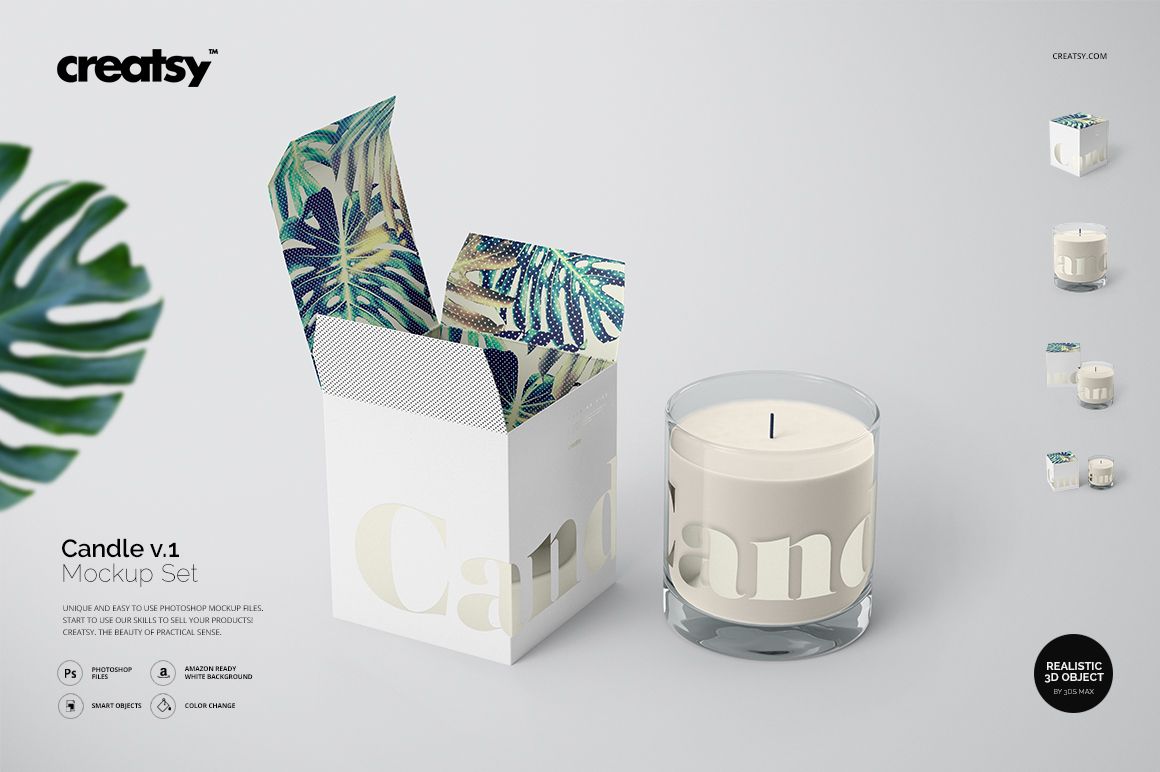
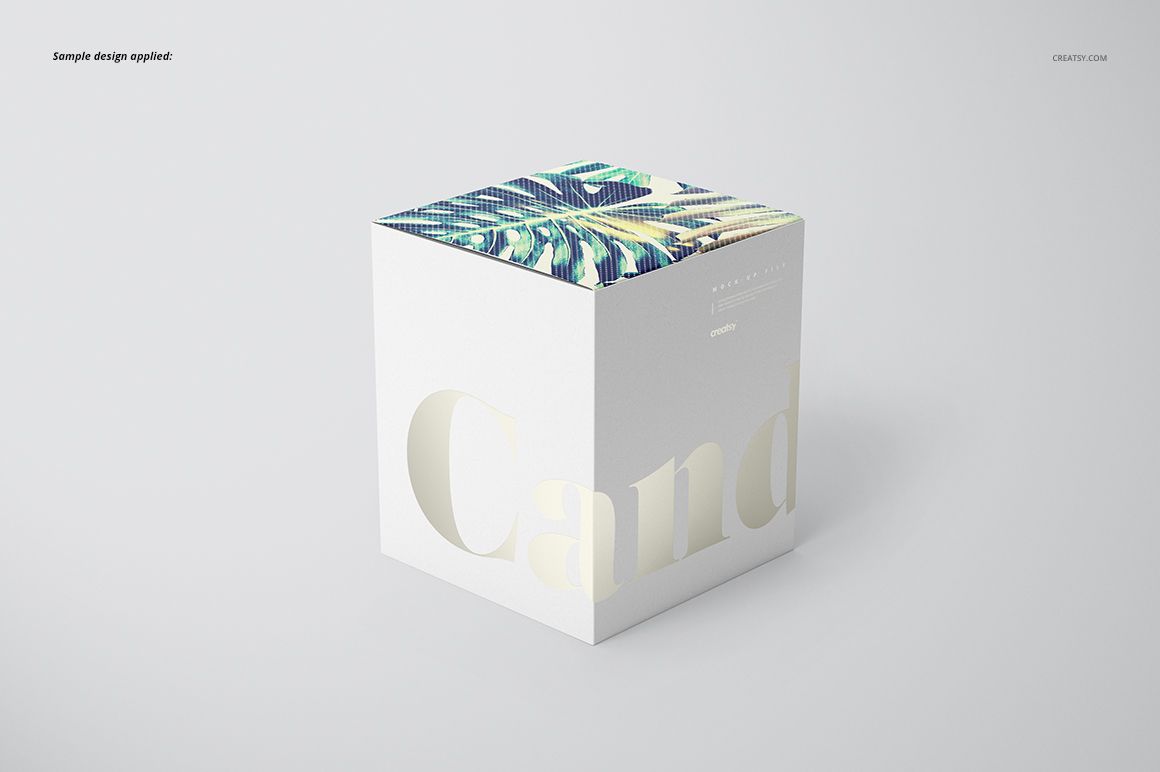
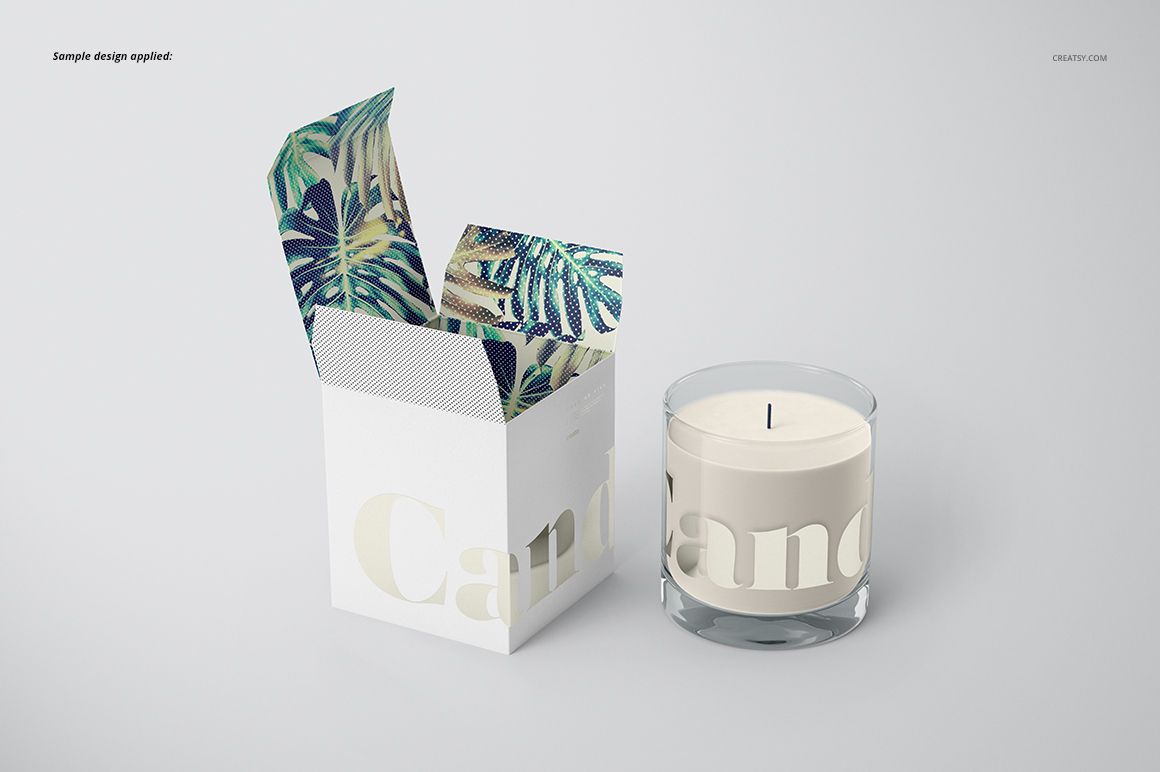
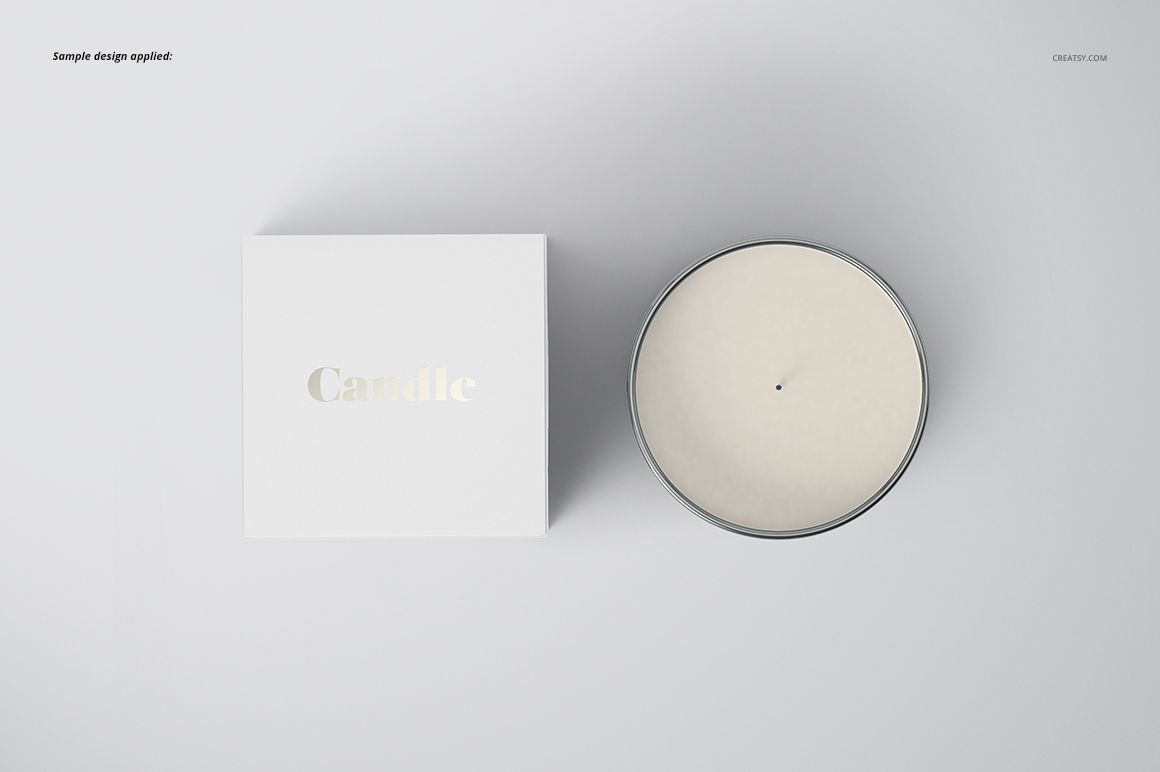
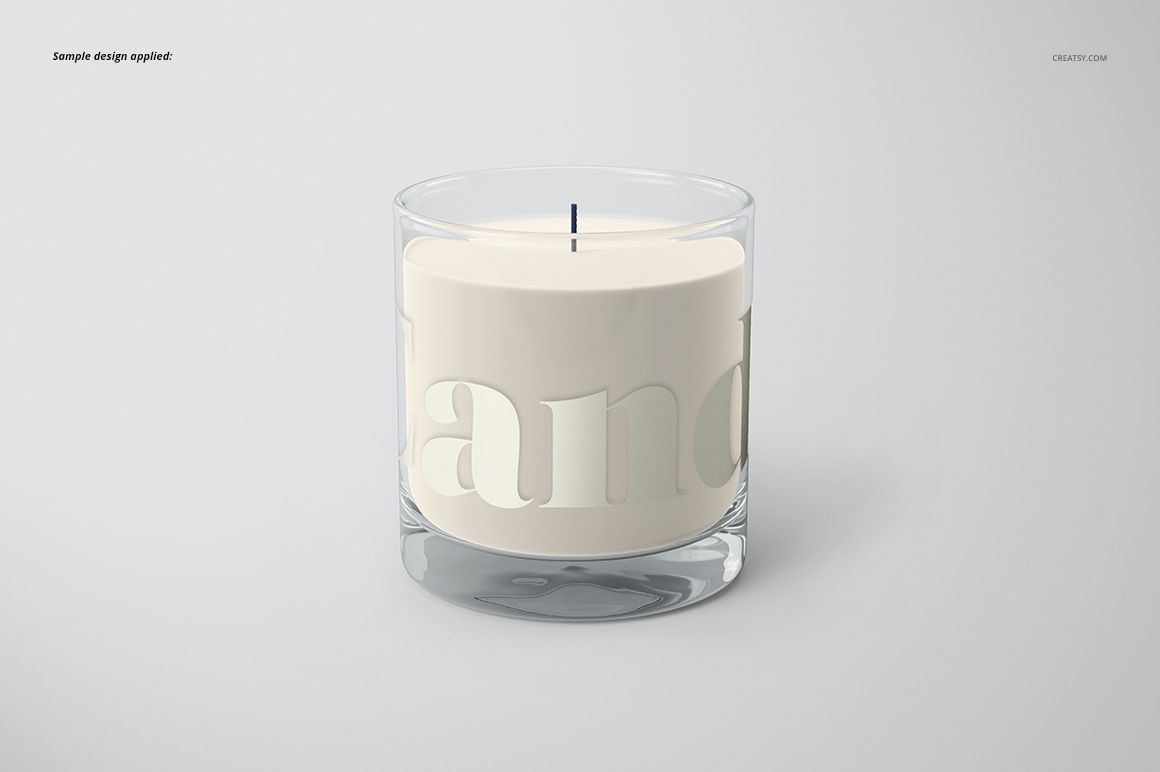
Shine a light on your brand with Creatsy's stunning Classic Candle Mockup Set 1. Whether you specialize in custom scented candles, personalized candle molds, or branded jar candles, this mockup set is your key to presenting your creations with unparalleled realism and appeal. Let's explore the endless possibilities this set has to offer!
What is the Classic Candle Mockup Set 1?
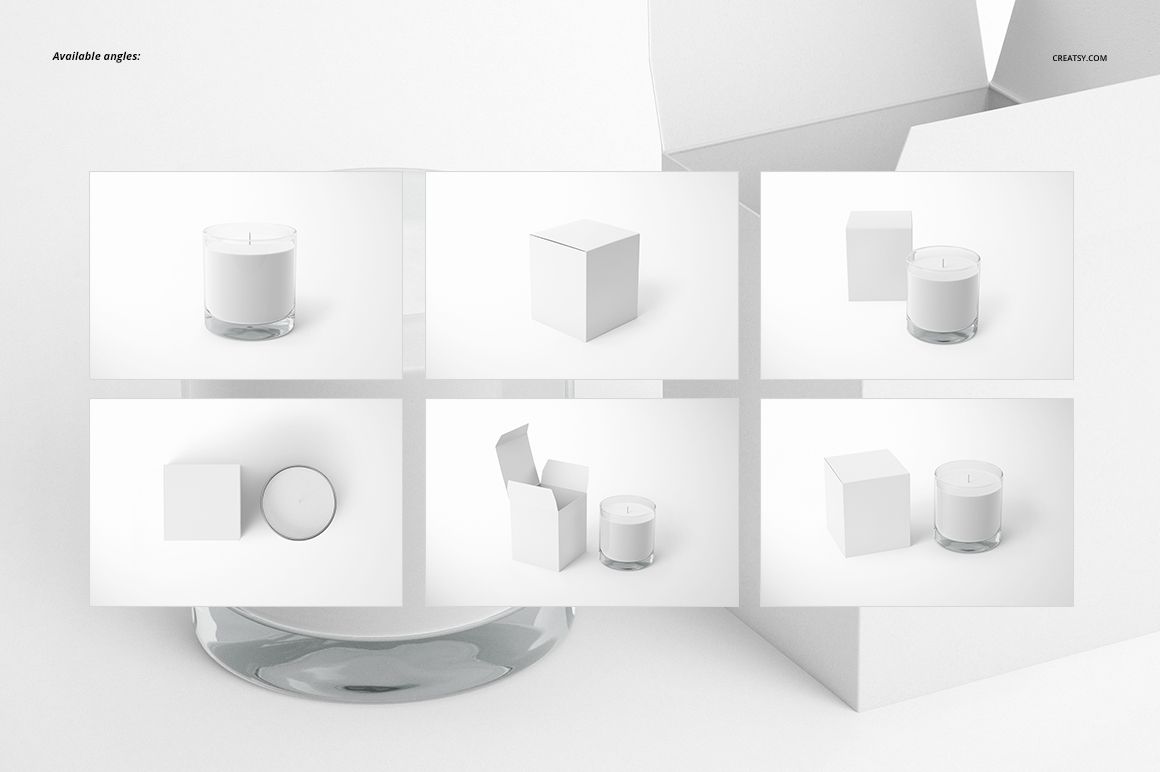
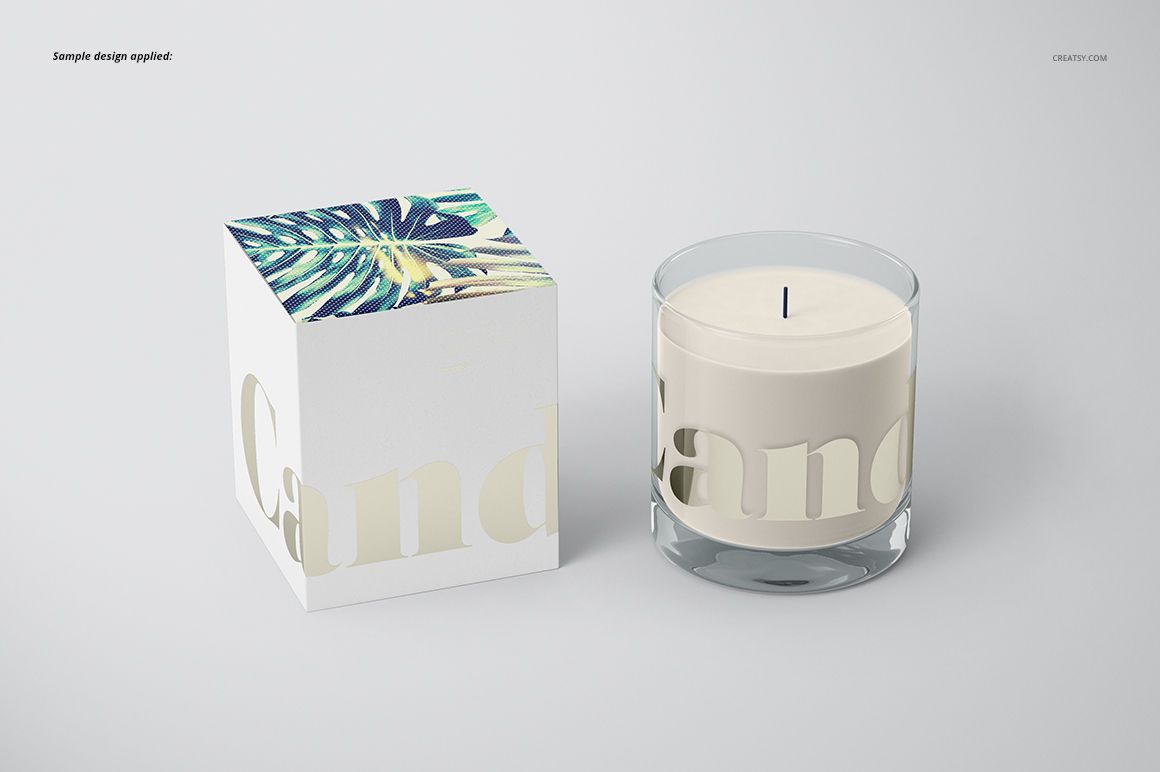
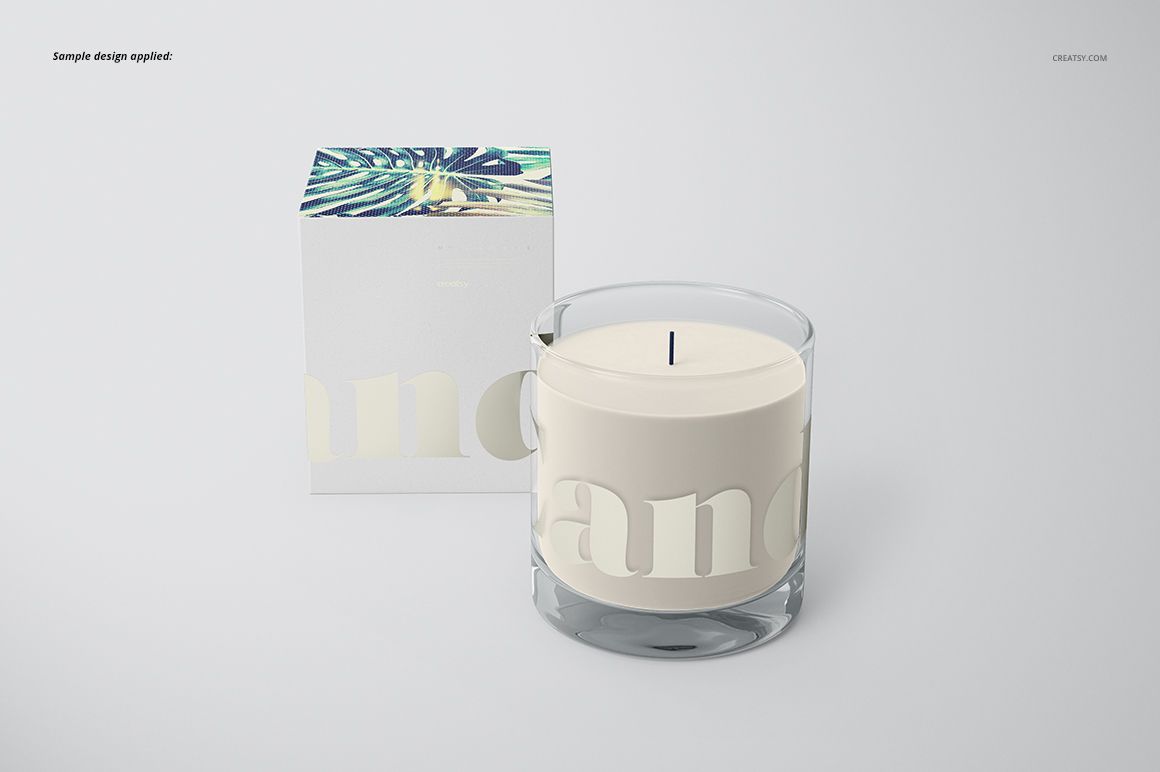
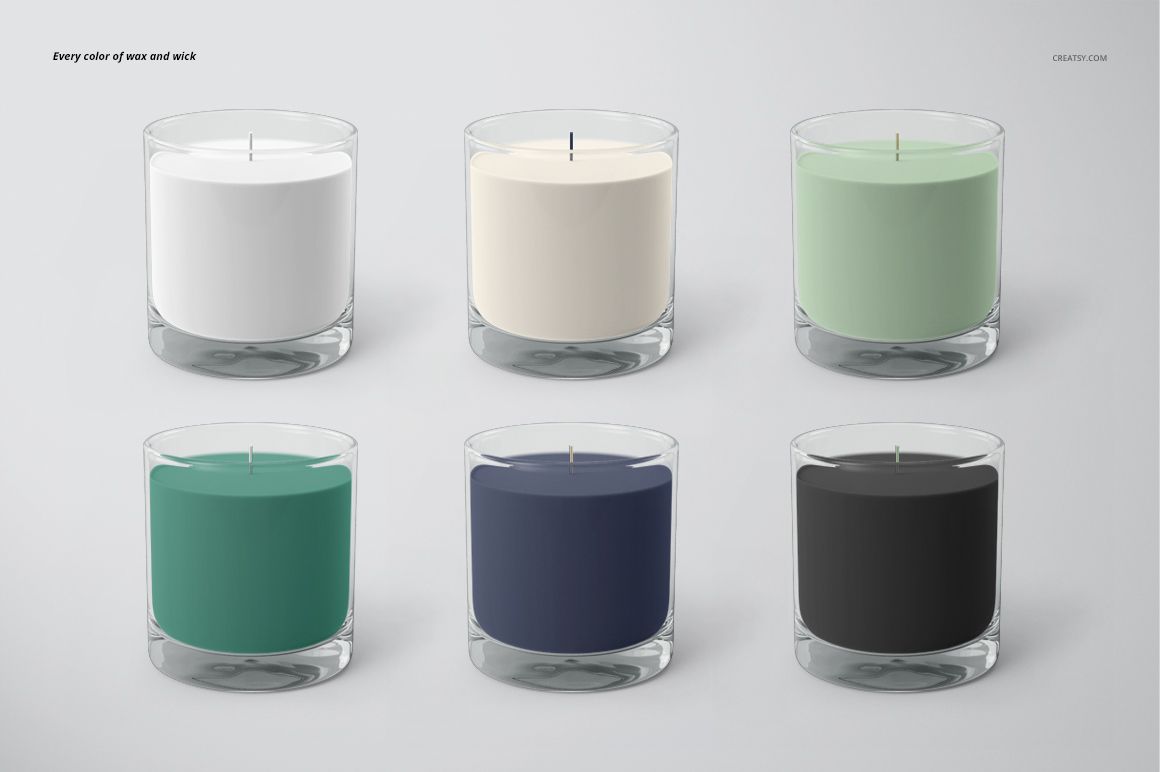
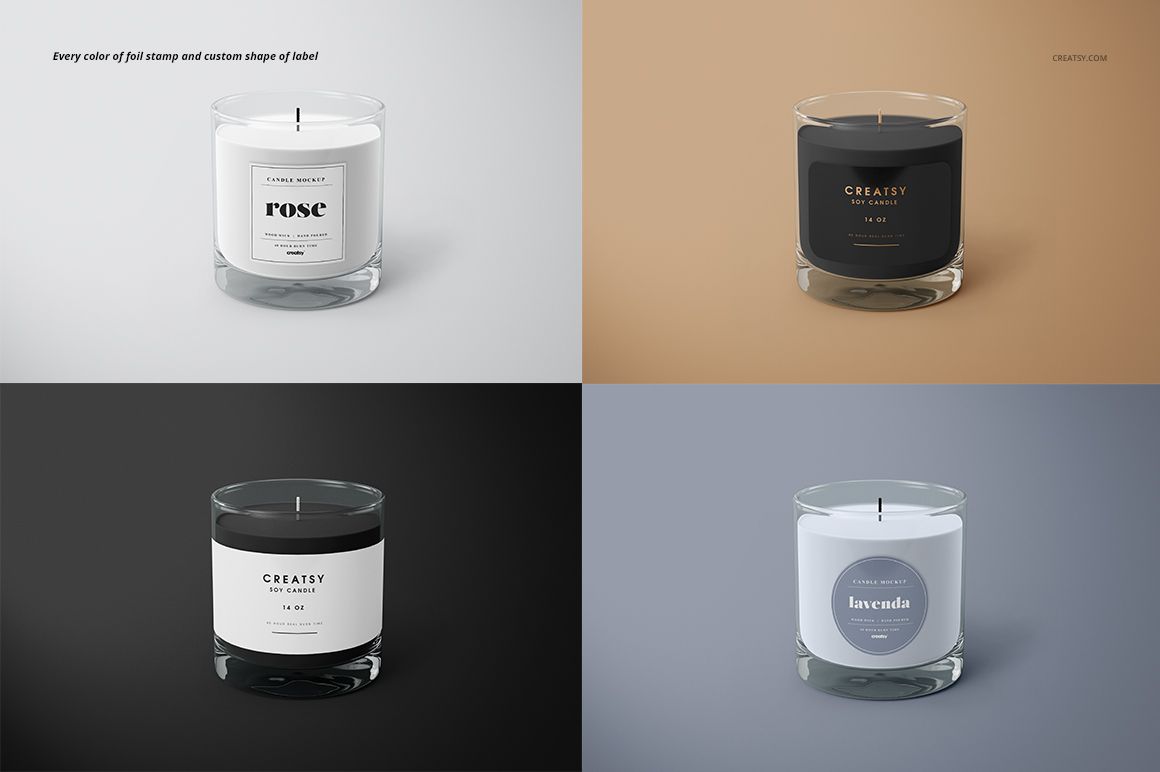
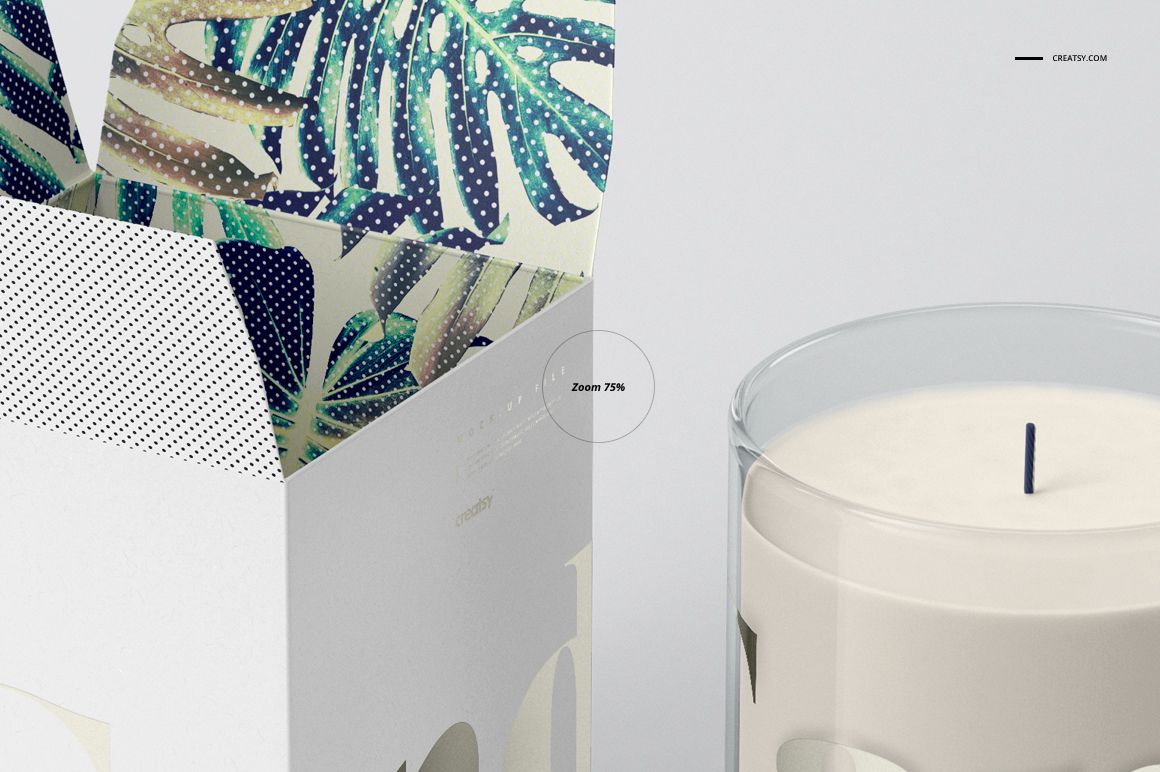
This exceptional mockup set provides you with six high-quality PSD files. Compatible with Photoshop CC and Photopea, these files are meticulously designed to ensure effortless customization and showcase your custom candles in the most captivating way possible. With six different angles to choose from, you can unleash your creativity and craft a mesmerizing visual experience for your customers. The possibilities for customization are endless. From the box itself to the background, you have complete control to curate the perfect presentation that matches your brand identity. You can also play with different colors and designs of labels, colors of wax and wicks, giving you the freedom to experiment and create candles that leave a lasting impression.
- Compatibility: Adobe Photoshop min. version PS CC2015,
- Includes: 6 PSD files with well-organized layers: 4500x3000 px, 300 dpi
- Check screenshots for all the features,
- Designs are NOT included, this product is a mockup intended for you to add your own artwork.